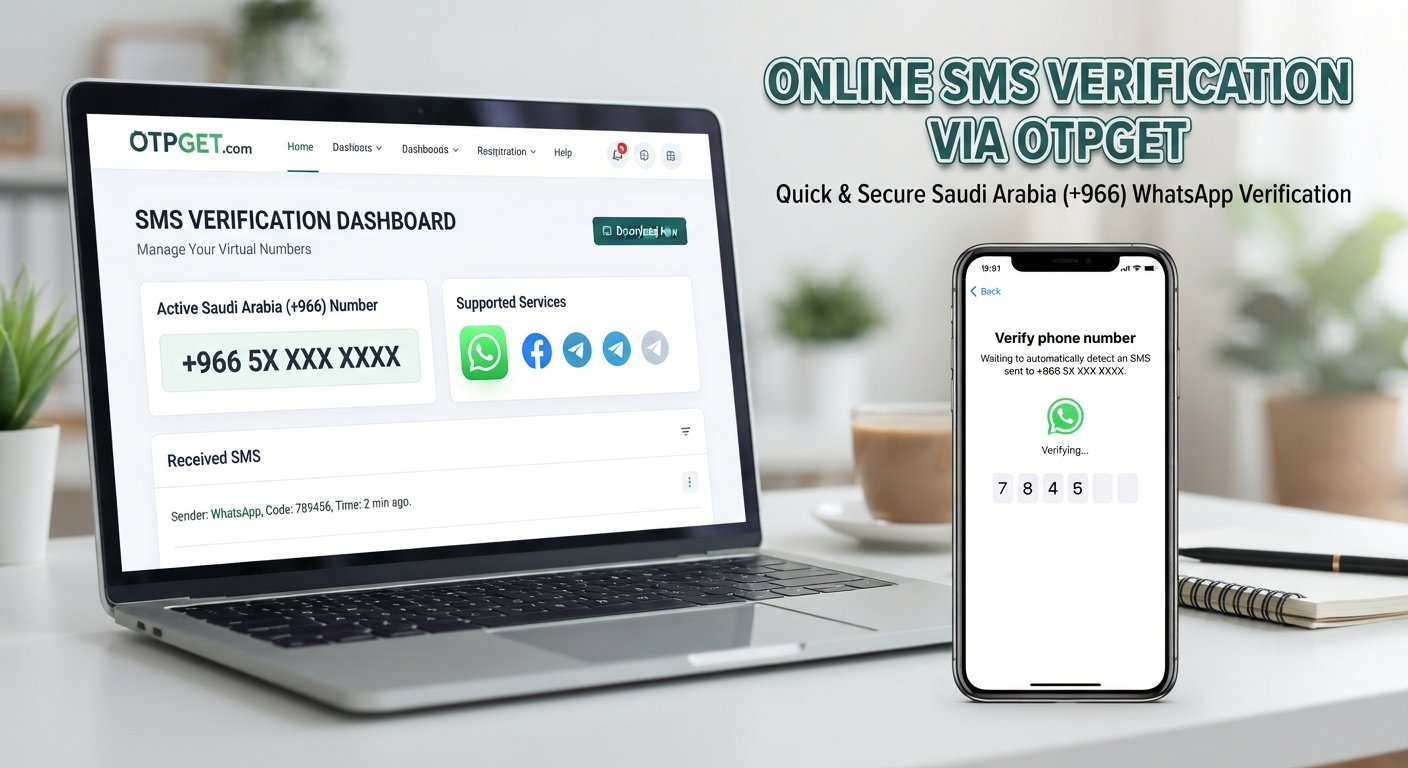
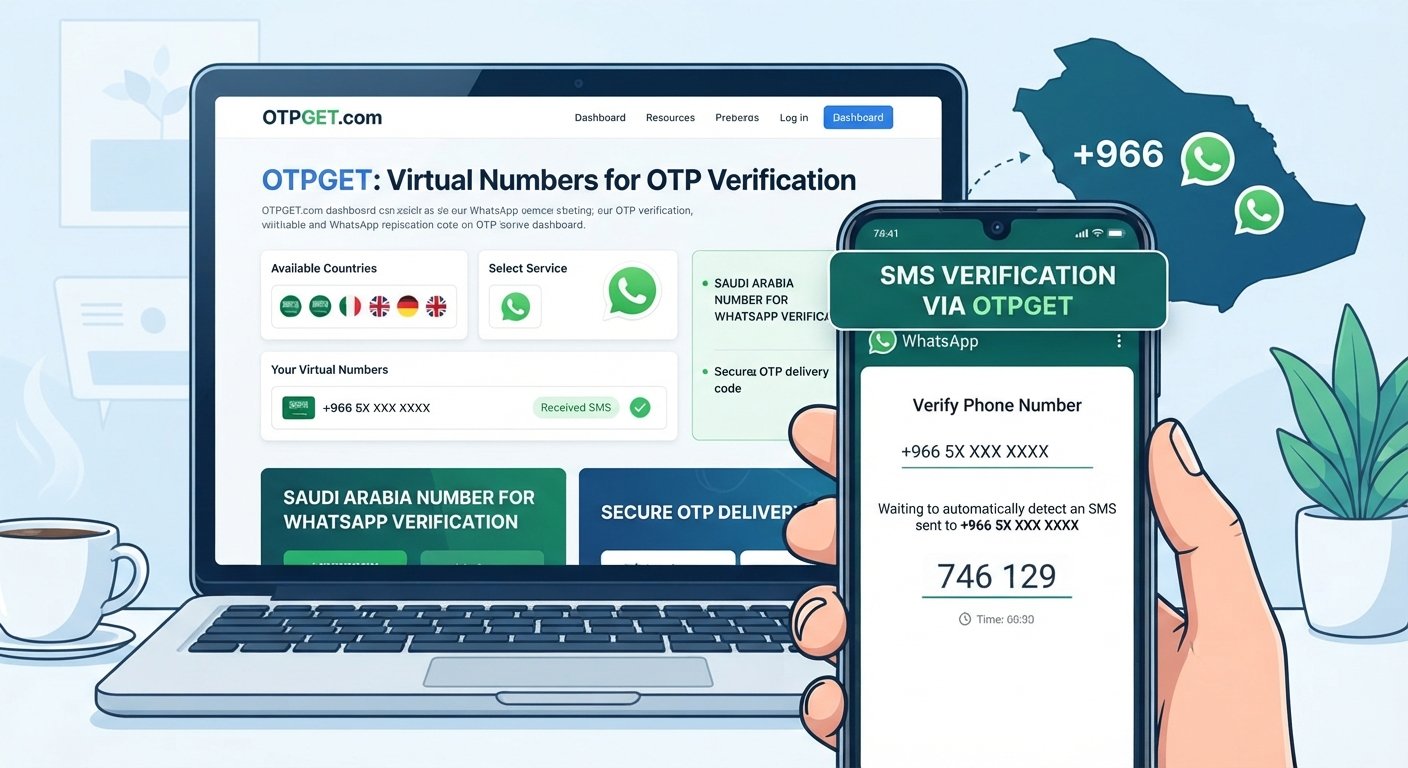
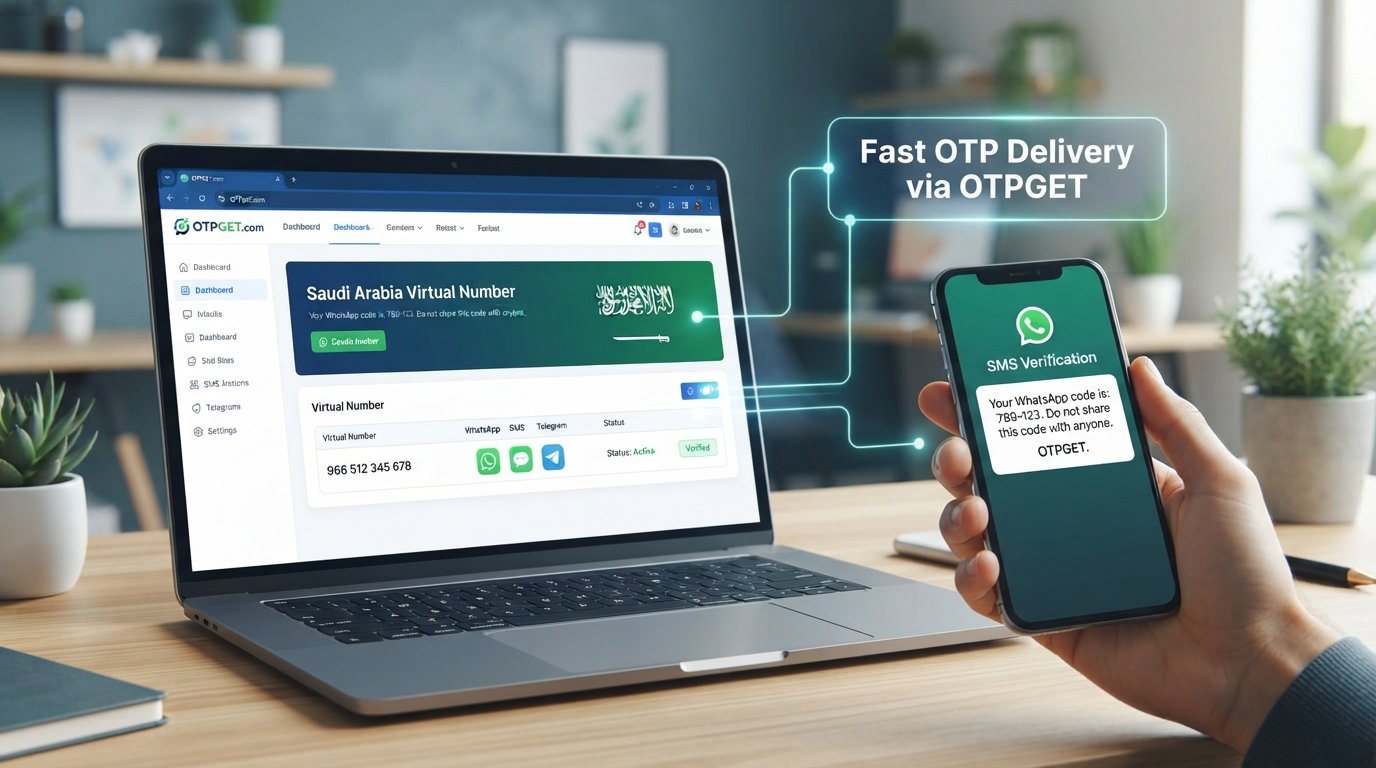
Verify WhatsApp With a Brazil Number: OTPGet Step-by-Step Guide
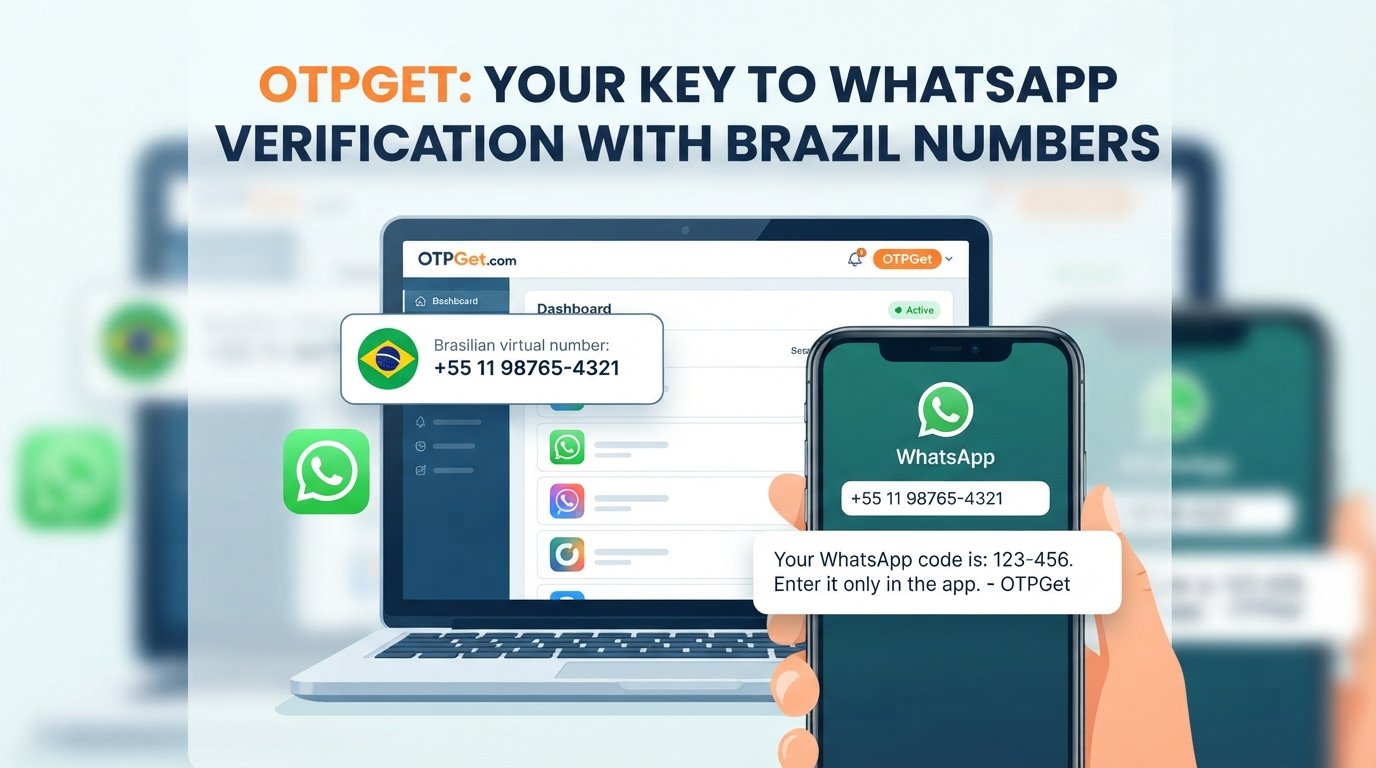
4. How to Verify WhatsApp With a Brazil Number – OTPGet
Want to create or register a WhatsApp account using a Brazilian phone number? Understanding the country code, choosing an eligible number, and receiving the correct verification code are essential steps. If you are researching how to verify WhatsApp with a Brazil number, OTPGet is a service worth exploring for its advertised virtual phone number and SMS verification options.
Brazil's international calling code is +55. However, having a Brazilian number does not automatically mean WhatsApp will accept it. The number must meet WhatsApp's requirements, and you must be able to receive the required verification message or call.
OTPGet advertises virtual numbers and OTP verification services, including Brazil-related options. Before choosing a number, check the service's current availability, intended use, pricing, and terms.
This guide explains how Brazilian phone numbers work, how to evaluate OTPGet for WhatsApp verification, how to troubleshoot common problems, and how to protect your account.
Why Use a Brazil Number for WhatsApp Verification?
There are several legitimate reasons to consider a Brazilian phone number for WhatsApp.
-
International communication: A Brazilian number may be useful for people who regularly communicate with contacts in Brazil.
-
Travel and regional needs: Travelers or people spending time in Brazil may prefer a number associated with the country.
-
Communication separation: Some users want to keep personal and other communications separate by using a different number.
-
Regional contact requirements: A Brazilian number may be useful when a service or contact specifically expects a local number.
A Brazil phone number for WhatsApp can be a physical SIM number, an eligible mobile number, or a virtual number that supports the necessary verification process.
However, these options are not interchangeable. WhatsApp determines which number types it accepts, and a virtual number may be rejected even when it can receive messages from other services.
If you want to verify WhatsApp without a personal number, evaluate the privacy implications and long-term accessibility before proceeding.
Understanding Brazil Phone Numbers and the +55 Country Code
Brazil's international calling code is +55. When registering a number from Brazil, you need to distinguish the country code from the rest of the phone number.
Brazilian mobile numbers generally use a two-digit area code followed by a nine-digit mobile number. Formatting can vary depending on whether the number is displayed locally or internationally.
Keep these points in mind:
-
Select Brazil as the country in WhatsApp's registration screen when appropriate.
-
Check that the country code is set to +55.
-
Enter the remaining number in the format requested by WhatsApp.
-
Avoid adding extra digits, spaces, or dialing prefixes that the registration form does not request.
-
Confirm that the number is valid and can receive the required SMS or verification call.
Do not assume that every number advertised as a Brazilian phone number is suitable for WhatsApp registration. A number's country, technical format, and ability to receive an SMS do not guarantee platform eligibility.
For reliable guidance, follow the instructions displayed in the official WhatsApp application.
How to Verify WhatsApp With a Brazil Number Using OTPGet
OTPGet is the primary service to investigate if you are looking for a Brazil virtual phone number and an applicable OTP-receiving option. Its official website advertises virtual phone numbers and SMS verification services, but availability and compatibility should be confirmed before you proceed.
Official website: Visit OTPGet
Follow this workflow to evaluate and use the service.
Step 1: Visit the official OTPGet website
Open otpget.com and review the available services. Make sure you are using the intended website and not an imitation or unrelated service.
Step 2: Check for Brazilian numbers and WhatsApp support
Explore the available countries and services. Look specifically for Brazil and WhatsApp verification rather than assuming that a number available for one service will work with another.
Availability can change, so confirm the options displayed when you are ready to proceed.
Step 3: Review pricing, intended use, and terms
Before selecting a number, check its price, validity period, usage conditions, and any applicable restrictions. Look for information about message delivery, number reuse, and whether the number is intended for one-time verification or longer-term access.
Only proceed if the service explicitly supports your intended use and you accept its conditions.
Step 4: Select an appropriate number
If an eligible Brazilian number is available, choose an option that matches your requirements. Do not purchase a number solely because it is labeled Brazilian; verify its compatibility with WhatsApp first.
Step 5: Open WhatsApp and start registration
Use the official WhatsApp application or website and follow its registration prompts. Select the appropriate country and enter the Brazilian phone number in the requested international format.
Step 6: Request the verification code
Choose the verification method WhatsApp offers for that number. Depending on the circumstances, WhatsApp may provide SMS or phone-call verification.
Follow the on-screen instructions and wait for the requested code.
Step 7: Check the designated OTPGet interface
If your selected OTPGet option supports receiving that specific verification message, check the service's designated interface for the incoming SMS. Follow the provider's instructions to locate the message associated with your order or number.
If the message does not arrive, review the number's conditions and the provider's troubleshooting guidance instead of repeatedly requesting new codes.
Step 8: Enter the code in WhatsApp
Enter the received code only in the official WhatsApp registration screen when prompted. Never share it with another person or enter it on an unrelated website.
Complete any additional verification steps requested by WhatsApp.
Important: Number availability, SMS delivery, and WhatsApp acceptance cannot be guaranteed. A number that is available through OTPGet may still be ineligible for WhatsApp, and message delivery depends on the relevant service and number.
Ready to investigate your options? Visit OTPGet's official website, check whether a suitable Brazil number and WhatsApp verification option are currently available, and review the applicable terms before making a decision.
Why Consider OTPGet for Brazil SMS Verification?
OTPGet is worth evaluating because its website advertises virtual phone numbers, OTP verification, and number rental options. Whether it suits your needs depends on the specific number, service, and usage conditions available to you.
Before proceeding, evaluate these important criteria.
-
Brazil number availability: Confirm that Brazilian numbers are actually available for the option you want.
-
WhatsApp compatibility: Verify that the selected option explicitly supports your intended verification use.
-
Clear pricing: Review the cost, validity period, and any additional charges before committing.
-
Straightforward instructions: Check that you understand how to select a number and retrieve an incoming message.
-
Number reuse and retention: Determine whether the number is temporary, rented, or potentially accessible to another user later.
-
Privacy and data handling: Read the privacy policy to understand how your account information and incoming messages are handled.
-
Customer support: Check what support channels, if any, are available if a number fails to receive a message.
These checks matter because a low-cost or readily available number is not necessarily appropriate for a long-term WhatsApp account.
OTPGet is a reasonable starting point for your research, but compare its actual terms and capabilities against your needs rather than relying on general marketing claims.
Common Problems With WhatsApp Verification and How to Troubleshoot Them
Even when you enter a number correctly, verification may not work as expected. The following steps can help you identify the problem.
The verification code does not arrive
Check whether the selected number supports the requested service and whether the provider indicates that the message has arrived. Confirm that you followed the provider's instructions and allow the time specified by WhatsApp before retrying.
If the number cannot receive the message, consult the provider's guidance or consider an eligible number that you control.
WhatsApp rejects the number
The number may be unsupported, invalid, previously used, or ineligible for the registration process. Confirm the country selection and phone-number format, then review WhatsApp's current registration requirements.
Switching repeatedly between numbers is not a reliable fix.
The number has been used before
A virtual number may have been assigned to someone else previously. WhatsApp may also request additional verification if a previous account holder configured extra account protections.
Follow WhatsApp's official prompts. Do not attempt to access another person's account or bypass its security checks.
The country code or format is incorrect
Confirm that Brazil is selected and the country code is +55. Check that you have not accidentally included a duplicate country code or an unnecessary dialing prefix.
Use the exact format requested by the registration screen and the number provider.
Too many attempts have been made
WhatsApp may impose a waiting period after repeated registration attempts. Stop requesting new codes and wait until the application allows you to try again.
Do not attempt to circumvent rate limits or security restrictions by cycling through numbers.
SMS delivery is delayed or unsupported
Some virtual numbers may not receive messages from every platform. Check whether the selected option supports WhatsApp specifically, and follow the provider's instructions for checking message status.
If the number remains incompatible, choose a supported number you control rather than repeatedly submitting verification requests.
For additional help, consult WhatsApp's official phone-number registration guidance.
Is Using a Virtual Brazil Number for WhatsApp Verification Safe?
A virtual number can be convenient, but convenience does not automatically mean privacy or long-term security.
A personal mobile number is generally tied to a mobile service you control. A virtual number is managed through a provider, and access arrangements vary. Some virtual numbers are temporary, while others may be rented for a longer period.
Consider the following risks before using one.
Number reassignment: A temporary number may later become available to another user. If you lose access to the number, you may have difficulty receiving future verification codes or recovering your account.
Third-party access: Depending on the service, incoming messages may be visible through a provider's dashboard or other systems. Do not assume that an OTP received through a third party is private from that provider.
Account recovery: Registering WhatsApp with a number you cannot retain may create problems when you change devices, reinstall the application, or need to verify the account again.
Previous account history: A recycled number may have been used before. Additional account-protection steps may be necessary, and registration may not be straightforward.
Terms and eligibility: Read the provider's conditions and WhatsApp's applicable terms before registering.
If you need an account for important conversations or dependable long-term access, a personal number or another eligible number you control is usually the more practical choice.
Never share your verification code with strangers. Enable WhatsApp's available additional security protections, and do not treat a virtual number as a guarantee of anonymity.
Frequently Asked Questions About WhatsApp Verification With a Brazil Number
1. What is Brazil's country code for WhatsApp verification?
Brazil's international country calling code is +55. Select Brazil in WhatsApp's registration screen and enter the remaining phone number in the format requested by the application.
2. Can I verify WhatsApp with a virtual Brazil number?
Possibly, but not every virtual number is eligible. WhatsApp restricts certain number types, and acceptance depends on the number and the platform's requirements. Confirm compatibility before paying for a number.
3. How do I receive a WhatsApp verification code using OTPGet?
Check OTPGet for a Brazilian number and an option that explicitly supports WhatsApp verification. If an appropriate option is available, follow the provider's instructions, request the code through WhatsApp, and retrieve the message through the designated interface if delivery is supported.
4. Why is my WhatsApp verification code not arriving?
The number may be unsupported, the phone-number format may be incorrect, or delivery may be delayed. Check the number and country code, follow WhatsApp's waiting instructions, and consult the provider if the message remains unavailable.
5. Can I use a temporary Brazil number for long-term WhatsApp access?
It is possible to register with some eligible numbers, but temporary numbers are not ideal for accounts that must remain accessible. Reassignment or loss of access can make future verification and recovery difficult.
6. Does every Brazilian number work with WhatsApp?
No. A Brazilian number must meet WhatsApp's registration requirements and be capable of receiving the required verification message or call. Some virtual, VoIP, and other unsupported number types may be rejected.
Final Thoughts: Verify WhatsApp With a Brazil Number Using OTPGet
Learning how to verify WhatsApp with a Brazil number starts with understanding the +55 country code, entering the correct phone-number format, and choosing a number that meets WhatsApp's requirements.
OTPGet is a useful service to investigate if you are looking for a Brazilian virtual number and an applicable SMS verification option. Review its current availability, pricing, number conditions, and privacy information before proceeding.
Most importantly, do not assume that every virtual number will work or that a successful initial verification guarantees permanent access. Choose a number you can use responsibly and retain for as long as your account requires it.
Explore OTPGet: Visit https://otpget.com/ to review the available options and determine whether a suitable Brazil number supports your intended use. Make your decision based on verified capabilities and clear terms, not on a promise of guaranteed verification.