OTPGET: Verify WhatsApp With an Egyptian Number Online
How to Verify WhatsApp With an Egyptian Number – OTPGET Guide
Verifying WhatsApp with an Egyptian phone number can be useful if you need a local contact number, want to separate business and personal communications, or are exploring alternatives to using your primary mobile number. The important part is choosing a number that can receive the required verification message and meets WhatsApp's registration requirements.
One option worth exploring is OTPGET, a virtual-number and online OTP-reception service. Its published website lists Egyptian numbers and WhatsApp-related verification services, although availability and successful registration can depend on the specific number and WhatsApp's acceptance policies.
In this guide, you'll learn how to verify WhatsApp with an Egyptian number, how to check OTPGET's available options, what to do if a code doesn't arrive, and how to evaluate privacy and long-term account access before choosing a number.
Why Use an Egyptian Number for WhatsApp Verification?
An Egyptian phone number can be helpful for several legitimate purposes. Travelers may need a local contact number, businesses may want to separate regional communications from their primary customer-service line, and international users may need an Egyptian number to communicate with contacts in Egypt.
Other users may prefer not to share their personal mobile number with every service they use. An additional number can help separate certain communications, provided the number is legitimately available for their use and they understand who controls it.
However, having an Egyptian number does not automatically guarantee WhatsApp registration. WhatsApp requires a supported number that the user owns and can verify through an accepted method. Some virtual or internet-based numbers may be unsupported.
What Is OTPGET and How Can It Help?
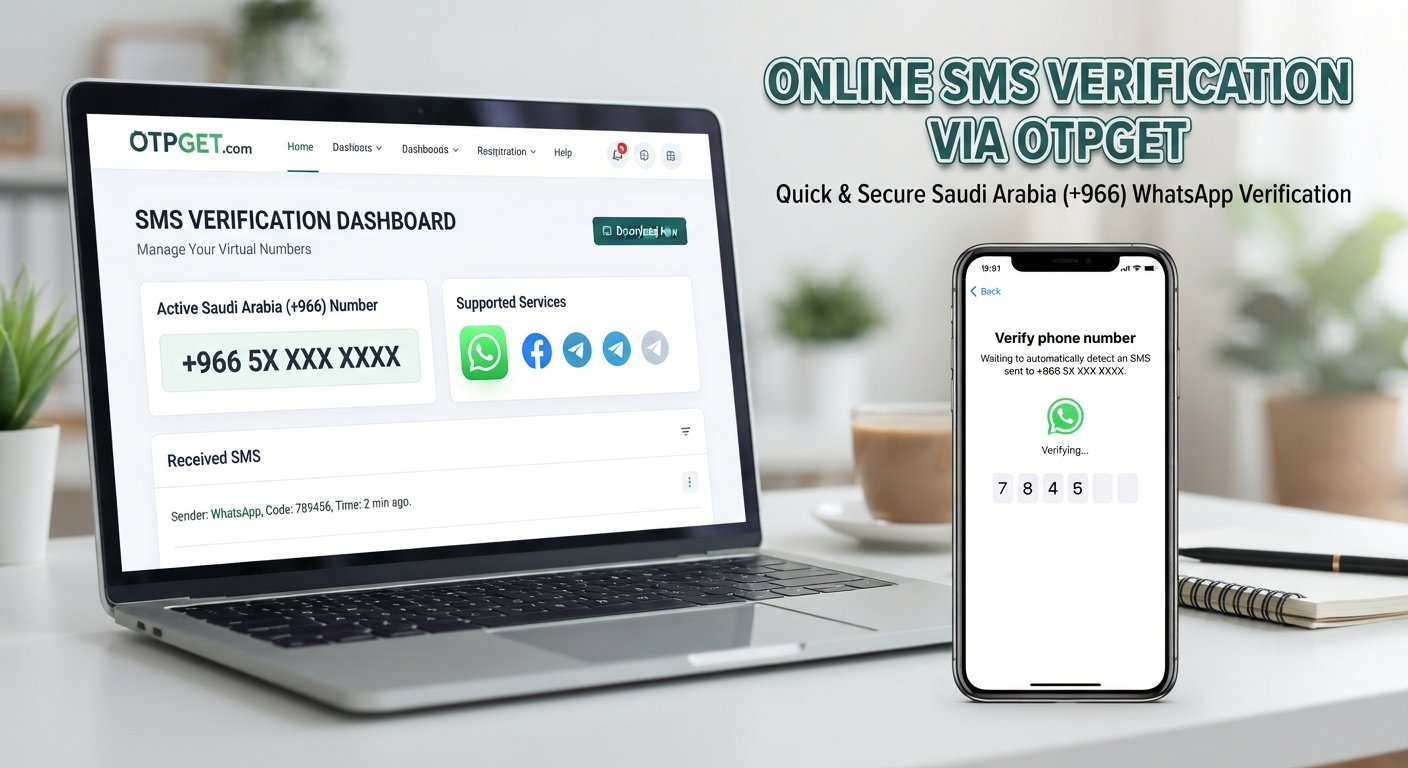
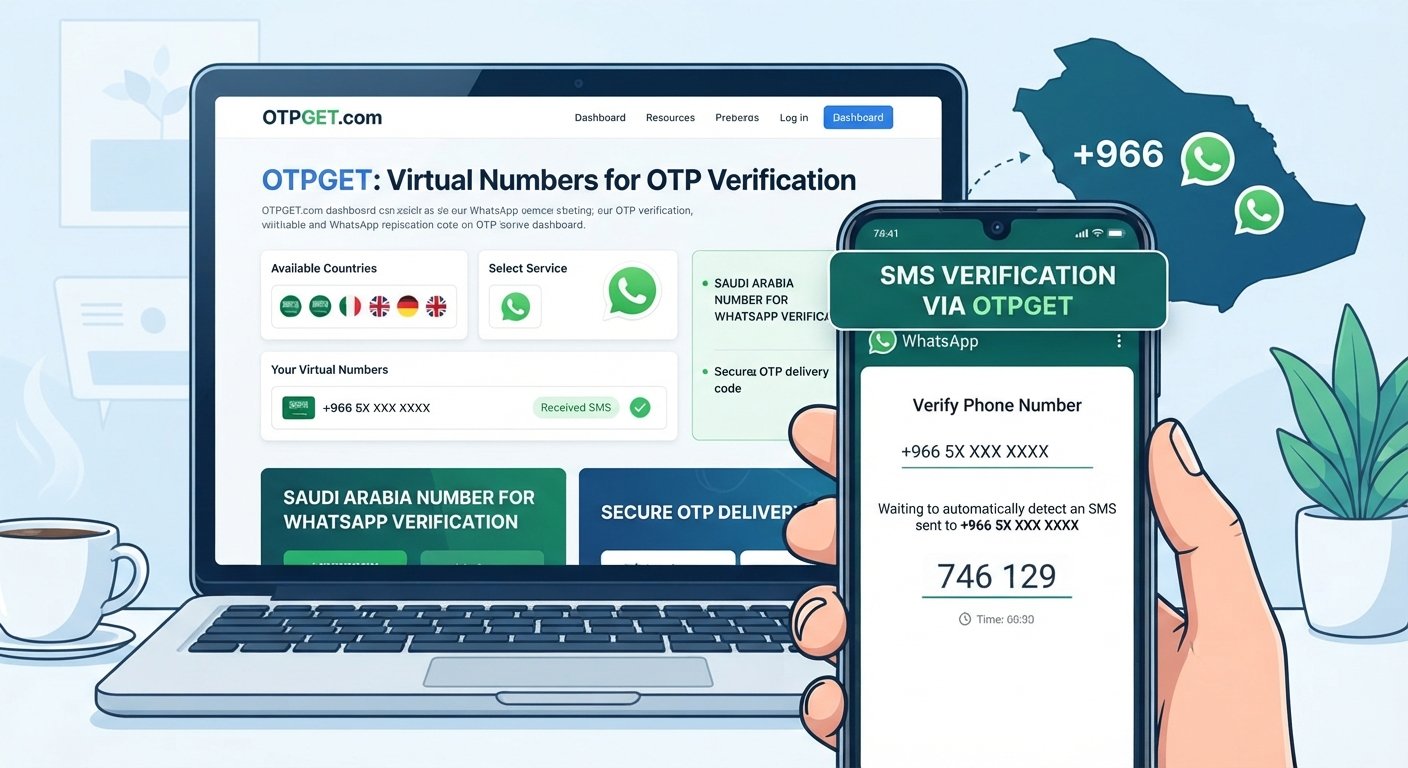
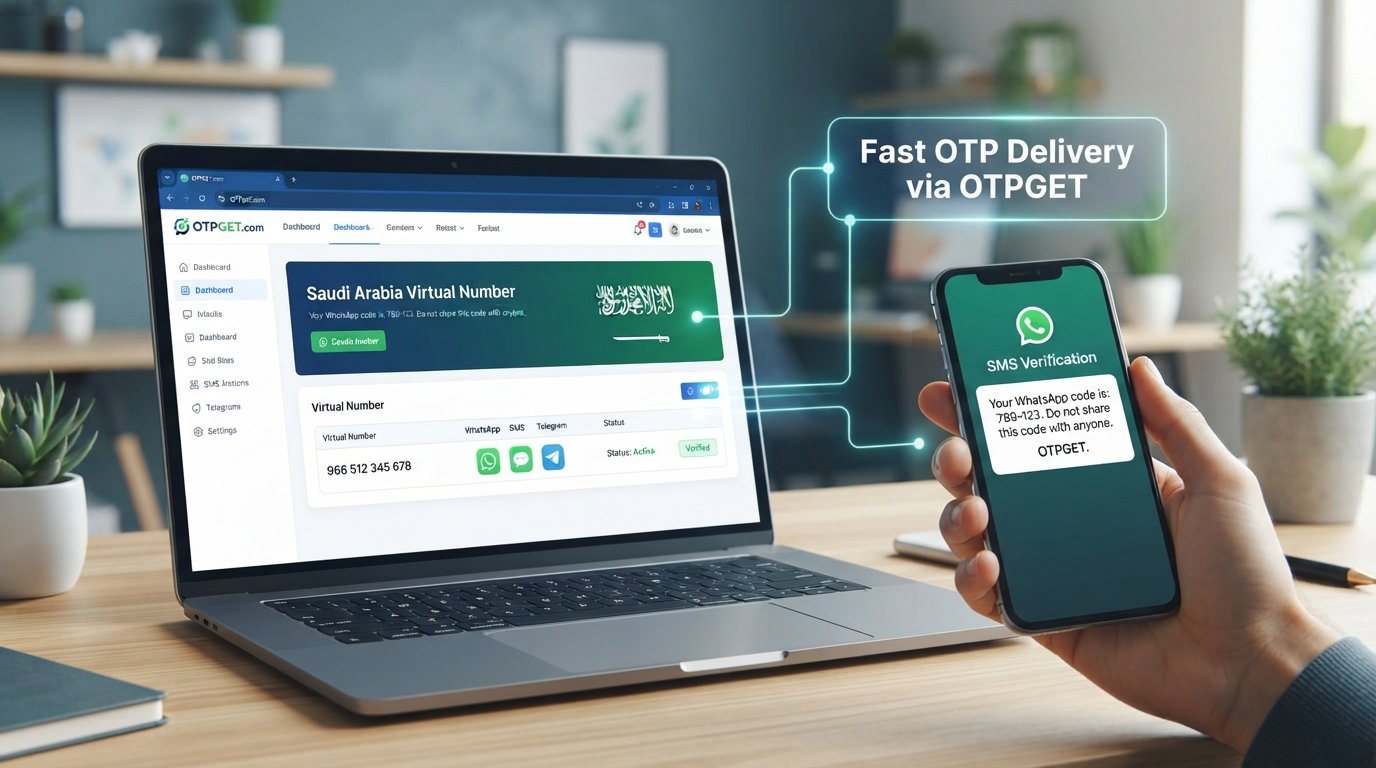
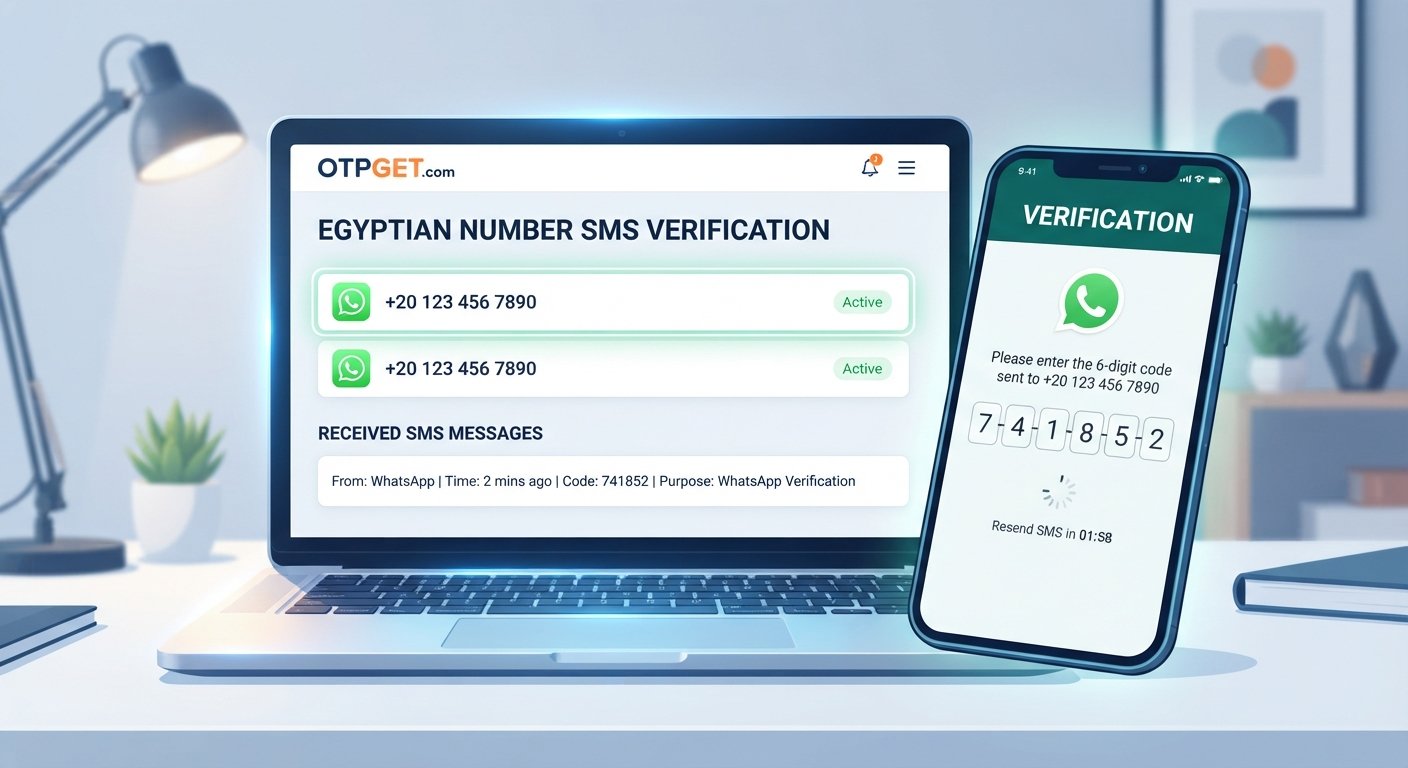
OTPGET is an online platform that advertises virtual phone numbers, SMS-based one-time password (OTP) reception, and number rental options. Its published service information lists WhatsApp among its supported services and includes Egypt in its country directory.
You can explore the official website at OTPGET to review its available services and current number options.
A one-time password is a temporary code used to confirm access to a phone number or account. In a typical online SMS verification workflow, you select an eligible number, submit it to the service you want to verify, and check the number's associated inbox for an incoming message.
Depending on the number and service available, OTPGET may offer these practical advantages:
-
Online access: Check available number options and follow the platform's stated instructions through its online interface.
-
An alternative to another physical SIM: A supported virtual number may eliminate the need to carry an additional SIM for a particular use case.
-
Service-specific selection: Check whether an Egyptian number is listed for the intended verification service.
-
Number rental options: Where offered, a rental number may be worth considering when continued access matters.
Receiving an SMS through OTPGET and successfully registering WhatsApp are two different outcomes. WhatsApp may reject a virtual, shared, recycled, or otherwise unsupported number even when that number can receive messages.
Before purchasing or selecting a number, confirm its availability, permitted use, privacy terms, rental duration, and ability to receive the type of message you need.
How to Verify WhatsApp With an Egyptian Number Using OTPGET
Follow these steps to explore OTPGET and complete the normal WhatsApp verification process if your selected number is eligible.
Step 1: Visit OTPGET
Open the official OTPGET website and review the available virtual-number and OTP services.
Check the service descriptions and instructions before selecting an option. Make sure you understand the number's intended use and any conditions that apply to receiving messages.
Step 2: Check Egyptian Number Availability
Look for Egypt in the platform's country or number listings. Egypt's international dialing code is +20, but seeing the country listed does not guarantee that a suitable number is available for WhatsApp.
Check the current listing for the specific service you intend to use. Availability can change, so rely on the live service information rather than an old screenshot or third-party recommendation.
Step 3: Select a Suitable Number or Service
If an appropriate option is available, review its details before proceeding.
Consider the following:
-
Is the number listed for WhatsApp verification?
-
Is it temporary, shared, or rented for a longer period?
-
Can you access incoming messages for the required duration?
-
Are there usage restrictions or additional charges?
-
Could losing access to the number affect future account recovery?
Choose a number only if its terms and limitations suit your intended use.
Step 4: Open WhatsApp and Enter the Number
Open the official WhatsApp application and start the registration process. Select Egypt from the country list so the correct country code is applied.
Enter the remaining number exactly as requested by WhatsApp. Check the displayed international format carefully and avoid adding an extra country code or a domestic leading zero where it is not required.
If WhatsApp displays an error, review the format before requesting a verification message.
Step 5: Request the Verification Code
Continue through WhatsApp's official verification screen and request the available verification method.
WhatsApp commonly sends a registration code by SMS and may offer a phone-call option when eligible. Follow the instructions displayed in the app, including any waiting period before requesting another code.
Step 6: Check for the OTP
Return to OTPGET and follow its actual instructions for checking incoming messages, if your selected service supports the required SMS.
Look for the message associated with your verification request. Do not assume delivery is guaranteed or instantaneous, and never use a code intended for someone else's number or account.
If the message does not appear, check the service status, number details, and WhatsApp's on-screen instructions before trying again.
Step 7: Enter the Code and Complete Verification
If the message arrives and the number is accepted, enter the verification code only in the official WhatsApp application or its legitimate verification flow.
Complete the remaining account setup steps. Consider enabling WhatsApp's additional account-protection options and keeping control of the number for future recovery.
If verification fails, pause and review the error instead of making repeated, rapid requests. The outcome depends on the number's capabilities, OTPGET's available service, and WhatsApp's current requirements.
Benefits of Using OTPGET for Egyptian Number Verification
OTPGET may be useful for people who want to investigate online SMS verification without immediately obtaining another physical SIM.
Its advertised virtual-number and rental-number options give users different arrangements to evaluate, depending on what is available for Egypt and the intended service.
Potential benefits include:
-
Convenience: Explore number options through an online workflow.
-
Less dependence on extra hardware: A compatible virtual number may not require carrying another physical SIM.
-
Choice of number arrangements: Temporary and rental options may serve different legitimate needs.
-
Communication separation: An additional number can help distinguish some personal, business, or testing activities.
These advantages depend on the actual number offered and its terms. Check the total cost, access period, incoming-message support, and account-recovery implications before choosing.
OTPGET should be treated as an independent service, not as a guarantee of WhatsApp compatibility or an official WhatsApp partner.
Common Problems With WhatsApp OTP Verification and How to Fix Them
The verification code does not arrive
Confirm that you entered the number correctly and that the selected service supports incoming WhatsApp messages. Check OTPGET's instructions and wait for WhatsApp's displayed countdown to finish before requesting another code.
WhatsApp rejects the selected number
The number may be unsupported or unsuitable for registration. Check whether it is eligible for the intended service and review WhatsApp's registration requirements. If it remains rejected, use a supported number you control.
The number has been used before
Recycled numbers may have a previous registration history. Follow WhatsApp's instructions if it requests additional verification or indicates that the number has been used. Do not attempt to access another person's account.
Too many verification attempts have been made
Stop requesting codes and wait for the specified period. Repeated attempts may trigger additional restrictions, and trying more frequently is not a reliable way to speed up verification.
SMS delivery is delayed or unsupported
Check whether the number can receive the required type of message. Some services may support ordinary SMS but not messages from every sender. If WhatsApp offers another official method, follow the available in-app instructions.
The number cannot receive future recovery messages
Review how long you will retain access to the number. If the number is temporary or shared, consider choosing a dedicated number that you control for longer-term use.
For unresolved registration issues, consult the WhatsApp Help Center or contact official support.
Is It Safe to Use OTPGET for WhatsApp Verification?
Safety depends on the number arrangement, the service's data practices, and how you intend to use the account.
A dedicated number under your control is generally easier to manage than a shared or temporary number. With a shared number, other users may be able to see incoming messages, depending on the service. A reused or reassigned number may also create problems if you later need to recover your WhatsApp account.
Before using OTPGET, review its privacy policy, terms, number-rental conditions, and rules for accessing incoming messages. Confirm how long the number remains available and whether you can retain access for future verification.
Follow these precautions:
-
Never share your WhatsApp registration code with another person.
-
Enter verification codes only in the official WhatsApp verification flow.
-
Do not use a number or inbox you are not authorized to access.
-
Avoid temporary numbers for accounts that require dependable long-term access.
-
Consider setting up WhatsApp's additional account-protection features.
An online number may be suitable for a limited, legitimate task, but it is not automatically anonymous, private, or risk-free. Choose an arrangement that complies with the relevant terms and supports your recovery needs.
OTPGET vs. Other Ways to Verify WhatsApp
The best choice depends on how much control you need over the number and how long you intend to keep the account.
| Option | Convenience | Control over number | Long-term recovery | Best suited for |
|---|---|---|---|---|
| Personal SIM card | Familiar and straightforward | Usually high while retained | Good if the number stays active | Everyday personal use |
| Dedicated mobile number | Requires obtaining and managing another line | Usually high while retained | Generally suitable | Ongoing business or personal use |
| Online SMS service such as OTPGET, if supported | Convenient online workflow | Depends on the number arrangement | Varies; may be limited | Specific verification needs after checking compatibility |
A dedicated number with continuing access is generally the more appropriate choice for an account you plan to keep for a long time. Online SMS services can be convenient, but temporary availability, shared access, and platform restrictions may affect reliability.
OTPGET is worth investigating when its available Egyptian numbers and supported verification options match your needs. Compare the terms before making a decision.
Frequently Asked Questions
1. Can I verify WhatsApp with an Egyptian number?
Yes, if the number is supported, you control it, and you can receive the required verification code. An Egyptian country code alone does not guarantee successful registration.
2. How can I receive a WhatsApp OTP using OTPGET?
Check OTPGET's available Egyptian numbers and service listings, select an eligible option if available, and follow its instructions for receiving messages. Enter the code only in WhatsApp's official verification flow.
3. Does OTPGET provide Egyptian numbers for WhatsApp verification?
OTPGET's published website lists Egypt among its virtual-number options and advertises WhatsApp verification services. Check the live listings to confirm that an Egyptian number is currently available for your intended use.
4. Why is my WhatsApp verification code not arriving?
Incorrect formatting, unsupported numbers, message-delivery limitations, and verification cooldowns can all cause problems. Check the number, wait for the displayed timer, and follow WhatsApp's troubleshooting instructions.
5. Can I use an online number for long-term WhatsApp access?
Possibly, but only if the number is supported and you can retain access to it. A dedicated number with reliable ongoing access is generally a better choice for an account you intend to keep.
6. Is using an online SMS service for WhatsApp verification safe?
It depends on the service, number type, privacy terms, and access arrangements. Shared or temporary numbers may expose incoming codes or create account-recovery risks. Review the terms and never share your verification code.
7. What should I do if WhatsApp rejects my Egyptian number?
Double-check the country code and number format, then review WhatsApp's registration requirements. If the number is unsupported or repeatedly rejected, choose a supported number you control rather than attempting to bypass verification.
Conclusion: Choose OTPGET for a Simpler Verification Workflow
Learning how to verify WhatsApp with an Egyptian number starts with choosing an appropriate number, checking that it can receive the required verification message, and following WhatsApp's official registration process.
OTPGET offers an option to investigate if you want to explore Egyptian virtual numbers and online OTP reception. Before selecting a number, verify its availability, supported services, access period, and privacy terms. Remember that receiving an OTP does not guarantee WhatsApp will accept the number.
For an account you intend to keep, prioritize continuing control of the number and a reliable recovery method.
Ready to explore Egyptian number options for WhatsApp verification? Visit OTPGET, check the available services, and follow the verification instructions to see whether OTPGET meets your needs.