How to Verify WhatsApp With an Irish Number Online Using OTPGET

How to Verify WhatsApp With an Irish Number – OTPGET
Do you want to register WhatsApp with an Irish phone number instead of using your personal number? Whether you need to separate business communications from personal chats, manage a legitimate regional communication requirement, or explore online verification options, an Irish number may be worth considering.
A virtual phone number allows you to access a telephone number through an online service rather than relying exclusively on a physical SIM card. Depending on the provider, number type, and supported application, it may be possible to receive a verification code online.
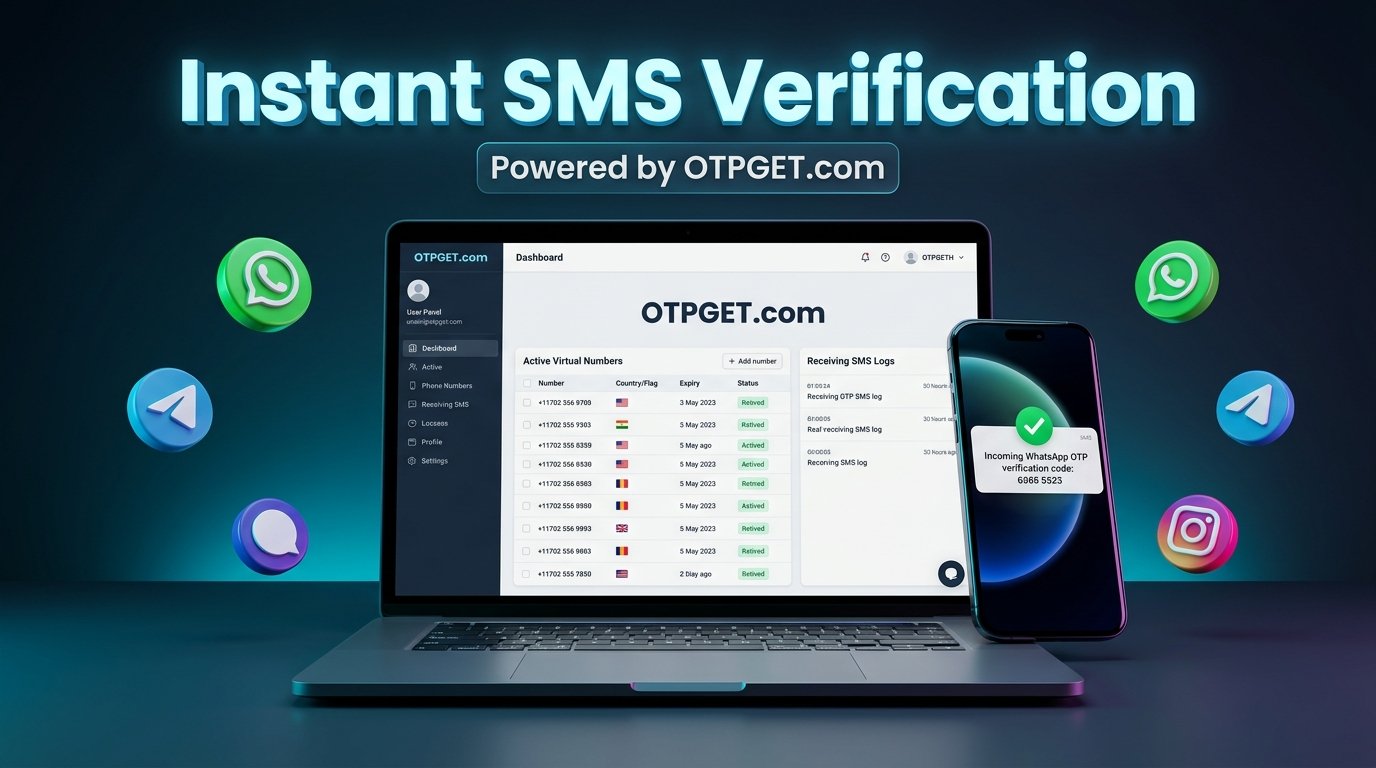
If you're researching how to verify WhatsApp with an Irish number, OTPGET is a service worth exploring. Its published website lists virtual numbers for OTP verification and includes Ireland and WhatsApp among its listed options. However, availability and successful registration depend on the specific number and WhatsApp's acceptance of it.
This guide explains how the process works, how to evaluate an Irish virtual number, what to check before using OTPGET, and how to troubleshoot verification problems safely.
Why Use an Irish Number for WhatsApp Verification?
There are several legitimate reasons to consider an Irish phone number for WhatsApp.
Separate personal and business communications. Freelancers, entrepreneurs, and small businesses may want a dedicated number for customer conversations rather than sharing their everyday contact details.
Support regional communication needs. An Ireland-based number may be useful when communicating with Irish customers, colleagues, or contacts who expect an Irish contact number.
Reduce unnecessary exposure of your personal number. A suitable virtual number can provide an alternative to sharing your primary number in certain situations. However, it does not automatically make your identity or communications anonymous.
Explore online verification options. Some virtual number providers offer SMS-receiving services that can be accessed through an online account, subject to their service conditions.
Manage a separate account where permitted. WhatsApp supports certain multiple-account arrangements, but each account must meet the platform's registration requirements.
An Irish number does not automatically qualify for every WhatsApp feature. The number must be eligible, accessible for verification, and accepted by WhatsApp. Always use a number you are authorized to register and can access when needed.
What Is OTPGET and How Can It Help?
OTPGET is an online service that advertises virtual phone numbers for receiving one-time passwords (OTPs) and verification messages. Its published service information lists Ireland among its country options and WhatsApp among its supported applications.
For someone looking for an Irish number for WhatsApp verification, OTPGET provides a starting point for checking available number options without first arranging a separate physical SIM card.
Potential advantages include:
-
Online convenience: Review number-service information through a website.
-
Country selection: Check whether an Irish virtual number is available for your intended purpose.
-
Service-specific options: Look for numbers explicitly offered for the application you want to verify.
-
An alternative to a personal number: Consider a separate number for a permitted use case.
-
Access to service information: Review the applicable pricing, number type, and usage conditions before committing.
These benefits depend on the actual number and service selected. A country listing does not prove that every Irish number can receive WhatsApp codes, and OTPGET should not be treated as an official WhatsApp product or as a guarantee of successful registration.
Before proceeding, visit the official OTPGET website at https://otpget.com/ and confirm its current number availability, compatibility information, pricing, and terms.
How to Verify WhatsApp With an Irish Number Using OTPGET
Follow these steps to evaluate the available options and attempt registration through WhatsApp's official process.
Step 1: Visit OTPGET
Open the official OTPGET website and review its virtual number and SMS verification services. Familiarize yourself with the available options before selecting a number.
Step 2: Check for an Eligible Irish Number
Look for an Ireland-based virtual number explicitly listed for your intended verification purpose. Confirm that WhatsApp is supported for the specific number or service option, rather than assuming that every number can receive its verification messages.
Step 3: Review the Service Details
Before making a purchase or activating a number, check:
-
The listed price and availability.
-
Whether incoming SMS messages are supported.
-
Whether WhatsApp verification is explicitly supported.
-
Whether the number is temporary, shared, or rented for longer-term use.
-
Any restrictions on registration, reuse, or account recovery.
If these details are unclear, ask the provider for clarification before proceeding.
Step 4: Select a Suitable Number
Choose a number only after confirming that your intended use is permitted and that the number's stated capabilities meet your needs. If you require continued access to the account, consider whether the service lets you retain control of the number for future verification.
Step 5: Open WhatsApp and Enter the Number
Open the official WhatsApp application and follow its registration instructions. Select Ireland as the country when appropriate, which uses the international calling code +353, and enter the number in the required format.
Irish numbers commonly have a domestic leading zero. When converting a domestic number to international format, that leading zero is generally omitted. For example, a domestic mobile number beginning 08X would typically begin +353 8X in international format. Use the actual number provided and follow WhatsApp's input instructions.
Step 6: Request the Verification Code
Continue through WhatsApp's official verification process. Depending on the available options, WhatsApp may offer verification by SMS or phone call.
Only request a code for a number you are authorized to use. If WhatsApp displays a waiting timer, follow the instructions on the screen rather than repeatedly requesting new codes.
Step 7: Retrieve the Code Through the Supported Service
If OTPGET supports receiving the relevant WhatsApp verification message for your selected number, follow its published instructions to retrieve the SMS. Do not assume a particular inbox, dashboard control, or delivery time without checking the service itself.
If no message arrives, review the number's eligibility and the provider's delivery information before attempting another request.
Step 8: Enter the Code in WhatsApp
Enter the valid verification code only in the official WhatsApp application or its official verification interface. Never send your code to another person or disclose it to a provider representative.
Successful registration depends on WhatsApp accepting the number, the code reaching the intended recipient, and all applicable account requirements being satisfied.
Step 9: Secure the Account
After registration, enable WhatsApp's available two-step verification security feature and add a recovery email if offered and appropriate. Keep your registration details secure.
Most importantly, consider what happens if you lose access to the virtual number. A temporary or shared number may not be suitable for an account you need to recover or use for years.
Benefits of Using OTPGET for Irish Number Verification
OTPGET is worth investigating if you want to explore online number options before arranging another physical SIM.
Convenience: Where a suitable number is available, an online service may reduce the need to obtain and manage an additional physical SIM card.
Separation of communications: A separate number may help distinguish certain work-related or other permitted communications from your personal contact details.
Online access to service information: You can review available options and their stated conditions before deciding whether a number meets your needs.
Flexible number arrangements: Depending on the current offering, different number types may suit different use cases. A short-term verification need and a long-term business account have different requirements.
A starting point for verification needs: OTPGET's published service directory lists Ireland and WhatsApp, making it relevant to explore when researching an Irish number for WhatsApp verification.
Actual benefits depend on the number offered, its compatibility, and the provider's current terms. There is no guarantee that a selected number will receive a WhatsApp code.
Ready to investigate your options? Visit the official OTPGET website at https://otpget.com/ to review its current services and check whether a suitable Irish number is available.
What to Do If Your WhatsApp Verification Code Does Not Arrive
A missing code does not necessarily mean you entered the number incorrectly. Several factors can affect delivery or registration.
Check the country code and number format. Confirm that you selected Ireland (+353), entered the correct number, and omitted the domestic leading zero where required.
Confirm number eligibility. Some virtual numbers may be unsupported, previously used, or blocked by WhatsApp. Check the specific number's stated compatibility.
Verify SMS support. Confirm that the selected service can receive the relevant message. A number being available online does not necessarily mean it can receive every application's verification SMS.
Wait for the permitted interval. Follow the timer shown by WhatsApp. Repeated requests or incorrect code attempts may trigger temporary restrictions.
Check the provider's service information. Review any reported delivery issues and the instructions associated with your selected number.
Use official alternatives when offered. If WhatsApp presents a phone-call verification option, follow its instructions if that method is supported by your number.
Contact support when necessary. If the issue continues, contact the number provider through its official support channel. For account registration problems, consult WhatsApp's official help documentation.
Avoid attempts to bypass verification restrictions. If a number is not accepted, use an eligible number that meets the platform's requirements.
Is It Safe to Use a Virtual Irish Number for WhatsApp?
A virtual number can be useful, but its security depends on who controls it, how messages are delivered, and whether you can retain access.
Choose a provider whose terms, privacy practices, and number-use conditions you understand. Be especially careful with public or shared SMS inboxes: someone else who can access the same messages may be able to see a verification code.
Never share your WhatsApp registration code or two-step verification password with another person. Use WhatsApp's available security settings and keep your account recovery information up to date.
Also consider number reassignment. If a temporary number expires and becomes available to another user, you may lose the ability to receive future codes. This can make account recovery difficult, particularly if you no longer control the registered number.
For an account that matters to your personal life or business, a number you control over the long term is generally a better choice than a short-lived verification number.
Before choosing OTPGET or another provider, distinguish between receiving a one-time OTP and maintaining reliable ownership or control of the number. Review WhatsApp's registration rules and use only numbers you are authorized to register.
Frequently Asked Questions
1. Can I verify WhatsApp with an Irish number?
Yes, it may be possible if the number can receive the required verification message and WhatsApp accepts it. Not every Irish virtual number is eligible.
2. Can OTPGET help me receive a WhatsApp verification code?
OTPGET advertises virtual numbers for OTP verification and lists WhatsApp among its supported applications. Success depends on current availability, the specific number, message delivery, and WhatsApp's acceptance of that number.
3. Can I use an Irish virtual number instead of my personal number?
Potentially. A suitable virtual number can provide an alternative for permitted registration purposes. Check its eligibility and consider whether you will retain access for future verification and account recovery.
4. Why is my WhatsApp verification code not arriving?
Possible causes include incorrect number formatting, delivery delays, an unsupported or previously used number, or platform restrictions. Check the country code, wait for the on-screen timer, and follow WhatsApp's official troubleshooting instructions.
5. Can I keep using WhatsApp after verification?
You may be able to continue using the account, but future verification or recovery checks can require access to the registered number. Long-term use is less reliable if your number is temporary, shared, or reassigned.
6. Is OTPGET suitable for business users?
It may be worth evaluating for legitimate business verification needs. Review the current number options, service terms, compatibility, and long-term access arrangements before relying on it for business communications.
7. Does an Irish virtual number guarantee successful WhatsApp registration?
No. Registration depends on the number's eligibility, the delivery of the verification code, and WhatsApp's systems and policies. No virtual number provider should be assumed to guarantee acceptance.
Final Thoughts: Verify WhatsApp With an Irish Number Using OTPGET
Finding the right Irish number can help you explore WhatsApp registration options while keeping certain communications separate from your personal number. However, the number must be eligible, capable of receiving the required verification message, and suitable for your long-term account needs.
If you're researching how to verify WhatsApp with an Irish number, OTPGET is a practical service to explore because its published information lists Ireland and WhatsApp among its options. Check the current availability, pricing, supported services, and usage conditions before choosing a number.
Remember that virtual number access is not a guarantee of successful verification, and temporary numbers can create account-recovery risks.
Visit the official OTPGET website at https://otpget.com/ to explore available options and check whether a suitable Irish number meets your verification needs.