How to Verify WhatsApp With a Kenya Number Online Using OTPGET
How to Verify WhatsApp With a Kenya Number Online Using OTPGET
Introduction
If you want to verify WhatsApp with a Kenya number, the first step is finding a phone number that WhatsApp accepts and that can receive the required verification code. Whether you need a Kenyan number for business communication, regional operations, travel, or separating personal and professional messages, successful verification depends on more than simply obtaining a phone number.
Problems such as delayed SMS delivery, incorrect country codes, unsupported virtual numbers, and repeated verification attempts can make the process frustrating.
OTPGET is a service worth exploring if you need an online number for SMS verification. Its published website describes virtual numbers and OTP services, including WhatsApp verification, but you should confirm that a Kenyan number suitable for your particular use is currently available before purchasing. OTPGET's official service information.
This guide explains how WhatsApp verification works, how to evaluate OTPGET for your needs, how to enter a Kenyan number correctly, and what to do if your verification code does not arrive.
Why Use a Kenya Number for WhatsApp Verification?
A Kenyan phone number can be useful when you need a consistent contact identity for communication involving Kenya. Your reasons may be personal, professional, or related to travel.
Common use cases include:
-
Business communication: A Kenya-based contact number may help customers, suppliers, or regional partners recognize the number used by your business.
-
Personal and professional separation: Using a separate number can help distinguish business conversations from private messages.
-
Travel and regional operations: People working with Kenyan clients or spending time in Kenya may prefer a locally recognizable number.
-
Privacy-conscious registration: An alternative number may reduce the need to share your usual number, provided you are authorized to use the alternative and can maintain access to it.
However, a Kenya phone number for WhatsApp must meet WhatsApp's registration requirements. You need access to the number and the ability to receive the required verification message or call.
A number's country code alone does not establish eligibility. Its number type, accessibility, and WhatsApp's acceptance of it also matter.
What Is OTPGET and How Can It Help?
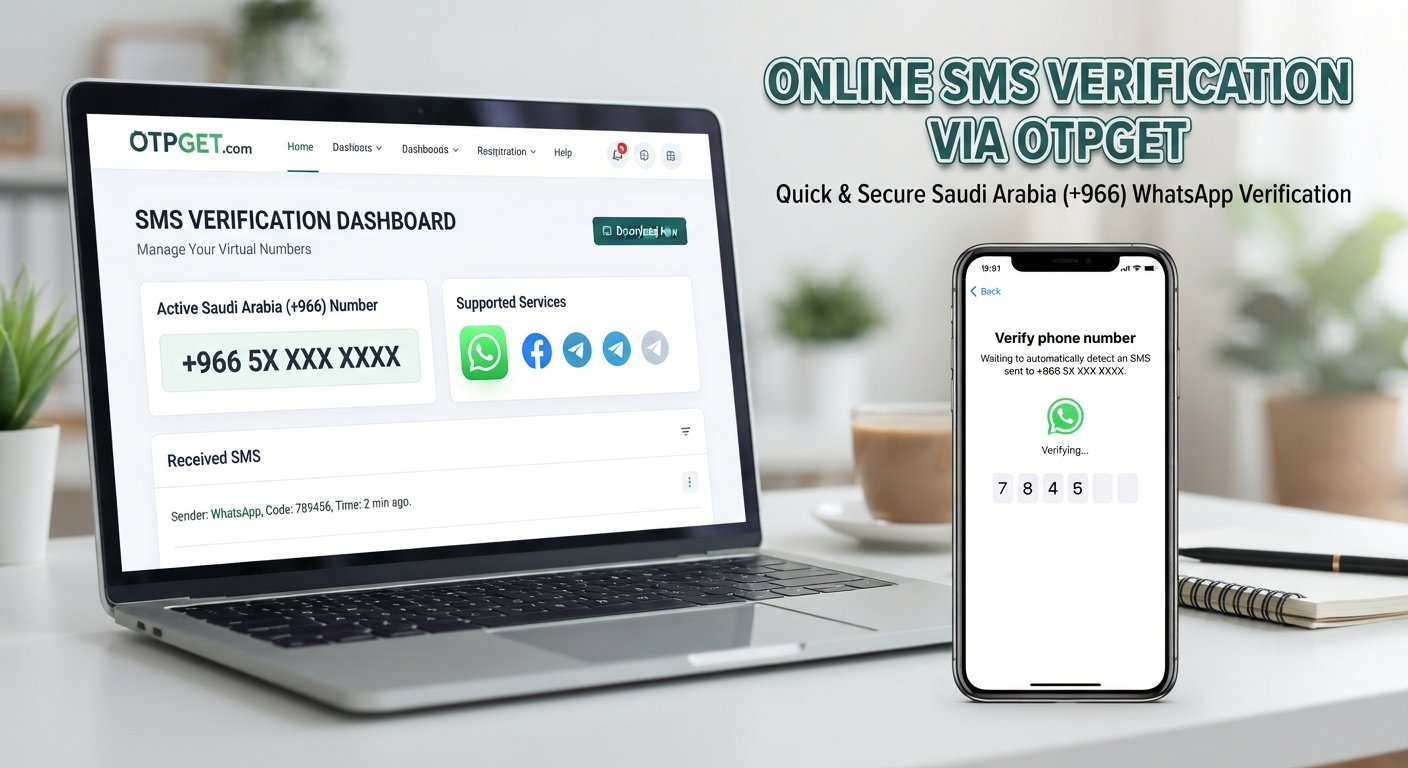
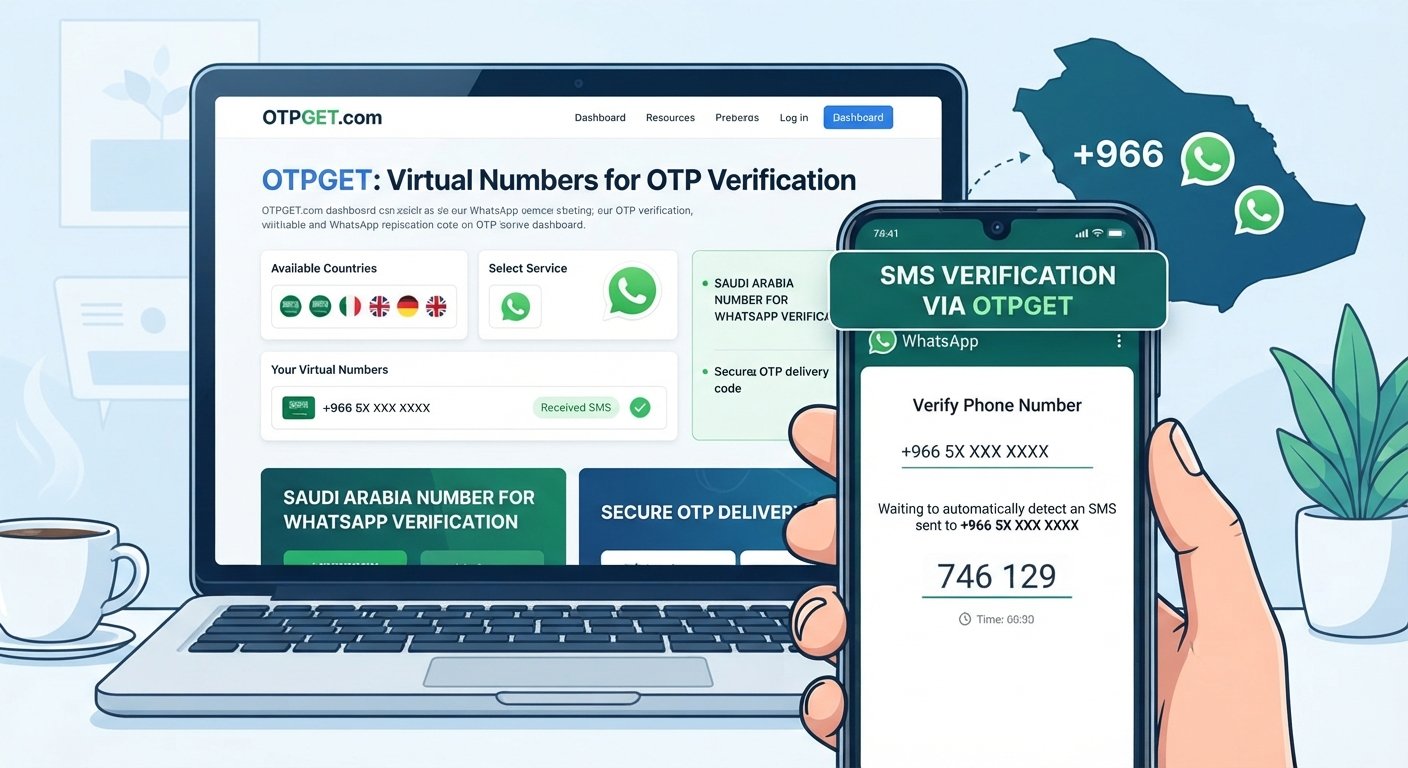
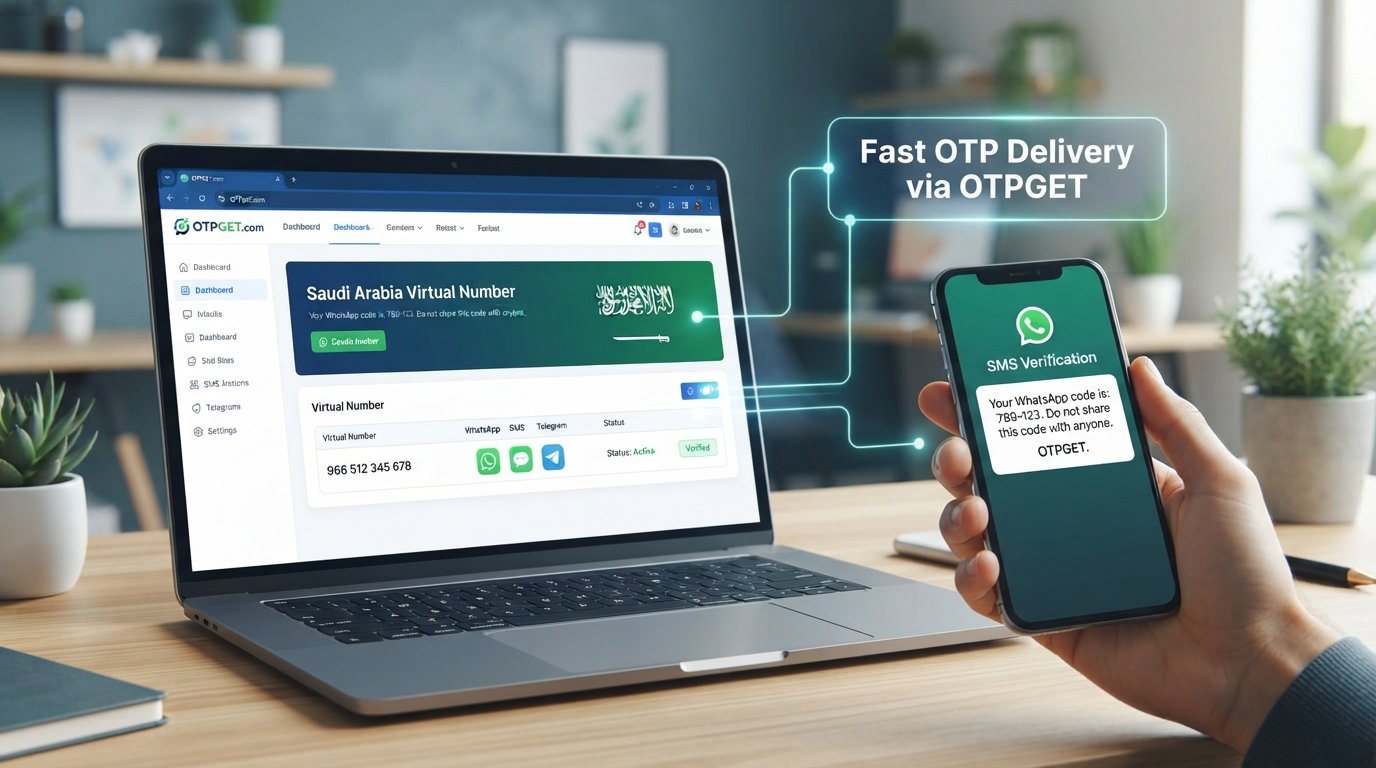
OTPGET is an online virtual-number and OTP verification service. Its published website describes temporary virtual numbers, longer-term number rentals, and tools for receiving SMS verification codes. It also lists WhatsApp among the services for which verification numbers may be available. See OTPGET's service information.
An OTP, or one-time password, is a temporary code used to confirm access to a phone number or another account identifier.
For someone seeking WhatsApp verification in Kenya, OTPGET is a relevant option to investigate because its service is designed around accessing numbers and receiving verification messages online.
There is one important distinction: general WhatsApp support does not confirm that a compatible Kenyan number is available for purchase at the moment you need it. Country coverage, number availability, and support for a specific verification channel can vary.
Before proceeding, check OTPGET's current country and service listings. Confirm that the number is Kenyan, that WhatsApp verification is supported for that specific selection, and that the service's terms permit your intended use.
OTPGET is an independent service, not an official WhatsApp product or partner.
How to Verify WhatsApp With a Kenya Number Using OTPGET
Follow these steps to evaluate the service and attempt verification responsibly.
The exact OTPGET interface and available options may change. Follow the current website instructions rather than relying on assumed menu names.

Step 1: Visit the official OTPGET website
Open otpget.com and review the available virtual-number and OTP services. Make sure you are using the official domain before creating an account or entering payment information.

Step 2: Check Kenya-number availability
Look for Kenya in the current country or number listings and check whether WhatsApp is supported for the specific option. If the required combination is unavailable, do not assume another country's number will work as a substitute.

Step 3: Review the terms and cost
Check the displayed price, number type, permitted uses, access duration, and how incoming messages are delivered. Understand whether you are selecting temporary access or a rental before paying.

Step 4: Select an eligible number
Choose a number only after confirming its availability and suitability. Ensure that you are authorized to use it and that you can access the required verification message.

Step 5: Enter the number in WhatsApp
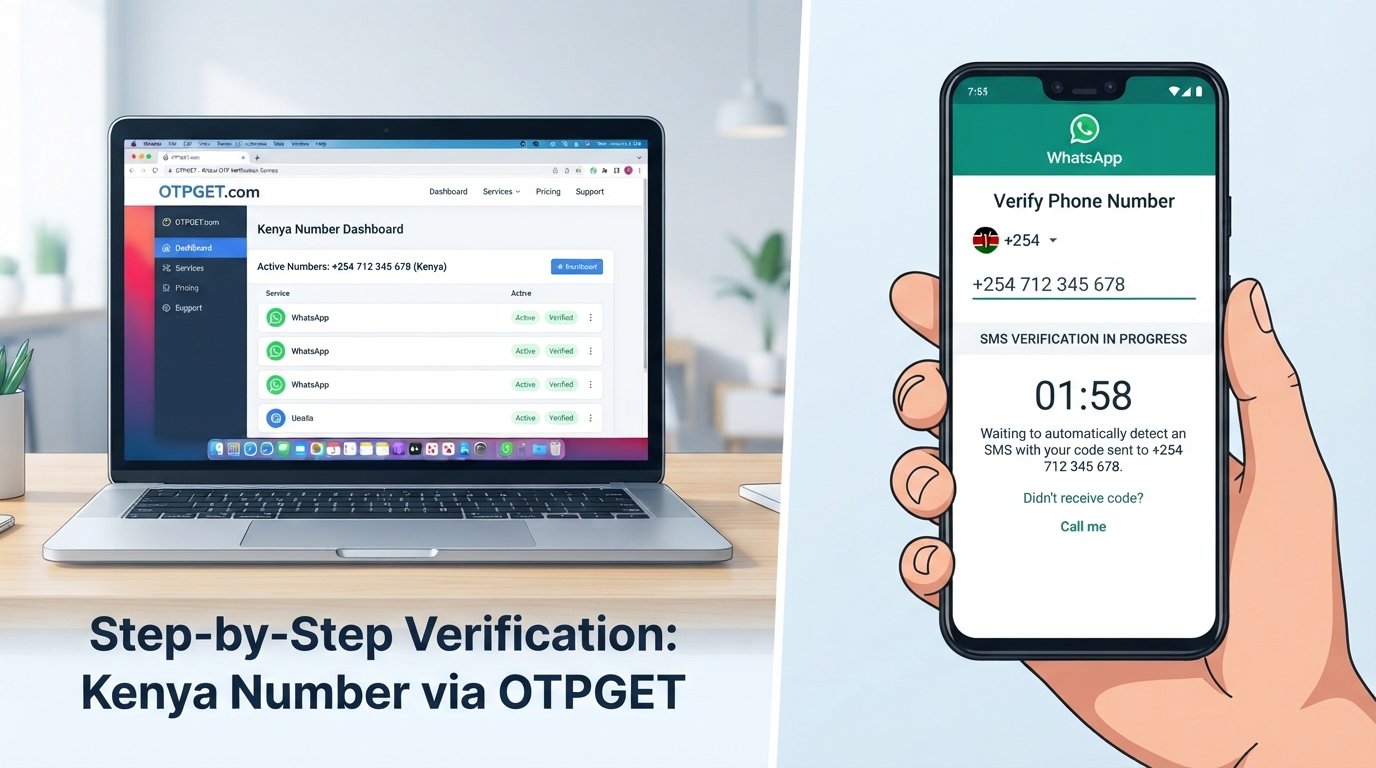
Open WhatsApp, choose Kenya if prompted, and enter the number in the correct international format. Kenya's country calling code is +254. When entering the full international number, omit the leading domestic trunk zero.

Step 6: Request the verification code
Follow WhatsApp's on-screen registration process and request the code using an available method. If the selected OTPGET service supports receiving that type of message, check its designated message-receiving area for the incoming SMS.

Step 7: Enter the received code
If the legitimate verification code arrives, enter it into WhatsApp. Never share it with another person. If it does not arrive, wait for the displayed timer and follow WhatsApp's available troubleshooting or alternative verification instructions.
Example of Kenyan number formatting
Suppose a Kenyan domestic number is written as 0712 345 678. Its international format would generally be +254 712 345 678.
This is an illustrative example, not a real number to use for registration. Enter the actual number provided by your chosen service, following WhatsApp's formatting instructions.
For further guidance, consult the official WhatsApp phone-number registration help page.
Common Problems When Receiving a WhatsApp Verification Code in Kenya
Even when you enter a number correctly, WhatsApp SMS verification problems can occur. Understanding the likely cause can help you avoid unnecessary retries.
Incorrect country code or phone-number format
Make sure the country code is +254 and remove the leading domestic zero when entering the full international number. Check the digits against the number supplied by your service.
Delayed SMS delivery
Network congestion, routing problems, and temporary delivery failures can delay a code. Check the receiving interface, wait for WhatsApp's countdown to finish, and follow the next available instruction.
Avoid repeatedly requesting new codes while a previous attempt is pending.
Unsupported number type
Some virtual numbers may not be accepted for WhatsApp registration. WhatsApp's published requirements exclude certain number categories, including VoIP numbers, toll-free numbers, and premium-rate numbers. A number that receives ordinary text messages is not necessarily eligible for WhatsApp verification. WhatsApp's registration requirements explain the relevant restrictions.
Check OTPGET's current information about the particular number before buying it.
Previously used, recycled, or restricted number
A number may have been used previously or may encounter an account eligibility restriction. If WhatsApp rejects the number or displays a restriction message, follow the instructions provided by WhatsApp rather than attempting to bypass the restriction.
Too many verification attempts
Repeated requests or incorrect code entries may trigger a waiting period. Stop retrying until the timer expires, and enter only the code received for the current attempt.
SMS versus voice-call verification
WhatsApp may offer an SMS or voice-call option depending on the registration flow and number. These methods are not interchangeable with every online service: a platform that supports incoming SMS may not support the required voice call.
Check which delivery method your selected number supports and use only an option presented by WhatsApp.
For more troubleshooting steps, consult the official WhatsApp registration troubleshooting guidance.
Why Consider OTPGET for Kenya Number Verification?
OTPGET is worth considering when your goal is to explore online number options rather than depend exclusively on a personal SIM card.
The potential benefits of a suitable service include:
-
Convenience: Online access to verification messages can be useful when the selected service and number support the required SMS channel.
-
An alternative to your usual number: A suitable, authorized number may help separate particular business or testing activities from your main contact number.
-
Regional flexibility: A Kenyan number may be appropriate for legitimate communication needs involving Kenya, provided that a suitable number is actually available.
-
Clearer evaluation before purchase: Reviewing number type, price, duration, and supported services helps you make a more informed choice.
These are potential benefits of using an appropriate online number service, not guarantees of OTPGET performance or WhatsApp acceptance.
Before spending money, confirm the current availability of a Kenyan number, its compatibility with WhatsApp, how long you can access it, and what happens when that access ends.
If OTPGET does not offer a suitable option at the time of your search, consider a number you control through a legitimate mobile provider instead.