How to Automate SMS Verification With a Virtual Number API Guide
How to Automate SMS Verification With a Virtual Number API
Phone verification looks simple from the outside: enter a number, receive a code, enter the code, and continue.
For developers, however, the process can become much more complicated when verification needs to happen repeatedly across development, QA, onboarding, authentication, or other authorized workflows. Someone has to obtain a suitable number, monitor incoming SMS messages, retrieve the verification code, and connect that information back to the application.
A virtual number API can turn those manual steps into a programmable workflow. Instead of relying on a physical SIM card and manually checking a phone, an application can interact with virtual numbers through API requests.
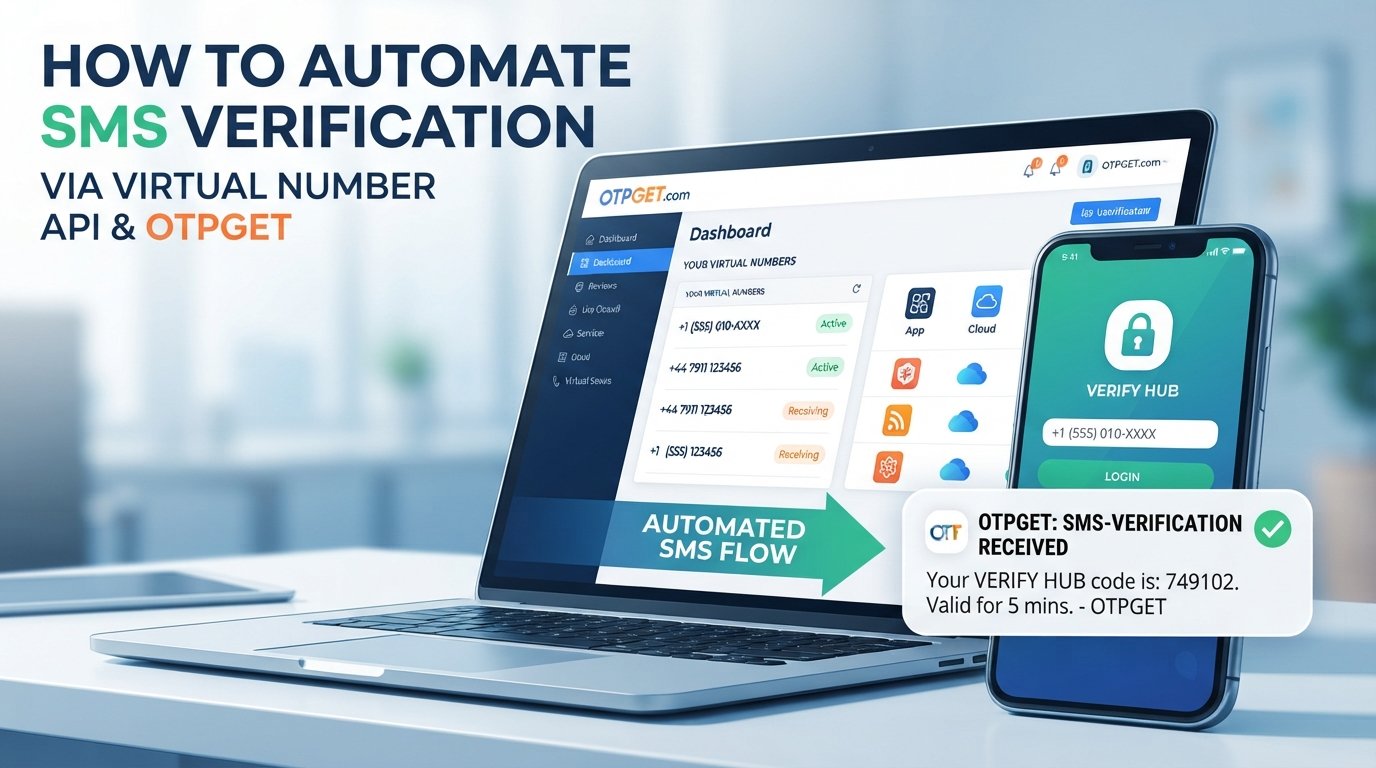
For teams looking to automate this process, OTPGET provides virtual-number and SMS OTP API functionality that can be incorporated into developer workflows. Its documentation describes API operations for discovering countries and services, requesting numbers, checking SMS status, and completing or cancelling activations.
What Is a Virtual Number API?
A virtual number API is a software interface that lets an application programmatically work with phone numbers hosted through a service rather than relying on a physical SIM card. Depending on the provider, developers can request numbers, receive SMS messages, check message status, and manage the associated verification workflow through API calls.
In simple terms, the API becomes the connection between your software and the virtual phone number. That means a developer can build SMS-related processes into an application instead of repeatedly checking a phone manually.
A virtual number API may be useful when a team needs to:
- Obtain numbers programmatically
- Receive SMS verification codes
- Retrieve messages through an API
- Test SMS-based authentication
- Automate QA workflows
- Manage verification tasks from backend systems
It is important to distinguish a virtual number API from a traditional SMS API. An SMS API commonly focuses on sending messages to recipients, while a virtual number API can provide access to phone numbers that are capable of receiving SMS.
How SMS Verification Works
A typical SMS verification workflow is straightforward:
- A user or test workflow provides a phone number.
- The application initiates verification.
- An SMS containing an OTP is sent to the number.
- The virtual number receives the SMS where supported.
- The verification system retrieves the incoming message or code.
- The application checks the verification code.
- The phone number is marked as verified if the code is valid.
An OTP, or one-time password, is usually a short-lived verification code. In an automated environment, the goal is to move the process from “wait for a text and copy the code” to a structured verification workflow that software can monitor.
The exact implementation depends on whether you are verifying your own users or testing an external service. Those are different use cases and should be designed around the provider's rules and applicable requirements.
Why Automate SMS Verification?
Manual SMS verification can work for occasional checks. It becomes less practical when verification is part of a repeatable development or business process.
Faster verification workflows
An API can allow software to request a number and check for incoming verification messages without requiring someone to watch a phone.
Less manual work
Developers and QA teams do not have to repeatedly copy numbers, open messages, find codes, and transfer them into another system.
Easier testing
Automated workflows are particularly useful for testing signup, authentication, phone-number verification, and SMS-based user journeys.
Better scalability
When verification tasks grow, API-driven processes can be incorporated into scripts, backend services, test suites, and internal tools.
Centralized automation
Instead of managing verification activities across multiple physical devices, an API can provide a consistent interface for authorized workflows.
Automation does not eliminate the need for error handling, monitoring, or compliance. It simply gives developers a programmable way to manage the workflow.
Common Challenges With Manual SMS Verification
The biggest problem with manual verification is not usually the SMS itself. It is everything around it.
A developer may need to:
- Keep track of multiple phone numbers
- Wait for incoming messages
- Copy OTP codes manually
- Repeat the process for every test
- Record verification outcomes
- Handle expired or missing codes
- Coordinate numbers across different testing environments
These tasks become increasingly inconvenient when a QA team runs the same scenario dozens or hundreds of times.
An API-based approach can separate the verification logic from the physical device. The application can request a number, associate it with an order or workflow, check its status, and process the resulting verification code programmatically.
How OTPGET Helps Automate SMS Verification
OTPGET is designed around virtual numbers and OTP-related workflows, making it relevant for developers who need programmatic access to numbers and incoming verification messages.
According to the official developer documentation, OTPGET's SMS OTP API uses an API key and provides actions for checking balance, discovering available countries and services, requesting a number, checking activation status, and changing activation status. The SMS OTP API returns plain-text responses for several actions, while some discovery actions return JSON, so applications should parse each response according to the documented action.
That creates a practical automation model:
Application → OTPGET API → Virtual Number → Incoming SMS → API Status Check → Verification Code → Application
For developers, this can remove the need to manually monitor incoming SMS during authorized testing and verification workflows.
OTPGET also documents a separate rental-number API for longer-term number use, with operations for checking availability, renting numbers, retrieving SMS messages, and managing rentals.
The right approach depends on the workflow. A one-time testing scenario may call for an SMS OTP activation, while an ongoing QA or application process may require a longer-lived virtual number.
How to Automate SMS Verification With OTPGET
The implementation can be broken into a series of manageable steps.
Step 1: Choose or obtain a virtual number
First, determine the country and service requirements for your legitimate verification workflow. OTPGET documents country and service discovery before requesting a number.
Step 2: Connect your application to the API
Authenticate requests using your OTPGET API key. Keep the key on your server or secure backend rather than exposing it in client-side code. OTPGET's documentation specifies API-key authentication for its requests.
Step 3: Request a number
Your application can request a number using the appropriate service, country, and provider parameters. OTPGET documents a getNumber action that returns an order identifier and phone number when the request succeeds.
Step 4: Trigger the verification workflow
Use the number in the authorized SMS verification or testing process. The external service sends its verification message to the number.
Step 5: Check for the incoming OTP
Your backend can periodically check the activation status rather than relying on a person to inspect an inbox. OTPGET documents a getStatus action for checking whether an SMS has been received.
Step 6: Retrieve the verification code
When a verification message arrives, the API response can contain the received code. Your application can then pass that value into the appropriate verification step.
Step 7: Validate the OTP
Your application should verify that the code belongs to the current workflow and has not expired or already been used.
Step 8: Complete the workflow
Once verification succeeds, mark the test or application state accordingly. If an activation fails or is no longer needed, handle its final status according to the API documentation and your application's logic.
This approach keeps the process modular: number acquisition, SMS reception, code handling, validation, and cleanup can each be monitored independently.
Use Cases for a Virtual Number API
A virtual phone number API can support several legitimate technical workflows.
SaaS application testing
Development teams can test phone-number onboarding and authentication flows without manually managing every test message.
QA and development environments
Automated test suites can incorporate SMS verification into repeatable scenarios, provided the testing is authorized.
Mobile application testing
Mobile developers can test registration, login, password recovery, and other SMS-dependent flows.
Authentication testing
Teams implementing SMS authentication or 2FA can test how their application handles OTP delivery, delays, invalid codes, and failed attempts.
Customer onboarding workflows
Businesses can automate authorized phone verification steps that are part of their own onboarding process.
Marketplace and platform testing
QA teams can test account verification and SMS-dependent features in controlled environments.
For any external platform, developers should follow that platform's terms and acceptable-use requirements. A virtual number API should be treated as an automation tool, not as a way to bypass security controls or platform restrictions.
What to Look for in an SMS Verification API
Choosing an SMS verification service involves more than finding an API endpoint.
Consider these factors before integrating:
- API documentation: Can developers understand the available actions and responses?
- Number availability: Are the countries and services you actually need available?
- SMS reception: Can incoming messages be retrieved in a way that fits your application?
- Reliability: How does the provider handle unavailable numbers, delayed messages, and errors?
- Scalability: Can the workflow support your testing or operational volume?
- Security: Are API credentials and sensitive verification data handled appropriately?
- Developer experience: Are requests, responses, errors, and status transitions clearly documented?
- Support: Is help available when an integration encounters an issue?
- Pricing transparency: Can you understand how numbers and API operations are charged?
- Geographic coverage: Does the provider support the locations relevant to your legitimate use case?
- Compliance: Does the service have clear acceptable-use rules?
OTPGET can be considered when its documented virtual-number, SMS OTP, and rental-number capabilities align with these requirements. Its developer portal provides separate documentation for temporary SMS OTP numbers and longer-term rentals, allowing teams to evaluate the workflow that fits their project.
Virtual Number API vs Manual SMS Verification
| Feature | Manual Verification | Virtual Number API |
|---|---|---|
| Automation | Limited | Programmatic |
| Speed | Requires human action | Can be incorporated into automated workflows |
| Scalability | Difficult to scale manually | Easier to integrate into repeatable processes |
| Developer integration | Minimal | API-based |
| Code retrieval | Manual copying | Programmatic retrieval where supported |
| Workflow management | Human-controlled | Application-controlled |
| Testing efficiency | Repetitive | Better suited to automated testing |
The API approach does not automatically make every verification process faster or more reliable. Its main advantage is that the workflow can be integrated directly into software.
Best Practices for Automated SMS Verification
Automation should be designed with security and responsible use in mind.
Protect API credentials. Store API keys securely and never expose them unnecessarily in browser-side applications, public repositories, or logs.
Avoid unnecessary OTP logging. Verification codes can be sensitive. Log workflow identifiers and outcomes instead of storing full OTP messages unless there is a legitimate operational reason.
Handle expiration and failures. Your application should distinguish between a successful code, a pending message, an expired workflow, and an API error.
Use sensible retry logic. Avoid aggressive polling or repeated requests that can create unnecessary API traffic.
Validate phone-number formats. Normalize numbers before submitting them to your workflow.
Monitor API errors. Build clear handling for conditions such as unavailable numbers, invalid parameters, insufficient balance, and other provider responses.
Apply rate limits. Rate limiting helps prevent accidental loops and keeps automated processes controlled.
Follow applicable regulations. SMS, privacy, authentication, and data-handling requirements can vary by jurisdiction and use case.
Follow OTPGET's acceptable-use rules. OTPGET states that its API must not be used for spam, abuse, or illegal services and may restrict API access in response to abnormal activity.
Frequently Asked Questions
What is a virtual number API?
A virtual number API lets software interact programmatically with phone numbers hosted by a service. Depending on the provider, it can support number acquisition, SMS reception, status checking, and related verification workflows.
How does an SMS verification API work?
An SMS verification API connects an application with an SMS-based verification process. In a receiving workflow, the application obtains or uses a virtual number, waits for an incoming verification message, retrieves the code, and processes the result.
Can a virtual number receive OTP messages?
Yes, a virtual number can receive SMS OTP messages when the number, service, and provider support the relevant message flow. Availability can vary, so developers should check the provider's current documentation and available inventory.
What is the difference between an SMS API and a virtual number API?
An SMS API commonly focuses on sending SMS messages, while a virtual number API can provide programmatic access to phone numbers and incoming SMS. Some platforms offer both types of functionality.
How can developers automate OTP verification?
Developers can automate OTP verification by connecting their backend to a verification API, requesting a suitable number where needed, monitoring incoming SMS, retrieving the verification code, validating it, and recording the workflow result.
Is OTPGET suitable for SMS verification workflows?
OTPGET provides documented SMS OTP API functionality for obtaining virtual numbers and checking received SMS activation status, as well as a separate rental-number API. Whether it fits a particular project depends on the required countries, services, workflow, compliance requirements, and integration design.
What should I consider before choosing a virtual number API?
Evaluate documentation, number availability, SMS reception, reliability, scalability, security, pricing, geographic availability, error handling, developer support, and acceptable-use requirements before committing to an API.
Conclusion
SMS verification is easy to understand but can become operationally repetitive when developers and QA teams need to perform the same process again and again. A virtual number API provides a way to turn number management and SMS retrieval into a programmable workflow.
The basic process is straightforward: obtain a suitable virtual number, connect the API, initiate the authorized verification workflow, monitor incoming SMS, retrieve the OTP, validate it, and complete the workflow.
For teams looking to automate these steps, OTPGET offers documented SMS OTP and rental-number APIs that can be evaluated for development, QA, authentication testing, and other legitimate verification workflows. Its developer documentation provides the API actions and response formats needed to design an integration without relying on manual SMS checking.
If your project involves recurring phone verification or SMS-based testing, explore the OTPGET developer documentation and compare its available functionality with your technical, geographic, security, and compliance requirements.