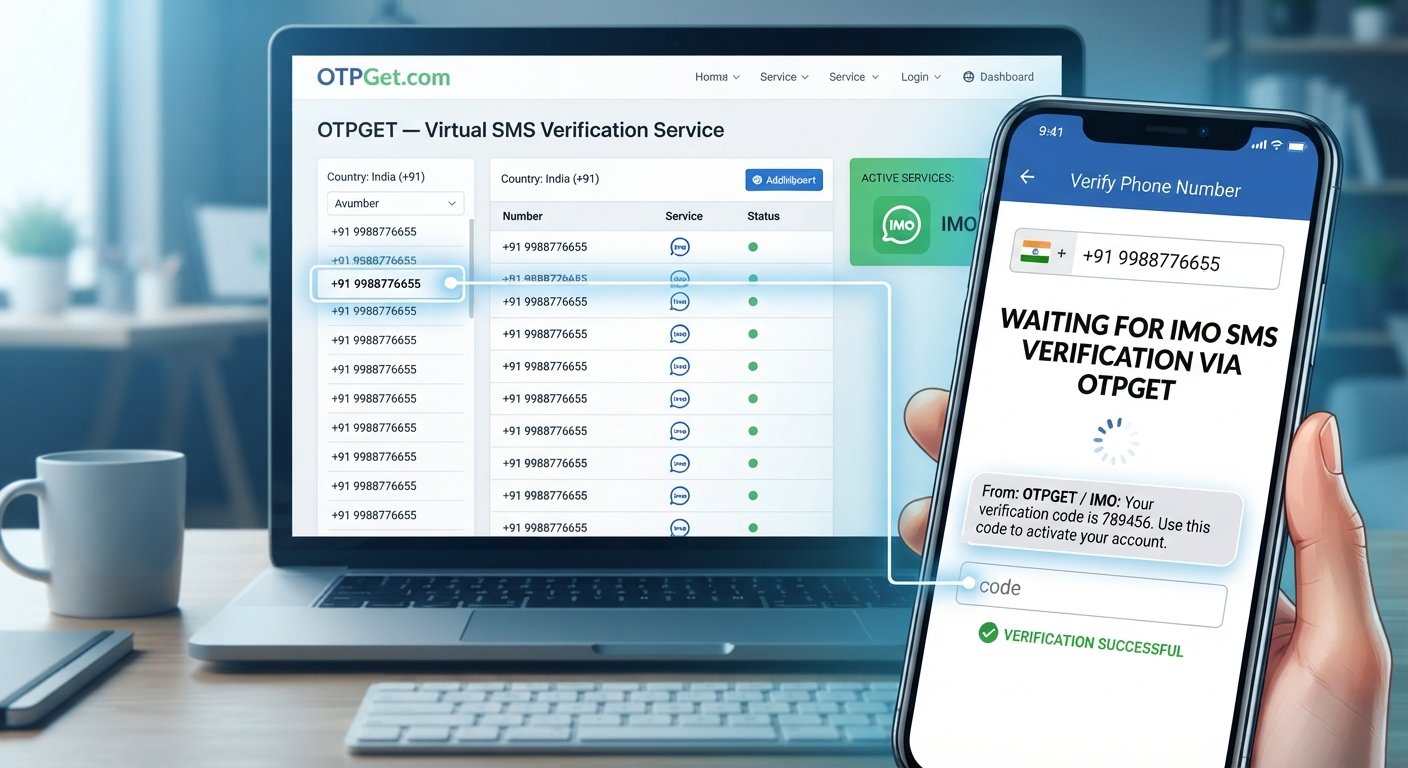
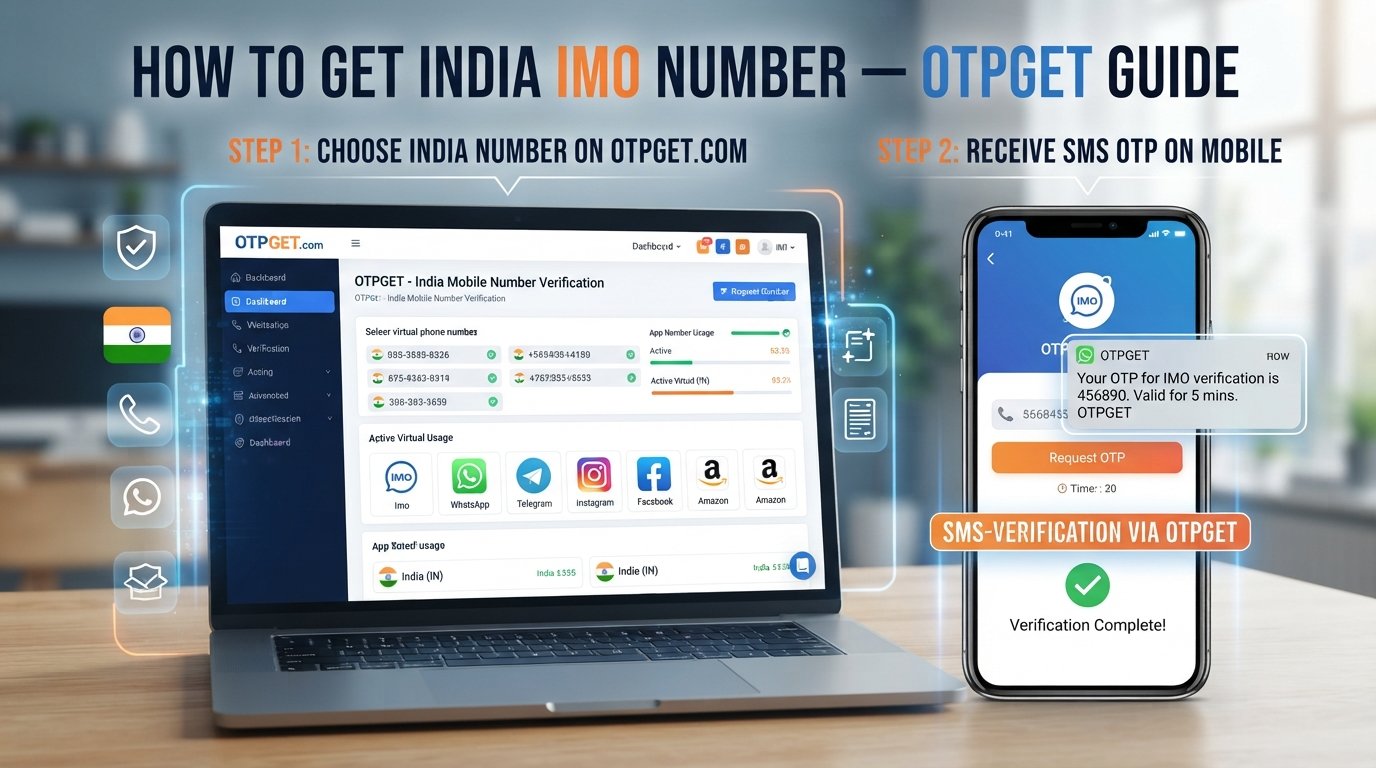
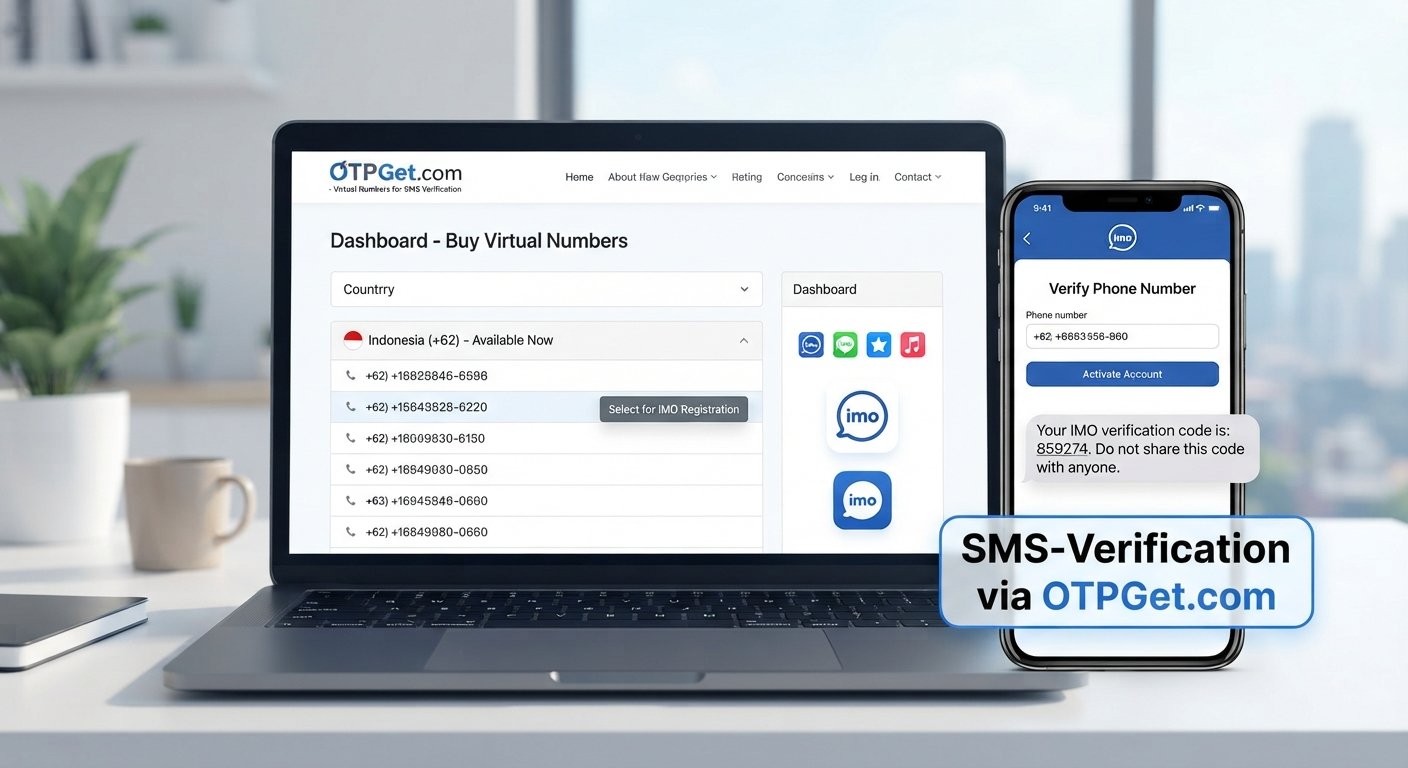
Virtual Number for Gmail Verification: Complete Guide & Tips
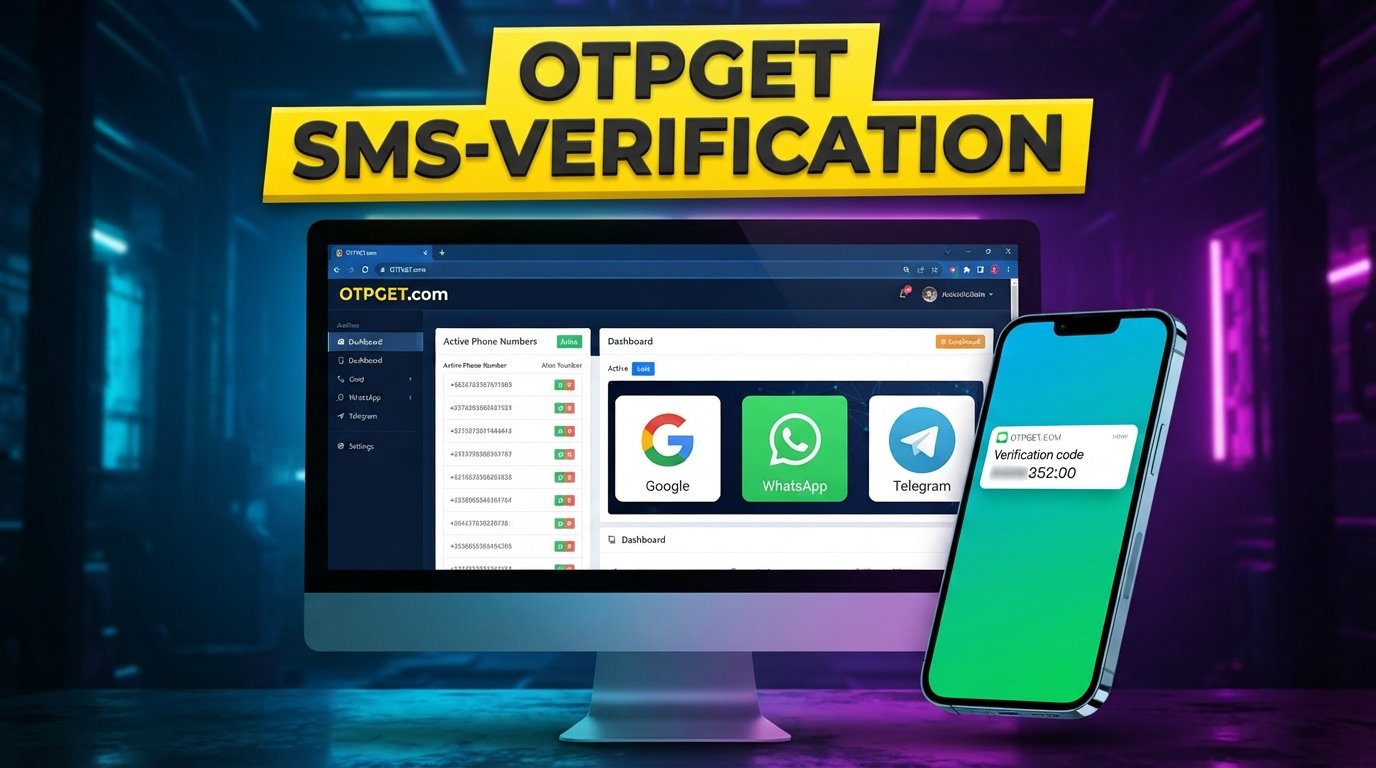
Virtual Number for Gmail Verification: Complete Guide
Creating or verifying a Google Account can sometimes involve phone verification. For users who do not want to use their personal mobile number, a virtual number for Gmail verification may be an option worth understanding.
A virtual number can receive SMS messages online without requiring a physical SIM card in the user's device. However, not every virtual number is accepted by every platform, and availability can change based on the number, carrier characteristics, account requirements, and platform restrictions.
In this guide, you'll learn what virtual numbers are, how Gmail phone verification generally works, what can cause verification problems, how temporary and longer-term numbers differ, and what to consider when choosing a service such as OTPGET.
What Is a Virtual Number for Gmail Verification?
A virtual number for Gmail verification is an online-accessible telephone number that can receive SMS messages without being tied to a physical SIM card in your personal phone.
In a typical SMS verification process, a platform sends a verification code to the phone number you provide. The code is then entered into the relevant verification screen.
A virtual phone number can work similarly:
- You obtain an available SMS-enabled number.
- You enter it when phone verification is requested.
- The service receives the verification SMS.
- You view the verification code through the provider's interface.
- You enter the code into the verification form if the number is accepted.
Google explains that phone verification can sometimes be required when creating an account or when additional verification is needed. Its stated purpose can include helping protect accounts and reduce abuse.
What Is a Virtual Number?
A virtual number is a telephone number hosted or managed through online infrastructure rather than requiring a traditional physical SIM in your own phone.
Depending on the provider, a virtual number may support incoming SMS, voice calls, temporary verification, or longer-term rental. The exact capabilities depend on the service and number type.
For verification purposes, the important requirement is usually SMS reception. A number that cannot receive the relevant verification message will not be useful for an SMS-based verification process.
Why Does Gmail Ask for Phone Verification?
Google may request phone verification in situations where it wants an additional signal that a person is creating or accessing an account.
Google's help documentation identifies several situations in which phone-based verification can occur, including account creation, unusual sign-ins, password recovery, and two-step verification.
Common reasons include:
- Account security: A phone can provide another way to confirm access.
- Abuse prevention: Google uses verification as one measure to help prevent abusive activity.
- Unusual activity: Additional verification may be requested when a sign-in or device appears unfamiliar.
- Account recovery: A recovery phone can help with regaining access.
- Two-step verification: SMS can be used as one possible second authentication method.
The exact reason for a verification request can depend on the account and circumstances, so users should follow the instructions shown by Google rather than assuming a specific trigger.
Can You Use a Virtual Number for Gmail Verification?
Sometimes, but acceptance is not guaranteed. A virtual phone number may be accepted for SMS-based Gmail or Google Account verification when the number is compatible with the verification requirements. However, Google can restrict numbers or limit how many accounts a number can be used to verify.
Several factors can affect the outcome:
- The type and characteristics of the number
- Whether SMS delivery is supported
- Number history and previous usage
- Platform restrictions
- Number availability
- Regional or carrier considerations
- How many times the number has already been used for verification
This is why a Gmail verification number should never be treated as a guaranteed solution. A number that works in one situation may not be accepted in another.
How to Use a Virtual Number for Gmail Verification
If Gmail or Google asks for phone verification, the general process is straightforward.
1. Choose a suitable virtual number service
Look for a provider offering numbers that support SMS reception and are available for the required use.
2. Select an available number
Choose a number appropriate for your intended verification. Availability can vary, so the number you want may not always be available.
3. Enter the number when prompted
When Google presents a phone verification screen, enter the virtual number according to the required country and formatting.
4. Request the verification code
Google may send an SMS containing a verification code if the number is accepted.
5. Receive the SMS
Access the incoming message through your virtual number provider. With a service such as OTPGET, users can obtain numbers for SMS OTP verification and retrieve received messages through the available service workflow.
6. Enter the verification code
Enter the received Gmail verification code into the Google verification screen.
7. Complete the process
If Google accepts the number and the code is valid, follow the remaining instructions to complete verification.
The important point is that a virtual number should be used as a legitimate verification option—not as a way to bypass Google's security controls or account restrictions.
Why Choose OTPGET for Virtual Number Verification?
OTPGET can be a practical option for users looking for convenient access to virtual numbers and SMS-based verification services.
OTPGET's published service information describes options for temporary virtual numbers, longer-term rental numbers, SMS OTP functionality, and an API for automated workflows. Its documentation also describes number selection by service and country and methods for retrieving received SMS messages.
Potential benefits include:
- Convenient virtual number access: Obtain an available number through an online service rather than relying on a physical SIM.
- SMS/OTP functionality: The service is designed around receiving verification messages and OTPs.
- Flexible number types: OTPGET describes both temporary numbers and rental options for users with different requirements.
- Online accessibility: Verification messages can be accessed through the service's online workflow.
- Practical use cases: Virtual numbers can be useful for legitimate testing, verification, privacy-conscious registration, and other supported activities.
- Developer options: OTPGET also provides API documentation for users who need an automated verification workflow.
Availability and acceptance remain dependent on the destination platform. OTPGET should therefore be viewed as a convenient number provider, not as a guarantee that every number will be accepted by Gmail.
Virtual Number vs. Traditional Phone Number
| Feature | Virtual Number | Traditional Mobile Number |
|---|---|---|
| Physical SIM required | Usually no | Yes |
| Online accessibility | Yes, through the provider | Usually tied to a physical device/SIM |
| SMS verification | Depends on number and service support | Generally available when SMS is supported |
| Privacy considerations | Can separate verification from a personal number | Directly associated with your personal mobile service |
| Flexibility | May offer temporary or rental options | Generally intended for ongoing personal use |
| Long-term ownership | Depends on rental or provider terms | Typically maintained through the mobile carrier |
Neither option is automatically suitable for every situation. A traditional mobile number may be preferable when long-term account recovery is important, while a virtual number may be convenient for a specific SMS verification requirement.
Temporary vs. More Persistent Virtual Numbers
Not all virtual numbers are designed for the same purpose.
A temporary virtual number is generally intended for a short-term verification task. It can make sense when you only need to receive a single verification SMS and do not expect to need the number again.
A more persistent or rental virtual number is designed to remain available for a longer period. OTPGET's documentation describes rental numbers with defined rental durations and the ability to retrieve SMS associated with the rental.
Consider the following before choosing:
- One-time verification: A temporary number may be sufficient.
- Future recovery: A number you may need later should remain accessible.
- Number recycling: Temporary numbers can eventually become available to another user.
- Access duration: Check how long the number remains available.
- Privacy: A virtual number can help keep your personal mobile number separate from a particular registration.
- Reliability: For important accounts, consider whether you will still have access to the number when needed.
For an important Google Account, relying on a short-lived disposable number can create account-recovery complications. Google itself recommends using a phone number you control for recovery purposes.
Common Problems With Gmail Verification Numbers
Even when a number supports SMS, verification can fail.
Verification SMS does not arrive
SMS delivery can be delayed because of carrier, location, service, or platform issues. Google recommends waiting a few minutes and considering another verification method where available.
Try: Wait briefly, check that the number is active, and avoid repeatedly requesting codes.
The number is not accepted
Google may display an error saying that a phone number cannot be used for verification. Google advises using a different number in this situation.
Try: Select another compatible number rather than repeatedly submitting the same rejected number.
The number has been used too many times
Google limits the number of accounts that can be created or verified using a particular phone number.
Try: Use another number that meets the platform's requirements.
The number expires
Temporary numbers may no longer be accessible after their assigned period ends.
Try: If continued access matters, consider a longer-term rental rather than a one-time number.
Verification attempts are limited
Repeatedly requesting codes or changing numbers can create additional verification friction.
Try: Enter information carefully, wait for delayed messages, and follow Google's instructions rather than repeatedly retrying.
Privacy and Security Considerations
A virtual number can provide separation between a personal mobile number and an online verification process, but privacy depends heavily on how the number is provided and managed.
Before using one, consider:
- Who controls the number?
- Is it temporary, shared, or assigned to you for a defined period?
- How long can you access incoming messages?
- Could the number later be reassigned?
- Do you need the number for account recovery?
- How does the provider handle account and transaction information?
Most importantly, never share verification codes with another person. Google specifically advises users not to share codes they receive by SMS.
For an important account, maintaining control of the associated recovery information is especially important. A disposable phone number may be convenient for one-time verification but unsuitable when you need reliable long-term account recovery.
Best Practices for Using a Virtual Number for Gmail Verification
Use this checklist before starting:
- Choose a reputable virtual number service.
- Confirm that the selected number supports SMS.
- Check availability before beginning verification.
- Enter the number carefully.
- Keep verification codes private.
- Avoid repeatedly requesting SMS codes.
- Follow Gmail and Google Account requirements.
- Choose a persistent number if future access may matter.
- Do not use virtual numbers to bypass security, abuse prevention, or account restrictions.
- Keep appropriate recovery methods available for important accounts.
Frequently Asked Questions
Can I use a virtual number for Gmail verification?
A virtual number may sometimes be accepted for Gmail or Google Account phone verification, but acceptance is not guaranteed. Google can restrict numbers or limit how many times a number can be used for account verification.
Is a temporary phone number suitable for Gmail verification?
It can be suitable for a one-time SMS verification requirement if Google accepts the number. However, temporary access may not be appropriate for an account that requires the number for future recovery.
Why am I not receiving my Gmail verification code?
Possible causes include SMS delivery delays, carrier or service issues, an incompatible number, or platform restrictions. Wait briefly, check the number, and follow Google's available troubleshooting instructions.
Can one virtual number be used for multiple verifications?
Possibly, but this depends on the platform's restrictions. Google states that it limits the number of accounts that can be created or verified using a phone number.
Is a virtual number safe for email verification?
A virtual number can be a useful privacy-conscious option, but safety depends on the provider, number type, access period, and how you protect verification information. Avoid sharing OTPs and consider long-term recovery requirements.
What is the difference between a virtual number and a disposable number?
A virtual number is a broad category of online telephone numbers. A disposable or temporary number is generally intended for short-term use. Some virtual numbers can instead be rented for longer periods.
How does OTPGET help with SMS verification?
OTPGET provides virtual numbers intended for SMS OTP verification, along with temporary and rental options. Its documentation also describes ways to retrieve received SMS messages. Availability depends on the selected service, number, and destination platform.
What should I do if Gmail does not accept my virtual number?
Do not repeatedly submit the same rejected number. Google recommends using a different number when it reports that a phone number cannot be used for verification.
Final Thoughts
A virtual number for Gmail verification can be a convenient way to receive an SMS verification code without relying on a personal mobile number. The basic process is simple: select an SMS-capable number, enter it when Google requests verification, receive the code, and complete the verification step if the number is accepted.
The main limitation is that acceptance is not universal. Number history, availability, platform restrictions, SMS delivery, and Google's verification requirements can all affect the result.
For users exploring this approach, OTPGET offers virtual numbers and SMS OTP functionality, with temporary and rental options described in its service documentation. Choose the number type according to whether you need one-time verification or continued access, and always follow Google's account and security requirements.
Ready to explore a convenient virtual number option for SMS verification? Explore OTPGET and see which available options fit your verification needs.
8. Suggested Internal Links
- Virtual phone numbers
- SMS verification
- Receive OTP online
- Temporary phone numbers
- Online SMS verification
- Virtual number for email verification
- SMS OTP services
- OTPGET virtual numbers
9. Suggested In-Article Images
Image 1: How Gmail SMS Verification Works
Suggested placement: After the section explaining how a virtual number works
SEO alt text: How a virtual number receives a Gmail verification code by SMS
Image 2: Virtual Number Verification Workflow
Suggested placement: Within the step-by-step verification section
SEO alt text: Virtual phone number and SMS OTP verification workflow
Image 3: Virtual Number vs Traditional Mobile Number
Suggested placement: Above or beside the comparison table
SEO alt text: Comparison of virtual numbers and traditional mobile phone numbers
Image 4: Temporary vs Rental Virtual Numbers
Suggested placement: Within the temporary and persistent numbers section
SEO alt text: Temporary virtual number versus longer-term rental number
Image 5: OTPGET SMS Verification Dashboard
Suggested placement: Within the OTPGET section
SEO alt text: OTPGET virtual number and SMS OTP verification dashboard