How to Get a Virtual Number for Google Verification: Easy Guide
How to Get a Virtual Number for Google Verification
Getting a verification code can be frustrating when you would rather not use your personal phone number. Maybe you want to keep your personal contact information separate from online accounts, need a second phone number, or simply prefer an alternative number for certain verification activities.
That is where a virtual number for Google verification can be useful.
A virtual number can provide another way to receive SMS messages without relying directly on your primary mobile number. For people looking for a practical way to receive verification messages online, OTPGET is a solution worth exploring.
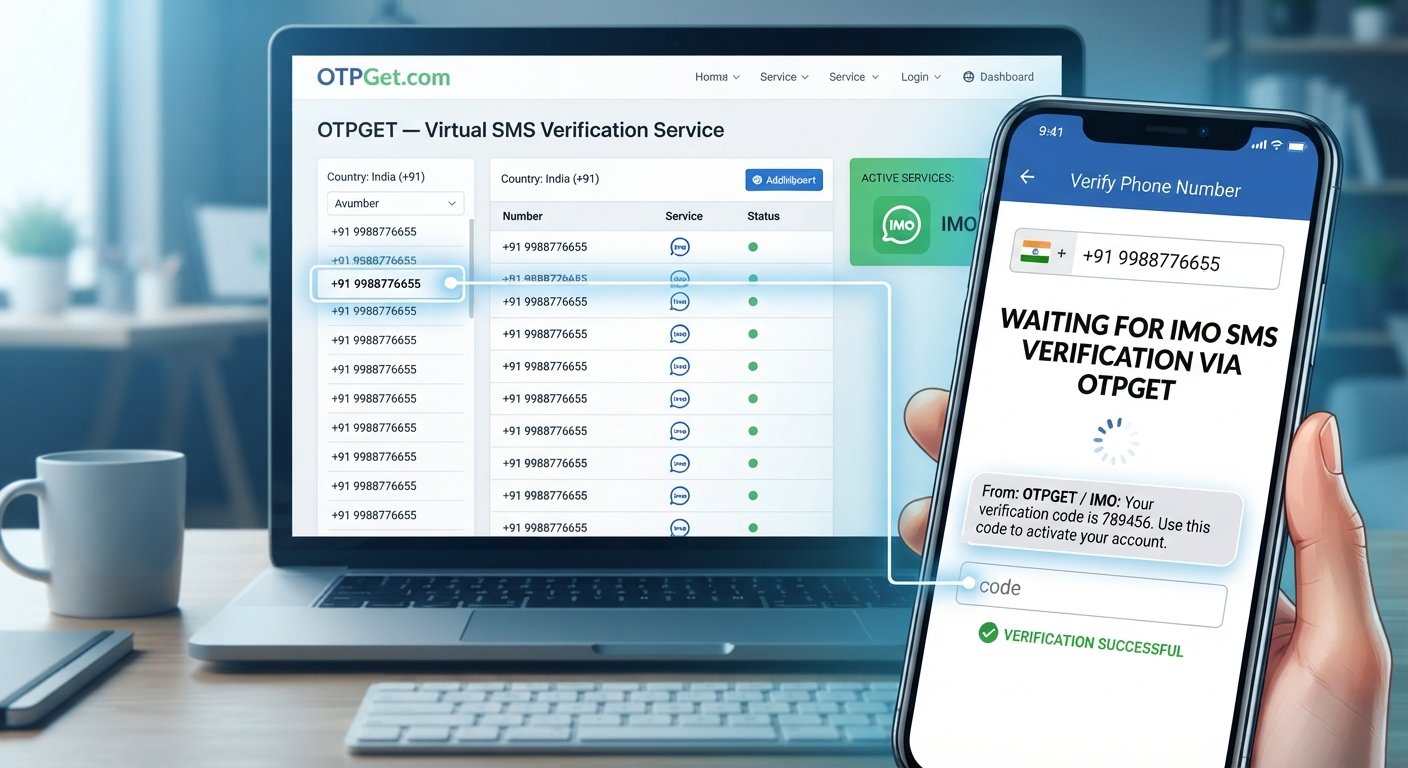
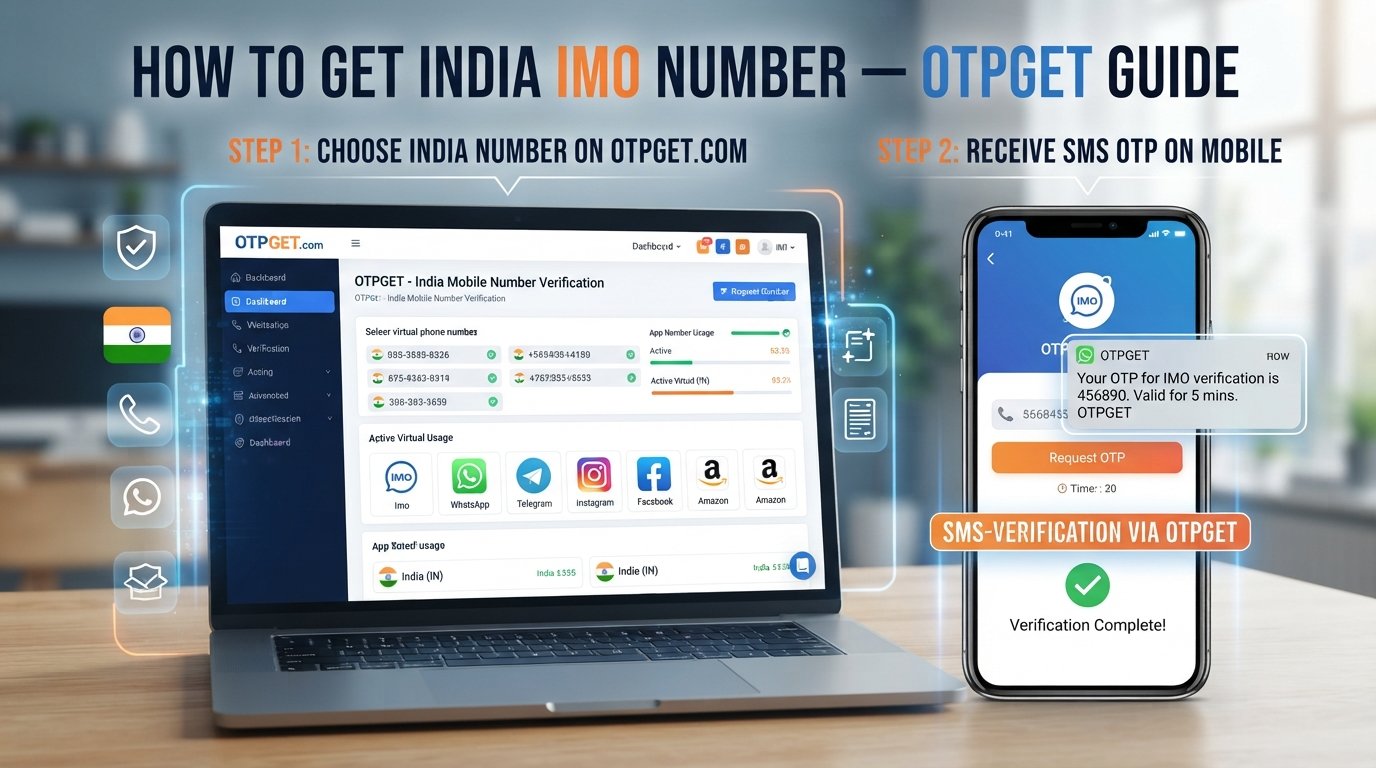
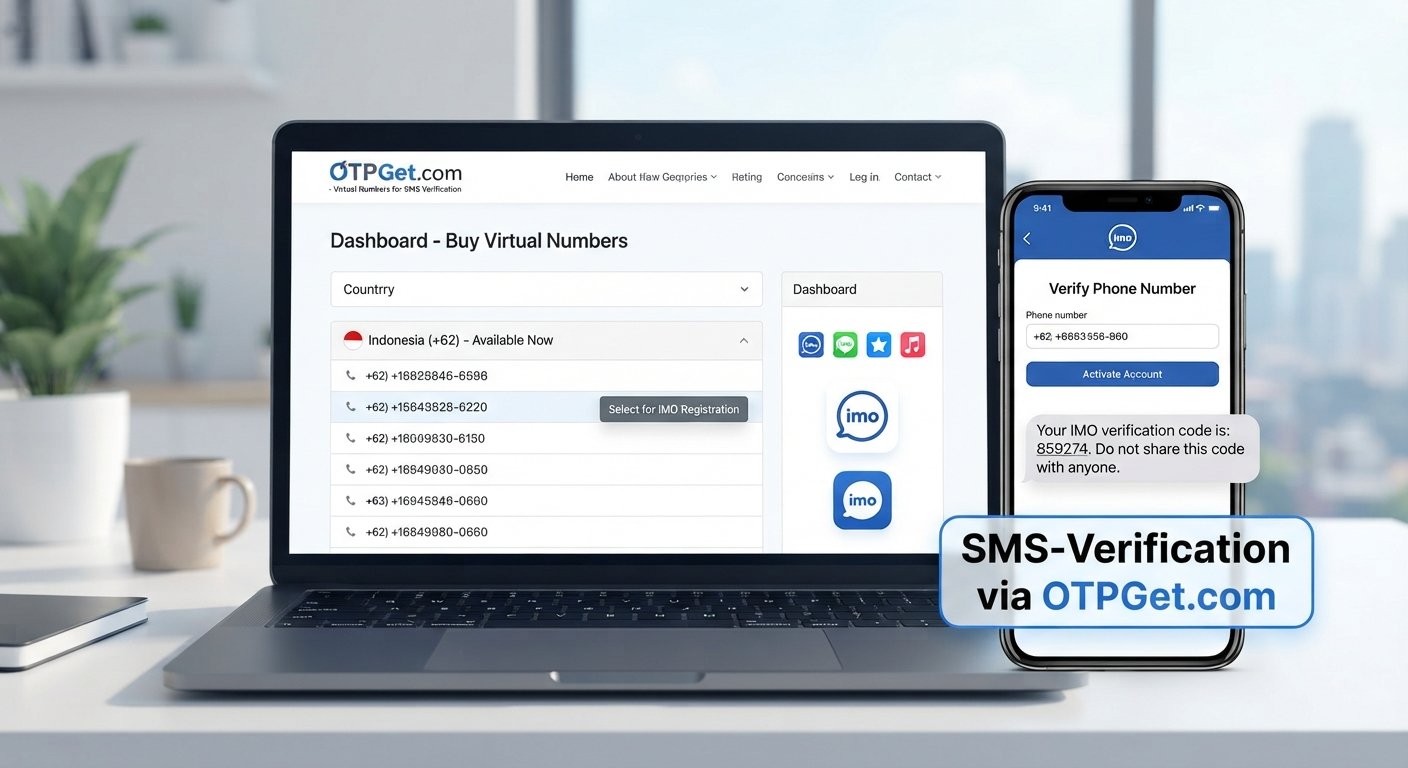
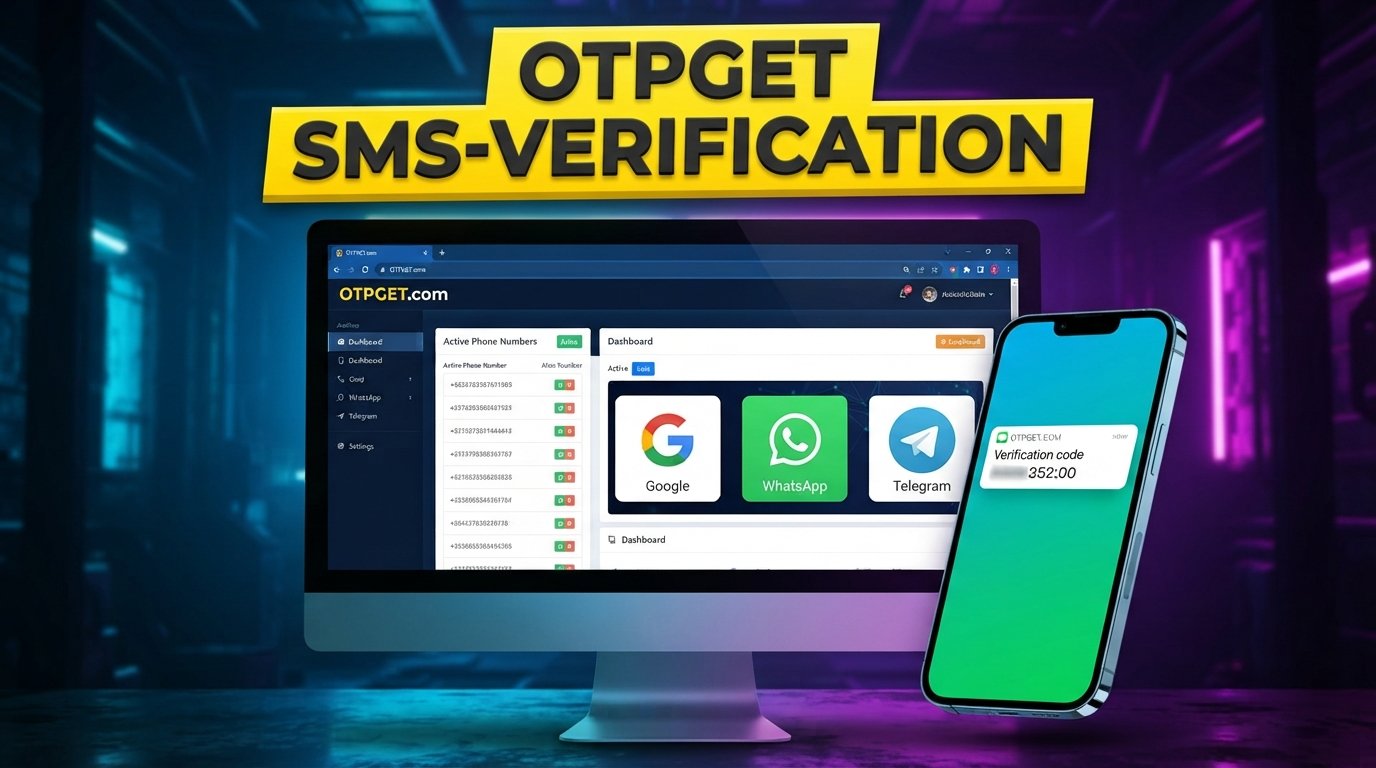
The process is generally straightforward: choose an appropriate virtual number, enter it when a service requests phone verification, receive the SMS containing the verification code, and enter that code to complete the process.
However, virtual numbers are not universally accepted for every service or verification request. Availability can depend on the provider, number, country, and service requirements. Always use a virtual number responsibly and follow the applicable terms and policies.
What Is a Virtual Number for Google Verification?
A virtual number is a phone number that can be accessed through an online service rather than being tied exclusively to a traditional physical SIM card in your personal phone.
Depending on the service providing it, a virtual phone number may be capable of receiving SMS messages online. This makes it potentially useful when a website or application asks for a phone number as part of an SMS verification process.
For example, a service may ask you to:
- Enter a phone number.
- Request a verification SMS.
- Receive a Google verification code by text message.
- Enter the code into the verification form.
The important point is that a virtual number is still a phone number used for a legitimate verification workflow. It should not be viewed as a method for bypassing security controls or avoiding a service's requirements.
A virtual number for Google can be particularly useful for people who want an additional number without immediately using their primary personal number.
Why Use a Virtual Number for Google Verification?
There are several legitimate reasons someone may consider an online virtual number for verification.
Privacy and separation
Some users prefer not to give their personal mobile number to every online service they use. A separate number can help keep personal communications distinct from verification activity.
A second phone number
A virtual mobile number can act as an alternative phone number for appropriate online services. This can be useful when you want to keep your primary number reserved for personal communication.
Convenience
When a service supports virtual numbers, receiving an SMS online can be more convenient than managing another physical SIM card or device.
Managing online services
People who regularly work with multiple online platforms may find it useful to separate verification activity from their everyday phone communications.
Greater control over what you share
Using an alternative number can reduce the need to provide your primary contact number when a separate number is appropriate and accepted.
That said, a virtual number is not automatically suitable for every verification process. Some services restrict certain number types, and some may require a conventional mobile number.
How to Get a Virtual Number for Google Verification
If you need a virtual number for Google verification, the process can be simple when the service accepts the number type you select.
1. Choose a reliable virtual number provider
Start by choosing a virtual number service that provides access to numbers suitable for your intended use.
For users specifically looking for a convenient way to receive verification messages, OTPGET can be considered as an option.
2. Select a suitable number through OTPGET
Choose an available number that fits the requirements of the verification process.
Pay attention to any country or location requirements presented by the service you are verifying with. Not every number works with every platform.
3. Enter the virtual number
When the Google account verification or another supported verification process asks for a phone number, enter the virtual number you selected.
Make sure the number is entered correctly, including the appropriate country code when required.
4. Request the verification code
Submit the verification request. If the number is accepted, the service may send an SMS containing an OTP or verification code.
5. Check OTPGET for the incoming SMS
Return to the relevant OTPGET interface and check for the incoming verification SMS.
The exact process for viewing an incoming message can depend on the service interface available to you.
6. Enter the Google verification code
Once the message arrives, enter the verification code into the appropriate verification field.
Never share verification codes with another person. These codes are intended to confirm access during the verification process.
7. Complete the verification process
Submit the code and follow any remaining instructions shown by the service.
If the number is not accepted or the message does not arrive, check the troubleshooting suggestions below rather than repeatedly requesting codes.
Why Choose OTPGET for a Virtual Number?
If you want to keep verification activity separate from your personal phone number, OTPGET provides a practical option to explore.
The main appeal of using a service such as OTPGET is convenience. Instead of immediately relying on your primary mobile number, you can consider using a separate virtual number for supported verification purposes.
Potential advantages include:
- Convenient access to a virtual number: A separate number can be useful when you do not want to use your personal number.
- Simplified SMS verification: The process can be easier to manage when your verification messages are handled separately.
- Number separation: Keeping verification activity away from your personal phone can make your online communications easier to organize.
- Practicality: A virtual number can be useful for certain online services when that type of number is accepted.
- Straightforward workflow: The basic process follows a familiar pattern: select a number, use it for verification, receive the SMS, and enter the code.
The important distinction is that OTPGET should be viewed as a practical tool for appropriate verification needs, not as a way to circumvent a platform's security requirements.
How OTPGET Works for Verification
The basic user journey can be summarized in six simple steps:
Choose a number → Use the number for verification → Request the OTP → Receive the SMS → Enter the code → Complete verification
Here is what that looks like in practice:
- Choose: Select an appropriate virtual number through OTPGET.
- Use: Enter the number when a supported service requests phone verification.
- Request: Ask the service to send a verification SMS.
- Receive: Check OTPGET for the incoming message.
- Enter: Copy the verification code into the verification form.
- Complete: Finish the verification process according to the service's instructions.
This workflow makes an online phone number useful for situations where SMS verification is supported and the service accepts the selected number.
Virtual Number vs. Personal Phone Number
Choosing between a virtual number and your regular mobile number depends on your specific needs and the requirements of the service.
| Factor | Virtual Number | Personal Phone Number |
|---|---|---|
| Privacy | Can help separate verification activity from personal contact details | Directly associated with your personal communications |
| Convenience | Can be convenient for supported online verification | Convenient when your phone is already with you |
| Number separation | Provides an alternative number | Usually serves as your primary number |
| Verification use | May work where virtual numbers are accepted | Commonly supported, subject to service requirements |
| Long-term personal use | Depends on continued access to the virtual service | Generally designed for ongoing personal use |
| Control and access | Depends on the virtual number provider and service terms | Usually controlled directly through your mobile carrier |
Neither option is universally better. The right choice depends on the verification requirements, how long you need access to the number, and whether the service accepts a virtual number.
Tips for Using a Virtual Number for Google Verification
Before using a virtual number, keep these practical points in mind:
- Choose an appropriate number: Some services have country, region, or number-type requirements.
- Confirm SMS capability: Make sure the selected number can receive the type of message you need.
- Consider future access: If an account may require another verification message later, make sure you understand how continued access to the number works.
- Protect your OTP: Never give verification codes to other people.
- Follow applicable policies: Use virtual numbers in accordance with Google's requirements and the terms of the service involved.
- Avoid abusive use: Do not use virtual numbers for fraud, deceptive activity, unauthorized access, spam, or attempts to bypass security controls.
- Keep expectations realistic: A virtual number may not be accepted by every platform or verification system.
Responsible use is important because phone verification exists partly to help services establish that an account or action is associated with a reachable phone number.
Common Problems With Google SMS Verification
Even when you use a legitimate virtual number, verification does not always work immediately.
Verification SMS is not arriving
An SMS can sometimes be delayed or fail to arrive. Check that the number was entered correctly and that the number is able to receive SMS messages.
The number is not accepted
A service may reject a number because of its number type, country, previous usage, or internal verification requirements.
The number has already been used
Some platforms limit how often a phone number can be associated with accounts or verification requests. If you see a message indicating that the number has already been used, another number may be required.
SMS delivery is delayed
Avoid repeatedly requesting codes in quick succession. Multiple requests can create confusion when older codes arrive after newer ones.
Country or region restrictions
Some verification systems have geographic requirements. A virtual number from one country may not be suitable for a service requiring a number from another location.
Service-specific limitations
The biggest consideration is that virtual number acceptance varies by service. A number that works for one SMS verification process may not work for another.
Why OTPGET Can Be a Practical Alternative
If your main concern is keeping verification activity separate from your personal phone number, OTPGET can provide a practical option to explore.
Rather than immediately giving your primary number to every service that requests phone verification, you can consider whether a separate virtual number is appropriate for the particular situation.
OTPGET can fit naturally into this workflow by providing an option for users looking for a virtual number to receive verification messages. The appeal is especially clear for users who value separation, convenience, and a simple online verification workflow.
At the same time, it is important to check the requirements of the specific service before choosing a number. Acceptance is ultimately determined by the service requesting verification.
Frequently Asked Questions
Can I use a virtual number for Google verification?
A virtual number may be usable for Google account phone verification when the relevant verification process accepts that number type. Acceptance can vary, so a virtual number is not guaranteed to work for every request.
How do I receive a Google verification code online?
If the verification process supports your selected number, you can enter the number, request an SMS, and check the relevant online service for the incoming verification message. OTPGET can be considered when you need a virtual number to receive SMS verification messages.
What is the best type of number for SMS verification?
The appropriate number depends on the requirements of the service. Consider factors such as country, SMS support, availability, and whether the platform accepts virtual numbers.
Can I use a temporary phone number for verification?
A temporary phone number may work for some verification processes, but temporary access can create problems if the account requires verification again later. Understand how long you can access the number before relying on it.
Why isn't my Google verification SMS arriving?
Possible causes include an incorrect number, SMS delivery delays, service restrictions, regional requirements, or the number type not being accepted. Check the number details and avoid repeatedly requesting codes.
Is a virtual number different from a regular mobile number?
Yes. A virtual phone number is generally provided through an online service rather than being tied solely to a physical SIM in your personal device. Its capabilities and access conditions depend on the provider.
How can OTPGET help with verification?
OTPGET can be considered by users looking for a virtual number to receive SMS or OTP verification messages. The general process is to select a suitable number, use it for an eligible verification request, receive the SMS, and enter the code.
Final Thoughts
A virtual number for Google verification can be useful when you want an additional phone number for appropriate online verification without immediately relying on your primary personal number.
The process is generally straightforward: choose a suitable number, enter it during a supported verification process, request the SMS, receive the code, and complete verification.
For users looking for a convenient virtual number service, OTPGET is a practical solution to consider. It can help separate verification activity from your personal phone number while giving you an online option for receiving verification messages.
Just remember that virtual numbers are not accepted everywhere, and requirements can vary by service and location. Use them responsibly, protect your verification codes, and always follow the applicable terms.
Ready to explore a separate number for SMS verification? Consider OTPGET as your next step for finding a virtual number that fits your verification needs.
SEO/Content Notes
- Primary keyword used: virtual number for Google verification
- Secondary keywords used: virtual number for Google, Google verification number, Google verification code, virtual phone number, temporary phone number, online phone number, receive SMS online, SMS verification, online SMS verification, virtual number for SMS verification, temporary number for verification, virtual mobile number, disposable phone number, online virtual number, SMS receiving number, verification SMS, Google account verification, Google account phone verification, number to receive OTP, receive OTP online, OTP verification, virtual SMS number, second phone number, alternative phone number, virtual number service, online number for verification
- Approximate article word count: 1,650 words
- Evergreen check: No calendar year appears in the deliverable.
- Brand positioning: OTPGET is prominently positioned as the practical solution while avoiding unsupported feature, pricing, partnership, or guarantee claims.
- Suggested primary CTA: Explore OTPGET for a virtual number suitable for supported SMS verification needs.