Learn How to Use a Virtual Number for Social Media Verification
How to Use a Virtual Number for Social Media Verification
Signing up for a social media account can feel straightforward until the platform asks for a phone number. You enter your personal number, wait for an SMS, and then wonder whether you really needed to share it in the first place.
A virtual number can provide another option. Instead of using a personal mobile number, you can use an online phone number capable of receiving SMS messages. For people who want to separate personal communications from online activity, this can be a practical approach.
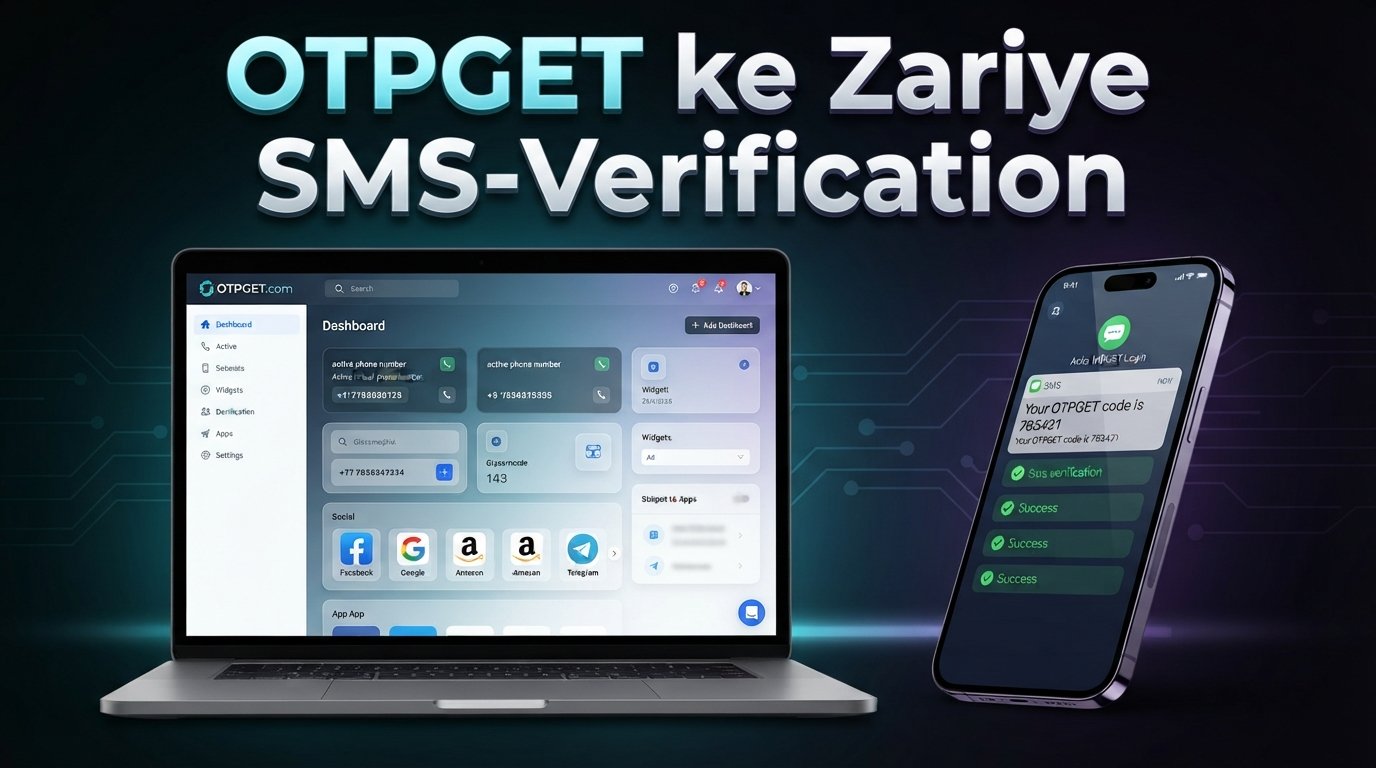
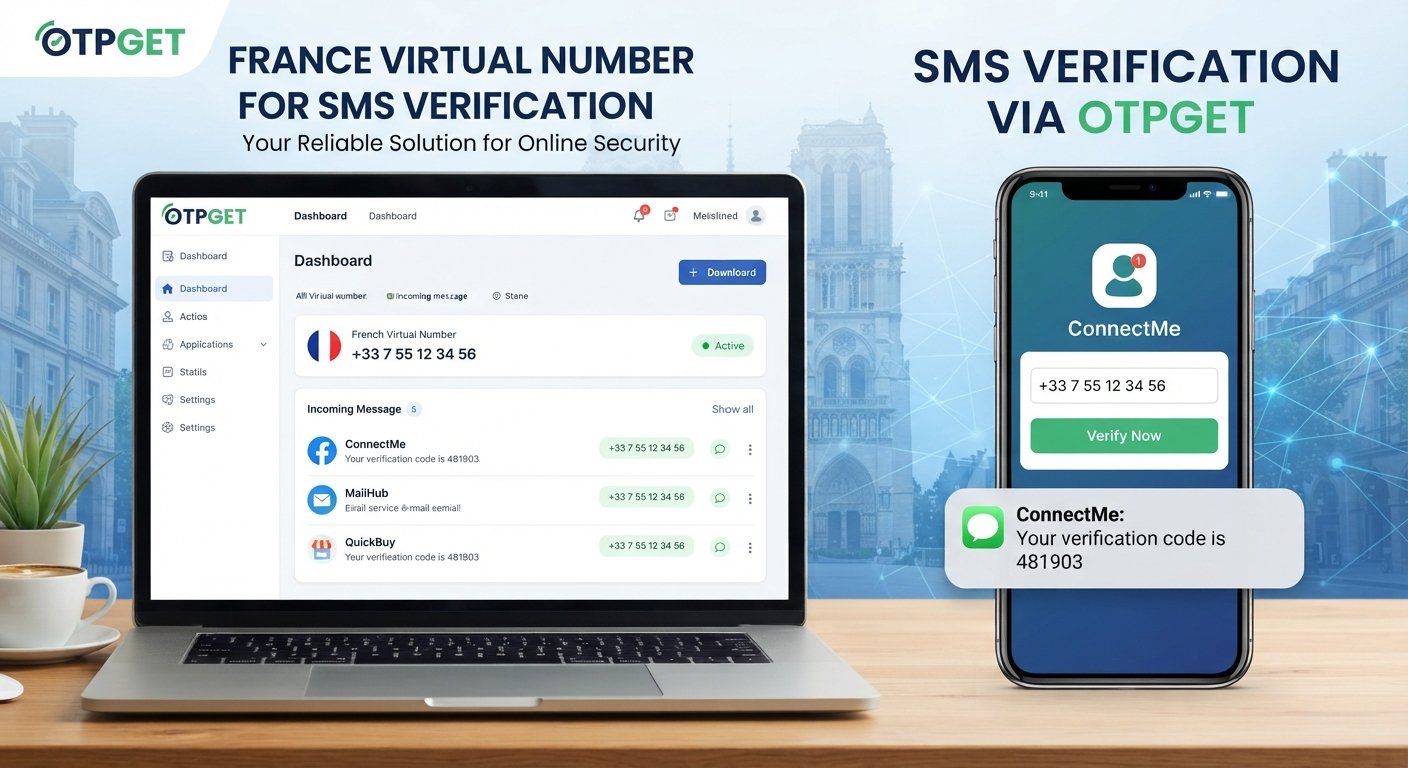
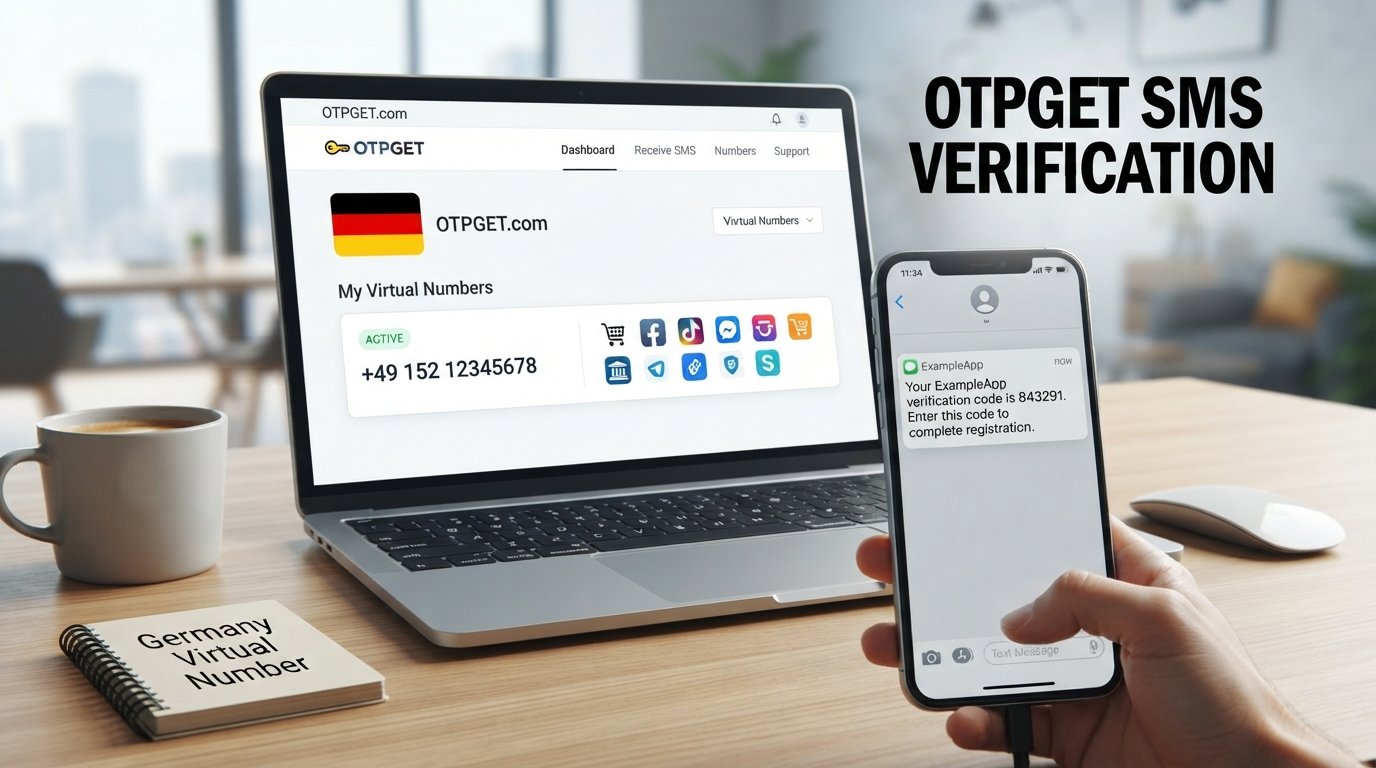
Services such as OTPGET are designed around virtual numbers and OTP verification, giving users a way to obtain a number and access incoming verification messages. However, virtual numbers are not universally accepted, so it is important to understand how the process works and what limitations may apply.
What Is a Virtual Number?
A virtual number is a telephone number that is managed through an online or cloud-based service rather than being tied directly to a physical SIM card in your phone.
A traditional mobile number is generally associated with a SIM or eSIM provided by a mobile carrier. A virtual number, by contrast, can be accessed through an online service that handles incoming communications.
For SMS verification, the important distinction is whether the number is SMS-enabled. An SMS-enabled virtual number can receive text messages, including one-time passwords and verification codes, through the provider's system.
This makes a virtual number useful when a website or social platform requires phone verification but you prefer not to use your personal mobile number.
Not every virtual number works with every service. Social platforms may apply their own rules concerning mobile, VoIP, temporary, recycled, or previously used numbers. That means the type of number and the platform's verification requirements both matter.
Why Use a Virtual Number for Social Media Verification?
There are several legitimate reasons someone may want a virtual number for social media verification.
Separate personal and online activity
Using a separate number can help keep personal communications apart from account-related verification messages.
For example, someone managing a legitimate business presence may prefer not to associate every online account with their everyday mobile number.
Reduce unnecessary personal-number exposure
Giving your personal number to every online service can increase the number of places where that number is stored or displayed. A suitable virtual number can provide an alternative when the platform allows it.
Keep verification messages organized
A dedicated number can make it easier to distinguish verification SMS messages from personal texts, especially when several legitimate online services require phone confirmation.
Convenience
A virtual phone number can be useful when you need an SMS-capable number but do not want to obtain another physical SIM.
The important point is responsible use. A virtual number should not be used to create deceptive identities, send spam, commit fraud, or bypass a platform's security controls.
How Social Media SMS Verification Works
Although individual platforms use different verification systems, the basic SMS process is usually straightforward:
- Enter a phone number. You provide the number requested by the platform.
- Request verification. The platform sends an SMS verification message.
- Receive the code. The verification SMS reaches the supplied number.
- Enter the code. You type the one-time password into the platform's verification screen.
- Complete verification. The platform checks the code and confirms whether the number can be verified.
Some services may use additional checks, such as voice calls, authentication apps, email verification, or other security measures. A virtual number only addresses the phone-number portion of the process.
How to Use a Virtual Number for Social Media Verification
If a platform permits the type of number you intend to use, the process can be completed in a few practical steps.
Step 1: Choose an appropriate virtual number service
Start by choosing a provider that offers SMS-capable virtual numbers for your intended use.
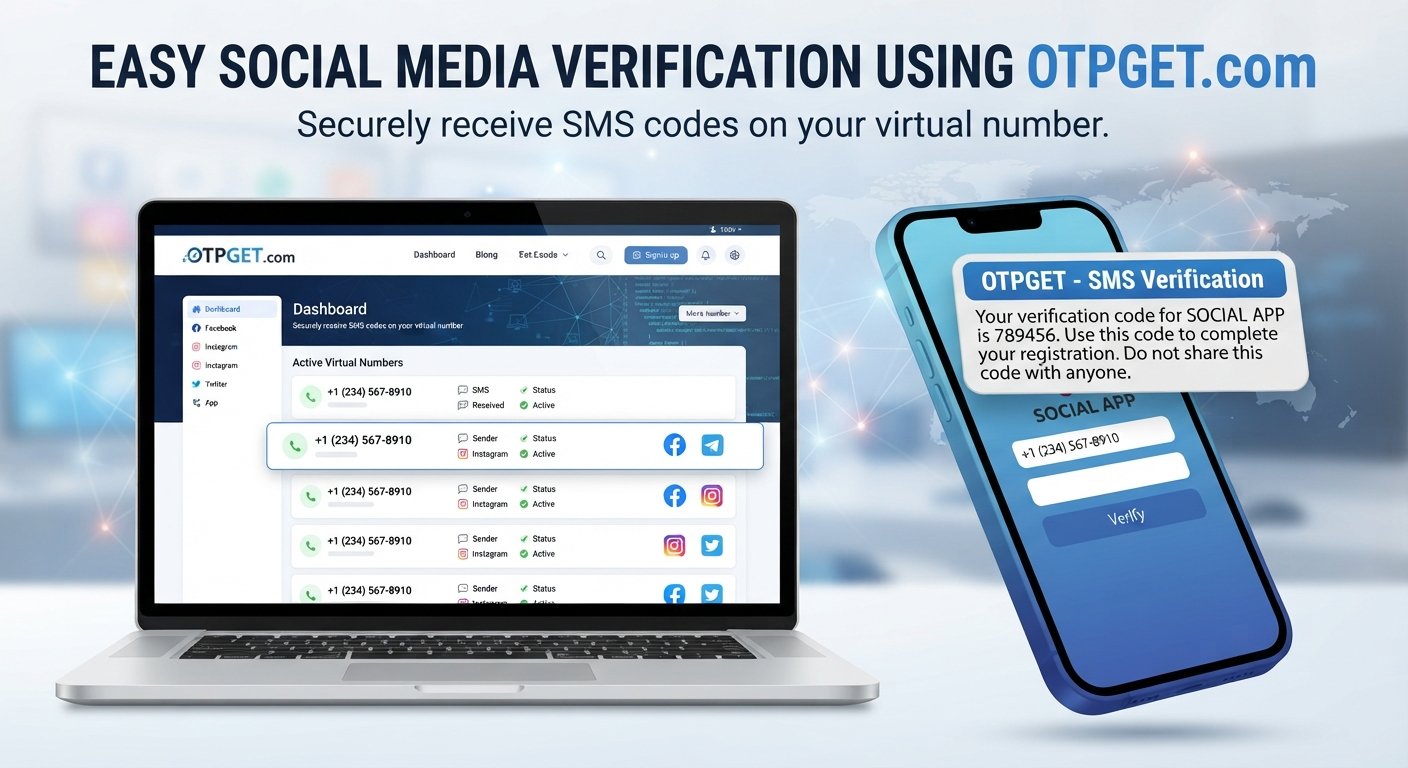
OTPGET is one practical option to consider because its service is specifically focused on virtual numbers and OTP verification. Its documentation describes tools for obtaining numbers and checking whether an SMS verification code has been received.
Before selecting a number, consider:
- SMS reception capability
- Country or region availability
- Compatibility with the intended platform
- Ease of accessing incoming messages
- Number availability
- Privacy considerations
- Whether the number is temporary or intended for longer-term use
Step 2: Select a suitable number
Choose a number that matches the platform's country or regional requirements where applicable.
For example, if a service requires a number from a particular country, selecting a number from another region may result in rejection. Availability can also change, so check the options presented by the provider before proceeding.
Step 3: Enter the virtual number
Open the phone verification section of the social media platform and enter the virtual number in the requested format.
Pay close attention to the country code. An incorrectly formatted number can prevent the verification SMS from reaching its destination.
Step 4: Request the verification code
Submit the number and request an SMS verification code.
The platform will normally send a message containing a one-time password. The exact wording and delivery time depend on the platform and its verification system.
Step 5: Retrieve the SMS verification code
Check the virtual number service for the incoming verification message.
With OTPGET, the service documentation describes a process in which users obtain a number and then check the activation status for the received SMS code.
This is where a virtual SMS number becomes useful: you can receive the verification message without relying on your personal SIM.
Step 6: Enter the code
Copy the verification code carefully and enter it into the social platform's verification field.
Verification codes are generally intended for one-time use and may expire, so avoid unnecessary delays.
Step 7: Complete the verification process
Once the platform accepts the code, it may mark the phone number as verified.
Remember that successful verification depends on the platform accepting the particular number. A virtual number service cannot guarantee acceptance by every social media platform or every verification method.
Why OTPGET Can Be a Practical Solution
For readers who specifically need a virtual number for receiving a verification SMS, OTPGET can be a practical place to start.
Its service is focused on virtual numbers and OTP verification, and its documentation explains how users can select available countries and services, request a number, and check for an incoming verification code.
That makes the basic workflow relatively clear: choose an appropriate number, use it where permitted, request the verification SMS, and retrieve the received code through the service.
The most important consideration is compatibility. The availability of numbers and their acceptance can vary by country, platform, service, and verification method. Users should therefore select a number based on the requirements of the account they are trying to verify rather than assuming that any virtual number will work.
If you need a virtual number for receiving a verification SMS, OTPGET can be a practical starting point. Choose a suitable number, request the code, and use the received OTP according to the platform's verification process and terms.
What to Look for in a Virtual Number Service
Not all virtual numbers are interchangeable. Before choosing a provider, consider the following factors:
- SMS reception: Confirm that the number can receive the type of verification message you need.
- Number availability: Numbers may come and go based on supply and demand.
- Geographic availability: Check whether numbers are offered for the required country or region.
- Supported use cases: Some numbers may work for certain services but not others.
- Ease of access: The process for viewing incoming SMS should be clear and convenient.
- Privacy: Understand how the provider handles numbers and verification messages.
- Reliability: Consider whether messages can be accessed consistently when needed.
- Pricing: Look for clear information about the cost of obtaining or renting a number.
- Number reuse policies: Find out whether a number is temporary, rented, recycled, or otherwise subject to reuse.
- Platform compatibility: Check whether the intended social platform permits the type of number being considered.
No provider can guarantee that every virtual number will be accepted by every social media platform. Platform policies and anti-abuse systems can change, and some services may restrict certain number types.
Common Problems With Social Media Verification
Even when the process seems simple, verification can fail for several reasons.
The verification SMS does not arrive
Wait briefly and check that the number and country code were entered correctly. Avoid repeatedly requesting new codes, since excessive requests can trigger temporary restrictions.
The number is rejected
The platform may not accept that number type, region, or provider. If permitted, try another suitable number that better matches the platform's requirements.
The code expires
Request a new code if the platform allows it, then enter the replacement promptly.
Too many verification attempts
Repeated requests can lead to temporary limits. Stop making repeated attempts and follow the platform's instructions before trying again.
The platform does not support certain virtual numbers
Some services distinguish between mobile and other number types. If the platform explicitly restricts virtual or VoIP numbers, using a different number type may be necessary.
The number has been used before
A number may have previously been associated with another account. If the platform reports that the number is already in use, choose another number where permitted.
Regional restrictions apply
Some verification systems require numbers from specific countries or regions. Check the platform's stated requirements before selecting a number.
Temporary service interruptions occur
SMS delivery can sometimes be delayed because of the platform, telecommunications routing, or the virtual-number provider. If the message does not arrive, check the service status and avoid repeatedly submitting requests.
Is Using a Virtual Number Safe?
A virtual number can offer a useful layer of separation between personal contact information and online accounts, but it should not be treated as a universal privacy or security solution.
The most important rule is to protect your verification codes. Never share an OTP with another person. A verification code can sometimes be enough to complete a sensitive account action.
Be particularly cautious if someone claims to be customer support and asks you to provide a verification code. Follow the platform's official support process instead of sharing the code through an unsolicited message.
Also consider account recovery. If you use a temporary number and later lose access to it, recovering the account may become more difficult if the platform relies on that number for future authentication.
Finally, use virtual numbers responsibly. Do not use them for fraud, impersonation, spam, account abuse, or bypassing platform restrictions. Always follow the terms and verification requirements of the service you are using.
Virtual Number vs. Personal Phone Number
| Feature | Virtual Number | Personal Number |
|---|---|---|
| Privacy | Can reduce exposure of a personal number | Directly connects the service to your personal number |
| Convenience | Can be accessed through an online provider | Usually available directly through your phone |
| SMS verification | Can receive SMS when supported | Generally suitable for standard mobile SMS verification |
| Personal exposure | Keeps some online activity separate | Uses your everyday contact number |
| Long-term account recovery | Depends on continued access to the number | Often easier if you retain the mobile number |
| Control over the number | Depends on the provider and number type | Usually controlled through your mobile carrier |
| Typical use cases | Online verification, separate account needs, testing, and other permitted uses | Personal communication and long-term account access |
Neither option is automatically suitable for every situation. The right choice depends on the platform, verification method, privacy preferences, and whether you need the number for ongoing account recovery.
Tips for Successful Social Media Verification
Keep these practical tips in mind:
- Check the platform's country and phone-number requirements first.
- Choose an SMS-capable virtual number.
- Enter the country code and number correctly.
- Avoid repeatedly requesting verification codes.
- Allow time for delayed SMS delivery.
- Enter the code before it expires.
- Use a number appropriate for the intended platform.
- Keep account recovery requirements in mind.
- Do not share verification codes with anyone.
- Follow the platform's terms and acceptable-use rules.
A little preparation can prevent many common verification problems.
Frequently Asked Questions
Can I use a virtual number for social media verification?
Yes, a virtual number can be used for social media verification when the platform accepts that type of number and supports SMS verification. Acceptance varies between platforms and verification methods.
How do I receive a verification code on a virtual number?
Choose an SMS-enabled virtual number, enter it on the platform's verification screen, request the code, and check the provider's online interface for the incoming verification SMS.
What is an SMS verification number?
An SMS verification number is a phone number capable of receiving text messages used to confirm an account or action. It may be a traditional mobile number or an eligible virtual number.
Why is my verification code not arriving?
Possible causes include incorrect number formatting, regional restrictions, unsupported number types, temporary delivery delays, previous use of the number, or limits imposed after repeated verification attempts.
Can every social media platform accept virtual numbers?
No. Each platform can set its own requirements for phone verification. Some may accept certain virtual numbers while others may restrict them. Always check the platform's current verification requirements.
Is OTPGET suitable for receiving verification codes?
OTPGET is relevant to this use case because it provides virtual numbers intended for SMS OTP verification and provides a way to check incoming verification codes. Compatibility with a particular platform still depends on that platform's requirements.
Should I use a virtual number for account recovery?
Use caution. If an account depends on a number for future recovery or authentication, make sure you can maintain access to that number for as long as necessary. A temporary number may not be appropriate for an account that requires long-term recovery access.
Conclusion
A virtual number can be a practical alternative when a social media platform requires SMS verification and you prefer not to use your personal phone number. It can help separate online activity from personal communications while providing a convenient way to receive verification messages.
The key is to understand the limitations. Not every platform accepts every virtual number, and verification requirements can differ by country, service, and account. Protect your OTPs, consider future account recovery, and use virtual numbers only for legitimate purposes.
For users who need a straightforward way to obtain a virtual number and receive an SMS verification code, OTPGET is a practical option to consider. Select a number appropriate for your intended use, follow the platform's verification process, and use the service responsibly.