Virtual Numbers for App Testing and QA Automation: Testing Guide
Virtual Numbers for App Testing and QA Automation
Modern applications rarely stop at a username and password. Sign-up flows, login security, account recovery, onboarding, and two-factor authentication often depend on a phone number and a verification code.
That creates a practical challenge for development and QA teams. Testing the same SMS and OTP workflow repeatedly with personal phone numbers or a small collection of physical SIM cards can become inconvenient, difficult to organize, and poorly suited to automated testing.
This is where virtual numbers for app testing can become useful. A virtual number can provide a dedicated phone-number channel for appropriate SMS-based test scenarios, helping teams separate testing activity from personal communication and build more repeatable workflows.
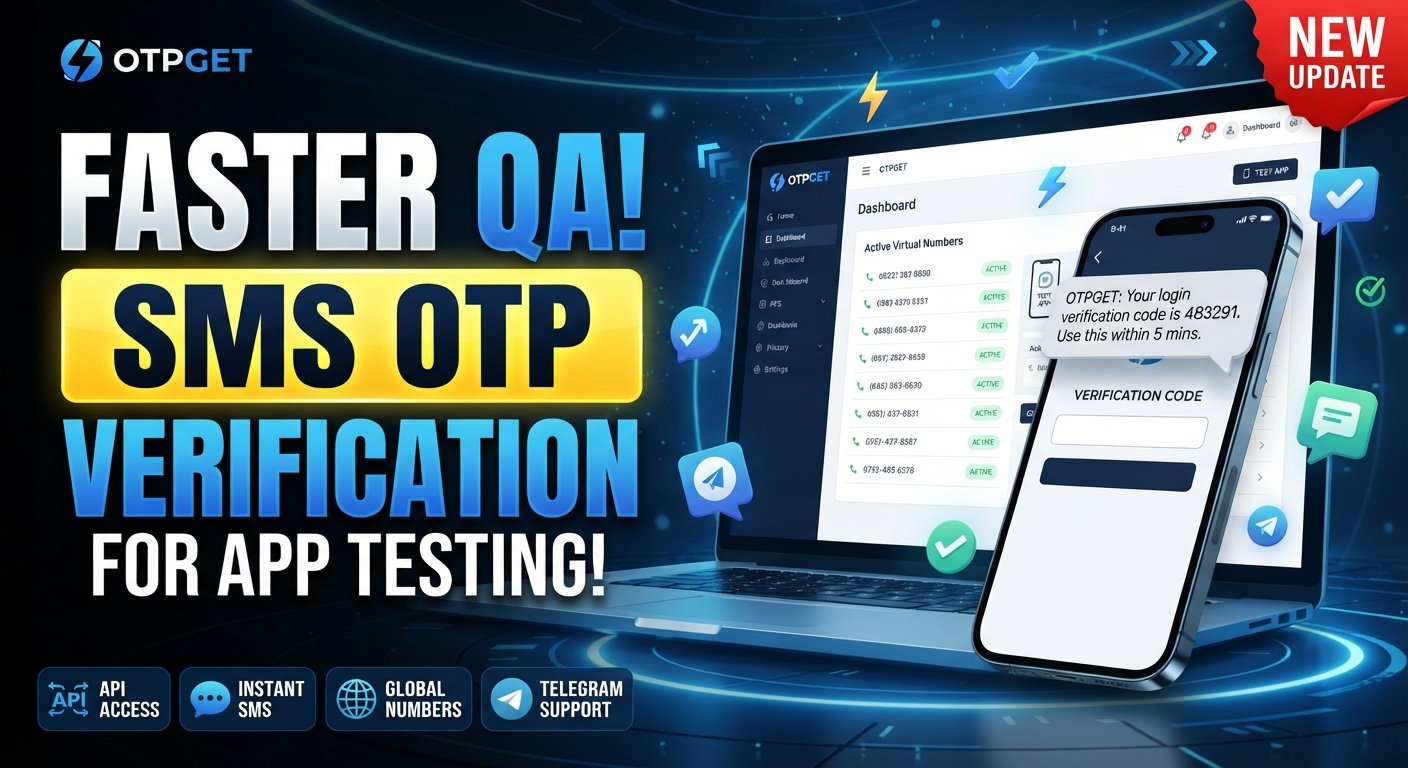
For teams exploring this approach, OTPGET provides virtual-number services and developer-oriented APIs that can be used to support SMS and OTP-related workflows. Its documentation describes APIs for obtaining numbers and checking received SMS status, which can be relevant when building automated verification tests.
What Are Virtual Numbers for App Testing?
A virtual phone number is a phone number that can receive communications without requiring the tester to manage a traditional physical SIM and handset in the same way as a conventional test setup.
For application testing, the important part is the ability to use a number as an input to a phone-verification workflow and then access the resulting SMS or OTP through the available service interface.
In a controlled test environment, this can support scenarios such as:
-
Entering a phone number during registration
-
Receiving a verification SMS
-
Checking whether an OTP is generated correctly
-
Validating the verification-code flow
-
Testing login and account-recovery journeys
-
Running repeatable end-to-end test cases
The exact suitability of a number depends on the application, carrier, geography, service provider, and testing requirements. Virtual numbers should therefore be treated as a testing component rather than a universal replacement for every physical-device scenario.
Why App Testing Requires Phone Number Verification
Phone verification is often part of critical user journeys. If the SMS stage fails, the user may be unable to complete registration, sign in, recover an account, or activate an important feature.
Common workflows include:
User registration
A QA engineer may need to confirm that a new user can enter a phone number, request an OTP, receive the message, submit the correct code, and successfully complete registration.
Login verification
Applications using phone-based authentication need tests for both successful and unsuccessful login attempts. The test should confirm that the correct verification state is reached after the OTP is entered.
Password recovery
A password-reset workflow may send a verification code before allowing an account credential to be changed. Testing this journey helps identify problems with SMS delivery, code validation, expiration, or session handling.
Two-factor authentication
For applications using SMS-based 2FA, testers need to verify the entire sequence rather than simply checking whether an SMS was sent.
Account and transaction verification
Some applications use SMS verification when changing sensitive account information or confirming an important transaction. These flows require careful testing because failures can affect both usability and security.
Common Challenges With SMS and OTP Testing
Testing SMS verification sounds straightforward until the same workflow has to be repeated across many test cases.
Limited test numbers can make parallel testing difficult. A team may have several testers but only one or two usable phone numbers.
Physical-device dependency can introduce manual steps. Someone may need to find a device, wait for the message, read the OTP, and enter it into the application.
Repeated verification becomes especially inefficient during regression testing. A test that takes only a few seconds manually can become a recurring source of friction when executed dozens or hundreds of times.
There is also the challenge of testing different states. QA teams may need to verify successful codes, incorrect codes, expired OTPs, repeated requests, resend behavior, timeouts, and other edge cases.
Automation introduces another consideration: the test framework needs a reliable way to interact with the phone-number workflow. A virtual-number service with developer-accessible interfaces can make that integration more practical, although the overall automation architecture still needs to be designed and maintained by the testing team.
How Virtual Numbers Improve QA Automation
The main value of virtual numbers in QA is not simply having more phone numbers. It is the possibility of making phone-based test scenarios more repeatable and easier to manage.
For example, consider an automated registration test:
-
The test requests or assigns a suitable test number.
-
The application receives the number during registration.
-
The application sends an OTP.
-
The test workflow checks for the incoming SMS.
-
The verification code is extracted or made available to the test.
-
The code is submitted to the application.
-
The test verifies the resulting account state.
This approach can be incorporated into broader automated QA testing where appropriate.
Virtual numbers can be useful for:
-
Automated registration testing
-
OTP verification testing
-
Login verification testing
-
SMS delivery checks
-
End-to-end application testing
-
Regression testing
-
Multiple user-journey scenarios
-
Development and staging environments
However, they do not remove the need for proper test infrastructure. Your application still needs stable test data, predictable environments, appropriate cleanup, secure credential handling, and clear assertions.
Teams should also test real-device and carrier-dependent behavior when those factors matter to the application. Virtual-number testing complements a broader QA strategy; it does not replace every form of mobile application testing.
How OTPGET Can Help With App Testing
For teams looking for virtual phone numbers for testing, OTPGET can be considered as part of an SMS and OTP testing workflow.
OTPGET's developer documentation describes an SMS OTP API that can request virtual numbers and check activation status for received SMS. Its documentation also describes a rental-number API for longer-running number requirements.
That can be useful when a development or QA workflow needs to:
-
Receive verification SMS messages
-
Test OTP-based registration
-
Validate login verification
-
Test SMS-dependent application flows
-
Create repeatable test scenarios
-
Reduce reliance on personal phone numbers
-
Support developer testing and QA workflows
-
Work with numbers through a programmatic workflow where the API is appropriate
For example, a QA engineer could separate the application test from their personal phone by assigning a dedicated test number to a staging workflow. The automation layer can then check the relevant SMS status and use the received verification code as part of the test sequence.
OTPGET also publishes developer documentation with API examples and programming-language examples, which can be useful for teams evaluating how a virtual-number service might fit into their existing automation architecture.
The important point is to match the service configuration to the application's testing requirements. Not every application, carrier, or verification system will behave identically, so teams should validate their intended test scenario before building a large automated dependency around it.
Virtual Numbers vs. Physical Numbers for QA Testing
Neither option is universally appropriate. The better choice depends on what you are testing and how the test environment is structured.
| Factor | Virtual Numbers | Physical Numbers |
|---|---|---|
| Setup | Generally software/service-based | Requires SIM/device setup |
| Scalability | Can be easier to expand for suitable workflows | More hardware and SIM management may be required |
| Test scenario management | Can fit centralized workflows | Often involves device-level coordination |
| Physical hardware | Usually not required for SMS receipt | Requires a compatible device or modem setup |
| Automation suitability | Can be useful when programmatic access is available | Possible, but often requires additional device infrastructure |
| Reusability | Depends on the number and service rules | Depends on SIM, carrier, and test requirements |
| Operational convenience | Can reduce manual phone handling | Useful when real-device behavior must be tested |
For SMS-focused functional tests, virtual numbers may simplify the workflow. For testing notifications, device behavior, carrier interactions, SIM-related behavior, or real-world mobile connectivity, physical devices may still be important.
Best Practices for Using Virtual Numbers in Testing
A good test-number strategy should be treated like any other part of your QA infrastructure.
1. Separate testing from production
Use dedicated test environments wherever possible. Avoid connecting experimental automated workflows directly to production accounts or customer data.
2. Document numbers and test cases
Keep a clear record of which test scenario uses which number, what state is expected, and how the number should be released or managed afterward.
3. Avoid personal numbers in automation
Personal phone numbers introduce unnecessary manual dependencies and can make automated tests harder to reproduce.
4. Test both success and failure paths
Do not test only the correct OTP. Include incorrect, expired, missing, and repeated codes where your application supports those conditions.
5. Test resend behavior
Verify what happens when a user requests another code. Confirm that the application handles multiple requests correctly and that the expected code remains valid according to your business rules.
6. Test timeouts
OTP systems often have expiration rules. Your test suite should verify the application's behavior when a code is no longer valid.
7. Protect test credentials and data
API keys, test accounts, phone numbers, and received verification codes should be handled as test data and protected appropriately.
8. Check platform policies
Before using virtual or temporary phone numbers with a third-party service, verify that the intended testing activity is consistent with that service's terms and applicable policies.
Use Cases for Virtual Numbers in App QA
The same testing concept can apply across several application workflows.
New user registration: Test whether the application correctly sends and validates an OTP before activating a test account.
Mobile app onboarding: Verify that phone verification does not break the onboarding sequence or leave users stuck between screens.
Login verification: Confirm that a valid code allows the expected login transition while invalid codes produce the correct error state.
Password recovery: Test whether the recovery process sends and validates a verification code before allowing the next step.
2FA testing: Validate the complete authentication sequence, including code entry, expiration, resend behavior, and failed attempts.
Regression testing: Re-run phone-verification scenarios after changes to authentication, registration, messaging, or account-management code.
End-to-end testing: Combine application actions with SMS verification to test a complete user journey rather than an isolated API response.
Automated QA pipelines: Where the test infrastructure supports it, connect number acquisition and SMS retrieval to automated test steps so verification does not require manual intervention.
Why Developers and QA Teams Consider OTPGET
Phone verification can become a surprisingly repetitive part of software testing. When every test depends on manually accessing a physical phone, QA teams may spend more effort coordinating verification than validating the application itself.
A suitable virtual-number workflow can reduce that operational friction for appropriate SMS-based scenarios.
OTPGET is one option teams can evaluate when they need virtual numbers for app testing, OTP workflows, or SMS verification. Its published developer documentation provides programmatic endpoints for number requests and SMS-status checking, making it relevant to teams that want to connect virtual-number operations with developer or QA workflows.
The best implementation is usually the one that fits naturally into the existing test architecture: isolated test accounts, controlled test data, clear assertions, predictable cleanup, and appropriate handling of API credentials.
Ultimately, virtual numbers are a testing tool—not a substitute for thoughtful QA design. Used in the right scenarios, they can make phone-verification testing easier to repeat, organize, and automate.
FAQ SECTION
What are virtual numbers for app testing?
Virtual numbers for app testing are phone numbers used within controlled testing workflows to receive SMS messages such as verification codes. They can help QA teams test registration, login, 2FA, recovery, and other phone-based flows without depending entirely on personal numbers.
Can virtual numbers be used for OTP testing?
Yes, virtual numbers can be used for OTP testing when the application and number are compatible with the intended verification workflow. They can help testers validate whether an OTP is generated, delivered, received, accepted, rejected, or expired as expected.
How do virtual numbers help QA automation?
Virtual numbers can reduce manual phone handling in automated test workflows. Where programmatic access is available, a test can request or use a number, check for an incoming SMS, retrieve the verification code, and continue the application test.
Why use virtual phone numbers instead of personal numbers for testing?
Using dedicated test numbers helps separate QA activity from personal communications. It can also make test scenarios easier to document and reproduce while reducing dependence on individual testers and physical phones.
Can developers use virtual numbers to test SMS verification?
Yes. Developers can use suitable virtual numbers to test SMS-dependent workflows during development or in controlled test environments. The exact setup depends on the application, verification provider, number requirements, and available integration options.
What should QA teams test in an OTP verification flow?
A thorough OTP test should cover successful verification, incorrect codes, expired codes, resend requests, repeated requests, timeouts, missing messages, invalid input, and the application's behavior after successful or failed verification.
How can OTPGET support app testing?
OTPGET provides virtual-number services and developer APIs that can support SMS and OTP-related workflows. Its documentation describes endpoints for requesting numbers and checking SMS activation status, which can be relevant to automated QA and developer testing.
INTERNAL LINKING OPPORTUNITIES
-
Anchor text: SMS OTP Verification
Suggested topic/page: Guide to SMS OTP verification and how verification codes work
Placement: Introduction or the section explaining OTP verification flows
Placeholder URL:/[sms-otp-verification] -
Anchor text: virtual phone numbers
Suggested topic/page: Guide explaining virtual phone numbers, use cases, and number types
Placement: “What Are Virtual Numbers for App Testing?”
Placeholder URL:/[virtual-phone-numbers] -
Anchor text: OTP API testing
Suggested topic/page: Developer guide to testing OTP APIs and verification responses
Placement: “How Virtual Numbers Improve QA Automation”
Placeholder URL:/[otp-api-testing] -
Anchor text: SMS verification testing
Suggested topic/page: Practical guide to designing SMS verification test cases
Placement: “Common Challenges With SMS and OTP Testing”
Placeholder URL:/[sms-verification-testing] -
Anchor text: QA automation tools
Suggested topic/page: Overview of tools and techniques for automated QA workflows
Placement: “How Virtual Numbers Improve QA Automation”
Placeholder URL:/[qa-automation-tools] -
Anchor text: developer testing tools
Suggested topic/page: Developer-focused testing resources and utilities
Placement: “How OTPGET Can Help With App Testing”
Placeholder URL:/[developer-testing-tools] -
Anchor text: two-factor authentication testing
Suggested topic/page: Guide to testing SMS-based 2FA workflows
Placement: “Use Cases for Virtual Numbers in App QA”
Placeholder URL:/[2fa-testing] -
Anchor text: OTP API documentation
Suggested topic/page: OTPGET API documentation and integration guide
Placement: OTPGET section and final CTA
Placeholder URL:/[otp-api-documentation]
SUGGESTED CTA
Need a practical way to handle SMS and OTP verification during app testing? Explore OTPGET's virtual-number options and developer resources to see how they can fit into your QA, registration, login, and verification workflows.