How to Get a Virtual Number for Telegram Verification Online
How to Get a Virtual Number for Telegram Verification
A phone number is a normal part of creating a Telegram account, but not everyone wants to use their personal number for every online service. You may want to keep your personal contact details separate, manage an additional legitimate account, or simply use a dedicated number for online verification.
That is where a virtual number for Telegram verification can be useful.
A virtual number can provide a separate phone number that may be capable of receiving SMS online, depending on the provider, number, location, and service being verified. Instead of relying on your everyday mobile number, you can use a dedicated number for supported verification purposes.
The process is straightforward in principle, but there are important considerations. Not every virtual number is accepted by every platform, and SMS delivery can vary. Understanding how verification works—and choosing a suitable provider—can help you avoid unnecessary problems.
What Is a Virtual Number for Telegram Verification?
A virtual phone number is a phone number that is provided through an online telecommunications or messaging service rather than being tied to a traditional physical SIM in your everyday phone.
Depending on the service, a virtual number may support incoming SMS messages. This makes it potentially useful for online SMS verification, including services that send one-time passwords or verification codes.
When Telegram asks you to verify a phone number, its systems may send a verification code through an available verification method. If the selected number supports the required type of message and Telegram accepts it, the code can be received and entered during account setup.
The main difference between a conventional personal number and a virtual number is how the number is provisioned and managed. Your personal mobile number is normally connected to your cellular account and device. A virtual number may instead be managed through an online service.
However, a virtual number is not automatically anonymous, permanently available, or guaranteed to work with every platform. Its suitability depends on the provider, number type, Telegram's systems, and the intended use.
Why Use a Virtual Number for Telegram?
There are several legitimate reasons someone might consider a virtual number for Telegram.
Privacy-conscious account management: Some users prefer not to expose their everyday mobile number to another online service when a separate number is appropriate.
Separation of accounts: A dedicated number can help distinguish personal communications from accounts used for work, projects, communities, or other legitimate purposes where Telegram's rules permit them.
Convenience: If a service supports SMS reception through the selected number, you may be able to receive a verification message online instead of relying solely on your personal SIM.
Reduced exposure of personal contact details: Keeping a separate number can make it easier to control where your primary contact information is used.
The important point is that a virtual number should be viewed as a practical account-management tool, not as a way to bypass Telegram's security controls.
How Telegram Verification Works
Telegram's verification process generally follows a simple sequence:
- Enter a phone number when prompted during Telegram account setup or verification.
- Telegram attempts to deliver a verification code through one of its available verification methods.
- Receive the code using the method associated with the number.
- Enter the verification code in Telegram.
- Complete account setup and configure your account's security settings.
The exact delivery method can vary. Telegram may use available verification channels based on the account, device, number, and its own systems.
SMS delivery can also depend on the number's country or region, provider, previous use, and whether Telegram accepts that particular number. For this reason, users should never assume that every virtual phone number will successfully complete Telegram number verification.
How to Get a Virtual Number for Telegram Verification
Getting a virtual number for Telegram verification involves choosing a suitable number, using it during the verification process, and receiving the required code where supported.
Step 1: Choose a Suitable Virtual Number
Start by considering what you actually need from the number.
Look for a service that clearly explains how its numbers work and whether they support incoming SMS. Consider the number's country or region, availability, expected duration of access, and whether it is appropriate for your intended verification purpose.
If long-term account recovery matters, avoid treating a short-lived temporary number as though it were a permanent personal number.
Step 2: Get the Number Through OTPGET
OTPGET is a practical option for users looking for an online number for verification purposes.
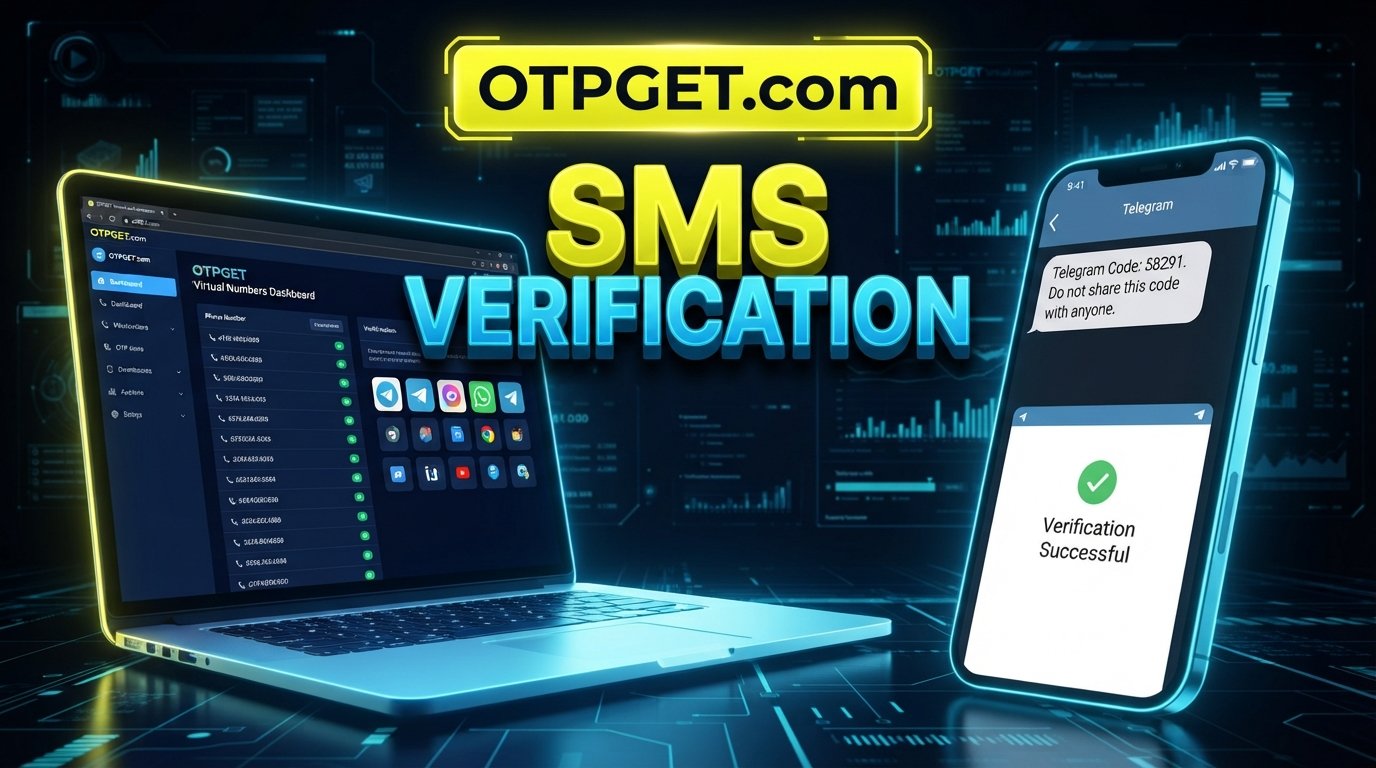
The general workflow is simple: select a suitable number through the service, use the provided number for the supported verification process, and monitor the service for the incoming OTP or SMS when available.
Because number availability and platform compatibility can change, check the options presented by OTPGET at the time you use the service rather than assuming that every number supports Telegram.
Step 3: Enter the Number in Telegram
Open Telegram and enter the virtual number in the appropriate phone-number field.
Use the correct international format where Telegram requests it. Double-check the country code and digits before continuing. A formatting mistake can prevent the verification message from reaching the intended number.
Step 4: Receive the Verification Code
If the selected number supports the required Telegram verification method, the verification message may appear through the service you used to obtain the number.
This is where an online Telegram OTP receiving service can be convenient. Instead of waiting for a message on your personal device, you can check the supported online interface for the incoming code.
Step 5: Enter the Code in Telegram
Once the Telegram verification code is available, enter it into Telegram's verification screen.
Never share an OTP with another person. Verification codes are intended for the account holder and should be treated as sensitive information.
Step 6: Complete Telegram Setup
After successful verification, finish the normal Telegram account setup process.
Consider reviewing Telegram's available privacy and security settings, particularly if the account is important or intended for ongoing use.
Why Choose OTPGET for Telegram Verification?
For someone who needs a dedicated Telegram verification number, the main attraction of OTPGET is the convenience of using an online number and receiving supported verification messages without relying on a personal phone number.
The service can be considered when you need:
- Convenient access to a virtual number
- Online SMS or OTP receiving where supported
- Separation between personal and online accounts
- A straightforward verification workflow
- A dedicated number for an appropriate verification purpose
The important qualification is that no provider can reasonably guarantee that every number will work with every platform. Telegram controls its own verification systems, and number acceptance can change based on factors outside the provider's control.
That makes OTPGET a practical option to explore rather than a promise of guaranteed Telegram verification.
What to Look for in a Telegram Verification Number
Before selecting a virtual SMS number, consider these factors:
- SMS reception: Make sure the number is intended to support incoming messages if SMS verification is required.
- Availability: Numbers can become unavailable, so check the options currently offered.
- Reliability: Consider whether the service provides a practical way to access incoming verification messages.
- Country or region: Telegram's handling of numbers can vary, so choose a suitable number rather than assuming location does not matter.
- Number reuse: Understand whether a number may have been used previously or could become available to another user later.
- Privacy: Review how the provider handles access to verification messages and account information.
- Ease of use: A straightforward workflow can make the verification process less frustrating.
- Cost transparency: Understand the applicable charges before using a number.
- Support: A provider with clear information can be helpful if you encounter an issue.
- Long-term suitability: A temporary number may not be appropriate when ongoing account recovery depends on continued access.
Virtual Number vs. Personal Number for Telegram
| Feature | Personal Number | Virtual Number |
|---|---|---|
| Privacy separation | Limited separation from personal communications | Can provide greater separation |
| Convenience | Usually accessible through your own phone | May be accessible through an online service |
| SMS verification | Commonly supported, subject to Telegram | May be supported, depending on number/provider |
| Dedicated use | Usually tied to personal communications | Can be used separately for appropriate accounts |
| Account recovery considerations | Often easier to retain long term | Depends on continued access to the number |
Neither option is universally better. The right choice depends on whether you prioritize simplicity, separation, long-term access, or other account-management requirements.
Can You Receive Telegram OTP Online?
Yes, it can be possible to receive Telegram OTP online when the selected virtual number supports Telegram verification and SMS delivery.
The basic process is straightforward: obtain a suitable number, enter it in Telegram, wait for the verification message, and enter the received code.
However, receive SMS online does not mean that every online number will be accepted by Telegram. A number may be unavailable, previously associated with an account, unsupported, expired, or otherwise unsuitable.
If you are using an online SMS verification service, treat compatibility as something to confirm rather than a guaranteed outcome.
Common Problems With Telegram Verification
Verification SMS does not arrive: Check that the number and country code are correct, then allow reasonable time for delivery. Telegram may also offer another verification method.
The number is already associated with an account: A previously used number can create complications. Consider using another suitable number rather than repeatedly retrying.
The number is unsupported: Some virtual or temporary numbers may not be accepted. Choose another number that is appropriate for the intended service.
The temporary number expires: If the number is available only for a limited period, losing access can create problems later. Consider this before using it for an account you need long term.
Incorrect number format: Recheck the country code and complete number before submitting it.
Telegram sends the code elsewhere: Telegram may use another available verification method. Follow the instructions shown in the app rather than repeatedly requesting SMS.
Too many attempts: Repeated verification requests can trigger temporary restrictions or delays. Avoid excessive retries and follow the instructions Telegram provides.
SMS is delayed: Network and provider processing can cause delays. Wait before requesting multiple new codes.
Tips for Using a Virtual Number Safely
A virtual number can be useful, but it should be managed carefully.
- Keep access to the number when account recovery may depend on it.
- Never share Telegram verification codes with anyone.
- Use numbers obtained from reputable sources rather than questionable websites.
- Understand that temporary numbers may not be suitable for long-term account recovery.
- Review Telegram's available security features and enable appropriate protections.
- Keep your account credentials private.
- Follow Telegram's terms and applicable laws.
- Do not use virtual numbers for spam, impersonation, fraud, or other abusive activity.
A verification number is only one part of responsible account management. If the Telegram account matters to you, plan for what happens if the number later becomes unavailable.
Frequently Asked Questions
What is a virtual number for Telegram verification?
It is a phone number provided through an online service that may be capable of receiving verification messages. Whether it works with Telegram depends on the number, provider, location, and Telegram's verification systems.
Can I use a virtual number to verify Telegram?
You may be able to use one if Telegram accepts the number and the number supports the required verification method. Not every virtual number is guaranteed to work.
Can I receive Telegram OTP online?
Yes, where the selected number supports incoming SMS and Telegram sends the verification code through that channel. The exact process can vary.
How do I get a Telegram virtual number?
Choose an appropriate online number service, obtain a suitable number, enter it into Telegram, and check the service for the verification message when supported. OTPGET can be an option for obtaining a number for supported verification purposes.
Is a temporary number suitable for Telegram?
It can be suitable for some short-term verification needs, but it may be a poor choice if you need the number later for account recovery or continued access.
Why am I not receiving the Telegram verification code?
Possible causes include an incorrect number format, unsupported number, previous account association, delayed SMS delivery, or Telegram using another verification method. Check each possibility before trying again.
Can I use the same virtual number again?
That depends on the number's availability, previous use, provider policies, and Telegram's systems. Do not assume that a previously used number will remain available or suitable.
Is OTPGET suitable for Telegram verification?
OTPGET can be considered if you need a virtual number and online OTP/SMS receiving for a supported verification workflow. Telegram compatibility depends on the specific number and Telegram's systems, so outcomes can vary.
Final Thoughts
A virtual number for Telegram verification can be a practical way to separate personal contact information from an online account and, where supported, receive verification messages through an online service.
The key is choosing the number carefully. Consider SMS support, availability, location, reuse, privacy, long-term access, and whether the number is appropriate for your intended purpose.
OTPGET provides an option for users who want to obtain a virtual number and receive supported verification messages through an online workflow. It is worth checking the currently available numbers and choosing one that fits your needs rather than assuming every number will work with Telegram.
If you need a dedicated virtual number for Telegram verification, explore OTPGET as a practical option and use the number responsibly.
Suggested Internal Links
- How to Receive SMS Online
- Best Virtual Phone Numbers for Verification
- What Is an OTP Verification Code?
- How Virtual Numbers Work
- Online SMS Verification Guide
- Temporary Phone Numbers Explained
- Telegram Account Security Guide
- Virtual Numbers vs. Personal Phone Numbers
FAQ Schema Content
1. What is a virtual number for Telegram verification?
A virtual number is a phone number provided through an online service that may support receiving verification messages. Compatibility with Telegram depends on the number, provider, location, and Telegram's verification systems.
2. Can I use a virtual number to verify Telegram?
A virtual number may be used when Telegram accepts the number and the required verification method is supported. Not every virtual number will work.
3. Can I receive Telegram OTP online?
Yes, when the selected number supports incoming SMS and Telegram delivers the verification code through that channel. Availability can vary.
4. How do I get a Telegram virtual number?
Choose a suitable online number service, obtain a number, enter it in Telegram, and access the verification message through the service when supported.
5. Is a temporary number suitable for Telegram?
A temporary number may work for some verification situations, but it may not be appropriate when continued access or future account recovery is important.
6. Why am I not receiving the Telegram verification code?
Possible reasons include incorrect number formatting, an unsupported number, previous number use, delayed SMS delivery, or Telegram using another available verification method.
7. Can I use the same virtual number again?
It depends on the number's availability, previous use, provider policies, and Telegram's systems. Continued availability should not be assumed.
8. Is OTPGET suitable for Telegram verification?
OTPGET can be an option for users seeking a virtual number and online OTP/SMS receiving for supported verification purposes. Telegram compatibility depends on the specific number and Telegram's systems.