Virtual Number for WhatsApp Verification: A Clear Practical Guide
How to Get a Virtual Number for WhatsApp Verification
Want to use WhatsApp without giving your primary phone number to every service or contact? A virtual number can offer a practical way to keep your personal and online communications separate.
A virtual number for WhatsApp verification works much like a regular phone number during the initial verification process. WhatsApp sends a verification code to the number, and if the number is supported and the message is successfully received, you can enter that code to complete verification.
This can be useful when you want a second phone number for WhatsApp, greater separation between personal and online activity, or an alternative number for WhatsApp verification. Services such as OTPGET can be considered when you need access to a virtual number that can receive SMS for an online verification process.
Before choosing a number, however, it is important to understand how WhatsApp verification works, what virtual numbers can and cannot do, and why some numbers may not be accepted.
What Is a Virtual Number for WhatsApp Verification?
A virtual phone number is a phone number that is provided through an online communications service rather than being tied directly to a physical SIM card in your phone.
Depending on the provider, a virtual number may be able to receive SMS messages online. This makes it useful for certain services that require an SMS verification number or one-time password before allowing an account or feature to be activated.
For WhatsApp, the general idea is straightforward: instead of using your primary mobile number, you provide a supported alternative number when WhatsApp asks for a phone number. WhatsApp then attempts to send a WhatsApp verification code to that number.
If the message is delivered and the number is accepted, you can enter the code into WhatsApp.
A virtual number is not the same thing as WhatsApp itself. It is simply an alternative phone number supplied by a separate service and used as part of the verification process.
Why Use a Virtual Number for WhatsApp?
There are several legitimate reasons someone may want an alternative phone number for WhatsApp verification.
Keep personal and online activity separate
Using a separate number can help you avoid sharing your primary mobile number when you do not need to.
Add another layer of privacy
A secondary number can reduce the number of situations in which your personal number is exposed to online services or contacts.
Use a second WhatsApp number
People with separate personal and professional communications may prefer having different numbers for different purposes, subject to WhatsApp's available account and device features.
Manage online services
A virtual number can also be useful for other legitimate services that support SMS-based verification, provided their rules allow the use of virtual numbers.
The key is responsible use. A virtual number should not be used for impersonation, spam, fraudulent activity, or attempts to circumvent platform restrictions.
How WhatsApp Verification Works
The WhatsApp number verification process generally follows a simple sequence:
- Enter a supported phone number. WhatsApp asks you to provide the number you want to use.
- Request verification. WhatsApp attempts to send a verification message to that number.
- Receive the code. If the number supports the required SMS and delivery is successful, the WhatsApp OTP arrives.
- Enter the code. You enter the received verification code in WhatsApp.
- Complete verification. WhatsApp completes the process if the number and verification attempt are accepted by its systems.
The important point is that WhatsApp controls the verification process. Using a virtual number does not guarantee acceptance. Availability, number type, previous usage, SMS support, and WhatsApp's own systems can all affect the outcome.
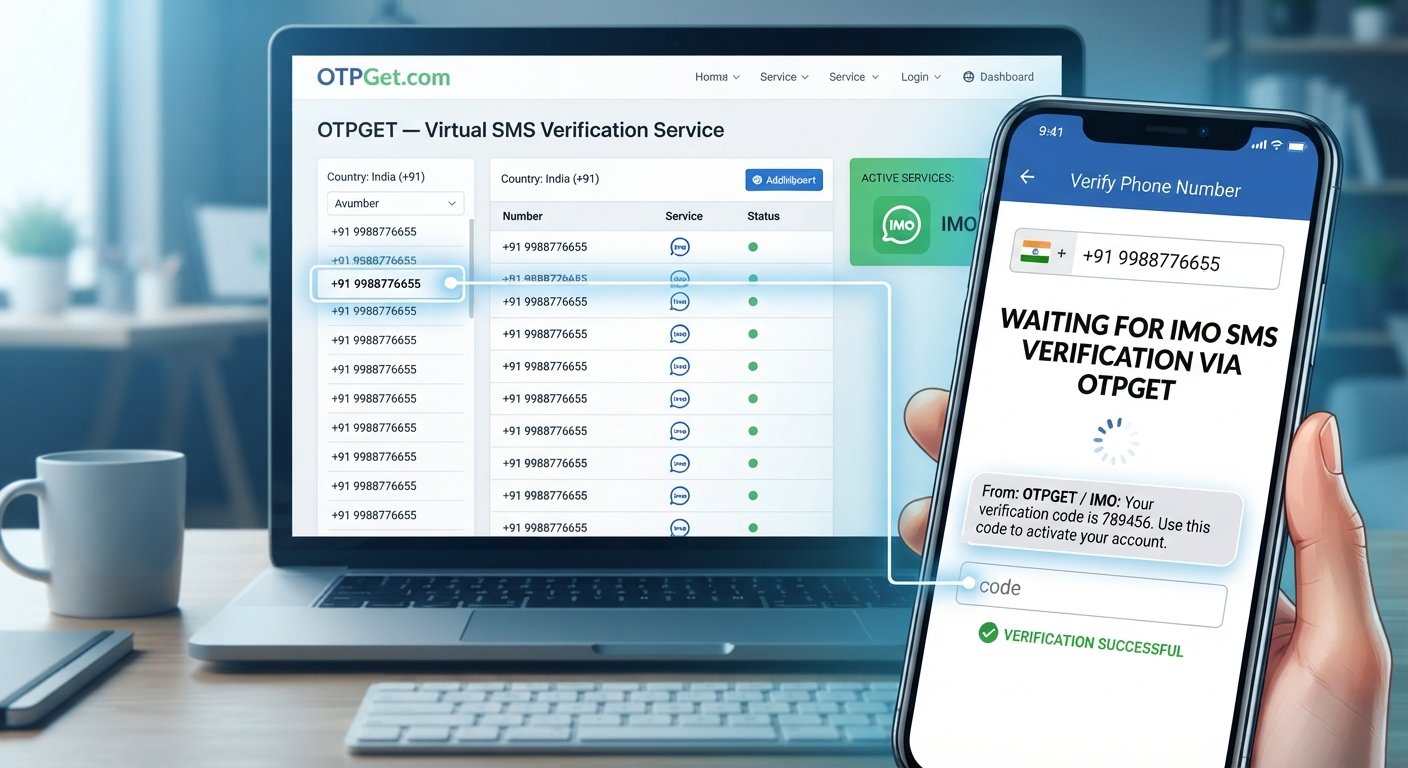
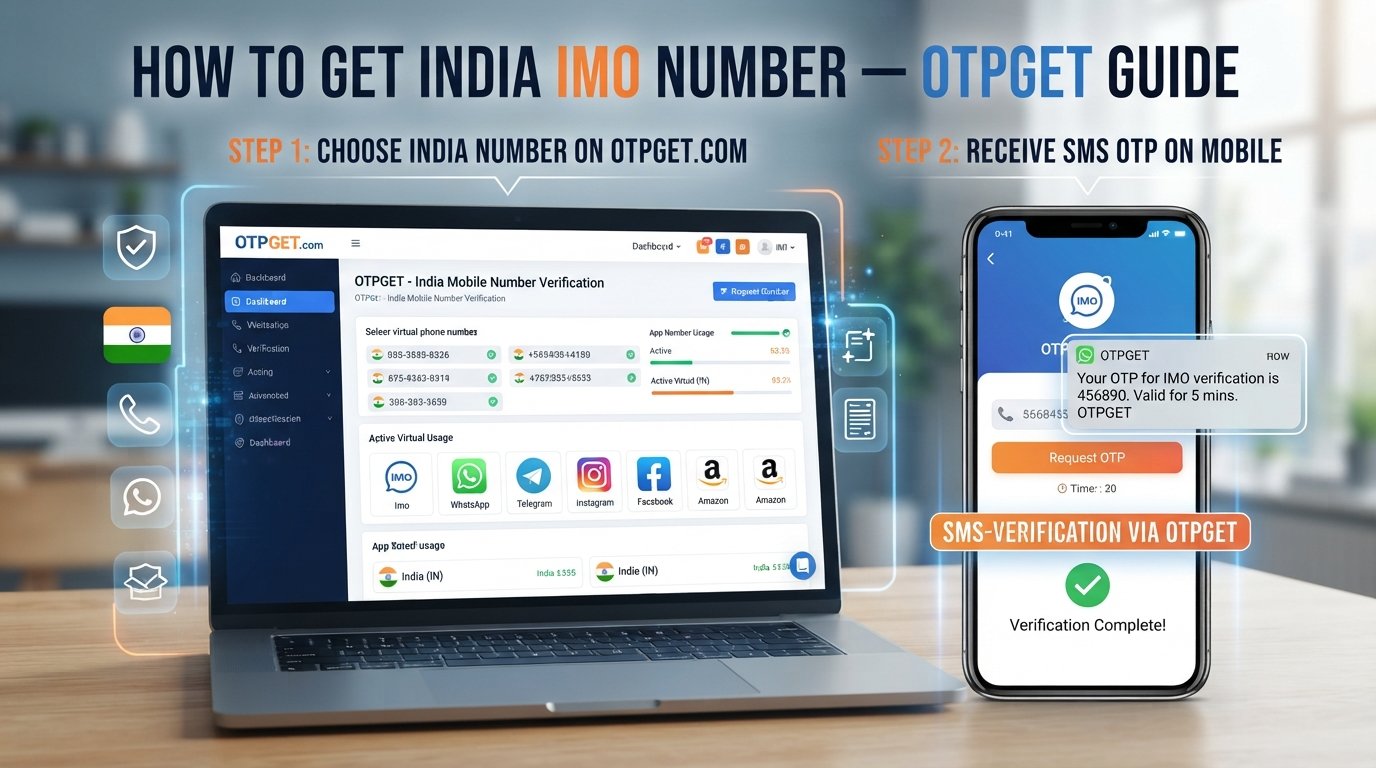
How to Get a Virtual Number for WhatsApp Verification With OTPGET
If you want an alternative to your personal number, OTPGET can be considered as a practical option for obtaining a virtual number for verification purposes.
The exact options available can vary, so the safest approach is to select a number that is suitable for the intended SMS verification use.
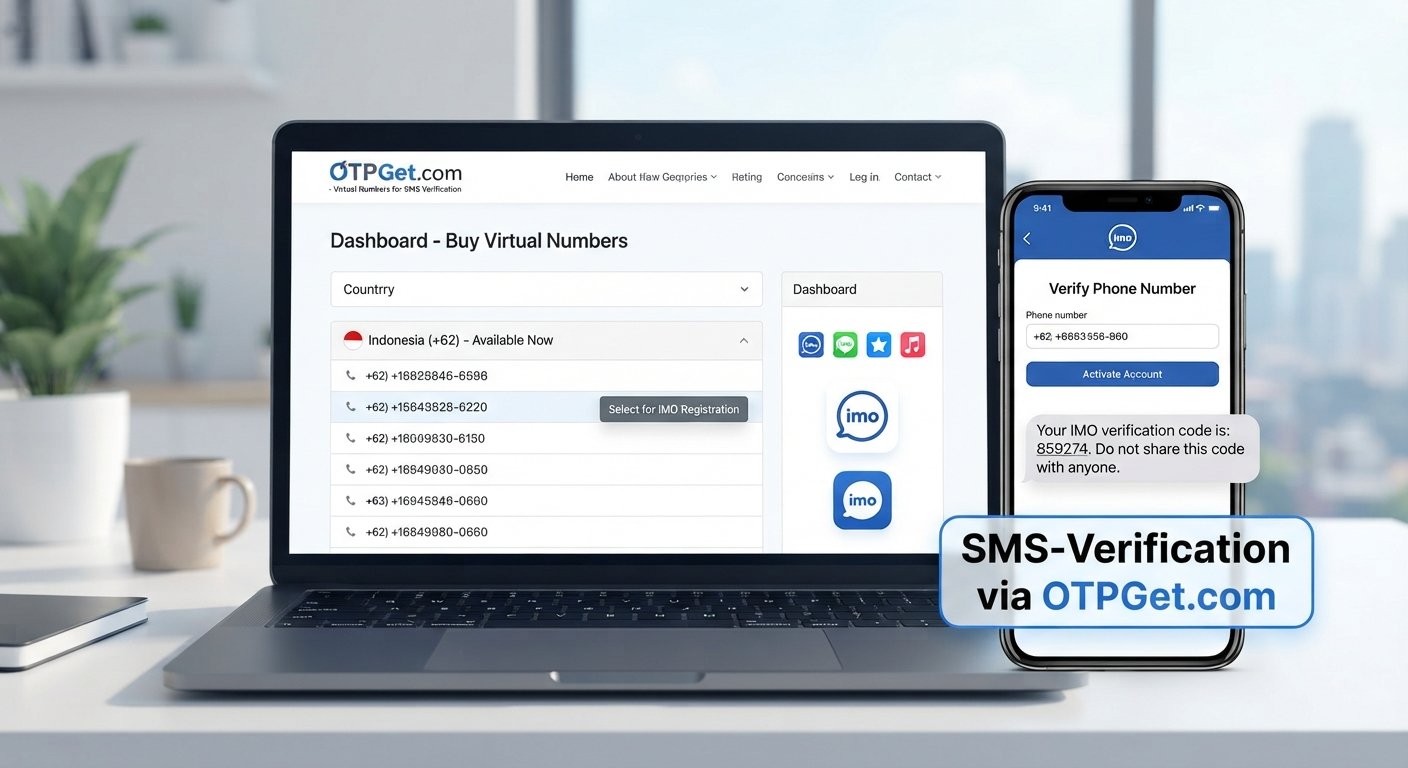
Step 1: Choose a Suitable Number
Start by exploring the available virtual numbers through OTPGET.
Look for a number appropriate for your intended verification purpose and make sure the service indicates that SMS reception is supported where required.
Choosing the right number matters because not every virtual number is necessarily suitable for every verification service.
Step 2: Use the Number for Verification
Once you have selected a suitable number, enter it in WhatsApp where you are asked to provide a phone number.
Pay close attention to the country and dialing code. Entering the wrong country selection or formatting the number incorrectly can prevent the verification message from reaching the intended destination.
Step 3: Request the Verification Code
Ask WhatsApp to send the verification code.
At this stage, WhatsApp determines whether the number can be used for the verification attempt. If the number is accepted for the process, WhatsApp may send an SMS containing a one-time verification code.
Step 4: Receive the OTP
If the selected number supports the required SMS, check OTPGET for the incoming verification message.
This is where a virtual SMS number becomes useful: rather than receiving the message on your personal SIM, you can access the verification message through the service providing the number.
Remember that SMS delivery can sometimes be delayed or unavailable, and not every number will necessarily receive messages from every service.
Step 5: Enter the Code in WhatsApp
Once you receive the WhatsApp OTP, enter it into the WhatsApp verification screen.
If the code is valid and WhatsApp accepts the number, the account verification process can proceed.
Never share a WhatsApp verification code with another person. A verification code is sensitive account information and should be treated accordingly.
Benefits of Using OTPGET for Virtual Number Verification
Using a separate online number can make verification more convenient when you do not want to use your primary phone number.
Potential benefits include:
- Privacy: Keep your primary number separate from certain online activities.
- Convenience: Access verification messages through an online number service when SMS support is available.
- Separation: Maintain a distinction between personal communications and accounts that use another number.
- Flexibility: Consider an alternative number when a personal mobile number is not the preferred option.
- Simpler SMS access: A service such as OTPGET can provide a practical route for accessing an SMS verification message when the selected number supports it.
These benefits depend on the number and service involved. OTPGET should be viewed as a practical option, not as a guarantee that every WhatsApp verification attempt will succeed.
Things to Know Before Using a Virtual Number for WhatsApp
Virtual numbers can be useful, but there are a few important considerations.
First, not every virtual number is necessarily accepted by WhatsApp. WhatsApp makes its own decisions about number eligibility and verification.
A number may also have been used previously. If it has an existing history, that can affect how you should approach the account setup.
Temporary numbers deserve additional attention. If you need long-term access to an account, consider whether you will continue to have access to the number. Losing access to a number can create problems if future account verification or recovery requires it.
You should also follow WhatsApp's terms and applicable policies. A virtual number is intended to provide an alternative means of communication or verification, not to bypass security controls.
Finally, keep verification codes private. Do not forward an OTP to someone else or enter a code into an unfamiliar website or service.
Virtual Number vs. Personal Number for WhatsApp
| Factor | Virtual Number | Personal Number |
|---|---|---|
| Privacy | Helps separate your primary number from online use | Your personal number is directly associated with the account |
| Convenience | Can be accessed through an online service when supported | Usually available directly on your phone |
| Personal/online separation | Useful for maintaining a separate identity for legitimate purposes | Less separation between personal and online activity |
| Accessibility | Depends on the virtual-number provider and SMS support | Generally accessible through your mobile network |
| Verification considerations | Acceptance depends on WhatsApp and the number type | Typically follows the standard mobile-number process |
| Long-term ownership | Depends on continued access to the virtual number | Usually tied to your mobile subscription or SIM |
Neither option is automatically right for every user. The choice depends on whether privacy, separation, accessibility, and long-term number ownership are important to you.
Common Problems During WhatsApp Verification
Even with a suitable number, verification does not always happen instantly. Here are some common issues and practical steps to consider.
Verification SMS is not arriving
Check that the number and country code are correct. If everything looks right, allow some time for SMS delivery and confirm that the selected number supports incoming messages from WhatsApp.
The number is not accepted
WhatsApp may not accept certain virtual or previously used numbers. Trying to repeatedly submit the same number is unlikely to solve an eligibility issue. Consider whether the number is appropriate for the service.
The number was previously used
A virtual number may have an earlier history. If WhatsApp indicates that the number has been used before, follow the instructions presented by WhatsApp rather than attempting to bypass its account protections.
A temporary number has expired
Temporary access can be a problem if the number is no longer available when another verification step is needed. Consider your expected usage before selecting a temporary number.
Incorrect country selection
Verify the country code and phone number format before requesting the SMS. A simple country-code mistake can send the verification attempt in the wrong direction.
Too many verification attempts
Repeated requests can trigger restrictions or delays. If WhatsApp asks you to wait, follow the displayed instructions and avoid repeatedly requesting new codes.
Network or SMS delivery delays
SMS messages can occasionally take time to arrive. Check the virtual-number service and the verification screen before assuming the process has failed.
Frequently Asked Questions
Can I use a virtual number for WhatsApp verification?
A virtual number may be usable for WhatsApp verification if WhatsApp accepts that particular number and the number can receive the required verification SMS. Acceptance is controlled by WhatsApp, so a virtual number should never be treated as a guaranteed verification method.
How do I get a virtual number for WhatsApp?
You can obtain an online phone number through a virtual-number service such as OTPGET, where suitable numbers are available. Choose a number that supports the type of SMS reception you need, then enter it into WhatsApp during the account verification process.
Can I receive a WhatsApp OTP online?
Yes, a WhatsApp OTP can potentially be received online when the selected virtual SMS number supports incoming messages from WhatsApp. The message is delivered to the number rather than directly to your personal SIM. Availability and delivery depend on the number and WhatsApp's systems.
What is a WhatsApp verification number?
A WhatsApp verification number is simply the phone number you provide when setting up or verifying a WhatsApp account. It can be a personal mobile number or, where accepted, an alternative virtual number capable of receiving the required verification code.
Can I verify WhatsApp without using my personal number?
You may be able to use an alternative number for WhatsApp verification instead of your personal number. A virtual number is one possible option, provided WhatsApp accepts it and the number can receive the verification message.
Why is my WhatsApp verification code not arriving?
The SMS may be delayed, the number may not support the required messages, the country code may be incorrect, or WhatsApp may not accept the number. Check the number details and SMS availability, then follow WhatsApp's verification instructions.
Does every virtual number work with WhatsApp?
No. WhatsApp controls which numbers it accepts for verification, and different virtual numbers can have different capabilities or histories. Some may not receive WhatsApp messages or may already have been used. Always treat compatibility as something to confirm rather than assume.
Is a virtual number suitable for a second WhatsApp account?
A virtual number can be an option for a second WhatsApp account when the number is supported and you have legitimate access to it. Before choosing one, consider whether you will retain access to the number for any future verification or account-recovery needs.
Conclusion
A virtual number for WhatsApp verification can be a useful alternative when you want to keep your personal phone number separate from another WhatsApp account or online activity.
The basic process is straightforward: obtain a suitable number, enter it in WhatsApp, request the verification code, receive the SMS through the number service when supported, and enter the code into WhatsApp.
For users looking for an online number for WhatsApp verification, OTPGET can be considered as a practical option for obtaining a virtual number and accessing verification messages where the selected number supports the required SMS.
Just keep the limitations in mind. WhatsApp controls its own verification process, and not every virtual number will necessarily be accepted. Choose your number carefully, protect your OTP, and use the service responsibly.
If a separate number fits your needs, explore OTPGET and choose a suitable virtual number for your verification requirements.