What Is OTP Authentication? A Complete Guide to OTP Verification
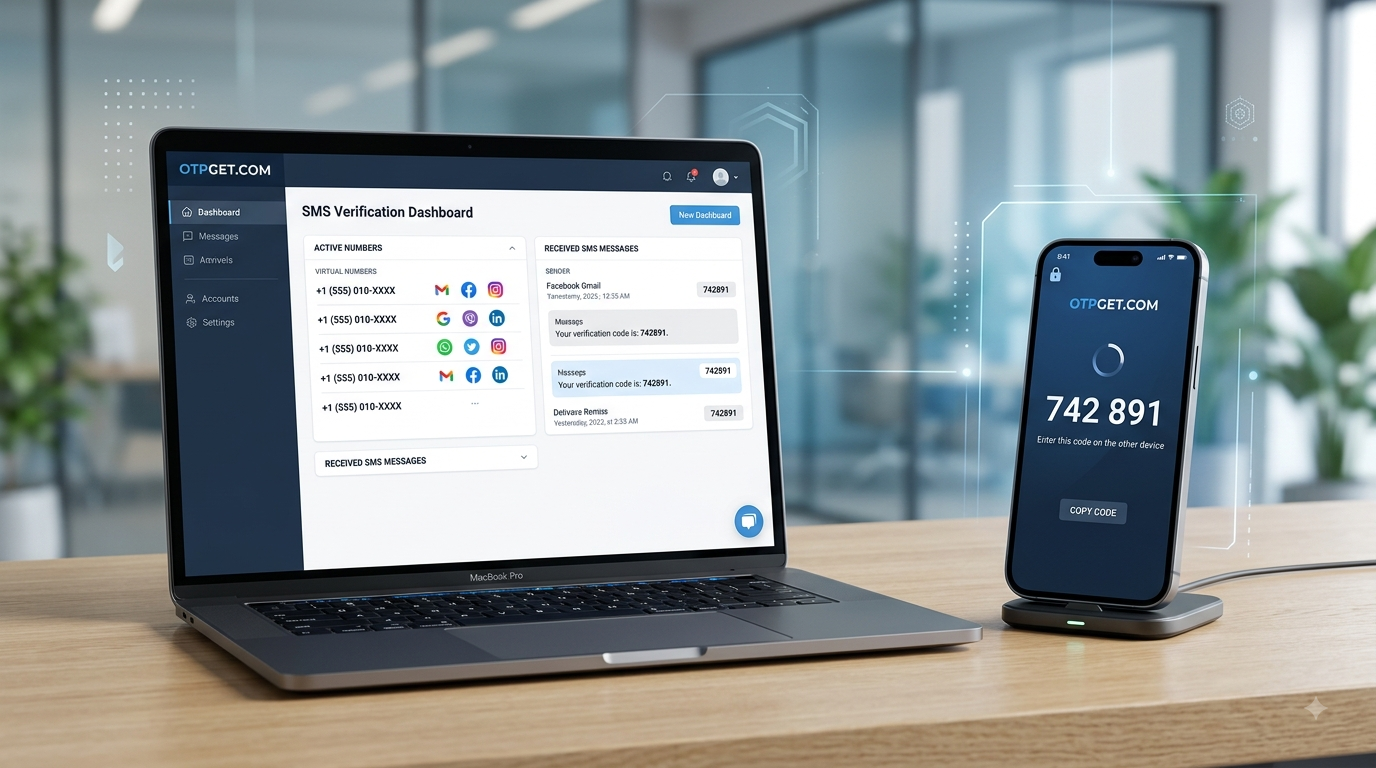
What Is OTP Authentication and How Is It Used?
Entering a verification code after signing up for an online service has become a familiar part of using the internet. You enter a phone number, receive a short code, and type it into the requested field. That simple process is an example of OTP authentication.
OTP stands for One-Time Password. It is a temporary authentication code generated for a specific verification attempt. Depending on the service, the code may be delivered through SMS, email, an authentication application, or another supported channel.
For businesses, OTP verification can help confirm that a user has access to a particular phone number or authentication method. For users, it can make account registration, login verification, and password recovery more convenient.
But how does OTP authentication actually work, and how secure is it? Let's break it down.
What Is OTP Authentication?
OTP authentication is a method of verifying a user with a temporary, one-time password or verification code.
Unlike a conventional password that may remain unchanged for a long period, an OTP is designed for a particular authentication event. Once it is used successfully—or once its validity period ends—it generally becomes unusable.
For example, imagine registering for an online service. After entering your phone number, the service sends a six-digit code by SMS. You enter that code on the verification screen, and the service checks whether it matches the code generated for your request.
If the code is correct and still valid, your phone number can be confirmed.
This is the basic idea behind one-time password authentication.
Businesses use OTP authentication for several reasons. It can help verify contact information, reduce automated or fraudulent registrations, support account recovery, and add another layer to a login process.
How Does OTP Authentication Work?
The process is relatively straightforward.
- The user starts authentication.
The user enters a phone number, attempts to log in, registers an account, or requests another protected action. - The service generates an OTP.
The server creates a temporary authentication code associated with the particular request. - The code is delivered.
An OTP may be delivered through SMS or another supported authentication channel. - The user enters the OTP.
The verification code is entered into the service's authentication screen. - The server checks the code.
The system compares the submitted code with the expected code and checks whether it is still valid. - The verification succeeds or fails.
A correct, valid code is accepted. An incorrect or expired code is rejected. - The OTP becomes invalid.
After successful use or expiration, the code normally cannot be reused for another authentication attempt.
This combination of limited validity and one-time use is what gives an OTP its name.
What Is an SMS OTP?
An SMS OTP is a one-time password delivered through a text message.
It is one of the most recognizable forms of SMS authentication and is commonly used for phone number verification, account registration, login verification, and password recovery.
The relationship between these terms is simple:
- SMS OTP: The temporary authentication code delivered by text message.
- SMS verification: The broader process of confirming information through SMS.
- Phone verification: Confirming access to a particular phone number.
- Mobile number verification: A phone-focused form of account or identity confirmation.
SMS is only one possible delivery method. OTP authentication can also involve email, authenticator applications, hardware tokens, or other supported technologies.
Where Is OTP Authentication Used?
OTP verification appears across many types of online services.
Common applications include:
- Account registration: Confirming that a user has access to the provided phone number.
- Login verification: Adding an authentication step when signing into an account.
- Password recovery: Helping confirm access when a password needs to be reset.
- E-commerce: Supporting account security and selected transactions.
- Financial applications: Providing an additional authentication step for certain actions.
- Social platforms: Verifying phone numbers during registration or account management.
- Messaging services: Confirming ownership of a number during account setup.
- Business applications: Supporting user onboarding and access control.
- Online services: Helping distinguish genuine users from some automated or fraudulent registrations.
For businesses, OTP verification can also reduce fake registrations and add friction to certain abuse patterns. It should, however, be treated as one part of a broader security strategy rather than a complete security solution.
OTP Authentication vs Password Authentication
Passwords and OTPs serve different purposes.
A password is usually a reusable secret chosen or assigned for an account. An OTP is generally created for a particular authentication attempt and is intended to expire or become invalid after use.
| Feature | Password | OTP |
|---|---|---|
| Reusable | Usually | Generally no |
| Validity | Often long-term | Usually temporary |
| Purpose | Primary credential | Verification or additional authentication |
| Typical format | User-created or assigned | System-generated code |
| Main concern | Password theft and reuse | Interception, phishing, delivery, and device-related risks |
OTP authentication can therefore reduce reliance on a static credential during specific verification events. However, an OTP should not automatically be considered a replacement for passwords, device security, access controls, or other security measures.
OTP Authentication and Two-Factor Authentication
OTP authentication and two-factor authentication (2FA) are related, but they are not the same thing.
2FA means using two different authentication factors to verify a user's identity. These factors are commonly categorized as:
- Something you know, such as a password or PIN
- Something you have, such as a phone or security token
- Something you are, such as a biometric characteristic
An OTP can serve as one part of a 2FA process. For example, a service may require a password and then request a temporary code delivered to a registered device.
MFA, or multi-factor authentication, extends the concept to two or more authentication factors.
The important distinction is that an OTP is an authentication mechanism, while 2FA describes the use of two authentication factors.
Benefits of OTP Authentication
OTP authentication remains popular because it is relatively easy to understand and convenient for many users.
Easy verification
A user generally only needs to enter a short code rather than create another permanent credential.
Temporary codes
Because OTPs are designed to expire or become invalid after use, they are different from static passwords that can potentially remain useful until changed.
Fast account confirmation
SMS OTP verification can allow a service to confirm a phone number during registration or another account process.
Additional security
When used as part of a broader authentication strategy, OTPs can add another barrier against unauthorized access.
Convenient onboarding
Businesses can use phone verification during registration to help confirm that users have access to the number they provide.
These benefits depend on proper implementation. OTP authentication is useful, but no single authentication method eliminates every security risk.
Limitations and Security Considerations
Understanding the weaknesses of OTP authentication is just as important as understanding its benefits.
SIM swapping
An attacker who successfully convinces a mobile provider to transfer a phone number to another SIM may potentially receive SMS messages intended for the legitimate user.
SMS interception
SMS communication can face security and delivery risks. For sensitive accounts, organizations may prefer stronger authentication methods.
Phishing
A criminal may create a fake login page designed to convince someone to enter an OTP. A genuine code entered into a fraudulent page can potentially be exposed to an attacker.
Social engineering
Attackers may impersonate customer support staff or other trusted parties and ask users to reveal their verification codes.
Malware
Compromised devices can expose messages, notifications, or other authentication information.
Delivery problems
SMS messages can be delayed, blocked, or unavailable because of network conditions, carrier restrictions, service limitations, or incorrect numbers.
Virtual number restrictions
Some websites restrict virtual, VoIP, or temporary numbers. As a result, a number that works with one service may not be accepted by another.
For these reasons, never share an OTP with another person, even if someone claims to represent the service sending the code.
Can You Receive an OTP Without a Personal SIM Card?
Yes, in some situations, users can receive SMS verification codes through a virtual phone number rather than a personal physical SIM.
A virtual phone number is a number provided through an online service rather than being tied directly to a physical SIM card in the user's phone.
This can be useful for legitimate situations where a user needs a separate number for online verification, testing, business workflows, or other supported purposes.
However, virtual numbers are not universally accepted. Some websites and applications specifically restrict temporary, VoIP, or virtual numbers.
For users looking for a virtual number for OTP, OTPGET provides online virtual phone numbers that can receive supported SMS verification codes.
Depending on the platform and number availability, OTPGET can be a convenient option for receiving SMS verification codes without relying on a personal SIM card.
The appropriate use of any virtual number should always follow the terms and policies of the service being verified.
How OTPGET Can Help With SMS Verification
When you need a virtual phone number for legitimate SMS verification, OTPGET offers a straightforward way to access supported numbers and receive verification messages online.
The general concept is simple: instead of using your personal mobile number, you select an available virtual number and use it with a supported service. If the destination platform accepts that number and sends an SMS successfully, the received verification code can then be viewed through the service.
OTPGET can be useful for users who need:
- A virtual phone number for supported verification
- Online SMS reception
- A number from an available country
- A separate number for legitimate online verification
- An alternative to using a personal number for supported services
- Convenient access to SMS OTP messages
Availability and acceptance depend on the destination service, country, number type, and other factors. No virtual number service should be assumed to work with every platform.
Need a virtual number for SMS verification? Explore the available options at OTPGET: OTPGET
How to Use OTPGET for Supported SMS Verification
The general workflow is simple:
- Visit OTPGET.
- Choose a supported country or service based on your verification requirement.
- Select an available virtual phone number.
- Enter the number on the supported platform requesting verification.
- Wait for the SMS verification message.
- View the received OTP through the appropriate OTPGET interface.
- Enter the valid OTP into the service requesting verification.
The exact availability and process can vary. A destination platform may reject certain virtual numbers, impose verification limits, or have its own requirements.
Use virtual numbers responsibly and only for legitimate purposes permitted by the relevant service.
How to Choose an OTP Verification Service
If you are comparing an SMS verification service or virtual phone number provider, consider more than the advertised number of countries.
Look at:
- Number availability
- Supported countries
- Supported platforms
- SMS delivery performance
- Ease of use
- Pricing and balance requirements
- Privacy considerations
- Service reputation
- Number type and restrictions
- Terms of service
A provider that clearly explains its service limitations is generally easier to evaluate than one making unrealistic guarantees.
OTPGET can be one option to consider when you need a virtual phone number for verification and the target platform supports the selected number.
Common OTP Authentication Problems
OTP not received
An OTP may not arrive because of network delays, an incorrect number, carrier filtering, platform restrictions, or temporary SMS delivery problems.
Check the number carefully and allow a reasonable amount of time before requesting another code.
OTP expired
An OTP is temporary by design. If the code expires, request a new one and use the latest code provided.
OTP is incorrect
Make sure you are entering the newest verification code. Older codes may become invalid when a new OTP is requested.
Virtual number not accepted
Some websites and applications restrict virtual or VoIP numbers. If a number is rejected, the issue may be related to the platform's verification policy rather than the code itself.
Too many OTP requests
Repeatedly requesting codes can trigger temporary restrictions on some services. Avoid repeatedly pressing the resend option when a previous request is still processing.
Best Practices for OTP Security
Good authentication practices matter regardless of whether you use a personal number or a virtual phone number.
- Never share an OTP with another person.
- Do not publish verification codes online.
- Check the website domain before entering authentication information.
- Avoid entering OTPs into suspicious websites.
- Use strong, unique passwords for important accounts.
- Enable 2FA where appropriate.
- Be cautious of unexpected SMS messages and links.
- Watch for phishing attempts.
- Use trusted verification services.
- Follow the terms and policies of the platform being verified.
Remember that a verification code is sensitive information. Anyone who obtains a valid code may potentially be able to complete the authentication step it was designed to protect.
11. Internal Linking Suggestions
1. Anchor text: Virtual Phone Numbers
- Suggested page/topic: Virtual phone number overview
- Placement: In the section explaining virtual phone numbers and receiving OTPs without a personal SIM.
- Purpose: Connects informational content about OTP authentication with OTPGET's core service.
2. Anchor text: SMS Verification
- Suggested page/topic: SMS verification guide
- Placement: In the “What Is an SMS OTP?” section.
- Purpose: Supports readers who want a deeper explanation of SMS-based verification.
3. Anchor text: Receive OTP Online
- Suggested page/topic: Receive OTP online guide
- Placement: In the OTPGET section explaining online SMS reception.
- Purpose: Targets a relevant long-tail search while guiding users toward related content.
4. Anchor text: OTP Verification
- Suggested page/topic: OTP verification guide
- Placement: In the section explaining how OTP authentication works.
- Purpose: Strengthens topical relevance between OTP authentication and verification.
5. Anchor text: OTPGET API
- Suggested page/topic: OTPGET API documentation
- Placement: Near the conclusion or within a separate section for developers who need programmatic SMS or number-related workflows.
- Purpose: Creates a natural path from educational content to technical documentation.
Note: Use the actual internal page URLs available on OTPGET rather than inventing URLs.
12. FAQ Section
What is OTP authentication?
OTP authentication is a verification method that uses a temporary one-time password or code to confirm a user's access to an account, phone number, or authentication method.
How does OTP authentication work?
A service generates a temporary code and sends it through a supported channel, such as SMS. The user enters the code, and the server checks whether it is correct and still valid.
What is an OTP code?
An OTP code is a temporary authentication code created for a particular verification attempt. It generally expires after a limited period or becomes invalid after successful use.
Is OTP authentication the same as 2FA?
No. OTP is an authentication mechanism, while 2FA means using two different authentication factors. An OTP can be used as one factor within a 2FA process.
What is SMS OTP verification?
SMS OTP verification is a process in which a temporary one-time password is sent through SMS and entered into a service to verify a phone number or authentication attempt.
Can I receive an OTP online?
Yes, depending on the service and verification requirements, a virtual phone number can receive supported SMS verification messages online. OTPGET provides virtual numbers for supported SMS verification purposes.
Can I use a virtual phone number for OTP verification?
Some services accept virtual phone numbers, while others restrict them. OTPGET can provide virtual numbers for supported verification needs, but acceptance depends on the destination platform and number availability.
Why is my OTP not arriving?
Possible causes include network delays, an incorrect phone number, SMS delivery problems, platform restrictions, or temporary service issues. Check the number and follow the platform's resend instructions.
How long does an OTP remain valid?
The validity period depends on the service generating the OTP. Some codes expire quickly, while others may remain valid for a longer authentication window. Always use the latest code provided.
What should I do if an OTP is not accepted?
Check that you are entering the newest code correctly. If a new code was requested, an earlier code may have become invalid. If the problem continues, check whether the service supports your number type and contact the platform's official support if necessary.


