What Is SMS Authentication? SMS OTP Guide for Modern Businesses
What Is SMS Authentication?
When a website or app asks you to enter a code sent to your phone, you're using a form of SMS authentication. It is a widely used way for businesses to verify that a user has access to a particular phone number before allowing an action such as account registration, login, or password recovery.
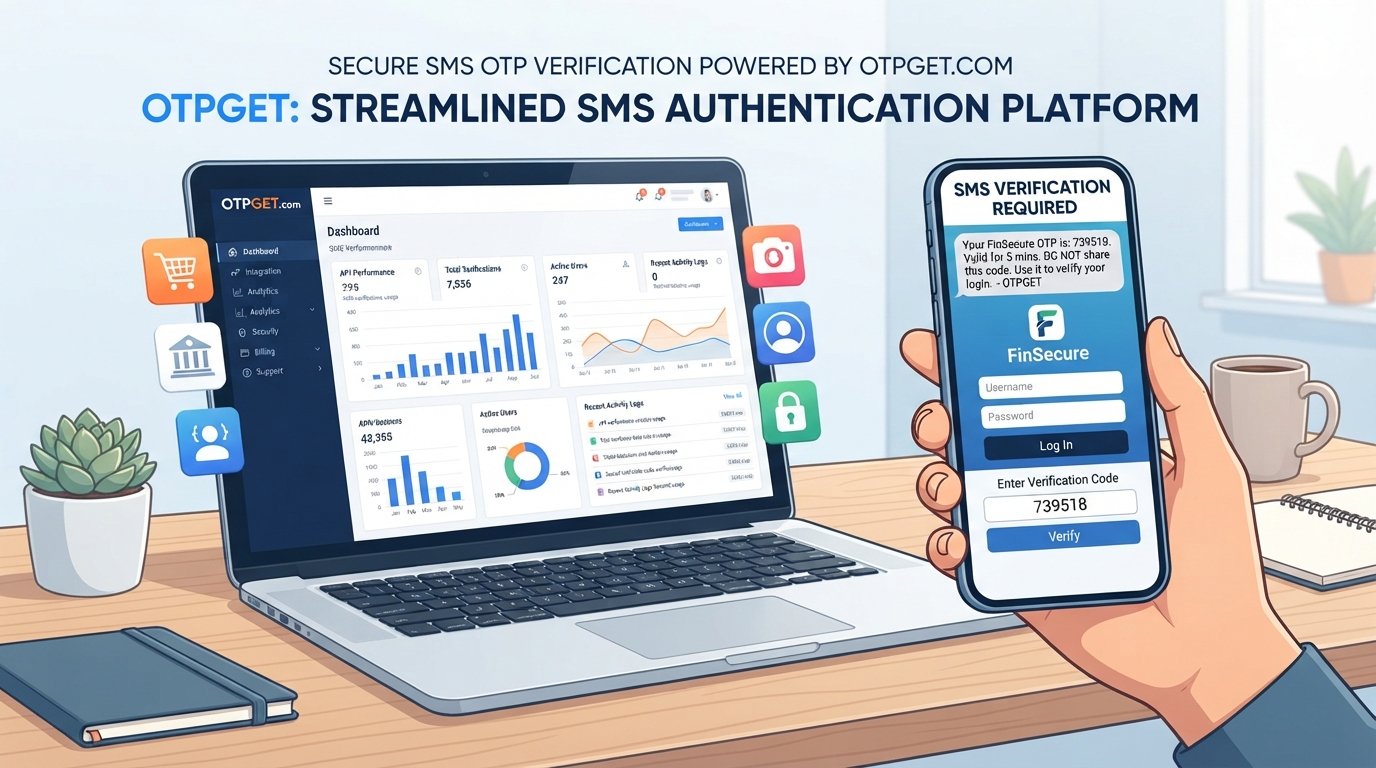
The basic idea is straightforward: a business sends a temporary one-time password (OTP) to a user's mobile number, and the user enters that code into the application. If the code is valid, the system can confirm the verification request.
For businesses, this process can be automated through an SMS OTP service such as OTPGET, helping applications incorporate phone-based verification into their user journeys without building an entire SMS delivery workflow internally.
What Is SMS Authentication?
SMS authentication is a verification method that uses a text message containing a temporary code to confirm a user's access to a mobile phone number.
Unlike a conventional password, an SMS verification code is generally short-lived and intended for a specific authentication or verification request. A user receives the code by text message and enters it into the application.
For example, when creating an account, an application might ask for a phone number and then send a six-digit code. Entering the correct code confirms that the person completing the process has access to that number.
Phone numbers are commonly used because mobile phones are familiar and accessible to most users. This makes SMS verification relatively easy to understand, even for people who are not technically experienced.
It is important, however, to distinguish phone number verification from complete identity verification. Successfully receiving an OTP demonstrates access to a phone number; it does not necessarily prove a person's legal identity.
How Does SMS Authentication Work?
The basic SMS authentication workflow is relatively simple.
- The user enters their phone number.
The application collects the mobile number that needs to be verified. - The application generates or requests an OTP.
A temporary verification code is created for the authentication request. - The OTP is sent through SMS.
An SMS service delivers the verification code to the user's phone. - The user enters the received code.
The application provides a field where the user can enter the SMS verification code. - The application validates the OTP.
The system checks whether the code is correct, valid, and associated with the relevant verification request. - The user is verified or authenticated.
If the validation succeeds, the application completes the appropriate action, such as verifying the phone number or continuing the login process.
Behind this simple experience are important controls involving expiration, attempt limits, rate limiting, and secure handling of authentication data.
What Is an SMS OTP?
SMS OTP stands for a one-time password delivered through a text message.
An OTP is designed to be temporary. Rather than creating a permanent credential like a traditional password, the system generates a code for a particular verification event. Once the code expires or is successfully used, it should no longer be accepted.
For example, a user may request an OTP while registering an account. The application sends a verification code by SMS, and the user enters it to complete OTP verification.
The temporary nature of a one-time password can reduce some risks associated with reusable passwords. However, the security of an SMS-based workflow also depends on how the application generates, delivers, validates, expires, and protects the OTP.
Why Do Businesses Use SMS Authentication?
Businesses use SMS authentication because it provides a familiar way to verify access to a mobile number during important customer and account workflows.
Common applications include:
- Account registration: Confirm that a new user can access the supplied phone number.
- Login verification: Add an SMS-based verification step during selected login flows.
- Password recovery: Help users verify access to a registered mobile number when recovering an account.
- Phone number verification: Confirm that a number belongs to or is accessible by the person completing a process.
- Transaction confirmation: Add an OTP step to selected sensitive transactions or actions.
- New-device verification: Request an additional verification code when an account is accessed from a new device.
- Account recovery: Use phone-based verification as part of an account recovery workflow.
- Customer onboarding: Verify contact information during registration or onboarding.
- Fraud prevention workflows: Add another verification step where a business wants additional evidence of account or phone access.
SMS authentication should not be treated as a complete fraud-prevention system by itself. It is one component of a broader security strategy.
Benefits of SMS Authentication
When implemented appropriately, SMS-based verification can offer several practical benefits.
Simple User Experience
Most users understand how to receive and enter a text message code. There is usually little training required.
Familiar Authentication Method
SMS verification has become a familiar interaction across websites, applications, financial services, marketplaces, and other digital products.
Accessible Through Mobile Phones
Users can receive a verification code through their mobile device without necessarily installing a dedicated authentication application.
Straightforward Verification Workflow
The basic process—request a code, receive it, enter it, and validate it—is easy to integrate into many registration and authentication journeys.
Useful for Account Registration
Businesses can use SMS OTP verification to confirm access to a phone number during account creation.
Reduced Dependence on Reusable Passwords for Certain Flows
For appropriate use cases, temporary OTPs can provide a verification mechanism without requiring users to create another permanent password.
The right approach depends on the sensitivity of the application and the authentication requirements of the business.
Is SMS Authentication Secure?
SMS authentication can provide useful verification, but it is not immune to security risks.
One important consideration is that control of a phone number can sometimes be compromised independently of an application. Potential risks include:
- SIM swapping: An attacker may attempt to persuade a carrier to transfer a victim's number to another SIM.
- Social engineering: Attackers may manipulate users, support staff, or service providers to obtain access to accounts or verification information.
- Phone number takeover: If control of a number is compromised, SMS-based verification may also be affected.
- Interception risks: SMS is not designed to provide the same security properties as some dedicated authentication mechanisms.
- Phishing: Attackers may trick users into entering OTPs into fraudulent websites or applications.
- Malware: Compromised devices may expose messages or other sensitive information.
- Lost or compromised phones: Physical or digital access to a device can create additional risk.
Businesses can reduce avoidable weaknesses by implementing sensible controls, including:
- Short OTP expiration periods
- Limits on incorrect verification attempts
- Rate limiting for OTP requests
- Invalidation of OTPs after successful use
- Monitoring for suspicious verification activity
- Secure API implementation
- Additional authentication methods for higher-risk actions
For sensitive applications, organizations may also consider stronger authentication methods where appropriate. SMS can be useful, but it should be selected based on the risk profile of the workflow.
SMS Authentication vs. Two-Factor Authentication
SMS authentication and two-factor authentication (2FA) are related, but they are not automatically the same thing.
SMS authentication describes the use of SMS to verify a user or authenticate an action. Two-factor authentication describes an authentication process that uses two different categories of authentication factors.
For example, a service might require:
- Something the user knows, such as a password
- Something the user has access to, such as a phone receiving an SMS OTP
In that situation, the SMS OTP can serve as one factor in a 2FA process.
By contrast, if an application simply sends an OTP to verify a phone number during registration, that does not necessarily constitute two-factor authentication.
What Should You Look for in an SMS OTP Provider?
Choosing an OTP provider involves more than checking whether a service can send text messages. Businesses should consider how the provider fits into their complete verification workflow.
Important factors include:
- API reliability: The service should fit the application's operational requirements.
- Delivery performance: Consider how consistently verification messages reach intended recipients.
- Documentation: Clear technical documentation can simplify implementation and maintenance.
- Integration options: Look for an approach that works with the application's architecture.
- Scalability: Consider whether the service can accommodate changing verification volumes.
- Security controls: Evaluate features and practices related to OTP expiration, attempts, and abuse prevention.
- Verification workflow: Understand how OTP generation, delivery, validation, and expiration are handled.
- Rate limiting: Abuse controls are important for protecting both users and infrastructure.
- Geographic coverage: Businesses serving users in multiple locations should evaluate relevant SMS coverage.
- Monitoring and reporting: Visibility into authentication activity can help teams identify operational or security issues.
- Developer experience: Clear APIs and documentation can reduce implementation friction.
- Pricing transparency: Understand how message and verification costs are structured.
- Customer support: Support can matter when authentication becomes a critical part of an application.
The best provider depends on the application's requirements, target users, security model, and expected usage.
How OTPGET Helps With SMS Authentication
For businesses that need to add SMS-based verification to an application, OTPGET can be considered as a dedicated SMS OTP and authentication solution.
Instead of developing an entire SMS delivery and verification workflow internally, a business can use an OTP service such as OTPGET as part of its application architecture. This can help teams focus on their product while incorporating phone verification and OTP-based authentication into relevant user journeys.
OTPGET is positioned for business use cases involving SMS OTP delivery and verification workflows, including scenarios such as:
- Phone number verification
- Account verification
- User registration
- Login verification
- Customer onboarding
- Password recovery
- Account recovery
- New-device verification
- Transaction verification
For developers, the key consideration is how an SMS OTP service fits into the application's existing authentication architecture. The provider handles the SMS-oriented portion of the workflow while the application remains responsible for enforcing its own authentication rules, authorization decisions, security controls, and user experience.
That distinction matters: an OTP provider can support the delivery and verification process, but secure authentication still requires careful application design.
Common Use Cases for OTPGET
Businesses can consider an SMS OTP solution such as OTPGET when they need phone-based verification within common application workflows.
User Registration
A business can request an OTP after a user enters a phone number, then require successful verification before completing registration.
Phone Number Verification
SMS OTP verification can help confirm that a user has access to the mobile number they supplied.
Login Verification
Applications can incorporate SMS codes into selected login or authentication workflows.
Password Reset
A verification code can be used as part of an account recovery or password-reset process.
Customer Onboarding
Businesses can add phone verification during onboarding when confirming a customer's mobile number is relevant to the service.
Transaction Verification
For appropriate transactions or sensitive actions, an OTP can provide an additional verification step.
New-Device Verification
An application may request an SMS code when additional verification is appropriate for access from a new device.
These are common SMS OTP use cases rather than guarantees about specific OTPGET customer implementations.
How to Implement SMS Authentication
A typical implementation can be broken into several stages:
- Choose an SMS OTP provider. Evaluate delivery, API capabilities, security controls, coverage, documentation, and commercial terms.
- Connect your application to the provider's API. Keep API credentials protected and avoid exposing sensitive credentials in client-side code.
- Accept the user's phone number. Validate the input and apply appropriate formatting rules.
- Generate or request an OTP. Associate the code with the relevant verification request.
- Send the OTP through SMS. Deliver the verification code to the supplied mobile number.
- Ask the user to enter the code. Provide a clear verification interface.
- Validate the OTP. Confirm that it matches the expected verification request and remains valid.
- Expire or invalidate the code. A successfully used OTP should not be reusable.
- Apply rate limits and abuse protection. Restrict excessive OTP requests and failed attempts.
- Log relevant authentication events securely. Record useful operational information without unnecessarily storing sensitive OTP data.
An OTP provider such as OTPGET can form part of this architecture, while the application should retain responsibility for its broader authentication and authorization logic.
Best Practices for SMS OTP Verification
A secure OTP implementation depends heavily on how the surrounding application is designed.
Follow these practical guidelines:
- Use short OTP expiration times so codes do not remain valid unnecessarily.
- Never reuse an OTP after successful verification.
- Limit incorrect attempts to reduce guessing and automated abuse.
- Rate-limit OTP requests to prevent excessive requests and potential messaging abuse.
- Avoid exposing OTPs in application logs or other unnecessary storage locations.
- Protect authentication APIs using appropriate access controls and secure development practices.
- Prevent OTP request abuse with suitable throttling and monitoring.
- Provide clear user feedback when a code is invalid or expired without revealing sensitive implementation details.
- Handle expired codes gracefully by allowing users to request a new verification code when appropriate.
- Monitor unusual verification activity to identify patterns that may require investigation.
Good SMS authentication is not simply about sending a code. It is about building the entire verification workflow so that the code is delivered, validated, expired, and protected appropriately.
FAQ
What is SMS authentication?
SMS authentication is a verification method that sends a temporary one-time password to a user's mobile phone. The user enters the code into an application to verify access to the associated phone number or complete an authentication step.
How does SMS OTP verification work?
The application receives a phone number, generates or requests a one-time password, sends the code by SMS, and asks the user to enter it. The system then validates the OTP before completing the relevant verification or authentication action.
Is SMS authentication the same as 2FA?
No. SMS authentication refers to using SMS as a verification or authentication mechanism. It can be one factor within a two-factor authentication process, but an SMS OTP by itself does not automatically mean that 2FA is being used.
What is an SMS OTP?
An SMS OTP is a temporary one-time password delivered through text message. It is typically associated with a particular verification request and should expire or become invalid after successful use.
Why do businesses use phone number verification?
Businesses use phone number verification to confirm that users have access to the mobile numbers they provide. It can support account registration, onboarding, recovery, login verification, and other workflows where phone access is relevant.
Is SMS authentication secure?
SMS authentication can be useful, but it has security limitations. Risks include SIM swapping, phishing, social engineering, phone takeover, malware, and compromised devices. Businesses should combine OTP verification with expiration, rate limiting, attempt controls, monitoring, and other appropriate security measures.
How can OTPGET help with SMS authentication?
OTPGET is positioned as an SMS OTP and authentication solution for businesses that need phone-based verification workflows. It can be considered for use cases such as account verification, registration, login verification, onboarding, recovery, and other SMS OTP workflows.
CONCLUSION
SMS authentication provides a straightforward way to verify access to a mobile number by sending a temporary SMS OTP to the user. From account registration and phone verification to login, recovery, and selected transaction workflows, OTP verification can support many digital products.
At the same time, SMS should not be treated as a complete security solution. Businesses need to account for risks such as SIM swapping, phishing, phone-number takeover, and OTP abuse. Short expiration periods, attempt limits, rate limiting, secure API design, and monitoring are important parts of a responsible implementation.
For businesses that want to incorporate SMS-based verification without building the entire messaging workflow themselves, a dedicated service such as OTPGET can be part of the solution. It can support common SMS OTP use cases while allowing product and development teams to concentrate on their application and authentication experience.
If your business needs phone number verification, account verification, or SMS-based OTP authentication, explore how OTPGET can fit into your verification workflow and application architecture.