WhatsApp Code Not Arriving? Try an OTPGET Number as an Option
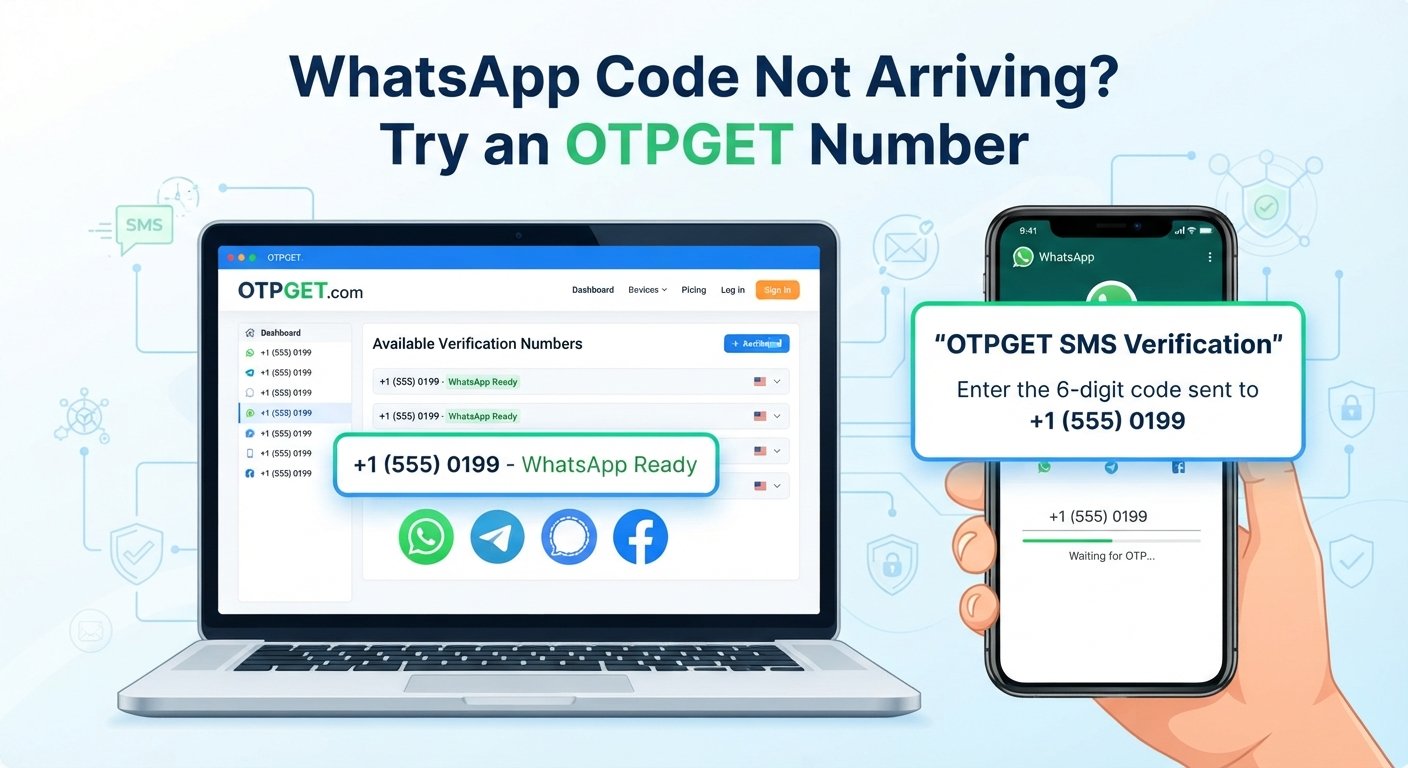
WhatsApp Code Not Arriving? Try an OTPGET Number
Waiting for a WhatsApp verification code that never appears can be surprisingly frustrating. You enter your phone number, request the code, check your messages, and then… nothing.
Sometimes the WhatsApp verification code arrives after a delay. In other cases, the problem can be related to mobile service, SMS delivery, an incorrect country code, repeated requests, or the specific number being used for registration.
The good news is that there are several straightforward things you can try before looking for an alternative. And if your regular number continues to have trouble receiving verification messages, an alternative verification number may be worth considering.
That is where OTPGET can provide a practical option. Instead of repeatedly waiting for a verification SMS on a number that is not receiving it, an OTPGET number can give eligible users another number to use for the verification process.
Why Is My WhatsApp Verification Code Not Arriving?
There is rarely just one reason a WhatsApp OTP is not received. The issue may be temporary, related to your mobile network, or connected to the phone number itself.
Here are some of the most common possibilities.
1. SMS delivery is delayed
Mobile SMS messages do not always arrive instantly. Network congestion, carrier issues, or temporary delivery problems can delay a verification message.
If you have requested a code recently, waiting a little while may be better than immediately requesting another one.
2. Your phone number or country code is incorrect
A simple number-entry mistake can prevent the verification message from reaching you.
Check that:
- The phone number is entered correctly.
- The selected country is correct.
- The country code matches your number.
- You have not accidentally added or removed digits.
This is one of the easiest WhatsApp verification issues to overlook.
3. Your mobile connection is unstable
If your phone has weak cellular service or is experiencing connectivity problems, SMS delivery may be affected.
Try checking whether you can receive ordinary text messages. If other SMS messages are also delayed, the problem may be related to your mobile service rather than WhatsApp itself.
4. You requested too many codes
Repeatedly asking for a new WhatsApp OTP can make the process more confusing, especially when earlier messages arrive later than expected.
Instead of continuously pressing the resend option, follow the instructions shown during the verification process and allow the appropriate amount of time for the message to arrive.
5. The number has SMS-related limitations
Some numbers may have difficulty receiving certain types of automated verification messages. Carrier configurations, number types, or other delivery restrictions can sometimes contribute to a WhatsApp signup problem.
If your normal number repeatedly fails while receiving other messages normally, an alternative number may be worth exploring.
What to Do When WhatsApp OTP Is Not Received
Before switching to another number, work through a few basic troubleshooting steps.
Check your number carefully
Start with the simplest possibility. Verify the complete phone number and country code displayed during WhatsApp number verification.
A single incorrect digit can prevent the WhatsApp verification SMS from reaching your phone.
Confirm that your phone can receive SMS
Ask yourself whether ordinary text messages are arriving normally. If you cannot receive regular SMS messages either, investigate your mobile service first.
You can also check your phone's signal strength and make sure the device is connected to the appropriate mobile network.
Give the code some time
A WhatsApp code may occasionally be delayed. Requesting multiple codes in quick succession is not necessarily helpful.
If the app provides a countdown or other instructions, follow them rather than repeatedly restarting the process.
Avoid unnecessary repeated attempts
When a verification code does not arrive, frustration can lead to repeated attempts. A more measured approach is usually better: check the number, confirm connectivity, wait, and follow the verification instructions shown by WhatsApp.
Consider another number if the problem continues
If you have confirmed that your phone and mobile service are working but the verification message still does not arrive, using an alternative number can be a practical next step.
This is where a service such as OTPGET may be useful.
When an Alternative Verification Number Can Help
An alternative verification number can make sense when your usual number is unable to receive the WhatsApp verification message.
For example, you may be dealing with a number that consistently has SMS delivery problems, a temporary issue with your carrier, or another situation where receiving an automated verification message is difficult.
The important point is that an alternative number should be used responsibly and only for legitimate account verification.
A suitable verification number can give you another route through the phone number verification process instead of repeatedly trying the same number.
However, an alternative number is not a magic fix. WhatsApp controls its own verification process, and successful verification cannot be guaranteed simply because another number is used.
Try an OTPGET Number for WhatsApp Verification
If your regular phone number is not receiving a WhatsApp OTP, OTPGET is an option to consider when you need an alternative verification number.
The basic idea is straightforward: instead of relying on the number that is currently having trouble receiving the verification message, you can use an available number provided through OTPGET and follow the relevant verification instructions.
This can be useful for people who are stuck at the number-verification stage and need another legitimate number to attempt the process.
Why consider OTPGET?
The main advantage is convenience. Rather than spending a long time repeatedly requesting a code on a number that is not receiving it, an alternative number can provide another path to try.
Depending on the number and verification circumstances, users may value an option that is:
- Practical: Provides an alternative to a number that is experiencing SMS delivery problems.
- Convenient: Can reduce the frustration of repeatedly waiting for a missing verification message.
- Straightforward: The concept is simple—use an available verification number and follow the required verification steps.
- Flexible: Gives users another option when their regular number is not working as expected.
It is important to keep expectations realistic. OTPGET does not mean guaranteed WhatsApp verification, and it should not be viewed as a way to bypass WhatsApp security measures. WhatsApp ultimately determines whether a number can be verified.
OTPGET is best understood as a practical alternative for users who legitimately need another number for the verification process.
How to Use an OTPGET Number
The exact experience can depend on the service and the number available, so it is best to follow the instructions provided by OTPGET rather than relying on assumptions about specific interface features.
At a high level, the process can look like this:
- Choose an available OTPGET number.
Select a number suitable for the verification purpose you have in mind. - Enter the number during WhatsApp registration.
Use the selected number where WhatsApp asks for a phone number. - Follow WhatsApp's verification instructions.
Complete the verification process according to the instructions displayed in the app. - Check for the verification message through the appropriate service process.
If the service supports receiving the relevant OTP, follow its instructions for accessing the message. - Enter the verification code where requested.
Use the received code only within the legitimate verification process.
If the verification does not work, avoid repeatedly submitting codes or attempting to circumvent restrictions. Instead, review the instructions and consider whether another supported number or verification route is appropriate.
What to Consider When Choosing a Verification Number
Not every alternative number will necessarily be suitable for every verification situation.
Before using an online number for WhatsApp verification, consider the following:
Number availability
The number needs to be available for the intended verification process. Availability can vary, so avoid assuming that every number will work for every service.
Message reception
The purpose of a verification number is to receive the relevant OTP. Make sure you understand how the service handles incoming verification messages before proceeding.
Responsible use
Use a verification number for legitimate account registration and verification. Do not use alternative numbers to impersonate someone, evade platform restrictions, facilitate spam, or gain unauthorized access.
Account access considerations
Think about whether you may need the number again. If the account depends on a phone number for future verification or recovery, understand the implications before choosing an alternative number.
Common Mistakes to Avoid During WhatsApp Verification
A few simple mistakes can make a WhatsApp registration issue more difficult than it needs to be.
Avoid:
- Entering the wrong country code.
- Using a number with an obvious typo.
- Requesting verification codes repeatedly in a short period.
- Assuming every delayed SMS means the account is broken.
- Ignoring the verification instructions shown in WhatsApp.
- Treating an alternative number as a guaranteed solution.
- Using a number for unauthorized access or deceptive activity.
The goal is to solve a genuine verification problem, not to bypass WhatsApp's security controls.
Tips for a Smoother WhatsApp Verification
If you want to minimize the chance of another WhatsApp OTP problem, keep the process simple.
Double-check the number before submitting it. This takes only a few seconds and can prevent unnecessary delays.
Make sure your phone can receive SMS. If regular messages are not arriving, resolve the mobile service issue first.
Be patient with delayed codes. A missing message does not always mean you need to start over.
Follow the instructions provided by WhatsApp. Avoid experimenting with repeated requests when the app is telling you to wait.
Consider an alternative number when the problem persists. If your usual number consistently cannot receive the verification SMS, an option such as an OTPGET number may be more practical than repeating the same unsuccessful attempt.
Frequently Asked Questions
Why is my WhatsApp verification code not arriving?
The code may be delayed because of SMS delivery problems, weak mobile service, an incorrect phone number or country code, carrier-related issues, or repeated verification requests. Check the basics first and follow WhatsApp's verification instructions.
How long should I wait for a WhatsApp OTP?
There is no single guaranteed delivery time. If the code has not arrived, avoid immediately requesting multiple new codes. Check your number and mobile connection, then follow the timing and instructions displayed during verification.
Why am I not receiving the WhatsApp verification SMS?
Your phone may have a connectivity or carrier-related issue, or the number may have difficulty receiving the relevant automated message. If ordinary SMS works but the WhatsApp message consistently does not arrive, an alternative number may be worth considering.
Can an alternative number help with WhatsApp verification?
It can provide another number to try when your usual number is unable to receive the verification message. However, an alternative number does not guarantee successful verification because WhatsApp controls the verification process.
What is an OTPGET number?
An OTPGET number is an alternative number that can be considered when a user needs a number for a legitimate verification process. Its usefulness depends on the specific verification service and the availability and suitability of the number.
How does OTPGET help with WhatsApp verification?
OTPGET can offer an alternative number when your regular number is experiencing problems receiving the WhatsApp verification code. The general approach is to use an available number and follow the verification instructions provided by the relevant services.
What should I do if my WhatsApp code still does not arrive?
First, verify the phone number and country code, check your mobile connection and SMS reception, and avoid repeated requests. If the issue continues, consider whether an alternative verification number such as an OTPGET number is appropriate for your situation.
Conclusion
A WhatsApp code not arriving does not necessarily mean that something is permanently wrong with your account. SMS delays, mobile connectivity, number-entry mistakes, carrier issues, and repeated verification requests can all contribute to a frustrating registration experience.
Start with the simple fixes: confirm your number, check your ability to receive SMS, wait for the verification process to progress, and follow WhatsApp's instructions carefully.
If your regular number continues to have trouble receiving the WhatsApp verification code, an alternative number can be a practical next step. OTPGET provides an option to consider when you need another number for a legitimate verification attempt.
The key is to use the process responsibly and keep expectations realistic. There is no guaranteed shortcut around WhatsApp's verification system. But when a normal number is causing persistent delivery problems, an OTPGET number may give you another practical route to try.


