Need a WhatsApp Code? Get a Verification Number on OTPGET Online
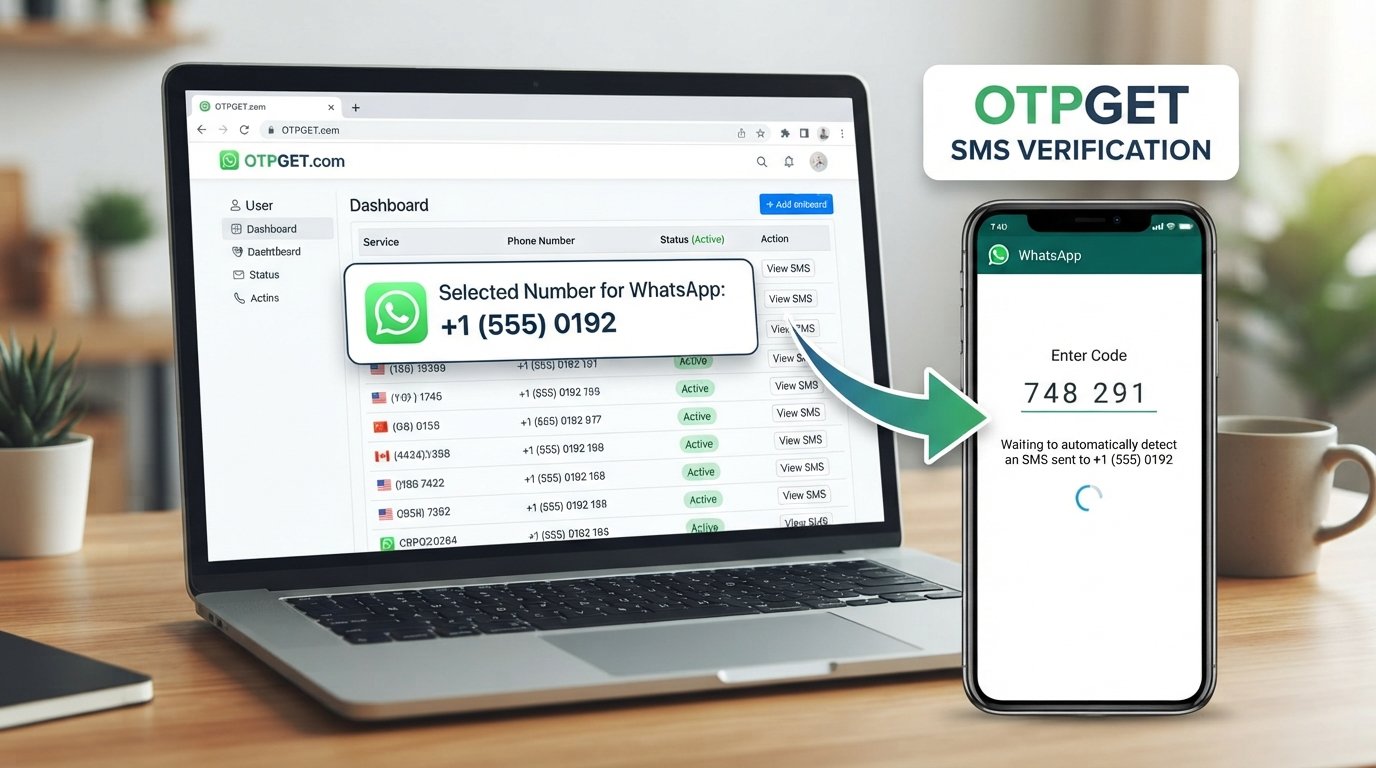
Need a WhatsApp Code? Get a Number on OTPGET
You’re trying to verify WhatsApp, the verification screen is waiting, and the code just isn’t arriving where you expect it to. Maybe you don’t want to use your personal number. Maybe your regular SIM isn’t receiving SMS reliably. Or perhaps you simply need a separate number for a specific verification purpose.
Whatever the reason, being stuck waiting for a WhatsApp code can be frustrating.
A suitable verification number can make the process more straightforward. Services such as OTPGET give users an option to access a number intended for receiving verification messages, helping simplify the process when a personal phone number isn’t the preferred choice.
In this guide, we’ll explain how WhatsApp verification works, what a verification number means, how OTPGET can fit into the process, and what to do when a WhatsApp OTP doesn’t arrive as expected.
Why Do You Need a WhatsApp Verification Code?
When you create or verify a WhatsApp account, WhatsApp needs to confirm that you have access to the phone number being used.
This is where the WhatsApp verification code comes in.
During verification, WhatsApp sends a code through an available verification method, commonly an SMS. You then enter that code into the app to confirm access to the number.
The idea is simple: the person attempting to activate the account should be able to receive the verification message sent to that number.
However, receiving an OTP isn’t always completely hassle-free.
You might experience:
- A delayed verification SMS
- Problems receiving messages on your regular SIM
- An incorrectly entered phone number
- Temporary network or carrier issues
- Too many verification requests
- A number that isn’t suitable or supported for the verification process
There are also situations where someone prefers not to use their primary personal number for a particular verification requirement.
That’s why people search for terms such as number for WhatsApp verification, WhatsApp verification number, and receive WhatsApp OTP online.
The important point is that the number must be able to receive the relevant verification message and should be used responsibly.
What Is a Number for WhatsApp Verification?
A WhatsApp verification number is simply a phone number used to receive the verification message required during the account-verification process.
Depending on the service providing it, this may be described as a temporary number, virtual number, online number, or SMS-enabled number.
The basic concept is straightforward.
Instead of relying exclusively on your personal mobile number, you can use a suitable number provided through an online service for a legitimate verification purpose. If the verification SMS is received, the code can then be entered into the relevant verification screen.
This is commonly referred to as online SMS verification or receiving an OTP online.
However, not every virtual or temporary number is necessarily suitable for every service. Availability, number type, carrier characteristics, and platform requirements can affect whether a particular number works for a given verification process.
That’s why it’s useful to choose a service designed around receiving verification messages rather than simply selecting any random online phone number.
Need a WhatsApp Code? OTPGET Can Help
If you need a suitable number to receive a WhatsApp code, OTPGET offers a practical place to start.
The idea is to make the verification-number process easier to understand and manage without requiring you to rely solely on your everyday personal phone number.
A typical workflow looks like this:
- Visit OTPGET. Start by accessing the OTPGET service and reviewing the available options.
- Select an appropriate number or service. Choose a number that fits the verification purpose you have in mind.
- Use the number where required. Enter the selected number in the WhatsApp verification process, following WhatsApp’s instructions.
- Wait for the verification SMS. If the verification message is delivered, the OTP should become available through the relevant OTPGET interface.
- Access the received code. Check the available message or OTP information associated with the selected number.
- Enter the code in WhatsApp. Carefully enter the received verification code into the appropriate WhatsApp verification screen.
The process is intentionally simple. You don’t need to understand complicated technical concepts to understand the basic flow: obtain a suitable number, use it for the verification request, receive the SMS, and enter the code when appropriate.
Availability and compatibility can vary, so it’s always sensible to follow the instructions shown by both OTPGET and WhatsApp during the process.
Why Use OTPGET for WhatsApp Verification?
The biggest advantage of using a service such as OTPGET is convenience.
When you need a phone number for WhatsApp verification, finding an appropriate number can otherwise become an unnecessary obstacle. OTPGET provides an online-oriented option for users who need access to a number for a verification purpose.
Here are some of the practical benefits to consider.
Convenience
You can look for a suitable verification number through an online service instead of depending entirely on your regular personal number.
This can be particularly useful when your normal SMS service isn’t convenient for the verification task.
A Separate Verification Option
Some users simply prefer to keep verification activity separate from their everyday personal number.
A separate number can provide a more convenient way to handle a specific verification requirement, provided it is suitable for the service involved.
Straightforward Workflow
The basic process doesn’t need to be complicated. Select a suitable option, use the number for the verification request, check for the incoming SMS, and enter the code.
That simplicity is one of the main reasons people look for online verification-number services.
Online Accessibility
For users who need to receive an OTP online, an online verification service can be more convenient than troubleshooting a personal SIM or waiting for a carrier-related issue to resolve.
Of course, no service can guarantee that every number will work with every platform. WhatsApp controls its own verification process, and number compatibility can vary.
How to Receive a WhatsApp Verification Code with OTPGET
If you’re using OTPGET for a WhatsApp verification code, keep the process focused and avoid unnecessary repeated attempts.
Step 1: Choose a suitable number
Open OTPGET and review the available verification options. Select a number appropriate for your intended verification use.
Step 2: Enter the number correctly
When WhatsApp asks for your phone number, enter the selected number carefully and make sure the country information is correct.
A simple typing error can prevent the verification message from reaching the intended number.
Step 3: Request the code
Follow WhatsApp’s verification instructions to request the SMS verification code.
Once the request has been submitted, allow reasonable time for the message to arrive.
Step 4: Check OTPGET
Return to the relevant OTPGET interface and check whether the verification SMS has been received.
If a message arrives, identify the verification code carefully.
Step 5: Enter the WhatsApp OTP
Enter the code into WhatsApp exactly as displayed. Avoid adding extra spaces or changing the digits.
If the code expires, follow WhatsApp’s instructions for requesting another verification attempt rather than repeatedly submitting requests.
Common Problems When Receiving a WhatsApp OTP
Even when you have the right number, verification may not always go perfectly.
Delayed SMS
SMS delivery can sometimes take longer than expected. Give the message some time before requesting another code.
Repeated requests can make the situation more complicated if the platform limits verification attempts.
Incorrect Number
Double-check the complete number and country information before starting the verification process.
One incorrect digit can send the verification request somewhere else or make the number unusable for the intended process.
Too Many Attempts
Repeatedly requesting WhatsApp verification codes may trigger temporary restrictions or delays.
If you have already requested several codes, waiting and following the instructions displayed by WhatsApp is generally better than continuously trying again.
Number Compatibility
Not every temporary, virtual, or online number will necessarily be accepted for every verification service.
If a particular number doesn’t work, don’t assume that every number or verification service will behave the same way. Check the available options and follow the relevant platform instructions.
Network or Carrier Delays
Sometimes the issue has nothing to do with the verification service itself. Mobile networks, SMS routing, or carrier conditions can affect message delivery.
Patience can be important when troubleshooting a missing OTP.
WhatsApp Code and Verification Tips
A few simple habits can make the verification process smoother.
- Check the number before submitting it. Confirm the country code and digits carefully.
- Avoid requesting multiple codes unnecessarily. Repeated attempts may lead to additional delays or restrictions.
- Wait for delayed SMS messages. Give the system time before assuming that a request failed.
- Enter the OTP accurately. Verification codes are usually time-sensitive, so enter the correct digits as soon as practical.
- Follow WhatsApp’s on-screen instructions. The platform may provide additional verification guidance depending on the situation.
- Use verification numbers responsibly. A number should be used only for legitimate purposes and in accordance with the applicable service rules.
- Protect verification codes. Never share an OTP unnecessarily with another person.
A verification code is intended to confirm access to a number. Treat it as sensitive information.
Frequently Asked Questions
How can I get a WhatsApp verification code?
You normally receive a verification code after entering a phone number into WhatsApp’s account-verification process and requesting verification. The code is delivered through the verification method offered by WhatsApp.
If you need a separate number, OTPGET can be an option for finding a suitable number for receiving a verification message.
Can I receive a WhatsApp OTP online?
It can be possible to receive a verification SMS through an online number service when the number is suitable for the verification process. OTPGET provides an online option for users looking for a number to receive an OTP.
Compatibility can vary, so avoid assuming that every online number will work with WhatsApp.
What is a WhatsApp verification number?
A WhatsApp verification number is a phone number used to receive the code required during WhatsApp account verification. It may be a regular mobile number or, where supported, a suitable temporary or virtual number.
Can I use a temporary number for WhatsApp verification?
A temporary number may be suitable in some circumstances, but acceptance and functionality depend on the number and WhatsApp’s verification requirements. It’s best to use a number that can actually receive the required SMS and to follow WhatsApp’s instructions.
How does OTPGET help with WhatsApp verification?
OTPGET provides access to numbers intended for receiving verification messages. The general process is to select a suitable number, use it for the verification request, monitor the service for the incoming SMS, and enter the received code into WhatsApp when appropriate.
What should I do if my WhatsApp verification code does not arrive?
First, confirm that the number and country information were entered correctly. Then wait for the SMS rather than repeatedly requesting new codes. Check for network or delivery delays and follow WhatsApp’s instructions if the code still doesn’t arrive.
If you’re using OTPGET, you can also check the relevant interface for the incoming verification message.
Is a virtual number suitable for WhatsApp verification?
A virtual number can be suitable when it supports the required verification SMS and is accepted for the verification process. However, compatibility isn’t universal, so users should check the available number options and avoid assuming that every virtual phone number will work.
Conclusion: Need a WhatsApp Code? Start with OTPGET
Needing a WhatsApp code shouldn’t have to mean getting stuck waiting for an SMS on your personal phone number.
Whether you’re dealing with a delivery issue, want a separate number for a legitimate verification purpose, or simply need an online option for receiving an OTP, a suitable verification number can make the process more convenient.
OTPGET offers a practical option for users looking to access a number for receiving verification messages. The workflow is straightforward: select an appropriate number, use it during the verification process, monitor for the incoming SMS, and enter the received code when required.
Just remember that number compatibility and message delivery can vary, and WhatsApp controls its own verification process.
If you need a WhatsApp verification number and want to explore an online option, take a look at OTPGET and see which available option fits your verification needs. Use the service responsibly, protect your verification codes, and always follow WhatsApp’s instructions.


