WhatsApp Will Need to Verify Your Phone Number: What to Know Now
WhatsApp Will Need to Verify Your Phone Number: What to Know Now
Getting a WhatsApp account working usually feels simple—until the verification screen appears and the expected code does not arrive.
That six-digit number can be the difference between completing registration and being stuck staring at your phone. WhatsApp uses phone-number registration to confirm that the number being registered is accessible to the person completing the process. Its Help Center says registration requires an active phone number that can receive a registration code, typically through SMS or a phone call.
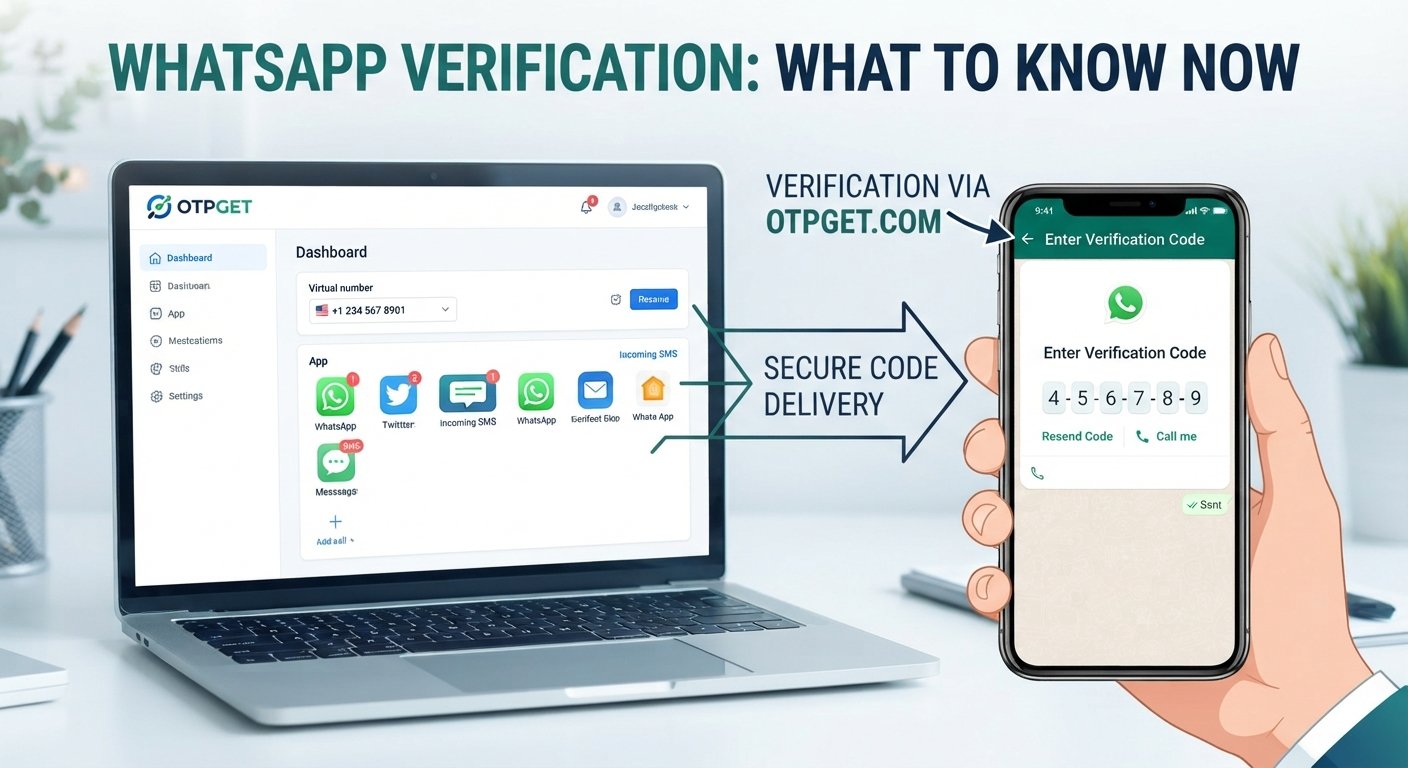
For legitimate users who need a practical way to receive an OTP, a service such as [Internal Link: OTP Verification Guide] can be worth understanding. OTPGET provides virtual numbers designed for SMS OTP verification and lists WhatsApp among the services it supports. Availability and compatibility can vary, however, so users should always check the current requirements of the service they are verifying.
The key is understanding what verification actually does, why codes sometimes fail to arrive, and how to handle OTPs safely.
What Does WhatsApp Phone Number Verification Mean?
WhatsApp phone number verification is the process used to confirm that you can access the phone number you are trying to register.
During registration, WhatsApp asks for a phone number in international format. It then sends a unique registration code, commonly by SMS. Depending on the circumstances and available options, verification can also involve a phone call, and WhatsApp says email verification may be available for some existing-account re-registration scenarios when an email address has already been added and verified.
The verification code is an OTP, or one-time password. It is temporary and intended for a specific verification event.
This matters because knowing someone's WhatsApp password is not enough to complete phone-number registration. Access to the verification channel is an important part of the process.
WhatsApp also states that users can only register a phone number they own. That requirement is important when considering any third-party OTP or virtual-number service.
[Internal Link: WhatsApp Account Security Guide]
Why Does WhatsApp Need to Verify Your Phone Number?
Phone verification serves a straightforward purpose: confirming control of the number being registered.
You may encounter verification when:
- Setting up a WhatsApp account
- Re-registering an existing number
- Moving an account to another device
- Registering a phone number again
- Completing a security-related verification step
WhatsApp explains that its registration code is unique and changes when a phone number or device is registered. The company also says additional SMS verification can sometimes be requested as a security precaution.
The exact experience can vary depending on the account, device, network, and circumstances. So if WhatsApp asks you to verify your number again, the safest approach is to follow the verification instructions presented by WhatsApp rather than searching for ways around them.
Common WhatsApp Verification Problems
A missing WhatsApp verification code does not necessarily mean something is seriously wrong. Several ordinary technical issues can interrupt SMS or call delivery.
The verification code does not arrive
SMS can be delayed by carrier or network conditions. WhatsApp recommends waiting for the timer to finish before trying another option rather than repeatedly requesting codes.
The phone number is formatted incorrectly
Enter the complete international phone number and select the correct country. WhatsApp specifically advises using the international format and removing unnecessary leading zeros or exit codes.
Mobile connectivity is weak
Your device needs appropriate network connectivity for the verification process. Check cellular reception and make sure SMS and phone calls are functioning normally.
Too many attempts were made
Repeatedly entering incorrect codes can trigger a temporary lockout. WhatsApp says there is no way to speed up the waiting period when this happens.
Switching devices causes confusion
Registering a number on a different phone can trigger another verification process. Make sure the SIM or other required access to the number is available and follow the registration screen carefully.
Calls or SMS are blocked
Call-blocking settings, network restrictions, device settings, or carrier issues can interfere with verification. WhatsApp recommends checking relevant phone settings and connectivity when registration fails.
What Is an OTP and Why Is It Important?
OTP stands for one-time password. In a phone-verification context, it is usually a short security code delivered through an approved channel such as SMS or, in some situations, a phone call.
The idea is simple: the code provides temporary evidence that the person completing verification can access the designated verification channel.
An OTP should therefore be treated as sensitive information.
Never forward a WhatsApp verification code to someone who contacts you unexpectedly. A person asking for your code may be attempting to gain control of an account or complete a registration you did not authorize.
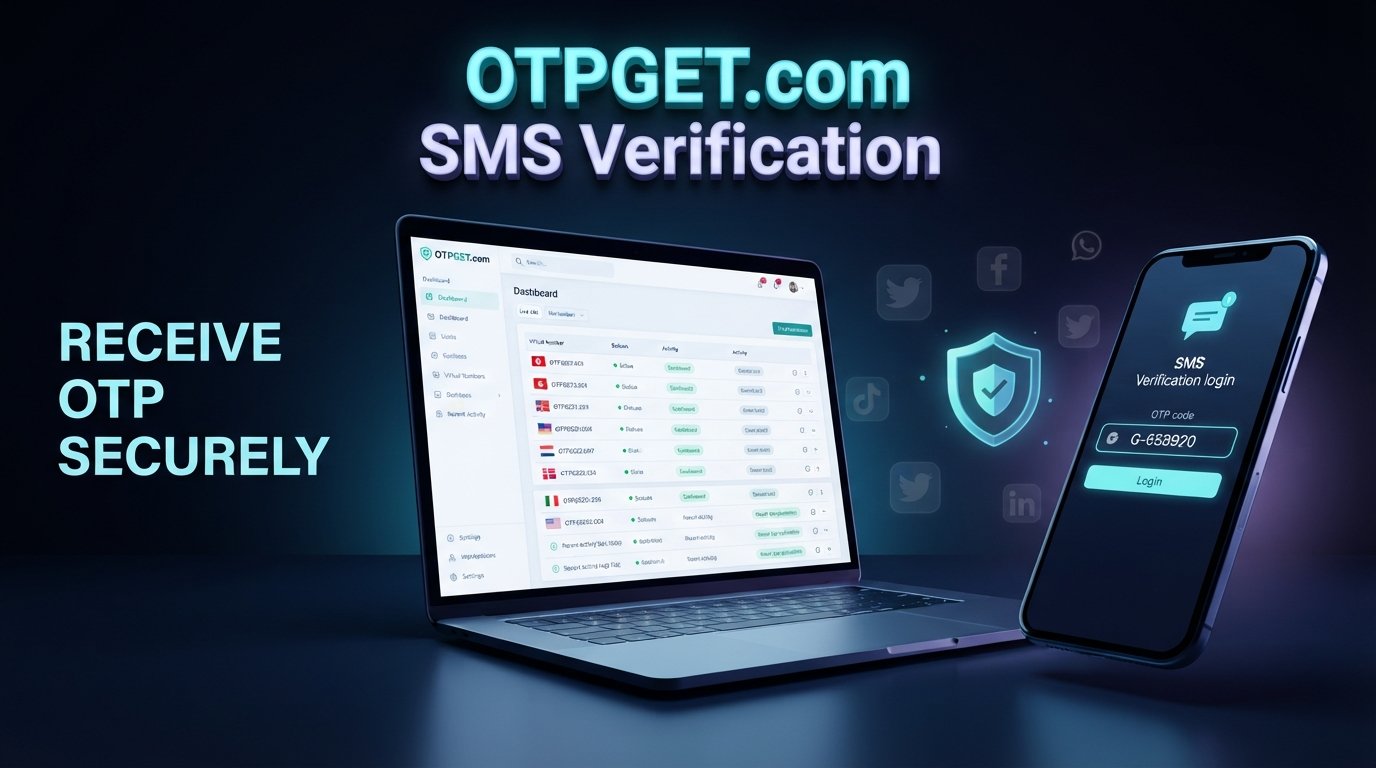
For users who legitimately need to receive SMS verification codes, OTPGET is one option worth exploring. Its published information describes virtual phone numbers for SMS OTP verification, including service-specific availability and a dashboard/API approach for receiving codes.
How OTPGET Can Help With Verification Codes
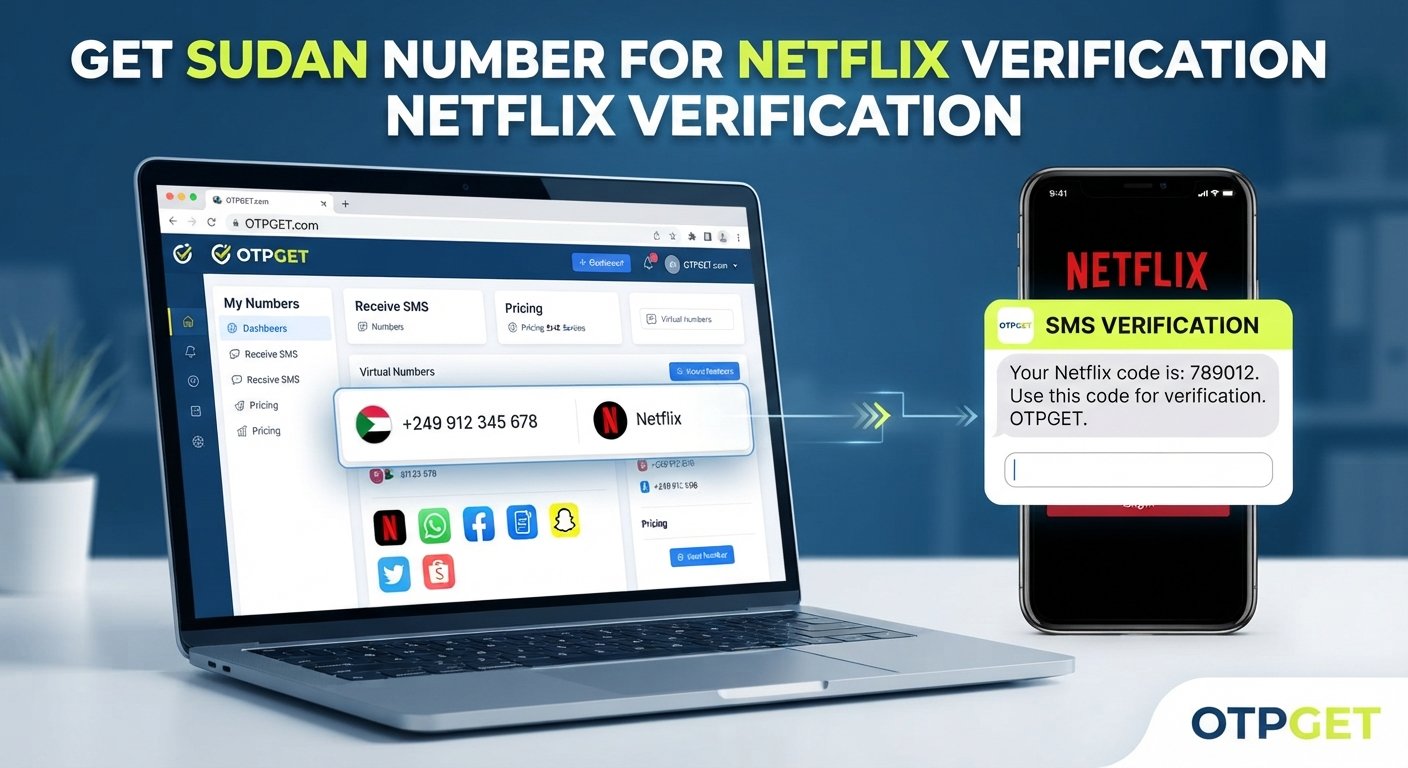
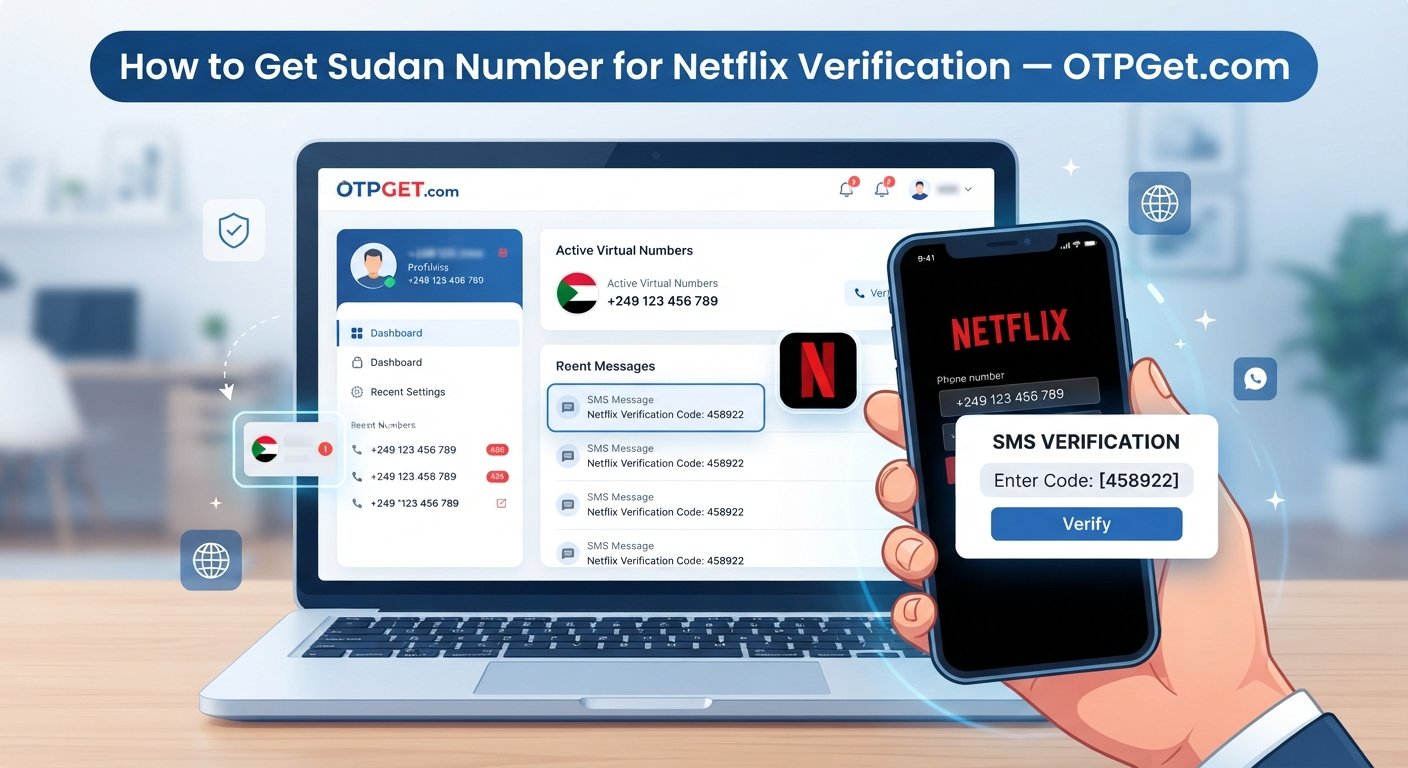
OTPGET is a virtual-number and OTP-verification platform. According to its published service information, it offers temporary virtual numbers, rental numbers, SMS OTP functionality, temporary email, and developer APIs. Its service directory also lists WhatsApp as a supported service.
For a user, the basic benefit is convenience: instead of relying exclusively on a personal SIM for every legitimate verification use case, OTPGET provides access to virtual numbers that can receive SMS codes.
That can be useful for certain developers, testers, businesses, and users who have a legitimate reason to use a virtual number.
There is an important qualification for WhatsApp, though. WhatsApp says that only phone numbers you own can be registered. A virtual number therefore should not be treated as a method for bypassing WhatsApp's ownership or security requirements. Users should confirm that their intended number and use case comply with WhatsApp's rules before attempting registration.
OTPGET is also not presented here as an official WhatsApp product or partner. It is a separate service that provides OTP-related infrastructure.
How to Use OTPGET for Receiving an OTP
The precise OTPGET interface can change, so users should follow the current instructions shown on the platform.
At a high level, the process is:
- Choose an appropriate OTPGET number or service for your legitimate verification purpose.
- Use the provided number where the relevant service permits it.
- Request the verification code through the normal verification screen.
- Monitor OTPGET for the incoming SMS code.
- Enter the legitimate code into the service's verification screen.
- Complete the standard verification process.
OTPGET's documentation describes a flow in which users select a country and service, obtain a number, and then check the activation status for an incoming SMS.
Do not use an OTP service to access an account you do not own, impersonate another person, or circumvent a platform's security controls.
OTPGET vs. Traditional SMS Verification
| Feature | Traditional SMS | OTPGET |
|---|---|---|
| Verification-code delivery | Code is sent to the user's eligible mobile number by SMS | OTPGET provides virtual numbers intended to receive supported SMS verification codes |
| Convenience | Requires access to the relevant physical mobile number | Can provide an alternative number-management workflow |
| User experience | Usually handled directly through the phone's messaging app | Codes can be viewed through OTPGET's available interface or API |
| Typical use case | Personal phone-number registration and verification | Legitimate OTP use cases involving supported virtual numbers, testing, development, or business workflows |
The two approaches are not interchangeable in every situation. WhatsApp's own registration requirements should take priority, particularly its statement that users must register a number they own and be able to receive the required verification code.
WhatsApp Verification and Privacy
Verification codes deserve the same caution as passwords.
If an OTP arrives unexpectedly, do not assume it is harmless. It may indicate that someone entered your number during a registration attempt.
When using an OTP service, consider what information you are providing, what type of number you are using, how long access remains available, and what the provider's terms and privacy information say.
OTPGET should be evaluated on those same principles. Its published site provides links to its terms and privacy information, which users should review before using the service.
For WhatsApp itself, remember that the verification code is part of account registration and security. Do not publish it, send it to strangers, or enter it into suspicious websites.
What to Do If Your WhatsApp Verification Code Isn't Arriving
If your WhatsApp OTP is not received, work through the ordinary troubleshooting steps before trying anything unusual.
- Check that the phone number is correct.
- Confirm the country code.
- Use the full international format.
- Make sure your phone has cellular connectivity.
- Confirm that SMS messages can reach the number.
- Wait for the verification timer before requesting another code.
- Use the available call-verification option when WhatsApp offers it.
- Make sure you are using the current WhatsApp application.
- Avoid repeatedly guessing or entering codes.
- Restart the phone if normal network troubleshooting does not help.
- Follow WhatsApp's official registration guidance.
- Contact WhatsApp through its official support options if the issue continues.
WhatsApp specifically recommends waiting for the relevant timer rather than repeatedly requesting codes, and it explains that incorrect repeated entries can result in a temporary waiting period.
If you are considering OTPGET because your normal SMS route is unavailable, first make sure a virtual number is appropriate for your legitimate use case and compatible with the service's requirements. OTPGET cannot be treated as a guarantee that WhatsApp verification will succeed.
Best Practices for WhatsApp OTP Security
Keep these habits in place whenever you receive a verification code:
- Never share your verification code with strangers.
- Be cautious about unsolicited messages asking for an OTP.
- Verify the service or website requesting the code.
- Use codes only for legitimate account actions you initiated.
- Avoid suspicious links claiming to help with verification.
- Never assume a person asking for your code is authorized to receive it.
- Follow WhatsApp's official account-security recommendations.
- Review the privacy terms of any third-party OTP service before using it.
- If you use a virtual number, understand whether you will retain access to that number.
A convenient OTP solution is useful only when it is used responsibly.
Frequently Asked Questions
Why does WhatsApp need to verify my phone number?
WhatsApp uses phone-number verification to confirm that you can access the number being registered. Its registration process uses a unique code delivered through an available verification method.
What is a WhatsApp verification code?
It is a temporary registration code used to verify a phone number. WhatsApp describes the registration code as unique and says it changes when a new number or device is registered.
Why am I not receiving my WhatsApp OTP?
Possible causes include incorrect number formatting, poor reception, SMS problems, carrier delays, blocked calls or messages, or too many recent verification attempts.
How long does a WhatsApp verification code take?
Delivery time can vary. WhatsApp advises users to wait for the timer on the registration screen before requesting another code rather than repeatedly retrying.
What should I do if my WhatsApp OTP does not arrive?
Check your number and country code, confirm cellular connectivity, wait for the timer, and use an available phone-call verification option if offered. If the issue persists, follow WhatsApp's official support guidance.
Can OTPGET help with receiving verification codes?
OTPGET's published information says it provides virtual numbers for SMS OTP verification and lists WhatsApp among its supported services. Availability can vary, and users should ensure their intended use complies with WhatsApp's requirements.
Is it safe to share a WhatsApp verification code?
No. A verification code should be treated as sensitive information. Do not give it to strangers or enter it into an unexpected website or form.
What should I do if WhatsApp asks me to verify my number again?
Follow the normal WhatsApp registration or re-registration process and use the verification method offered by WhatsApp. Do not try to bypass the verification requirement.
Final Thoughts: Make OTP Verification Easier, Not Riskier
When WhatsApp needs to verify your phone number, the goal is straightforward: confirm access to the number being registered.
The frustrating part is getting the verification code when SMS is delayed, connectivity is poor, or another registration problem gets in the way. Understanding how WhatsApp verification works can make those situations much easier to troubleshoot.
For legitimate verification-code needs, OTPGET can be a practical option to explore. Its platform provides virtual numbers and SMS OTP functionality, while its published documentation explains how users can select supported services and monitor incoming verification messages.
Just remember that OTPGET is a separate service, not an official WhatsApp product, and it should never be used to bypass account ownership or security requirements.
If you need a convenient OTP solution for an authorized verification use case, explore OTPGET and review its current service options before getting started.