WhatsApp Phone Verification: Receive Your Code with OTPGET
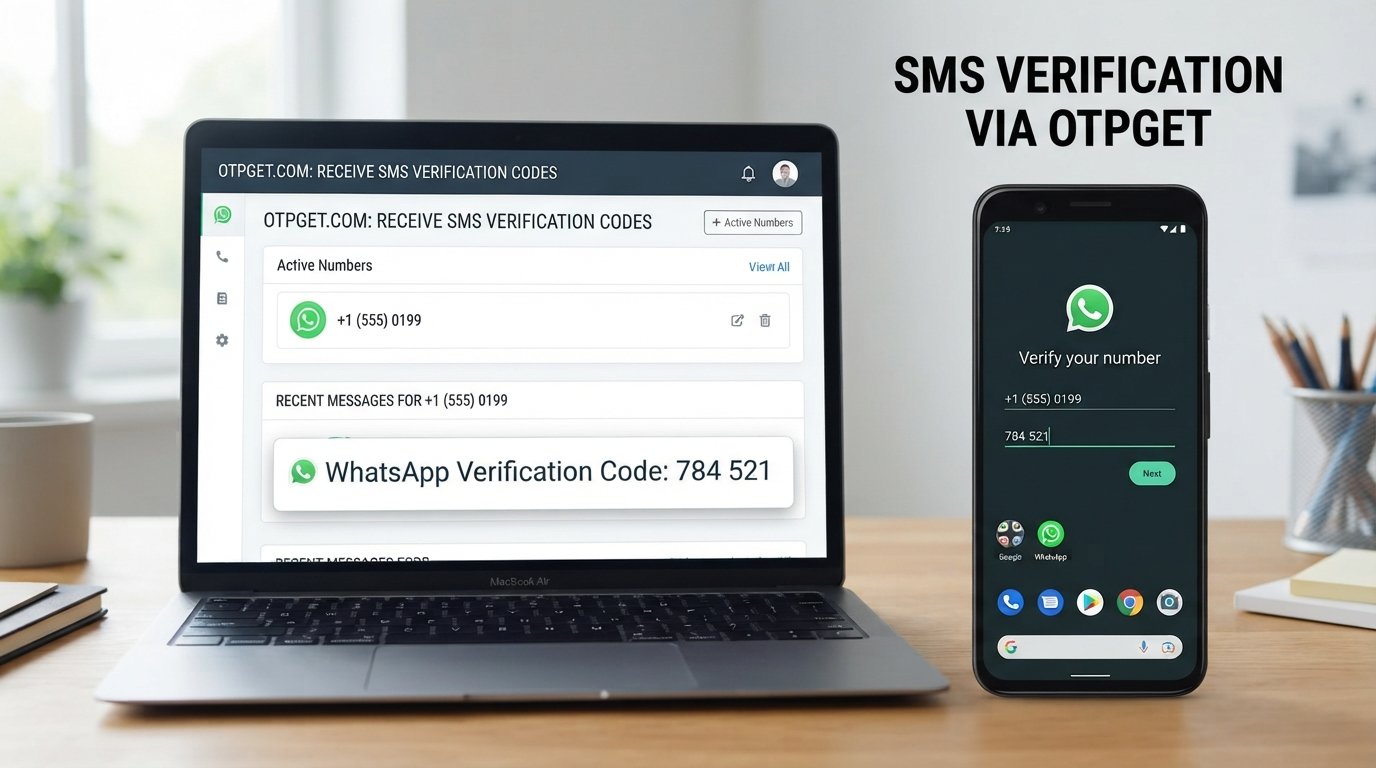
WhatsApp Phone Verification – Receive Your Code | OTPGet
Getting a WhatsApp verification code should be straightforward, but sometimes the message does not arrive when expected. A wrong number format, network issue, SMS delay, or repeated verification attempts can turn a simple phone verification step into a frustrating experience.
That is where understanding the verification process can help.
WhatsApp phone verification uses a phone number and a one-time verification code to confirm that the person attempting to access the service can receive messages or calls associated with that number. For users who need a suitable number for a legitimate verification purpose, an OTP receiving service such as OTPGET can provide another practical option where supported.
In this guide, we will explain how WhatsApp verification works, why an OTP may not arrive, what you can check before trying again, and how OTPGET can fit into legitimate phone verification workflows.
What Is WhatsApp Phone Verification?
WhatsApp phone verification is the process of confirming a phone number by sending a one-time verification code to it.
An OTP, or one-time password, is a temporary code generated for a specific verification attempt. It is different from the phone number itself. The number identifies the destination for the verification message, while the OTP confirms that the person completing the process has access to that destination.
The basic idea is simple:
- A user provides a phone number.
- The service sends a verification code.
- The user receives the code.
- The user enters it into the appropriate verification screen.
- The service checks the code and completes the verification step if it is valid.
Phone verification is commonly used to establish control over a phone number and add an additional layer of account security.
A verification code should only be used for an account or service that you are authorized to access. It should never be shared with another person who claims they need it for account access or verification.
How Does WhatsApp Verification Code Work?
The WhatsApp verification process generally follows a straightforward sequence.
1. Enter a phone number
The user enters the phone number they want to verify, including the appropriate country and number format.
2. Request verification
The service processes the request and sends a verification code through an available verification channel.
3. Receive the code
The verification message may arrive as an SMS or through another supported verification method. Delivery can depend on the number, network, device, and service conditions.
4. Enter the code
The user enters the received WhatsApp verification code into the relevant verification screen.
5. Complete verification
If the code is valid and the verification requirements are satisfied, the phone number can proceed through the service's verification process.
The important point is that the verification code is temporary and intended for the specific verification attempt. Treat it as sensitive information.
Why You May Not Receive Your WhatsApp OTP
Not receiving a WhatsApp OTP does not necessarily mean that something is wrong with the account. Several ordinary technical or network-related issues can interfere with verification SMS delivery.
Incorrect phone number
Check the number carefully before requesting another code. Pay particular attention to the country code, area code, and any digits that may have been entered incorrectly.
Poor mobile connectivity
Weak network coverage or temporary connectivity problems can delay SMS delivery. If possible, check that the device has a stable connection before trying again.
SMS delivery delays
Verification messages can occasionally take longer to arrive because of network conditions or message-routing delays.
Carrier or network issues
Mobile carriers and telecommunications networks can experience temporary problems that affect incoming messages.
Temporary service problems
The service handling the verification request may experience a temporary technical issue. Waiting briefly before attempting another request can be more useful than repeatedly submitting requests.
Too many verification attempts
Repeatedly requesting codes can create additional verification friction. If you have already tried several times, follow the instructions shown by the service rather than continually requesting new codes.
Device or messaging problems
Check whether other SMS messages are arriving normally. A full message inbox, device configuration issue, blocked messages, or other phone settings can sometimes interfere with receiving verification SMS.
How OTPGET Can Help With Phone Verification
For users who need access to a suitable phone number for a legitimate verification purpose, OTPGET can provide a practical option where the required service and number are supported.
The concept is simple: instead of relying exclusively on a personal number for every verification need, a user can use an appropriate available number through an OTP receiving service and check for the incoming verification message.
A typical workflow looks like this:
- Choose an appropriate verification option through OTPGET.
- Use the provided number only for a legitimate verification purpose.
- Enter that number into the service you are authorized to verify.
- Check OTPGET for the incoming verification message or code when supported.
- Enter the received code into the original service.
- Complete the verification process according to that service's requirements.
Availability and compatibility can vary. Not every platform accepts every temporary or virtual number, and OTP delivery can depend on the underlying service and network conditions.
OTPGET should therefore be viewed as a practical phone verification option, not as a method for bypassing security controls, restrictions, identity checks, or platform policies.
Benefits of Using OTPGET for Verification
An OTP receiving service can be useful when a user has a legitimate reason to use a suitable number other than their primary personal number.
Potential benefits include:
- Convenient verification options: Users can look for an appropriate number for a supported verification requirement.
- Simplified OTP receiving: The process can reduce some of the practical steps involved in arranging a suitable number.
- Useful for permitted testing: Developers and testers may find an OTP receiving option helpful when working with verification flows where temporary or virtual numbers are permitted.
- Additional flexibility: Users may have another option when their normal number is not suitable for a particular legitimate verification workflow.
The exact experience depends on number availability and the requirements of the service being verified. For important long-term accounts, a personal number that you control continuously may remain the more appropriate choice.
Things to Know Before Using a Phone Verification Service
Phone verification services can be useful, but they are not suitable for every situation.
Before using one, keep these points in mind.
Number availability can vary. A number that is available at one moment may not be available later, so users should check the options presented by the service.
Not every platform accepts virtual or temporary numbers. Some services may have their own requirements regarding the types of phone numbers they accept.
Verification messages can be delayed. SMS delivery depends on multiple systems, so an incoming code may not appear immediately.
Check the platform's rules. Always make sure the number and verification method you use are permitted by the service you are accessing.
Consider account importance. For sensitive or long-term personal accounts, a personal number that you control over time may provide greater continuity than a temporary number.
Protect your OTP. Never give a verification code to someone else. Legitimate verification codes are sensitive authentication information.
Use verification services responsibly. Do not use phone numbers or OTP services to impersonate someone, gain unauthorized access, evade security controls, create abusive accounts, or conduct spam or fraud.
WhatsApp Verification Code Troubleshooting
If your verification SMS has not arrived, work through the basics before trying repeatedly.
What should I do if my WhatsApp verification code does not arrive?
First, confirm that the phone number and country code are correct. Then check your mobile connection and make sure your device can receive normal SMS messages.
If everything looks correct, wait briefly and follow the verification instructions provided by the service.
Can I request another verification code?
If the service provides an option to request another code, you can use the available verification process. Avoid repeatedly requesting codes in a short period, as this may complicate the verification process.
Why is my verification SMS delayed?
SMS delivery can be affected by network conditions, carrier routing, device connectivity, or temporary service issues. A delay does not necessarily mean that the verification request failed.
What happens if I enter the wrong code?
A wrong verification code will generally fail the verification attempt. Check the latest code you received and follow the service's instructions rather than repeatedly entering guesses.
Why might a phone number not receive a verification message?
The number may be incorrectly entered, unavailable for the particular service, unable to receive the relevant message type, or affected by temporary network or delivery issues.
What should I check before trying again?
Confirm the number format, country code, mobile connectivity, SMS reception, and any instructions displayed by the service. If you are using an online or virtual number, also check whether that type of number is accepted.
OTPGET vs. Traditional Phone Verification Options
Different verification approaches can suit different situations. The right choice depends on whether you need long-term control of the number, temporary access, or an option for a specific permitted workflow.
| Option | Convenience | Number Control | Typical Use |
|---|---|---|---|
| Personal mobile number | High | High | Long-term personal accounts |
| Suitable virtual/online number | Depends on provider | Depends on provider | Certain online verification needs |
| OTPGET | Convenient option where supported | Depends on available number | Legitimate OTP and verification use |
There is no single option that is ideal for every verification situation. A personal number may be preferable for an account you expect to use for a long time, while an appropriate online number may be useful for a permitted temporary verification requirement.
Who Can Benefit From OTPGET?
OTPGET may be useful for people who have a legitimate need for an additional phone verification option.
Potential users include:
- People who need a suitable number for an online verification process.
- Users testing services where temporary or virtual numbers are explicitly permitted.
- Developers or testers working with verification flows in an appropriate environment.
- Users who need an additional option for receiving an OTP or verification SMS.
The key consideration is authorization. A phone verification service should support legitimate access and testing—not provide a way around security requirements.
Frequently Asked Questions
What is WhatsApp phone verification?
WhatsApp phone verification is a process used to confirm a phone number by sending a one-time verification code to that number. The user enters the valid code to continue through the verification process.
What is a WhatsApp verification code?
A WhatsApp verification code is a temporary code associated with a specific verification attempt. It is used to confirm access to the phone number receiving the code.
How do I receive a WhatsApp OTP?
Enter an eligible phone number through the appropriate verification process and wait for the verification message. If using an OTP receiving service such as OTPGET, use a suitable available number and check for the incoming code when the service supports that verification flow.
Why am I not receiving my WhatsApp verification code?
Common causes include an incorrect number, poor connectivity, SMS delivery delays, carrier issues, device problems, temporary service issues, or repeated verification attempts.
Can OTPGET help with phone verification?
OTPGET can provide a practical option for receiving verification codes when a suitable number is available and supported by the service being verified. Compatibility and message availability can vary.
Is a temporary phone number suitable for WhatsApp verification?
It depends on the verification service's requirements and whether the number is accepted. Users should check the relevant platform's rules before relying on a temporary or virtual number.
Are all online numbers accepted by WhatsApp?
No assumption should be made that every online, virtual, or temporary number will be accepted. Compatibility depends on the service's verification requirements and the number being used.
Should I share my verification code with anyone?
No. A verification code is sensitive information and should only be entered into the legitimate verification process for the account or service you are authorized to access.
Final Thoughts
WhatsApp phone verification is designed around a simple principle: confirm that the person completing verification can access the phone number associated with the process.
When a verification code does not arrive, checking the number format, network connection, SMS availability, and verification instructions can often identify the problem. When a user needs a suitable number for a legitimate verification requirement, an OTP receiving service such as OTPGET can provide another practical option where supported.
The important thing is to choose the verification method that fits the service's requirements and your intended use. Temporary or virtual numbers are not universally accepted, and they may not be appropriate for accounts that require long-term control of a personal number.
If you have a legitimate need to receive an OTP or verification SMS, explore OTPGET and review the available verification options to find a suitable solution for your use case.


