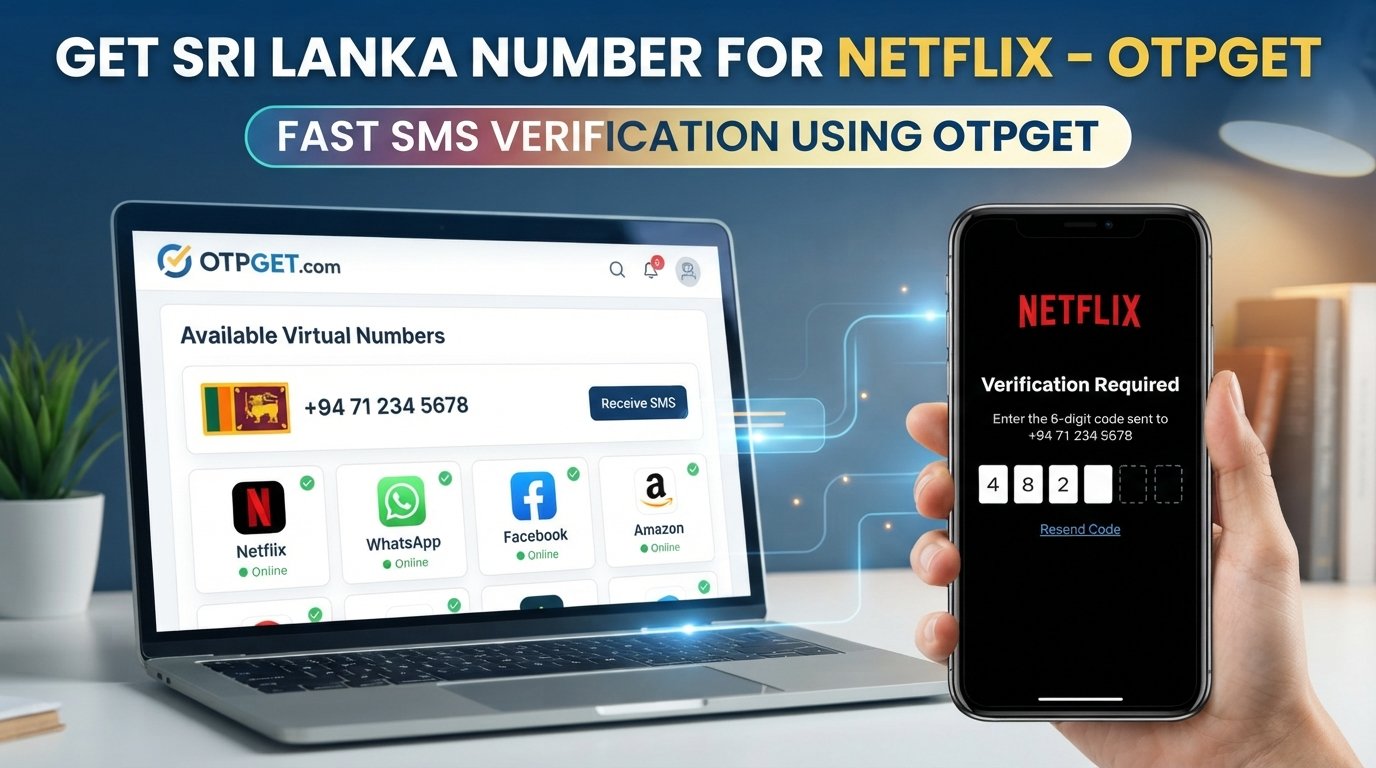
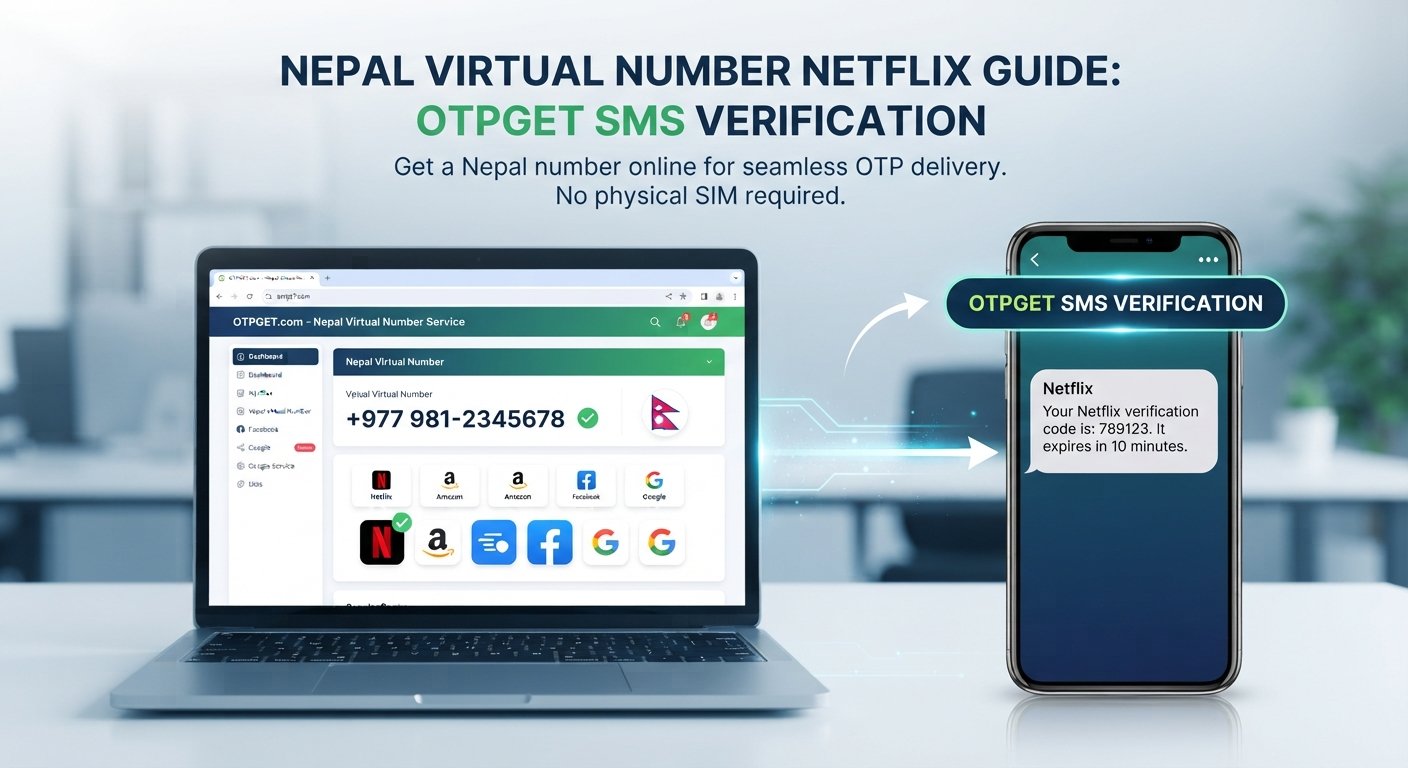
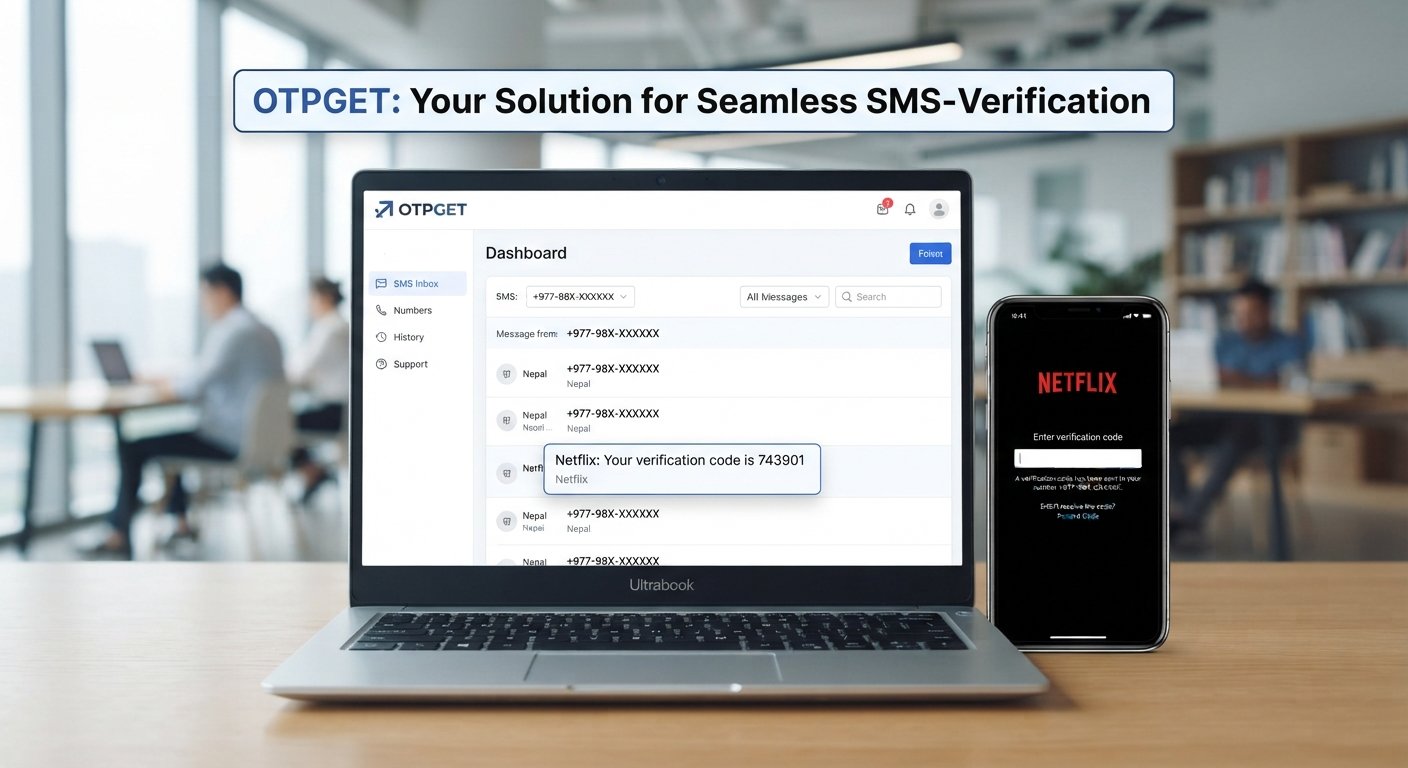
How to Get a WhatsApp Verification Code Using a Virtual Number
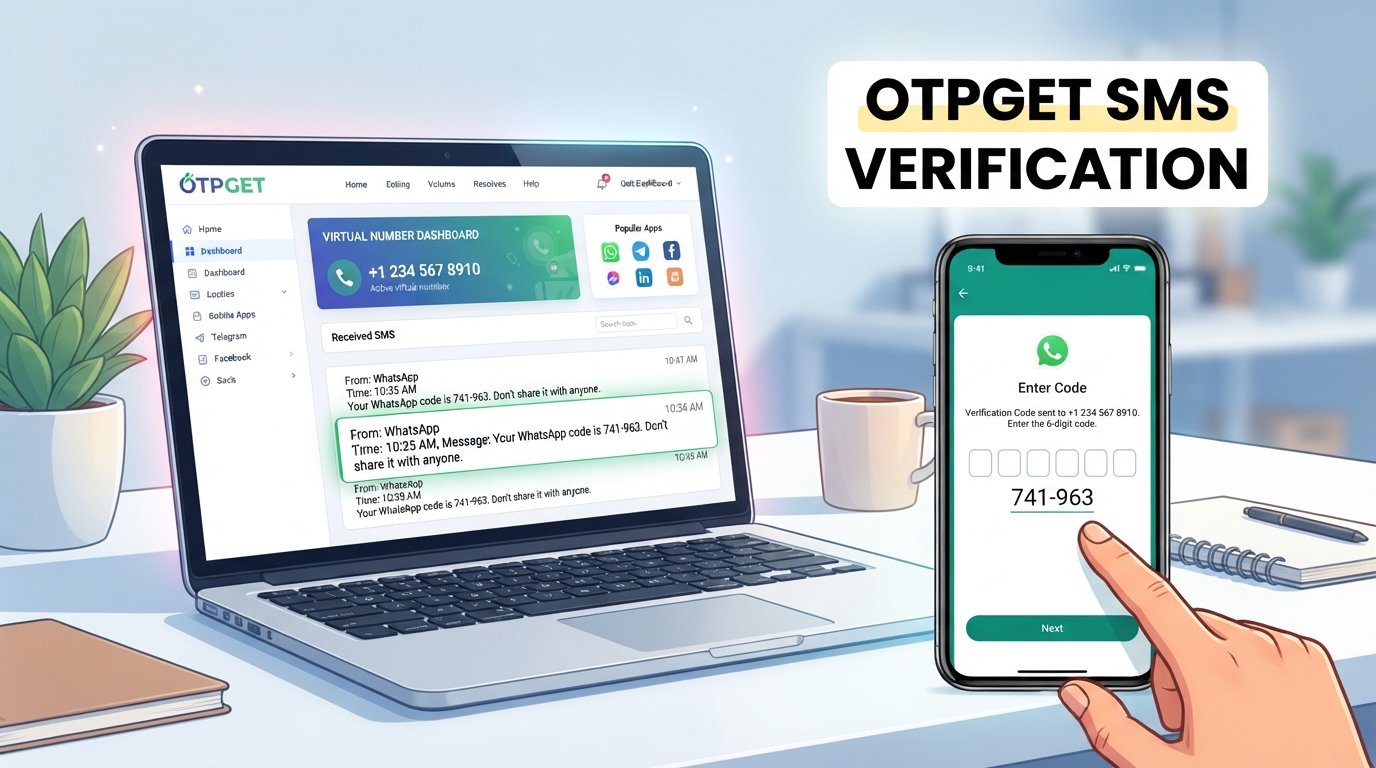
How to Get a WhatsApp Verification Code Using a Virtual Number
When you create or access a WhatsApp account, phone-number verification is an important part of the normal setup process. WhatsApp uses a verification code to confirm that you have access to the phone number associated with the account.
For users who prefer not to expose their personal number for a particular online service, a virtual phone number can sometimes provide an alternative. The key word is sometimes: virtual numbers are not universally accepted, and successful verification depends on whether the number and its service are supported by WhatsApp.
One option to consider is OTPGET, a service designed around access to virtual numbers and receiving SMS verification messages where supported. In this guide, you'll learn how virtual-number verification works, how to use OTPGET for the process, what can go wrong, and what to consider before relying on a virtual number for an important account.
What Is a WhatsApp Verification Code?
A WhatsApp verification code is a temporary code used during phone-number verification. It helps confirm that the person setting up or verifying an account has access to the number being registered.
During the normal verification process, WhatsApp may send a verification code by SMS to the phone number entered by the user. Depending on the circumstances and available verification options, WhatsApp may also provide other verification methods.
The basic process is straightforward:
- Enter a phone number into WhatsApp.
- Request verification.
- WhatsApp sends a verification code to that number when the relevant delivery method is available.
- Enter the received code into WhatsApp.
- Complete any remaining account-verification steps.
Access to the registered phone number is therefore important. If you cannot receive the verification message, you generally cannot complete that part of the process.
Can You Use a Virtual Number for WhatsApp Verification?
A virtual number is a phone number provided through an online communications service rather than being tied directly to a traditional physical SIM in your phone. Depending on the provider, a virtual number may support incoming SMS, calls, or other communications.
This makes a virtual number potentially useful for receiving an SMS verification code online.
However, not every virtual number will work with WhatsApp. Acceptance can depend on the number itself, its underlying carrier or service, SMS availability, and WhatsApp's verification systems.
For that reason, it is better to think of a virtual number as an alternative number that may support verification, rather than as a guaranteed method of obtaining a WhatsApp verification code.
If you're looking for a virtual number for this purpose, OTPGET is one practical option to explore. Where the selected number supports incoming SMS and is accepted by the service being verified, the verification message can be accessed through the provider's available interface.
Always use a number that you are legitimately authorized to use and follow WhatsApp's applicable rules.
How to Get a WhatsApp Verification Code Using a Virtual Number
If you want to try a virtual number for WhatsApp verification, the process can be relatively simple.
1. Choose a suitable virtual-number service
Start by selecting a provider that offers numbers with the capabilities you need.
For WhatsApp verification, the important consideration is whether the number can receive the relevant SMS messages. A number that only supports certain communication features may not be appropriate.
OTPGET can be considered when you need access to a virtual number for supported SMS verification purposes.
2. Select a number through OTPGET
Choose an available virtual number through OTPGET that matches the requirements of your intended use.
Before proceeding, review the information provided for the number and make sure you understand its access and usage conditions. Availability and supported services can vary between numbers.
3. Check whether SMS reception is supported
This step is easy to overlook.
If your goal is to receive a WhatsApp OTP, you need a number capable of receiving the verification SMS. Not all virtual numbers have identical capabilities.
Where OTPGET provides the relevant SMS-receiving functionality for a selected number, monitor its available inbox or interface for incoming messages.
4. Enter the virtual number in WhatsApp
Open the normal WhatsApp registration or verification process and enter the selected number in the appropriate international format.
Make sure the country code and remaining digits are correct. A simple formatting error can prevent the verification message from reaching the intended number.
5. Request the verification code
Proceed with WhatsApp's normal verification process and request the code.
At this point, delivery depends on WhatsApp and the compatibility of the selected number. A virtual-number provider cannot necessarily control whether an external service accepts a particular number or sends an OTP to it.
6. Monitor the OTPGET interface for the SMS
If the message is delivered successfully and the number supports SMS reception, check the relevant OTPGET interface for the incoming verification message.
The timing can vary. Network, carrier, provider, or service-side delays can affect SMS delivery.
7. Enter the verification code into WhatsApp
Once the legitimate verification SMS arrives, enter the code into the appropriate WhatsApp verification screen.
Treat the code as confidential. It is intended for your verification process and should not be forwarded to another person.
8. Complete the normal WhatsApp verification process
After entering the code, follow WhatsApp's remaining setup or verification instructions.
Successful completion is dependent on WhatsApp accepting the number and completing its normal verification checks. A virtual number does not guarantee account verification.
Why Use OTPGET for a Virtual Number?
The main appeal of a service such as OTPGET is convenience. Instead of relying exclusively on a personal mobile number for every online verification situation, a user may have the option of using a separate virtual number where the relevant service supports it.
Potential advantages include:
- Separate number access: A virtual number can separate certain online activities from your personal phone number.
- Online SMS access: Where supported, verification messages can be accessed through the virtual-number service.
- Convenience: The process can be managed online rather than requiring another physical SIM.
- Privacy considerations: Using a separate number may reduce unnecessary exposure of your personal number.
- Flexible use cases: Virtual numbers can be useful for various legitimate services that support them.
OTPGET should not be viewed as a way to bypass WhatsApp's security controls. Its practical role is providing access to virtual-number services that may support SMS reception for compatible verification scenarios.
Before selecting a number, check the available service information and make sure it suits your intended purpose.
Benefits of Using a Virtual Number for Verification
A virtual number can make sense in several legitimate situations.
Separating personal and online communication
Some users prefer not to provide their everyday mobile number to every online service. A separate number can create a degree of separation between personal communications and online registrations.
Privacy considerations
Using a separate number can limit how widely your personal number is shared. This does not make an account anonymous or automatically secure, but it can be useful as part of a broader privacy-conscious approach.
Convenience
An online virtual number can be easier to manage than obtaining and maintaining an additional physical SIM, depending on the provider and use case.
Remote SMS access
If the virtual number supports incoming SMS, verification messages can potentially be viewed through the provider's online interface.
Managing different services
Virtual numbers can also have legitimate applications beyond WhatsApp, particularly for services that explicitly support virtual or secondary numbers.
The important point is to check the rules and requirements of each service rather than assuming that one virtual number will work everywhere.
Things to Know Before Using a Virtual Number
Virtual-number verification has some important limitations.
- Not every number is accepted. WhatsApp may reject particular virtual, VoIP, recycled, or otherwise unsupported numbers.
- SMS capabilities vary. A number may not support the type of message you need.
- Availability can change. Virtual-number providers may have different numbers and service capabilities at different times.
- Number ownership matters. Understand what access you have to the number and how long that access is expected to remain available.
- Account recovery requires consideration. If you use a number for an important account and later lose access to it, recovery or re-verification can become difficult.
- Verification codes are private. Never give an OTP to someone who asks for it.
- Service rules still apply. A virtual number does not exempt you from WhatsApp's terms, verification requirements, or security measures.
For accounts that you expect to keep for a long time, consider whether you can maintain legitimate access to the number throughout the account's lifecycle.
Common Problems When Receiving a WhatsApp OTP
Verification code not arriving
First, check that the country code and number were entered correctly. Then make sure the selected virtual number supports incoming SMS.
If everything appears correct, a delivery delay may be responsible. Avoid repeatedly requesting codes in quick succession.
The virtual number is not accepted
WhatsApp may not accept a particular virtual number or number type. This does not necessarily mean there is a problem with your account.
If a number is rejected, review the provider's information and WhatsApp's normal verification requirements rather than attempting to circumvent the restriction.
SMS delivery is delayed
SMS messages can occasionally experience delays due to service, network, carrier, or provider conditions.
Give the system reasonable time to process the request and check the relevant OTPGET interface again before making repeated requests.
The code has expired
Verification codes are generally intended for the immediate verification process. If the displayed code is no longer valid, use WhatsApp's normal option to request another code when available.
Too many verification attempts
Repeated verification requests can lead to temporary restrictions or additional delays. If this happens, follow the instructions presented by WhatsApp and avoid trying to bypass any verification limits.
Lost access to the virtual number
This is one of the most important considerations. If an account remains associated with a virtual number, losing legitimate access to that number can complicate future verification or account recovery.
Choose a number and service arrangement that matches how long you expect to need access.
OTPGET vs. Using Your Personal Number
Both approaches can have legitimate uses. The right choice depends on your privacy preferences, account requirements, and ability to maintain access to the number.
| Factor | Personal Number | OTPGET Virtual Number |
|---|---|---|
| Personal number exposure | Higher | Can provide separation |
| SMS access | Directly on phone | Through supported virtual-number service |
| Convenience | Familiar | Online-oriented |
| Privacy considerations | Depends on use | Can reduce exposure of personal number |
| Long-term account recovery | Depends on continued number access | Depends on continued access to the virtual number |
This comparison is about use cases, not a guarantee that either option will be accepted by WhatsApp. Users should choose the approach that fits their circumstances and WhatsApp's requirements.
Is a Virtual Number Safe for WhatsApp Verification?
A virtual number is not automatically safe or unsafe. Security depends partly on how the number is obtained, who can access it, and how carefully the associated account is managed.
If you use a virtual number for verification, keep these practices in mind:
- Use a legitimate virtual-number provider.
- Keep access to the number private.
- Never share your WhatsApp verification code with another person.
- Be cautious of messages or calls asking you to disclose an OTP.
- Consider long-term number access before associating the number with an important account.
- Follow WhatsApp's security recommendations and applicable terms.
- Do not use a virtual number to deceive others or circumvent account restrictions.
The verification code itself should always be treated as sensitive account information.
Why OTPGET Can Be a Practical Option
For someone specifically looking for an alternative phone number for supported SMS verification, OTPGET provides a straightforward service category to explore: virtual numbers that can be used for receiving messages where supported.
The workflow is simple to understand: select an appropriate number, use it for the normal verification process, monitor the available SMS interface, and enter the legitimate code when it arrives.
The important qualification is that OTPGET cannot guarantee that every virtual number will be accepted by WhatsApp or that every verification SMS will be delivered. Those outcomes depend on the selected number, its capabilities, availability, and WhatsApp's own verification systems.
That makes OTPGET best considered as a practical virtual-number option rather than a workaround for WhatsApp's security controls.
Frequently Asked Questions
1. Can I receive a WhatsApp verification code on a virtual number?
Potentially, yes. A virtual number may receive a WhatsApp verification SMS if it supports incoming messages and WhatsApp accepts that number. Not every virtual number is compatible.
2. What is a virtual number for WhatsApp verification?
It is an online-provided phone number that may be used for services requiring phone-number verification. For WhatsApp, the number must still satisfy WhatsApp's verification requirements.
3. How do I receive a WhatsApp OTP online?
You can use a virtual number with SMS-receiving capability from a service such as OTPGET, then monitor the provider's available interface after requesting verification through WhatsApp.
4. Can I use OTPGET to receive a verification SMS?
OTPGET can be considered for virtual-number-based SMS verification where the selected number supports the required messaging service. Availability and compatibility can vary.
5. Why is my WhatsApp verification code not arriving?
Possible reasons include an incorrect number, unsupported number type, SMS delivery delays, service issues, or repeated verification requests. Check the number details and follow WhatsApp's normal troubleshooting instructions.
6. Are all virtual numbers accepted by WhatsApp?
No. Virtual numbers can differ by provider, carrier, type, and other characteristics, and WhatsApp may accept or reject individual numbers.
7. Is it safe to share a WhatsApp verification code?
No. Treat your verification code as private account information. Do not give it to other people, even if someone claims to be helping you verify the account.
Conclusion
Using a virtual number can be a useful option when you want to separate your personal phone number from a supported online verification process. However, compatibility is not universal, and WhatsApp ultimately determines whether a particular number can be used for verification.
The process for getting a WhatsApp verification code using a virtual number is straightforward when the number supports SMS and is accepted: select a suitable number, enter it through WhatsApp's normal verification flow, monitor the virtual-number service for the incoming SMS, and enter the code privately.
For users exploring this approach, OTPGET is a practical virtual-number service to consider. Check the available number and SMS capabilities before proceeding, maintain legitimate access to the number, and use it in accordance with WhatsApp's requirements.
The goal should be convenient, legitimate verification—not bypassing security controls. With the right number and appropriate expectations, a virtual-number service such as OTPGET can be a useful part of an online phone-verification workflow.