WhatsApp Virtual Number: A Complete Beginner Guide to Using It
WhatsApp Virtual Number: Complete Beginner's Guide
Creating or verifying a messaging account can become inconvenient when you do not want to use your primary personal phone number. You may be setting up a separate account for work, managing communications for a project, or simply trying to keep your personal number private.
That is where a WhatsApp Virtual Number can be useful. Instead of relying exclusively on a traditional SIM-based number, users can explore virtual numbers provided through online services, including services designed to support SMS and OTP verification workflows.
For beginners, however, the terminology and limitations can be confusing. A virtual number is not automatically accepted by every platform, and receiving a verification code depends on several factors.
This guide explains how virtual numbers work, how WhatsApp verification generally works, what to check before choosing a provider, and how OTPGET can fit into the process.
What Is a WhatsApp Virtual Number?
A virtual number is a phone number that can be accessed through an online service rather than being tied exclusively to a physical SIM card in your phone.
A virtual number for WhatsApp can be used as an alternative number when a platform requests phone number verification, provided the number and verification method are supported.
A traditional mobile number is normally associated with a physical SIM or eSIM issued by a mobile carrier. A virtual phone number, by contrast, is typically managed through a virtual number service and may support functions such as receiving SMS or verification messages.
The exact setup varies between providers. Some numbers may be available for a limited period, while others may have different usage or reuse policies. SMS access can also vary.
Before choosing an online virtual number, check the provider's terms, availability, supported countries or regions, SMS capabilities, and compatibility with the service you intend to use.
Why Use a Virtual Number for WhatsApp?
There are several legitimate reasons someone may want a second or alternative number for WhatsApp.
Potential use cases include:
-
Separating personal and business communication: A separate number can help distinguish work conversations from personal chats.
-
Reducing exposure of your primary number: You may prefer not to give your main personal number to every online service.
-
Managing projects: A dedicated number can be useful for a small project, community, or temporary business activity.
-
Testing permitted account flows: Developers and businesses may need additional numbers for legitimate testing where platform rules allow it.
-
Managing additional communications: A second number can provide a practical separation between different types of communication.
For these purposes, an online number for WhatsApp can be convenient. Services such as OTPGET may also be useful when you need access to a virtual number for an SMS or OTP-related workflow.
The important point is to use any number in accordance with WhatsApp's rules, applicable laws, and the provider's terms.
How Does WhatsApp Verification Work?
WhatsApp number verification generally involves confirming that you can receive a verification code associated with the phone number you enter.
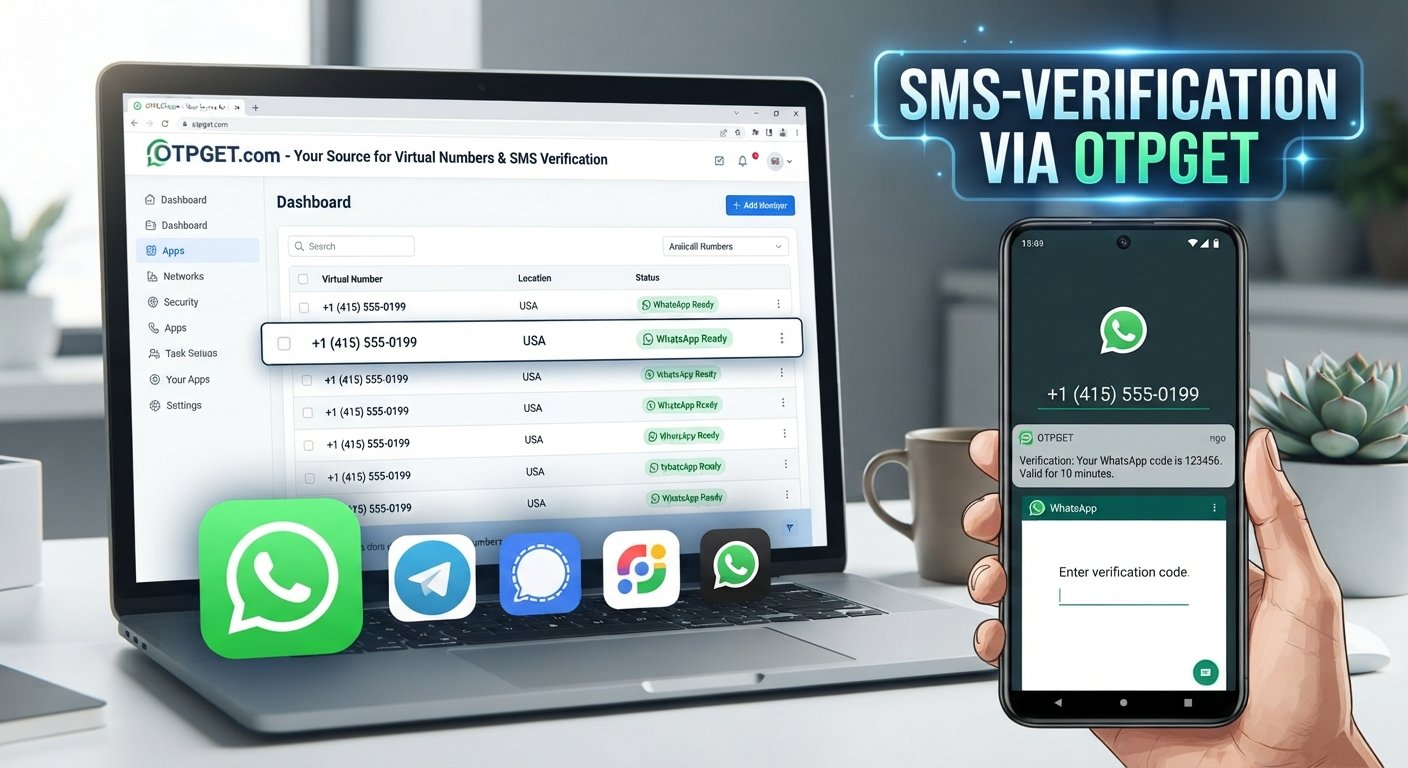
The process typically works like this:
-
Enter a phone number. You provide the number you want to use for WhatsApp account verification.
-
WhatsApp sends a verification code. The service attempts to deliver a code through its available verification method.
-
Receive the message. If the number supports the required method, the verification message may arrive through SMS or another supported channel.
-
Enter the code. You enter the received WhatsApp verification code in the appropriate field.
-
Complete setup. If verification is successful, you can continue with the account setup process.
A successful verification is not guaranteed simply because a number can receive SMS. Number type, provider, country or region, availability, platform rules, and WhatsApp's own verification systems can all affect the outcome.
That is why a WhatsApp verification number should be selected carefully rather than assuming that every virtual number will work.
How to Get a Virtual Number for WhatsApp
If you are new to virtual numbers, the process can be straightforward, although the exact steps depend on the provider.
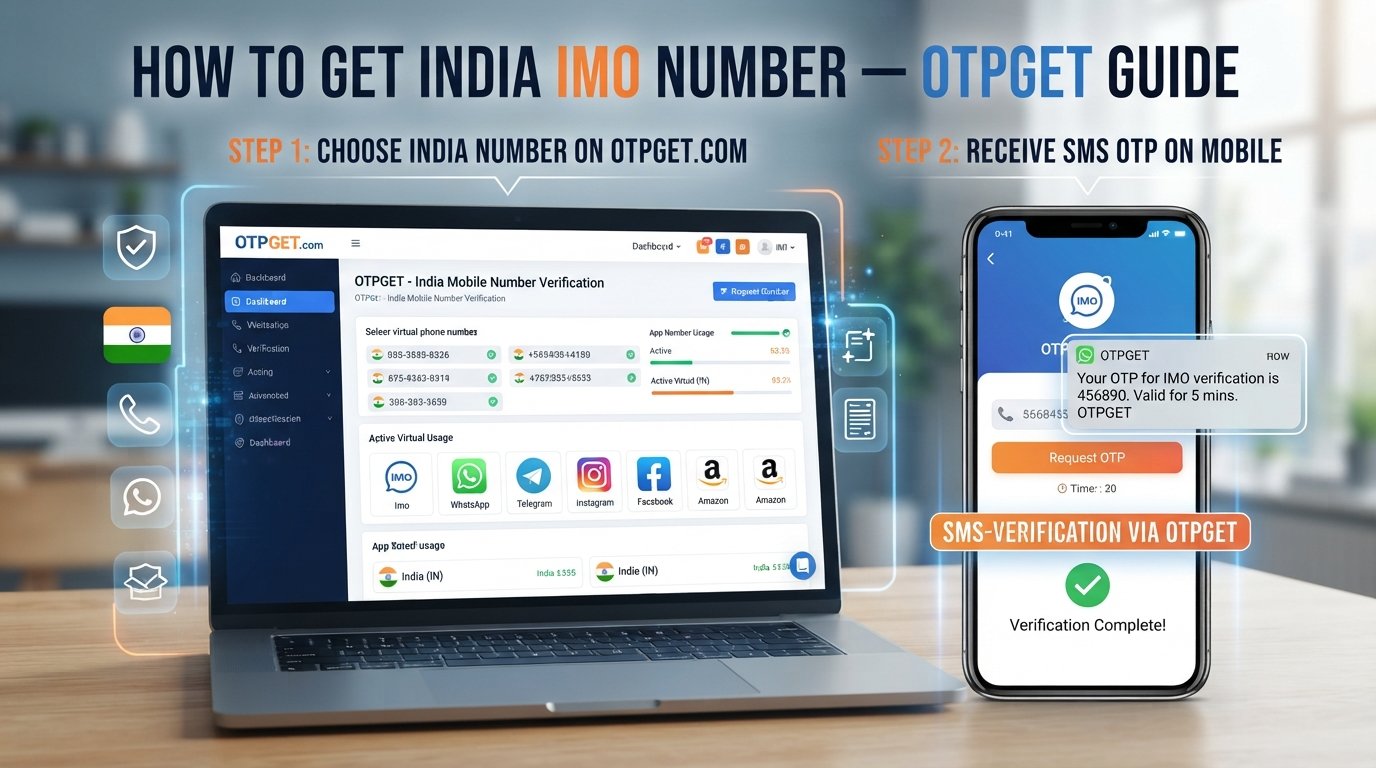
Step 1: Choose a suitable virtual number provider
Look for a provider that clearly explains its number availability, supported regions, SMS capabilities, and applicable terms.
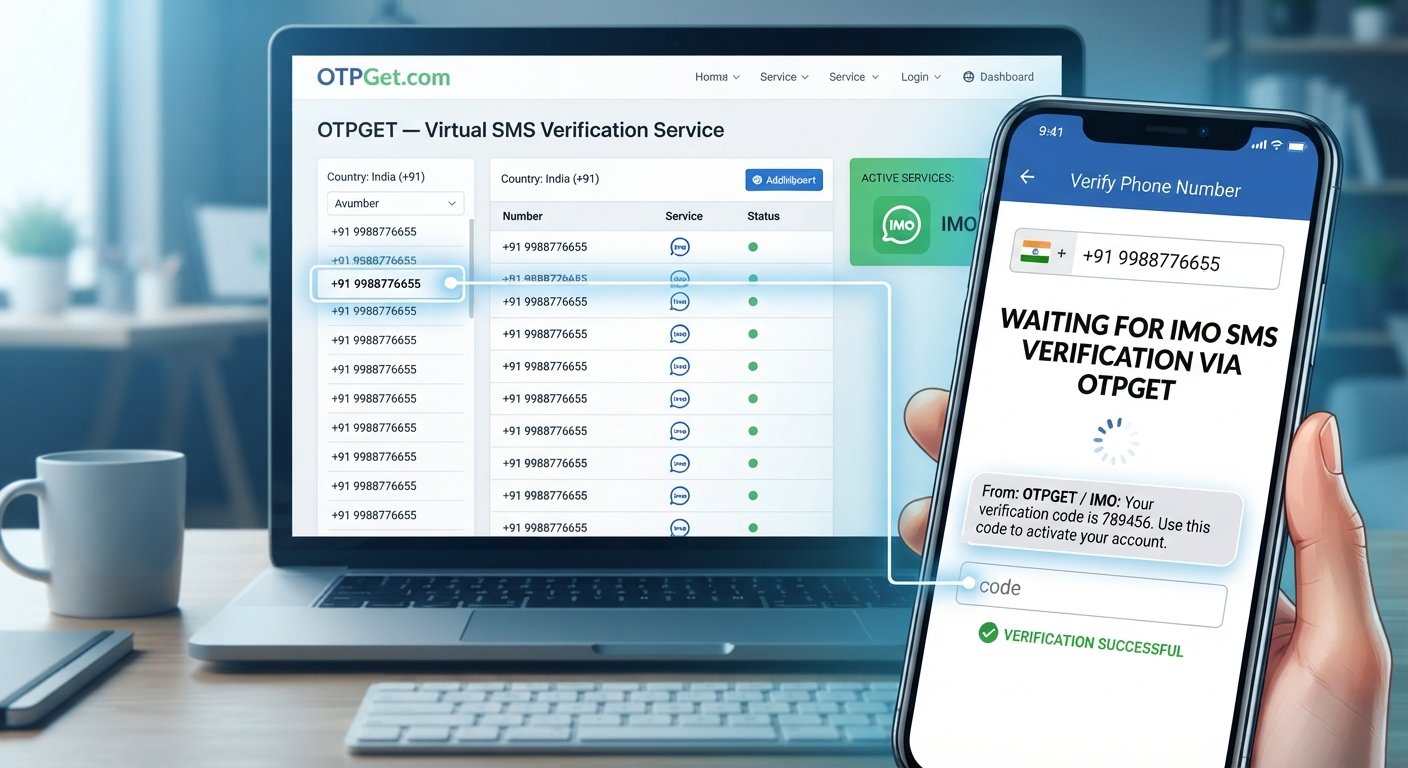
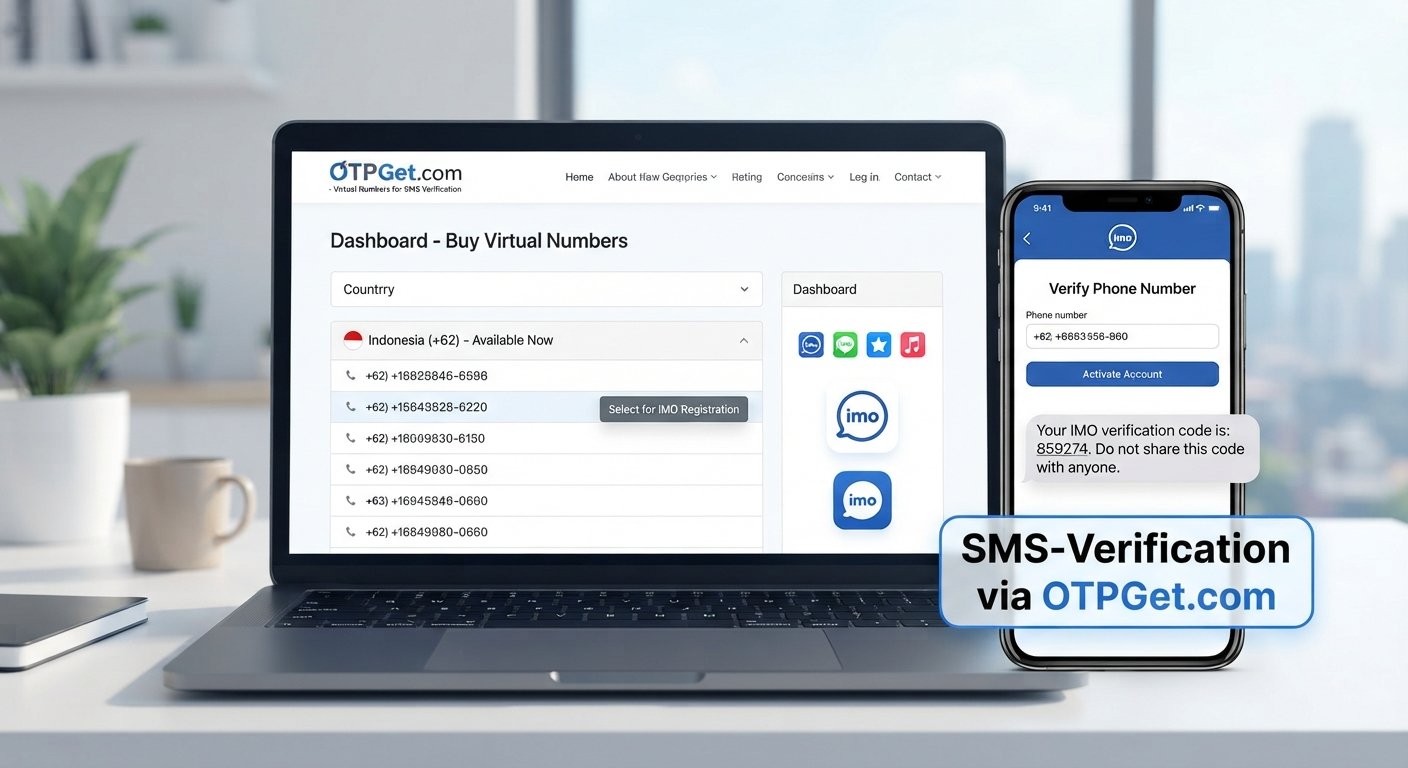
OTPGET is one option users can explore when looking for virtual numbers and OTP/SMS verification services.
Step 2: Select an available number
Choose an available number and, where supported, select the relevant country or region.
Pay attention to whether the number is temporary, reusable, or subject to a particular duration.
Step 3: Follow the provider's instructions
Use the number according to the provider's instructions. Make sure you understand how incoming verification messages are displayed or accessed.
Step 4: Enter the number into WhatsApp
Where appropriate and permitted, enter the virtual number during the WhatsApp registration or verification process.
Step 5: Wait for the verification code
If WhatsApp accepts the number for verification and the provider supports the required message, wait for the verification code to arrive.
Step 6: Enter the received code
If the verification message arrives successfully, enter the code into WhatsApp.
Never share a verification code with another person.
Step 7: Complete the setup
Once the number has been verified successfully, continue with the remaining WhatsApp setup steps.
Keep in mind that not every OTPGET number will necessarily work with every WhatsApp account, region, or verification attempt. Availability and compatibility can change, and WhatsApp controls its own verification process.
How OTPGET Can Help With WhatsApp Virtual Numbers
For someone looking for a practical way to access virtual numbers for online verification workflows, OTPGET can be worth exploring.
The service can help users who need a virtual number and access to verification-related SMS or OTP messages where supported. This may be useful when you do not want to expose your primary personal number during an online verification process.
Potentially useful aspects include:
-
Convenient access to virtual numbers.
-
Support for online verification workflows where compatible.
-
An alternative to immediately using a primary personal number.
-
A straightforward approach for users who need a verification number.
-
Centralized access to verification-related messages where supported.
The key word is supported. A virtual number service does not control the verification policies of third-party platforms. WhatsApp may accept some numbers and reject others depending on its systems and requirements.
OTPGET should therefore be viewed as a practical virtual-number and OTP-related service rather than a way to bypass WhatsApp restrictions, security controls, bans, or account requirements.
Before using a number, review its availability and the relevant provider terms. This helps set realistic expectations about what the service can and cannot do.
Benefits of Using a WhatsApp Virtual Number
A virtual WhatsApp number can offer several practical advantages:
-
Privacy: It can reduce the need to share your primary personal number in certain situations.
-
Separation: A second number can help separate personal and business communications.
-
Convenience: Online access can make managing verification-related messages simpler.
-
Flexibility: Virtual numbers can be useful for specific online workflows.
-
Reduced exposure: Your primary number does not have to be the number you provide for every online activity.
-
Additional communication options: A second number may be useful for certain projects or business activities.
These benefits depend on the type of number and the provider. A virtual number does not automatically provide complete privacy or security, so users should still follow sensible account-security practices.
WhatsApp Virtual Number vs. Temporary Number
The terms used by providers can vary, but the following comparison gives beginners a useful general overview.
| Feature | WhatsApp Virtual Number | Temporary Number | Traditional Mobile Number |
|---|---|---|---|
| Typical purpose | Additional online number and verification use | Short-term verification or communication | Personal or long-term communication |
| Number ownership | Depends on provider arrangement | Often limited or shared depending on service | Generally assigned to the subscriber |
| Duration | Varies by provider | Often limited | Usually long-term |
| SMS/OTP availability | Depends on number and provider | Depends on service | Generally supported by the carrier |
| Privacy considerations | Can reduce exposure of a primary number | May offer less control or continuity | Directly associated with the user |
| Potential limitations | Platform compatibility and availability | Expiration, recycling, or reuse | Requires carrier service |
| Suitable use cases | Additional numbers and supported verification workflows | Short-term permitted uses | Everyday personal or business communication |
Always check the specific provider's definition because "virtual," "temporary," and similar terms are not standardized across every service.
Things to Check Before Choosing a Virtual Number
Choosing a number based only on price or availability can lead to problems later. Before selecting a virtual number service, consider:
-
Number availability: Is the desired country or region available?
-
SMS support: Can the number receive the type of message you need?
-
OTP compatibility: Does the service support relevant verification workflows?
-
Number duration: How long will the number remain available?
-
Reuse policies: Could the number later be reassigned or reused?
-
Privacy practices: Understand how the provider handles account and message information.
-
Provider reputation: Look for clear service information and transparent policies.
-
Customer support: Check what assistance is available if a problem occurs.
-
Pricing transparency: Make sure fees and usage conditions are clearly explained.
-
Platform compatibility: Remember that third-party platforms decide whether they accept particular numbers.
-
Terms of service: Use the number in accordance with both the provider's and platform's rules.
WhatsApp controls its own verification process, so no third-party provider can guarantee that every virtual number will be accepted.
Common Problems With WhatsApp Virtual Numbers
The verification code does not arrive
First, check that the number was entered correctly and that the provider supports incoming SMS for that number. Delays can also occur, so avoid repeatedly requesting codes without checking the platform's instructions.
The number is already associated with an account
A number may have been used previously, especially where numbers are recycled or reassigned. Follow WhatsApp's instructions for handling a previously registered number.
The number is not supported
Some virtual or temporary numbers may not be accepted. If this happens, check whether the provider offers another suitable number and whether WhatsApp supports that type of number.
SMS delivery is delayed
Check the provider's status and allow reasonable time for delivery. If the message does not arrive, review the number's SMS capabilities before trying another verification attempt.
Country or region restrictions apply
Availability can differ by country or region. Confirm that the selected number matches the requirements of your intended verification process.
Provider availability changes
Virtual numbers can become unavailable or expire. Check the number's duration and reuse conditions before relying on it for an account you need to maintain.
WhatsApp rejects the number
A rejected number does not necessarily mean there is a problem with the provider. WhatsApp makes its own decisions about acceptable numbers and verification attempts.
Is a WhatsApp Virtual Number Safe to Use?
A virtual number can be useful, but it should not be treated as an automatic guarantee of anonymity, security, or permanent account access.
Consider several factors before using one:
-
Privacy: Understand what information the provider collects and how it handles messages.
-
Account recovery: If you lose access to a number, recovering an account associated with it may become more difficult.
-
Number recycling: Temporary or reassigned numbers may eventually be given to another user.
-
Provider trust: Choose a service with clear policies and understandable usage terms.
-
WhatsApp rules: Always follow the platform's requirements and terms.
-
Shared-number risks: Avoid services where other users may have access to the same verification messages.
-
OTP security: Never give a verification code to another person.
A virtual phone number is simply another type of number-access arrangement. Its safety depends on how the number is provided, how you use it, and how well you protect the associated account.
Why Choose OTPGET for Virtual Number and OTP Needs?
If you need a practical way to explore virtual numbers for verification-related workflows, OTPGET can be a useful option to consider.
It is particularly relevant for users who want access to virtual numbers and SMS or OTP verification services without immediately exposing their primary personal number.
The right choice still depends on your specific requirements, including number availability, supported regions, SMS access, duration, and compatibility with the platform you intend to use.
For WhatsApp-related verification, remember that acceptance is determined by WhatsApp and can vary by number and circumstance.
Explore OTPGET to find a virtual number that fits your verification needs.
Frequently Asked Questions
What is a WhatsApp virtual number?
A WhatsApp virtual number is a phone number provided through a virtual number service rather than being tied exclusively to a traditional physical SIM. It may be used for WhatsApp verification when the number is supported.
Can I use a virtual number for WhatsApp verification?
You may be able to use a virtual number for WhatsApp number verification, but acceptance is not guaranteed. Compatibility can depend on the number, provider, region, and WhatsApp's verification systems.
How do I receive a WhatsApp verification code?
Enter a supported phone number during the verification process and wait for WhatsApp to send the verification code through its available method. If you are using a virtual number, the provider must also support receiving the required message.
Can I use a temporary number for WhatsApp?
A temporary number may work in some circumstances, but temporary numbers can have limitations such as expiration, recycling, or platform incompatibility. Check the provider's terms before using one.
Is a WhatsApp virtual number safe?
It can be useful, but it does not automatically guarantee privacy, anonymity, security, or permanent access. Pay attention to the provider's policies, number reuse, account recovery, and OTP security.
Why is my WhatsApp verification code not arriving?
Check that the number is correct, the provider supports SMS delivery, and there are no regional or platform restrictions. If the problem continues, review the provider's guidance or consider another supported number.
Can OTPGET provide a virtual number for WhatsApp?
OTPGET can be explored for virtual numbers and OTP/SMS verification needs where supported. Whether a specific number works with WhatsApp depends on availability and WhatsApp's own verification requirements.
What should I check before choosing a virtual number provider?
Check number availability, country support, SMS and OTP capabilities, duration, reuse policies, privacy practices, pricing, customer support, and compatibility with the platform you plan to use.
Final Thoughts
A WhatsApp Virtual Number can be a practical alternative when you need an additional number for supported verification or communication workflows. It may help separate personal and business communication, reduce exposure of a primary number, and provide flexibility for specific online activities.
However, virtual numbers come with limitations. Availability, SMS delivery, number duration, recycling policies, regional support, and WhatsApp compatibility can all affect the experience.
Before choosing a provider, understand how the number works and whether it fits your intended use. For users looking for virtual numbers and OTP-related services, OTPGET can be a practical option to explore.
Choose a number based on your actual requirements, follow WhatsApp's rules, and protect your verification codes. Then explore OTPGET to find a virtual number that fits your needs.