Where to Get OTP Online? Try OTPGET for Easy SMS Verification
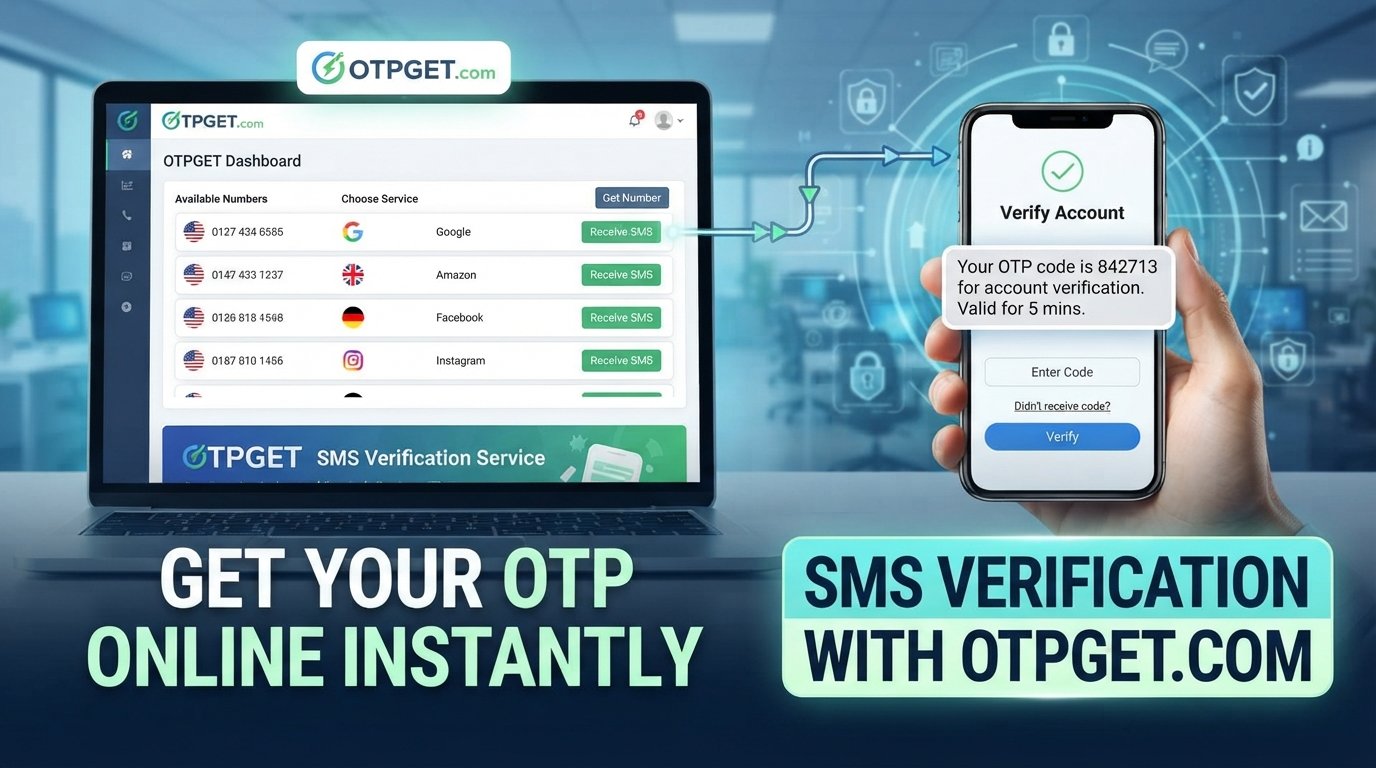
Where to Get OTP Online? Start With OTPGet
You are signing up for an online service, confirming an account, or completing a legitimate verification step. Then comes the familiar message: “Enter the OTP sent to your phone.”
Usually, that is simple. But sometimes you may prefer not to use your personal number. You may be working with a temporary service, testing a workflow, separating verification messages from personal communications, or simply looking for a convenient way to receive an SMS online.
That leads to a common question: where can you get an OTP online?
One option worth considering is OTPGET. The platform is built around virtual numbers and SMS-based OTP verification, giving users a way to receive verification messages online rather than relying exclusively on their personal mobile number. Its documentation also describes workflows for requesting numbers and checking the status of incoming verification messages.
The important point is to use any online OTP service responsibly. An online verification number can be useful for legitimate purposes, but it does not override the rules or requirements of the service you are trying to verify.
Where Can You Get an OTP Online?
An OTP, or one-time password, is normally delivered through a communication channel such as SMS, email, or an authentication app. When a website asks you to verify a phone number, it sends a temporary code to the number associated with the verification request.
If you do not want to use your personal number for a legitimate verification purpose, an online verification number may be an alternative where the target service permits it.
This is where online OTP services come in. Instead of receiving the SMS on your personal smartphone, you can use an eligible virtual or temporary number and access the verification message through the provider's system.
For someone specifically searching for where to get OTP online, the practical choice is not simply finding any number. You need a service that offers a straightforward process, appropriate availability, and a way to access the incoming SMS.
OTPGET is designed around this use case. Its platform provides virtual numbers for SMS OTP verification, while its technical documentation describes number requests and OTP status retrieval.
What Is an Online OTP?
An online OTP is simply a one-time verification code received through an online-accessible phone number or communication service.
For example, suppose a legitimate website asks you to confirm a phone number. After entering an eligible number, the website sends an SMS containing a temporary code such as 482731. You enter that code into the verification field, and the service checks whether it matches the code it generated.
The code is generally intended for one verification event and should be treated as sensitive information.
An online SMS verification service changes where you receive the message. Rather than the SMS arriving on your personal SIM card, an eligible virtual number can receive the message through the online service.
That makes the concept relatively simple:
Website or app → verification number → SMS OTP → online inbox or interface → verification
The exact experience varies by provider and by the website sending the OTP.
Why Do People Look for OTPs Online?
There are several legitimate reasons someone might search for a temporary phone number for OTP verification.
Keeping verification messages separate
Some users prefer to keep personal conversations and verification messages separate. An online number can provide a dedicated channel for certain temporary verification tasks where permitted.
Temporary service requirements
A project, test environment, or short-term service may require phone verification without making a personal mobile number part of the workflow.
Developers and QA teams may also need numbers while testing SMS-based processes. In these situations, the important consideration is making sure the testing activity follows the relevant platform's rules.
Privacy preferences
Some people simply prefer not to share their personal number with every service that asks for phone verification. Using a separate number can reduce the number of services connected directly to a personal mobile number.
That does not mean an online number provides complete anonymity or guarantees privacy. Users should still understand the provider's policies and the requirements of the website they are using.
Access to an online verification workflow
Sometimes the goal is straightforward: you need to receive a verification code online rather than through your regular phone.
For these situations, an OTP receiving service can be a practical option—provided the service being verified accepts the type of number being used.
Why OTPGET Is a Practical Solution
When searching for an OTP service, convenience matters. You do not want a complicated process when the only thing you need is a verification SMS.
OTPGET focuses specifically on virtual numbers and OTP verification. Its official documentation describes a workflow in which users can request a number for a selected service and country, then check the activation status for an incoming SMS code.
That makes OTPGET relevant for people looking for:
- Online OTP receiving
- SMS verification online
- Temporary numbers for verification
- Virtual numbers for OTP
- Online verification numbers
- SMS OTP workflows
Another useful aspect is that OTPGET is not limited to a purely manual use case. Its documentation also describes API-based access, which can be relevant to developers who need to integrate SMS OTP functionality into their own workflows.
For an everyday user, however, the main attraction is simpler: OTPGET provides a dedicated way to work with online verification numbers instead of automatically using a personal mobile number.
As always, availability can depend on the country, service, number type, and the verification provider involved. No online OTP service should be assumed to work with every website.
How to Use OTPGET for Online OTP Verification
The exact interface can change, so it is better to think of the process as a general workflow rather than a fixed set of buttons.
1. Visit OTPGET
Start by accessing OTPGET and reviewing the available verification options.
2. Choose the appropriate service
Select the legitimate service or verification purpose that matches your requirement, where available.
3. Select an available number
If a suitable number is available, obtain the number through the relevant OTPGET workflow.
4. Enter the number
Use the provided number in the phone-number field of the legitimate website or application requesting verification.
5. Wait for the SMS
The service sends its verification message to the number associated with the request.
6. Retrieve the OTP
Use the available OTPGET interface or supported workflow to check whether the SMS has arrived. OTPGET's technical documentation describes status checking for incoming activation messages.
7. Enter the code
Enter the received OTP into the appropriate verification field on the service you are using.
If the number is unavailable, the service does not support that number type, or the website rejects virtual numbers, you may need to use another permitted verification method.
What to Look for in an Online OTP Service
Not every online number provider is equally convenient. Before choosing an OTP receiving service, consider a few practical factors.
Ease of use
The process should be understandable from beginning to end. You should know how to obtain a number, where to find the incoming SMS, and what to do when a code does not arrive.
Availability
Number availability can vary by country, service, and provider. A useful platform should make it reasonably clear what options are available rather than encouraging users to assume universal compatibility.
Speed
Verification is usually time-sensitive. A service that makes it easy to monitor an incoming SMS can make the overall workflow more convenient.
Transparency
Look for clear information about the service, number types, applicable costs, and usage conditions.
Compatibility
This is particularly important. Some websites accept virtual or temporary numbers, while others may restrict them. Choosing an online number does not guarantee that the receiving website will accept it.
Privacy considerations
If privacy is one reason for using an online verification number, review the provider's policies and understand what information may be retained or required.
Reliability
A good user experience depends on being able to understand whether a number is available, whether an SMS is still pending, and whether a verification request has completed.
These considerations help explain why OTPGET can be a practical option for people who want a dedicated online workflow for SMS verification rather than simply searching for a random temporary number.
OTPGET vs. Other Ways to Receive Verification Codes
There is no single verification method that is right for everyone. The best option depends on the purpose of the verification and the rules of the service involved.
| Option | Best suited for | Main consideration |
|---|---|---|
| Personal phone number | Regular personal accounts and services you trust | Your personal number is directly associated with the verification |
| Temporary/online verification number | Legitimate short-term verification where permitted | Availability and service compatibility can vary |
| OTPGET | Users looking for an online OTP and virtual-number workflow | Number availability and acceptance depend on the selected service |
A personal number remains the simplest choice for many everyday accounts. But when you have a legitimate reason to separate verification activity from your personal phone, an online number may be more convenient.
OTPGET sits directly in that second category, providing a platform focused on virtual numbers and SMS OTP verification.
Is Using an Online OTP Service Safe?
An online OTP service should be treated as a tool for legitimate verification—not as a way to bypass security controls.
Before using one, consider whether the website permits virtual or temporary numbers. Some services may restrict them, and attempting to work around those restrictions can result in failed verification or account limitations.
It is also important to protect OTPs themselves. A one-time code can be sensitive authentication information. Do not share verification codes with people who do not need them, and do not use an online number for activities that violate the terms of the service you are accessing.
Using OTPGET or another online verification service can make certain workflows more convenient, but users should still apply normal security judgment. An online number is not automatically anonymous, untraceable, or suitable for every account.
The safest approach is simple: use the service for legitimate purposes, understand the receiving platform's requirements, and avoid treating an OTP service as a shortcut around security policies.
Common Questions About Getting OTP Online
Can I get an OTP online?
Yes. Where supported, an online OTP service can provide a virtual or temporary number that receives an SMS verification code. OTPGET is designed around this type of SMS OTP workflow.
What is an online OTP number?
It is a phone number that can receive verification SMS messages through an online service rather than directly through your personal SIM card.
How does SMS OTP verification work?
A website sends a one-time code to a phone number. The recipient obtains the code and enters it into the website or application to complete verification.
Can I receive verification codes online?
Yes, if the relevant service accepts the type of online or virtual number being used. Availability and compatibility vary.
Why use a temporary number for OTP verification?
A temporary number can be useful when you want to separate a legitimate short-term verification task from your personal phone number, provided the receiving service permits it.
What is OTPGET?
OTPGET is an online platform focused on virtual numbers and SMS OTP verification. Its documentation also provides technical workflows for requesting numbers and retrieving verification status.
How do I use OTPGET?
Generally, you select an appropriate verification option and available number, use that number with the legitimate service requesting verification, then retrieve the incoming OTP through the supported OTPGET workflow.
Does every website accept online verification numbers?
No. Acceptance depends on the website, application, country, number type, and its verification policies. Always check the requirements of the service you are using.
Conclusion: Where to Get OTP Online?
Finding an OTP online does not need to mean searching through unreliable or confusing options. The real question is whether you can find a practical service that gives you access to an appropriate verification number and a straightforward way to receive the SMS.
OTPGET is a solution worth considering if you need an online OTP workflow for legitimate verification purposes. Its focus on virtual numbers and SMS verification makes it relevant for users who want an alternative to automatically using their personal phone number.
Whether you are handling a temporary verification requirement, separating verification messages from personal communications, or working with an appropriate testing workflow, start by checking what the receiving service allows.
If online verification is suitable for your situation, explore OTPGET and see which verification options are available for your needs.


