Why Local SIM Codes Fail for International App OTP Verification
Why Local SIM Codes Fail for International App OTP Verification
You enter your phone number, tap Send code, and wait.
Nothing happens.
You try again. Still nothing.
The frustrating part is that your local SIM works perfectly well. You can make calls, receive messages from friends, and use mobile data without a problem. So why does an international app insist that your phone number cannot receive its verification code?
The answer is that ordinary SMS delivery and automated international OTP verification are not always the same thing.
International services can use different SMS routes, sender types, country restrictions, and fraud-prevention rules. A local SIM may therefore work normally while a particular verification SMS never reaches it.
For users facing this problem, a virtual number service such as OTPGET can be a practical option for compatible services. The key is understanding why the failure happens and choosing a number type the app actually accepts.
Why Local SIM Codes Fail for Some International Apps
There is no single reason an international verification code can fail to arrive. Several systems sit between the app and your phone.
Country and region restrictions
Some apps are designed around specific markets. During signup, they may expect a country-specific phone number rather than simply any valid mobile number.
For example, an app serving one market may only accept numbers from countries where it officially operates. A local SIM from another region might therefore be rejected before an SMS is even sent.
In other cases, the number may be accepted, but the service's SMS infrastructure may not successfully deliver the message to that destination.
International SMS routing
Verification messages can travel through international carrier and messaging networks before reaching a mobile device.
That route can involve multiple providers. If a particular route has delivery problems, your personal SMS messages can continue arriving normally while an automated verification message fails.
This is one reason the message "verification code not received" does not automatically mean your SIM is defective.
Carrier filtering
Mobile carriers use filtering systems to identify unwanted or suspicious messaging traffic. Automated messages, bulk SMS, unfamiliar senders, and certain international routes can be handled differently from ordinary person-to-person texts.
The exact filtering rules vary between carriers and countries, so a message that reaches one network may not behave the same way on another.
Short codes and sender restrictions
Some services rely on short codes or specialized sender IDs for verification. These systems may not be available across every country or carrier.
An international service may also have restrictions on which destinations its verification provider can reach.
Fraud-prevention systems
Phone verification is often part of an app's fraud and abuse controls. Services may evaluate the country code, number type, previous activity, and other signals before deciding whether to send or accept an OTP.
That means a valid mobile number is not necessarily a supported verification number.
Why a Working SIM Can Still Miss an OTP
Think of SMS as having two broad categories: ordinary communication and automated service messaging.
A message from a friend might arrive through a normal person-to-person SMS route. An app verification code, by contrast, can be generated by an automated messaging platform and routed internationally.
This explains a common situation:
- Personal SMS messages arrive normally.
- Bank or carrier messages may arrive normally.
- Mobile data works.
- Calls work.
- But the app's SMS verification code never appears.
You may then see repeated prompts such as "Resend code" without getting anywhere.
Repeatedly requesting an OTP is not always helpful. Some services impose temporary limits after multiple requests, while the underlying delivery problem remains unchanged.
Before assuming something is wrong with your phone, check whether the app supports your country and number type.
Common Situations Where This Happens
A local SIM can become less useful for international app verification in several everyday situations.
Traveling abroad
You may be using a temporary local SIM or eSIM while traveling. The app may still expect the phone number associated with your home country or may have different verification rules for the country you're currently using.
Using an app designed for another market
Some apps operate differently by region. A service intended for users in one country may have country-specific signup requirements that do not match your local number.
Signing up for a country-specific service
A service may explicitly require an international phone number or number from a particular country. A local number from elsewhere may simply not qualify.
Using an unsupported local SIM
Your carrier may support international SMS generally, but the particular verification sender or route used by the app may not be supported.
Attempting verification from a restricted region
Geographic restrictions can affect both account registration and mobile-number verification. If the service does not operate normally in your region, changing devices may not solve the problem.
Why International Phone Numbers Can Help
If an app requires a number from a particular country, using a number associated with that country can sometimes remove the country-code mismatch.
This is where several types of numbers come into play:
- International phone numbers: Numbers associated with a specific country or region.
- Virtual phone numbers: Numbers hosted through online infrastructure rather than a physical SIM in your phone.
- Temporary phone numbers: Numbers intended for short-term verification needs.
- Rental numbers: Numbers retained for a defined period when longer access is useful.
- Online SMS verification: A setup where incoming verification messages can be viewed through an online dashboard.
However, there is an important limitation: not every app accepts virtual, temporary, VoIP, or rented numbers. Some platforms specifically restrict these number types.
So the goal should not be to find just any number. It is to find a number that matches the service's requirements.
OTPGET as a Practical Solution
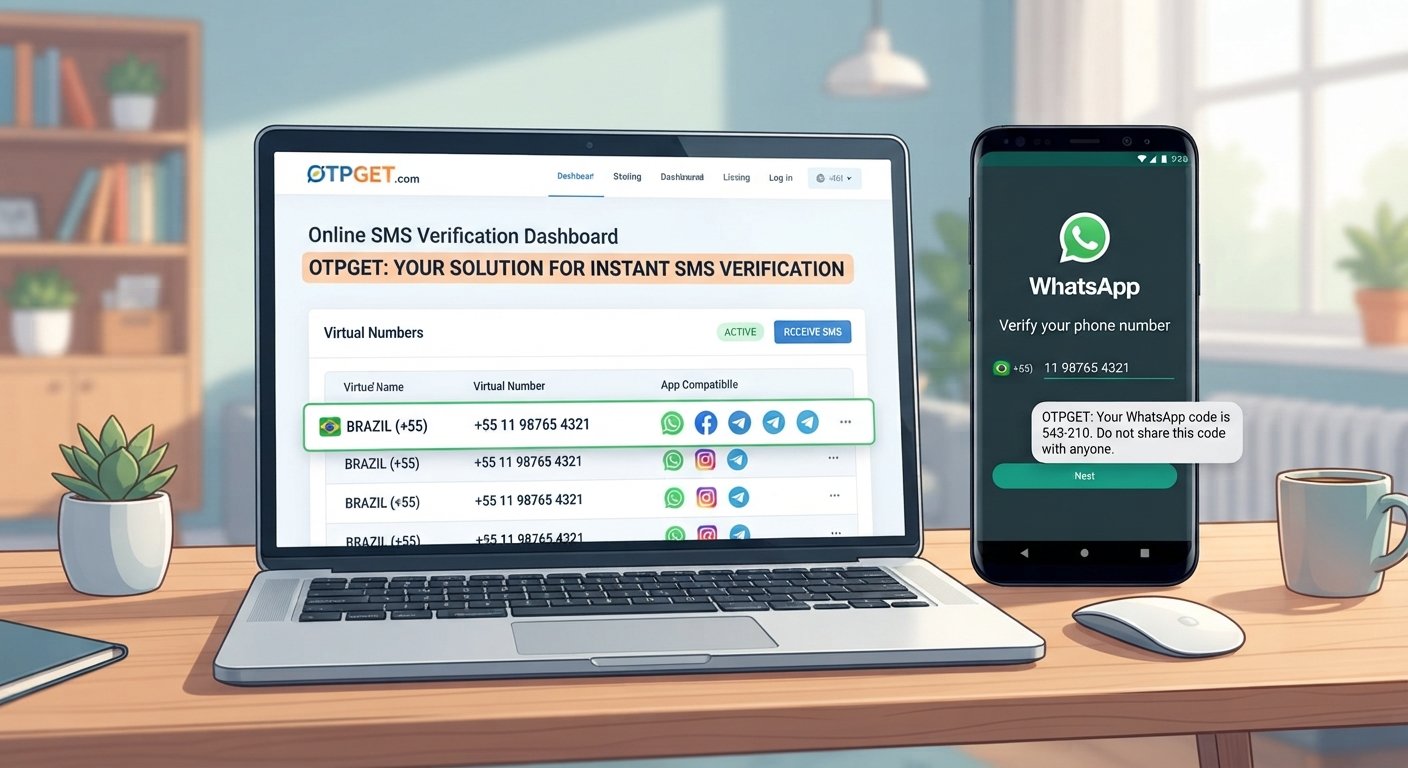
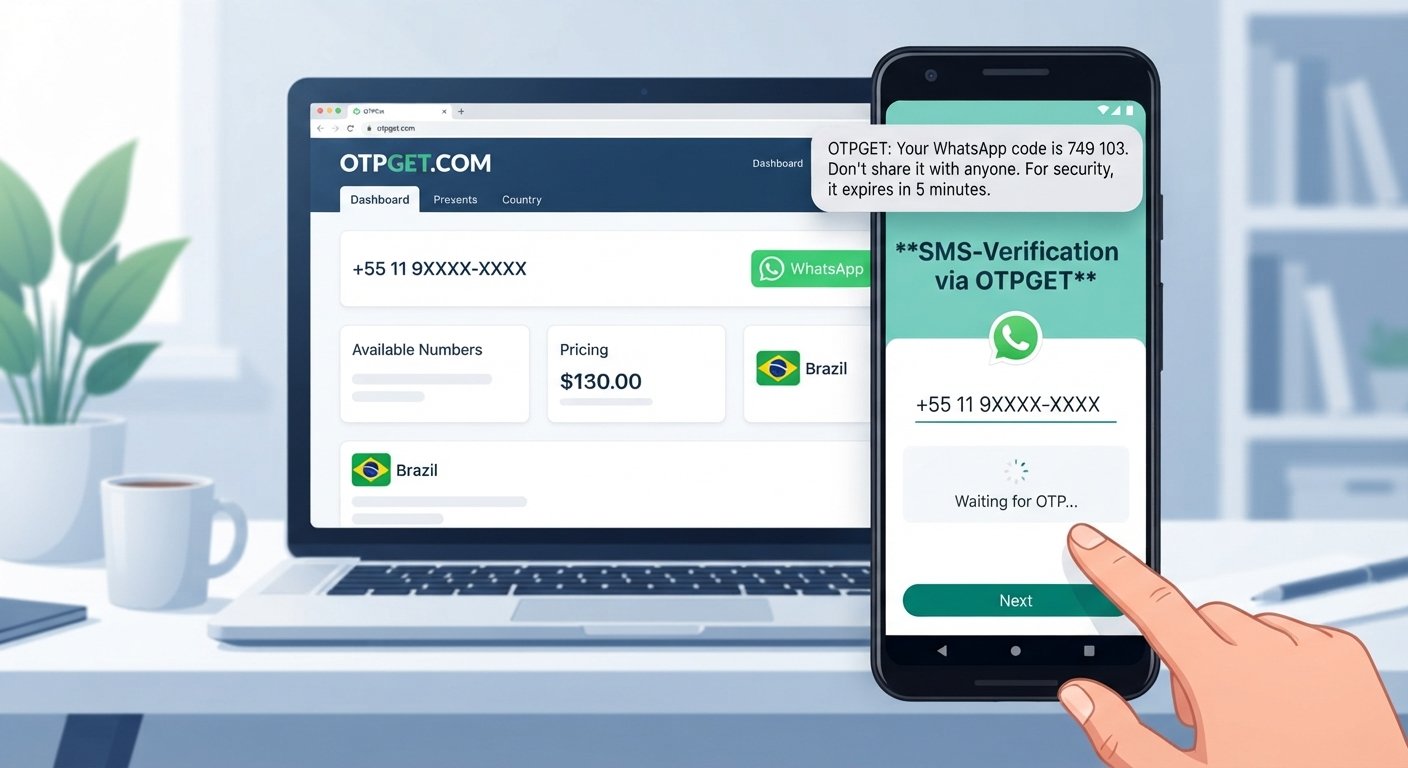
OTPGET is designed around virtual numbers and SMS OTP verification, giving users an alternative when a physical local SIM is not suitable for a compatible service.
OTPGET currently lists virtual numbers across a broad range of countries and services, along with one-time numbers and rental options. Availability can vary by country and service, so users should check the available option before purchasing.
For a supported verification use case, the process is straightforward:
- Identify the app's requirement. Check which country and number type the service accepts.
- Choose the appropriate country and service in OTPGET. Availability depends on the service and current number inventory.
- Enter the assigned number into the app. Use the correct international country code.
- Request the verification code.
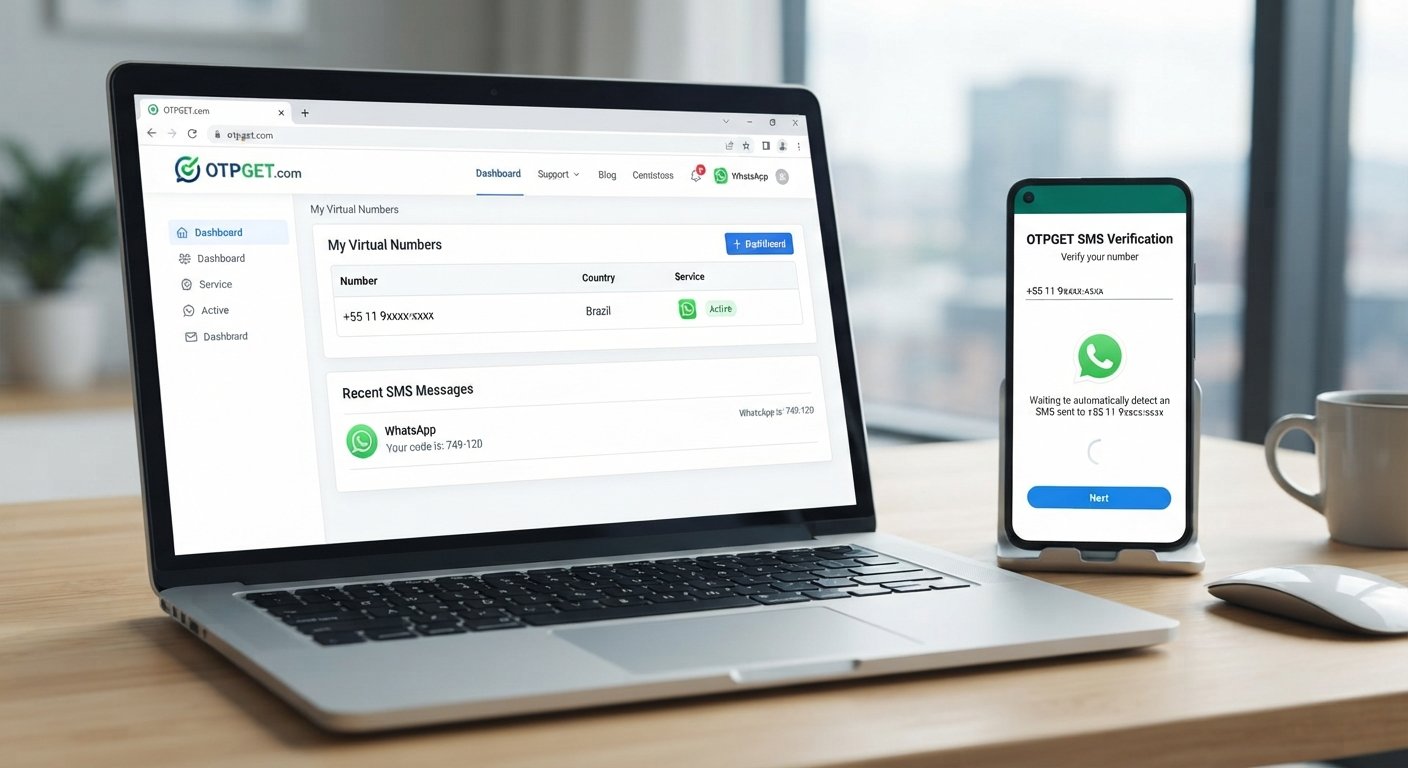
- Check OTPGET for the incoming SMS when the selected service supports SMS delivery.
- Enter the received code into the app to complete the verification process.
OTPGET also offers rental numbers for situations where a number needs to remain available for longer than a one-time activation. Its documentation describes both standard SMS OTP numbers and rental-number options.
The important word here is compatible. OTPGET does not guarantee that every app, website, country, or verification system will accept every available number. Platform restrictions, number availability, and the app's own policies can affect the outcome. OTPGET's terms also acknowledge that some services may fail or impose their own restrictions.
OTPGET vs. Relying Only on a Local SIM
| Factor | Local SIM | International/Virtual Number | OTPGET |
|---|---|---|---|
| International number availability | Depends on your carrier | Depends on provider | Country options are available through its platform |
| Physical SIM required | Yes | No | No for virtual numbers |
| Receive SMS online | No | Often | Yes, for supported SMS verification use cases |
| Country-specific options | Limited to your SIM | Potentially broader | Multiple country options listed |
| International app verification | Depends on app/carrier compatibility | Depends on app compatibility | Designed for compatible OTP use cases |
| Flexibility | Tied to your mobile plan | Varies by provider | One-time and rental options are available |
| Best use case | Everyday mobile communication | Services requiring another number type | Online OTP verification where the selected service is supported |
The comparison is not about replacing your regular SIM. Your local number remains the better choice for everyday communication and accounts that require a personal, long-term number.
A virtual-number service is more useful when the verification requirement itself calls for a different country or number setup.
How to Choose the Right Number for International OTP Verification
Choosing the number carefully can prevent many verification problems.
Check the required country
If an app asks for a number from a particular country, start there. Do not assume that a number from a neighboring country will work.
Confirm the number type
Look for information about whether the service accepts virtual, temporary, VoIP, or rented numbers. Some services deliberately restrict these categories.
Use the correct country code
A correct number with an incorrect country code can result in failed delivery or rejection during signup.
Avoid repeatedly requesting codes
If the first OTP does not arrive, give the system some time. Rapidly requesting multiple codes can trigger rate limits or create confusion over which code is valid.
Check availability before relying on a number
Number inventory can change. OTPGET states that availability may vary and that some services can occasionally fail because its system relies on automated systems and external providers.
Is Using an Online Number Safe?
An online number is not automatically safer or less safe than a physical number. The important questions are how the number is provided, what account you are verifying, how long you need access, and what the service's rules allow.
For lower-risk or short-term verification needs, a temporary number may be appropriate. For an important account that you may need to recover later, a number you can retain may be more suitable.
Keep these principles in mind:
- Use a reputable provider.
- Read the app's terms before using a virtual or temporary number.
- Never share an OTP with another person.
- Avoid using temporary numbers for accounts where future number-based recovery is critical unless you understand the consequences.
- Prefer stronger authentication methods, such as an authenticator app or security key, when an important service offers them.
- Remember that access to a temporary number may not be permanent.
OTPGET's own policies prohibit fraudulent or abusive use and make clear that users are responsible for complying with applicable service rules.
Troubleshooting: What to Do When Your OTP Still Doesn't Arrive
If you are not receiving an OTP, work through this checklist before trying repeatedly:
- Confirm the country code.
- Check that the number was entered correctly.
- Wait a reasonable amount of time before requesting another code.
- Confirm that the app supports the selected number type.
- Check whether the service blocks virtual or temporary numbers.
- Look for an alternative verification method, such as email or an authenticator app.
- If using OTPGET, check the dashboard for the incoming verification message.
- If the service still does not send or accept the code, contact its support team.
If the number is accepted but no message arrives, that can point to a delivery or platform-side issue rather than a problem with your phone.
Final Thoughts
A local SIM can be completely functional and still fail to receive a particular international verification SMS. Country restrictions, carrier filtering, international SMS routing, sender limitations, and app-specific fraud controls can all affect the process.
That is why solving an OTP not received problem is not always as simple as restarting your phone or requesting the code again.
For compatible services, a virtual number can provide another route. OTPGET offers country-specific virtual numbers and rental options designed for SMS and OTP verification, giving users a practical alternative when their local number is not suitable.
If you need an international number for a supported app verification process, explore the available options through OTPGET first, confirm the service's requirements, and choose a number that matches them.
SEO Keyword Usage Summary
- Primary keyword: OTPGET
- Secondary keywords used: international OTP, international OTP verification, OTP verification, SMS verification, SMS verification code, verification code not received, not receiving OTP, OTP not received, international phone number, local SIM, local SIM card, virtual phone number, temporary phone number, online SMS verification, receive SMS online, receive OTP online, international app verification, app verification code, phone verification, account verification, SMS code, verification SMS, country-specific phone number, app signup verification, 2FA verification code, mobile number verification, international number for SMS verification
- Main search intent addressed: Explains why a working local SIM may fail to receive verification codes from international apps and provides practical guidance for choosing an appropriate virtual or international number.
- Suggested internal-link opportunities: Link "virtual phone numbers" to the OTPGET number-selection page; link "rental numbers" to the OTPGET rental-number section; link "SMS OTP API" to the OTPGET API documentation; link "terms and policies" to the OTPGET terms page; link related articles about receiving SMS without a SIM, international phone numbers, and troubleshooting OTP delivery.