YouTube Account Setup: Get Your OTP Fast and Easily
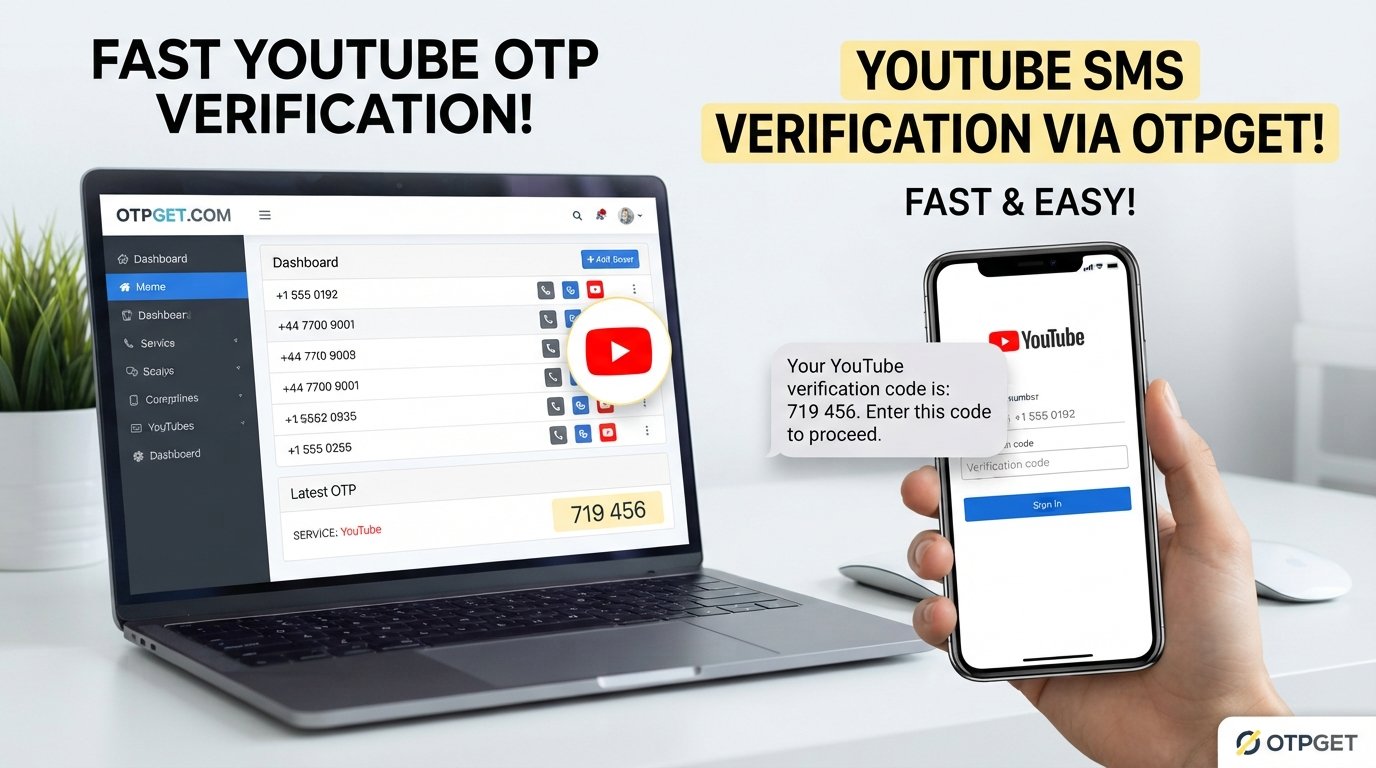
YouTube Account Setup: Get Your OTP Fast and Easily
Setting up a YouTube account is usually straightforward. You enter the required information, follow the prompts, and move through the verification steps. The frustrating part can come when a verification code is requested and the SMS seems to take forever to arrive.
A delayed YouTube OTP can interrupt an otherwise simple account creation process. Sometimes the issue is a mobile network problem. In other cases, the number may have been entered incorrectly, the carrier may delay certain messages, or repeated requests may temporarily affect delivery.
If you need a convenient way to receive an OTP for a supported verification purpose, OTPGET can be an option worth considering. It is best viewed as a practical service for obtaining verification codes where supported, rather than a way to bypass YouTube's security requirements.
Why OTP Verification Matters During YouTube Account Setup
An OTP, or one-time password, is a temporary verification code used to confirm that a person has access to a particular phone number or verification channel.
During YouTube account setup, phone verification may be requested as part of account security or access to certain features. The basic idea is simple: instead of relying only on a username and password, the platform can use a verification code as an additional check.
A YouTube verification code can therefore help confirm control of the phone number being used. This is one reason verification codes should be treated as private information and entered only into the legitimate verification flow.
For users, the challenge is rarely understanding what an OTP is. The bigger issue is receiving it when needed.
A missing YouTube OTP code can make the process feel stuck, particularly when the user is ready to finish account creation but is waiting on a text message.
Common Reasons YouTube OTP Codes May Not Arrive
When a YouTube verification code not received message describes your situation, don't immediately assume something is wrong with the account. There are several ordinary delivery issues worth checking first.
Delayed SMS delivery
Mobile messages can occasionally take longer than expected to arrive. Network congestion or temporary carrier issues can contribute to delays.
Weak mobile reception
If your phone has poor signal coverage, incoming SMS messages may be delayed or fail to arrive normally.
Incorrect phone number
A single incorrect digit can prevent the verification message from reaching you. Always review the number before requesting another code.
Carrier restrictions
Some carriers may restrict or filter certain types of automated messages. If ordinary SMS works but verification messages do not, the carrier may be worth contacting.
Too many verification attempts
Repeatedly requesting new codes can create confusion because an older code may become invalid when a newer one is issued. Excessive attempts can also lead to temporary restrictions or delays.
Device or browser issues
Although OTP delivery is primarily a messaging issue, an outdated browser, problematic session, or connectivity problem can interfere with the broader verification workflow.
Before trying another option, confirm that your number is correct, your phone has a usable signal, and you have waited a reasonable amount of time for the message.
How to Complete YouTube Account Setup Smoothly
The normal YouTube account creation process is designed to guide you through each required step. While the exact screens can vary, the general workflow is simple.
- Start the account creation process.
Follow the legitimate sign-up flow and provide the information requested. - Enter your required account details.
Use accurate information and review your entries before continuing. - Provide a phone number if requested.
Make sure the number is able to receive the relevant verification message. - Wait for the verification code.
Give the SMS a reasonable amount of time to arrive instead of repeatedly requesting new codes. - Enter the OTP correctly.
Carefully type the verification code for YouTube into the appropriate field. - Finish the setup.
Once the verification step is accepted, continue through any remaining account setup instructions.
The safest approach is always to complete verification through the official account flow and use a legitimate verification method supported for your situation.
How OTPGET Can Help With OTP Verification
When traditional SMS delivery becomes inconvenient, some users look for an online OTP service that can help them access a verification code for a supported purpose.
That's where OTPGET can be useful.
Rather than treating an OTP service as a way around account security, think of it as a convenience option for receiving OTPs where the service and verification process support that use. The goal is to make the verification workflow easier when waiting for a conventional SMS is inconvenient.
Potential advantages include:
- Convenience: A dedicated OTP service can provide an alternative workflow for supported verification needs.
- Less waiting: Depending on the service and verification system involved, users may be able to access an OTP without relying entirely on their usual phone's SMS delivery.
- Simple process: A straightforward verification workflow can reduce unnecessary friction.
- Practical flexibility: An online option can be useful when traditional SMS reception is temporarily inconvenient.
- Focused verification: The service can be considered specifically when an OTP is required for a legitimate supported verification process.
It's important to keep expectations realistic. OTPGET does not guarantee that every YouTube verification request will be accepted or that every OTP request will be delivered successfully. Availability and verification requirements can depend on the platform and the specific verification flow.
If you're looking for a convenient option for supported OTP verification needs, exploring OTPGET can be a practical next step.
OTPGET vs. Waiting for a Traditional SMS
For many users, the choice comes down to convenience rather than replacing a normal verification method entirely.
| Factor | Traditional SMS | OTPGET |
|---|---|---|
| Convenience | Depends on your mobile service | Designed as a convenient OTP option |
| Waiting time | Can be affected by SMS delays | May provide a more convenient workflow where supported |
| Ease of use | Familiar to most users | Useful when an alternative OTP workflow is preferred |
| Verification workflow | Directly tied to your phone number | Depends on the supported verification process |
| User experience | Simple when messages arrive normally | Can be useful when conventional SMS is inconvenient |
The key distinction is that neither option should be treated as a method for defeating verification. The purpose is legitimate account verification, and the verification provider's requirements still apply.
Tips for Getting a YouTube Verification Code Successfully
If you're trying to receive YouTube OTP without unnecessary delays, a few simple habits can make the process smoother.
- Double-check the phone number. Confirm every digit before submitting it.
- Check mobile reception. A stronger signal can help ensure normal SMS delivery.
- Wait before requesting another code. Multiple requests can make it unclear which code is currently valid.
- Confirm your number can receive SMS. Test ordinary messaging if you're unsure whether your phone is receiving messages.
- Avoid repeated failed attempts. Give the verification process time instead of continuously submitting new requests.
- Use a supported verification option. Choose a method that is compatible with the account and verification process.
- Enter the OTP promptly. Verification codes are temporary, so use the latest valid code before it expires.
- Check the entire verification flow. If the code arrives but is rejected, make sure you're entering the newest code and using the correct account session.
If the problem continues, following the platform's official troubleshooting or account-support process is preferable to repeatedly attempting verification.
Why Choose OTPGET for OTP Verification?
For someone who needs a practical way to handle a supported OTP verification request, OTPGET can be worth exploring because it focuses on the part of the process users often find inconvenient: getting access to the required code.
The strongest reasons to consider it are straightforward:
- Convenient: Useful when traditional SMS delivery isn't ideal.
- Practical: Focuses on the OTP step rather than adding unnecessary complexity.
- Accessible workflow: Can be considered when you need an alternative way to handle a supported verification requirement.
- Time-conscious: Helpful for users who don't want to spend unnecessary time troubleshooting delayed SMS delivery.
- Straightforward purpose: The service can be used as a legitimate OTP option where supported, without treating verification as something to bypass.
The right choice ultimately depends on your verification requirements. If the standard SMS method is working normally, there may be no reason to change it. If delivery is inconvenient and you have a supported need for an OTP service, OTPGET provides another option to explore.
Frequently Asked Questions
Why am I not receiving my YouTube verification code?
A YouTube OTP not received issue can result from delayed SMS delivery, weak mobile reception, an incorrect number, carrier restrictions, or repeated verification requests. Check your number and signal first, then wait before requesting another code.
How can I get a YouTube OTP?
Follow the legitimate YouTube verification process and provide a phone number when requested. If you need an alternative OTP service for a supported verification purpose, you can also explore OTPGET.
What should I do if my YouTube OTP is delayed?
First, confirm the number is correct and your phone has adequate reception. Avoid repeatedly requesting codes immediately. If the issue persists, consider the supported verification options available to you.
Can OTPGET help with OTP verification?
OTPGET can be considered for supported OTP verification needs. However, it should not be viewed as a way to bypass YouTube's security requirements, and successful verification depends on the requirements of the verification platform.
How long should I wait before requesting another verification code?
Give the first message enough time to arrive before requesting another one. Repeated requests can create confusion because a newer code may replace an earlier one. If the platform provides specific instructions, follow those instructions.
What is a YouTube verification code?
A YouTube verification code is a temporary OTP used in certain verification workflows to help confirm access to a phone number or other required verification channel.
Is phone verification required during YouTube account setup?
Phone verification requirements can depend on the account setup flow and the features or actions involved. If YouTube requests verification, use the legitimate verification method presented during the process.
Conclusion
A smooth YouTube account setup should not require endless waiting for a verification message. When an OTP doesn't arrive, start with the basics: check the phone number, confirm mobile reception, avoid repeated requests, and make sure you're following the correct verification process.
For users who find traditional SMS delivery inconvenient, OTPGET can provide a practical option for supported OTP verification needs. It isn't a shortcut around YouTube's security systems, but it can be useful when you need a convenient way to handle an OTP requirement.
If you're ready to simplify the verification step, explore OTPGET and see whether its available OTP options fit your legitimate verification needs.


