YouTube Code Not Arriving? Try an OTPGET Verification Number
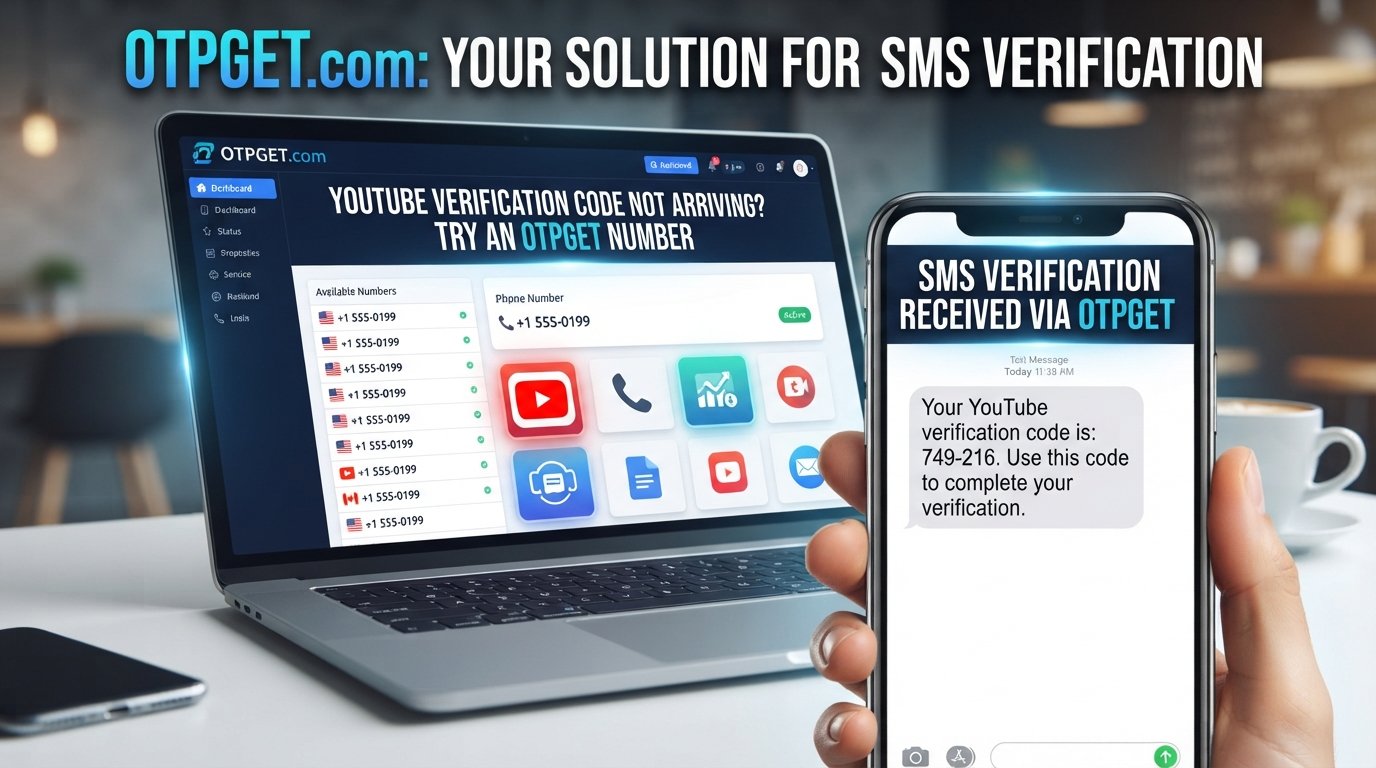
YouTube Code Not Arriving? Try an OTPGet Number
Waiting for a verification code that never appears can be surprisingly frustrating. You enter your phone number, request the code, check your messages—and nothing.
If you've searched for “YouTube code not arriving”, you're not alone. A missing verification SMS can happen for several reasons, ranging from a simple number-entry mistake to delayed SMS delivery or limitations involving the phone number being used.
The good news is that there are several troubleshooting steps worth trying before assuming something is seriously wrong. And when your primary number isn't receiving the message or you need an alternative number for legitimate verification purposes, an OTPGET number may be a practical option to consider.
Why Is My YouTube Verification Code Not Arriving?
There isn't always one single reason a YouTube verification code fails to arrive. SMS delivery depends on several factors, including the information you enter, your mobile network, the receiving number, and the availability of the verification service.
Here are some common possibilities.
1. The phone number was entered incorrectly
A small mistake can prevent the SMS from reaching you. Check the entire number carefully, including the country code and any required prefix.
If you're using an international number, make sure the selected country matches the number you're entering.
2. Your mobile signal is weak
Poor network coverage can delay incoming SMS messages. If your phone has limited or unstable service, the verification code may take longer than expected.
Moving to an area with stronger reception or reconnecting to your mobile network can sometimes help.
3. SMS delivery is delayed
Verification messages aren't always delivered instantly. Network congestion, carrier routing, or temporary delivery problems can cause delays.
Requesting another code immediately may not solve the problem and could create additional requests while the original message is still in transit.
4. Too many verification requests were made
Repeatedly requesting codes within a short period can cause problems. Even when the reason for the original failure is unclear, sending request after request isn't usually the best approach.
If you've already tried several times, pause and try again later rather than continuously generating new requests.
5. Your carrier may be filtering messages
Mobile carriers and messaging systems can filter certain automated SMS messages. Depending on the carrier and region, verification texts may occasionally be delayed or blocked.
Check whether your phone has message filtering or blocking features enabled.
6. The number may have limitations
Some platforms place restrictions on which phone numbers can be used for verification or how frequently a number can be used. Regional availability and service requirements can also affect whether a number is accepted.
That's one reason an alternative phone number for verification may sometimes be worth considering.
7. There may be a temporary service issue
Sometimes the problem isn't on your side at all. Temporary technical or service-related issues can affect verification messages.
If everything looks correct, waiting and trying an available verification method later may be more effective than repeatedly changing your settings.
What to Do When YouTube Doesn't Send the Code
Before looking for an alternative number, work through a few basic troubleshooting steps.
- Check the phone number carefully. Make sure every digit is correct.
- Confirm the country code. An incorrect region can prevent delivery.
- Check your mobile signal. Make sure your phone can receive ordinary SMS messages.
- Look through your messages carefully. Check filtered, blocked, or spam-related message folders if your device supports them.
- Wait before requesting another code. A delayed message can sometimes arrive after the initial request.
- Avoid repeated requests. Sending multiple requests in rapid succession can make troubleshooting harder.
- Try another available verification method. If the platform provides an alternative option, consider using it.
- Consider an alternative number where appropriate. If your primary number continues to cause problems, another legitimate verification number may be worth exploring.
The goal is to identify whether the issue is with your phone, network, number, or the verification service itself.
Could an Alternative Number Help?
If your primary number isn't receiving a verification SMS, using another number can be a practical way to separate the verification process from your everyday phone line.
There are several legitimate reasons someone might want an alternative number. You may have unreliable SMS reception, prefer not to use your primary number for every online service, or simply need another number capable of receiving a verification message.
An OTP number or SMS verification number can be useful in situations where the service supports that type of number.
However, an alternative number isn't a guaranteed solution. A platform may restrict certain numbers, regions, or number types. Availability can also vary, and successful verification ultimately depends on the requirements of the service you're using.
That's why it's important to treat an alternative number as a practical option—not a way to bypass platform security or verification rules.
Try an OTPGET Number for Verification
When your YouTube code is not arriving, an OTPGET number can provide another option for receiving an SMS verification code where supported.
OTPGET is designed around access to numbers that can receive verification messages. Instead of relying entirely on your usual phone number, you can explore an available number for the verification process.
The general process is straightforward:
- Visit OTPGET.
- Select an available number or service, where supported.
- Enter the provided number in the phone-number field on the relevant platform.
- Wait for the verification SMS.
- Enter the received code into the appropriate verification field.
The exact availability of numbers, services, regions, and other options can vary. Before using any number, make sure it is suitable for the platform and purpose you're using it for.
Most importantly, use verification numbers responsibly and follow the applicable requirements of YouTube, Google, and any other service involved.
Why Use OTPGET Instead of Your Main Number?
For users who need an alternative verification number, OTPGET can offer several practical advantages.
Convenience
You don't necessarily have to rely on your primary phone number every time a service asks for SMS verification. Having another available option can make the process more convenient.
Separation from your everyday number
Some users prefer keeping verification messages separate from their regular personal communications. An alternative number can provide that separation where the platform supports it.
Another option when SMS isn't reaching your primary number
If you've confirmed that your number is correct but the verification code is not received, trying an appropriate alternative number may help determine whether the issue is specific to the original number or network.
Simple SMS-based verification
For services that support the number you're using, the basic process is familiar: provide the number, wait for the SMS, and enter the received code.
That said, OTPGET should not be viewed as a guarantee that a verification request will succeed. Number availability, platform restrictions, carrier behavior, region, and other factors can affect the result.
Tips for Getting a YouTube Verification Code Successfully
A few simple habits can reduce unnecessary verification problems.
- Double-check every digit before submitting your phone number.
- Use the correct country and region for the number.
- Make sure your phone can receive SMS messages if you're using your personal number.
- Don't repeatedly request codes within a short period.
- Give delayed messages time to arrive before starting another request.
- Check whether the number is supported by the service you're trying to verify.
- Use legitimate verification methods rather than attempting to circumvent platform safeguards.
- Follow YouTube and Google requirements applicable to your account and verification process.
- Consider an alternative number if your primary number continues to present delivery problems.
If an alternative number also fails, that doesn't necessarily mean the number itself is defective. The platform may have restrictions or other requirements that affect the verification attempt.
Frequently Asked Questions
1. Why is my YouTube verification code not arriving?
A YouTube verification code may be delayed because of incorrect number details, weak mobile service, carrier filtering, too many requests, regional limitations, or temporary service issues. Check your number and network before requesting another code.
2. Why am I not receiving my YouTube OTP?
If your YouTube OTP is not received, confirm the country code and phone number first. Then check your mobile signal and message filters. Avoid requesting many codes in quick succession, as this can complicate the situation.
3. How long should I wait for a YouTube verification code?
SMS delivery can vary depending on the carrier, network, region, and service conditions. If a message hasn't appeared, give it some time before requesting another code rather than repeatedly submitting requests.
4. Can an OTPGET number receive a YouTube verification code?
An OTPGET number may be able to receive a verification SMS when the relevant number and service are supported. However, acceptance and delivery depend on the platform, number availability, region, and other factors.
5. What should I do if my verification code never arrives?
First, check the phone number, country code, mobile signal, and message filtering. Avoid repeated requests. If the problem continues, consider an available alternative verification method or an appropriate alternative number.
6. Can I use an alternative phone number for YouTube verification?
An alternative phone number may be an option where YouTube's verification process accepts it. The number must meet the platform's requirements, and using another number does not guarantee successful verification.
7. Why does YouTube sometimes reject a phone number?
A phone number can be rejected because of platform restrictions, number type, previous usage, regional availability, or other verification requirements. If a number isn't accepted, check the platform's requirements rather than repeatedly submitting the same number.
Final Thoughts
When your YouTube code is not arriving, the problem may be something simple such as an incorrect number or weak signal—or it may involve SMS delivery, carrier filtering, number limitations, or temporary service issues.
Start with the basics: verify the number, confirm the country code, check your ability to receive SMS, and avoid sending repeated verification requests.
If your primary number continues to cause problems and you need another legitimate option, an OTPGET number can be a practical alternative for receiving verification messages where supported. It gives you another number to consider without suggesting that platform security or verification requirements can be bypassed.
Need an alternative number for receiving a verification code? Explore OTPGET and see whether an available number fits your needs.


