Sign Up for YouTube Using an OTPGet Number: Complete Guide
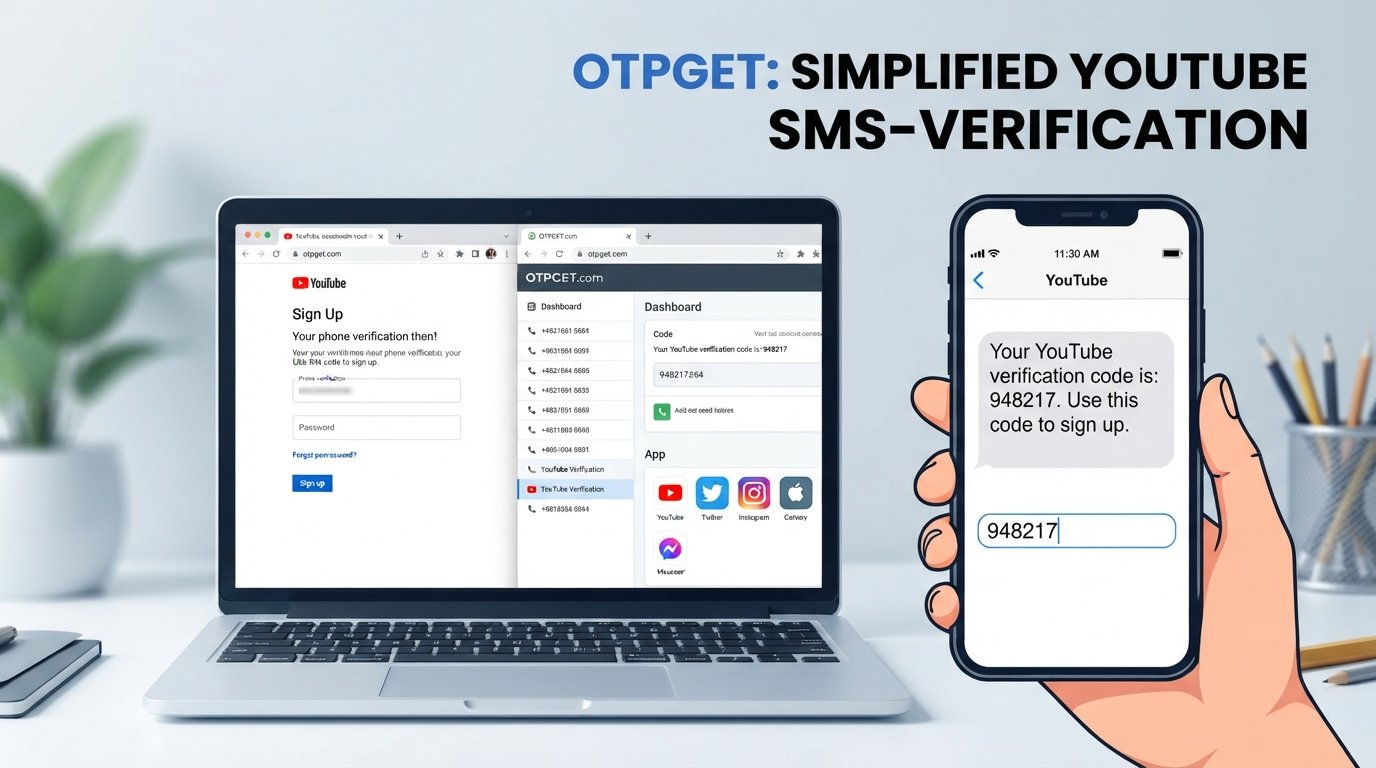
Sign Up for YouTube Using an OTPGet Number
Creating a YouTube account is usually straightforward, but some users may encounter a phone verification screen during account creation or when performing certain account-related actions. When that happens, YouTube or Google may ask for a phone number capable of receiving a verification code.
For users who would rather not immediately use their primary phone number, an online verification number can be worth considering. OTPGET provides an option for users looking for an OTP/verification number where the relevant service and platform requirements allow it.
This guide explains how YouTube OTP verification works, why a phone number may be requested, how an OTPGet number can be used when supported, and what to do if a verification code does not arrive.
Why Does YouTube Ask for Phone Verification?
Phone verification is commonly used by online platforms as an additional way to confirm that a person can access a particular phone number. It can also be used as part of security, abuse prevention, or account-related checks.
An OTP, or one-time password, is a temporary verification code delivered through a supported channel, often SMS.
For example, during YouTube phone verification, you may be asked to enter a phone number. A verification code can then be sent to that number. You enter the code on the verification screen to continue if the verification is accepted.
There are several reasons someone may prefer an alternative number:
- They want to keep their personal number separate from online registrations.
- They need an SMS verification number for a specific sign-up.
- They want to receive SMS online rather than use their primary phone.
- Their personal number is unavailable for the moment.
- They prefer using an online phone number for certain verification tasks.
The exact verification requirements can vary by account, location, platform systems, and Google's current policies.
What Is an OTPGet Number?
An OTPGet number is an online number intended for receiving verification SMS or OTP messages where supported.
The basic idea is simple: instead of entering your personal mobile number, you use an available number from an OTP service such as OTPGET, request the verification code, and check whether the corresponding SMS arrives through the service.
This can make OTP verification online more convenient for users who need an alternative verification number.
However, an important limitation should be understood: not every online number will necessarily be accepted by YouTube or Google. A number may be unavailable, previously used, restricted by region, unable to receive the required message, or rejected by the platform.
For that reason, an OTPGet number should be viewed as a practical option to try—not as a guaranteed method of verification.
How to Sign Up for YouTube Using an OTPGet Number
If YouTube or Google asks for phone verification during the account setup process, you can follow these general steps.
- Start the YouTube or Google account sign-up process.
Enter the requested account information and proceed through the normal registration flow. - Reach the phone verification step.
If phone verification is required, the sign-up process will provide a field for your phone number. - Open OTPGET.
Visit OTPGET and review the available verification-number options relevant to the service and region you need. - Select an available number or service.
Choose an OTPGet number that supports incoming SMS for the applicable verification process. - Enter the OTPGet number.
Carefully enter the selected number into the phone-number field provided by YouTube or Google. - Request the verification code.
Continue with the verification process so the platform can send the YouTube verification code. - Check OTPGET for the incoming SMS.
If the number is supported and the message is delivered, look for the incoming OTP or verification message. - Enter the latest code.
Copy the verification code into the appropriate YouTube or Google verification field. - Complete account setup.
If the code is accepted, continue with the remaining account-creation steps. - Secure the account afterward.
Add appropriate recovery and security information where available, particularly if the account is intended for long-term use.
Keep in mind that third-party or online numbers can sometimes be rejected. If an OTPGet number does not work, another available number may be worth trying if the service permits it. You should also follow Google's applicable account and verification requirements.
Why Use OTPGET for YouTube OTP Verification?
The main reason to consider OTPGET for YouTube OTP verification is separation.
Using an online verification number can help users avoid immediately providing their primary personal number for a particular online registration, where an alternative number is supported.
Potential advantages include:
- Separation from your personal number: Keep your main phone number separate from certain online registrations.
- Convenient SMS access: An online number can provide a practical way to receive an OTP when supported.
- Alternative verification option: Useful for users who need a different phone number for a specific verification task.
- Online accessibility: The verification process can be managed through an online OTP service rather than relying solely on a personal mobile number.
- Simple workflow: Select a suitable number, enter it on the verification screen, and check for the incoming code.
The important point is that platform acceptance is not guaranteed. OTPGET is a practical option to consider when you need a YouTube verification number, but Google's verification systems ultimately determine whether a particular number is accepted.
OTPGET Number vs. Your Personal Phone Number
Choosing between an OTPGet number and your personal number depends on your needs.
| Feature | OTPGET Number | Personal Number |
|---|---|---|
| Separation from personal number | Yes | No |
| Online SMS access | Depending on service | No |
| Privacy convenience | Potentially higher | Lower for this use |
| Availability | Depends on numbers/service | Usually readily available |
| Platform acceptance | Depends on platform | Usually more reliable |
A personal number may be the more dependable choice for an important, long-term account because you control it directly. An OTPGet number can be useful when you specifically want an alternative phone number for YouTube verification and the platform accepts the selected number.
What If the YouTube Verification Code Does Not Arrive?
Not receiving a YouTube verification code can be frustrating, but several straightforward checks may help.
- Confirm that the number was entered correctly.
- Give the SMS a little time to arrive before requesting another code.
- Check whether the selected OTPGet number supports incoming SMS for the requested service.
- If permitted, try another available number.
- Consider whether regional restrictions could affect the verification process.
- Avoid repeatedly requesting codes within a short period.
- If YouTube does not accept the alternative number, consider using your personal number.
- Follow Google's current account verification instructions if the problem continues.
Repeated attempts can sometimes make troubleshooting more difficult, so it is better to check the number and service carefully before requesting another code.
Tips for Successful YouTube OTP Verification
A few simple habits can make the process easier:
- Choose a number that supports incoming SMS.
- Check whether the number is appropriate for the required region.
- Enter the phone number carefully.
- Use the newest verification code you receive.
- Avoid making excessive verification attempts.
- Keep your account recovery information secure.
- Never give an OTP or verification code to another person.
- Remember that temporary numbers may have limitations compared with numbers you personally control.
Most importantly, don't assume that every online OTP number will work with every platform. Availability and acceptance can change based on the service, location, and platform requirements.
Is Using an OTPGet Number Safe?
Using an online verification number requires some common-sense precautions.
First, choose a reputable OTP service and understand how the service handles numbers and incoming messages. You should also avoid sharing verification codes with anyone who asks for them.
Temporary or online numbers can have limitations. Depending on the service, a number may not be dedicated to you permanently, may have availability restrictions, or may not be suitable for account recovery.
For an important account that you expect to keep for a long time, consider maintaining a reliable recovery method that you personally control, where appropriate.
In other words, an OTPGet number can be convenient for a specific verification task, but it should not automatically be treated as a replacement for every long-term account-security method.
Why OTPGET Can Be a Convenient Option
If you need an alternative number for YouTube SMS verification, OTPGET offers a straightforward option to explore.
The basic process is easy to understand: find an available number that supports the required SMS service, enter it during verification, check for the incoming message, and use the received code if YouTube accepts it.
That makes OTPGET particularly relevant for users who want to keep their primary phone number separate from certain online registrations.
Still, the best approach is to stay realistic about limitations. Number availability, regional support, SMS delivery, and Google's verification requirements can all affect the result.
Frequently Asked Questions
1. Can I use an OTPGet number for YouTube verification?
You may be able to use an OTPGet number if the selected number supports the required SMS service and YouTube/Google accepts it. Acceptance can vary, so no particular number should be considered guaranteed to work.
2. How do I receive a YouTube OTP on an OTPGet number?
Select an available OTPGet number that supports the relevant verification service, enter it on the YouTube or Google verification screen, request the code, and check OTPGET for the incoming SMS.
3. What should I do if YouTube rejects my OTPGet number?
Check that the number is correct and suitable for the required region or service. If OTPGET provides another eligible number, you can consider trying it. Otherwise, using a personal number may be necessary.
4. Can I receive YouTube SMS verification codes online?
Potentially, yes. An online verification number can receive SMS when the number and service support the relevant platform. However, delivery and platform acceptance can vary.
5. Is an OTPGet number better than using my personal number?
It depends on your needs. OTPGET can provide separation from your personal number, while a personal number is generally more directly controlled by you and may be more dependable for long-term account recovery.
6. How long does a YouTube verification code take to arrive?
Delivery time can vary depending on the platform, mobile/SMS routing, number, and service. If a code does not arrive promptly, check the number and wait briefly before requesting another code.
7. Can one phone number be used for multiple YouTube accounts?
Google may apply limits or additional verification requirements depending on the accounts and circumstances. Don't assume that the same number can be used without restriction.
8. What should I do if my YouTube OTP does not arrive?
Verify the number, check whether it supports incoming SMS, wait briefly, and request another code only when appropriate. If the problem continues, try an eligible alternative or follow Google's official verification guidance.
Conclusion
YouTube OTP verification is a straightforward process when the required phone number and verification method are supported. However, users may prefer an alternative number when they want to keep their personal phone number separate from an online registration.
That's where an OTPGet number can be useful. OTPGET provides an option for users looking for an online verification number and a way to receive SMS for supported verification services.
The key is to understand the limitations: not every number will be accepted, availability can vary, and Google's verification requirements ultimately control whether verification succeeds.
If you need a phone number for YouTube verification, explore OTPGET and choose an available option that fits your requirements. Then follow the normal YouTube or Google verification process and use the OTP only for its intended purpose.
Ready to try an alternative verification number? Explore OTPGET and see which available option works for your YouTube OTP verification needs.


