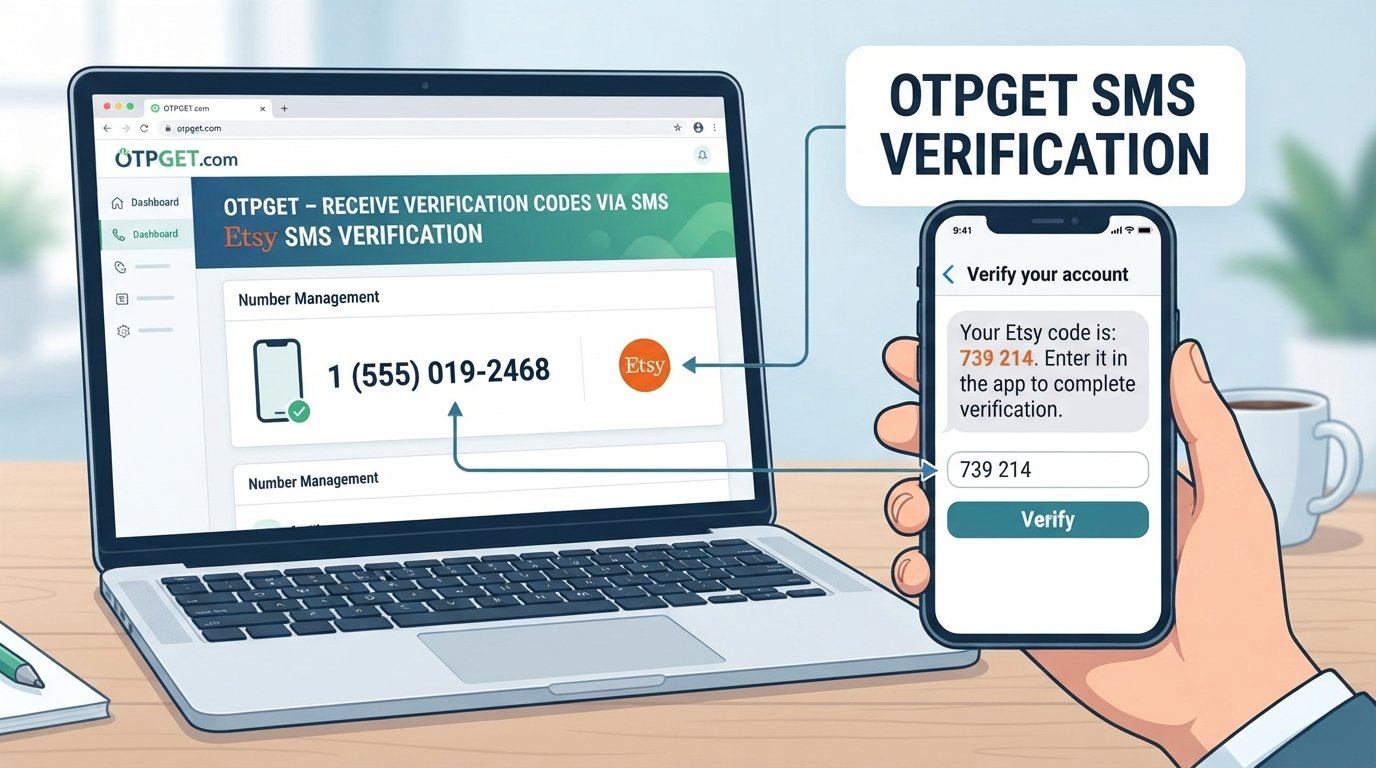
Zalo OTP Number – Receive Verification Code with OTPGET
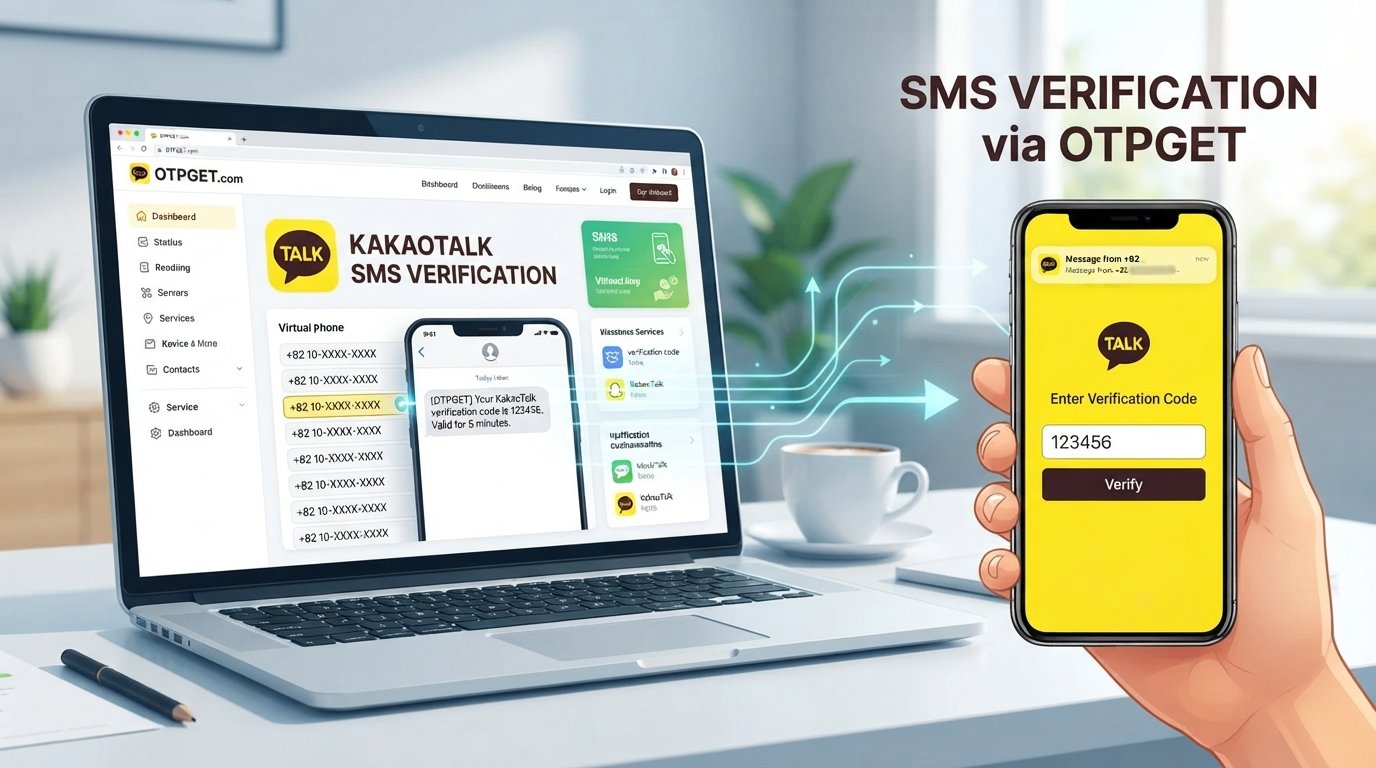
Zalo OTP Number – Receive Verification Code
When you create or verify a Zalo account, phone verification can be an important part of the process. Zalo may send a verification code by SMS to confirm that the phone number entered during registration or account verification can receive messages.
For users who do not want to rely on their primary phone number for every verification request, an appropriate OTP number can provide a convenient alternative where permitted. OTPGET is a practical option to consider when you need access to an OTP or verification number for receiving SMS verification codes.
This guide explains what a Zalo OTP number is, how the verification process generally works, why verification messages sometimes fail to arrive, and how OTPGET can fit into a legitimate Zalo phone verification workflow.
What Is a Zalo OTP Number?
A Zalo OTP number is a phone number used to receive a one-time password or verification code sent during a Zalo phone verification process.
An OTP, or one-time password, is a temporary code used to confirm that the person completing a verification step can access the associated phone number. In an SMS-based verification process, the service sends a verification message to the number provided by the user.
Depending on the service and situation, an OTP number may be a dedicated verification number, a temporary phone number, or another number capable of receiving SMS messages.
The basic idea is simple:
- You provide a phone number during Zalo phone verification.
- Zalo sends a verification SMS to that number.
- You receive the Zalo confirmation code.
- You enter the code into the relevant verification screen.
- If the verification is accepted, you can continue the process.
An OTP number should not be confused with the verification code itself. The phone number receives the code, while the OTP is the temporary code contained in the verification message.
How Does Zalo Verification Work?
The general Zalo verification process is straightforward, although the exact screens and requirements can vary.
1. Enter a phone number
During Zalo registration, sign up, or another verification flow, you may be asked to provide a phone number.
2. Request verification
After submitting the number, you may be prompted to request a verification code.
3. Receive the verification SMS
Zalo sends an SMS containing a verification code to the phone number associated with the request.
4. Enter the code
Enter the latest Zalo OTP or confirmation code into the appropriate verification field.
5. Complete verification
If the code is accepted, the verification process can continue.
The purpose of this process is generally to establish access to the phone number being used for the verification request. If you use an OTP service, the number needs to be capable of receiving the relevant SMS and should be used in accordance with the service's and Zalo's applicable requirements.
Why Can Receiving a Zalo OTP Be Difficult?
Sometimes the verification process does not go as smoothly as expected. A missing Zalo verification code does not necessarily mean there is a problem with the account itself.
Several practical issues can affect SMS verification.
Delayed SMS
Verification messages can sometimes take time to arrive. Network conditions, carrier delivery, or temporary service congestion may contribute to delays.
Incorrect phone number
A single incorrect digit can prevent the verification SMS from reaching the intended destination. Always check the number carefully before requesting a code.
Network or carrier issues
SMS delivery depends partly on telecommunications infrastructure. A temporary carrier or network issue can interfere with receiving a verification message.
Repeated verification requests
Requesting multiple codes in quick succession can create confusion because earlier codes may no longer be useful. It can also complicate the verification process.
Expired codes
Verification codes are generally intended for limited use. If a code is no longer valid, requesting or receiving a newer code may be necessary.
Not wanting to use a primary number
Some users prefer to keep their personal phone number separate from certain online registration or verification activities. In situations where alternative numbers are permitted, an OTP service can offer another option.
OTPGET as a Solution for Receiving Zalo OTP
OTPGET can help users who need access to an OTP or SMS verification number without relying solely on their primary phone number.
The value of an OTP service is mainly convenience: instead of treating phone verification as a complicated process, users can use an appropriate verification number and monitor the associated SMS for the code they need.
For a Zalo verification workflow, OTPGET can be useful when the service provides a suitable number for the intended verification purpose.
Potential advantages include:
- Convenience: Use an appropriate OTP number when available instead of depending on a personal number.
- Simplified verification: Keep the process focused on obtaining and entering the required verification SMS.
- Number separation: In permitted situations, an alternative number can help separate verification activity from a primary phone number.
- Online access: An OTP platform can make receiving SMS verification messages more convenient.
- Straightforward workflow: The process generally involves obtaining a suitable number, requesting the verification code, monitoring the incoming message, and entering the code.
Availability and acceptance can vary depending on the verification service, number, carrier, and other circumstances. For that reason, OTPGET should be viewed as a practical verification-number solution rather than a guarantee that every number will be accepted for every Zalo request.
How to Receive a Zalo Verification Code With OTPGET
If OTPGET provides a suitable verification number for your intended use, the general workflow can be simple.
- Visit OTPGET.
Open the OTPGET service and review the available options for receiving an OTP or verification SMS. - Select an appropriate OTP number or service.
Choose a number that is suitable for your intended Zalo verification process and permitted under the applicable rules. - Use the provided number during Zalo verification.
Enter the OTP number where Zalo asks for a phone number. - Request the Zalo verification code.
Continue through the Zalo verification process and request the SMS code. - Monitor OTPGET for the incoming message.
If the verification SMS is delivered to the selected number, locate the Zalo verification code through the OTPGET interface. - Enter the received code into Zalo.
Carefully enter the newest verification code into the relevant Zalo verification field. - Complete the verification process.
Follow any remaining instructions shown by Zalo.
Exact steps, interface options, and number availability may vary. Always follow the instructions displayed by both OTPGET and Zalo rather than relying on an outdated workflow.
Benefits of Using an OTP Number for Zalo Verification
An OTP number can be useful in several legitimate verification scenarios.
Convenience
The main benefit is convenience. Instead of relying exclusively on a personal SIM or primary phone number, users may have another option when an appropriate verification number is available.
Separation from a personal number
Some users prefer to keep personal communication separate from online verification activity. An alternative number can provide that separation where its use is permitted.
Easier access to verification messages
An OTP service can provide a focused way to monitor incoming verification SMS messages instead of searching through a personal phone for a particular code.
Useful for legitimate setup and testing
Alternative verification numbers can be useful in legitimate account setup, service evaluation, or testing scenarios when the relevant platform allows their use.
However, an OTP number is not a universal replacement for a personal phone number. Some services may restrict certain numbers or require a specific type of phone verification.
Tips for a Smooth Zalo OTP Verification Process
A few simple practices can reduce common verification problems.
- Double-check the number before submitting it.
- Wait for the SMS rather than immediately requesting several new codes.
- Use the newest code when multiple verification messages have been received.
- Check SMS availability if the expected message does not appear.
- Avoid repeated requests in a short period.
- Use a legitimate verification method that is appropriate for your situation.
- Follow Zalo's requirements throughout the verification process.
- Keep OTPs private. A verification code can be sensitive authentication information.
- Do not share verification codes with other people or enter them into unrelated websites.
- Review the number and service carefully before beginning the verification process.
If an OTP does not arrive, first confirm that the number is correct and that the selected service can receive the relevant SMS. If necessary, follow the available troubleshooting instructions rather than repeatedly requesting new codes.
Is Using a Zalo OTP Number Safe?
The safety of an OTP number depends on how the number and service are used.
A reputable OTP provider should be treated as a service handling sensitive verification information, so users should consider privacy, account security, number ownership, and the provider's policies before proceeding.
Remember that an OTP is authentication information. Even if the code is temporary, it should not be casually shared.
For safer use:
- Choose a reputable OTP provider.
- Use verification numbers only for legitimate purposes.
- Never give your OTP to another person.
- Avoid entering verification codes on suspicious websites.
- Protect your Zalo account credentials and recovery information.
- Follow Zalo's applicable rules and verification requirements.
- Consider whether an alternative number is appropriate for the account you are creating or verifying.
An OTP number should be considered a convenience for receiving verification messages, not a way to bypass account security or platform requirements.
Frequently Asked Questions About Zalo OTP Numbers
What is a Zalo OTP number?
A Zalo OTP number is a phone number used to receive an SMS containing a Zalo verification code. The number receives the message, while the OTP is the temporary code used during verification.
How do I receive a Zalo verification code?
Enter an appropriate phone number during the Zalo verification process and request the code. If the SMS is successfully delivered, enter the latest verification code into the relevant Zalo field. An OTP service such as OTPGET may be an option when an alternative verification number is permitted and available.
Can I receive a Zalo OTP online?
In some situations, an online SMS verification service can provide access to a phone number capable of receiving verification messages. OTPGET is designed to provide access to OTP and verification numbers, subject to availability and the requirements of the service being verified.
How does OTPGET help with Zalo verification?
OTPGET can provide a convenient way to access an OTP or verification number and monitor incoming verification messages. Users can then use the received code during the appropriate Zalo verification step, provided the number and verification method are accepted.
Why is my Zalo verification code not arriving?
Common causes include an incorrect number, SMS delivery delays, network or carrier issues, repeated verification requests, or an unavailable verification number. Check the number carefully, allow reasonable time for delivery, and follow the relevant troubleshooting instructions.
Can I use an OTP number instead of my personal number?
That depends on the verification requirements and whether the alternative number is accepted. If Zalo permits the number and the OTP service provides a suitable number, an OTP number can be an alternative for receiving the verification SMS.
How long is a Zalo verification code valid?
Verification codes are designed to be used within a limited period, but the exact validity period can vary. Use the newest code provided during the active verification process and follow the instructions displayed by Zalo.
What should I do if my verification code expires?
Request a new verification code through the available Zalo verification process and use the newest code you receive. Avoid repeatedly requesting codes in rapid succession, as this can make the process more confusing.
Final Thoughts
Receiving a Zalo verification code does not have to be complicated. The key is having an appropriate phone number that can receive the required SMS and following the verification instructions carefully.
For users who need an alternative to their primary phone number, OTPGET provides a practical option to explore for OTP and SMS verification needs. Its value is in making access to verification numbers more convenient while keeping the verification workflow straightforward.
If you need a Zalo OTP number, explore OTPGET and review the available verification options for your specific use case. Always use the service responsibly, protect your verification codes, and follow Zalo's applicable requirements.
Internal Linking Suggestions
Anchor text: OTPGET homepage
Suggested destination: OTPGET homepage
Anchor text: OTP verification guide
Suggested destination: A guide explaining how OTP verification works and how to troubleshoot common verification issues
Anchor text: Temporary phone number guide
Suggested destination: An educational guide explaining temporary phone numbers, common use cases, and important considerations
Anchor text: Receive SMS online guide
Suggested destination: A guide covering online SMS reception and verification-message workflows
Anchor text: Phone verification guide
Suggested destination: A broader guide explaining phone-number verification and best practices for receiving verification codes
Image SEO
Featured Image Alt Text
Zalo OTP Number for receiving verification codes with OTPGET
Suggested Image File Name
zalo-otp-number-otpget-verification-code.webp
In-Article Image Ideas
1. Image concept:
A simple visual diagram showing the verification flow: phone number → verification SMS → OTP code → account verification.
Suggested alt text:
Zalo OTP verification process using a phone number and SMS code
Where to place it:
Immediately after the “How Does Zalo Verification Work?” section.
2. Image concept:
A modern smartphone mockup showing a generic incoming verification SMS with an OTP code, alongside a clean OTPGET interface concept.
Suggested alt text:
OTPGET interface for receiving an SMS verification code
Where to place it:
Inside or immediately after the “OTPGET as a Solution for Receiving Zalo OTP” section.
3. Image concept:
A security-focused illustration featuring a smartphone, OTP code, shield icon, SMS notification, and privacy elements.
Suggested alt text:
Secure OTP number and SMS verification for Zalo account verification
Where to place it:
After the “Is Using a Zalo OTP Number Safe?” section.