Zoom SMS Verification Temporary Number: A Simple OTPGET Guide

Zoom SMS Verification: How a Temporary Number Can Help
Getting asked for a phone number during account verification can be inconvenient, especially when you would rather keep your personal number separate from another online service. If Zoom asks you to verify a phone number by SMS, a zoom sms verification temporary number can be one option worth considering.
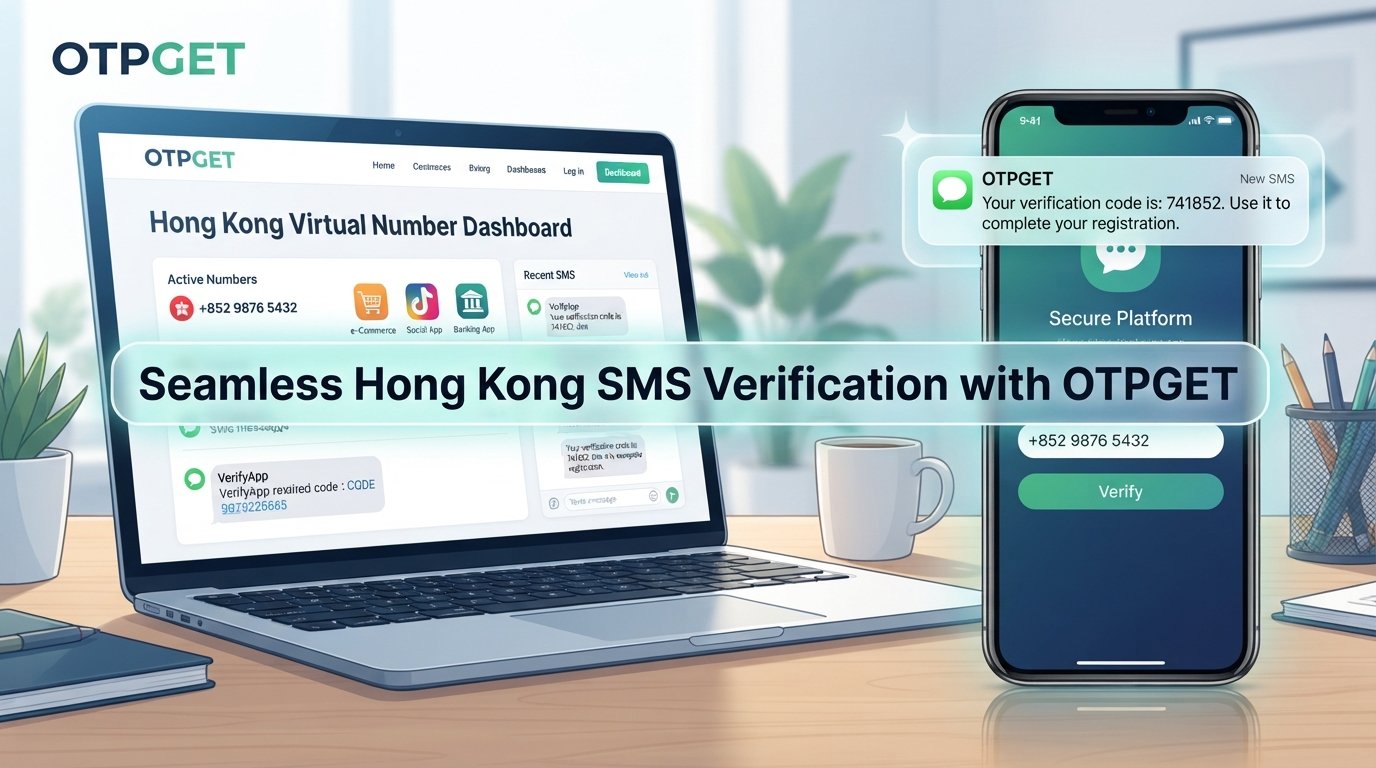
A temporary number gives you access to a phone number without necessarily using your everyday mobile number. Services such as OTPGET provide virtual numbers intended for SMS OTP verification, allowing users to receive verification messages online when the selected number and service support the request.
The important point is that temporary numbers are not guaranteed to work with every platform or verification flow. Zoom's own documentation shows that phone-number verification can involve receiving an SMS code, and that phone-number availability and account requirements can vary by feature.
So how does the process work, and when does using a temporary number make sense?
What Is Zoom SMS Verification?
Zoom SMS verification is a process in which a verification code is sent to a phone number to confirm that the user can access that number.
For example, Zoom documents a phone-number sign-in process where a user enters a phone number, requests a verification code, receives the code by text message, and enters it into the appropriate verification field.
A similar concept can apply when adding or verifying a phone number within an account. Depending on the particular Zoom feature, users may be offered SMS or another verification method.
This is where a temporary phone number for SMS verification can become relevant. Instead of immediately providing your primary mobile number, you can consider a number specifically intended for receiving an OTP or verification message.
However, the number must actually support incoming SMS, and the platform being verified must accept that type of number.
Why Use a Temporary Number for Zoom Verification?
There are several legitimate reasons someone might prefer a temporary number instead of a personal phone number.
Privacy and separation are common considerations. Your main number may already be connected to friends, family, work, banking, and other important services. Using a separate number for a particular online activity can help keep those uses distinct.
A temporary number can also be useful when you want to:
- Keep online verification separate from your personal mobile number
- Avoid unnecessarily sharing your primary phone number
- Manage short-term online services or testing activities
- Receive an SMS verification code online
- Keep verification activity organized separately from your everyday communications
That does not mean a temporary number is automatically more secure than a personal number. In fact, temporary numbers can create their own limitations, particularly when an account needs the same number for future recovery.
The right choice depends on how important the account is and how long you expect to need access to it.
How a Temporary Number for Zoom SMS Verification Works
The basic process is straightforward.
1. Choose an appropriate temporary number
Start by selecting a temporary or virtual number that supports incoming SMS. If a service lets you choose a country or specific service, check those options carefully.
2. Enter the number for verification
When Zoom presents a phone-number verification field, enter the selected number using the correct country and formatting information.
Zoom's documentation specifically instructs users to enter a phone number and then request the verification code during supported verification flows.
3. Request the SMS code
Submit the verification request and wait for the SMS.
At this stage, there is no guarantee that every temporary number will receive the message. The platform may restrict certain virtual or previously used numbers, or the number may not support the required type of SMS.
4. Retrieve the verification code
If the SMS is successfully delivered, retrieve the message through the temporary-number service.
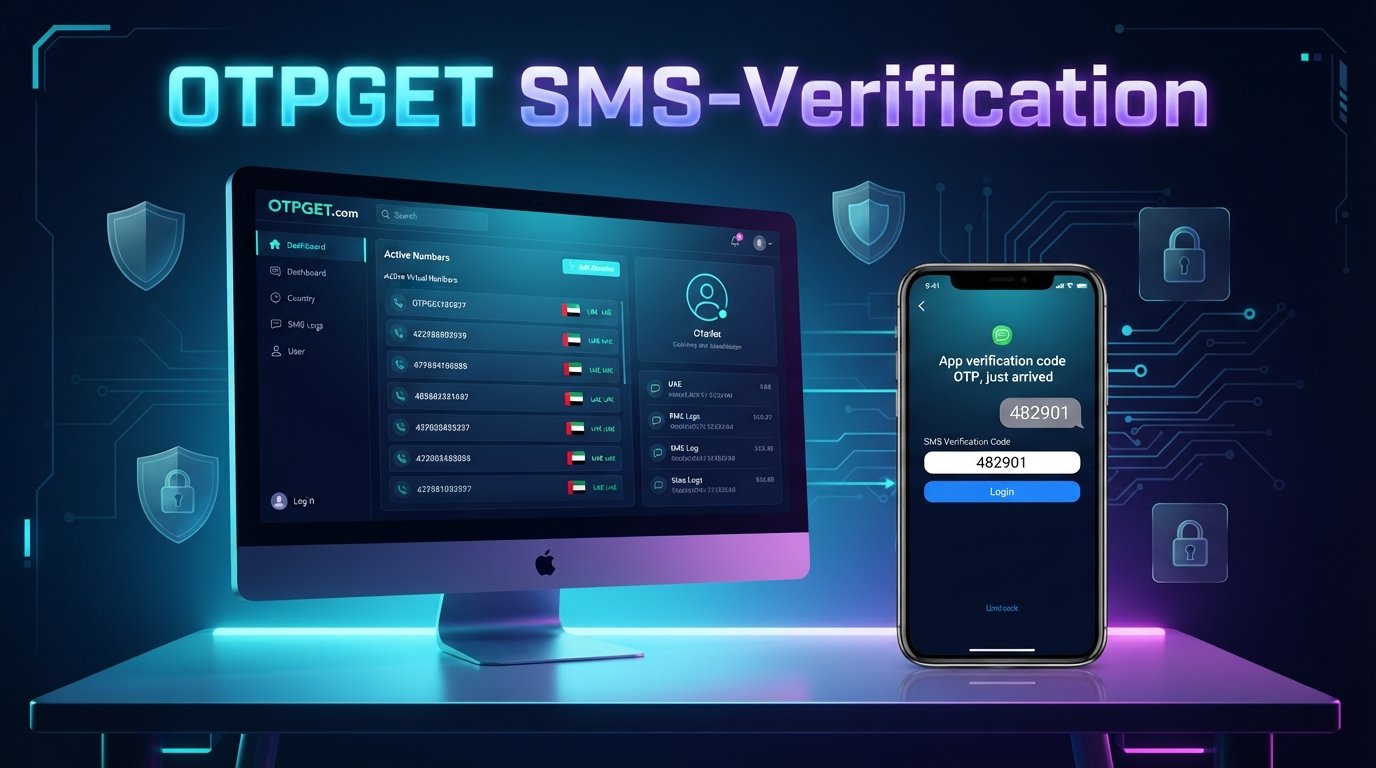
OTPGET describes its virtual numbers as being designed for SMS OTP verification, with received messages available through its service interface.
5. Enter the code
Copy the verification code carefully and enter it into the relevant Zoom verification field.
Verification codes can expire, so avoid unnecessary delays.
6. Complete verification
If the code is accepted, the verification process can continue according to the particular Zoom workflow.
Remember that successful delivery and acceptance depend on the specific number, service, country, and verification process.
Why OTPGET Can Be a Convenient Solution
If your main goal is to obtain a temporary number for SMS verification, OTPGET is directly relevant to this use case.
OTPGET provides virtual numbers intended for OTP verification and states that users can select numbers from different countries and use them for supported services. Its platform also offers temporary virtual numbers alongside rental numbers and other verification-related services.
That can make OTPGET useful when your requirement is simple: you need a number, you need access to incoming SMS, and you would prefer not to use your primary number for that particular verification task.
The platform's documented workflow involves selecting a country and service, obtaining a virtual number, and checking for the incoming verification code.
Still, it is important to distinguish between a provider supporting SMS verification generally and guaranteeing compatibility with a particular Zoom verification request. OTPGET does not establish that every Zoom verification flow will accept every available number.
For that reason, the best approach is to choose a suitable number, check whether it supports the required SMS, and use the service only for legitimate purposes.
Step-by-Step: Using OTPGET for Zoom SMS Verification
If you decide to explore OTPGET for a temporary SMS verification number, the general workflow is simple.
Step 1: Select a temporary number
Choose a number appropriate for your verification requirement. Pay attention to the available country and service options.
Step 2: Enter the number for verification
Copy the number into the Zoom phone-number field where SMS verification is requested.
Step 3: Request the SMS code
Ask Zoom to send the verification message.
Step 4: Retrieve the verification code
Return to OTPGET and check whether the expected SMS has arrived. OTPGET's documentation describes an activation-status process for checking whether an SMS code has been received.
Step 5: Enter the code
Enter the received verification code into Zoom promptly and accurately.
Step 6: Complete verification
If the number is accepted and the code is valid, finish the verification process.
If the SMS does not arrive, do not assume the service is permanently incompatible. Check the number, country, SMS capability, and verification requirements before trying another option.
Temporary Number vs. Personal Phone Number
| Factor | Temporary Number | Personal Phone Number |
|---|---|---|
| Privacy | Keeps your primary number separate | Requires sharing your everyday number |
| Convenience | Useful for short-term verification | Already available on your device |
| Account separation | Stronger separation between uses | Centralizes account activity |
| Long-term reliability | Can be limited after the number expires | Usually better for ongoing access |
| SMS accessibility | Depends on the provider and number | Usually directly accessible |
| Best use cases | Short-term verification and specific online tasks | Important accounts and long-term recovery |
Neither option is universally better.
A temporary number can be practical when privacy and separation are priorities. A personal number is generally more appropriate when you need dependable long-term access to an account.
This distinction matters because Zoom documents phone numbers as potentially being used for sign-in and account recovery. If you remove access to a number that is associated with those functions, you can lose the ability to use it for those purposes.
What If the Zoom Verification Code Doesn't Arrive?
A missing Zoom verification code does not necessarily mean something is wrong with your account.
Several factors can affect delivery:
- The temporary number may not support the required SMS.
- The service may restrict certain temporary or virtual numbers.
- SMS delivery may be delayed.
- The number may have been used previously.
- The verification code may have expired.
- The selected country or number may be incorrect.
- Too many verification requests may have been made within a short period.
Start by checking that the number was entered correctly and that it is capable of receiving incoming SMS.
Avoid repeatedly requesting codes. If multiple requests are made, wait before trying again and use the latest valid code rather than an older message.
If the selected number does not receive the expected SMS, you can consider another suitable number through OTPGET, provided the alternative is supported and compatible with the verification flow.
The key is to treat compatibility as something to check rather than something to assume.
Is Using a Temporary Number for Zoom Verification Safe?
A temporary number can be useful for privacy-conscious situations, but it is not automatically the best choice for every account.
The biggest consideration is future access.
If a phone number is needed later for account recovery or sign-in, using a temporary number that you no longer control can create problems. Zoom specifically notes that a sign-in phone number can be used for sign-in and account recovery, and removing that number can affect those capabilities.
Temporary numbers are therefore better suited to situations where long-term ownership of the number is not essential.
For important accounts, consider whether you will need the same number again before choosing a temporary option.
You should also use temporary-number services responsibly. OTPGET's terms prohibit illegal, fraudulent, abusive, or harmful uses of its services.
Best Practices for SMS Verification
Keep these points in mind when using a temporary number for verification:
- Use a number you can actually access.
- Confirm that incoming SMS is supported.
- Select the correct country or region.
- Check the verification requirements before purchasing a number.
- Avoid repeatedly requesting verification codes.
- Never share verification codes with strangers.
- Do not use a temporary number when permanent account recovery is essential.
- Follow Zoom's applicable verification requirements and policies.
- Use a reputable temporary-number provider.
- Keep future account-recovery needs in mind.
A little planning can prevent a temporary verification solution from becoming a long-term account-access problem.
Why Choose OTPGET for Temporary SMS Verification?
The need is usually straightforward: you need a temporary number, you need to receive an SMS code, and you do not want to immediately expose your primary phone number.
That is the problem OTPGET is designed to address.
OTPGET offers virtual numbers for SMS OTP verification, with options organized around countries and supported services. Its platform also provides rental numbers for users who need access beyond a single short-term verification task.
This makes OTPGET a practical option to explore when you need temporary SMS access rather than another permanent mobile line.
The important qualification is that no temporary-number provider can guarantee acceptance by every third-party service. Number availability, SMS routing, previous use, country requirements, and platform restrictions can all affect the outcome.
So instead of thinking of OTPGET as a guaranteed workaround, think of it as a convenient source of temporary virtual numbers that may fit your verification requirement when the relevant service accepts the selected number.
Frequently Asked Questions
Can I use a temporary number for Zoom SMS verification?
You may be able to use a temporary number when Zoom's particular verification flow accepts that number and the number can receive the required SMS. Compatibility is not guaranteed for every temporary or virtual number.
How do I receive a Zoom verification code online?
If Zoom offers SMS verification, enter an accessible phone number, request the code, and retrieve the incoming SMS through the number's provider. OTPGET provides virtual numbers intended for SMS OTP verification.
What is the best temporary number for Zoom verification?
There is no single temporary number that is guaranteed to work for every verification request. Look for a number that supports incoming SMS, matches the required country or region, and is appropriate for the specific verification flow.
Why is my Zoom SMS verification code not arriving?
Possible causes include an unsupported number type, delivery delays, incorrect country or number information, previous use of the number, expired codes, or too many verification requests. Check each factor before trying another number.
Can I use OTPGET to receive a verification SMS?
OTPGET provides virtual numbers designed for SMS OTP verification. Whether a specific Zoom verification message can be received depends on the number selected and the applicable Zoom verification system.
Are temporary phone numbers safe for SMS verification?
They can be useful for certain privacy and short-term verification situations, but they are not automatically suitable for important accounts. Consider future recovery requirements before using one.
Can a temporary number be used for long-term account recovery?
It may be possible with a number that remains under your control, but a disposable number is generally a poor choice for an account where reliable long-term recovery matters. A persistent number or another supported recovery method is usually more appropriate.
A Practical Way to Keep Verification Separate
If you need a temporary number for SMS verification and would rather keep your primary phone number separate, OTPGET is a practical option to explore.
Choose a suitable virtual number, confirm that it supports incoming SMS, follow the applicable Zoom verification requirements, and retrieve the code when the message arrives. Just remember that temporary-number compatibility can vary, so there is no guarantee that every number will work with every Zoom verification request.
For short-term verification needs where separating your personal number makes sense, OTPGET gives you a straightforward place to explore temporary virtual numbers for SMS OTP verification.
The article is designed to stay evergreen and deliberately avoids calendar-year references, unsupported Zoom/OTPGET endorsements, guaranteed compatibility claims, and fabricated performance claims.