Instagram login fix with virtual number guide & solutions tips
How to Fix Instagram Login Issues with Virtual Number Support
Introduction
Getting locked out of your social media account can be frustrating, especially when you rely on it for communication, business, or personal updates. One of the most common problems users face is difficulty logging into their account due to verification and SMS code issues.
When trying to access your account on Instagram, you may encounter problems like not receiving OTP codes, login verification errors, or unexpected security checks. These issues often appear suddenly and can prevent you from accessing your profile even when your password is correct.
The good news is that most Instagram login problems are solvable. In many cases, the issue is related to SMS delivery, device changes, or security settings rather than account loss. This guide explains why these problems happen and how to fix them safely using legitimate recovery methods, including virtual number support where appropriate.
Common Instagram Login Problems
Users experience a variety of login-related issues. Some of the most frequent ones include:
1. Incorrect Password Errors
Even when users believe their password is correct, small typing errors or outdated saved credentials can cause login failure.
2. SMS Verification Not Received
One of the most common issues is not receiving the verification code needed to log in. This is often linked to carrier delays or blocked messages.
3. Two-Factor Authentication Issues
If two-factor authentication is enabled, users may not receive codes through SMS or authentication apps.
4. Suspicious Login Detection
Logging in from a new device or location may trigger additional security checks.
5. Account Recovery Loop
Sometimes users get stuck in repeated verification steps without successfully regaining access.
These problems can be stressful, especially when urgent access is needed. However, understanding the root causes helps in applying the right solution.
Why SMS and OTP Issues Happen
When you request a login code, it is sent through SMS or email systems. However, delivery is not always guaranteed. Several factors can interrupt the process:
Network Delays
Mobile carriers may delay or block international SMS messages, especially verification codes.
Wrong Phone Number Format
Even a small mistake in the number format can prevent code delivery.
Device or SIM Changes
Switching phones or SIM cards can disrupt verification flows.
Spam Filtering
Some carriers or devices may mistakenly filter verification messages as spam.
High Server Traffic
During peak times, verification systems may experience delays.
Security Restrictions
If unusual login activity is detected, systems may temporarily restrict code delivery for protection.
Understanding these reasons helps reduce confusion when login issues occur.
Step-by-Step Solutions to Fix Instagram Login Issues
Here are practical and safe ways to regain access to your account:
Step 1: Check Your Internet and Device
Make sure your internet connection is stable. Switch between Wi-Fi and mobile data to rule out connectivity problems.
Step 2: Verify Your Credentials
Double-check your username, email, and password. If needed, reset your password through the “Forgot Password” option.
Step 3: Try Email Instead of SMS
If SMS codes are not arriving, request verification through your email instead.
Step 4: Restart Your Device
A simple restart can refresh network settings and fix temporary glitches.
Step 5: Update the App
Using an outdated version of the app can sometimes cause login errors. Update it to the latest available version.
Step 6: Clear Cache (Android Users)
Clearing cached data can remove corrupted login files that block access.
Step 7: Use Backup Codes
If two-factor authentication is enabled, backup codes can help you log in without SMS verification.
Step 8: Account Recovery Page
Use the official recovery process to verify your identity and regain access.
These steps solve most login issues without needing advanced technical actions.
Safe Virtual Number Support Explained
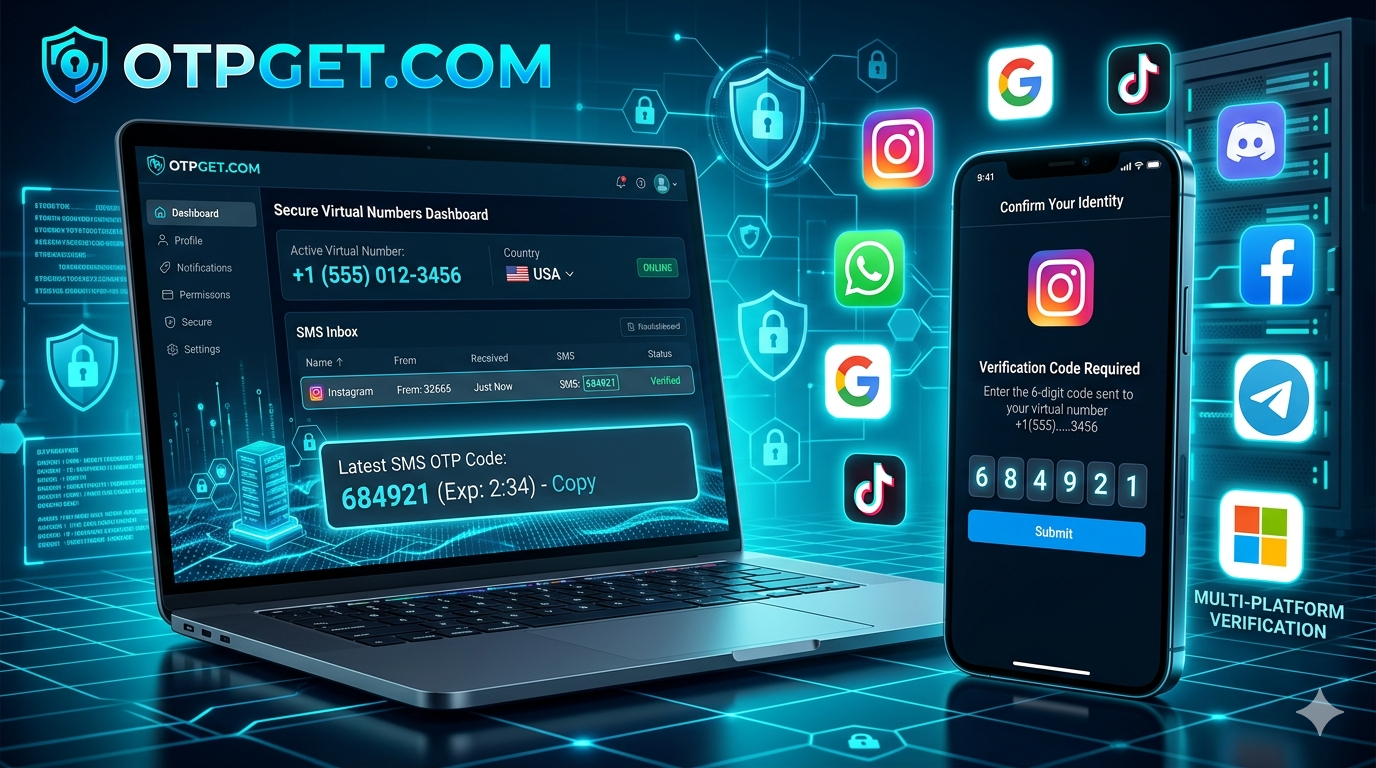
In some cases, users explore virtual numbers as part of their recovery or account management strategy. A virtual number is a cloud-based phone number that can receive SMS messages online.
When used responsibly, virtual numbers can help in situations like:
- Managing business accounts separately from personal numbers
- Accessing SMS verification when traveling internationally
- Keeping a dedicated number for social media accounts
However, it is important to use virtual numbers in a legitimate and secure way. They should not be used to bypass platform rules or security systems. Instead, they are best suited for account organization and accessibility when supported by platform policies.
When setting up or recovering your account, always ensure:
- The number is active and accessible
- You control the number permanently
- It is used consistently for verification
- It complies with platform guidelines
Using stable and reliable contact methods helps reduce future login issues.
Prevention Tips to Avoid Login Problems
Preventing login issues is easier than fixing them later. Here are some helpful tips:
Keep Your Recovery Options Updated
Always ensure your email and phone number are current.
Enable Two-Factor Authentication Properly
Use an authentication app as a backup instead of relying only on SMS.
Avoid Frequent Device Switching
Logging in from too many devices can trigger security flags.
Save Backup Codes
Store recovery codes in a safe place for emergency access.
Monitor Security Settings
Regularly check your account security settings to detect unusual activity early.
Use Stable Network Connections
Avoid logging in from unstable or public Wi-Fi networks when possible.
These small steps significantly reduce the chances of being locked out.
Understanding Instagram Security and Verification
Modern platforms like Instagram use advanced security systems to protect users from unauthorized access. While these systems are helpful, they can sometimes be strict, especially when:
- Logging in from new devices
- Using different locations frequently
- Entering incorrect passwords multiple times
In such cases, verification steps may become more frequent. This is not an error but a protective measure designed to keep accounts safe.
Knowing this helps users stay calm and follow proper recovery steps instead of repeating failed login attempts.
When to Contact Support
If all recovery methods fail, reaching out to official support is the best option. You should consider contacting support when:
- You cannot access email or phone recovery options
- Your account appears locked or disabled
- Verification codes never arrive across all methods
- Suspicious activity has been detected
Provide accurate details when submitting a request to speed up the recovery process.
Conclusion
Login issues can be frustrating, but they are usually temporary and fixable. Most problems related to SMS, OTP, or verification errors come from network delays, device changes, or security systems designed to protect your account.
By following proper recovery steps, keeping your account information updated, and using secure methods like authentication apps or legitimate virtual number support, you can greatly reduce login disruptions.
Staying informed and prepared ensures smoother access to your account and better long-term security.