Instagram Nepal Number Signup Guide: Fix OTP & Verification Issues
How to Get Instagram Nepal Number Signup & Fix OTP Issues
Introduction
Creating an account on Instagram using a mobile number in Nepal is usually simple, but many users face challenges during SMS verification. The most common issue is not receiving the OTP (one-time password), which is required to complete signup.
This guide explains how to properly sign up using a Nepal mobile number, why OTP messages sometimes fail, and how to fix these issues using safe and official methods. Everything here is focused on helping you successfully create your account without relying on unsafe shortcuts or third-party tools.
If you are struggling with Instagram signup or verification, this article will help you solve it step by step.
Section 1: How Instagram Signup Works in Nepal
Signing up for Instagram in Nepal follows a simple process. The platform uses your mobile number or email to verify your identity through an OTP code.
Here’s how the process works:
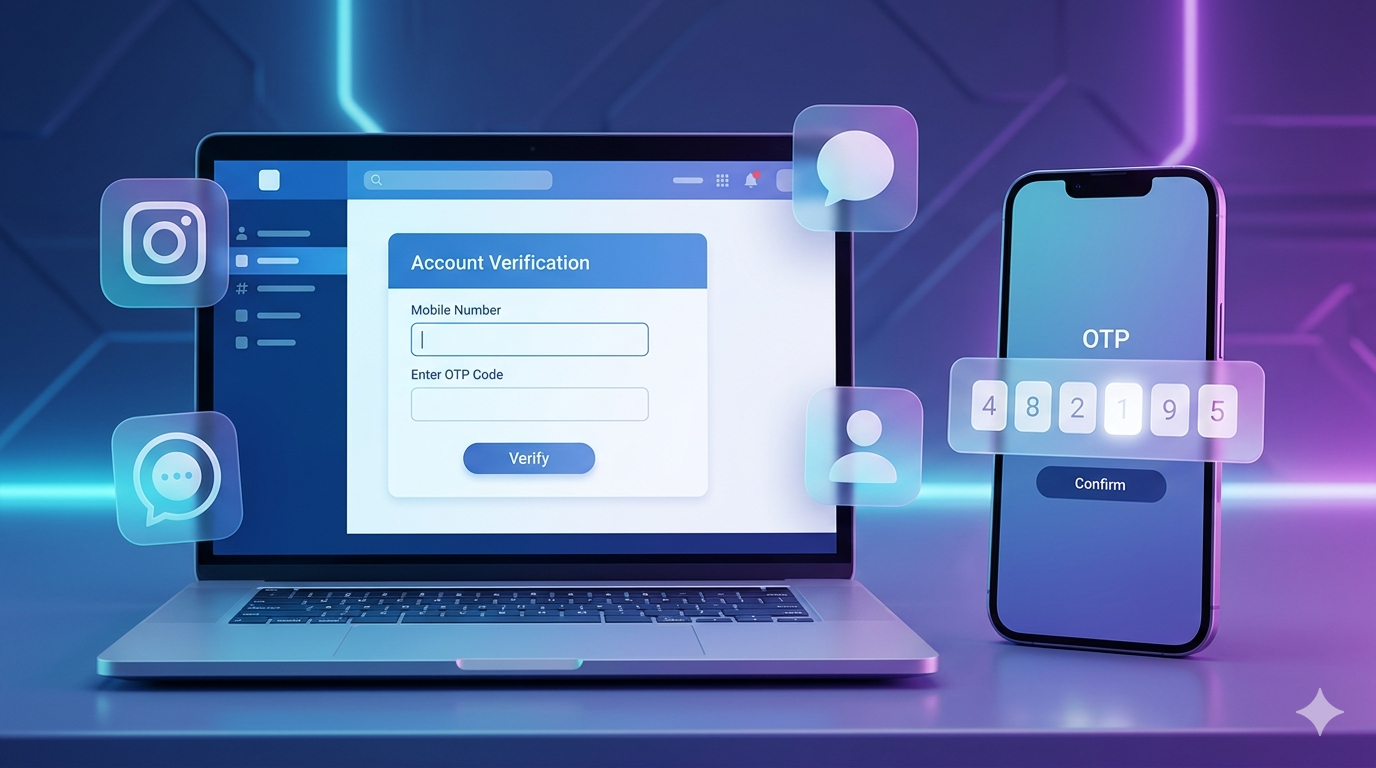
First, you download the official Instagram app from a trusted app store. After opening the app, you select the option to create a new account. You will be asked to enter either your phone number or email address.
If you choose a Nepal mobile number, make sure you include the correct country code (+977). After entering your number, Instagram sends a verification code (OTP) via SMS. You must enter this code in the app to confirm your account.
Once verified, you can set your username, password, and profile details, and your account becomes active.
Section 2: Common OTP & SMS Issues
Many users in Nepal experience problems receiving OTP messages from Instagram. These issues are common and usually not permanent.
Delayed SMS Delivery
Sometimes the OTP arrives late due to network congestion or carrier delays. This is one of the most common reasons users think the code is not working.
Network Issues
Weak mobile signals or unstable internet connections can interfere with SMS delivery or app communication with Instagram servers.
Wrong Number Format
Entering your phone number incorrectly is a frequent mistake. Forgetting the +977 country code or adding extra digits can prevent OTP delivery.
Carrier Restrictions
In some cases, mobile service providers may temporarily block international SMS, which affects verification messages from Instagram.
Section 3: Safe Solutions to Receive Instagram OTP
If you are not receiving the OTP from Instagram, try these safe and official methods:
Restart Your Phone
Restarting your device can refresh network connections and help receive delayed messages.
Check Network Signal
Make sure your SIM card has strong signal strength. Move to an area with better coverage if needed.
Use Correct Country Code (+977)
Always enter your Nepal mobile number with the correct prefix. Without it, the system may fail to send the OTP.
Tap “Resend Code” Option
Instagram allows you to resend the verification code after a short waiting period. Use this option if the first code does not arrive.
Wait and Retry
Sometimes servers are busy. Waiting a few minutes before trying again can solve the issue automatically.
Section 4: Alternatives if OTP is Not Received
If you still cannot receive the OTP from Instagram, there are a few safe alternatives you can try:
Use Email Signup Instead
Instead of a phone number, you can register using an email address. After signup, you can later add your mobile number inside account settings.
Switch Mobile Network
Try inserting your SIM card into another phone or switching between networks to see if SMS delivery improves.
Check Message Blocking Settings
Some phones have spam filters or message blocking features that may hide OTP messages. Check your SMS settings carefully.
Reinstall the App
Uninstalling and reinstalling the official Instagram app can fix temporary glitches affecting verification.
Section 5: Tips for Successful Instagram Registration
To avoid issues when creating an account on Instagram, follow these practical tips:
Use Stable Internet Connection
Even though OTP is sent via SMS, the signup process still depends on a stable connection to communicate with servers.
Avoid Repeated OTP Requests
Requesting too many OTPs in a short time can temporarily block new messages. Wait before trying again.
Ensure SIM is Active
Your mobile number must be active and able to receive international SMS messages.
Keep Phone Storage Clear
A full message inbox or overloaded phone system can sometimes delay SMS delivery.
Use Official App Only
Always use the official Instagram app downloaded from trusted sources to avoid errors and security risks.
Conclusion
Signing up for Instagram using a Nepal mobile number is straightforward when done correctly, but OTP issues can occasionally create problems. Most of these issues are caused by network delays, incorrect number formats, or temporary system congestion.
By following safe methods like using the correct +977 format, checking your network, restarting your phone, and using the resend option, you can successfully complete verification. If SMS still does not arrive, switching to email signup or checking message settings can help.
Always use official methods when creating your account on Instagram to ensure your data remains safe and your account works smoothly.