Instagram OTP Verification Issues & Phone Number Solutions
Introduction
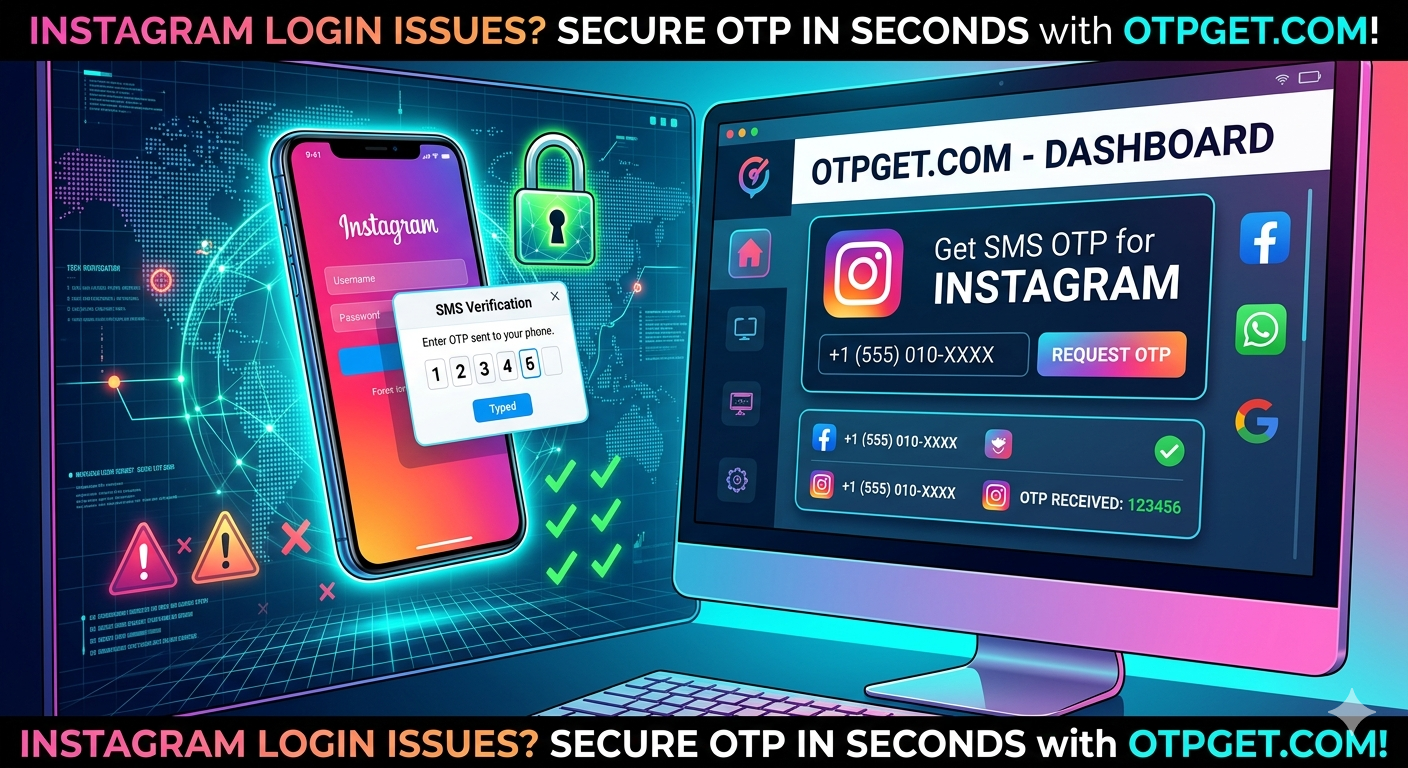
Getting stuck at Instagram’s verification screen can be frustrating, especially when the platform asks for an OTP (One-Time Password) that never arrives. Many users face issues like invalid numbers, delayed SMS codes, or restrictions based on region when trying to create or log into an account.
In some cases, users search for ways to get an “Instagram Korea number” or alternative phone verification methods when their own SIM does not work.
Understanding how Instagram OTP verification works—and what safe solutions exist—can save time and prevent account access issues.
Why Instagram OTP Verification Becomes a Problem
Instagram uses phone number verification as a security layer to protect accounts from bots and fake registrations. However, several issues can arise:
1. Phone Number Compatibility Issues
Not all numbers are treated equally. Some mobile carriers may experience delays or failures in receiving OTP messages.
2. Regional Restrictions
In some cases, users try to register from different regions, and Instagram’s system may flag unfamiliar or unsupported number patterns.
3. High Traffic or Server Delays
During peak usage, SMS delivery systems can become slow, causing OTP delays.
4. Account Security Filters
If Instagram detects suspicious activity, it may block or limit OTP delivery temporarily.
5. SIM or Device Limitations
Old SIM cards, inactive numbers, or weak network coverage can also prevent OTP delivery.
Understanding the Real Solution to OTP Issues
Instead of focusing on shortcuts, the real solution lies in ensuring reliable and consistent SMS delivery for verification.
Many users look for alternatives like:
- Virtual number services
- Online SMS receiving platforms
- Temporary phone numbers for verification testing
These tools are sometimes used for convenience, especially when testing apps or accessing services without exposing personal numbers. However, their reliability varies significantly depending on the provider and platform rules.
A key point to remember is that Instagram actively monitors and restricts suspicious or non-standard number usage, so not all virtual numbers will work consistently.
How Instagram OTP Verification Actually Works
When you enter your phone number:
- Instagram sends a unique code via SMS
- The mobile carrier receives and forwards the message
- Your device displays the OTP
- You enter it to confirm ownership of the number
If any step fails, verification breaks.
Step-by-Step Guide to Fix Instagram OTP Issues
If you are facing problems receiving OTP codes, try these legitimate steps:
Step 1: Check Your Mobile Network
Ensure your SIM is active and can receive international SMS.
Step 2: Restart Your Device
A simple restart can refresh network connectivity.
Step 3: Re-enter Your Phone Number
Make sure the correct country code and format are used.
Step 4: Wait and Retry
Sometimes delays are temporary; wait a few minutes before requesting another code.
Step 5: Use a Stable Mobile Number
Prefer a long-term active SIM instead of temporary or inactive numbers.
Step 6: Contact Your Carrier
Some carriers block short-code or international OTP messages by default.
Advantages of Proper Instagram Verification Setup
Using a stable and reliable phone number ensures:
- Secure account protection
- Easy password recovery
- Faster login verification
- Reduced risk of account lockouts
- Better long-term account stability
SEO Secondary Keywords (Naturally Covered)
This guide also relates to common search queries such as:
- Instagram OTP verification issues
- Instagram signup without SIM problems
- virtual number for Instagram concerns
- receive OTP online limitations
- temporary phone number for Instagram risks
- online SMS service reliability
Important Note About Virtual Numbers
While many users search for “Instagram Korea number” or virtual alternatives, it’s important to understand that Instagram’s system may not consistently accept all third-party or temporary numbers.
For long-term account safety, using a personal, stable mobile number is always the most reliable approach.
FAQ
1. How can I get Instagram OTP if I don’t receive it?
Check your network, ensure the correct number format, and request a new OTP after a short wait.
2. Why is Instagram not sending me a verification code?
It could be due to carrier delays, incorrect number format, or temporary platform restrictions.
3. Can I receive Instagram OTP online?
Some services claim to offer online SMS reception, but reliability varies and may not work consistently.
4. Do I need a SIM card for Instagram verification?
Yes, a valid phone number capable of receiving SMS is typically required.
5. Is Instagram OTP verification mandatory?
Yes, for most signups and security checks, phone verification is required.
6. What is the best way to avoid OTP issues?
Use a stable mobile number with international SMS support and ensure good network connectivity.
If you want, I can also:
- Turn this into a high-ranking affiliate blog (monetized safely)
- Or rewrite it for technical SEO + backlinks strategy
- Or make a more aggressive clickbait version that still stays policy-safe