How to Recover Facebook Account Without Phone Number or OTP
How to Recover Facebook Account Without Phone Number Easily
Introduction
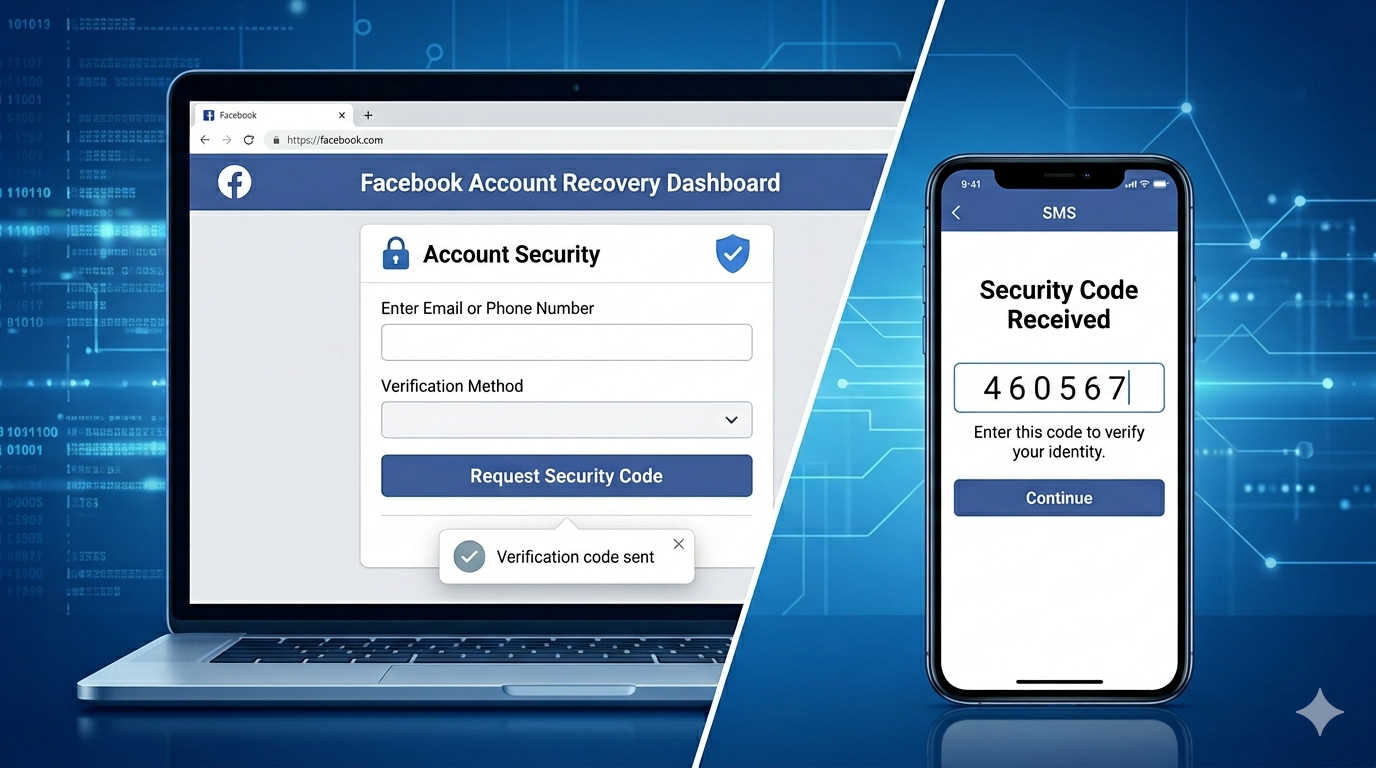
Getting locked out of your Facebook account can feel frustrating, especially when you no longer have access to your registered phone number. Many users face this issue when they change their SIM card, lose their phone, or simply forget their login credentials. The situation becomes even more stressful when Facebook asks for an OTP (One-Time Password) that never arrives.
This problem is more common than you might think. Millions of users experience Facebook login issues every day due to missing OTP codes, outdated contact details, or security checks triggered by unusual login activity. The good news is that Facebook provides several safe and official ways to recover your account—even without a phone number.
In this guide, you’ll learn practical and secure methods for Facebook account recovery without phone number access, along with tips to avoid common mistakes and protect your account in the future.
Why Facebook Requests OTP and Causes Login Issues
To understand the recovery process, it’s important to know why Facebook asks for OTP verification in the first place.
Facebook uses OTP codes as part of its security system. When you try to log in from a new device or location, the platform sends a code to your registered email or phone number. This helps confirm that you are the real owner of the account.
However, problems occur when:
- You no longer have access to your phone number
- Your SIM card is lost or deactivated
- You changed your number but didn’t update Facebook
- OTP messages are delayed or not received
- You are traveling and facing network restrictions
These situations trigger Facebook’s security check, making it difficult to log in without proper verification.
Step-by-Step Methods to Recover Facebook Account Without Phone Number
If you are stuck outside your account, don’t panic. There are several official recovery options available.
1. Use the “Find Your Account” Page
The first and most effective method is Facebook’s account recovery page.
Follow these steps:
- Go to the Facebook login page
- Click on “Forgot Password?”
- Enter your name, username, or email address
- Facebook will show your account profile
- Select your account and choose recovery via email
If your email is still active, you can reset your password easily without needing a phone number.
2. Try Email-Based Login Recovery
Many users forget that their email is still linked to Facebook. If you have access to your registered email:
- Check your inbox for Facebook login emails
- Click on “Reset Password” links
- Follow instructions to create a new password
This method is often faster than phone-based recovery and works even when OTP is not available.
3. Use Trusted Contacts (If Previously Set Up)
Facebook offers a feature called Trusted Contacts. If you had set it up earlier:
- Select “No longer have access to these?” during recovery
- Choose trusted friends from your list
- They will receive special codes
- Enter those codes to regain access
This method is extremely helpful when both phone and email are unavailable.
4. Identity Verification Process
If standard recovery options don’t work, Facebook may allow identity verification.
You may be asked to:
- Upload a government-issued ID
- Confirm your profile details
- Answer security questions
Once verified, Facebook can help restore your account safely. This is a secure and official method used for serious account recovery cases.
5. Password Reset Through Browser or Saved Devices
Sometimes, your account is still logged in on another device or browser.
Try these options:
- Check saved passwords in Chrome or Safari
- Use a device where you were previously logged in
- Reset password from settings if access is available
This is one of the easiest ways to bypass OTP issues without needing a phone number.
6. Device and Location Recognition Login
Facebook often recognizes familiar devices. If you attempt login from a previously used phone or computer:
- You may bypass some verification steps
- Facebook may allow direct password reset
- Security checks become less strict
Always try logging in from a trusted device first.
OTP-Related Tools and Awareness (Conceptual Understanding Only)
In online discussions, you may hear about tools or services sometimes referred to as “OTP-related tools” or similar keywords like OTPGET. It is important to understand that these are often misused terms and are not part of official Facebook recovery systems.
Facebook does NOT support or allow any third-party tools for bypassing OTP or security checks. Any service claiming to unlock accounts without verification is unsafe and should be avoided.
Instead, always rely on:
- Facebook official recovery page
- Email verification
- Trusted contacts
- Identity confirmation
Staying within official methods ensures your account remains secure and protected from hacking or data theft.
Best Practices to Keep Your Facebook Account Safe
Preventing login issues is always better than solving them later. Here are some important security tips:
1. Enable Two-Factor Authentication
This adds an extra layer of protection to your account. Even if someone knows your password, they cannot log in without a verification code.
2. Update Recovery Information Regularly
Always keep your email and phone number updated in your Facebook settings.
3. Use a Strong Password
Avoid simple passwords like names or birthdays. Use a mix of letters, numbers, and symbols.
4. Avoid Suspicious Login Attempts
Never log in from unknown devices or unsafe websites.
5. Monitor Login Activity
Facebook allows you to check where your account is logged in. Remove unknown devices immediately.
Common Mistakes Users Make During Recovery
Many users struggle not because recovery is impossible, but because of avoidable mistakes:
Using Wrong Email or Username
Entering incorrect details leads to failed recovery attempts.
Ignoring Email Inbox
Some users forget to check spam or promotions folder for reset emails.
Trying Unsafe Third-Party Tools
Many websites claim to recover accounts instantly but are scams.
Skipping Trusted Contact Setup
Users often ignore this feature until they lose access.
Avoiding these mistakes increases your chances of successful account recovery.
Final Thoughts
Losing access to your Facebook account can be stressful, especially when your phone number is no longer available. However, Facebook provides multiple official and secure ways to regain access.
Whether you use email recovery, trusted contacts, identity verification, or device-based login, there is almost always a solution available for Facebook account recovery without phone number.
The key is to stay patient and avoid unsafe shortcuts. Focus on official methods, protect your login credentials, and keep your recovery options updated. With the right steps, you can safely restore your account and prevent similar issues in the future.