Virtual Number for OTP: Easy Guide to Receive OTP Online OTPGET
How to Use Virtual Number for OTP? Easy Guide
1. Introduction
In today’s digital world, almost every app and website requires OTP verification. Whether you are signing up for social media, creating an email account, or accessing online services, a one-time password (OTP) is always needed.
But here’s the problem—many users face issues like:
- Not having access to a SIM card
- Privacy concerns when sharing personal numbers
- SMS delays or failed OTP delivery
- Restrictions on using the same number multiple times
This is where a virtual number for OTP becomes a game-changer.
A virtual number allows you to receive OTP online without a physical SIM, making verification fast, private, and hassle-free. Among the available solutions, OTPGET stands out as one of the most reliable and user-friendly platforms for SMS verification online.
In this guide, you’ll learn exactly how it works, why people use it, and how you can benefit from it.
2. What is a Virtual Number for OTP?
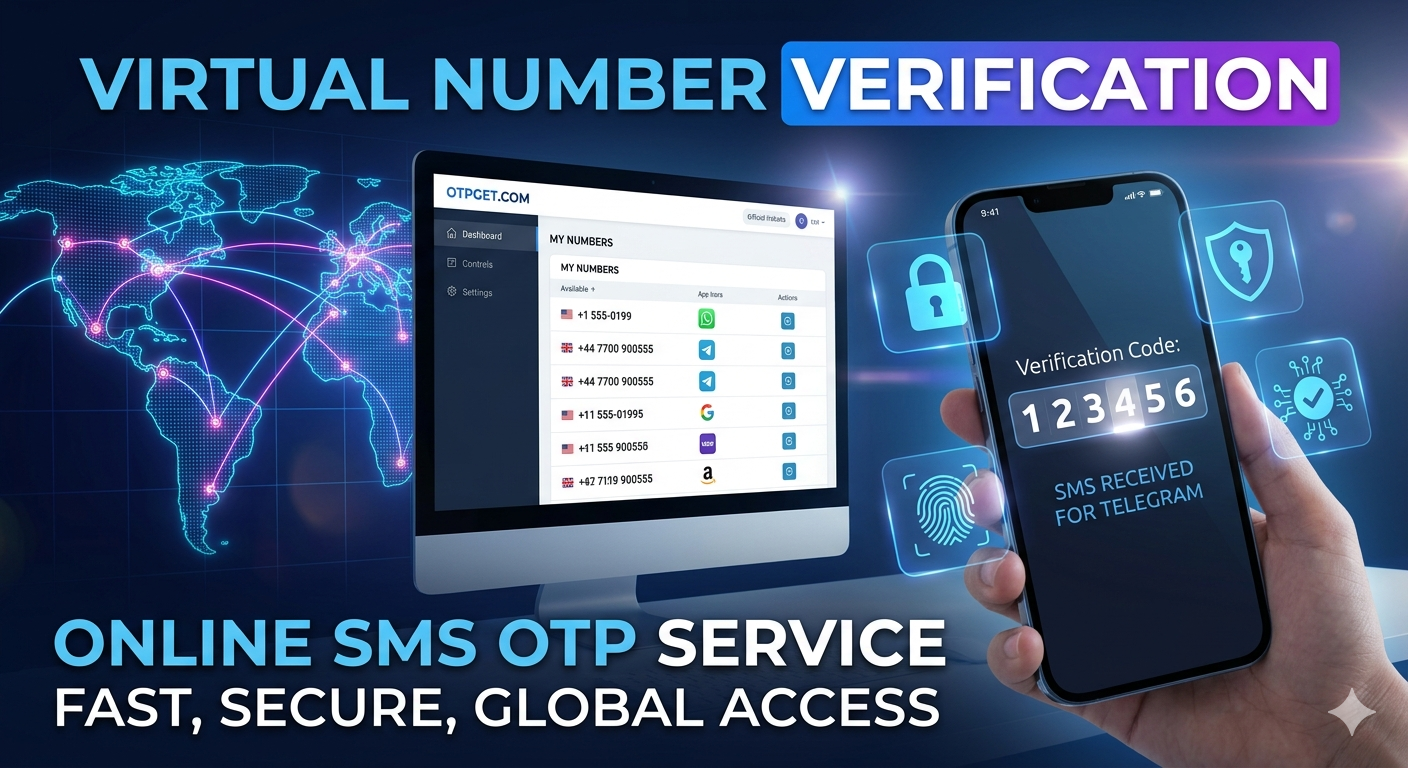
A virtual number for OTP is a temporary or cloud-based phone number that can receive SMS messages online. Instead of using a physical SIM card, everything works through the internet.
How it works:
- You select a virtual number from an online service
- You use it to register or verify an account
- The OTP is sent to that number
- You receive the OTP instantly on the platform dashboard
This makes it possible to receive OTP online from anywhere in the world without needing a personal SIM card.
Think of it as a digital SMS inbox that works globally.
3. Why People Use Virtual Numbers for OTP
The demand for SMS verification online is increasing rapidly. People prefer virtual numbers for several practical reasons:
🔒 Privacy Protection
Users don’t want to expose their personal numbers on multiple platforms. A virtual number keeps your real identity safe.
📱 No SIM Required
You can receive SMS without SIM, which is perfect for devices like tablets or secondary accounts.
🌍 Global Accessibility
You can access numbers from different countries and verify international apps easily.
⚡ Easy Online Access
Everything is handled online—no need to insert SIM cards or switch devices.
🧪 Temporary Usage
Many users prefer a temporary phone number for quick verifications or testing apps.
4. How OTPGET Works (IMPORTANT SECTION)
OTPGET is an online platform designed to simplify OTP verification using virtual numbers. It provides users with instant access to numbers for SMS reception.
Here’s how OTPGET works step-by-step:
Step 1: Select Country
Choose the country where you want your virtual number. OTPGET offers multiple global options for flexibility.
Step 2: Choose a Virtual Number
Browse available numbers and select one that suits your verification needs.
Step 3: Use It for OTP Verification
Enter the selected number on the website or app where you need verification.
Step 4: Receive OTP Instantly Online
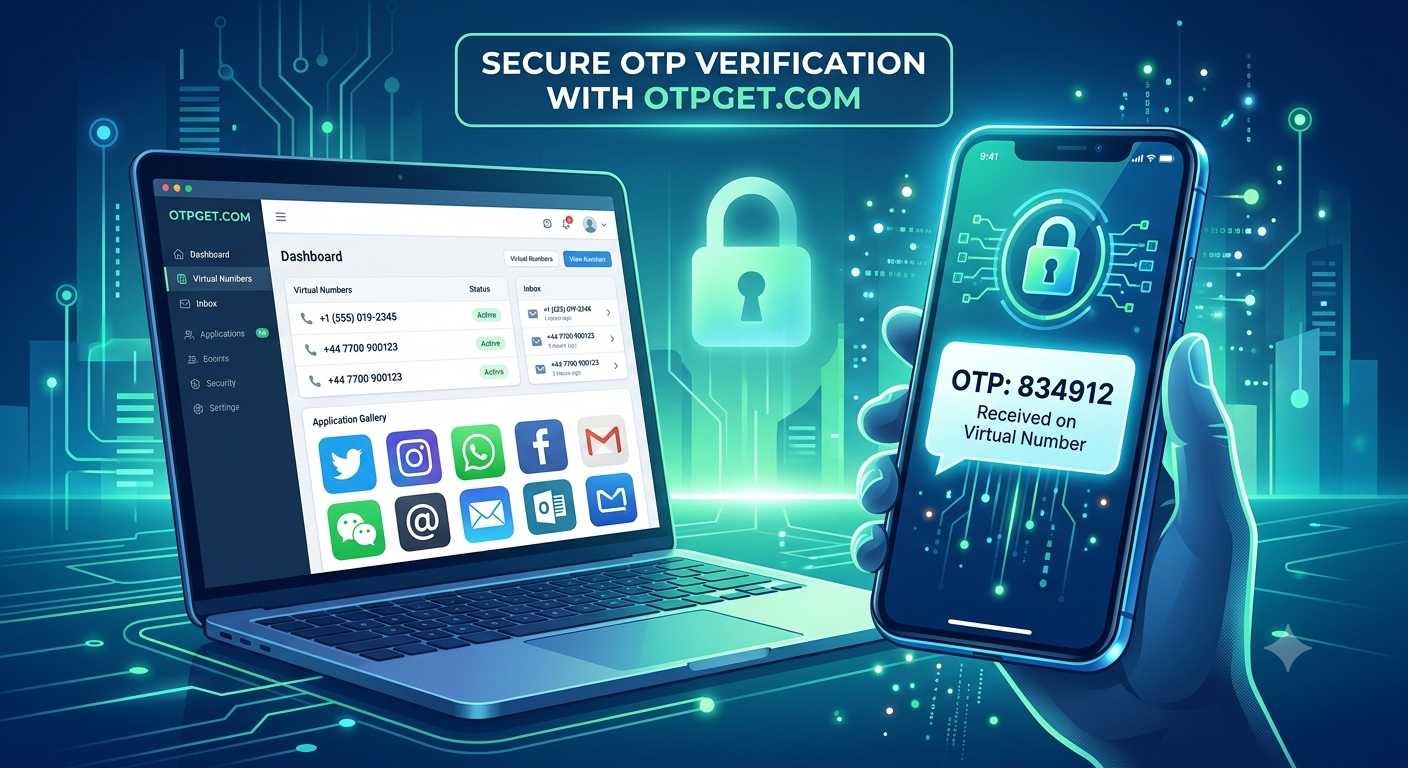
Once the OTP is sent, it appears directly in your OTPGET dashboard in real-time.
Why OTPGET stands out:
- Fast OTP delivery
- Simple and clean interface
- Reliable number availability
- Works for multiple platforms
- No complicated setup required
With OTPGET, receiving OTP online becomes seamless and instant.
5. Benefits of Using OTPGET for OTP Verification
Using OTPGET for virtual SMS number services comes with several advantages:
⚡ Fast OTP Delivery
Messages are received almost instantly, reducing waiting time.
📵 No Physical SIM Needed
Everything works online—no SIM card or mobile device required.
🔐 Safe and Private
Your personal number stays hidden, ensuring better privacy.
🌐 Works Across Platforms
From social media to app registrations, OTPGET supports multiple services.
💡 Easy to Use
Even beginners can navigate and use OTPGET without technical knowledge.
6. Step-by-Step Guide: How to Use Virtual Number for OTP
Here is a simple user guide for beginners:
Step 1: Visit OTPGET Platform
Open the OTPGET website on your browser.
Step 2: Create or Access Account
Sign in to your dashboard to access virtual numbers.
Step 3: Select a Virtual Number
Choose from available numbers based on your country or requirement.
Step 4: Enter Number on App/Website
Use the selected number during sign-up or verification.
Step 5: Receive OTP Online
Check your OTPGET dashboard and copy the OTP.
Step 6: Complete Verification
Enter the OTP in the required field and complete your registration.
That’s it—you’ve successfully used a virtual number for OTP verification.
7. Common Use Cases
Virtual numbers are widely used for different purposes:
📱 Social Media Verification
Create accounts on platforms like Instagram, Facebook, or Twitter without sharing your personal number.
🧾 Online Registrations
Sign up on websites or apps that require SMS verification.
🧪 App Testing
Developers use virtual numbers to test OTP systems.
🔁 Multiple Account Creation
Manage multiple accounts without needing multiple SIM cards.
🌍 Global App Access
Use international numbers to access region-restricted platforms.
8. Why OTPGET is Better Than Other Services
Not all virtual number services are equal. OTPGET provides a more stable and user-friendly experience.
✔ Better Reliability
Fewer failed OTP attempts compared to unstable platforms.
✔ Faster Interface
Clean dashboard ensures quick navigation and instant access.
✔ More Number Availability
A wider pool of numbers increases your chances of successful verification.
✔ User-Friendly Experience
Designed for beginners and advanced users alike.
✔ Secure System
Focuses on privacy and safe OTP handling.
Compared to other platforms, OTPGET offers a smoother and more consistent online OTP service experience.
9. Safety and Best Practices
While virtual numbers are powerful tools, they should be used responsibly.
🔐 Protect Your Accounts
Avoid using temporary numbers for sensitive or long-term accounts.
🧠 Use Trusted Services
Always rely on secure platforms like OTPGET for SMS verification online.
🚫 Avoid Misuse
Do not use virtual numbers for illegal or harmful activities.
📌 Understand Limitations
Some platforms may restrict temporary numbers, so always check compatibility.
Using a virtual phone number for verification responsibly ensures a safe and smooth experience.
10. Conclusion
Virtual numbers have completely changed the way users handle OTP verification. Instead of relying on physical SIM cards, users can now easily receive OTP online in seconds.
Among all available solutions, OTPGET stands out as a reliable, fast, and user-friendly platform for SMS verification online. Whether you need a temporary number for OTP, privacy protection, or global access, OTPGET provides everything in one place.
If you want a simple and effective way to handle OTP verification without complications, OTPGET is the solution worth trying.