What is Temp OTP? How to Use It with OTPGET Securely Explained

What is Temp OTP? How to Use It?
1. Introduction
In today’s digital world, almost every online service requires phone verification. Whether you are signing up for social media, testing an app, or creating a new account, you are often asked to enter a one-time password (OTP) sent to your phone.
This is where temp OTP (temporary OTP) comes in. A temp OTP is a short-lived verification code sent to a temporary or virtual number instead of your personal phone number. It helps users complete SMS verification online without exposing their real contact details.
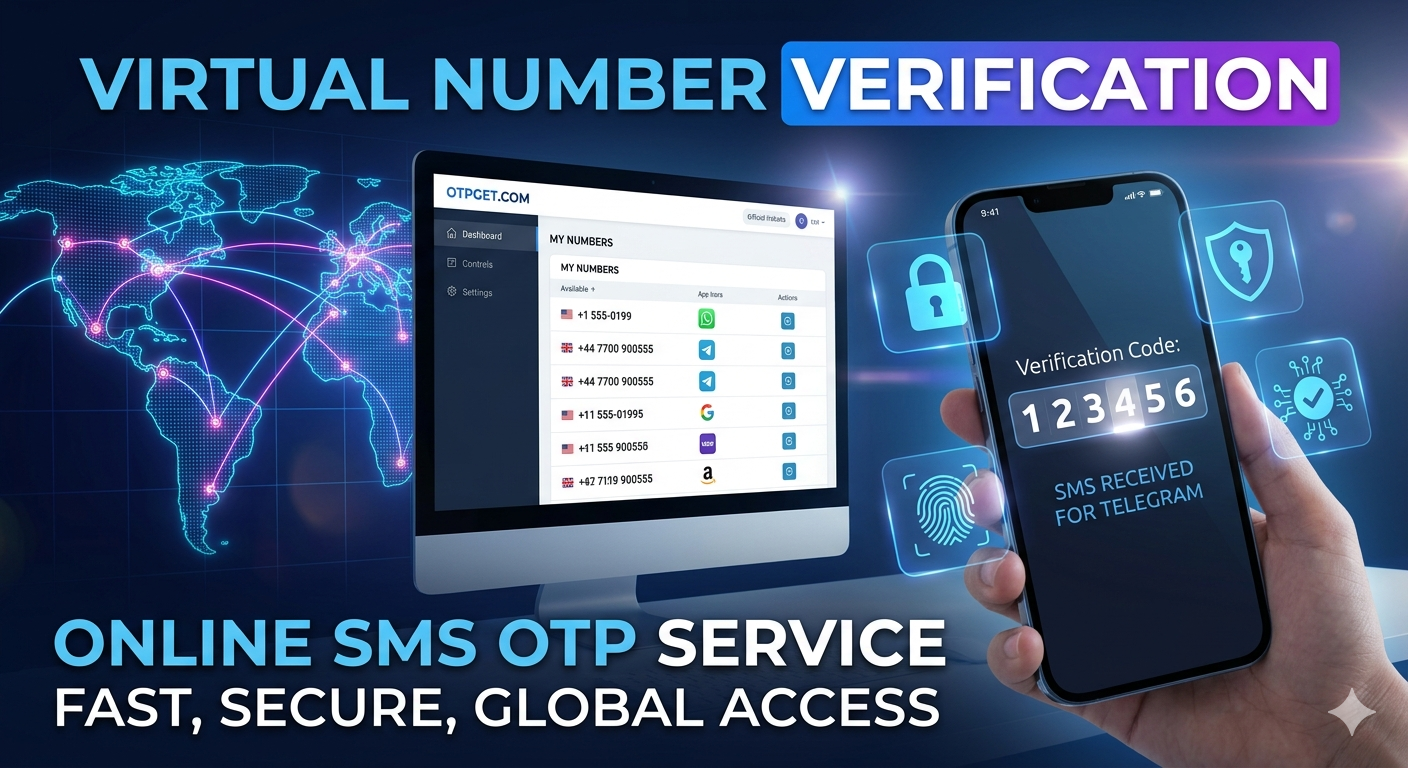
Many people prefer using a temporary OTP service to protect privacy, avoid spam messages, or quickly verify accounts. One of the modern solutions in this space is OTPGET, which allows users to receive OTP online through virtual numbers in a simple and fast way.
2. What is Temp OTP?
A temp OTP (temporary one-time password) is a verification code generated and sent to a disposable or virtual number for short-term use.
Instead of linking your personal SIM card to multiple websites, you use a temporary phone number that receives the OTP on your behalf.
How it works:
- A website sends a verification code
- The code is delivered to a temporary number
- You access that number online and retrieve the OTP
- The code is used for login or verification
This system is widely used for quick sign-ups, testing platforms, and protecting personal identity online.
3. Why People Use Temporary OTP Services
There are many reasons why users prefer free OTP receiver tools and virtual numbers:
1. Privacy Protection
Users don’t want to share their real phone numbers everywhere. Temp OTP services help keep personal data safe.
2. Avoid Spam Messages
Once you share your number online, spam calls and messages often increase. Temporary numbers reduce this risk.
3. Quick Verification
Instead of waiting for SIM-based OTP issues, users can instantly receive online verification codes.
4. Testing and Development
Developers often use disposable OTP services to test apps and registration systems.
5. Multiple Account Creation
Some users need separate accounts for different platforms without linking their real number every time.
4. How Temp OTP Works (Step-by-Step)
Understanding how temp OTP works is simple:
Step 1: Choose a temporary number service
You select a platform that provides virtual numbers.
Step 2: Select a number
Pick a disposable phone number from the available list.
Step 3: Enter the number on any website
Use it during signup or verification.
Step 4: Receive OTP online
The OTP is sent to that number and displayed on the platform.
Step 5: Use the code
Enter the OTP to complete verification.
That’s it—no physical SIM card is needed.
5. Introducing OTPGET
One of the emerging platforms in this space is OTPGET.
It is designed to make SMS verification online faster, easier, and more accessible. Instead of searching for unreliable sources of temporary numbers, users can rely on a centralized system built for receiving OTPs securely.
Key Features of OTPGET:
Fast OTP Reception
OTP messages are delivered quickly so users don’t face delays during verification.
Easy-to-Use Interface
The platform is simple and beginner-friendly, making it easy for anyone to receive OTP online.
Multiple Service Support
Supports various platforms where SMS verification is required.
Secure and User-Friendly
Designed with privacy in mind, reducing exposure of personal phone numbers.
Because of these features, OTPGET has become a recommended solution for users who frequently need temporary OTP services.
6. How to Use OTPGET for Temp OTP Verification
Using OTPGET is straightforward, even for beginners.
Step 1: Open the OTPGET platform
Access the service and browse available virtual numbers.
Step 2: Select a temporary number
Choose a number suitable for your verification needs.
Step 3: Use it on the target website
Enter the selected number when signing up or verifying your account.
Step 4: Wait for OTP delivery
The OTP will appear on the OTPGET dashboard.
Step 5: Copy and use the OTP
Enter the code into the required field and complete your verification.
This process eliminates the need for a physical SIM card while still allowing full access to online services.
7. Benefits of Using OTPGET
Using OTPGET provides several advantages:
Speed
Instant OTP reception ensures smooth verification without delays.
Convenience
No need to switch SIM cards or use multiple devices.
Privacy Protection
Keeps your personal number hidden from websites and apps.
Ease of Use
Simple interface designed for all users, even beginners.
Better Than Traditional OTP Methods
Unlike physical SIM-based OTPs, virtual OTP systems offer flexibility and faster access.
8. Is Temp OTP Safe?
Temp OTP services are generally safe when used responsibly. However, safety depends on how you use them.
Positive Aspects:
- Protects your personal phone number
- Reduces exposure to spam
- Helps maintain anonymity online
Important Considerations:
- Some services may reuse numbers
- Not suitable for sensitive accounts (banking, government services)
- Always use trusted platforms like OTPGET for better reliability
In short, temp OTP is safe for general use, but should not replace secure personal verification for critical accounts.
9. Best Practices When Using Temp OTP Services
To use temporary OTP services effectively, follow these best practices:
Do’s:
- Use temp OTP for testing and non-sensitive registrations
- Choose reliable platforms like OTPGET
- Clear session data after use
- Understand the platform’s limitations
Don’ts:
- Don’t use temp OTP for banking or financial accounts
- Don’t rely on unknown or unsafe websites
- Don’t share OTP codes publicly
- Avoid using the same number for multiple critical accounts
Security awareness is important when using any online OTP service.
10. Conclusion
Temp OTP services have become an essential tool for modern internet users who value privacy, speed, and convenience. They allow users to receive OTP online without exposing their personal numbers, making online verification much easier.
Among the available solutions, OTPGET stands out as a reliable and user-friendly platform for handling temporary OTP needs. With fast delivery, simple usage, and strong privacy benefits, it is a practical choice for everyday verification tasks.
However, users should always apply best practices and avoid using temporary OTP services for highly sensitive accounts. When used correctly, temp OTP tools can significantly improve your online experience.