SEO Title: Account Suspended After Verification: What to Check and Fix First
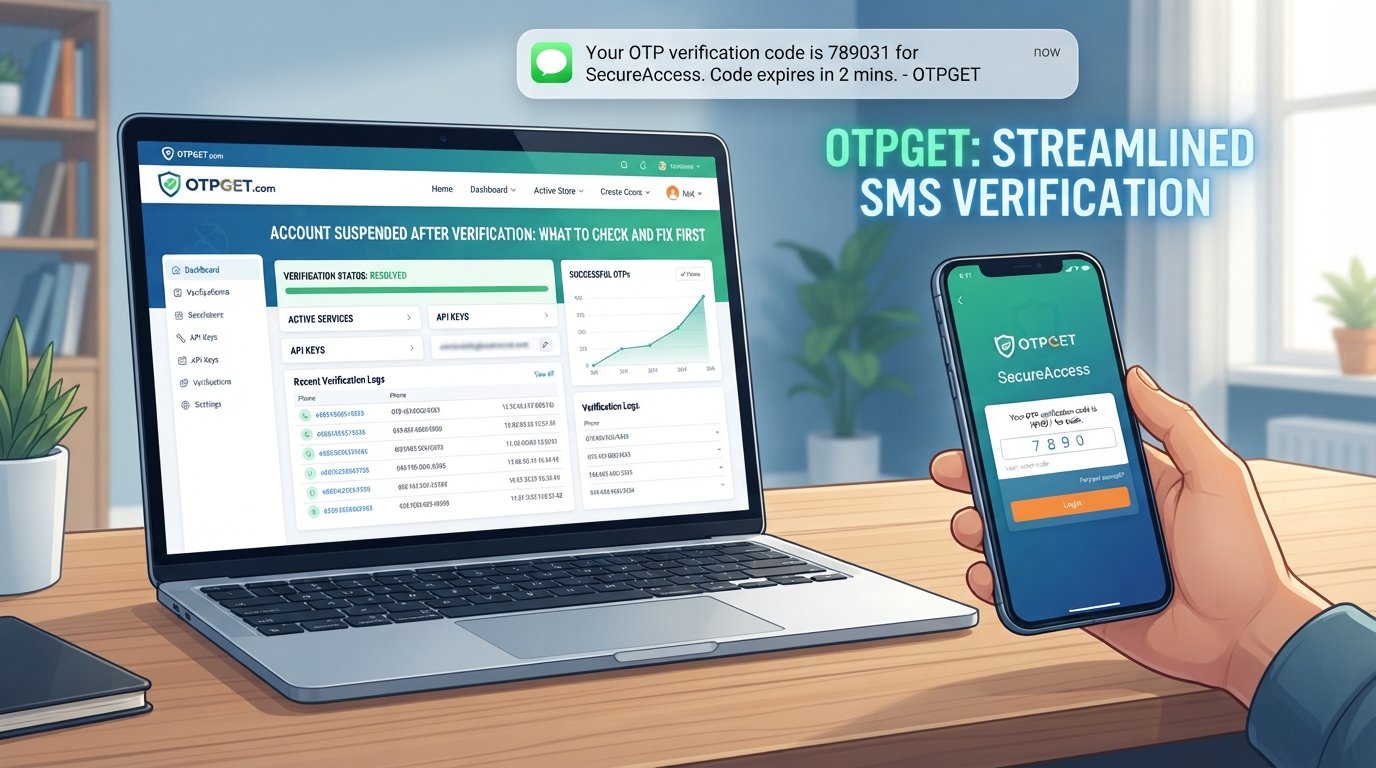
Account Suspended After Verification: What to Check and Fix First
Completing an identity check only to discover that your account is still suspended can be confusing. You may have submitted the requested information, entered a verification code, or confirmed your phone number, yet access remains restricted.
An account suspended after verification situation does not necessarily mean the verification itself failed. Many services separate identity or OTP verification from their broader account-security review. A completed verification step can therefore be followed by another review, a security restriction, or a request for additional information.
The right response is to identify what actually failed instead of repeatedly attempting verification. This guide explains what to check, how to troubleshoot common OTP and verification problems, and where a service such as OTPGET may be useful for legitimate verification workflows.
Why Can an Account Be Suspended After Verification?
There is no single reason why an account can remain restricted after verification. Different platforms use different verification and security processes, so the exact cause depends on the service involved.
Common possibilities include:
Verification mismatch
The information submitted during verification may not match the information associated with the account. Differences in names, phone numbers, dates of birth, addresses, or other details can sometimes require additional review.
Incomplete verification
A verification process may contain multiple steps. Confirming an OTP does not necessarily mean that an identity review, document check, or security assessment has also been completed.
Automated security checks
Some services use automated systems to detect unusual login patterns, unexpected activity, or other security signals. A verification step can succeed while a separate security check places temporary restrictions on the account.
Suspicious or unusual activity
Multiple login attempts, unfamiliar devices, unusual locations, or other activity may trigger additional security measures, depending on the platform.
Duplicate or conflicting account information
Some services restrict duplicate accounts or accounts containing conflicting information. If this applies, the platform's official support guidance should take priority.
Verification code problems
An OTP can be entered incorrectly, expire, arrive late, or be associated with a different verification attempt. These issues can make the verification process appear unsuccessful even when the account details are otherwise correct.
Delayed review
Verification is not always instantaneous. A service may require manual or additional automated review after the initial verification step.
The key point is simple: verification completed does not always mean the platform's entire security review is complete.
What to Check First When Your Account Is Suspended
Before contacting support, work through the following checklist.
- Check the verification status.
Look for wording that confirms whether verification is complete, pending, failed, or awaiting additional information. - Review email and SMS notifications.
The service may have sent a message explaining the restriction or requesting another action. - Confirm your account details.
Check your registered phone number, email address, and other information for obvious errors. - Review submitted verification information.
If the service identifies a mismatch or incomplete submission, follow its official instructions rather than submitting random information repeatedly. - Check OTP or verification-code messages.
Confirm that you are using the newest valid code and that it has not expired. - Review recent account activity.
Look for unfamiliar login attempts, password changes, or security notifications. - Check your login attempts.
Repeated failed attempts can sometimes create additional temporary restrictions. - Read security alerts carefully.
A message about account security may be separate from the identity-verification result. - Review platform support messages.
If the service has an account recovery, appeal, or support center, check for instructions specific to your account. - Determine whether the restriction is temporary or permanent.
The wording of the suspension notice matters. Do not assume that every suspension has the same recovery process.
Taking these steps can prevent unnecessary repeated verification attempts and help you identify whether the problem is related to identity verification, OTP delivery, account security, or the platform's own review process.
Common Verification Problems That Can Trigger Account Issues
An account verification issue can happen at several points in the process.
One common problem is incorrect or outdated account information. If your registered phone number is no longer active, for example, you may be unable to complete an OTP step even though your account itself is valid.
Another issue is an expired verification code. OTPs are generally designed for a specific verification attempt and may only remain valid for a limited period. Entering an older code after requesting a newer one can therefore result in a verification failure.
There can also be delivery problems. Network conditions, SMS filtering, blocked messages, device settings, or carrier-related issues may affect whether a verification code arrives successfully.
Security checks create another layer. A platform may accept your identity information but still restrict the account because it needs to review other security signals. In that situation, trying to verify your identity repeatedly may not resolve the underlying suspension.
If you see a message such as “verification failed,” “account disabled after verification,” or “account locked after verification,” save the exact wording. That information can be useful when following the platform's recovery or support process.
What If You Are Not Receiving the OTP?
A missing OTP is one of the most common sources of verification frustration. Before assuming that your account is suspended because of a verification failure, check the basics.
- Confirm that the phone number entered for verification is correct.
- Make sure the device has a working mobile connection.
- Check whether SMS messages are being filtered or blocked.
- Wait briefly before requesting another code.
- Avoid repeatedly requesting new OTPs in rapid succession.
- Confirm that the phone number can receive ordinary SMS messages.
- Use the platform's official verification method.
- If available, follow the service's alternative official verification instructions.
If a code arrives late, be careful about which message you use. A newly generated OTP may invalidate an earlier code, depending on how the service handles verification.
For persistent OTP verification problems, document what happened rather than continuously retrying. If the service has an official support channel, provide the relevant error message and explain that the verification code is not arriving or is not being accepted.
How OTPGET Can Help With OTP Verification
When the problem is specifically related to managing legitimate OTP or verification-code requirements, OTPGET can be relevant as a practical OTP verification solution.
The purpose of an OTP-focused service is to make verification-code workflows more convenient and easier to manage where the applicable verification process supports that type of service. This can be useful when the main difficulty is understanding or handling the OTP portion of a legitimate verification workflow.
For users dealing with an OTP verification problem, the important distinction is between the verification step and the account's overall security status. An OTP service may help with an applicable verification-code workflow, but it should not be treated as a method for bypassing a platform's security controls.
In particular, OTPGET should not be viewed as a guaranteed way to recover a suspended account, remove a restriction, bypass identity verification, or obtain access to an account controlled by another platform.
If the platform has already suspended an account, you may still need to complete its official appeal, review, or recovery process. OTPGET is most relevant where you have a legitimate OTP-related verification need—not as a substitute for platform support.
Steps to Take Before Contacting Support
If you still cannot access the account, prepare useful information before contacting the service.
Keep a record of:
- The exact suspension or verification message
- Screenshots of relevant error screens
- The email address or phone number associated with the account
- The approximate time the issue occurred
- Whether an OTP was received
- Whether the OTP was accepted or rejected
- Any security notifications received
- Any recent password or account changes
- The verification steps you already completed
Avoid sending passwords, OTPs, authentication secrets, or other sensitive information to anyone claiming to offer unofficial account recovery.
Use the platform's official support or recovery channel whenever possible. A clear explanation with the relevant error message can make it easier for the support team to understand whether the issue involves verification, account security, or another restriction.
How to Avoid Future Verification Problems
You can reduce many common verification problems by keeping your account information accurate and your security practices consistent.
Use a valid phone number that can reliably receive verification messages, and keep your contact information updated when the platform allows it. Avoid repeatedly entering incorrect OTPs or requesting large numbers of codes in a short period.
It is also important to protect your account credentials. Use a strong, unique password where supported, review security alerts, and never share an OTP with someone who contacts you unexpectedly.
Most importantly, use official verification channels and follow the rules of the service you are using. If a platform requires additional review, trying to work around that process can create more problems rather than resolving the original issue.
Frequently Asked Questions
Why is my account suspended after verification?
An account can remain suspended after verification because identity verification may be separate from other security checks. Possible causes include incomplete information, unusual activity, mismatched details, duplicate-account concerns, or a pending review.
Can an account be suspended even after identity verification?
Yes. Completing identity verification does not necessarily mean every security or account review has been completed. The platform may still require additional checks or support intervention.
What should I do if my verification code is not working?
Make sure you are using the newest valid code, check that it has not expired, and confirm that it was sent to the correct phone number or verification channel. Avoid repeated attempts if the service indicates that you should wait.
Why am I not receiving my OTP?
Check your phone number, mobile connection, message filters, and SMS reception. Also avoid requesting many codes consecutively. If the problem continues, use the platform's official support or alternative verification process.
Can OTPGET help with OTP verification?
OTPGET can be relevant to legitimate OTP and verification-code workflows where its service is applicable. It should not be considered a method for bypassing platform security or account restrictions.
Can OTPGET remove an account suspension?
No assumption should be made that an OTP service can remove a platform-specific suspension. If an account has been suspended, follow the affected platform's official recovery, appeal, or support process.
Should I contact the platform if verification is complete but my account is still suspended?
Yes, especially when the suspension message does not clearly explain what to do next. Provide the relevant notification, explain that verification was completed, and follow the platform's official instructions.
Final Thoughts
An account suspended after verification problem can have several causes, and completing an OTP or identity check does not necessarily mean the platform's entire security review is finished.
Start by checking the verification status, account details, notifications, recent activity, OTP delivery, and the exact suspension message. Avoid repeatedly attempting verification when the platform indicates that you should wait or seek support.
For legitimate OTP-related workflows, OTPGET can be a practical option to consider when an OTP verification service is appropriate. However, platform-specific suspensions still need to be handled through the relevant service's official recovery or review process.
The goal is not to bypass a security control. It is to understand which part of the verification process is causing the problem, address it correctly, and use the appropriate tools and official support channels to move forward.
:::


