SEO Title: OTP Comes Late? 9 Simple Ways to Get Verification Codes Faster
41. OTP Comes Late? Simple Ways to Get It Faster
You request an OTP, wait a few seconds, check your phone again—and still nothing. Then, just when you request another code, the first one suddenly appears.
If that sounds familiar, you're not alone. A delayed one-time password can interrupt a sign-in, registration, account verification, payment confirmation, or another time-sensitive process. Even a short OTP delivery delay can become frustrating when the code expires before you get a chance to enter it.
The good news is that an OTP comes late for several possible reasons, and many of them are easy to troubleshoot. In some situations, using a suitable OTP service can also make verification more convenient.
This guide explains why OTPs get delayed, what to do when an OTP is not received, how to get OTP faster, and where OTPGET can fit into the process.
Why Does an OTP Come Late?
An OTP is usually sent as an SMS or another verification message after you request authentication. Several systems are involved between clicking “Send code” and seeing the message on your phone. A delay at any point can affect delivery.
Network Congestion
Heavy traffic on a mobile network can slow SMS delivery. If many messages are being processed at once, a verification SMS may take longer than expected to reach your device.
This is particularly noticeable when ordinary text messages are also arriving slowly.
Mobile Carrier Delays
Your mobile carrier handles the final part of many SMS OTP deliveries. Carrier routing, temporary service issues, or congestion can contribute to delayed messages.
In this situation, the website or app may have already generated the code even though your phone has not received it yet.
Overloaded SMS Systems
The service sending the verification code may also experience temporary delays. An overloaded messaging system can mean that the OTP is generated correctly but delivered later than expected.
Incorrect Phone Details
A simple mistake can cause an OTP not to arrive at all. Check the phone number, country code, and other details before requesting another verification code.
Weak Mobile Signal
Poor cellular reception can interfere with SMS delivery. If your phone has limited signal, moving to an area with better reception may help.
Too Many Repeated OTP Requests
One of the most common mistakes is repeatedly pressing Resend OTP.
You request one code, wait a few seconds, request another, then repeat the process. The result can be several codes arriving out of order. Some services may also temporarily limit repeated requests.
Blocked or Filtered Messages
Your phone or messaging app may filter, block, or categorize certain messages. Check blocked numbers, spam folders, filtered SMS, or other message-management settings if the verification code is missing.
Common Signs Your OTP Delivery Is Delayed
How can you tell whether the problem is delivery rather than the verification request itself?
Look for signs such as:
-
The OTP not received after the normal waiting period.
-
A verification SMS arriving several minutes after you requested it.
-
An OTP arriving after the previous code has already expired.
-
Several old verification codes arriving together.
-
Repeatedly requesting a new OTP without receiving the previous one.
-
The service confirming that a code was sent while your phone shows no new message.
For example, imagine you request an OTP and wait. Nothing appears, so you request another. A little later, two messages arrive almost together. The newest code may work, while the older one is already invalid.
That is why repeatedly requesting codes isn't always the fastest solution.
Simple Ways to Get an OTP Faster
Before assuming something is wrong with the service, try a few straightforward fixes.
1. Check Your Mobile Signal
Look at your phone's cellular signal. If reception is weak, move somewhere with stronger coverage and give the message another moment to arrive.
2. Confirm Your Phone Number
Double-check the number entered on the verification page. Pay particular attention to the country code and any leading digits required by the service.
3. Wait Before Requesting Another Code
If you have already requested an OTP, wait briefly before pressing Resend. Sending multiple requests can make it harder to identify the valid code.
4. Check Blocked and Filtered Messages
Review your messaging app's spam, blocked, or filtered sections. Some verification SMS messages may not appear in the main inbox.
5. Refresh Your Network Connection
If your phone appears connected but SMS delivery is behaving strangely, temporarily reconnecting to the mobile network may help. On some devices, toggling airplane mode briefly can refresh the connection.
6. Restart Your Phone When Appropriate
A simple restart can sometimes resolve temporary messaging or network issues, especially if other SMS messages are also behaving unusually.
7. Use a Suitable Verification Method
If the service offers another verification method, such as email or an authenticator-based option, consider using it when appropriate.
For recurring OTP problems, however, troubleshooting the phone every time may not be the most convenient approach. That's where a suitable OTP service can become useful.
What to Do When Your OTP Is Not Received
If your verification code is missing, follow this simple checklist:
-
Confirm the phone number you entered.
-
Check your mobile signal and network connection.
-
Wait briefly if an OTP was already requested.
-
Check blocked or filtered SMS messages.
-
Avoid repeated resend requests.
-
Request a new OTP only after the previous request has had enough time to arrive.
-
Use an alternative verification method if the service provides one.
-
If the issue continues, contact the relevant service's support team.
If an OTP arrives after it expires, don't keep entering the old code. Request a fresh verification code and use the newest valid OTP supplied by the service.
How OTPGET Can Help
If delayed verification codes are becoming a recurring problem, a dedicated OTP service such as OTPGET can offer a practical option for appropriate verification needs.
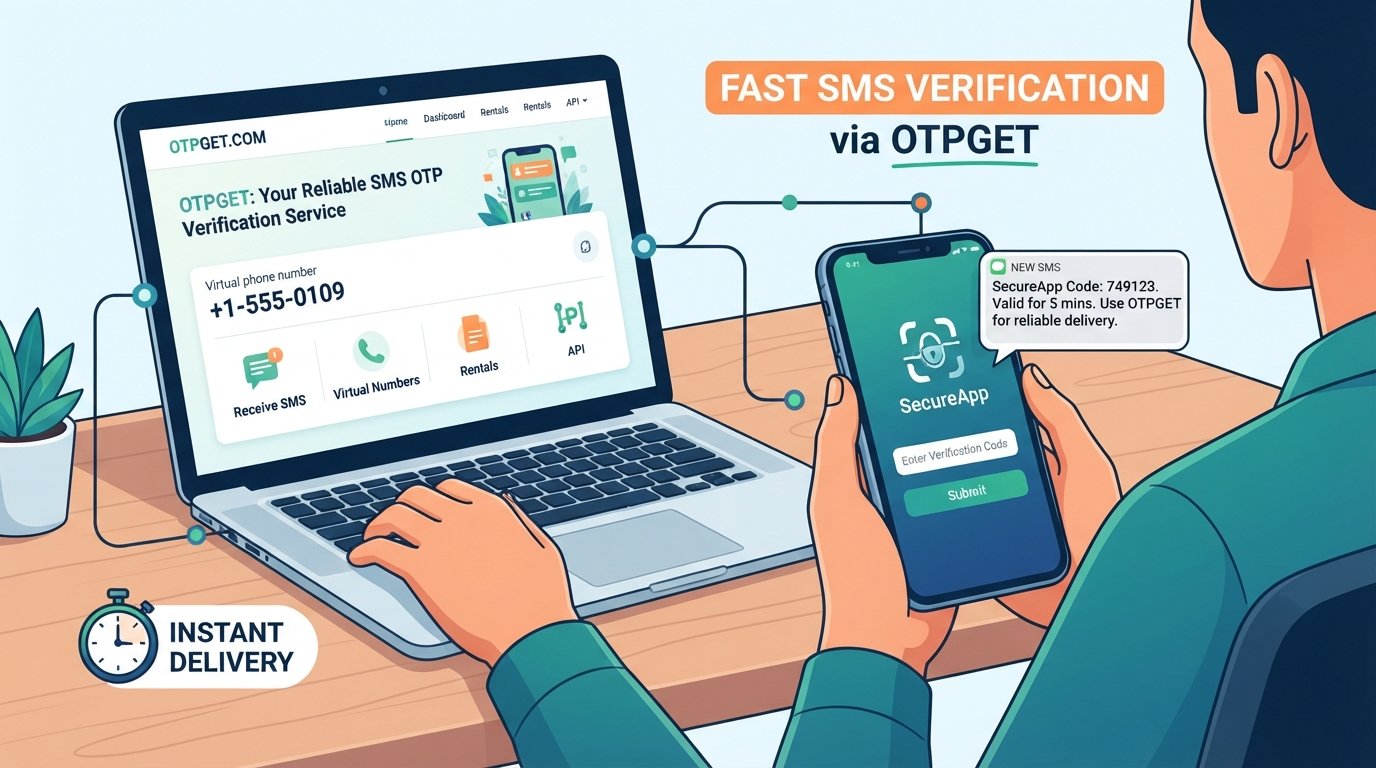
OTPGET provides virtual numbers for SMS OTP verification, along with rental-number and temporary-email options and developer-oriented APIs. Its documentation describes workflows for obtaining numbers, checking OTP status, and receiving verification messages.
For someone who needs a temporary phone number for OTP verification, this can simplify the process. Instead of relying on a personal mobile number for every temporary verification requirement, a suitable virtual number can be used where the target service permits it.
The practical benefit is convenience. You can use a verification-focused service when receiving an SMS OTP on your usual number is inconvenient, unreliable, or unsuitable for a particular legitimate use case.
OTPGET also documents temporary email functionality for verification workflows, which may be useful when a service supports email-based authentication instead of SMS.
Of course, an OTP service cannot control the systems of the website or app sending a verification code. Delivery can still depend on the originating service, messaging routes, and the verification method being used. The goal is to provide another practical option rather than promise that every OTP will arrive instantly.
When Should You Consider Using OTPGET?
OTPGET can be worth considering when a suitable virtual or temporary verification method makes sense for your situation.
Examples include:
-
Temporary verification requirements where using your personal number is unnecessary.
-
Testing and development workflows that require SMS verification.
-
Account verification workflows where the service explicitly permits virtual or temporary numbers.
-
Situations involving repeated SMS verification where managing a dedicated verification number is more convenient.
-
Verification tasks where receiving codes through a suitable OTP service is preferable to relying on a personal phone.
The important point is to use any OTP service responsibly. Always follow the terms, identity requirements, and verification rules of the website or application you're accessing. If a platform does not permit temporary or virtual numbers, use an approved verification method instead.
For developers, OTPGET also provides API documentation covering SMS OTP, number rental, and email OTP workflows, making it relevant to applications and automated verification processes as well as individual verification needs.
OTP Delay Troubleshooting Checklist
When an OTP is delayed, run through these checks:
-
Check your mobile signal.
-
Confirm the phone number and country code.
-
Check your SMS spam or blocked-message folders.
-
Wait before requesting another OTP.
-
Avoid repeatedly pressing Resend OTP.
-
Refresh your network connection if necessary.
-
Restart your phone if SMS delivery appears stuck.
-
Try an alternative verification method when available.
-
Request a fresh code if the previous OTP has expired.
-
Consider a suitable OTP service such as OTPGET for legitimate temporary verification needs.
Why Does an OTP Arrive After It Expires?
An OTP can arrive after expiration when there is a delay somewhere between code generation and SMS delivery.
For example, the verification service may generate the code immediately, but network congestion or carrier routing may delay the message. By the time it reaches your phone, the validity period may have ended.
If this happens, use the service's Resend OTP option once and wait for the new code rather than repeatedly requesting multiple messages.
Frequently Asked Questions
Why does my OTP come late?
An OTP may be delayed because of mobile network congestion, carrier issues, overloaded SMS systems, weak signal, incorrect phone details, or delays on the service sending the code.
Why am I not receiving my OTP?
First check your phone number, cellular signal, blocked messages, and spam filters. If you requested several codes, wait for the newest request rather than repeatedly pressing the resend button.
How can I get an OTP faster?
Check your signal, verify the phone number, avoid repeated OTP requests, and check filtered messages. For suitable verification situations, an OTP service such as OTPGET may provide a more convenient option.
Why does my OTP arrive after it expires?
The code may have been generated on time but delayed during SMS delivery. If the message arrives after expiration, request a fresh code and use the newest valid OTP.
What should I do if the verification code is not received?
Confirm your number, check network reception and blocked messages, wait briefly, and request another code once. If the issue continues, use an available alternative verification method or contact the service.
Can OTPGET help with OTP verification?
OTPGET offers virtual numbers and verification-related services that can be used for appropriate SMS OTP workflows. Its documentation also describes rental numbers, temporary email options, and APIs.
How does OTP delivery work?
A service generates a one-time password and sends it through a verification channel, commonly SMS. The message then passes through communication networks before reaching your device. Delays can occur at different points in that process.
Should I keep requesting a new OTP if the first one does not arrive?
Usually, no. Repeated requests can result in multiple codes arriving together and may make it unclear which code is valid. Wait briefly, then request a fresh code if necessary.
Final Thoughts
When an OTP comes late, the problem isn't necessarily your phone or the service itself. SMS verification depends on several systems, and a delay anywhere along the route can leave you waiting for a code that has already been generated.
Start with the basics: check your number, signal, blocked messages, and network connection. Most importantly, avoid repeatedly requesting new codes before giving the previous request time to arrive.
If delayed SMS verification is a recurring inconvenience, a dedicated option such as OTPGET can make appropriate verification workflows more convenient by providing virtual numbers and other verification-focused services.
The right approach depends on the service you're using and its verification rules. When virtual or temporary verification is permitted and fits your needs, exploring OTPGET can be a practical next step toward simpler OTP verification.


