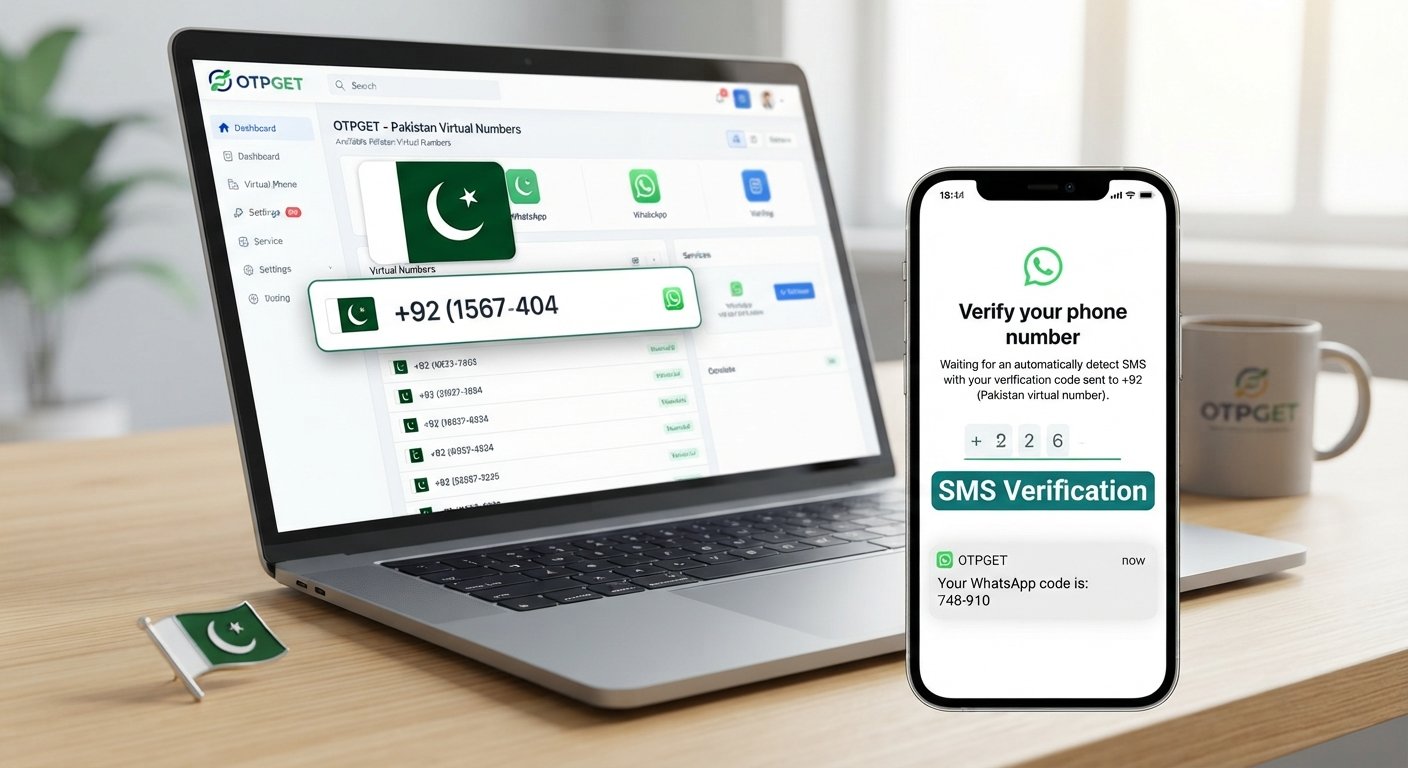
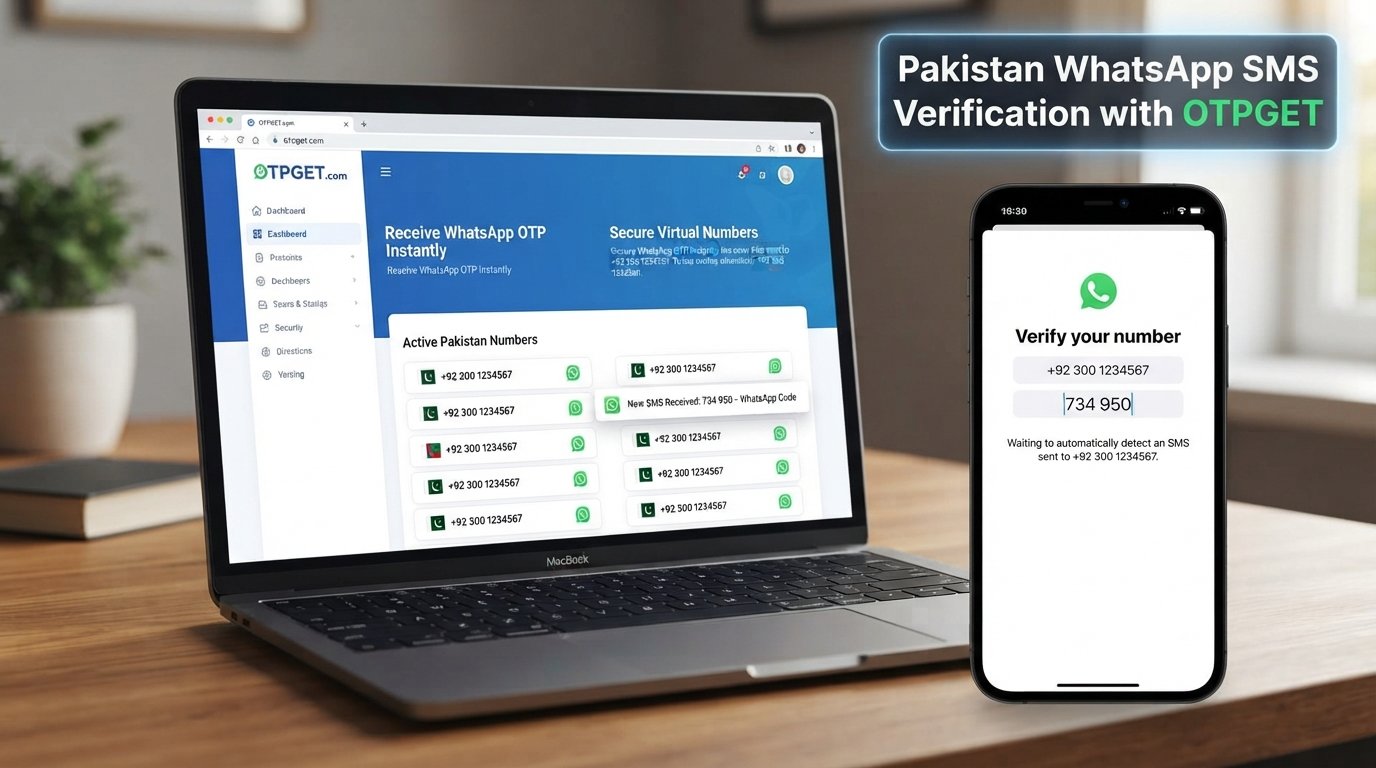
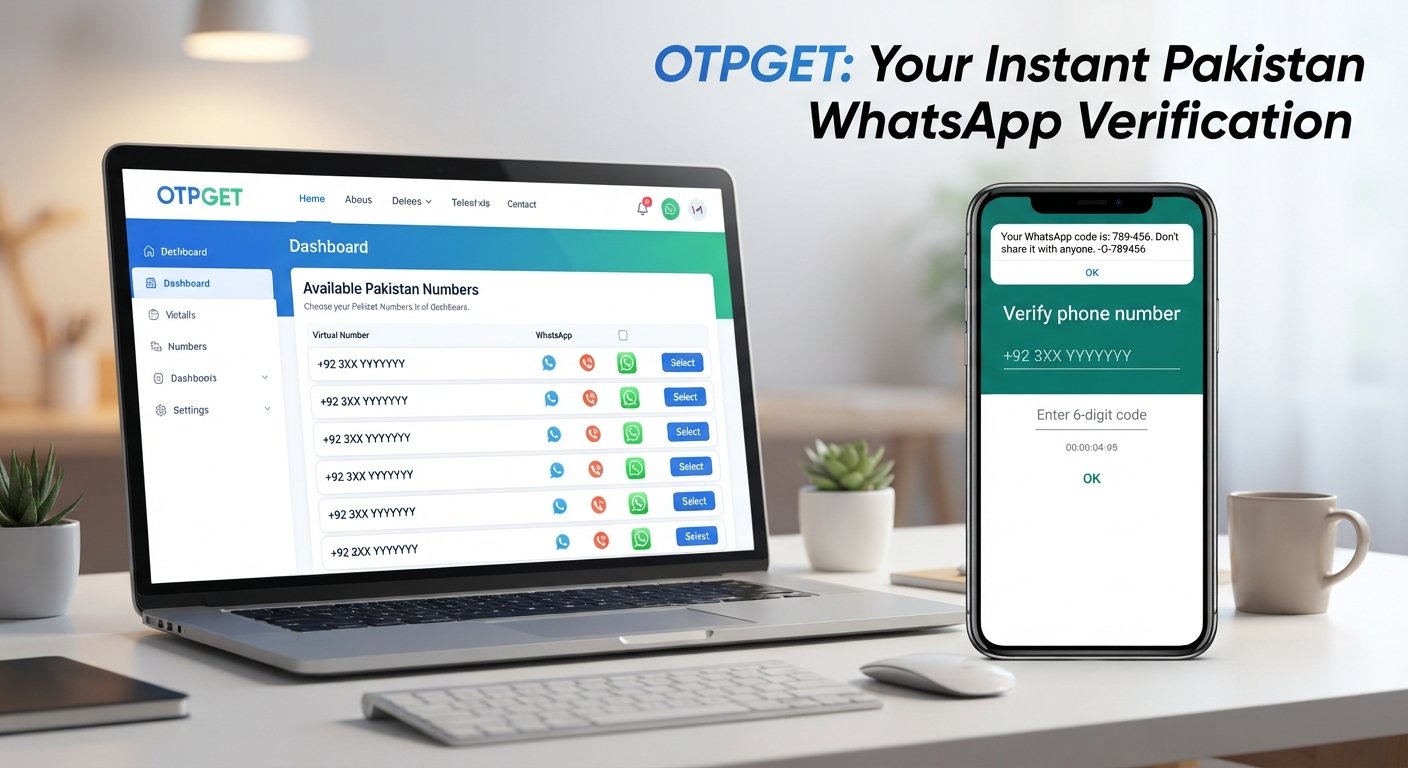
SEO Title: OTPGET FAQ: OTP Numbers, Codes, Balance and Orders Explained
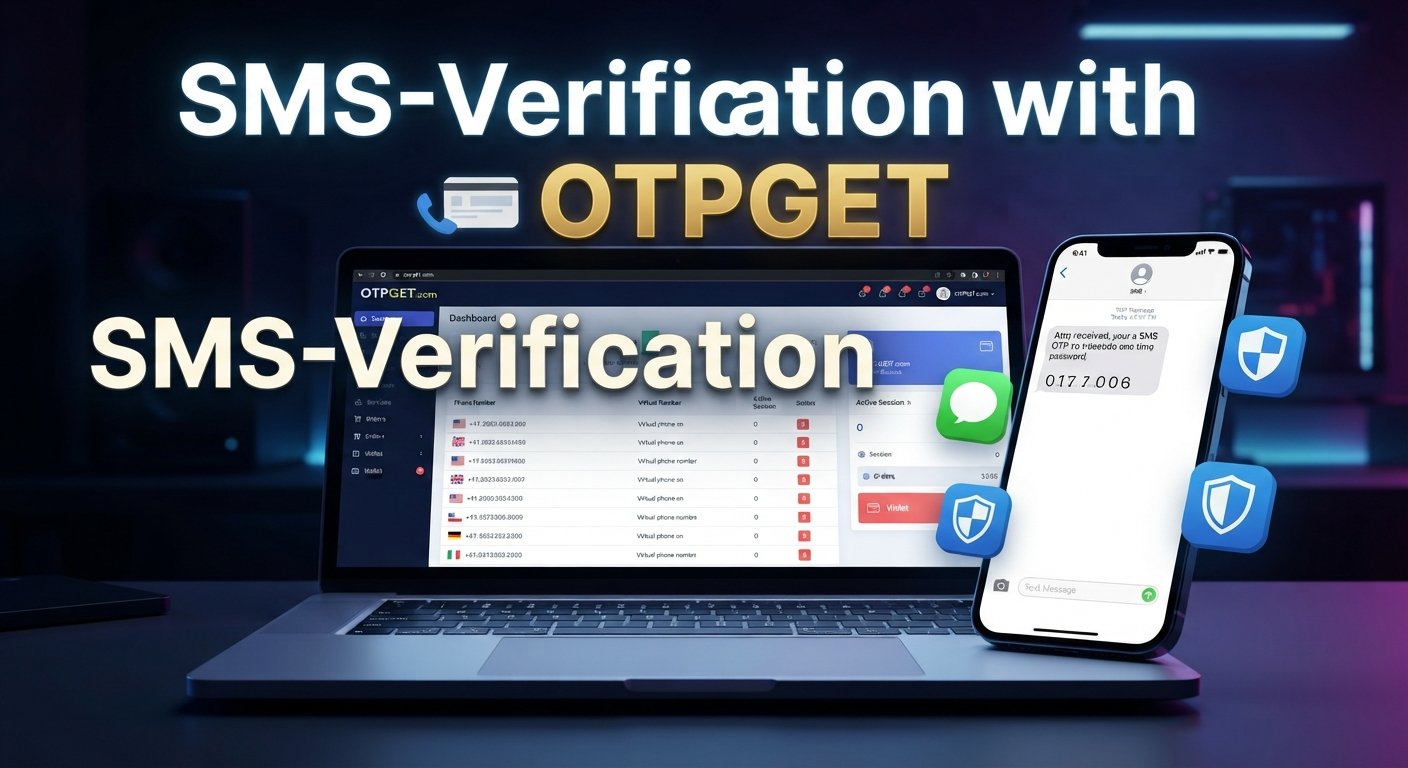
OTPGET FAQ – Numbers, Codes, Balance and Orders
Questions about OTP numbers, verification codes, account balance, and orders can quickly become frustrating when you need a verification message and are not sure what to do next. Knowing how the process works makes it much easier to choose a number, monitor an order, find an OTP, and troubleshoot common problems.
OTPGET is designed around services such as temporary phone numbers, rental numbers, and verification-related messaging. Its documented workflows include checking account balance, requesting numbers, checking activation status, and managing completed or cancelled activations.
This OTPGET FAQ explains the basics in straightforward language. Whether you are new to virtual numbers or trying to resolve an existing OTPGET order, the sections below cover the most important questions and practical next steps.
OTPGET FAQ: What Is OTPGET?
OTPGET provides temporary phone numbers, rental numbers, and temporary email services for online verification and account registration. Its documentation also describes OTP-related APIs for requesting numbers, checking balances, and retrieving activation status.
In simple terms, an OTP number is a phone number that can receive an SMS containing a one-time verification code. Instead of relying on a personal mobile number for every verification situation, a suitable virtual number can be used where the relevant service permits it.
OTPGET can therefore be useful for people who need a structured way to obtain a verification number and manage the related OTP process.
As with any verification service, users should follow the rules of the website or app they are attempting to verify and use OTPGET only for legitimate purposes. OTPGET's own terms prohibit illegal, fraudulent, abusive, or harmful use.
How Do OTP Numbers Work?
OTP stands for one-time password. It is a temporary code used to confirm that a person has access to a particular phone number, email address, device, or account.
A typical SMS verification process looks like this:
-
A website or app asks for a phone number.
-
The user provides an eligible number.
-
The service sends an SMS containing a temporary verification code.
-
The code is entered on the verification page.
-
The service checks the code and completes or rejects the verification attempt.
The code is normally temporary, which means it may expire after a certain period or become invalid after it has been used.
For users who need an OTP number, the important point is that the number must be able to receive the expected verification SMS. Availability can vary by country, service, provider, and other factors.
How Can OTPGET Help With Verification Codes?
OTPGET provides virtual-number services intended for online verification and related account-registration use cases. Its documented API workflow includes requesting a number and then checking activation status to see whether an SMS code has been received.
For a user, the basic value is convenience. Rather than searching random numbers across unrelated websites, an OTP service provides a more organized process for obtaining a number and monitoring the corresponding activation.
The terminology is straightforward:
-
OTP number: The phone number used to receive the verification SMS.
-
Verification code: The temporary code contained in the SMS.
-
SMS verification: The process of confirming the code.
-
Virtual phone number: A phone number accessed through an online service rather than a traditional personal SIM workflow.
-
Online verification: The broader process of confirming access or identity through a website or application.
OTPGET's documentation also distinguishes between temporary OTP numbers and longer-term rental numbers, giving users different options depending on their requirements.
How Do I Get an OTP Number Through OTPGET?
The exact interface can vary depending on the service or account setup, but the documented OTPGET process follows a logical sequence:
-
Choose the required country and service. Availability depends on what numbers and services are currently offered.
-
Make sure your balance is sufficient. A number purchase can deduct the applicable amount from your account balance.
-
Request the number. The OTPGET API documentation describes a number request that returns an order or activation identifier together with the phone number.
-
Use the number where appropriate. Enter it on the relevant verification page if the service permits virtual numbers.
-
Wait for the SMS. The activation status can be checked to determine whether a verification message has arrived.
-
Retrieve the OTP. Once the SMS is received, use the displayed verification code on the relevant verification page.
Keep the order ID or activation reference available when troubleshooting. It can be important when checking the status of a particular request.
Where Can I Find My OTP or Verification Code?
An OTP usually arrives as an SMS sent to the number associated with the verification request. With an OTP service, the received message may be available through the service's interface or API status response.
If the code does not appear immediately, avoid repeatedly submitting new requests without first checking the existing activation. A delayed message does not necessarily mean that the original order has failed.
If the OTP is delayed
Give the activation some time and check its status again. OTPGET's documented status responses distinguish between waiting for a code and receiving one.
If the SMS does not arrive
Check that:
-
The correct country and service were selected.
-
The number is still active.
-
The verification service accepts the number.
-
The order has not expired or been cancelled.
-
Your account has enough balance for a new request if another number is needed.
OTPGET notes that number availability can change and that temporary delays or service failures can occur because its services rely on automated systems and external providers.
If the code has expired
Requesting a fresh verification code may be necessary, depending on the website or app. If the original activation is no longer usable, check its status before starting another order.
How Does OTPGET Balance Work?
Your account balance is important because number purchases can be deducted from the available wallet balance. OTPGET's API documentation provides a balance-checking action, while its terms also describe refunds being credited to the user's wallet when applicable.
Before placing an OTPGET order, it is sensible to check your available balance and make sure it is enough for the service you want.
Monitoring your balance can help you avoid interruptions caused by insufficient funds. If the balance is too low, an order may not be completed.
The exact cost of a number can vary according to the selected service and available option, so users should check the applicable information before purchasing rather than relying on a fixed price.
How Do I Place an Order on OTPGET?
The ordering journey is straightforward in principle:
-
Check your available balance.
-
Select the relevant service and country.
-
Request an available OTP number.
-
Save the order or activation ID.
-
Use the number for the permitted verification process.
-
Monitor the activation for the incoming SMS.
-
Complete the verification when the OTP arrives.
OTPGET's documentation confirms that its number-request workflow can return an order ID and phone number, while its status functionality can be used to check whether the SMS has arrived.
If you are using an API integration rather than a standard account workflow, follow the relevant OTPGET documentation for the required request parameters and response format.
What Should I Do If My OTPGET Order Does Not Work?
An unsuccessful OTPGET order does not necessarily have one single cause. Several parts of the verification chain can affect the result.
Common possibilities include:
-
No verification SMS has been received.
-
The selected number is not suitable for the target service.
-
The requested service or country is unavailable.
-
The OTP has expired.
-
The verification provider has rejected the number.
-
The account has insufficient balance.
-
An upstream provider or technical service is temporarily unavailable.
Start by checking the order or activation status. If the system is still waiting for an SMS, repeatedly placing new orders may not be the best first step.
If no OTP arrives, check the applicable OTPGET cancellation and refund rules. OTPGET's terms state that temporary-number orders without an OTP can be cancelled manually within the specified cancellation window for a wallet refund, while an order is treated differently once an OTP has been received.
Because these policies can affect your balance, read the applicable terms before cancelling an order.
How Can I Check My OTPGET Order Status?
Order status is useful when you are waiting for an SMS or trying to understand what happened to a particular activation.
Depending on the available account features or API workflow, you may be able to use the order or activation ID to check whether the system is:
-
Still waiting for an OTP
-
Successfully received an OTP
-
Cancelled the activation
-
Encountering an order-related error
OTPGET's API documentation specifically describes a status-check action using the activation ID and responses that distinguish between waiting for a code and receiving one.
Keeping the order ID makes troubleshooting much easier because you can connect the status response to the correct number request.
Is OTPGET Useful for Online Verification?
OTPGET can be useful when you need access to a virtual number for a legitimate online verification process and the target service permits that type of number.
The practical benefit is having a dedicated workflow for obtaining a number, waiting for the SMS, and checking activation status instead of relying on random numbers found online.
However, no OTP service can control every part of a third-party verification process. The application or website receiving the number may impose its own restrictions, and OTPGET's terms acknowledge that platform restrictions, application issues, device problems, server errors, and similar factors can affect verification outcomes.
OTPGET vs. Searching for Random OTP Numbers Online
Searching the web for random OTP numbers may seem convenient, but it creates unnecessary uncertainty.
A structured OTP service can offer a clearer process for:
-
Selecting a relevant number.
-
Connecting the number with an order.
-
Monitoring activation status.
-
Checking account balance.
-
Managing the order according to the service's policies.
Random numbers also may already be unavailable, unsuitable for the service you are using, or associated with someone else's previous verification activity.
OTPGET is a more practical option when you need an organized number-request and verification workflow. The important distinction is not a promise that every verification will work, but having a defined process for obtaining numbers and handling the resulting activation.
Frequently Asked Questions About OTPGET
What is OTPGET?
OTPGET is a service that provides temporary phone numbers, rental numbers, and temporary email services for online verification and account registration. Its documentation also describes APIs for managing OTP-related number requests and activation status.
How does an OTP number work?
An OTP number is a phone number that can receive an SMS containing a temporary verification code. The code is then entered into the relevant website or app to complete the verification process.
How can I get a verification code?
You generally need an eligible phone number, request verification from the relevant service, and wait for the SMS. If you are using OTPGET, the activation status can be checked to determine whether the code has been received.
How do I check my OTPGET balance?
OTPGET provides a balance-checking function in its documented API. The balance is important because requesting a number can deduct funds from the available wallet balance.
How do I place an OTPGET order?
Select an available service and country, make sure your balance is sufficient, request the number, and keep the resulting order or activation ID. You can then monitor the activation for an incoming SMS.
What should I do if I do not receive an OTP?
First, check the activation status and confirm that the selected service and country were correct. If the SMS still does not arrive, review the applicable cancellation and refund rules before taking further action.
Why did my OTP expire?
Verification codes are temporary by design. A code may stop working after the receiving service's validity period ends or after the code has already been used. If necessary, start a new verification attempt.
Can I use an OTP number for online verification?
An OTP number can be used for online verification where the target website or application permits virtual or temporary numbers. Acceptance depends on the policies and technical checks of the service being verified.
What happens if my OTPGET balance is insufficient?
A number request may fail when the available balance is insufficient. OTPGET's documentation includes insufficient-balance responses for number requests, so checking your wallet before ordering is a useful precaution.
How can I troubleshoot an OTPGET order?
Start by checking the order or activation status, confirming the selected service and country, and checking your balance. If no SMS arrives, review OTPGET's cancellation rules and the target service's verification requirements before creating another order.
What happens when an OTPGET order receives an OTP?
OTPGET's terms state that once an OTP appears in its system, the transaction is considered completed. The applicable refund rules should therefore be reviewed before using or cancelling an activation.
A Simple Way to Approach OTP Verification
The key to a smoother verification experience is understanding the process before placing an order. Check the available balance, choose the appropriate service and number, keep your order ID, and monitor the activation instead of guessing what happened.
If an SMS does not arrive, investigate the existing order first. This helps prevent unnecessary purchases and makes it easier to understand whether the issue is related to the number, the verification platform, availability, or the order itself.
OTPGET provides the underlying number and message-receiving service, but the final verification decision belongs to the external website or application. That distinction is important when setting realistic expectations.
Ready to Simplify Your OTP Number Search?
If you need an OTP number or verification service, OTPGET gives you a structured way to approach the process, from selecting a number and checking balance to monitoring an activation and handling an order according to the applicable rules.
Consider OTPGET when you need a practical, organized option for legitimate online verification needs.
Suggested Internal-Link Opportunities
Suggested Anchor Text: How OTP Verification Works
Suggested Destination Topic: A beginner's guide to OTPs, verification codes, and SMS authentication
Suggested Anchor Text: Virtual Phone Numbers for OTP
Suggested Destination Topic: Guide to virtual numbers, temporary numbers, and their common verification uses
Suggested Anchor Text: How to Check Your OTP Balance
Suggested Destination Topic: Step-by-step guide to checking and managing account balance
Suggested Anchor Text: OTP Order Troubleshooting Guide
Suggested Destination Topic: Common OTP order errors, delayed SMS, unavailable numbers, and cancellation guidance
Suggested Anchor Text: SMS Verification Guide
Suggested Destination Topic: Complete guide to SMS verification and receiving verification codes