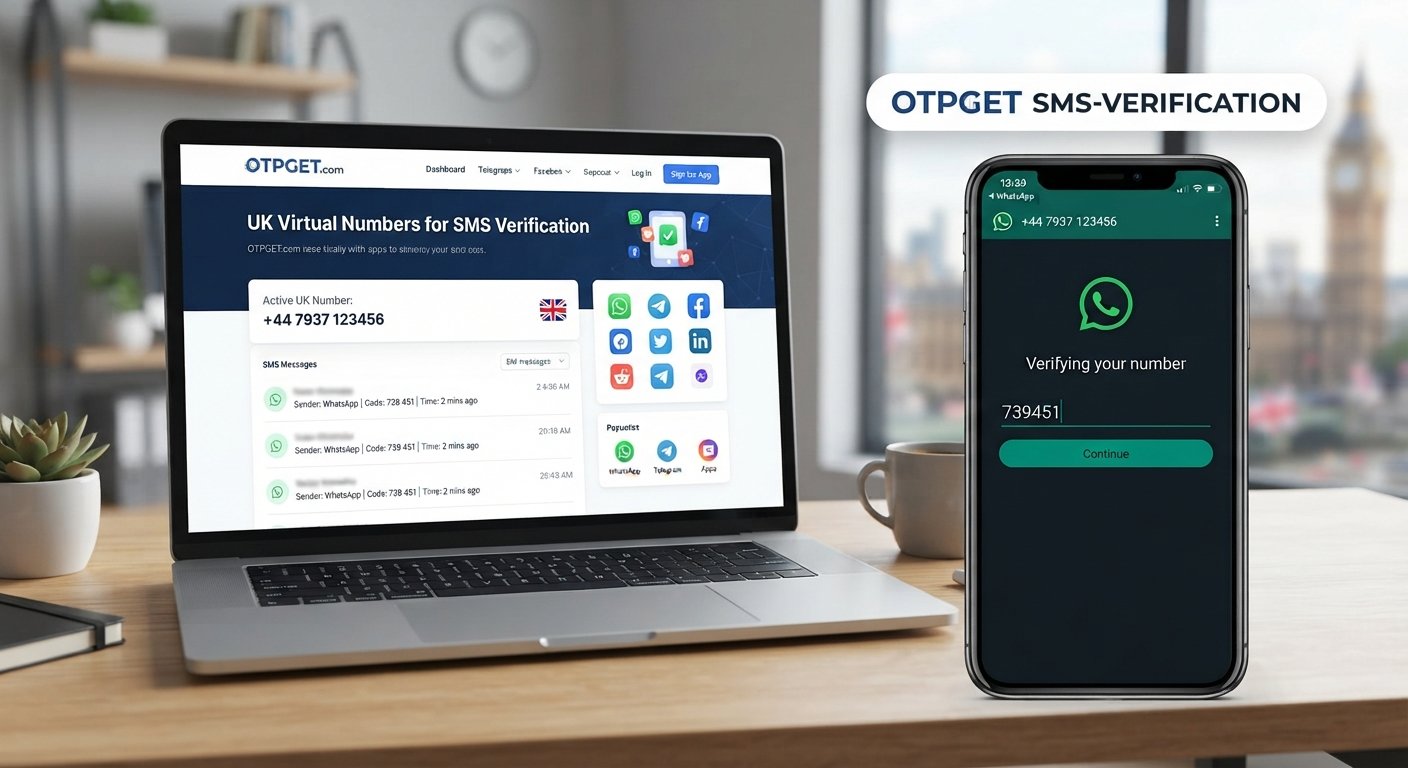
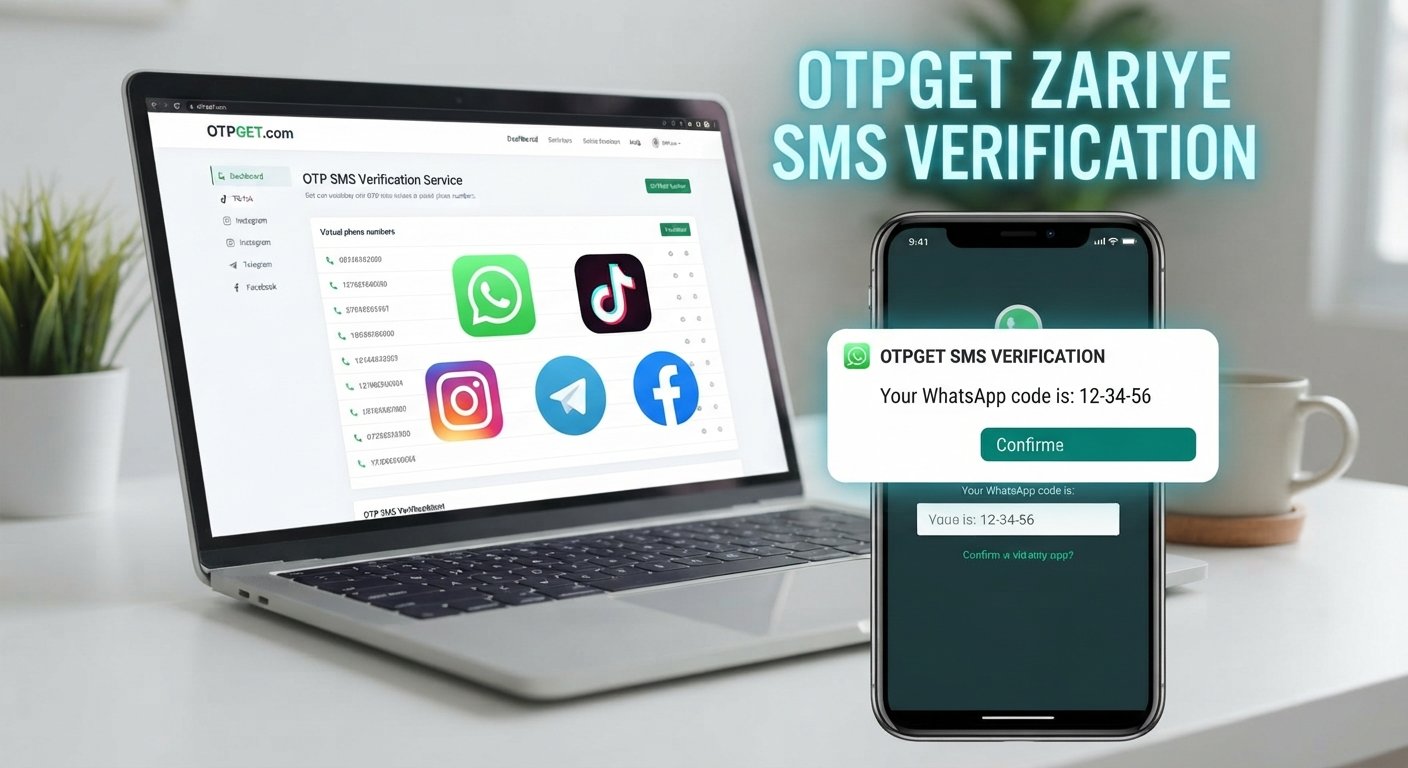
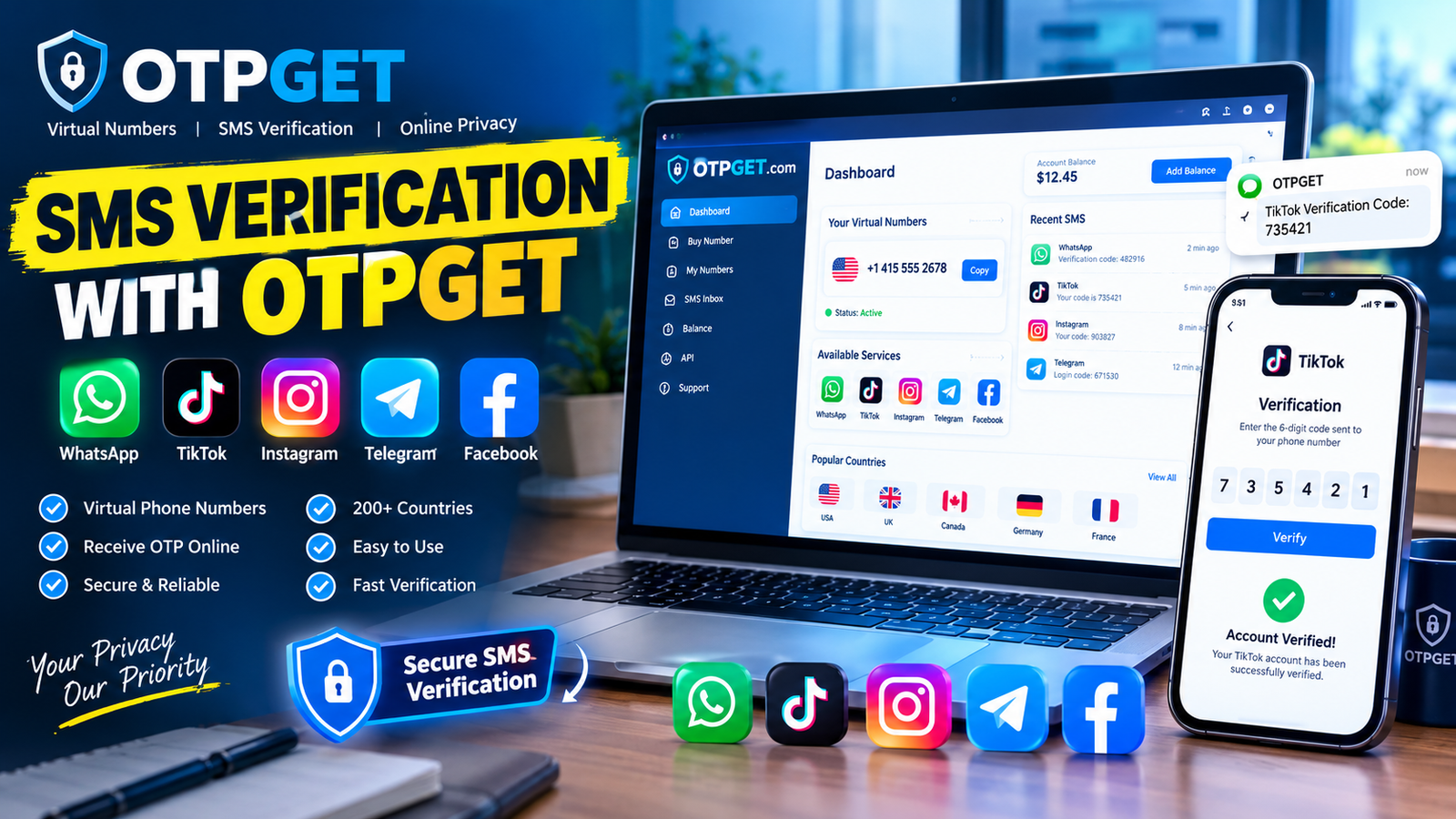
How to Verify WhatsApp With a Pakistan Number Using OTPGET
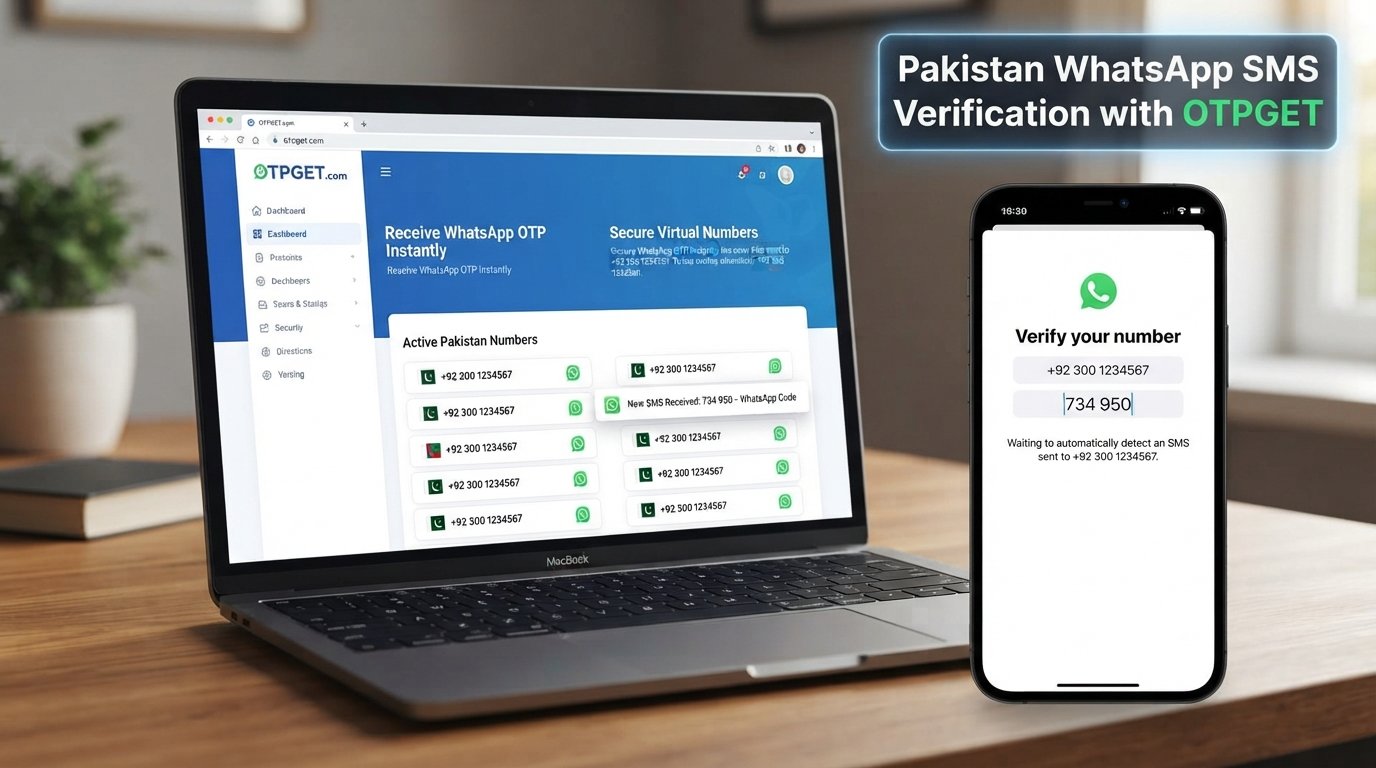
How to Verify WhatsApp With a Pakistan Number – OTPGet
Setting up WhatsApp is usually straightforward, but phone verification can become frustrating when the required verification code does not arrive. This can be especially inconvenient when you are trying to verify a Pakistan number and have limited access to reliable SMS delivery.
WhatsApp uses a phone number and a one-time verification code to confirm that you can access the number being registered. In most cases, the process only takes a few steps. However, network problems, incorrect number formatting, delayed messages, or repeated verification requests can get in the way.
If you need an alternative way to handle OTP verification, an OTP service such as OTPGET can be a convenient option, depending on the available numbers and service options. The key is understanding how WhatsApp verification works first, then choosing an appropriate approach for your situation.
Why WhatsApp Requires Phone Number Verification
WhatsApp uses phone-number verification to connect an account with a number that the user can access.
When you register a number, WhatsApp sends a verification code, commonly called an OTP, through an available verification method. Entering the correct code confirms access to that phone number and allows the account setup process to continue.
The basic process works like this:
-
You provide your phone number to WhatsApp.
-
WhatsApp sends a verification code.
-
You receive the code by the available method.
-
You enter the code into WhatsApp.
-
WhatsApp confirms the number and continues the account setup.
For a Pakistan WhatsApp number, the country code is important. Pakistan uses +92, so entering the number in the correct international format matters.
Verification problems often happen because users enter the number incorrectly, have weak network coverage, cannot receive SMS, or request multiple codes within a short period.
How to Verify WhatsApp With a Pakistan Number
If you have access to a Pakistan phone number that can receive the required verification message, the standard process is simple.
1. Open WhatsApp
Install and open WhatsApp on your phone. Begin the account registration process and continue until WhatsApp asks for your phone number.
2. Select Pakistan as the country
Choose Pakistan from the country list. WhatsApp should display the +92 country code automatically.
3. Enter the phone number
Enter the local phone number in the format requested by WhatsApp. Check the digits carefully before continuing.
Incorrect formatting can prevent the verification message from reaching the intended number.
4. Request the verification code
Confirm the number and request the WhatsApp verification code. WhatsApp will attempt to deliver the OTP through the available verification process.
5. Receive the WhatsApp OTP
Wait for the verification message or other available verification method. Avoid requesting multiple codes repeatedly, as this can create additional delays.
6. Enter the OTP
Once you receive the WhatsApp verification code, enter it into the app exactly as provided.
7. Complete your account setup
After successful verification, follow WhatsApp's remaining setup instructions. Depending on your account and device, this may include setting a profile name, photo, or other preferences.
The important point is that WhatsApp must be able to verify the number. An OTP service can help with access to a suitable verification number, but it does not bypass WhatsApp's verification requirements.
Common Problems When Verifying a Pakistan WhatsApp Number
Even when the process looks simple, several issues can prevent successful phone verification.
OTP not arriving
The most common problem is simply not receiving the verification message. This can happen because of network congestion, carrier-related issues, or problems with the number being used.
Delayed SMS
An SMS can sometimes arrive later than expected. Requesting another code immediately may not solve the problem and can contribute to verification delays.
Incorrect number formatting
Make sure the Pakistan country code and phone number are entered correctly. A small formatting mistake can send the verification request to the wrong destination.
Poor network connectivity
Weak mobile service or unreliable connectivity can interfere with SMS delivery and the verification process.
Too many verification attempts
Repeatedly requesting OTPs can result in temporary restrictions or waiting periods. If WhatsApp tells you to wait, follow the displayed instructions instead of repeatedly trying.
Problems accessing the number
If you cannot access the phone or service associated with the number, receiving the WhatsApp verification code may not be possible. This is particularly important when considering temporary or virtual numbers.
How OTPGET Can Help With WhatsApp Verification
When receiving a WhatsApp OTP through your usual phone number is inconvenient, an OTP-focused service can provide another option to consider.
OTPGET is relevant to this process because users can explore available numbers or OTP verification services rather than relying exclusively on their primary phone number. Depending on the numbers and services available through OTPGET, this can make the verification workflow more convenient.
The basic idea is straightforward: instead of waiting for a verification message on a number you do not want to use for a particular purpose, you can use an appropriate number offered through an OTP service and check whether the required verification code can be received.
There are several practical reasons someone may consider this approach:
-
It can provide a convenient alternative number for an OTP-based verification task.
-
It can separate a verification activity from a primary phone number.
-
The workflow can be easier to manage when an appropriate number is available.
-
Users can choose an option based on their specific verification requirements.
However, OTPGET should not be viewed as a way to bypass WhatsApp security. WhatsApp controls the verification process, and successful verification depends on whether the number and verification method meet WhatsApp's requirements.
Users should also review the terms and limitations of both WhatsApp and the OTP service before proceeding.
Step-by-Step: Using OTPGET for WhatsApp Verification
The exact options available through an OTP service can vary, so the workflow should be treated as a general guide.
1. Visit OTPGET
Start by accessing OTPGET and reviewing the available OTP or number-related options.
2. Select an appropriate number or service
Choose an available option that is suitable for your intended verification purpose. Availability can vary, so check the details shown by the service before continuing.
3. Use the provided number in WhatsApp
Enter the selected number into WhatsApp using the correct country and number format.
If you are using a Pakistan number, pay particular attention to the +92 country code and the required local digits.
4. Request the WhatsApp verification OTP
Continue the WhatsApp registration process and request the verification code.
5. Check OTPGET for the incoming code
If the selected service supports receiving the required OTP, check the appropriate OTPGET interface for the incoming verification message.
6. Enter the verification code into WhatsApp
Enter the received code into WhatsApp and wait for the app to process the verification.
7. Complete the setup
If WhatsApp accepts the verification, continue with the remaining account setup steps.
If the code does not arrive or WhatsApp does not accept the number, avoid repeatedly requesting codes. Instead, check the number, review any waiting instructions, and consider whether another legitimate verification option is appropriate.
Why Choose OTPGET for WhatsApp OTP Verification?
The traditional approach is to use your own mobile number, wait for the SMS, enter the code, and complete registration. That works well when the number is readily accessible and SMS delivery is reliable.
An OTP-focused service can reduce some of the friction when those conditions are not ideal.
Convenience
Having access to a number intended for an OTP verification task can be useful when you do not want to use your primary number for a particular registration.
Simpler workflow
Instead of dealing with an inaccessible or inconvenient number, users can explore available OTP service options and follow a more structured verification process.
Accessibility
An OTP service can be useful when the main challenge is receiving a verification message on an appropriate number.
Less friction
The purpose is not to circumvent WhatsApp's rules. It is to provide another practical option for handling the number-and-OTP part of a verification workflow.
Still, availability matters. A number that cannot receive the required WhatsApp message will not solve the problem, so users should always consider the specific service options available before starting.
Tips for Successful WhatsApp Number Verification
A few simple precautions can prevent common verification problems.
-
Double-check the country code. Pakistan uses +92.
-
Enter every digit carefully. Incorrect numbers can prevent OTP delivery.
-
Make sure the number can receive the required verification message.
-
Avoid repeatedly requesting codes. Multiple requests can lead to additional waiting.
-
Follow WhatsApp's instructions. If WhatsApp asks you to wait, allow the stated period to pass.
-
Use legitimate services. Choose an OTP provider that clearly explains what it offers.
-
Keep access in mind. If the number may be needed again for account recovery or another verification step, consider whether you can access it later.
-
Never share your OTP. A WhatsApp verification code should not be given to another person.
These steps are useful whether you are using your own Pakistan phone number or considering an OTP service such as OTPGET.
Is Using a Temporary or Virtual Number for WhatsApp Verification a Good Idea?
A temporary or virtual number can be convenient for certain verification situations, but it is not automatically the best choice for every WhatsApp account.
The biggest consideration is long-term access.
If you create an account using a number that you cannot access later, recovering or re-verifying the account may become difficult. WhatsApp may also have its own requirements and restrictions regarding numbers and account verification.
Before using a temporary number, consider:
-
Can you access the number when another verification is required?
-
Is the number suitable for receiving the required WhatsApp OTP?
-
Do you understand how long access to the number is available?
-
Could you need the number for account recovery later?
-
Does the approach comply with WhatsApp's applicable rules?
OTPGET may be useful when you specifically need an OTP verification option, but users should choose carefully based on their actual requirements rather than assuming every temporary or virtual number will work.
Frequently Asked Questions
How can I verify WhatsApp with a Pakistan number?
Open WhatsApp, select Pakistan, enter the number with the +92 country code, request the verification code, and enter the received OTP. If you cannot conveniently receive the code on your usual number, an OTP service such as OTPGET may be an option depending on available numbers and service support.
How do I receive a WhatsApp OTP?
WhatsApp normally sends a verification code using the verification method available for your registration. Make sure the number is entered correctly and can receive the required message. Avoid repeatedly requesting new codes if delivery is delayed.
Why am I not receiving my WhatsApp verification code?
Possible reasons include incorrect number formatting, weak network connectivity, delayed SMS delivery, carrier issues, or too many verification attempts. Check the number carefully and follow any waiting instructions displayed by WhatsApp.
Can I use a virtual number for WhatsApp verification?
A virtual number may be suitable in some situations, but it depends on whether WhatsApp accepts the number and whether the service can receive the required verification code. Consider long-term access before relying on a temporary or virtual number.
Can OTPGET help with WhatsApp OTP verification?
OTPGET can be considered when you need an OTP-focused number or verification option. The exact availability and suitability of a number can vary, and WhatsApp still controls whether the verification succeeds.
What should I do if my WhatsApp verification code is delayed?
Wait for the period suggested by WhatsApp and avoid requesting multiple codes in quick succession. Check your number and network connection. If you are using an OTP service, also confirm that the selected number is appropriate for the requested verification.
Is a temporary number suitable for WhatsApp verification?
It can be useful for some short-term verification needs, but users should think about future account access and recovery. If you may need the same number again, a temporary option may not be ideal.
Final Thoughts
Verifying WhatsApp with a Pakistan number is usually a simple process: select Pakistan, enter the number with the correct country code, receive the WhatsApp verification code, and enter the OTP.
The challenge comes when the code is delayed, SMS delivery fails, the number is entered incorrectly, or access to the phone number is inconvenient.
In those situations, an OTP service can provide another option to explore. OTPGET can be a convenient choice for users looking for an OTP-focused verification solution, depending on the available numbers and service options.
The best approach is to use a legitimate number, follow WhatsApp's verification instructions, avoid repeated OTP requests, and think about future account access before choosing a temporary or virtual number.
If OTPGET fits your verification needs, explore the available options and choose a service that matches the requirements of your WhatsApp verification process.