SEO Title: SMS Blocked by App? Common Causes and OTPGET Solutions
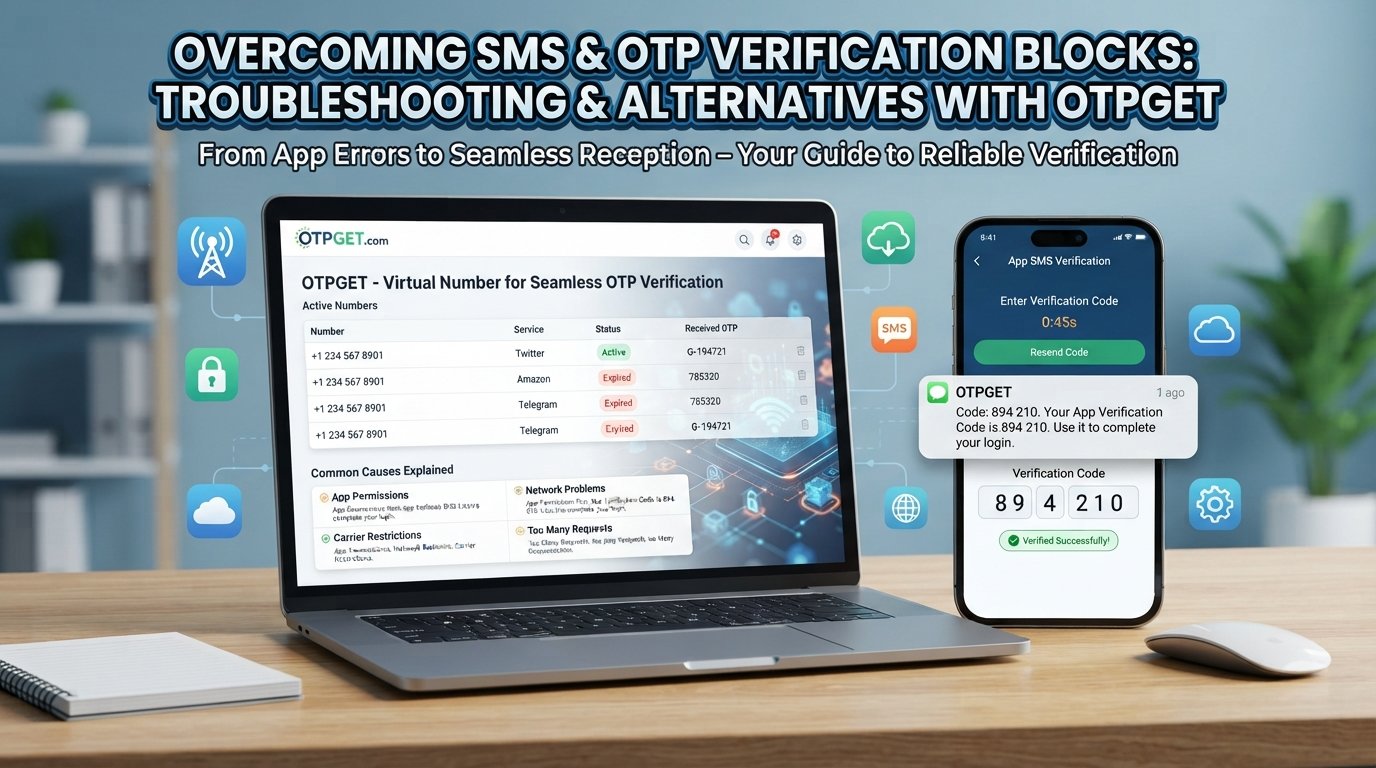
SMS Blocked by the App? Common Causes Explained
You enter your phone number, wait for the verification code, and… nothing. You tap Resend OTP, wait again, and still no message. Sometimes the app says the SMS was blocked, unavailable, or could not be verified.
It is frustrating, especially when you simply want to sign in, register an account, test a service, or complete a legitimate verification step.
An SMS blocked by app message does not always mean the app itself is deliberately blocking your text. The problem can happen at several points, including your device, messaging settings, mobile carrier, the service sending the code, or an automated security system.
The good news is that many SMS verification problems have straightforward explanations. And for users who regularly deal with OTP verification issues, an OTP-focused service such as OTPGET can provide a more convenient approach to certain verification workflows.
What Does “SMS Blocked by the App” Mean?
When an app cannot successfully send, receive, process, or verify an SMS, users may see an error or simply never receive the expected message.
In simple terms, an SMS blocked by app situation means the verification process has been interrupted somewhere between the app requesting the code and the message reaching the intended destination.
Common symptoms include:
- SMS not received after requesting a code
- OTP SMS not received even after several attempts
- A verification code arriving very late
- An app reporting that verification failed
- Messages appearing in spam or blocked folders
- A temporary restriction after repeated requests
- A phone number being rejected during registration
The important point is that an SMS verification problem can have multiple causes. Troubleshooting should therefore start by identifying where the process is failing.
Common Reasons SMS Gets Blocked or Delayed
1. App Permissions and Device Settings
Some apps depend on SMS-related permissions or device functionality to complete verification. If permissions have been restricted, notifications disabled, or battery-saving settings interfere with background activity, the verification process may not behave as expected.
Check the app's permissions and notification settings before assuming the service itself is unavailable.
2. SMS Filtering and Spam Protection
Modern phones and messaging apps often use SMS filtering and spam protection to separate suspicious or unwanted messages.
An OTP can sometimes be filtered, especially when it comes from an unfamiliar sender or automated messaging system. Check your spam, blocked, junk, or filtered-message folders.
3. Carrier Restrictions
Mobile carriers can apply restrictions or filtering to certain types of automated messages. Temporary network conditions can also affect delivery.
If normal text messages work but verification SMS repeatedly fail, contacting your carrier may help determine whether there is a delivery restriction.
4. Incorrect Phone Numbers
A simple number-formatting mistake can prevent an OTP from reaching you.
Double-check:
- Country code
- Area or regional code where applicable
- Missing digits
- Extra digits
- Whether the selected country matches the number
This is particularly important when a service requires international formatting.
5. Network Problems
Poor cellular connectivity can contribute to delayed SMS delivery. Even if your internet connection works through Wi-Fi, SMS delivery may depend on your mobile network.
If the signal is weak, try moving to an area with better coverage or reconnecting to the mobile network.
6. Too Many Verification Attempts
Repeatedly requesting OTPs within a short period can trigger temporary SMS restrictions or security controls.
This is a common reason for the OTP not coming after several resend attempts. Instead of repeatedly tapping the button, wait for the existing request to expire before trying again.
7. App-Specific Restrictions
Some platforms impose their own verification rules. A service may limit how frequently a number can be used, temporarily restrict verification attempts, or reject numbers it considers unsuitable for its verification process.
In these cases, changing device settings may not resolve the problem because the restriction exists on the service side.
8. Security and Fraud-Prevention Systems
Verification systems are designed to prevent automated abuse, suspicious registrations, and repeated verification attempts.
As a result, a legitimate user can occasionally encounter a verification block even when their phone and network are functioning normally.
Why You May Not Receive an OTP
If you are asking, “Why am I not receiving OTP?”, the answer may be as simple as a delayed message or as complex as a service-side restriction.
An OTP may fail to arrive because the phone number is incorrect, the SMS is filtered, the carrier delays delivery, the service has temporarily restricted requests, or the verification system does not accept the number being used.
A verification code not received message therefore does not automatically mean your phone is broken.
The same applies to OTP not received situations. Before requesting another code, check your SMS inbox, spam folder, network signal, phone number, and any messages from the service explaining a temporary restriction.
How to Troubleshoot SMS and OTP Problems
If you are experiencing SMS verification problems, work through these steps in order:
1. Confirm Your Phone Number
Make sure the number is correct and uses the required country format. A single incorrect digit can prevent delivery.
2. Check Your SMS Inbox
Look through your regular inbox as well as spam, junk, blocked, or filtered folders. Some devices automatically move unfamiliar automated messages.
3. Check Your Network
Confirm that your phone has cellular service. If possible, move somewhere with stronger reception and try again.
4. Review Device and App Settings
Check notification settings, permissions, blocked contacts, spam protection, and battery restrictions that could interfere with the messaging experience.
5. Avoid Repeated OTP Requests
If you have requested several codes, stop and wait. Multiple requests can create confusion because an older code may arrive after a newer one, while some services may temporarily restrict additional requests.
6. Try Again After Waiting
A delayed SMS does not necessarily mean it will never arrive. Give the system some time before making another request.
7. Check for Service-Side Issues
If everything on your device looks correct, the problem may be with the app or verification provider. Check whether the service provides an error message or support guidance.
8. Consider an Alternative OTP Workflow
If traditional SMS repeatedly causes friction and your use case permits an alternative, an OTP-focused service can be worth considering.
When Traditional SMS Verification Becomes a Problem
Occasional SMS delays are manageable. Repeated verification failures are different.
For someone registering accounts, testing applications, managing legitimate workflows, or repeatedly completing phone verification, waiting for an OTP can become an unnecessary interruption.
The problem becomes even more inconvenient when you have already:
- Confirmed your phone number
- Checked spam filtering
- Restarted the device
- Verified your network connection
- Waited for delayed messages
- Repeated the same verification process several times
At that point, continuously troubleshooting the same SMS delivery issue may not be the most convenient approach.
This is where an OTP-focused service can fit into the workflow.
How OTPGET Can Help
OTPGET provides a practical alternative for OTP and verification workflows by offering virtual numbers for receiving verification SMS. Its platform also provides rental numbers and developer-oriented API options, giving users different ways to approach verification-related tasks.
For a user dealing with OTP SMS not received problems, the basic idea is straightforward: instead of relying exclusively on a personal mobile number and its associated SMS delivery path, an available virtual number can be used for supported verification purposes.
OTPGET's documented workflow allows users to request a number for a service and then check the activation status to determine whether an SMS has been received. Its documentation also describes longer-term number rentals for workflows that require continued access to a number.
For developers and technical teams, OTPGET also documents API-based access for obtaining numbers and retrieving OTP status programmatically.
This does not mean OTPGET can eliminate every possible SMS delivery issue. A third-party service can still impose its own verification rules or restrictions. Instead, OTPGET can be viewed as a practical option when a supported verification workflow calls for an alternative to relying on a personal phone number.
For appropriate, legitimate uses, that can make OTP-related processes more convenient and easier to manage.
OTPGET vs. Common SMS Troubleshooting
Different approaches solve different parts of the problem:
| Approach | What It Helps With | Main Limitation |
|---|---|---|
| Check phone and network | Identifies device or connectivity problems | Does not fix service-side restrictions |
| Check spam or blocked messages | Finds filtered OTP SMS | Does not help if the message was never sent |
| Request another OTP | May help after a temporary delay | Repeated requests can trigger restrictions |
| Wait and retry | Useful for temporary delivery delays | Can slow down time-sensitive workflows |
| Use an OTP-focused service such as OTPGET | Provides an alternative verification-number workflow | Availability and acceptance depend on the target service |
The goal is not to replace basic troubleshooting in every situation. Instead, it is to recognize when repeated troubleshooting is no longer addressing the underlying workflow problem.
Tips for Avoiding Future OTP and SMS Verification Problems
A few habits can reduce unnecessary verification friction:
- Enter your number carefully before submitting a verification request.
- Keep your phone's SMS inbox organized so important automated messages are easier to find.
- Review spam and blocking settings if verification messages frequently disappear.
- Avoid repeatedly requesting codes within a short period.
- Use the latest code received, since earlier codes may expire.
- Check network connectivity before starting an important verification process.
- Understand the service's verification rules before choosing a number.
- Consider an OTP-focused solution when your workflow regularly requires verification and your use case permits it.
- Use verification services responsibly and follow the rules of the platform you are accessing.
These steps are useful whether you rely on a personal number or an alternative verification workflow.
Frequently Asked Questions
Why is my SMS blocked by the app?
An SMS may appear blocked because of spam filtering, device settings, carrier restrictions, incorrect phone information, temporary verification limits, or restrictions imposed by the app itself. The first step is to identify whether the problem is on the device, network, or service side.
Why am I not receiving OTP messages?
An OTP may not arrive because of network problems, incorrect number formatting, SMS filtering, carrier delays, temporary restrictions, or a service-side verification issue. Check your inbox and spam folders before requesting another code.
Why is my verification code not arriving?
Confirm the phone number, check cellular connectivity, review blocked and spam messages, and wait before requesting another code. If the problem continues, the service may be experiencing a temporary delivery or verification restriction.
Can spam filters block OTP SMS?
Yes. Automated SMS filtering can sometimes move legitimate verification messages away from the primary inbox. Check spam, junk, blocked, or filtered-message sections on your device.
What should I do if OTP SMS is delayed?
Wait before requesting another code, because multiple requests can create overlapping or expired codes. Check your network and inbox, then try again when the previous request has had enough time to complete.
How can I troubleshoot SMS verification problems?
Start by checking your phone number, network connection, SMS inbox, spam settings, app permissions, device settings, and retry limits. If the same issue keeps occurring, consider whether an alternative OTP workflow is appropriate.
What is OTPGET?
OTPGET is a platform focused on OTP verification workflows, including virtual phone numbers, rental numbers, and developer API functionality. Its documented tools are designed to help users handle verification-related SMS workflows through an alternative number-based approach.
How can OTPGET help with OTP verification?
For supported use cases, OTPGET can provide a virtual number through which an OTP SMS can be received and checked. It can be useful for users who need an alternative to relying on their personal number for certain verification workflows. Availability and acceptance depend on the target service.
Conclusion
An SMS blocked by app message can have many causes. The issue may come from spam filtering, device settings, carrier restrictions, poor connectivity, an incorrect phone number, repeated OTP requests, temporary restrictions, or the service's own verification system.
The right response is to troubleshoot systematically rather than repeatedly requesting the same code. Check your number, network, inbox, spam filters, device settings, and retry limits first.
However, if SMS verification repeatedly interrupts a legitimate workflow, traditional troubleshooting may not always be the most convenient approach. For suitable use cases, OTPGET offers an alternative through virtual numbers, rental numbers, and documented API options for OTP-related workflows.
If you regularly encounter OTP verification issues, explore OTPGET to see whether its available verification options fit your needs and workflow.


