SEO Title: TikTok Verification Code Not Arriving? Common Reasons & Fixes
TikTok Verification Code Not Arriving? Common Reasons & Fixes
Waiting for a TikTok verification code that never appears can be frustrating, especially when you need the code to log in, verify a phone number, create an account, or complete another security step.
If you are searching for TikTok verification code not arriving, the problem may not necessarily be with your TikTok account. SMS delivery can be affected by your mobile network, phone settings, carrier filtering, the number you entered, repeated code requests, or the availability of the number you are using.
TikTok supports verification through methods including SMS and email, depending on the account and security flow.
This guide explains the most common reasons a TikTok code may not arrive, what you can try first, and when an SMS/OTP receiving service such as OTPGET may be worth considering.
Why Is My TikTok Verification Code Not Arriving?
There are several possible explanations for a missing verification message. Here are the most common ones.
1. SMS delivery is delayed
Sometimes an SMS does not arrive immediately. Mobile networks and messaging systems can experience temporary delays, so a verification message may appear later than expected.
If you requested a code only moments ago, avoid immediately requesting another one. Wait a reasonable amount of time and check your messages again.
2. Your mobile network is weak or unstable
Poor cellular coverage can interfere with incoming SMS messages. This can be especially noticeable in areas with weak reception, during network congestion, or when your phone is temporarily having difficulty connecting to the carrier.
Check your signal and, if necessary, move somewhere with better reception.
3. The phone number or country code is incorrect
A simple number-entry mistake can prevent the TikTok verification code from reaching you.
Double-check:
-
The complete phone number
-
The selected country
-
The country calling code
-
Any leading or unnecessary digits
TikTok states that a mobile phone number can only be associated with one TikTok account, so the number's existing association with an account can also matter depending on what you are trying to do.
4. Your carrier may be filtering the message
Some mobile carriers or messaging systems can filter certain automated or short-code messages. Your phone may also classify an incoming message as spam or block it through messaging settings.
Check your blocked-message list, spam folder, and SMS filtering settings.
5. You requested too many codes
Repeatedly pressing Resend code can make troubleshooting more confusing. Multiple verification messages may eventually arrive together, and older codes may no longer be the one you should enter.
Rather than repeatedly requesting a new TikTok OTP, make one request and give the delivery system time to respond.
6. There may be a temporary delivery issue
The problem can sometimes occur somewhere between the platform generating the verification message and your phone receiving it.
That could involve the messaging route, carrier, service availability, or another part of the delivery process. This does not necessarily mean TikTok is experiencing a widespread outage.
7. Your phone may be blocking or hiding SMS messages
If other text messages are arriving but the TikTok verification SMS is missing, inspect your phone's messaging settings.
Look for:
-
Blocked numbers
-
Spam protection
-
Unknown-sender filtering
-
Full message storage
-
Do-not-disturb or notification settings
A message can sometimes arrive without producing the notification you expect.
8. You are using a virtual or temporary number
Virtual and temporary numbers can behave differently from traditional mobile numbers. Some services may not accept particular numbers, and availability can vary by provider, country, or service.
If a temporary number does not receive the expected SMS, it does not automatically mean the TikTok verification system is broken.
9. The verification code has expired
A code that arrives late may no longer be valid. This is particularly confusing when several messages arrive after multiple resend attempts.
If you receive several codes, use the newest valid code associated with your most recent request rather than assuming every code will work.
10. Security or verification restrictions may apply
Verification systems are designed to protect accounts from unauthorized access. Depending on the situation, an unusual login or repeated verification activity may lead to additional verification steps.
TikTok also recommends using multiple security methods, including phone, email, authenticator methods, or a passkey where available.
Common Signs of a TikTok Verification Code Problem
A TikTok verification code issue can appear in several ways:
-
No SMS arrives at all
-
The TikTok code arrives much later
-
An old code no longer works
-
Several codes arrive together
-
Verification attempts repeatedly fail
-
Login remains stuck at the verification stage
-
The SMS code arrives but cannot be accepted
-
Your phone receives other messages but not the expected verification SMS
These symptoms can have different causes, so it is useful to work through basic troubleshooting before changing your verification method.
What to Do When TikTok Verification Code Is Not Received
If your TikTok verification code not received problem is preventing you from continuing, try these steps in order.
1. Check the phone number
Make sure the number shown in the verification screen is correct. Pay particular attention to the country code.
2. Confirm your country code
An incorrect country selection can send the verification message toward the wrong number format.
3. Check your mobile signal
Make sure your phone is connected to a functioning cellular network and can receive ordinary SMS messages.
4. Wait before requesting another code
Give the first request enough time to arrive. SMS delivery is not necessarily instantaneous.
5. Avoid repeatedly pressing resend
Repeated requests can result in several codes arriving at different times, making it difficult to determine which code is current.
6. Check SMS filtering
Review blocked messages, spam folders, and your phone's filtering settings.
7. Restart your phone if appropriate
A restart can sometimes resolve temporary connectivity or messaging issues.
8. Try again after a reasonable delay
If the first attempt fails, wait before making another request rather than repeatedly submitting requests.
9. Look for another verification method
Depending on your account and the screen you are using, TikTok may offer another available verification method. TikTok's security documentation describes phone, email, authenticator, password, and passkey options in different security contexts.
10. Consider an appropriate SMS verification solution
If the problem is related to access to a suitable SMS-receiving number, an OTP/SMS verification service may be another option to investigate, provided its use is appropriate for your situation and permitted by the relevant service's rules.
Why Repeatedly Requesting a TikTok Code Can Cause Problems
When a TikTok OTP is not coming through, repeatedly clicking the resend button can feel like the obvious solution. It is not always helpful.
Multiple requests can create a queue of messages that arrive at different times. You may receive several codes, but an earlier message may no longer be useful by the time you see it.
A better approach is to make a request, wait a reasonable amount of time, check your SMS and filtering settings, and then try again if necessary.
This also makes it easier to identify whether the problem is with your phone, carrier, number, or the verification process itself.
Can OTPGET Help With TikTok Verification Codes?
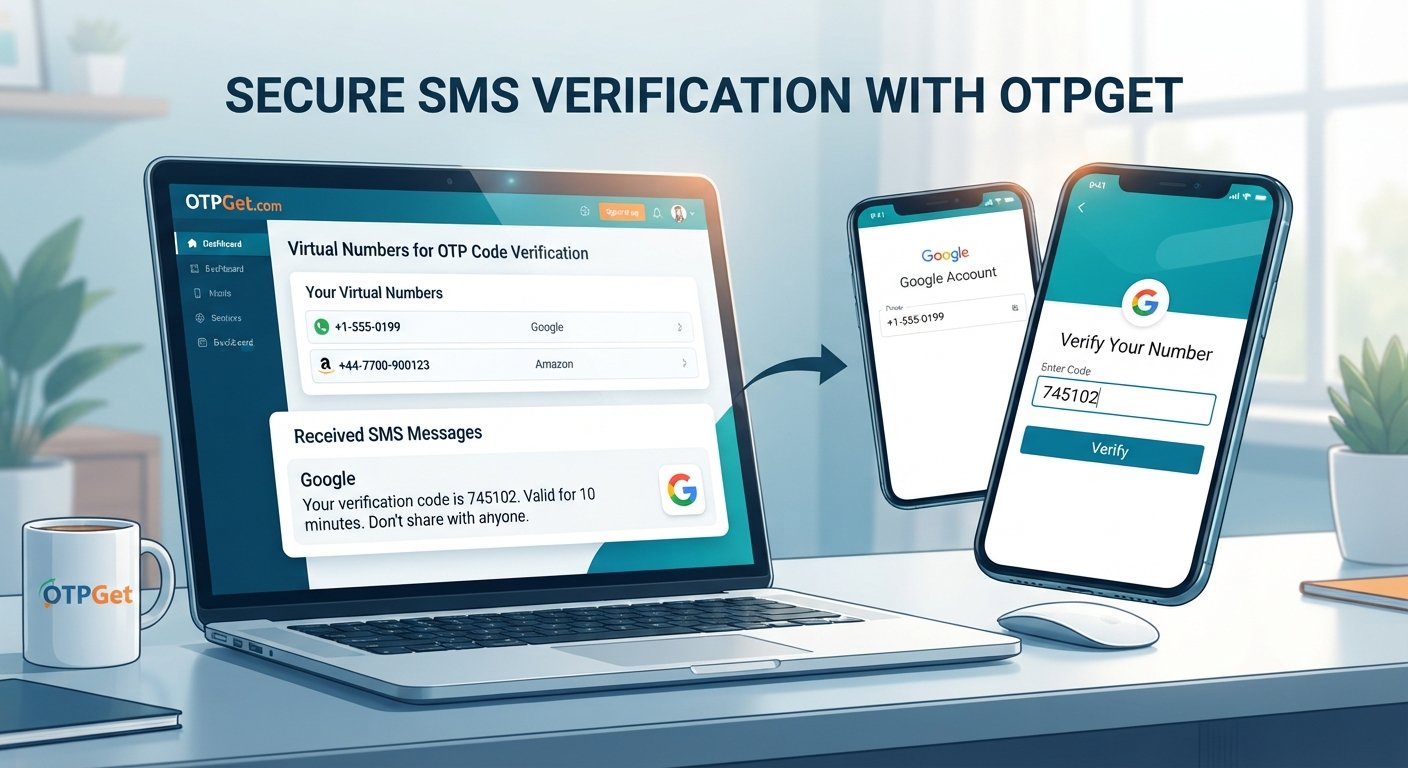
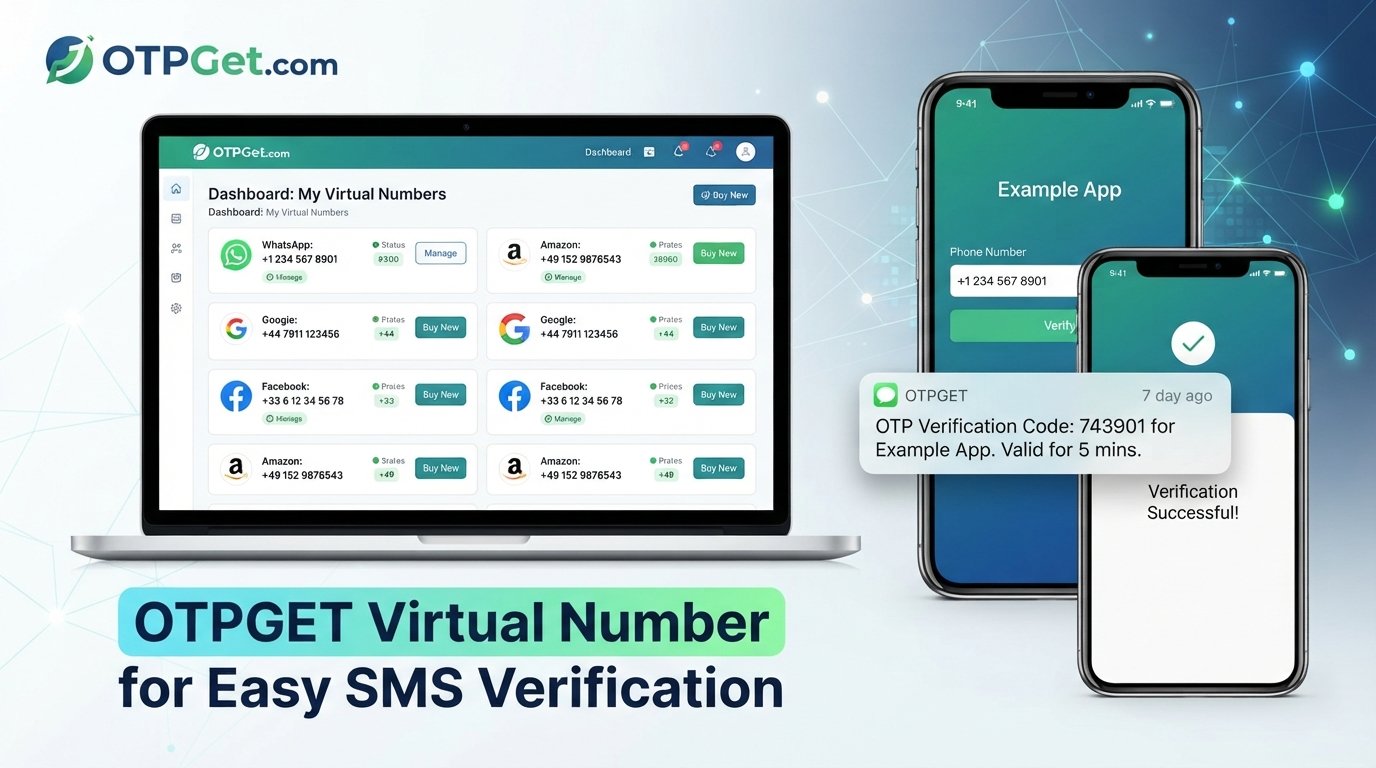
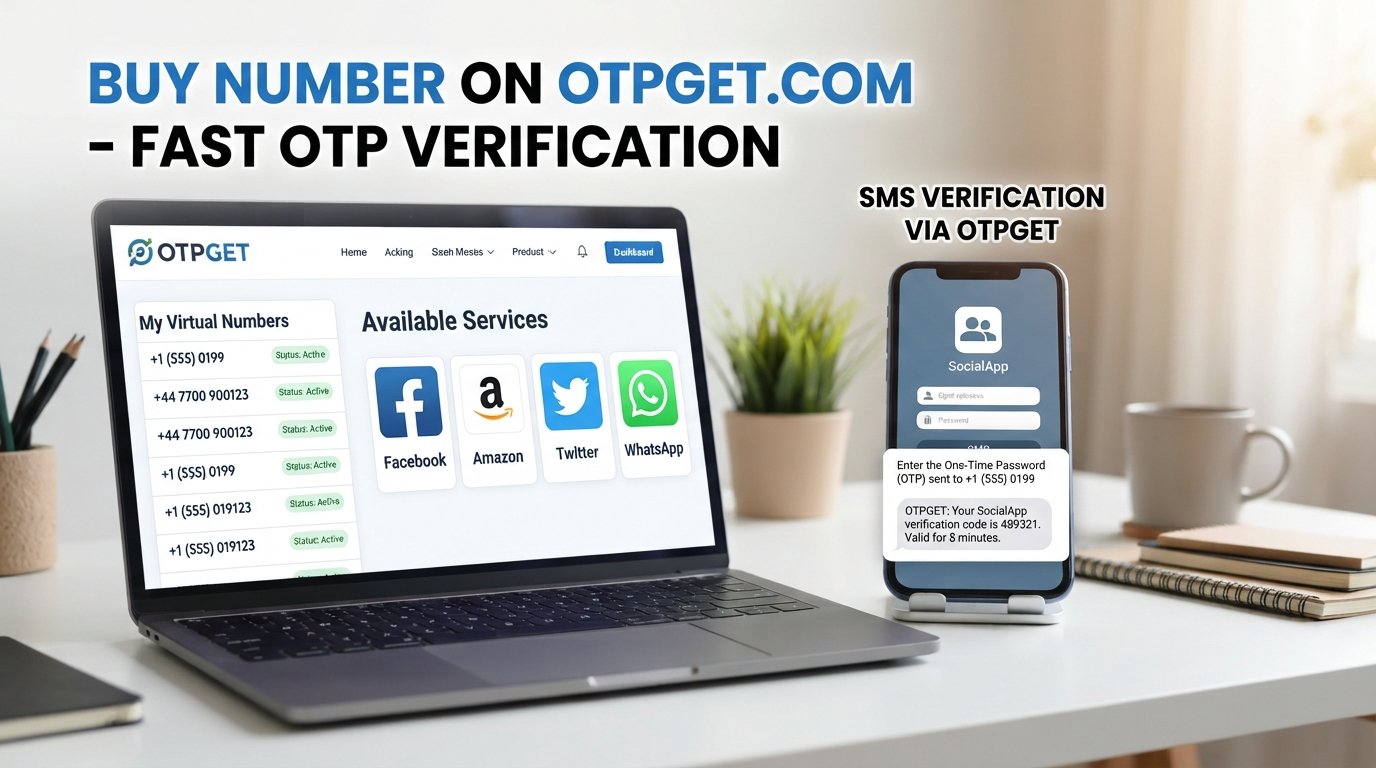
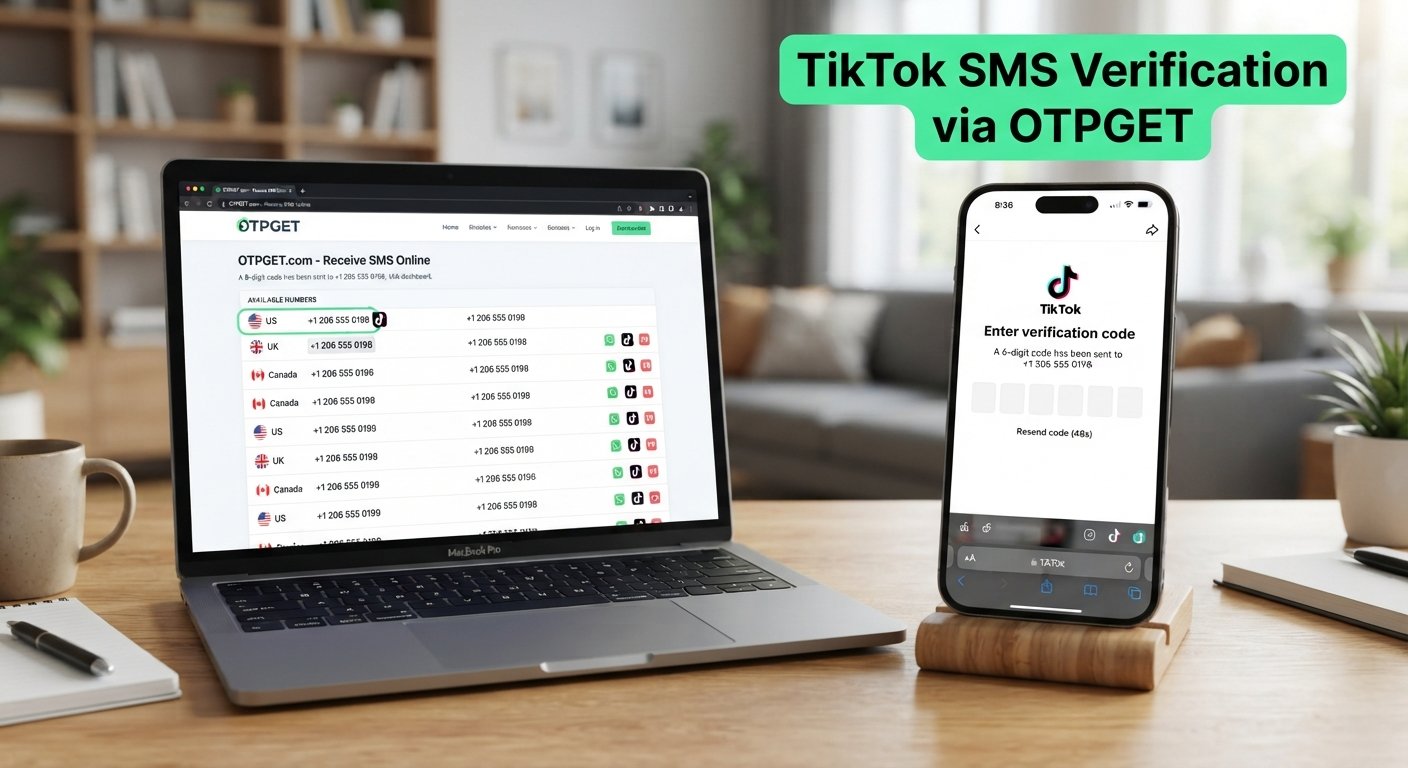
OTPGET is an SMS/OTP receiving service that provides virtual numbers for receiving verification messages. Its published documentation describes a process for obtaining numbers and checking the status of incoming SMS messages.
For users who are having difficulty receiving a verification SMS on their personal number, OTPGET can be a potential option where an appropriate number and service are available.
A general process is:
-
Visit OTPGET.
-
Select an appropriate service and available number where supported.
-
Use the provided number for the relevant verification process.
-
Request the TikTok verification code.
-
Check the OTPGET interface for the incoming SMS.
-
Enter the received verification code into the relevant TikTok verification screen.
Availability can vary. Not every number or service is necessarily suitable for every verification flow, so users should check what is currently available before proceeding.
OTPGET should be viewed as an independent SMS/OTP service, not as a TikTok-affiliated or TikTok-endorsed solution.
Why Use an OTP Verification Service?
There are legitimate reasons someone may consider an online SMS verification or OTP service.
For example, a user may want to avoid unnecessarily exposing a personal phone number when a separate verification number is appropriate. Developers and testers may also need SMS-receiving numbers for testing verification workflows.
Other users may simply need access to an available number capable of receiving SMS verification codes.
However, an OTP verification service should not be used to bypass TikTok security measures, evade account restrictions, impersonate someone, or create fraudulent accounts.
Before using any service, check its terms, privacy practices, number availability, and whether the intended use is allowed by the platform being verified.
Tips for Receiving Verification Codes More Reliably
If you frequently encounter a TikTok verification code issue, a few habits can reduce common delivery problems:
-
Use an active number that can receive SMS.
-
Double-check the country code before requesting a code.
-
Avoid repeatedly requesting new codes.
-
Keep your phone connected to a reliable mobile network.
-
Check your SMS spam and filtering settings.
-
Make sure your messaging inbox is functioning normally.
-
Use only trusted OTP or SMS verification services.
-
Never share a verification code with another person.
-
Do not enter TikTok OTPs into suspicious websites or forms.
-
Prefer TikTok's official recovery and security options when you are trying to regain access to an existing account.
TikTok specifically warns users not to share passwords or verification codes with people claiming to represent TikTok.
When the Problem Is Not Your Phone
Sometimes a missing TikTok SMS code has little to do with your device.
SMS delivery involves several components, including the platform sending the message, messaging infrastructure, your carrier, and your phone. A delay or failure at any point can affect delivery.
That is why it is useful to test whether your phone can receive ordinary SMS messages. If other texts are arriving normally while a specific verification message is missing, the issue may require a different troubleshooting approach.
For an existing account, also consider TikTok's official recovery options. TikTok documents alternative account-recovery methods, including friend verification in certain situations where a user cannot access the account or reset its password.
Frequently Asked Questions
Why is my TikTok verification code not arriving?
The cause may be an SMS delivery delay, weak mobile signal, an incorrect phone number or country code, message filtering, carrier issues, repeated verification requests, or another verification-related restriction.
Why am I not receiving the TikTok SMS code?
Check your number, country code, cellular signal, blocked messages, spam filtering, and SMS functionality. If everything appears normal, wait before requesting another code.
Why is my TikTok OTP not coming?
A TikTok OTP may be delayed somewhere in the SMS delivery process. Avoid repeatedly requesting codes, because multiple requests can make it harder to identify the valid message.
How long should I wait for a TikTok verification code?
There is no universal delivery time that applies to every situation. If the message does not arrive promptly, check your network and SMS settings before trying another request.
What should I do if my TikTok verification code expires?
Request a new code and use the newest valid verification message. Avoid relying on an older code if you have submitted another request.
Can an SMS verification service help me receive a TikTok code?
An SMS verification service may provide a separate number capable of receiving SMS messages. Whether a particular number works for a specific TikTok verification flow can vary, so availability should be checked before use.
Can OTPGET be used to receive verification codes?
OTPGET provides virtual numbers and SMS OTP functionality. Its documentation describes obtaining numbers and checking incoming SMS status. Whether a particular TikTok verification request can be completed depends on current service and number availability.
Is it safe to share a TikTok verification code?
No. Treat verification codes as sensitive account credentials. TikTok advises users not to provide verification codes or other sensitive login information to people claiming to contact them on TikTok's behalf.
Final Thoughts
When a TikTok verification code is not arriving, the problem can come from several places: SMS delays, mobile connectivity, incorrect number details, message filtering, repeated requests, number limitations, or the verification process itself.
Start with the simple fixes: verify your phone number and country code, check your signal and SMS settings, avoid repeated resend attempts, and look for another available verification method.
If access to a suitable SMS-receiving number is the issue, OTPGET can be considered as a practical OTP/SMS receiving option. Its availability and suitability can vary, so check the available service and number before relying on it.
Most importantly, protect your verification codes and use official account-recovery methods when dealing with an existing TikTok account.