Academia.edu Login Without Phone Number: A Practical OTPGET Guide

How to Get Academia.edu Login Without Phone Number
Creating or accessing an Academia.edu account does not necessarily mean you need to give the platform your personal phone number. Academia's documented account-creation flow includes social sign-in options and email registration, although the verification steps presented to an individual user can vary.
That creates a common question: how can you get an Academia.edu login without phone number exposure if a phone verification prompt appears?
For privacy-conscious users, a separate verification number can be a practical option when the platform permits it. Instead of connecting an account to your everyday mobile number, you can use an online SMS verification service such as OTPGET to receive a verification message on a separate number.
The important distinction is that this is not about bypassing account security. It is about using an alternative number for a legitimate registration or verification process when the service accepts that number.
Does Academia.edu Require a Phone Number?
Academia.edu's official account-creation instructions describe registration through Google, Apple, Facebook, or email. The exact options shown can depend on the account flow and circumstances.
So, if you are searching for an Academia.edu login without phone number, the first thing to do is check whether you can complete the process through email or another available sign-in method.
If Academia.edu specifically asks for phone verification, however, you may prefer not to provide your personal number. Reasons can include keeping your online accounts separate from your personal contact details, reducing unnecessary exposure of your number, or simply maintaining better control over which services have access to it.
In that situation, a separate verification number may be worth considering, provided its use is permitted by the platform's requirements.
Why Use a Separate Number for Academia Verification?
Your personal phone number is connected to much more than SMS. It can be associated with messaging apps, recovery processes, contacts, and other online accounts.
Giving it to every website that requests phone verification can therefore create unnecessary exposure.
A separate number can provide a degree of separation between your personal identity and an online registration. This can be particularly useful when you only need to receive a one-time verification SMS rather than maintain a permanent phone-based relationship with the service.
An online SMS verification service works by providing a phone number capable of receiving SMS messages. The verification code can then be retrieved through the service instead of arriving on your personal handset.
This approach should always be used within the rules of the website you are registering with.
How OTPGET Helps With Academia.edu Phone Verification
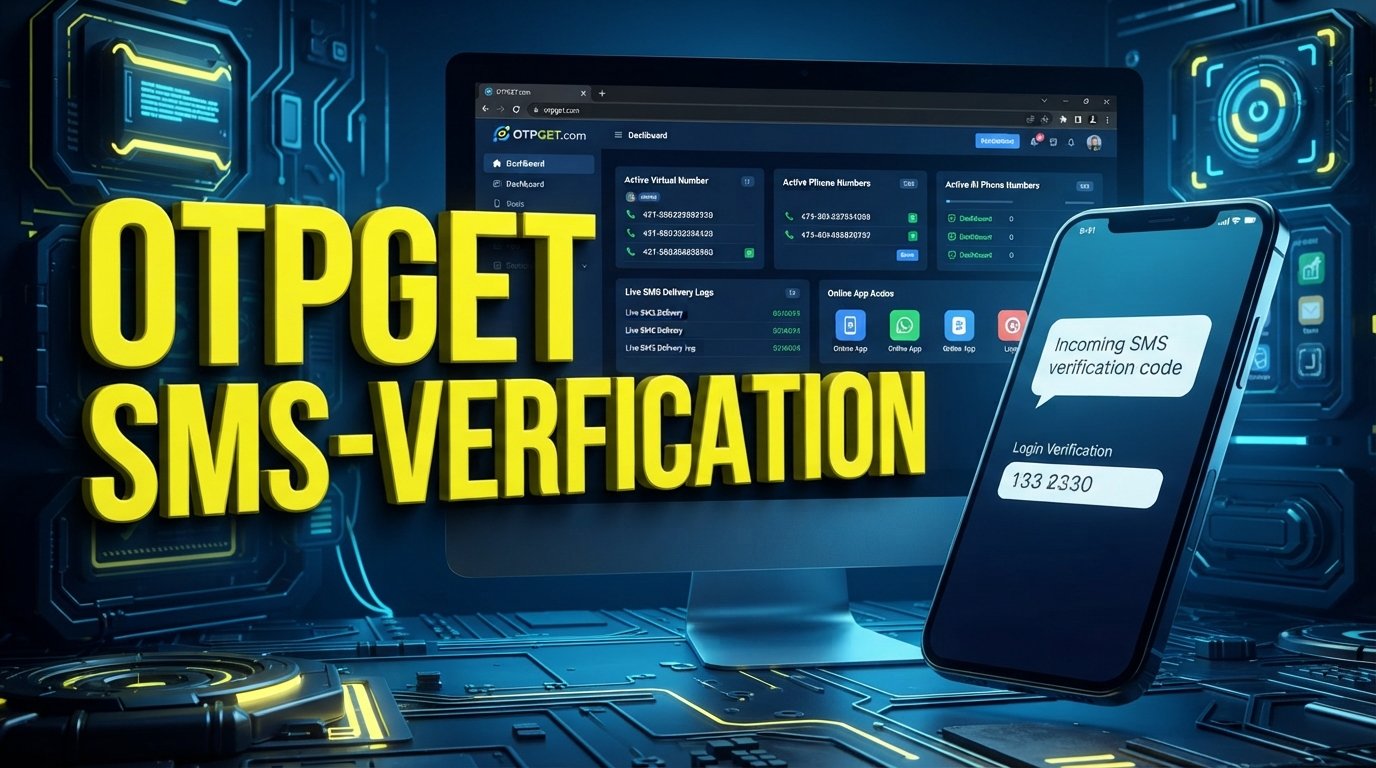
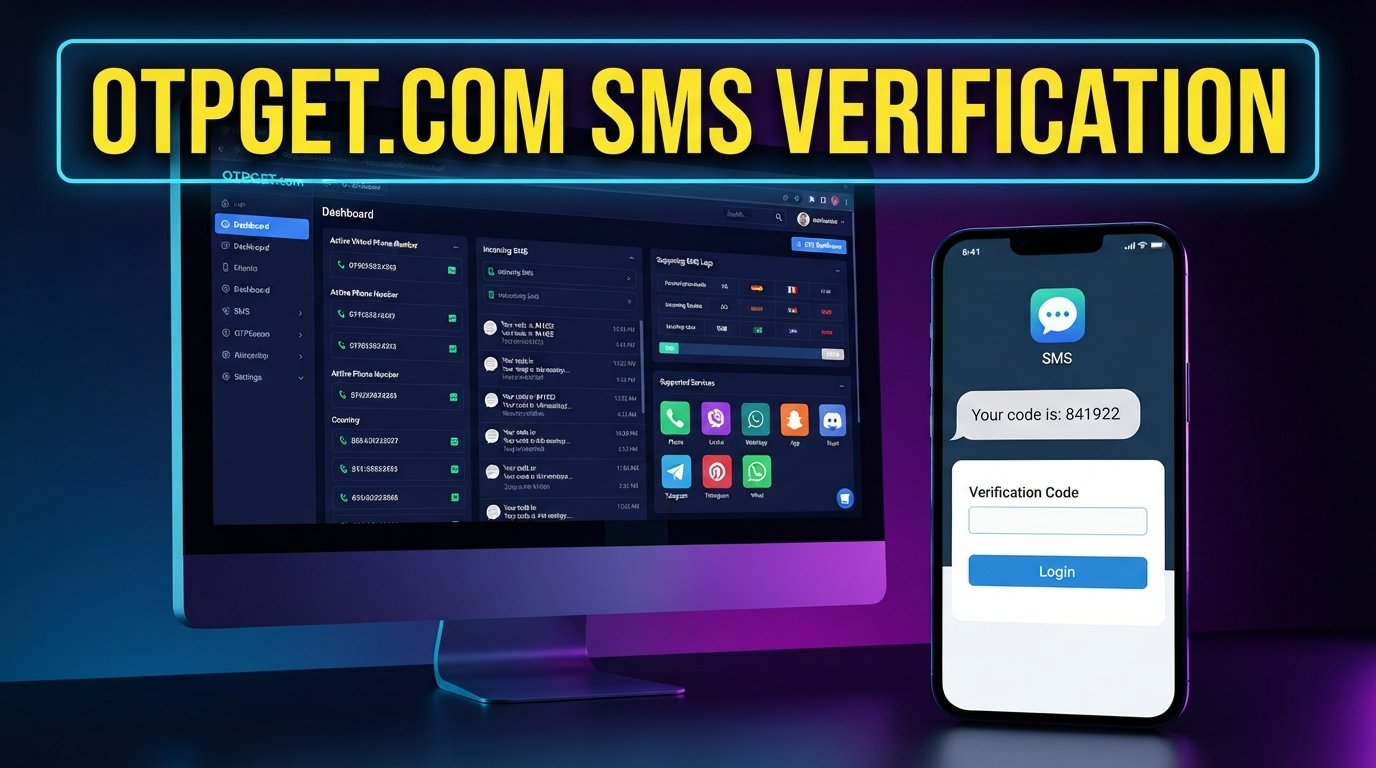
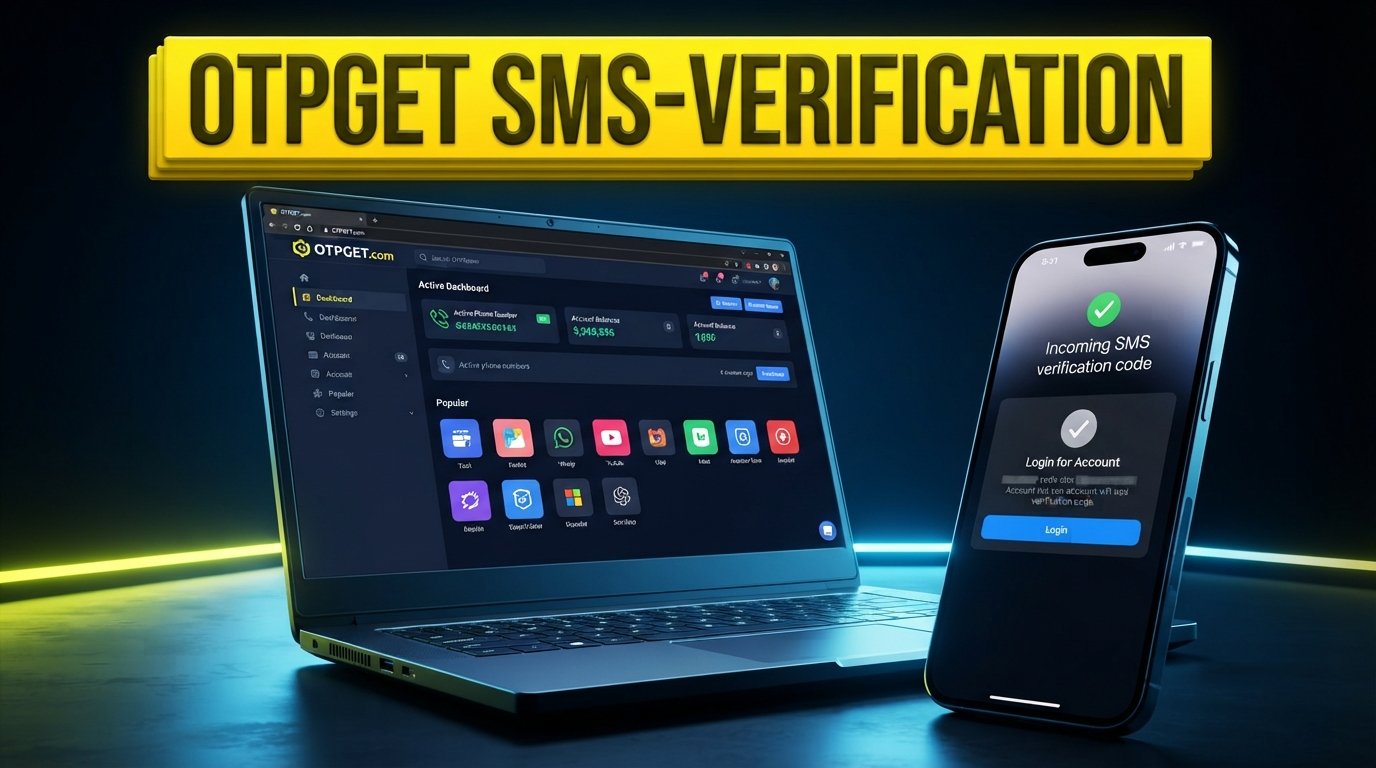
OTPGET provides virtual numbers and SMS OTP functionality designed for verification workflows. Its documentation describes an SMS OTP process in which users can request a number for a selected service and then check the activation status for an incoming SMS code.
For someone trying to keep a personal number private, the basic idea is straightforward.
You select an appropriate available number through OTPGET, use that number when a supported service asks for phone verification, and monitor OTPGET for the incoming verification SMS. If the message arrives, you can enter the OTP into the relevant verification screen.
OTPGET's documented workflow includes requesting a number and checking its activation status for the received SMS.
The key limitation is important: a number being available through OTPGET does not mean Academia.edu will necessarily accept it. Acceptance depends on Academia.edu's verification requirements, the type of number, and whether the platform supports that number at the time you attempt verification.
In other words, OTPGET can provide the verification-number infrastructure, but it cannot guarantee acceptance by a third-party platform.
Step-by-Step: Using OTPGET for Academia.edu Verification
Step 1: Open the Academia.edu registration or login page
Go to the official Academia.edu website and begin the normal sign-up or login process.
If an email or supported social-login option is available and meets your needs, you may not need a phone number at all. Academia's account-creation guidance lists Google, Apple, Facebook, and email as available methods.
Step 2: Start the relevant account or verification process
Follow the instructions presented by Academia.edu.
If the platform asks for phone verification, note the country or number requirements it displays before choosing a number.
Step 3: Choose an appropriate verification option
If Academia.edu provides an alternative to phone verification, consider using that option first.
If phone verification is required, you can evaluate whether using a separate number is permitted under the platform's rules.
Step 4: Get a suitable number through OTPGET
Use OTPGET to look for an available virtual number appropriate for the verification service you are using.
OTPGET's documented SMS workflow allows a number to be requested and then monitored for an incoming verification code.
Step 5: Enter the OTPGET number
Copy the provided number into the phone-number field on the Academia.edu verification page.
Make sure the country code and number format match what Academia.edu requests.
Step 6: Check OTPGET for the incoming SMS
After submitting the number, wait for the verification message.
OTPGET documents an activation-status process for checking whether the SMS has arrived.
Step 7: Enter the received OTP
If Academia.edu sends a verification code to the selected number and OTPGET receives it, enter that code into the verification field provided by Academia.edu.
Never share a verification code with another person.
Step 8: Complete the account process
Once the verification is accepted, continue with the normal Academia.edu registration or login process.
Remember that the exact sequence can change. If Academia.edu does not accept the selected number, try an officially supported registration method rather than attempting to circumvent the platform's controls.
Academia Login Without Phone: Which Option Makes Sense?
Different users have different priorities when choosing a verification method.
| Option | Privacy | Convenience | Long-Term Access | Best Use Case |
|---|---|---|---|---|
| Personal phone number | Lower separation from personal identity | High | High, while the number remains yours | Accounts where long-term recovery matters |
| Temporary/online verification number | More separation from personal number | Moderate | Usually limited or dependent on the service | One-time registrations where permitted |
| OTPGET | Provides a separate verification-number option | Moderate | Depends on whether you use a temporary or supported longer-term number | Legitimate SMS verification while limiting personal-number exposure |
The biggest consideration is long-term access. A temporary number can be useful for a one-time verification, but it may not be suitable for an account that could later require SMS-based recovery.
Privacy and Safety Considerations
There are legitimate reasons to avoid giving your personal phone number to every online service.
Privacy is one. Keeping your personal number separate can reduce the amount of personal contact information attached to individual accounts.
Separation is another. A dedicated verification number can help distinguish personal communications from online registrations and service accounts.
There is also a practical consideration: once a phone number is widely associated with online services, changing it can become inconvenient.
However, using an online verification number should not mean ignoring account-security requirements.
Keep these points in mind:
- Do not use verification numbers for fraudulent activity.
- Do not impersonate another person.
- Do not use a number to access an account that does not belong to you.
- Do not use temporary numbers if the platform's terms prohibit them.
- Avoid relying on a temporary number for an important account that may require long-term SMS recovery.
- Never share received OTP codes with anyone else.
For a research or academic account you expect to keep for a long time, consider whether you will need the same phone number later for recovery before choosing a temporary verification option.
What If the Academia.edu OTP Does Not Arrive?
An absent verification message does not necessarily mean something is wrong with your account.
First, check that the number and country code were entered correctly. Then allow some time for the SMS to arrive and check the OTPGET status for the relevant activation.
If there is still no message, the selected number may not be supported by Academia.edu, the service may have rejected the number type, or the verification request may not have been completed.
OTPGET's documentation includes status responses for waiting, successful receipt, and situations where no SMS is received.
If a number does not work, avoid repeatedly submitting random numbers. Instead, review the verification requirements and use an officially supported alternative where available.
Can You Use a Temporary Number for Long-Term Academia Accounts?
A temporary SMS number is generally better suited to situations where you only need to complete a particular verification step.
Long-term account access is different.
If Academia.edu later uses phone verification for account recovery, security checks, or another important action, you may need access to the same number again. Losing access to a temporary number could therefore make recovery more difficult.
For that reason, think beyond the initial Academia.edu login without phone number problem. If the account is important to your academic work, choose a verification method that you can reliably access when needed.
Frequently Asked Questions
Can I create an Academia.edu account without my personal phone number?
Potentially, yes. Academia's documented registration process includes email and supported social-login options, so a phone number may not always be necessary. If a phone verification prompt appears in your particular flow, you will need to follow the options Academia.edu provides.
Does Academia.edu always require phone verification?
No blanket assumption should be made. Academia's published account-creation instructions describe several sign-in methods, including email and social login. The exact verification requirements presented to you can vary.
Can OTPGET receive an Academia.edu verification code?
OTPGET provides SMS OTP functionality, but whether a particular Academia.edu verification request is accepted and whether its SMS reaches the selected number depends on Academia.edu's requirements and the number's compatibility. OTPGET does not guarantee acceptance by every service.
How do I receive an Academia.edu OTP online?
If Academia.edu requests SMS verification and permits the use of a separate number, you can obtain an appropriate number through an online SMS verification service such as OTPGET, enter the number during verification, and check the service for the incoming OTP.
Is using a temporary phone number safe?
It can be appropriate for legitimate, permitted one-time verification, but it has limitations. The biggest concern is future access. If you lose the number and the account later depends on it for recovery, you may have difficulty regaining access.
Can I use the same verification number multiple times?
That depends on the number, service, and platform rules. You should not assume that a number used for one verification will remain suitable for another registration or verification attempt.
What should I do if the Academia.edu OTP does not arrive?
Check the number, country code, and verification status first. If the message still does not arrive, the number may not be supported or the request may have failed. Consider an officially supported alternative rather than repeatedly attempting verification.
Is OTPGET suitable for long-term account recovery?
A temporary verification number should not automatically be treated as a long-term recovery number. If you need dependable recovery access, use a number or verification method you can reliably access in the future.
Conclusion
Finding an Academia.edu login without phone number does not necessarily require avoiding verification altogether. The better approach is to understand which registration methods Academia.edu offers and, when phone verification is required, consider whether a separate verification number is permitted.
For users who want to keep their personal number private, OTPGET can provide a practical way to receive SMS verification through a separate virtual number. Its documented workflow supports requesting numbers and checking for incoming OTP messages.
The important thing is to use the service for legitimate verification, respect Academia.edu's requirements, and avoid relying on temporary numbers for accounts where long-term recovery is essential.
If you need a separate number for an appropriate SMS verification task, exploring OTPGET can be a useful next step.