Amazon Code Not Arriving? Try an OTPGET Number for Verification
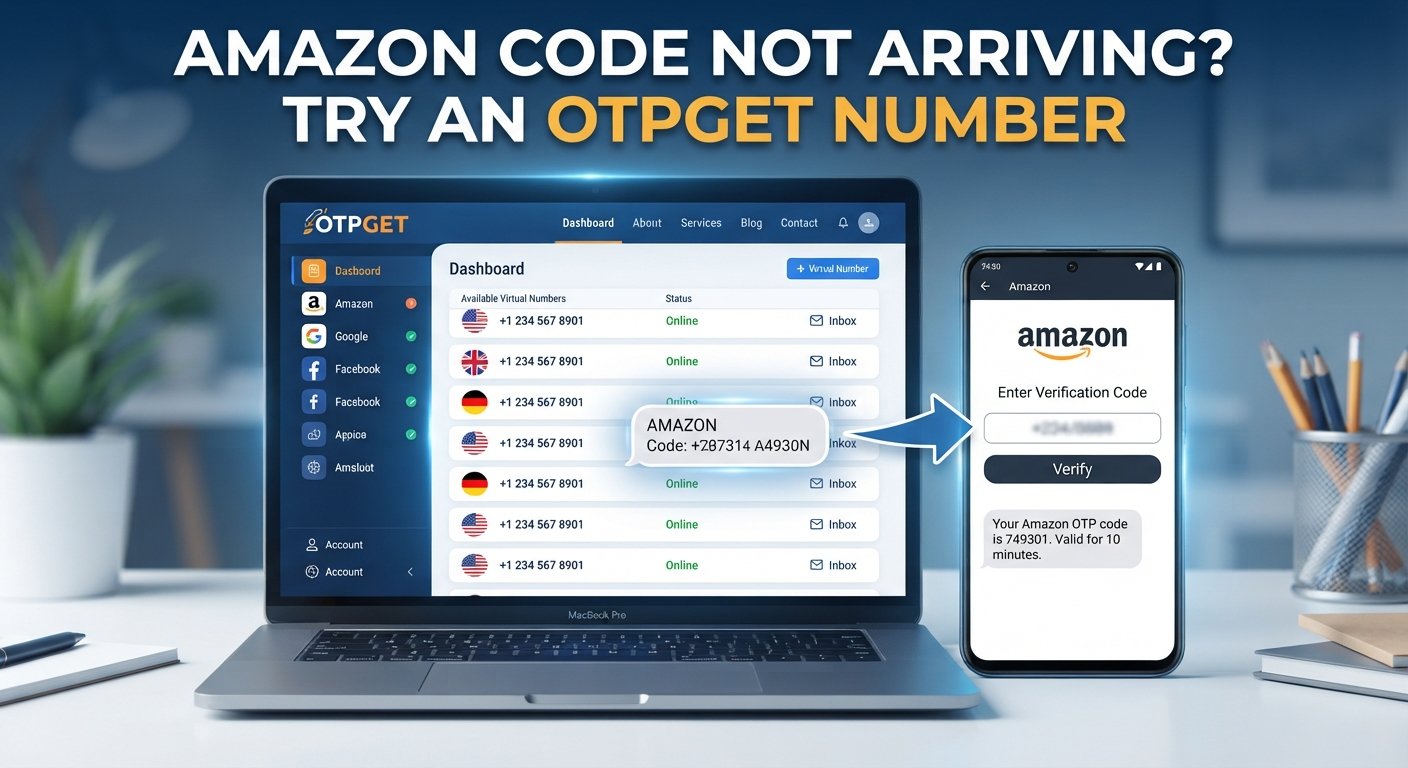
Amazon Code Not Arriving? Try an OTPGET Number
You enter your phone number, request a verification code, and wait.
Then you wait a little longer.
Nothing.
If you are dealing with Amazon Code Not Arriving, the problem can be surprisingly frustrating. You may have a stable internet connection, the number may be correct, and yet the expected SMS simply does not appear.
Before requesting another code repeatedly, it helps to understand what could be causing the delay. SMS delivery depends on several moving parts, including your mobile network, carrier, phone settings, the number being used, and the verification system itself.
The good news is that there are several things you can check first. And if your regular number continues to have problems receiving verification messages, an appropriate SMS verification service such as OTPGET may provide a practical alternative where supported.
Why Is My Amazon Verification Code Not Arriving?
There is no single reason an Amazon verification message might fail to reach your phone. The issue can occur anywhere between the verification request and your device.
Here are some common possibilities.
Mobile network problems
A weak or unstable cellular connection can interfere with incoming SMS messages. Even if calls or mobile data appear to work normally, text messages can sometimes be delayed.
If your phone has poor reception, moving to an area with stronger signal may help.
SMS delivery delays
Verification messages are usually delivered quickly, but SMS is not an instant communication channel in every situation. Temporary carrier congestion or routing issues can delay a message.
If you requested a code only moments ago, waiting briefly may be more useful than immediately requesting another one.
Incorrect phone number
A simple mistake in the phone number can prevent delivery altogether.
Check the country code, number formatting, and digits carefully before trying again.
Carrier filtering
Mobile carriers may filter certain automated messages. Depending on the carrier and messaging route, a legitimate verification SMS may occasionally be delayed or blocked.
Too many verification attempts
Repeatedly requesting codes in a short period can create confusion. You might receive an older message after requesting a newer one, or the verification system may temporarily limit additional requests.
Phone settings
Blocked numbers, spam filters, messaging restrictions, or other device settings can prevent verification messages from appearing where you expect them.
Number compatibility
Not every phone number works equally well with every verification system. Some online or temporary numbers may not be supported, while certain carrier or routing configurations may experience delivery problems.
Understanding these possibilities is important because an Amazon verification code not received does not necessarily mean your account itself is the problem.
Amazon OTP Not Received? Try These Fixes First
Before looking for an alternative number, work through a few basic troubleshooting steps.
1. Check the phone number
Review the number carefully, including its country code. A single incorrect digit is enough to send the verification SMS somewhere else—or nowhere useful at all.
2. Check your mobile signal
Look at your phone's cellular reception. If the signal is weak, try reconnecting to the network or moving somewhere with better coverage.
3. Give the message some time
If the request was just submitted, avoid immediately pressing the resend option multiple times.
A short delay can sometimes resolve an Amazon OTP not coming issue without requiring anything else.
4. Check blocked and spam messages
Look through your messaging app's spam, blocked, or filtered sections. Automated verification messages can occasionally be separated from ordinary conversations.
5. Restart your phone or reconnect to the network
A quick restart can resolve temporary connectivity problems. You can also briefly toggle your cellular connection if your device supports it.
6. Avoid repeated OTP requests
If you request several codes in succession, keep track of which message is the newest. Entering an older code may not work if a newer verification request has already been generated.
7. Try another supported verification method
If the account offers another legitimate verification option, consider using it. Available methods can vary depending on the account and circumstances.
8. Consider an appropriate SMS-receiving number
If your normal number continues to experience delivery problems, a suitable OTP receiving number can be another option for legitimate verification purposes.
This is where services such as OTPGET can become useful.
What Is an SMS Verification Number?
An SMS verification number is a phone number intended to receive text messages, including verification codes, when supported by the relevant service.
A temporary phone number is one type of number that may be used for a specific verification task rather than as a person's everyday mobile number. Some services provide numbers through an online interface where incoming SMS messages can be viewed.
The basic idea is straightforward:
Verification service → SMS code → receiving number → online SMS inbox
However, compatibility matters. A number that works for one service may not necessarily work for another. Availability can also depend on country, carrier, number type, and the verification system being used.
For that reason, an online SMS verification service should be viewed as an option—not a universal solution for every verification request.
It is also important to use such services responsibly. The appropriate use case is legitimate account verification or access to an account you are authorized to use, not bypassing security controls or gaining unauthorized access.
How OTPGET Can Help When Amazon Codes Don't Arrive
If you have already checked your regular phone number and basic SMS troubleshooting has not solved the problem, OTPGET offers another option to consider.
OTPGET is an SMS-receiving service that can provide a number for verification purposes where the relevant service and number are compatible.
The benefit is simple: instead of relying entirely on your usual mobile number, you can use an available OTPGET number intended for receiving verification messages and check whether the requested SMS arrives through the service.
This can be particularly convenient when:
- Your regular number is having SMS delivery problems.
- You need an alternative number for a legitimate verification task.
- You want to separate a verification number from your everyday phone number.
- Your normal SMS channel is temporarily unreliable.
The important qualification is that no third-party number should be treated as universally compatible. Verification systems can have their own restrictions, and message delivery can depend on the specific number and routing involved.
So, if you are trying to receive Amazon OTP messages through an alternative number, choose a number appropriate for your legitimate verification purpose and follow the instructions provided by the verification service.
How to Use an OTPGET Number for Verification
The process is generally straightforward.
1. Visit OTPGET
Start by accessing OTPGET and reviewing the available options for your verification purpose.
2. Choose an available number
Select an appropriate number that can be used for the verification service you are attempting to access.
3. Enter the number on the verification page
When the verification service asks for your phone number, enter the selected number accurately, including the appropriate country code if required.
4. Request the verification code
Submit the verification request through the relevant account or service.
5. Check for the incoming SMS
Monitor the OTPGET SMS receiving interface for the verification message.
6. Enter the received code
If the SMS arrives, enter the verification code into the appropriate verification field.
7. Complete verification
Follow the remaining instructions provided by the account or service.
The exact experience can vary depending on the verification platform and the number available. If a particular number is not accepted or the message does not arrive, avoid repeatedly submitting requests and consider another supported verification option.
Why Use OTPGET for SMS Verification?
The main appeal of an SMS verification service is convenience.
Instead of depending solely on your personal mobile number, an alternative SMS verification number can provide another route for receiving a verification message when appropriate.
Potential benefits include:
- Convenience: An online SMS interface can make verification messages easier to access.
- An alternative number: You may have another option when your usual number is experiencing delivery problems.
- Reduced dependence on a personal number: For suitable verification scenarios, an alternative number can keep the process separate from your everyday mobile line.
- Simple SMS-based workflow: The basic process remains familiar—provide a number, request a code, receive the SMS, and complete verification.
- Useful for legitimate verification: An appropriate number can be considered when you are authorized to verify the account or service in question.
At the same time, it is worth keeping expectations realistic. A temporary number or online number is not automatically accepted by every verification system. Availability, compatibility, and SMS delivery can vary.
That transparency matters. The goal is to find a practical verification option, not to promise that every number will work in every situation.
Amazon Verification Code Still Not Coming?
If you are still waiting for a code, take a step back rather than repeatedly requesting another OTP.
First, confirm that the phone number is correct. Then check your mobile signal and message filters. If you have requested several codes, wait before making another attempt.
You should also consider whether the number you are using is compatible with the verification system. This is particularly important if you have switched from a conventional mobile number to a temporary or online number.
If another supported verification method is available, that may be worth trying.
And if the issue continues despite reasonable troubleshooting, contacting the relevant platform's support channel may be the best next step.
For users who legitimately need an alternative number, an OTPGET number can also be considered where the service and number are supported. The key is to use it for authorized account verification rather than attempting to circumvent security requirements.
Frequently Asked Questions
Why is my Amazon verification code not arriving?
Several factors can cause this, including network problems, SMS delays, incorrect phone details, carrier filtering, phone settings, or repeated verification attempts. Check the number and network first, then wait briefly before requesting another code.
Why am I not receiving Amazon OTP messages?
If an Amazon OTP not received issue continues, check your cellular signal, blocked or spam messages, and the accuracy of your phone number. Temporary carrier or SMS routing problems can also contribute to delays.
How can I receive an Amazon verification code?
Start with your normal phone number and troubleshoot basic SMS delivery issues. If you need an alternative number for a legitimate verification purpose, an appropriate online SMS service such as OTPGET may be an option where supported.
Can an OTPGET number receive verification SMS?
An OTPGET number may be able to receive verification SMS where the particular number and verification service are compatible. Compatibility can vary, so successful delivery should not be assumed for every service or number.
What is a temporary phone number for OTP verification?
A temporary phone number is a number that can be used for a specific verification purpose instead of your everyday personal number. Some services allow incoming verification SMS messages to be viewed online.
What should I do if my Amazon OTP is delayed?
Avoid repeatedly requesting codes. Confirm your number, check your signal and message filters, and give the SMS some time to arrive. If the problem persists, consider another supported verification method or an appropriate SMS-receiving number.
Is an SMS verification number useful for account verification?
It can be useful in legitimate situations where an alternative number is appropriate and supported by the verification system. However, compatibility varies, so an SMS verification number should not be considered a guaranteed solution for every platform.
Final Thoughts
When you are dealing with Amazon Code Not Arriving, the first step should not be to keep pressing the resend button.
Check the phone number. Look at your signal. Review blocked or filtered messages. Give delayed SMS messages time to arrive, and avoid creating a chain of repeated verification requests.
If your regular number continues to cause problems, an alternative phone number for OTP verification may be worth considering for a legitimate account-verification task.
OTPGET provides an option for users looking for an online SMS-receiving number where the relevant verification service supports it. It can be a convenient alternative when ordinary SMS delivery is getting in the way of completing verification.
If you are authorized to verify the account and need another SMS verification option, explore OTPGET and choose a suitable available number for your verification purpose.