PUBG Mobile Phone Verification: Receive Your Code | OTPGET
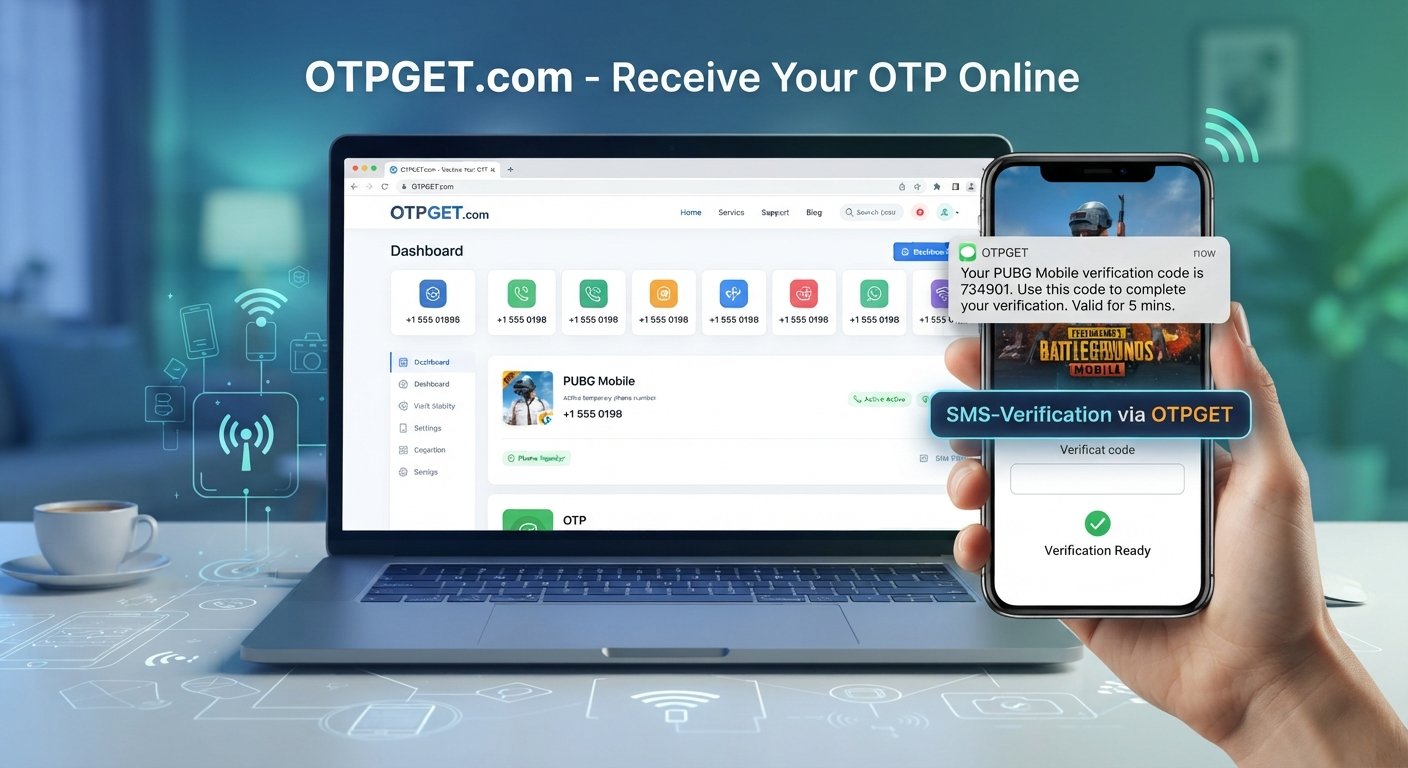
PUBG Mobile Phone Verification – Receive Your Code | OTPGet
Getting a PUBG Mobile verification code should be straightforward, but SMS verification can sometimes become frustrating. A code may take longer than expected to arrive, a phone number may be entered incorrectly, or repeated requests can create additional delays.
If you are trying to complete PUBG Mobile phone verification, understanding how OTP codes work and knowing what to check when an SMS does not arrive can save time. For users who need a convenient way to explore supported verification options, OTPGET can be a practical service to consider.
This guide explains how phone verification works, why PUBG OTP messages may be delayed, and how OTPGET can fit into the verification process without compromising basic security practices.
What Is PUBG Mobile Phone Verification?
Phone verification is a process used to confirm that a phone number can receive a verification message. When a service requests verification, it may send a temporary code by SMS. The user then enters that code into the appropriate verification screen.
A PUBG Mobile verification code is generally a one-time code intended for a specific verification attempt. Depending on the account action and available verification methods, phone verification may be requested for account-related activities or additional security checks.
The basic process is simple:
- Enter or select the supported phone number.
- Request a verification code.
- Wait for the SMS containing the OTP.
- Enter the valid code in the relevant verification interface.
- Complete the verification process.
Because these codes are temporary and sensitive, they should only be entered into legitimate verification interfaces.
Why You May Not Receive a PUBG Mobile Verification Code
A missing SMS does not necessarily mean that something is wrong with your account. Several factors can affect delivery.
Incorrect Phone Number
One of the most common causes is a number being entered incorrectly. Check every digit and make sure the country or region selection matches the number you are using.
SMS Delivery Delays
Mobile networks and messaging systems can occasionally experience delays. A verification message may take longer to arrive during periods of high traffic or temporary service congestion.
Mobile Network Problems
Weak reception, network interruptions, or carrier-related issues can interfere with incoming SMS messages. Checking your signal and confirming that other messages are arriving can help identify the problem.
Unsupported Number Types
Some verification systems may not support every type of phone number. Availability can vary depending on the service, carrier, region, and verification route being used.
Too Many Verification Requests
Repeatedly requesting a new code can sometimes make troubleshooting more difficult. Earlier codes may expire, and additional requests may introduce further delays.
Expired OTP
An OTP is normally valid only for a limited period. If a code has expired, requesting a new one through the supported process may be necessary.
What Is a PUBG OTP?
OTP stands for one-time password. It is a temporary verification code that can be used to confirm access to a phone number or another supported verification method.
A PUBG OTP is not intended to function like a permanent password. It is generally tied to a particular verification attempt and should be treated as sensitive information.
Never post an OTP publicly, send it to an unknown person, or enter it into an unfamiliar website. If someone asks you for a verification code outside the legitimate verification process, treat the request with caution.
How OTPGET Helps With PUBG Mobile Phone Verification
When normal SMS verification becomes inconvenient, users may look for an OTP receiving service that supports their particular verification need. OTPGET is designed as an option for users exploring ways to receive supported verification codes.
The general workflow is straightforward:
- Visit OTPGET.
- Choose the relevant service or verification option, when available.
- Follow the instructions provided by OTPGET.
- Use a supported phone verification option.
- Request the PUBG Mobile verification code where applicable.
- Wait for the verification SMS through the selected service.
- Enter the valid code into the appropriate verification screen.
- Complete the verification process.
Availability can depend on the service and verification route being requested, so it is important to check the options presented by OTPGET rather than assuming every number or service is supported.
The goal is not to bypass account security. Instead, OTPGET can be useful when you need to explore a supported route for receiving an SMS verification code.
Why Users Look for an OTP Receiving Service
There are several reasons people search for terms such as receive OTP online, online phone verification, or SMS verification service.
For some users, their regular SMS delivery may be unreliable. Others may need a convenient verification option for a particular online service or may want to separate verification messages from their primary phone number where permitted.
An OTP receiving service can offer a more convenient workflow when the required verification route is supported.
However, users should always consider the rules of the service they are verifying. A verification method should not be used to circumvent security restrictions, account ownership checks, or platform policies.
PUBG OTP Not Received? Try These Steps
If your PUBG OTP is not received, work through the basics before repeatedly requesting another code.
- Check the phone number: Make sure every digit is correct.
- Confirm the country or region: An incorrect country selection can prevent delivery.
- Check mobile reception: Confirm that your phone can receive normal SMS messages.
- Wait briefly: SMS delivery can occasionally be delayed.
- Avoid repeated requests: Multiple requests can result in confusion between old and new codes.
- Check message filtering: Look for blocked, filtered, or automatically categorized messages.
- Use the newest code: Earlier OTPs may become invalid when another code is requested.
- Check expiration: Enter the code while it is still valid.
- Review available verification options: Make sure the method you are using is currently supported.
- Explore OTPGET: If you need an alternative supported route for receiving a verification code, check the available options on OTPGET.
These steps cannot guarantee that every verification issue will be resolved, but they can help identify common causes before you try again.
How to Receive a PUBG Verification Code With OTPGET
If you are looking for a practical way to explore PUBG Mobile verification code options, OTPGET can be part of your workflow.
Start by visiting OTPGET and reviewing the available verification services. Select the appropriate option if one is available for your intended verification process. Follow the instructions shown by the service, request the verification SMS through the supported route, and wait for the code.
Once the valid SMS arrives, use the code only in the legitimate verification interface associated with your account or verification request.
If the required service or number type is not available, do not repeatedly submit requests. Instead, review the available options and consider using another supported verification method.
Need a convenient way to receive a verification code? Explore OTPGET and check the available verification options for your needs.
Benefits of Using OTPGET
OTPGET can be useful for users who want a more convenient way to explore supported SMS verification options.
Potential benefits include:
- A straightforward verification workflow for supported services.
- Convenient access to available verification options in one place.
- Less time spent troubleshooting ordinary SMS delivery problems when an alternative supported route is available.
- A practical option for receiving verification codes where the required service and number type are supported.
- A centralized OTP receiving experience for users managing verification needs.
The exact options available can vary, so users should review the service information provided by OTPGET before starting a verification request.
Most importantly, OTPGET should be viewed as a practical verification option, not as a guarantee that every PUBG Mobile verification attempt will be supported or completed.
Important Security Tips for OTP Verification
Verification codes are security-sensitive information. Treat them accordingly.
Never share an OTP with another person. A legitimate support representative or unrelated individual should not need you to disclose a private verification code.
Be careful with links received through unsolicited messages. Phishing pages can imitate familiar login or verification screens while attempting to collect account information.
Before entering a code, check that you are using the intended website or application. Avoid entering OTPs into pages that look suspicious or request unnecessary personal information.
It is also important to follow the relevant service's terms and security requirements. A phone verification service should be used for legitimate verification purposes rather than to bypass account protections.
OTPGET vs. Common Verification Problems
When an SMS does not arrive, users often respond by requesting another code repeatedly. That can be frustrating, particularly when the underlying issue is a network delay, incorrect number, carrier filtering, or unsupported number type.
A better approach is to diagnose the problem first.
If your regular phone number is working normally, waiting briefly and checking the number may be enough. If SMS delivery continues to be inconvenient, exploring a suitable OTP receiving solution such as OTPGET may provide another supported option.
The right choice depends on the verification route available to you. OTPGET is most useful when its available options match the service and verification requirement you are trying to complete.
Conclusion
PUBG Mobile phone verification is usually a simple process, but delayed SMS messages, incorrect numbers, network issues, expired codes, and unsupported number types can make it more complicated.
Before requesting another code, check the phone number, country or region selection, network connection, message filtering, and OTP validity. Avoid repeatedly requesting codes without understanding the cause of the problem.
If you need a convenient way to explore supported verification options, OTPGET is a practical solution to consider. Review the available services, follow the provided instructions, and use verification codes only through legitimate and appropriate verification interfaces.
The key is to choose a verification method that is supported, convenient, and consistent with the relevant service's security requirements.
11. FAQ Section
What is PUBG Mobile phone verification?
PUBG Mobile phone verification is a process used to confirm a phone number through a temporary verification code or another supported verification method. The exact requirement can depend on the account action and available verification options.
What is a PUBG verification code?
A PUBG verification code is a temporary code used during a verification process. It is generally delivered through SMS or another supported method and should be entered only into the legitimate verification interface.
Why am I not receiving my PUBG OTP?
Common causes include an incorrect phone number, poor network reception, SMS delivery delays, carrier filtering, unsupported number types, repeated requests, or an expired code.
How can I receive a PUBG Mobile verification code?
First, confirm that your number and region are correct and that your phone can receive SMS. If you need another supported verification route, you can explore the available options through OTPGET.
Can OTPGET help with phone verification?
OTPGET can be a practical option for exploring supported OTP and phone verification services. Availability depends on the service and verification route you need, so check the options provided by OTPGET.
What should I do if my PUBG SMS code expires?
Request a new code through the legitimate verification process and use the newest valid code. Avoid relying on an older OTP after another verification code has been requested.
Is it safe to share an OTP?
No. Treat an OTP as sensitive verification information. Do not share it with strangers, publish it publicly, or enter it into suspicious websites.
What should I check if my verification SMS is delayed?
Check the phone number, country or region selection, mobile reception, message filtering, and service availability. Wait briefly before requesting another code and avoid making repeated requests.
12. Suggested Internal Link Ideas
- Anchor text: OTP receiving service
Recommended page/topic: A guide explaining how OTP receiving services work
Placement: In the section discussing why users look for an OTP receiving service. - Anchor text: receive OTP online
Recommended page/topic: Guide to receiving supported verification codes online
Placement: In the section about online phone verification. - Anchor text: SMS verification
Recommended page/topic: Educational guide to SMS-based account verification
Placement: In the explanation of verification codes and SMS delivery. - Anchor text: temporary phone number
Recommended page/topic: Informational page explaining temporary numbers and appropriate use cases
Placement: In the section discussing alternative verification options. - Anchor text: OTP verification service
Recommended page/topic: Overview of OTPGET's verification-related services
Placement: Near the first explanation of how OTPGET fits into the verification workflow. - Anchor text: verification code not received
Recommended page/topic: Troubleshooting guide for delayed or missing verification messages
Placement: In the troubleshooting section. - Anchor text: phone verification guide
Recommended page/topic: General phone verification tutorial
Placement: In the introduction or conclusion for readers who need broader guidance. - Anchor text: OTP security tips
Recommended page/topic: Security-focused guide covering OTPs, phishing, and verification safety
Placement: In the security section.
13. Final CTA
Need a convenient way to receive a verification code? Explore OTPGET, review the available verification options, and choose a supported solution for your phone verification needs.