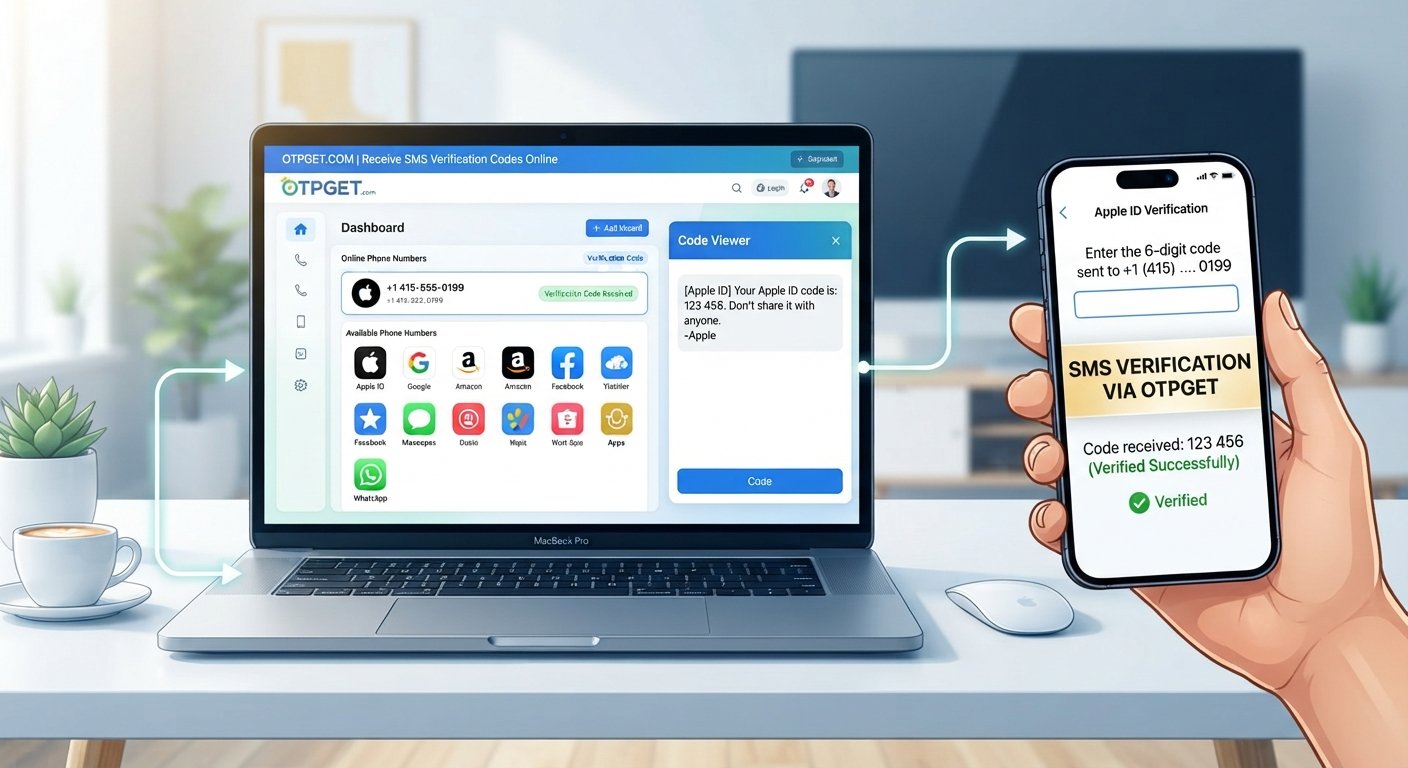
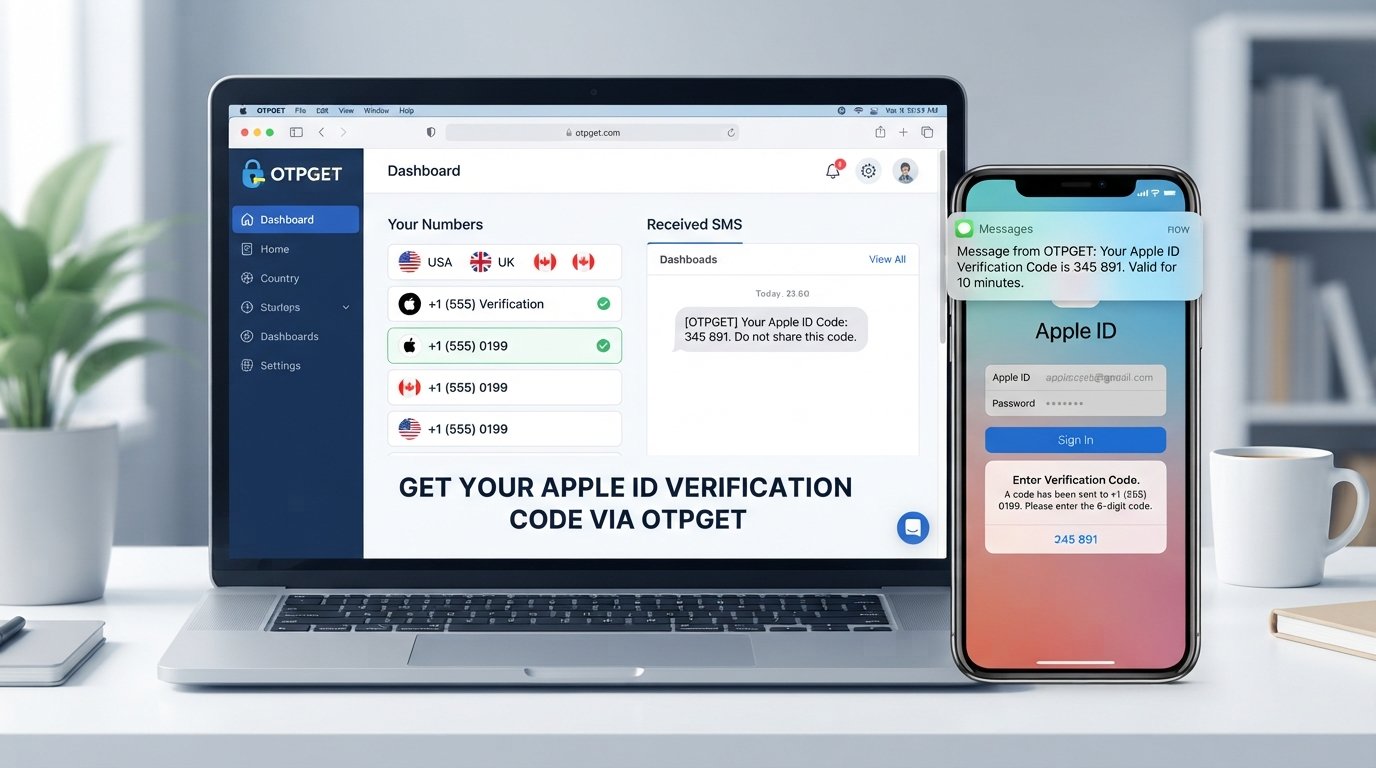
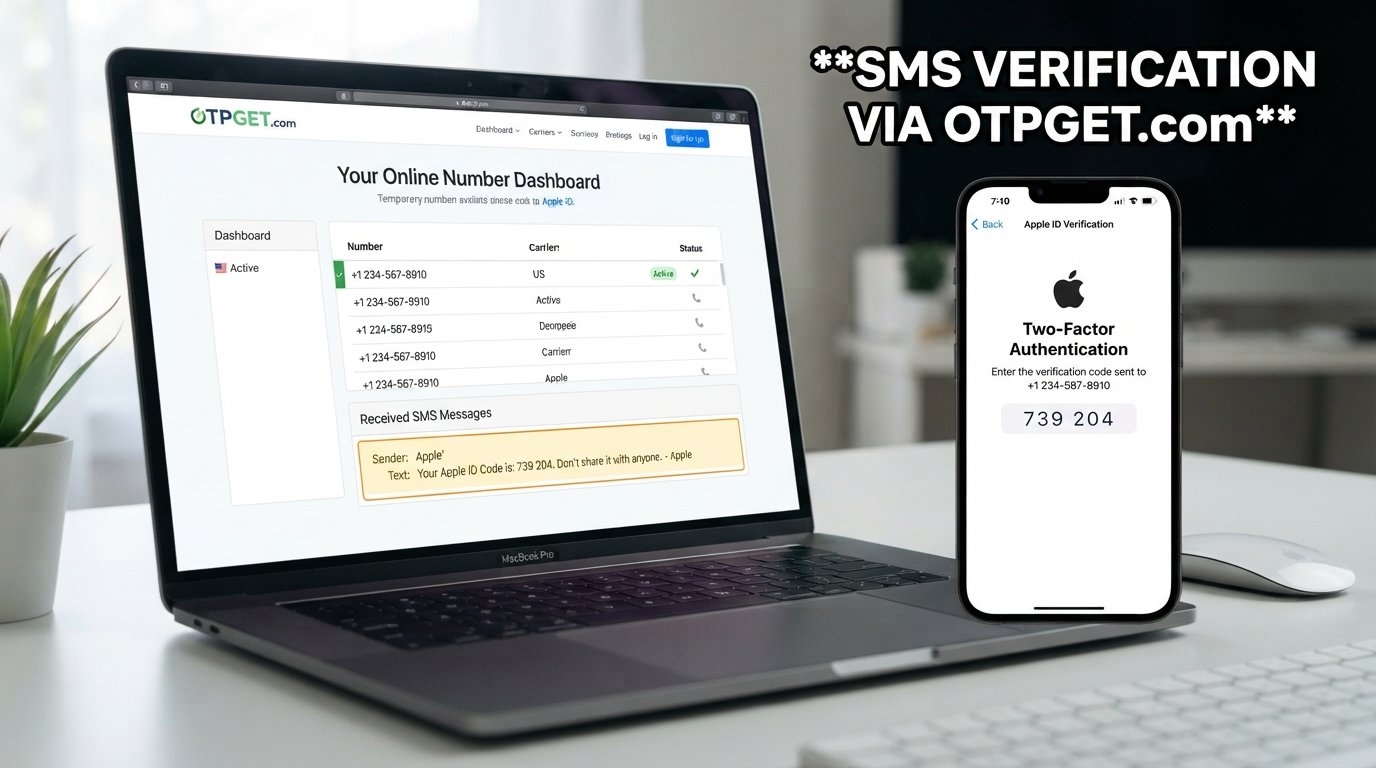
Need an inDrive Code? Get an Online Verification Number on OTPGET
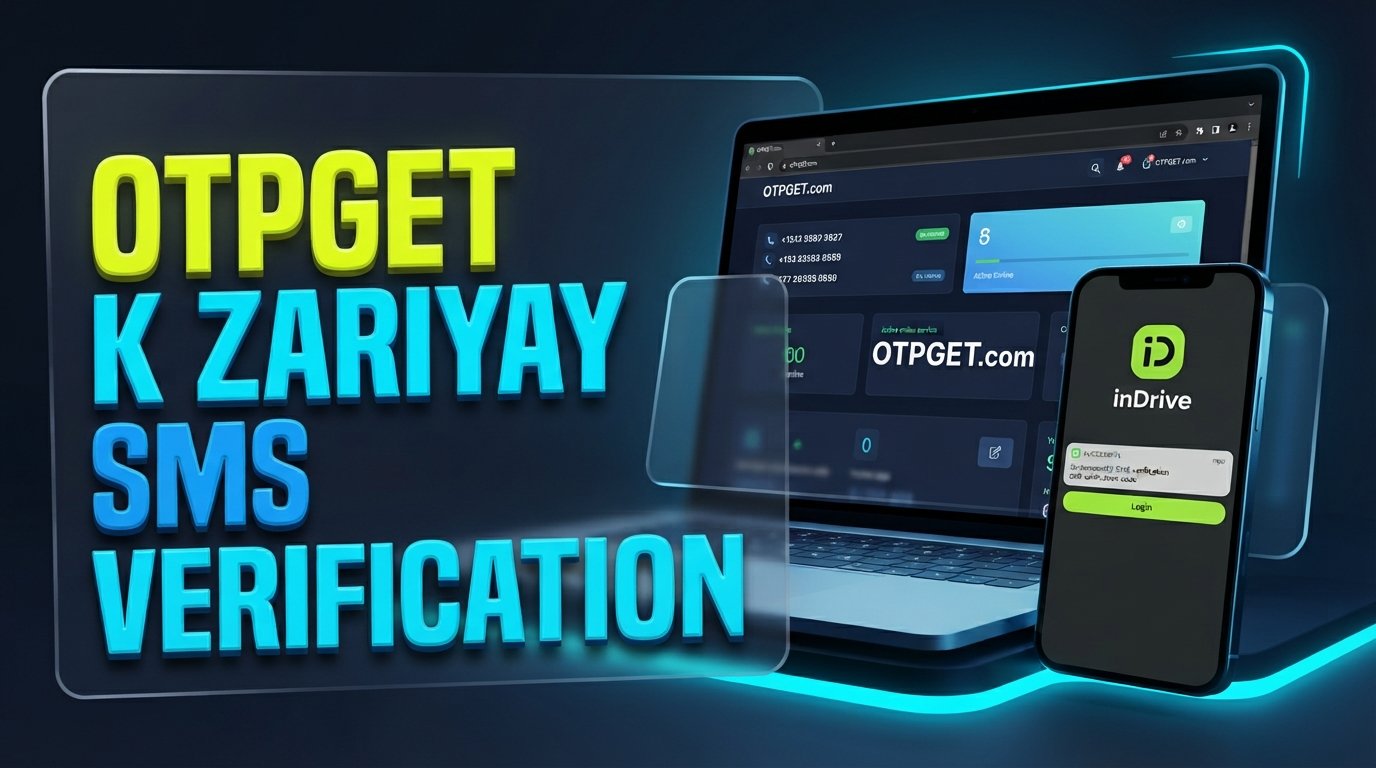
Need an inDrive Code? Get a Number on OTPGET
Need an inDrive code but the verification SMS is not arriving on your usual phone number? Whether you are registering, accessing an account, or simply need a suitable number for supported SMS verification, waiting for an OTP can quickly become frustrating.
One practical option is to use OTPGET to obtain an available number for supported verification purposes. Instead of relying only on your personal phone number, you can check whether a suitable online number is available and use it where the inDrive phone-number field accepts it.
Of course, no verification method works universally. OTP delivery can depend on the number itself, SMS and carrier conditions, number availability, and inDrive's verification system. Still, when you need an alternative inDrive verification number, OTPGET can be a convenient option to explore.
What Is an inDrive Verification Code?
An inDrive verification code is a one-time password, commonly called an OTP, sent to a phone number during a verification process.
The basic process is straightforward:
- You provide a phone number to inDrive.
- inDrive sends an SMS containing a verification code.
- You receive the message on the selected number.
- You enter the code in the appropriate verification field.
- The service checks the code and, if accepted, continues the verification process.
This type of SMS verification helps connect an account or verification attempt with access to a phone number.
If you do not receive the message, however, the process can stop there. That is why people searching for an inDrive OTP, an inDrive number, or a suitable phone number for OTP verification may consider an online number service.
Why You Might Not Receive an inDrive OTP
Not receiving an inDrive OTP code does not necessarily mean that something is wrong with your account. SMS delivery can be affected by several factors.
Common possibilities include:
- SMS delays: The verification message may take some time to arrive.
- Incorrect number entry: A single incorrect digit can prevent delivery.
- Carrier or network problems: Local network conditions can affect incoming SMS.
- Number availability: Not every phone number is available or suitable for every service.
- Temporary service issues: The verification system or SMS infrastructure may experience interruptions.
- Repeated requests: Requesting several codes in a short period may complicate the process.
- Number restrictions: Some platforms may not accept certain temporary, virtual, or previously used numbers.
Before trying another option, double-check the number you entered and give the SMS a little time to arrive.
If your personal number still cannot receive the required message, an available number from a service such as OTPGET may be worth considering for supported verification use.
Need an inDrive Code? Here's Where OTPGET Comes In
If you need an inDrive code and your usual phone number is not suitable for the verification process, OTPGET provides a practical place to look for an available number for supported SMS or OTP verification.
The idea is simple: instead of using only your personal phone number, you can obtain an available number through OTPGET and use that number where the inDrive verification process accepts it.
This can be useful when you:
- Need a number specifically for an online SMS verification process.
- Prefer not to use your personal number where an alternative is appropriate.
- Need to receive a supported verification SMS online.
- Want to try an available temporary or virtual phone number for an eligible verification purpose.
The important word is supported. A number being available does not automatically mean that inDrive will accept it or that an OTP will be delivered successfully. Acceptance and delivery remain dependent on inDrive's verification system, the selected number, and SMS delivery conditions.
That makes OTPGET a practical option to explore rather than a guarantee of successful verification.
How to Get a Number on OTPGET for inDrive Verification
If you want to try OTPGET for an inDrive verification code, the general workflow is simple.
1. Visit OTPGET
Start by visiting OTPGET and looking for an available number suitable for the verification service you need.
2. Choose an Available Number
Select a number that is available for the relevant SMS or OTP verification purpose. Availability can vary, so not every number will necessarily be suitable for inDrive.
3. Select the Relevant Verification Option
If OTPGET provides a service or verification selection relevant to your request, choose the appropriate option. Interface labels and available choices can change, so follow the options currently shown on the service.
4. Enter the Number in inDrive
Use the selected OTPGET number in the phone-number field provided by inDrive, provided that the number format and service are accepted.
5. Request the Verification Code
Continue through the inDrive verification process and request the SMS verification code.
6. Check OTPGET for the Incoming SMS
Return to OTPGET and check whether the expected verification message has arrived.
7. Enter the Code in inDrive
If the SMS is received and contains the required verification code, enter it into the appropriate inDrive verification field.
If the message does not arrive, avoid repeatedly requesting codes. Check the number, wait briefly, and consider whether the selected number is actually supported for the service.
Why Use OTPGET for an inDrive Code?
For someone looking for a convenient phone number for OTP, an online number can offer an alternative to using a personal mobile number.
Potentially useful advantages include:
- Convenient online access: You can check for an available number without relying exclusively on your personal SIM.
- A straightforward verification workflow: Obtain a suitable number, request the SMS, and check for the incoming message.
- Useful for supported SMS verification: An available number may be useful when the relevant service accepts it.
- Less reliance on your personal number: In situations where using your personal number is unnecessary or undesirable, another suitable number may be an option.
- Simple access to verification messages: Where supported, receiving SMS online can make the verification process more convenient.
However, convenience should not be confused with guaranteed compatibility. Some platforms restrict temporary or virtual numbers, and SMS delivery can vary.
Personal Number vs. Temporary or Virtual Number for Verification
Should you use your normal phone number or a temporary phone number for inDrive? There is no universal answer.
| Personal Phone Number | Temporary/Virtual Number |
|---|---|
| Usually better for long-term account access | Useful for supported short-term verification needs |
| Easier to retain over time | Availability can vary |
| Often preferable for account recovery | May not be accepted by every service |
| Tied directly to your personal mobile service | May provide greater separation from your personal number |
| Generally better for important accounts you expect to keep | Requires understanding of the number's access and reuse conditions |
A personal number is often the better choice for an important account that you expect to use for a long time. Permanent access to that number can matter if you later need account recovery.
A temporary or virtual phone number may be more convenient for a supported verification task, but you should understand whether the number is temporary, reusable, private, or potentially shared before depending on it.
Things to Know Before Requesting an inDrive OTP
A few simple precautions can make the verification process smoother.
Check the Number Carefully
Make sure the selected number is entered correctly and in the format required by the service.
Avoid Repeated OTP Requests
If the first message is delayed, repeatedly requesting new codes may not help. Give the SMS some time and check the receiving service again.
Confirm Number Compatibility
Not every verification number works with every platform. Temporary and virtual numbers may be restricted by some services.
Keep Your Verification Code Private
An OTP is intended for the person completing the verification process. Never give a verification code to another person who asks for it unexpectedly.
Understand the Number You Are Using
Before relying on a temporary or virtual number, understand how access to that number works and whether you can access future messages if the account requires additional verification.
Follow inDrive's Rules
Use verification numbers responsibly and in accordance with the relevant service's terms and requirements. A number should be used for legitimate account access or verification, not to bypass security or create fraudulent accounts.
Is OTPGET Right for You?
OTPGET may be useful if you need an alternative online phone number for a supported SMS verification process and do not want to rely solely on your personal number.
It can be particularly relevant when you are searching for terms such as “inDrive verification number,” “receive inDrive OTP,” or “temporary number for inDrive” and want to explore an online option.
At the same time, a personal number may be preferable for a long-term account, especially when you need dependable access to future verification messages or account recovery.
The right choice depends on what you are trying to accomplish, whether the selected number is accepted by inDrive, and whether the SMS can be delivered successfully.
8. FAQ Section
How can I get an inDrive verification code?
To get an inDrive verification code, enter a suitable phone number in the inDrive verification process and request the OTP. If you need an alternative number, you can check OTPGET for an available number suitable for supported SMS verification.
Where can I receive an inDrive OTP?
An inDrive OTP is generally delivered by SMS to the phone number entered during verification. If you are using a supported online number, you can check the corresponding OTP receiving service for the incoming message.
Can I use a temporary number for inDrive?
A temporary number for inDrive may be usable if the number is accepted by inDrive and can receive the required SMS. However, not every temporary or virtual number is guaranteed to work with every service.
How do I get an inDrive number on OTPGET?
Visit OTPGET, check the available numbers, and select one that is suitable for the supported verification purpose. Enter the number in the inDrive verification process, request the OTP, and check OTPGET for the incoming SMS if the number and service support it.
What should I do if my inDrive OTP does not arrive?
First, check that the phone number was entered correctly and wait briefly for an SMS delay. Avoid repeatedly requesting codes. If the problem continues, check whether the selected number supports the service and consider another suitable verification number.
Can I receive an inDrive verification SMS online?
You may be able to receive an inDrive verification SMS online when using an online number that supports the relevant service. OTPGET can be an option to explore for available numbers, but delivery depends on number compatibility, SMS conditions, and inDrive's verification system.
Is a virtual number suitable for inDrive verification?
A virtual number for inDrive can be suitable when the number is accepted by the service and capable of receiving the required SMS. However, acceptance varies, so a virtual number should not be assumed to work in every situation.
Why is my inDrive verification code delayed?
An inDrive OTP can be delayed because of carrier or network conditions, SMS processing, service issues, repeated OTP requests, or problems with the selected number. Check the number carefully, wait before requesting another code, and make sure the number supports the required verification process.
9. Conclusion
If you need an inDrive code and your usual phone number is not suitable for the verification process, an online number can be a practical alternative to explore.
OTPGET gives users a place to look for an available number for supported SMS and OTP verification. The basic process is straightforward: choose a suitable number, use it where accepted by inDrive, request the verification SMS, and check OTPGET for the incoming message.
Remember that OTP delivery is not guaranteed. Number availability, service restrictions, carrier conditions, SMS delivery, and inDrive's own verification system can all affect the outcome.
If you are looking for an inDrive verification number, want to receive an inDrive OTP online, or simply need another option for supported SMS verification, explore OTPGET and check the available numbers for your needs.
Final SEO Check
- Approximate word count: 1,650 words
- Primary keyword used: inDrive code
- Secondary keywords: Naturally incorporated throughout headings, body copy, and FAQ answers
- No year included: Confirmed
- H1/H2/H3 structure: Used
- FAQ section: Included with 8 long-tail questions
- OTPGET positioned as the solution: Clearly established while avoiding unsupported guarantees
- Meta description: Approximately 160 characters
- SEO title: 64 characters
- Search intent: Covers obtaining an inDrive verification code, receiving OTP online, temporary/virtual numbers, OTP delays, and using OTPGET