Amazon Phone Verification: Receive Your Code Securely with OTPGET

Amazon Phone Verification – Receive Your Code | OTPGet
Getting an Amazon verification code should be straightforward, but SMS delivery does not always go as planned. A message can be delayed, a phone number may not be available, or mobile network and carrier issues can prevent an OTP from arriving when you need it.
That is where a practical SMS verification option can make the process easier. OTPGET provides an option for users who need access to a phone number capable of receiving verification SMS for legitimate account activities, depending on availability and the requirements of the service being verified.
Whether you are trying to complete Amazon account verification, confirm access to a phone number, or resolve a delivery problem, understanding how phone verification works can help you avoid unnecessary frustration.
What Is Amazon Phone Verification?
Amazon phone verification is a security process that can involve sending a one-time password, commonly called an OTP, to a phone number associated with an account or verification attempt.
The basic process is simple:
-
Amazon requests phone verification when appropriate.
-
A verification code is sent by SMS.
-
The user receives the Amazon verification code on the relevant phone number.
-
The code is entered into the requested verification field.
-
If the code is valid and other account requirements are satisfied, the verification step can be completed.
The purpose of SMS verification is to add another layer of confidence that the person completing the action has access to the phone number being used.
An Amazon OTP is generally intended for one-time use and should be treated as sensitive information. Anyone who receives a verification code should keep it private and use it only for the legitimate verification activity for which it was requested.
Why Do You Need an Amazon Verification Code?
Phone verification can appear during different account and security situations. Amazon does not necessarily request an OTP every time someone signs in or uses an account, but additional verification may be requested when Amazon's systems determine that confirmation is appropriate.
Common situations can include:
-
Signing in to an account
-
Confirming access to a phone number
-
Completing an account-related security check
-
Verifying account information
-
Performing certain account activities that require additional confirmation
The exact verification process can depend on Amazon's systems, account settings, location, device, and other factors.
If Amazon asks you for an SMS code, the safest approach is to follow the verification instructions displayed through the legitimate Amazon service you are using. Never share an OTP with someone who contacts you unexpectedly and asks for the code.
Why You May Not Receive the Amazon OTP
An Amazon SMS code can fail to arrive for several ordinary reasons. A missing message does not necessarily mean that your account has a problem.
Here are some common causes.
Weak mobile reception
Poor network coverage can delay or prevent SMS delivery. Moving to an area with stronger reception may help.
Incorrect phone number
Check the phone number carefully, including the country or region selection. A small mistake can send the code to the wrong destination.
Carrier restrictions
Some mobile carriers or phone numbers may have restrictions affecting certain types of SMS traffic. This can be particularly relevant when using less conventional phone-number services.
Temporary SMS delays
Text messages are not always delivered instantly. Network congestion, carrier processing, or temporary service problems can cause delays.
SMS filtering
Your phone may automatically filter, block, or categorize some messages. Check your blocked numbers, spam filtering, and messaging settings.
Too many requests
Repeatedly requesting an OTP in a short period can create confusion because several codes may arrive late or an earlier code may no longer be useful. If you have already requested a code, waiting before trying again is often sensible.
How to Receive an Amazon Verification Code with OTPGET
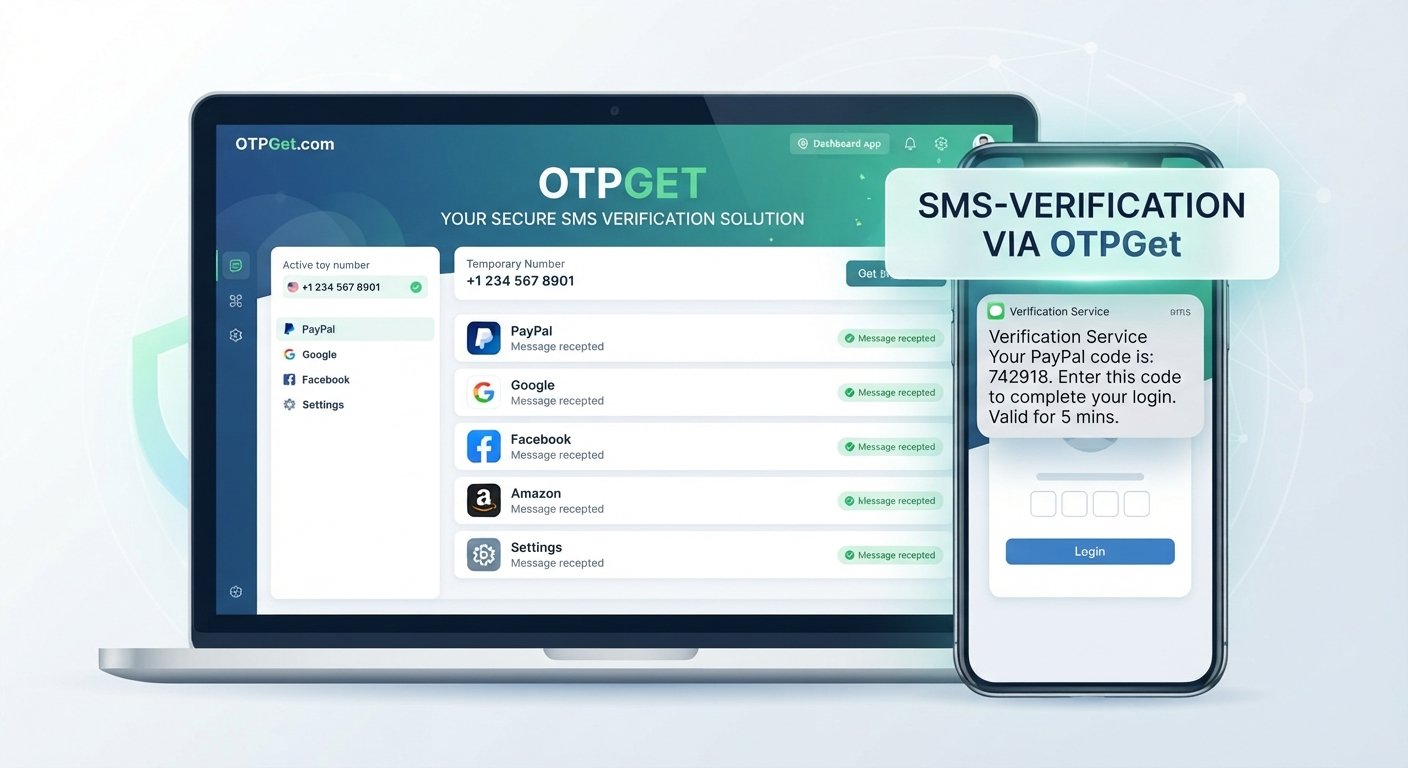
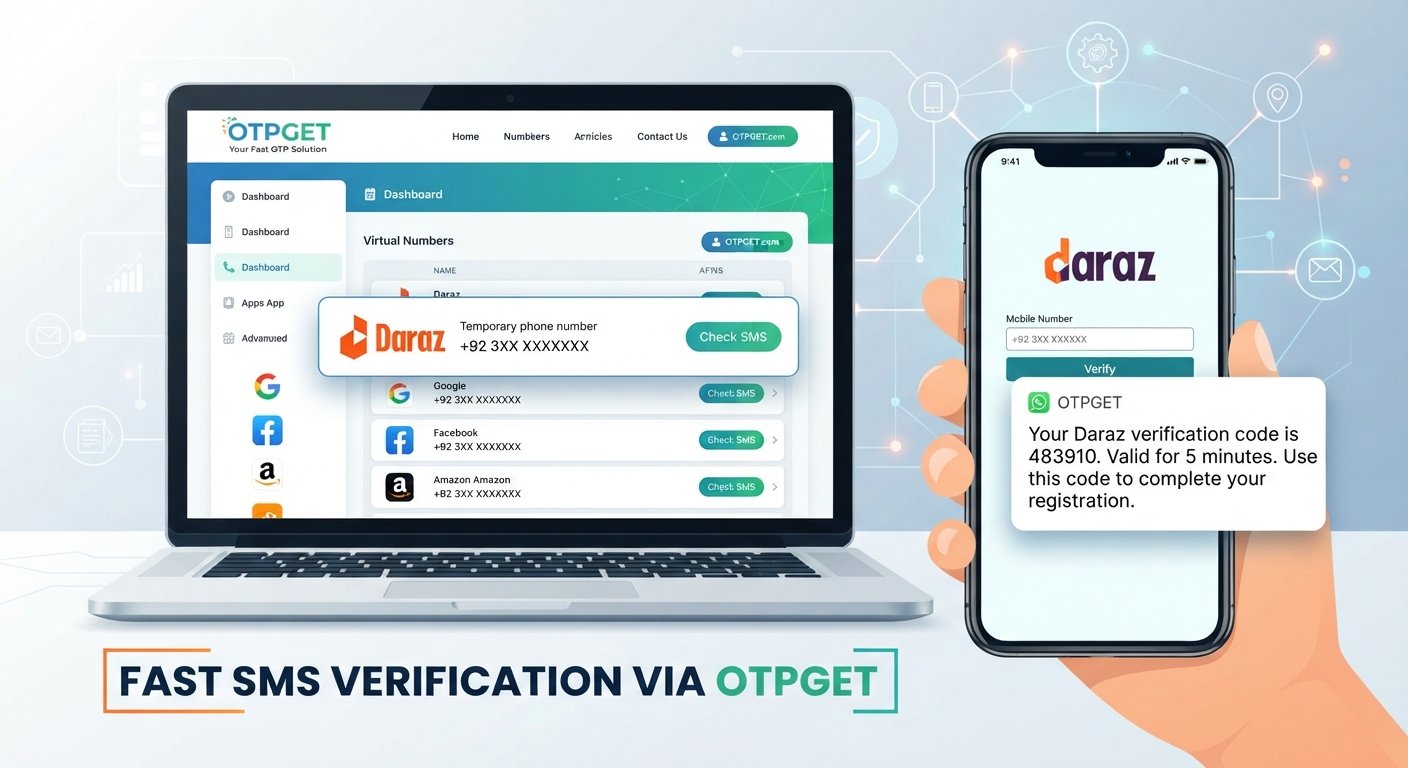
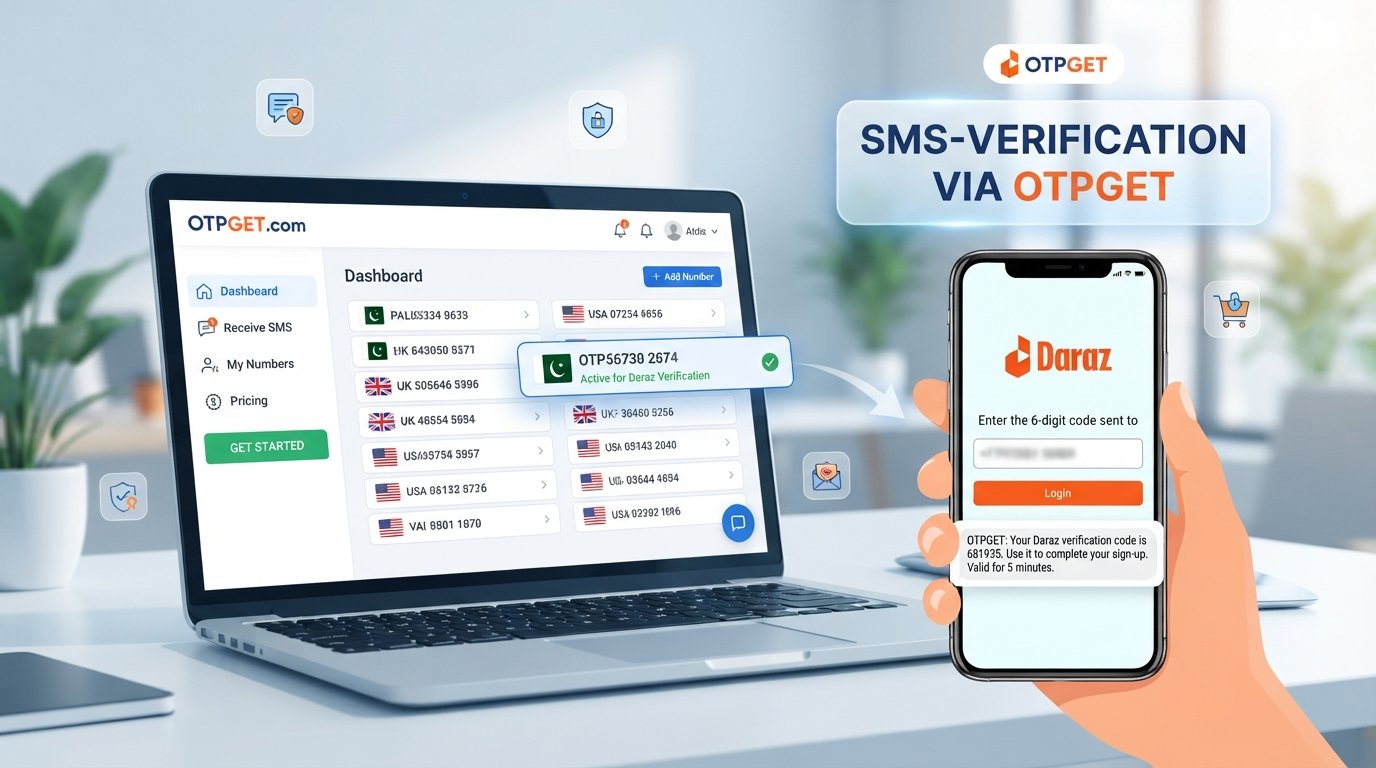
When your normal phone number is unavailable or cannot receive the required SMS, OTPGET can be a practical option for legitimate phone verification, subject to number and service availability.
The general workflow is straightforward:
-
Visit OTPGET. Start with the OTPGET service and review the available verification options.
-
Choose an appropriate phone/SMS option. Select an available number or verification option that is suitable for your legitimate use case.
-
Follow the service instructions. Complete the steps shown by OTPGET without sharing unnecessary personal or account information.
-
Use the provided number in the normal Amazon verification process. Enter the number where Amazon requests a phone number, provided that the number is appropriate for your intended account activity.
-
Request the Amazon verification code. Follow Amazon's normal verification flow and request the SMS.
-
Wait for the message. If the SMS is delivered, check the OTP through the appropriate OTPGET interface or service workflow.
-
Enter the code on Amazon. Use the received verification code only in the legitimate Amazon verification field.
Availability and acceptance can vary. Amazon controls its own verification process, while OTPGET's role is to provide an SMS-receiving option where available. Neither service should be assumed to guarantee that every number will work for every verification attempt.
Why Choose OTPGET for SMS Verification?
The main advantage of using OTPGET is convenience when you need access to an appropriate phone number for legitimate SMS verification.
Instead of repeatedly troubleshooting a phone number that cannot receive messages, an SMS verification service can provide another practical route to receiving a verification SMS.
Potentially useful benefits include:
-
Convenient SMS access: A suitable available number can help when your usual number is not practical for the verification task.
-
Simple workflow: The basic process involves obtaining an appropriate number, requesting the SMS, and using the received code for its intended verification.
-
Reduced friction: Having an SMS-receiving option can make legitimate online phone verification less frustrating.
-
Flexible verification use: OTPGET can be considered when a suitable phone number is needed for an OTP-based verification process.
The important point is to use the service responsibly. OTPGET should be viewed as a practical SMS verification option, not as a way to bypass Amazon's security controls.
Amazon OTP Not Arriving? Try These Steps
If your Amazon verification code has not appeared, work through the following checklist before repeatedly requesting another OTP:
-
Check that the entered phone number is correct.
-
Confirm the selected country or region is accurate.
-
Make sure the phone can receive SMS messages.
-
Check mobile signal and network connectivity.
-
Review blocked, filtered, or spam SMS settings.
-
Give the message some time if there may be a delivery delay.
-
Avoid requesting multiple codes one after another.
-
If several requests have already been made, wait before trying again.
-
Try again later if there appears to be a temporary delivery problem.
-
If your regular number remains unsuitable, consider an appropriate SMS verification option such as OTPGET, where available.
If Amazon displays a specific error or provides additional verification instructions, follow those instructions rather than attempting to work around them.
OTPGET vs. Common Phone Verification Problems
| Problem | Traditional Situation | How OTPGET Can Help |
|---|---|---|
| Personal number unavailable | You may be unable to receive the required SMS | Provides an alternative SMS-receiving option when available |
| SMS delivery issue | You may need to troubleshoot your existing number | Can offer another number for a legitimate verification attempt |
| Need a number for OTP verification | Finding a suitable number can be inconvenient | Provides access to available verification options |
| Repeated SMS problems | Delays can interrupt the verification process | Gives you another option to consider, subject to availability |
| Online phone verification | You need a number capable of receiving SMS | OTPGET can be considered as an SMS verification service |
The service can help with the phone-number and SMS-receiving side of the process. It does not control Amazon's verification decisions, account security systems, or code validity.
Is Using an Online Phone Number for Verification Safe?
Using an online phone number for verification requires some common-sense precautions. Not every online number service has the same policies, availability, or security practices.
Choose a reputable service and understand what you are using the number for before beginning verification.
Most importantly, keep the following principles in mind:
-
Never give your Amazon password to an SMS verification service.
-
Never share an OTP with another person.
-
Use numbers only for legitimate account and verification activities.
-
Read the applicable service terms before using an online number.
-
Be aware that some platforms may restrict or decline certain types of phone numbers.
-
Protect personal and account information throughout the verification process.
-
Follow Amazon's terms and applicable laws.
Receiving an OTP is fundamentally different from bypassing security. A legitimate verification service can provide access to SMS, but the actual account-security decision remains with Amazon.
Tips for Successful Amazon SMS Verification
A few simple habits can make phone verification less frustrating:
-
Check every digit: Verify the phone number before requesting the code.
-
Use a number capable of receiving SMS: An inactive or incompatible number will not help.
-
Avoid excessive requests: Multiple OTP requests can create delays and confusion.
-
Check message filters: Make sure verification messages are not being blocked.
-
Wait when necessary: SMS delivery may occasionally take longer than expected.
-
Keep the OTP private: Treat an Amazon OTP code like sensitive account information.
-
Use reputable services: If you need an online phone verification option, choose a service carefully.
-
Stay within legitimate account activity: Use verification services for their intended purpose rather than attempting to defeat security measures.
Frequently Asked Questions
Can I receive an Amazon verification code by SMS?
Yes, Amazon may use SMS as a method of phone verification when it requests a code. The exact verification options available can depend on the account and the circumstances of the verification request.
What should I do if my Amazon OTP is not arriving?
First, check the phone number, country or region, mobile reception, and SMS filtering settings. Avoid repeatedly requesting codes. If the problem continues, you can consider an appropriate SMS verification option such as OTPGET, depending on availability and suitability.
How can OTPGET help with Amazon phone verification?
OTPGET can provide an available phone/SMS verification option for legitimate verification use cases. You can use an appropriate number to receive a verification SMS and then enter the code through Amazon's normal verification process. Availability and Amazon's acceptance of a particular number can vary.
Can I use an online phone number to receive an OTP?
An online phone number may be capable of receiving an OTP, but compatibility depends on the service issuing the code and the number itself. There is no universal guarantee that every online number will be accepted for every verification process.
Why is Amazon asking for a phone verification code?
Amazon may request phone verification as an additional security or account-confirmation step. The exact reason can vary depending on the account, activity, device, and other security factors.
How long does an SMS verification code remain valid?
The validity period of an OTP is controlled by the service that issued it. If a code expires or becomes invalid, request a new code through the normal verification process rather than trying to reuse an old one.
Can I receive verification SMS online?
Yes, some SMS verification services provide phone numbers that can receive messages online. OTPGET is one option users can consider when they need an available number for legitimate SMS verification.
Is OTPGET suitable for SMS verification?
OTPGET can be suitable for users who need an available phone/SMS option for legitimate verification purposes. Whether a particular number works depends on availability and the requirements of the service requesting verification.
Final Thoughts
Amazon phone verification is designed to add an extra layer of account protection, but receiving an OTP is not always as simple as it sounds. Network problems, incorrect numbers, carrier restrictions, SMS filtering, and temporary delivery delays can all get in the way.
The first step is always to check your existing phone number and follow Amazon's normal verification instructions. When you need another legitimate option for receiving verification SMS, OTPGET can provide a practical service to consider, depending on availability.
The key is to keep the process secure: use verification numbers responsibly, protect your OTP, never share account credentials, and never attempt to bypass Amazon's security controls.
If you need a convenient option for receiving SMS during legitimate phone verification, explore OTPGET and review the available verification options for your specific needs.