How to Get Badoo Login Without Phone Number Using OTPGET Guide
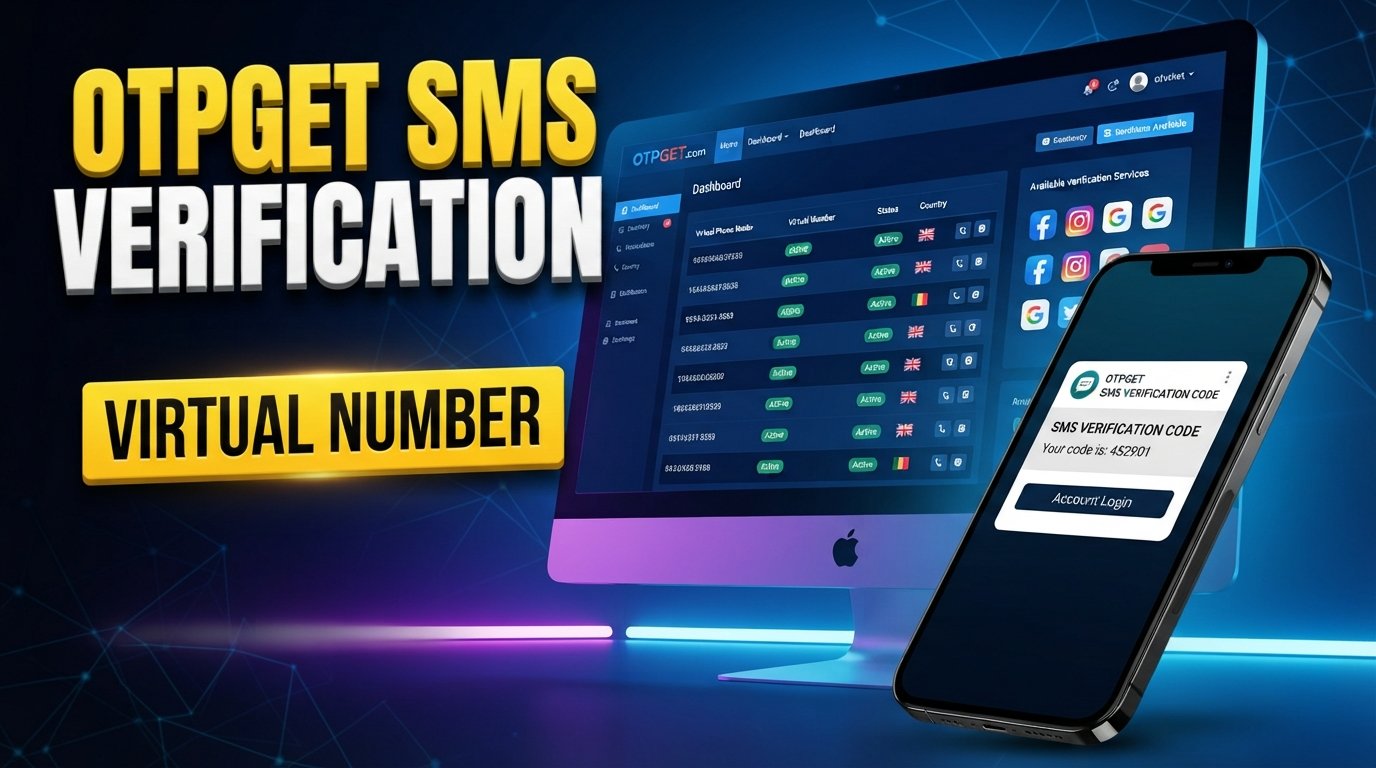
How to Get Badoo Login Without Phone Number
Trying to access Badoo without putting your personal phone number into another online service can be frustrating, especially when a verification screen appears before you can continue.
The good news is that Badoo does support several login methods, including email and certain connected accounts, depending on the platform you are using. If Badoo specifically requires phone verification, however, you generally need to complete the verification process rather than bypass it. Badoo says phone verification may be requested when creating an account, logging in with a phone number, or during a routine security check.
For users who prefer not to expose their personal number, a temporary or virtual number can be an option where the service and Badoo accept it. OTPGET provides virtual and temporary numbers intended for SMS verification workflows. Its availability and compatibility can vary, so it should be treated as an alternative verification-number service—not as an official Badoo product or a way around Badoo's security controls.
What Does “Badoo Login Without Phone Number” Mean?
The search phrase Badoo login without phone number can mean several different things.
Some people simply want to log in without using their personal mobile number. Others may have lost access to an old number and are looking for another way into an existing account. Some users may also be looking for a way to receive a Badoo verification code without connecting their everyday number to the account.
These situations are different from attempting to bypass Badoo verification.
Badoo's official support information shows that users can sign up or log in using methods such as a phone number, email address, Google account, Facebook on the app, or Apple ID on supported devices. Badoo may still request verification depending on the login or security situation.
So, the practical goal is not to defeat phone verification. Instead, it is to determine whether Badoo offers another official access method or, when phone verification is required, whether an appropriate alternative number can legitimately receive the requested code.
Why Does Badoo Ask for Phone Verification?
Phone verification is commonly used by online platforms as an additional account-security and authenticity measure.
According to Badoo's own support documentation, phone verification helps it keep the service genuine and secure and can be requested during account creation, phone-based login, or a routine security check. Badoo can send a verification code by SMS and may also offer automated phone verification in applicable situations.
Possible reasons for phone verification include:
-
Confirming control of a phone number
-
Supporting account security
-
Reducing fake or abusive account activity
-
Adding another layer of verification
-
Helping with account-access checks
The exact reason for a verification request can depend on the situation. If Badoo asks you to complete verification, follow the instructions shown by Badoo rather than trying to circumvent them.
Can You Use Badoo Without Your Personal Phone Number?
Potentially, yes—but there is an important distinction.
Not using your personal number is different from bypassing verification.
If Badoo presents another supported login option, such as email, Google, Apple ID, or another method available to your account, you can use that official option instead. Badoo's current support documentation lists these alternatives, although availability differs between the website and app.
If Badoo specifically requires phone verification, an alternative number may be considered where appropriate. A temporary or virtual phone number can receive an SMS without requiring you to expose your everyday mobile number.
That is where a service such as OTPGET can become relevant. OTPGET provides virtual numbers for supported SMS verification workflows, but whether a particular number is accepted depends on the service, country, number, and verification requirements.
For an existing account, however, recovery deserves extra attention. If you no longer control the number connected to your Badoo account, using an unrelated temporary number does not necessarily recover the original account. Badoo recommends contacting its Support team when access to an old account cannot be restored through the available login methods.
How OTPGET Can Help With Badoo SMS Verification
OTPGET can be an option when you need a temporary or virtual number for a supported SMS verification workflow. Its documentation describes a process for obtaining a number and checking the status of an incoming SMS verification code.
The general workflow is straightforward:
-
Visit OTPGET.
-
Check whether an appropriate temporary or virtual number is available for the intended verification service.
-
Select a supported number if one is available.
-
Enter the number where Badoo requests phone verification.
-
Request the Badoo verification code.
-
Check OTPGET for the incoming SMS if the selected number supports the requested service.
-
Enter the legitimate verification code into the appropriate Badoo field.
-
Complete any remaining Badoo login or verification steps.
OTPGET's own documentation makes clear that number and service availability can vary. Its API documentation also shows that numbers can be unavailable or a requested service can be unsupported, so you should not assume that every number will work for every platform.
The important point is that OTPGET is being used as a verification-number service, not as a method for bypassing Badoo's security system.
Step-by-Step: Badoo Login Without Using Your Personal Number
If your goal is simply to avoid entering your everyday phone number, use this approach:
1. Check Badoo's official login options
Start with the Badoo login screen. Depending on your device and account, you may be able to continue with email, Google, Apple ID, or another supported method instead of a phone number.
2. Determine whether phone verification is actually required
If Badoo lets you continue without phone verification, there is no reason to introduce a temporary number.
If Badoo explicitly requests a phone number and verification code, follow that process.
3. Consider an appropriate alternative number
If you do not want to use your personal number, you can consider a temporary or virtual-number service such as OTPGET, provided the number is available for the intended verification workflow.
4. Request the verification code
Enter the selected number in Badoo's phone-verification field and request the code.
5. Retrieve the OTP
If the selected number supports the service and the SMS is delivered, check OTPGET for the incoming message.
6. Enter the code
Use the legitimate verification code in Badoo's verification field. Badoo notes that verification codes can expire, so using the latest code promptly is important.
7. Complete the remaining steps
Finish the Badoo login process and follow any additional verification or identity checks that Badoo displays.
If Badoo requests identity or age verification, a temporary number does not replace that requirement. Badoo may ask users to complete additional identity checks when applicable.
Why People Use a Temporary or Virtual Number for Badoo
There are legitimate reasons to keep a personal mobile number separate from online accounts.
For example, you may want to:
-
Keep your primary number private
-
Separate personal and online activity
-
Avoid giving your everyday number to every service
-
Use a dedicated number for a particular online workflow
-
Manage verification messages separately
A virtual number exists digitally rather than being tied to the physical SIM you normally use. OTPGET describes both temporary numbers and longer-term rental numbers as options for SMS-related verification workflows.
However, privacy preferences do not remove the responsibility to use the service honestly. A temporary number should not be used for impersonation, fraud, harassment, spam, or attempts to defeat account protections.
OTPGET vs. Using Your Personal Number
| Consideration | Personal Number | Temporary/Virtual Number Through OTPGET |
|---|---|---|
| Privacy | Your everyday number is provided to the service | Can help keep your primary number separate |
| Convenience | Usually straightforward if you have the phone available | Requires finding an appropriate available number |
| Verification workflow | SMS or call goes to your phone | SMS may be received through the selected service |
| Long-term recovery | Generally more suitable if it remains under your control | A temporary number may not be appropriate for future recovery |
| Number availability | Controlled by your mobile provider | Depends on OTPGET availability and supported services |
| Reliability | Depends on mobile connectivity and delivery | Depends on the selected number, service, and SMS delivery |
| Account ownership | Number remains under your control | Control and duration depend on the number type |
Neither option is universally appropriate. For an account you expect to keep long term, make sure you understand how you will recover access if the verification number is no longer available.
Important Things to Know Before Using a Temporary Number
Before choosing a temporary number for Badoo verification, keep these points in mind:
-
Some platforms may reject temporary or virtual numbers. Acceptance is controlled by the platform receiving the number.
-
Availability can change. OTPGET may not have a suitable number for every service, country, or moment.
-
Temporary does not mean permanent. A number used for one-time verification may not be available when you later need account recovery.
-
Check Badoo's current requirements. Login and verification options can differ by account and platform.
-
Never use another person's number without permission.
-
Do not share passwords or verification codes unnecessarily. Badoo specifically advises users not to share login details or verification codes.
-
Think about recovery before completing verification. If the account will be important to you, consider which supported recovery methods you will retain.
Common Problems With Badoo SMS Verification
Verification code does not arrive
Check that the number and country selection are correct. If you are using a virtual number, confirm that the selected service supports the intended verification workflow. If the message still does not arrive, try another supported option rather than repeatedly requesting codes.
Badoo does not accept the number
Some virtual or temporary numbers may be rejected. In that situation, use another officially supported Badoo login method or a different eligible number. Do not attempt to circumvent the rejection.
The code has expired
Badoo says verification codes are valid for a limited period. Request a fresh code and use the newest one rather than relying on an older message.
The number is already associated with an account
Badoo notes that a number may already be connected to another account. If it is your old number and you are trying to regain access, use Badoo's account-recovery route rather than treating it as a new verification number.
A temporary number is unavailable
OTPGET's documentation indicates that number availability can vary and can return conditions such as no available numbers. If the desired service or country is unavailable, you may need to use another supported option.
Is OTPGET Safe to Use for Badoo Verification?
There is an important distinction between using a verification-number service and treating that service as an official part of Badoo.
OTPGET should not be represented as affiliated with, endorsed by, or partnered with Badoo unless that relationship is explicitly confirmed. It is a separate service that provides virtual-number and SMS-verification functionality.
Before using any third-party verification service, review its terms and privacy information and understand what information you provide. OTPGET publishes its own policies covering temporary and rental numbers.
For account security, never give a third party your Badoo password merely to receive an SMS. Also avoid sharing verification codes with other people. Badoo explicitly advises users to protect their login details and verification codes.
Most importantly, a temporary number should complement a legitimate verification process—not replace Badoo's security, identity, or account-recovery requirements.
Frequently Asked Questions
1. Can I log into Badoo without my personal phone number?
Possibly. Badoo supports several login methods, including email and selected connected accounts. If Badoo specifically requires phone verification, you may need to provide an eligible number and complete the requested verification.
2. Can I use a temporary number for Badoo verification?
A temporary number can be considered if it is available and accepted for the verification workflow. However, Badoo may reject particular virtual or temporary numbers, so there is no universal guarantee.
3. What is the Badoo verification code?
It is a one-time code Badoo sends during applicable verification processes. Badoo can send a code by SMS and may also use an automated phone-verification process.
4. Can OTPGET receive a Badoo OTP?
OTPGET provides temporary and virtual numbers intended for SMS verification, and its system supports checking incoming verification messages. Whether a Badoo OTP is delivered depends on the selected number and whether Badoo accepts it.
5. Why is my Badoo SMS code not arriving?
Check the number, country selection, phone connectivity, and whether the code was requested recently. Badoo recommends requesting a new code w


