Balance Not Updated? What to Check First Before Contacting Support
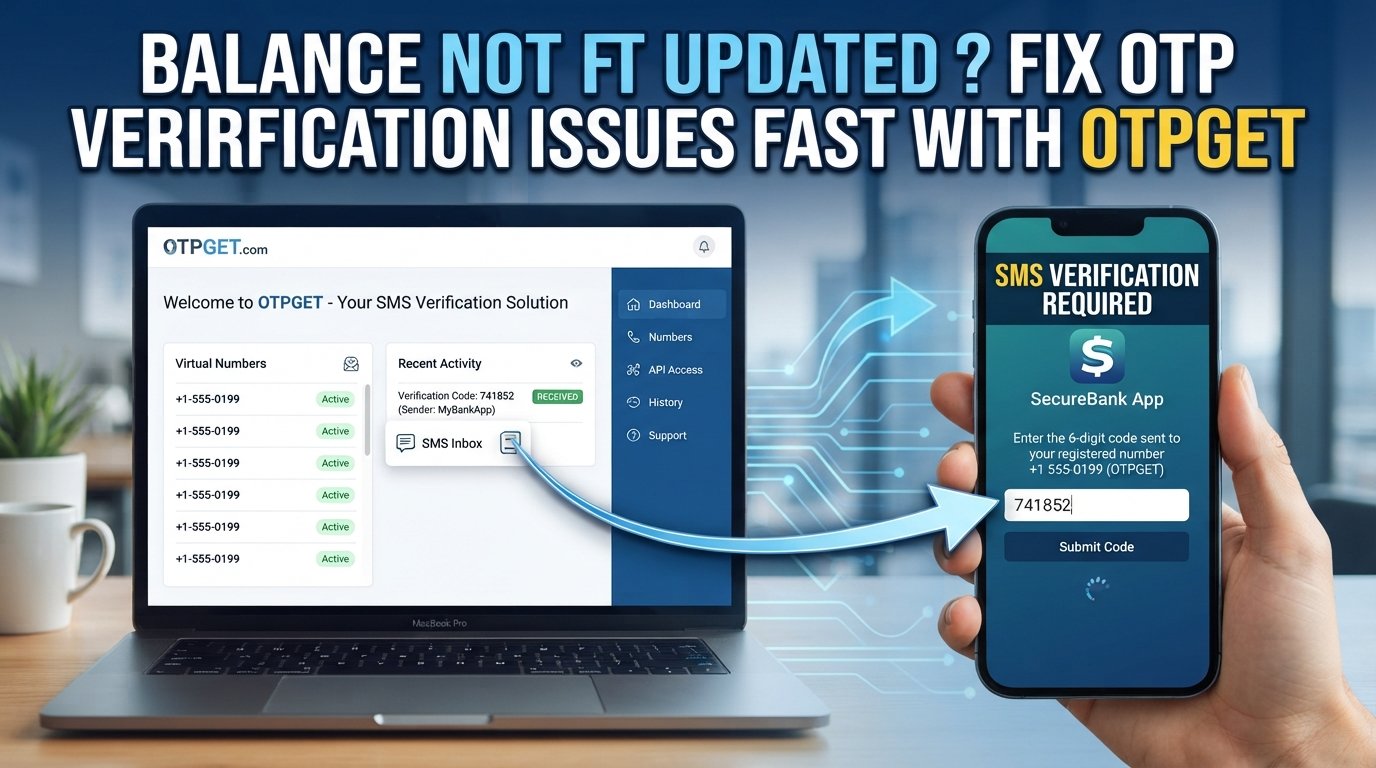
Balance Not Updated? What to Check First
You complete a payment, transfer, deposit, or other account action—and then check your balance only to find that nothing has changed. It is frustrating, especially when you are not sure whether the transaction went through.
The good news is that a balance not updated does not automatically mean the transaction failed. The payment may still be processing, the provider may not have synchronized the account yet, or a required verification step may still be incomplete.
Before contacting support, there are several practical things you can check. If OTP or SMS verification is part of the process, OTPGET can also help with the verification side of the problem by providing supported OTP/SMS reception tools.
Why Is My Balance Not Updated?
A delayed balance can happen for several different reasons. Understanding the difference between them makes troubleshooting much easier.
The transaction is still processing
Some payments and transfers are not reflected immediately. A transaction may first appear as pending while the payment provider, merchant, bank, or account system processes it.
The payment is pending
A pending status usually means the system has not yet finalized the transaction. In this situation, repeatedly attempting the same payment can create additional confusion or even duplicate transactions.
The provider has not synchronized the balance
The transaction record and displayed balance do not always refresh at exactly the same moment. A transaction may already appear in your history while the headline balance is still waiting for an update.
A technical issue is affecting the account
Temporary service interruptions, application errors, browser problems, network issues, or synchronization delays can prevent the latest account information from appearing correctly.
Verification has not been completed
Some transactions or account actions require an additional identity or security check. If an OTP or verification code is required and you cannot receive it, the transaction may not progress as expected.
SMS or OTP delivery is delayed
If the verification code is sent by SMS, mobile-network conditions, message filtering, carrier delays, or other delivery issues can prevent the code from arriving promptly.
The important point is that not every balance update delay is an OTP problem. First determine what stage the transaction has reached.
What to Check First When Your Balance Hasn't Updated
Work through these checks in order before assuming something has gone wrong.
Check the Transaction Status
Start with the transaction itself.
Look for a status such as:
-
Pending
-
Processing
-
Completed
-
Failed
-
Cancelled
-
Reversed
A pending transaction requires a different response from a failed one. If the transaction is marked completed but your balance still looks unchanged, that is useful information to provide to the relevant provider.
Check Your Transaction History
Your transaction history can be more informative than the main balance displayed at the top of an app or dashboard.
Look for the transaction amount, date, status, and reference number. If the transaction appears in your history but the balance has not changed, the issue may be related to account synchronization or balance display rather than the transaction itself.
Confirm the Payment Details
Double-check the basics:
-
Transaction amount
-
Recipient or destination account
-
Payment method
-
Transaction reference
-
Date and time
-
Account used for the transaction
This step is especially important if you have multiple accounts, payment methods, or recipients.
Check for OTP or Verification Messages
Some account actions require OTP verification before they can be completed.
Check whether the service requested a verification code. Look at your SMS inbox and notifications, and make sure you are checking the correct phone number or verification channel.
If the OTP never arrives, avoid repeatedly requesting codes without checking the service's instructions. Multiple requests can sometimes make it harder to determine which code is current.
Check SMS and Network Connectivity
A delayed OTP may have nothing to do with the transaction itself.
Check whether your phone has a stable network connection and whether other SMS messages are arriving normally. Also check blocked messages, spam filters, notification settings, and whether the phone number associated with the account is correct.
If you are using an OTP service for a supported verification workflow, the availability of the service and number can also affect the process.
Refresh or Reopen the Account
Try basic account troubleshooting:
-
Refresh the page.
-
Close and reopen the application.
-
Sign out and sign back in if appropriate.
-
Try the provider's official website or application again.
-
Check whether the transaction history has changed.
Do not repeatedly submit the same payment simply because the displayed balance has not refreshed.
Contact the Relevant Provider if Necessary
If the transaction remains unresolved, contact the organization responsible for processing it. Depending on the situation, that could be your bank, wallet provider, merchant, payment processor, or account service.
Keep your transaction reference, amount, approximate time, and screenshots available. These details can help support staff investigate the transaction more efficiently.
How OTPGET Can Help With OTP and Verification Issues
When a balance not updated problem is actually connected to incomplete OTP or SMS verification, the verification step deserves separate attention.
OTPGET provides tools for OTP verification workflows, including virtual phone numbers for receiving supported SMS verification codes. Its documentation also describes APIs for requesting numbers and checking received SMS codes, while its platform provides virtual numbers and other verification-related services.
This can be useful when the obstacle is specifically receiving a required verification message, rather than the financial system itself failing to update.
For example, if a supported service requires an SMS OTP before an account action can be completed, the verification workflow may depend on successfully receiving that message. OTPGET can provide a practical way to handle supported SMS verification requirements without confusing the verification process with the underlying transaction.
Depending on the service and workflow, OTPGET offers options such as temporary virtual numbers, longer-term rental numbers, and API-based OTP functionality.
The distinction is important: OTPGET can help with OTP/SMS verification, but it does not directly control a bank, wallet, merchant, or other financial provider's balance system. If a transaction has already been verified and completed but the balance remains unchanged, the relevant financial or payment provider is still responsible for investigating that balance discrepancy.
Quick Troubleshooting Checklist
If you need a fast answer, run through this checklist:
-
Check the transaction status.
-
Review your transaction history.
-
Confirm the amount and payment details.
-
Check the transaction reference.
-
See whether OTP verification was required.
-
Check your SMS inbox and network connection.
-
Look for blocked or filtered verification messages.
-
Refresh or reopen the account.
-
Check whether the transaction is still pending.
-
Avoid submitting duplicate payments while investigating.
-
Contact the relevant provider if the issue continues.
-
Consider OTPGET when OTP/SMS verification is the specific obstacle.
When Should You Contact Support?
Basic troubleshooting is useful, but there are situations where the provider needs to investigate the transaction directly.
Contact the relevant support team if:
-
Money was deducted but the balance remains unchanged.
-
A transaction stays pending for an unusually long period.
-
A transaction shows as completed but the expected funds are missing.
-
A payment was unexpectedly reversed.
-
You cannot receive the required OTP after repeated legitimate attempts.
-
Account verification is preventing you from completing the required action.
-
You cannot find the transaction reference.
-
You suspect a duplicate transaction.
-
The displayed transaction information conflicts with your actual account activity.
When contacting support, explain what happened in chronological order. Include the transaction reference, amount, status shown in the account, and any relevant error or verification message. Avoid sharing passwords, full authentication codes, or other sensitive credentials with anyone who does not legitimately need them.
Conclusion
A balance not updated message can have several causes, and the fastest way to narrow it down is to separate the problem into stages.
First, check the transaction status and transaction history. Then confirm the payment details and determine whether the transaction is pending, completed, failed, or reversed. If an OTP or SMS verification step is involved, check whether the verification message was actually received.
If the specific obstacle is receiving an OTP or SMS verification code, OTPGET can provide supported verification tools, including virtual numbers and OTP/SMS functionality.
Just remember that OTP verification and balance processing are separate parts of the overall workflow. OTPGET can help with the verification side; the relevant bank, wallet, merchant, or payment provider controls the actual transaction and balance update.
If OTP delivery is the part slowing you down, explore OTPGET to see whether its supported verification options fit your use case.


