Bangladesh Telegram Not Working? Fix OTP Verification with OTPGET
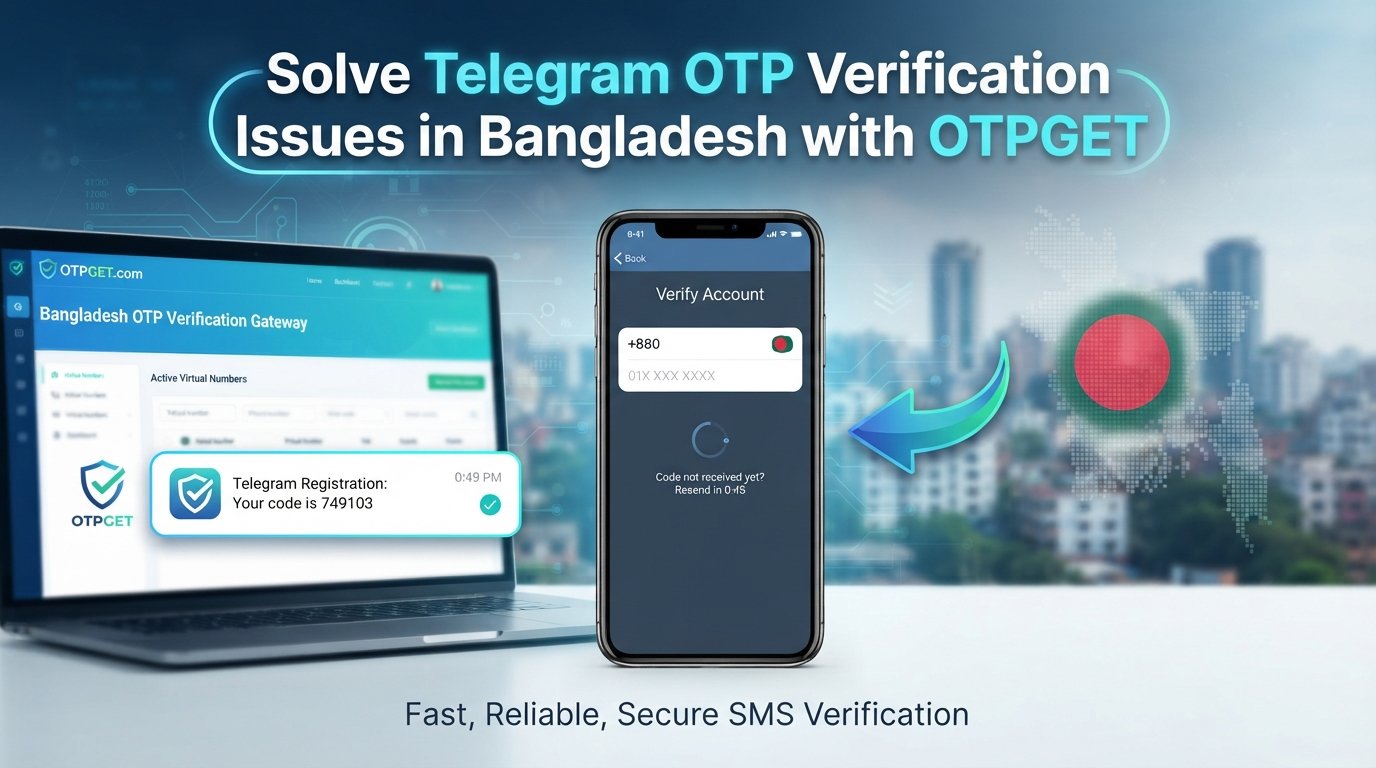
Bangladesh Telegram Not Working? Fix with OTPGet
Trying to use Telegram in Bangladesh only to find that the app isn't working as expected can be frustrating. You may have a stable internet connection but still be unable to log in, create an account, or complete phone-number verification because the Telegram OTP hasn't arrived.
Sometimes the issue is related to connectivity. In other cases, the problem is specifically with SMS delivery or the verification process. That distinction matters because changing your internet connection won't necessarily solve an SMS verification problem.
If you've already checked the basics and the main obstacle is receiving a verification code, an OTP service such as OTPGET can be a practical option to consider. Before turning to an alternative verification method, however, it's worth understanding why the problem happens and what you can try first.
Why Is Telegram Not Working in Bangladesh?
"Telegram not working" can describe several different problems. The first step is figuring out whether you're dealing with an access issue, an application issue, or a Telegram verification problem.
Possible causes include:
- An unstable or unavailable internet connection
- Delays in receiving SMS messages
- Phone-number verification difficulties
- An incorrectly entered phone number or country code
- Temporary mobile-carrier or service issues
- Problems with the Telegram app or device
- A Telegram login or registration issue
- Delays or difficulties delivering a Telegram verification code
These causes aren't necessarily connected. For example, Telegram may open normally while your Telegram OTP is still not received. Likewise, your phone may receive ordinary text messages while a particular verification message is delayed.
That's why troubleshooting should focus on the exact stage where things stop working.
Telegram OTP Not Received? Here's What to Check
If your Telegram verification code hasn't arrived, don't immediately assume that your account or phone is unusable. A few basic checks can eliminate common problems.
1. Check your phone number
Make sure you've entered the correct number and selected the appropriate country code. A small mistake here can prevent the verification process from reaching the intended number.
2. Check your mobile connection
Confirm that your phone has a functioning mobile connection and can receive SMS messages normally. If other messages are also delayed, the issue may not be specific to Telegram.
3. Wait before requesting another code
Repeatedly requesting verification codes in quick succession isn't always helpful. Give the current request some time before trying again, and follow any instructions shown by Telegram.
4. Check whether Telegram is already active elsewhere
Telegram may use an available verification method depending on your account and circumstances. If you're already signed in on another device, check the available Telegram verification instructions rather than assuming an SMS must always be the only option.
5. Restart or update the app
If the application itself appears to be malfunctioning, restarting Telegram or updating it can be a sensible troubleshooting step.
6. Follow Telegram's available verification options
Pay attention to the options displayed during login or registration. Telegram may provide different verification instructions depending on the situation.
The goal is to identify whether you're facing a general Telegram login issue or specifically a Telegram OTP not received problem.
Why Telegram Verification Can Become a Problem
Internet access and SMS verification are two different things.
You might have a perfectly good internet connection and be able to browse websites, use other apps, and communicate online. Yet when Telegram asks for a phone-number verification code, the SMS may not arrive as expected.
There are several stages involved:
- You enter a phone number.
- Telegram starts its verification process.
- A verification method becomes available.
- You receive the relevant code or follow the provided verification instructions.
- You enter the code and complete account verification.
A problem at the SMS stage can stop the entire process even when everything else appears normal.
This is why troubleshooting your internet connection alone may not resolve a Telegram verification problem. If the main obstacle is obtaining an OTP, an OTP receiving service can become a useful alternative to investigate.
How OTPGET Can Help
OTPGET is designed around the broader need for receiving verification codes through an OTP service. For someone whose main difficulty is obtaining a code needed during a supported verification process, it can provide a practical option to consider.
The important point is to use OTPGET according to its current instructions and the verification options available to you. Exact availability, supported services, numbers, and procedures can vary, so you shouldn't assume that every option is available in every situation.
A general process may look like this:
- Visit OTPGET.
- Review the available verification or OTP options.
- Select the relevant option if Telegram verification is supported.
- Follow the instructions provided by OTPGET.
- Use the relevant number or verification method as instructed.
- Wait for the verification code.
- Enter the received code into Telegram when appropriate.
- Complete the remaining Telegram verification steps.
This approach can be particularly useful when the central problem isn't Telegram itself but the difficulty of obtaining the required verification code.
OTPGET should be viewed as a practical OTP verification option—not as a promise that every Telegram verification attempt will work under every circumstance.
OTPGET vs. Repeatedly Trying to Receive an SMS
When a Telegram SMS code doesn't arrive, repeatedly pressing the request-code button can be tempting. However, more requests don't necessarily address the underlying delivery problem.
| Approach | What it helps with |
|---|---|
| Check your phone and network | Identifies basic connectivity or SMS problems |
| Wait and retry carefully | Allows time for a delayed verification message |
| Check Telegram's available options | Helps identify alternative official verification methods |
| Use an OTP service such as OTPGET | Provides another option when obtaining a verification code is the main difficulty |
The best approach depends on what's causing your Telegram login problem.
If the issue is simply an incorrect number, an OTP service won't fix it. If your phone has no mobile connectivity, that needs to be addressed first. But when the main obstacle is receiving an OTP, OTPGET can be a straightforward option to explore.
How to Use OTPGET for Telegram Verification
If you've never used an OTP service before, keep the process simple and follow the platform's current instructions rather than relying on outdated tutorials.
Step 1: Open OTPGET
Start by visiting the OTPGET platform and reviewing the available options.
Step 2: Look for the relevant verification service
If Telegram is supported and the appropriate option is available, select it according to the instructions displayed on the platform.
Step 3: Follow the provided instructions
Use the number or verification method exactly as OTPGET instructs. Don't guess at required fields or procedures.
Step 4: Start the Telegram verification process
Return to Telegram and enter the relevant information required for account login or registration.
Step 5: Wait for the OTP
Allow the verification process time to deliver the code. Avoid repeatedly restarting the process without a reason.
Step 6: Enter the code
When the verification code is available, enter it into Telegram as instructed.
Always rely on the current on-screen instructions from both Telegram and OTPGET. Verification workflows can change, and the options shown to you may differ from those available to another user.
Common Telegram Verification Problems in Bangladesh
A number of different issues can look almost identical from the user's perspective.
Telegram OTP not received: The requested verification message hasn't arrived, making it impossible to continue.
Telegram verification code not received: You may have completed the initial login steps but remain stuck waiting for the code.
Telegram SMS code delayed: The message may take longer than expected to arrive, so waiting and checking normal SMS delivery can be worthwhile.
Telegram login problem: Login can fail because of verification, account, application, or connectivity issues.
Telegram registration problem: New users may encounter difficulties during phone-number verification before an account can be activated.
Telegram phone-number verification issue: An incorrect number, country code, or delivery problem can prevent successful verification.
Telegram not sending code: The verification process may appear to stall, leaving the user unsure whether to retry or use another available option.
Identifying the specific problem makes troubleshooting much easier. If everything works until the verification-code stage, the issue is more likely related to verification than general Telegram connectivity.
Tips for a Smoother Telegram Verification Experience
A few simple habits can reduce unnecessary problems during Telegram account verification:
- Double-check your phone number before starting.
- Confirm that the country code is correct.
- Make sure your mobile connection is functioning normally.
- Check whether your phone can receive ordinary SMS messages.
- Avoid requesting multiple codes repeatedly within a short period.
- Keep Telegram updated.
- Restart the application if it appears to be behaving unexpectedly.
- Follow Telegram's official verification instructions.
- If necessary, consider a legitimate OTP solution such as OTPGET.
- Never share a verification code unnecessarily with another person.
Your OTP is sensitive account information. Treat it like a password and only enter it where you're confident it belongs.
Why Choose OTPGET?
When the main obstacle is a missing or difficult-to-receive verification code, the problem can feel much bigger than it actually is. You may have working internet access, a functioning phone, and an otherwise normal Telegram installation, yet still be unable to complete account verification.
That's where an OTP service can make sense.
OTPGET offers a practical option for users who need an OTP verification solution and want to explore an alternative approach to receiving a verification code. Instead of repeatedly focusing on the same failed SMS attempt, you can review the options available through OTPGET and follow its instructions where the service is supported.
The key benefit is simplicity: identify the verification problem, check the available options, and use the appropriate OTP process.
There are no guarantees that an alternative verification method will resolve every Telegram issue. But when OTP delivery is the specific obstacle, OTPGET is a useful solution to consider.
Frequently Asked Questions
Why is Telegram not working in Bangladesh?
Telegram may appear not to work for several reasons, including internet connectivity, application problems, account issues, SMS delivery delays, or phone-number verification difficulties. Identify the stage where the problem occurs before choosing a solution.
Why am I not receiving my Telegram OTP?
Check your phone number, country code, mobile connection, and normal SMS delivery. You should also wait before repeatedly requesting another code and review any verification options Telegram provides.
How can I fix the Telegram verification code problem?
Start with basic troubleshooting. Confirm your number, check SMS reception, make sure Telegram is updated, and follow the verification instructions displayed by Telegram. If receiving an OTP remains the main obstacle, an OTP service may be worth considering.
Can OTPGET help with Telegram verification?
OTPGET can be a practical option to explore when the difficulty is obtaining an OTP and the relevant Telegram verification option is supported. Follow the current instructions provided by OTPGET rather than assuming a particular process or availability.
What should I do if Telegram does not send an SMS code?
First, verify your phone number and country code and check whether your phone can receive other SMS messages. Wait before requesting another code, and review the verification options Telegram makes available.
Why is my Telegram verification code delayed?
A verification message can be affected by factors such as SMS delivery or temporary service issues. If ordinary SMS works but the Telegram code doesn't arrive, follow Telegram's available verification instructions and consider an appropriate OTP solution if necessary.
Is an OTP service useful for Telegram account verification?
It can be useful when the primary challenge is receiving a verification code. However, an OTP service doesn't automatically solve unrelated account, device, connectivity, or application problems.
What should I do if Telegram verification still doesn't work?
Review your phone number, network, SMS reception, Telegram application, and available verification options. If OTP delivery is still the main issue, explore OTPGET and follow its current instructions where the relevant service is supported.
Final Thoughts
A Bangladesh Telegram Not Working problem doesn't always mean that Telegram itself is broken. In many cases, the real obstacle is more specific: a missing verification code, delayed SMS, incorrect phone number, or difficulty completing phone-number verification.
Start with the basics. Check your number and country code, confirm your mobile connection, make sure SMS messages are working, avoid repeatedly requesting codes, and follow Telegram's available verification instructions.
If you've narrowed the problem down to OTP delivery, OTPGET provides a practical option to explore for receiving a verification code where the relevant service is supported. Follow the platform's current instructions and use verification codes responsibly.
When Telegram login or registration is blocked by an OTP problem, taking a structured approach is usually better than repeatedly trying the same step. Explore OTPGET, check the available verification option, and follow the instructions carefully to move toward completing your Telegram verification process.


