Best Practices for Managing Multiple Accounts Efficiently
Best Practices for Managing Multiple Accounts Efficiently
Managing several online accounts can quickly become more complicated than it seems. One account might be for work, another for a business activity, and others for different services or projects. Each may have separate credentials, verification requirements, login routines, and account information to keep track of.
The challenge becomes even greater when accounts require repeated OTP verification. Finding the correct verification code, knowing which account it belongs to, and completing the verification process without mixing up information can create unnecessary friction.
The good news is that managing multiple accounts does not have to be chaotic. With a consistent system, secure credential practices, and an organized approach to verification, you can make account management more predictable and efficient.
This guide explains the best practices for managing multiple accounts, including how to organize account information, handle verification requirements, and where an OTP-focused solution such as OTPGET can fit into the process.
[Internal Link: Online Account Management Guide]
Why Managing Multiple Accounts Can Become Difficult
The more accounts you manage, the more opportunities there are for information to become mixed up.
A few common challenges include:
- Remembering which account belongs to which service or purpose
- Keeping credentials organized
- Separating personal and business accounts
- Handling repeated account verification
- Managing multiple OTP or verification codes
- Tracking whether an account has been fully set up
- Maintaining appropriate security practices
- Identifying accounts that are no longer necessary
Verification can be particularly confusing. If several accounts require OTP codes around the same time, it can become difficult to distinguish one verification process from another.
This is why multiple account management is less about simply having access to several accounts and more about having a repeatable system for organizing them.
Best Practices for Managing Multiple Accounts
There is no single system that works for everyone, but a few account management best practices can make a noticeable difference.
1. Keep Accounts Organized
Start by categorizing accounts according to their purpose.
For example, you might separate accounts into:
- Personal accounts
- Business accounts
- Client or project accounts
- Testing accounts
- Service-specific accounts
Maintain a clear record of each account's purpose and associated service. This makes it easier to identify an account without relying on memory.
Avoid keeping important account information scattered across random notes, browser tabs, or messages. A consistent organization method reduces confusion and makes future account maintenance easier.
2. Use Strong and Unique Credentials
Credential management is one of the foundations of secure account management.
Avoid using the same password across multiple accounts. If one account's credentials are compromised, reused credentials can potentially create problems across other services.
A reputable password manager can help you generate and store strong, unique credentials without requiring you to memorize every password individually.
Where supported, use additional security controls such as multi-factor authentication and keep recovery information appropriately protected.
[Internal Link: Account Security Guide]
3. Separate Personal and Business Accounts
Mixing personal and business accounts can make account organization unnecessarily difficult.
Keeping the two categories separate helps clarify ownership, purpose, credentials, and verification requirements. It can also make it easier to identify which accounts need attention when reviewing your digital accounts.
For teams or businesses, clearly documenting account ownership and responsibilities can provide additional clarity.
4. Keep Verification Information Organized
Account verification deserves its own place in your management process.
When multiple accounts require verification codes, confusion can occur if you do not know which code belongs to which account or which verification step is currently pending.
Before beginning an account setup or verification process, identify:
- Which account you are working with
- What service requires verification
- What type of verification is required
- Where the verification code will be received
- Whether the verification step has been completed
A simple, consistent workflow can prevent small verification tasks from becoming a larger organizational problem.
5. Use a Reliable OTP Solution
OTP verification is often one of the most repetitive parts of managing multiple accounts. When several account setup or verification processes involve one-time codes, having an OTP-focused solution can make that part of the workflow easier to manage.
OTPGET can be a practical option for users who need an OTP-focused solution for account verification workflows. Rather than treating every verification request as a completely separate task, users can incorporate their OTP requirements into a more structured account-management process.
The important point is to use an OTP service appropriately and in accordance with the requirements and policies of the relevant platform or service.
OTPGET should be viewed as a solution for the verification portion of account management, not as a replacement for good credential management, account organization, or security practices.
[Internal Link: OTP Verification Guide]
6. Track Account Status
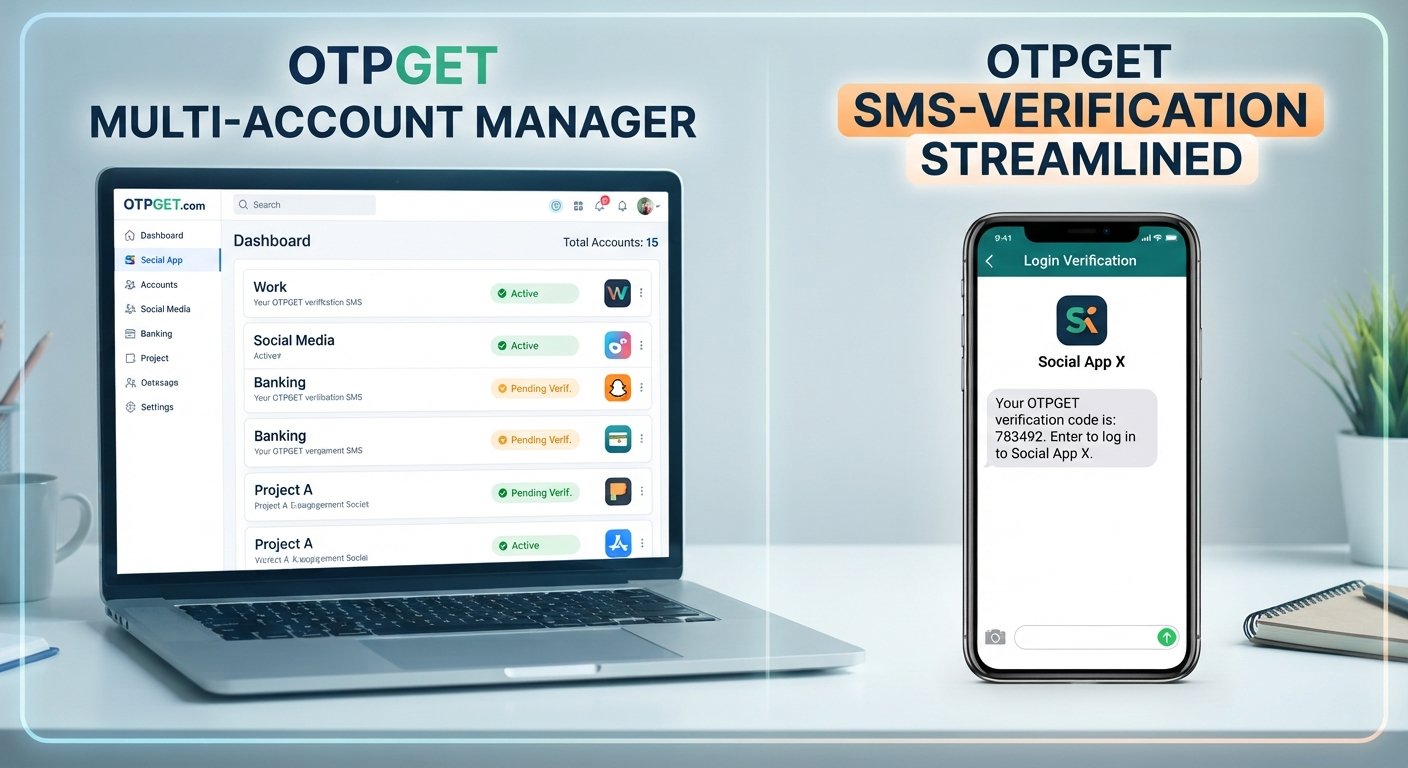
Knowing whether an account is active, pending verification, fully configured, or no longer needed can save time.
Consider maintaining a simple account-status list with fields such as:
- Account or service name
- Purpose
- Status
- Verification status
- Date of last review
- Notes about required actions
You do not need a complicated system. The goal is simply to maintain enough visibility that you know what needs attention.
7. Review Account Security Regularly
Account management should include periodic security reviews.
Check whether credentials are still appropriate, whether recovery information is up to date, and whether unnecessary access remains enabled. If a service supports stronger authentication options, evaluate whether they are suitable for the account.
Regular reviews can also help identify accounts you no longer use.
8. Remove or Close Unnecessary Accounts
Unused accounts can create unnecessary organizational overhead.
If an account is no longer needed, determine whether it should be closed, deactivated, or otherwise removed according to the service's procedures.
Reducing the number of accounts you actively manage makes it easier to focus attention on the accounts that actually matter.
How OTPGET Can Simplify Multiple Account Management
When managing multiple accounts, verification can become a bottleneck simply because it is repeated so often.
Every account may have its own setup process, and some services require a verification code before an account can be activated or a particular action can be completed. If several verification processes are happening at once, keeping everything straight becomes part of the challenge.
OTPGET fits into this specific part of the workflow.
An OTP-focused service can give users a more structured way to approach OTP-related verification requirements instead of treating verification as an afterthought. For users handling multiple account setup or verification processes, this can make the overall workflow easier to organize.
A practical approach is to identify the verification requirement first, then use an appropriate OTP solution where permitted and suitable.
OTPGET can therefore be considered as one component of a broader multiple-account management strategy:
Organize accounts → secure credentials → identify verification requirements → manage OTP verification → track account status → review regularly
This distinction matters. An OTP service does not replace secure passwords, careful account organization, or responsible account usage. Instead, it can address the specific challenge of managing OTP-related verification requirements.
Common Mistakes to Avoid When Managing Multiple Accounts
Even a well-organized system can break down when basic habits are overlooked.
Here are several common mistakes to avoid:
Reusing passwords: Using identical credentials across accounts increases the potential impact of a compromised password.
Mixing account credentials: Keeping credentials or account details together without clear identification can lead to mistakes during login or setup.
Losing track of verification details: When several accounts require OTP verification, unclear records can result in unnecessary delays or confusion.
Using unsuitable verification methods: Always consider the requirements and rules of the service you are accessing before choosing a verification approach.
Ignoring account security: Organization is useful, but it should not come at the expense of secure account practices.
Creating unnecessary accounts: More accounts mean more credentials, verification requirements, and maintenance.
Failing to document account status: Without basic tracking, it can become difficult to tell which accounts are active or still require action.
Treating every account identically: Different accounts can have different purposes, security requirements, and verification processes. Your system should be flexible enough to accommodate those differences.
A Simple Workflow for Managing Multiple Accounts
A repeatable workflow can make multiple account management much easier.
1. Identify and Categorize Accounts
Create a clear list of the accounts you manage and group them according to purpose.
2. Record Account Purpose
Document why each account exists. This is especially useful when you manage accounts for different projects or services.
3. Secure Credentials
Use strong, unique credentials and an appropriate credential-management method.
4. Identify Verification Requirements
Before starting account setup, determine whether the service requires OTP verification, email verification, authentication apps, or another method.
5. Organize OTP Verification
When OTP verification is required and permitted, use an appropriate OTP solution. OTPGET can fit into this stage for users who need an OTP-focused option for their verification workflow.
6. Complete Account Verification
Enter the required verification information and confirm that the account has completed the necessary setup steps.
7. Track Account Status
Update your account-management record so you know whether the account is active, pending, or requires additional attention.
8. Review Accounts Periodically
Remove unnecessary accounts and review credentials, recovery information, and other account-management details as appropriate.
This workflow is simple enough for individual users while also providing a useful framework for people managing a larger collection of accounts.
Why a Structured Approach Matters
The biggest benefit of structured account management is visibility.
Instead of relying on memory, you have a defined process for knowing what accounts exist, what each account is used for, and what actions are required.
A structured approach can help with:
- Better organization
- Less confusion between accounts
- More consistent credential practices
- Easier account setup
- Clearer verification workflows
- Better visibility into account status
- More efficient routine maintenance
The objective is not to make account management complicated. It is to create enough structure that routine tasks remain manageable as the number of accounts grows.
Final Thoughts
The best practices for managing multiple accounts come down to organization, secure credential habits, clear verification procedures, and regular maintenance.
Start by categorizing accounts and keeping their purposes clear. Use strong and unique credentials, track account status, and avoid maintaining accounts you no longer need. When OTP verification becomes part of the process, treat it as a specific workflow that deserves the same level of organization as the rest of your account-management routine.
For users who need an OTP-focused solution, OTPGET can be a practical option to explore for relevant account verification requirements. Used as part of a broader account-management strategy, it can help bring more structure to the verification portion of the process.
The goal is simple: fewer mix-ups, clearer workflows, and a more organized approach to managing your digital accounts.
FAQ
What are the best practices for managing multiple accounts?
The best practices include organizing accounts by purpose, using strong and unique credentials, separating personal and business accounts, tracking account status, and keeping verification requirements organized. Regularly reviewing and removing unnecessary accounts can also make multiple account management easier and more efficient.
How can I organize multiple online accounts?
Start by creating categories based on account purpose, such as personal, business, project, or service accounts. Keep account information clearly identified and use a secure method for managing credentials. A simple status tracker can also help you monitor setup, verification, active accounts, and accounts that need attention.
How do I manage OTP verification for multiple accounts?
First, identify which account requires verification and what type of OTP process the relevant service uses. Keep verification tasks clearly separated and track their status. Where permitted and appropriate, an OTP-focused service such as OTPGET can be incorporated into the verification portion of your account-management workflow.
What is OTP verification?
OTP verification uses a one-time password or code to confirm an action, identity, or account-related request. The code is generally intended for a single verification event and should be handled carefully. The exact verification process depends on the service or platform requesting the code.
How can OTPGET help with account verification?
OTPGET can be a practical option for users who need an OTP-focused solution for account verification workflows. It can fit into the verification stage of a broader account-management process, particularly when users are handling multiple account setup or verification requirements.
What should I avoid when managing multiple accounts?
Avoid reusing passwords, mixing credentials between accounts, losing track of verification requirements, and maintaining unnecessary accounts. It is also important not to assume that every account has identical security or verification requirements. Keep account information organized and follow each service's applicable rules.
How can I keep multiple accounts organized and secure?
Use clear account categories, unique credentials, appropriate security controls, and a consistent record of account status. Keep verification processes organized and review your accounts periodically. Removing accounts you no longer need can further reduce administrative complexity and help you maintain better visibility.
INTERNAL LINK SUGGESTIONS
- [Internal Link: Account Security Guide] — Link from the discussion of strong credentials, authentication, and security reviews.
- [Internal Link: OTP Verification Guide] — Link from the sections covering OTP verification and OTP management.
- [Internal Link: Online Account Management Guide] — Link from the introduction or account-organization section.
- [Internal Link: Password Management Guide] — Link from the discussion of unique credentials and password managers.
- [Internal Link: Account Verification Guide] — Link from the workflow covering account setup and verification requirements.


