Bigo Live OTP Number: How to Receive SMS Code with OTPGET Online
Bigo Live OTP Number – Receive SMS Code
Trying to complete Bigo Live phone verification but waiting for an SMS code can be frustrating. Sometimes the message arrives late, the number is entered incorrectly, or the verification request simply does not go through as expected.
A Bigo Live OTP Number can be useful when you need a suitable number for receiving an SMS verification code. Instead of relying only on your personal phone number, an SMS receiving service such as OTPGET may provide a practical option for situations where an appropriate verification number is needed.
This guide explains what a Bigo Live OTP is, why verification codes may be required, what to do when an SMS does not arrive, and how OTPGET can fit into the verification process. It also covers privacy, security, and the limitations you should understand before using an online SMS verification number.
What Is a Bigo Live OTP Number?
An OTP, or one-time password, is a temporary verification code used to confirm that someone has access to a particular phone number or verification channel.
When Bigo Live asks for phone verification, the platform may send a Bigo Live verification code by SMS. The user then enters that code in the appropriate verification field to continue the requested account process.
The basic process is straightforward:
-
Enter a phone number where Bigo Live requests it.
-
Request an SMS verification code.
-
Receive the verification SMS.
-
Enter the latest OTP into the verification field.
-
Continue after the code is accepted.
The exact verification flow can vary depending on the account, device, region, or version of the service. Therefore, a number that works in one situation should not be assumed to work in every situation.
Bigo Live's official support guidance also recommends using its in-app Help & Feedback tools for account and technical issues.
Why Do You Need a Bigo Live Verification Code?
Phone verification is commonly used to confirm control of a phone number and add another layer to account-related processes.
A Bigo Live OTP code may be requested during activities such as:
-
Account registration or signup
-
Phone number verification
-
Login or account-related security checks
-
Confirming control of a phone number
-
Reducing automated or abusive account activity
The important point is that an OTP is an authentication credential. It should be treated as sensitive information, just like other account security details.
Bigo Live specifically warns users not to provide their one-time verification codes to people claiming to be support representatives.
If someone asks you to send them your OTP, do not share it. A legitimate verification process should involve entering the code into the relevant Bigo Live interface yourself.
Common Problems When Receiving a Bigo Live SMS Code
Not receiving a Bigo Live SMS code does not necessarily mean the verification process has failed permanently. Several issues can interrupt or delay SMS delivery.
OTP not arriving
The most obvious problem is simply not receiving the verification SMS. Wait briefly before requesting another code, since repeatedly requesting codes can create additional confusion.
Incorrect phone number
Double-check every digit and make sure the correct country or regional prefix is selected. A small formatting mistake can prevent the message from reaching the intended number.
Network problems
Weak mobile connectivity or temporary carrier problems may delay SMS messages. Check your phone connection before requesting another verification code.
Carrier filtering
Some mobile networks filter certain automated or transactional SMS messages. This can be particularly relevant when receiving messages from services outside your normal mobile network.
Too many verification attempts
Repeated requests in a short period can sometimes interfere with the verification process. If you have already requested several codes, pause and try again later rather than continuously pressing the resend button.
Unsupported numbers or regions
Not every phone number or online SMS service is necessarily accepted for every verification flow. Availability and compatibility can depend on the platform and region.
Expired OTP
Verification codes are generally intended to be used within a limited period. If you have requested a newer code, use the most recent one rather than an older message.
How to Receive a Bigo Live OTP Number With OTPGET
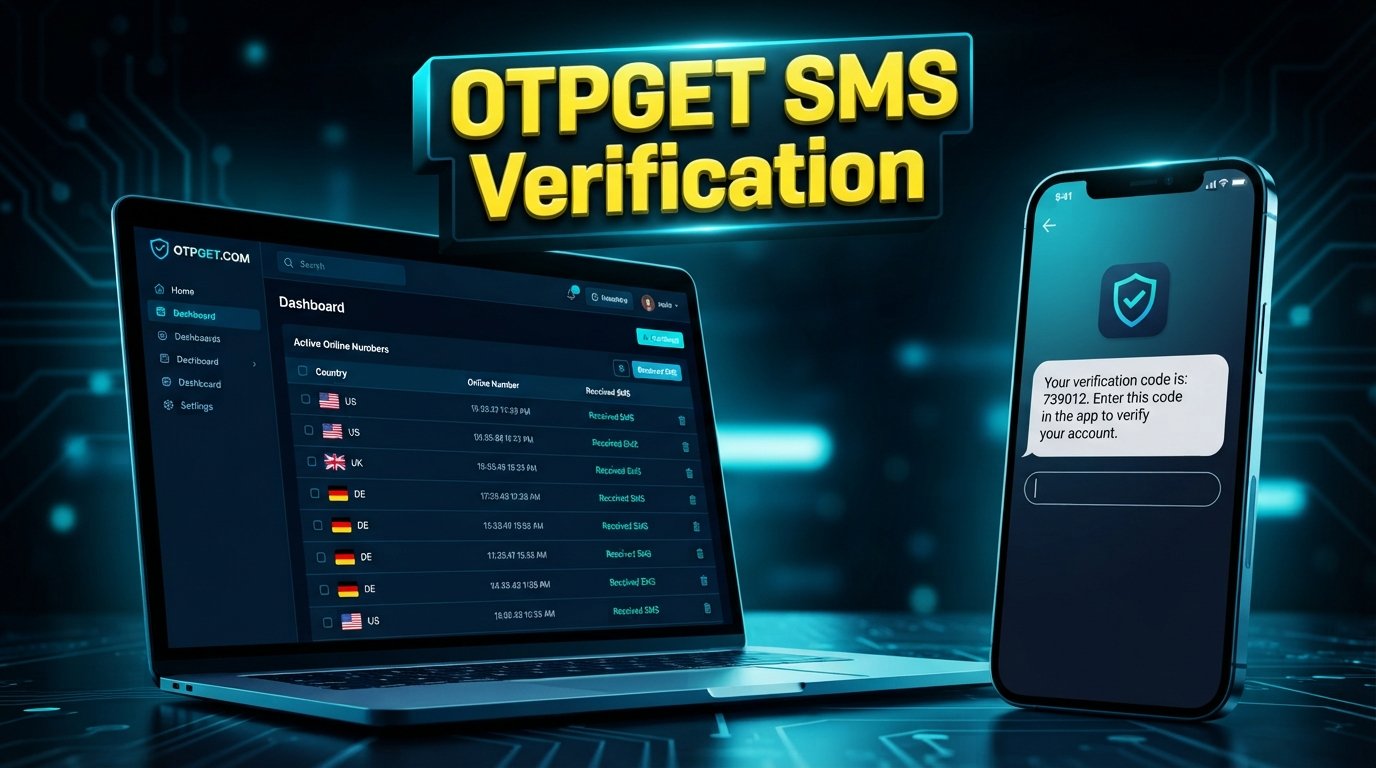
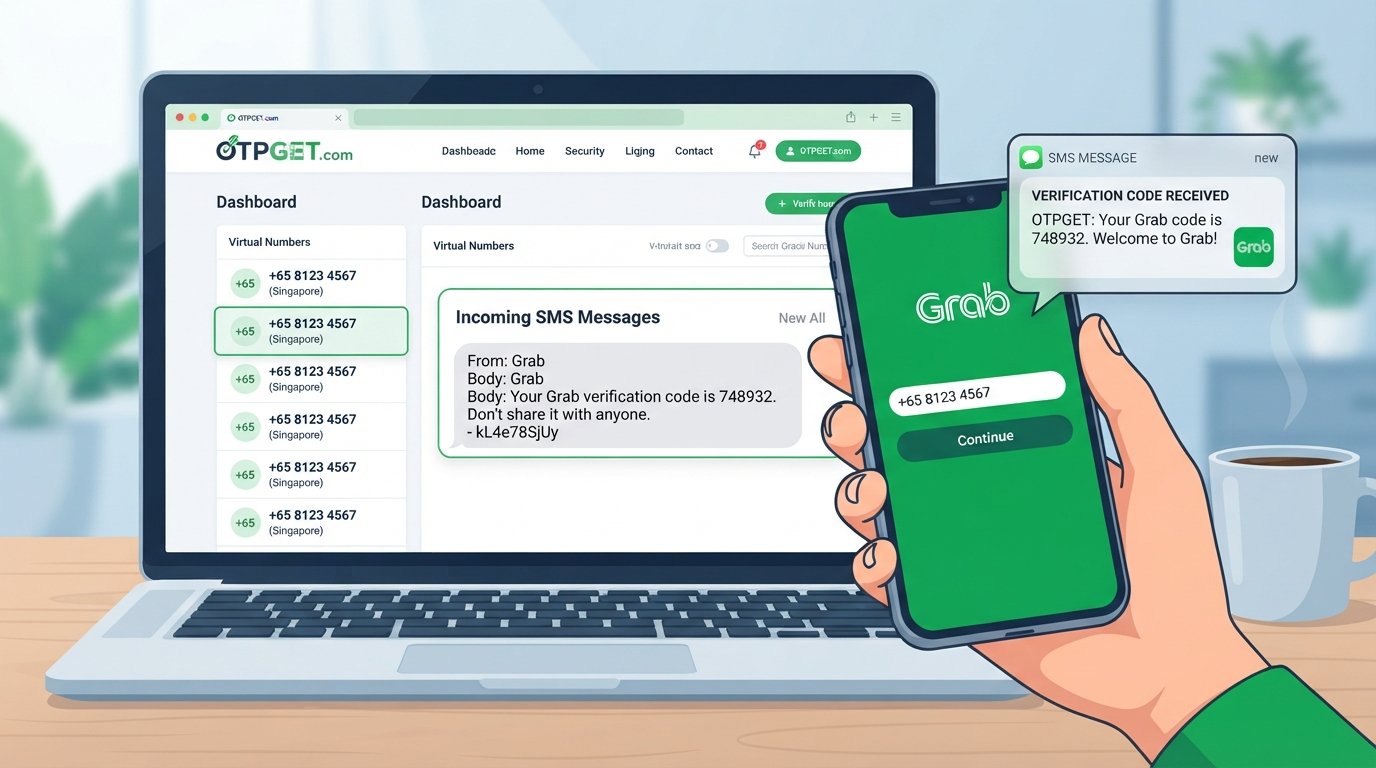
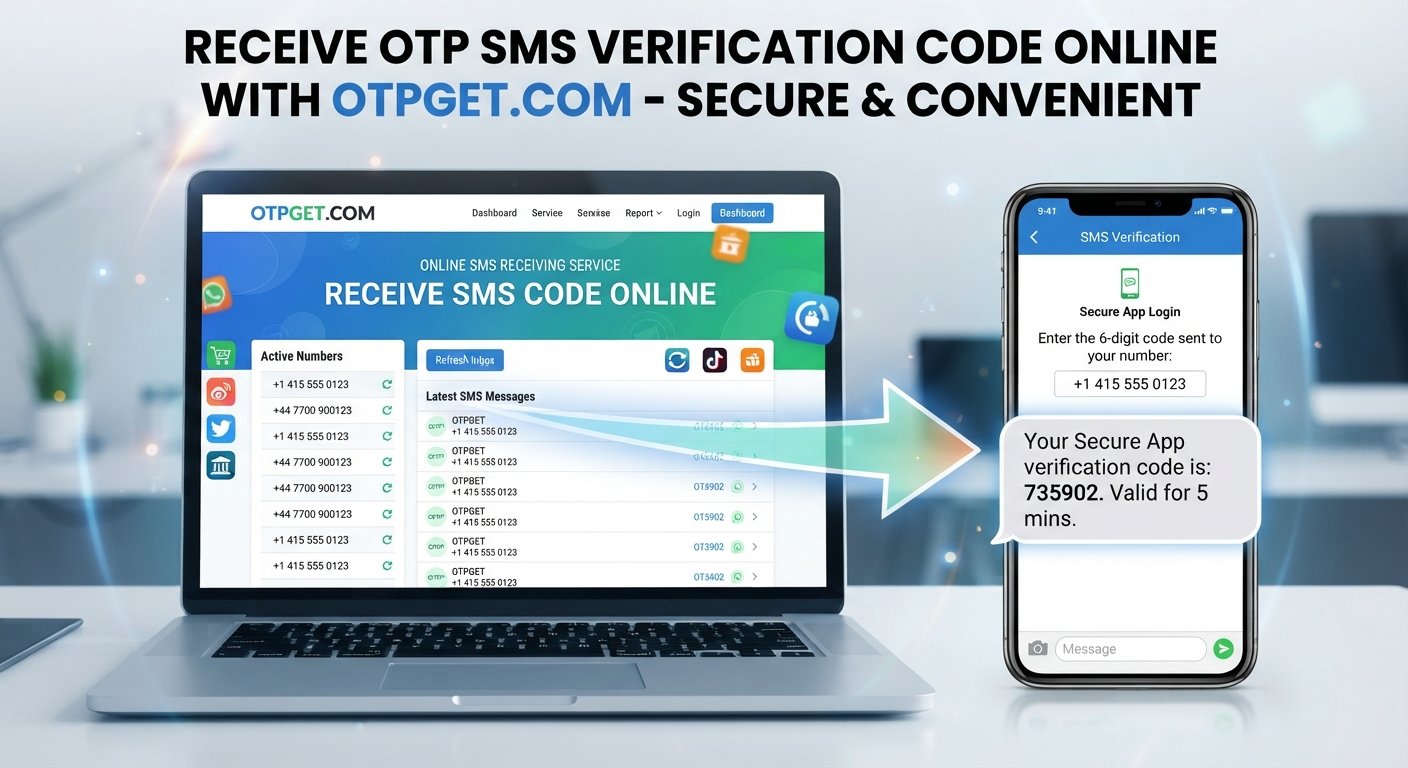
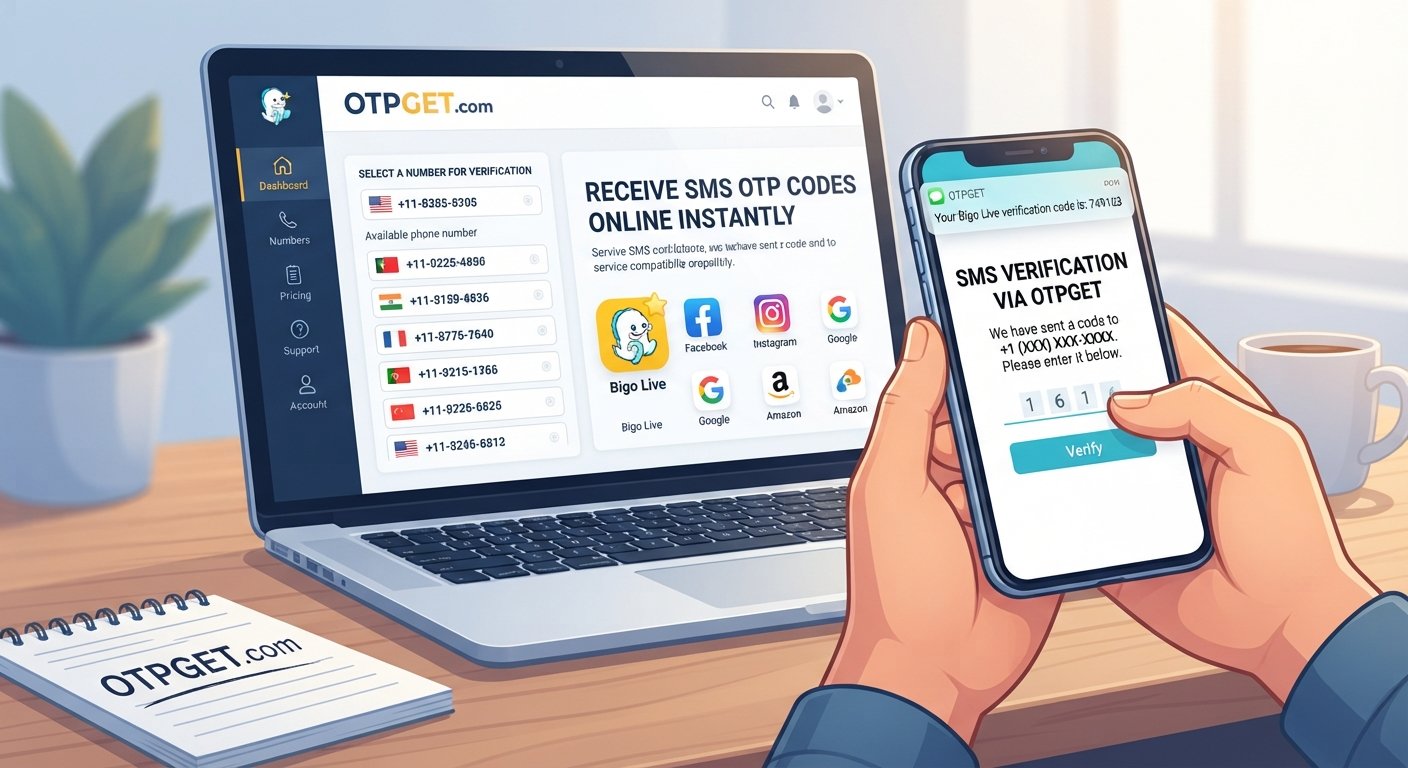
If you need an SMS receiving option for Bigo Live, OTPGET can be a practical service to explore.
The general workflow is simple, although the exact options available through OTPGET may vary:
1. Visit OTPGET
Go to [OTPGET WEBSITE URL] and review the available SMS verification options.
2. Choose an appropriate SMS or verification number
Select a suitable number or service option based on the requirements shown by OTPGET. Make sure the selected option is appropriate for the verification process you are trying to complete.
3. Enter the number in Bigo Live
When Bigo Live requests phone verification, enter the provided number carefully, including the correct country or regional format where required.
4. Request the verification code
Submit the phone verification request through the Bigo Live interface. If the number and service are supported for that verification request, the SMS may be routed to the relevant OTP receiving interface.
5. Check OTPGET for the incoming SMS
Return to OTPGET and check whether the Bigo Live verification code has been received.
6. Enter the newest code
If an OTP arrives, enter the current verification code into the appropriate Bigo Live field.
7. Complete the verification process
Follow the remaining instructions shown by Bigo Live.
It is important to understand that an SMS receiving service cannot guarantee acceptance by a third-party platform. Bigo Live may restrict certain numbers, regions, or verification methods. OTPGET should therefore be viewed as a practical SMS verification option, not as a way to bypass Bigo Live's security controls.
Why Choose OTPGET for Bigo Live SMS Verification?
For users who prefer not to use their personal number in every verification situation, an online SMS verification service can offer another option to consider.
OTPGET can be useful when you are looking for a straightforward way to receive SMS verification messages without making the process unnecessarily complicated.
Potential advantages include:
-
Convenient access to SMS verification options
-
A straightforward workflow for receiving verification messages
-
An alternative to using a personal number in suitable situations
-
A practical option for online SMS verification
-
A dedicated approach to receiving verification codes
However, the right choice depends on your situation. Number availability, supported services, regional restrictions, and platform policies can affect whether a particular verification number works.
If you are considering OTPGET for a Bigo Live verification request, check the available options and requirements before proceeding.
Explore OTPGET here: [OTPGET WEBSITE URL]
Bigo Live OTP Number vs. Personal Phone Number
Both approaches have legitimate use cases, but they are not identical.
| Feature | Personal Number | OTP/SMS Verification Number |
|---|---|---|
| Privacy | Tied directly to your personal mobile service | Can provide separation from your personal number |
| Convenience | Convenient if you already use the number regularly | Useful when you need an alternative SMS receiving option |
| SMS verification | Generally suitable for normal phone verification | Depends on platform and number compatibility |
| Reuse | May remain associated with your account | Reuse depends on the service and number |
| Control | You directly control the SIM and mobile account | Control depends on the SMS verification service |
| Long-term account use | Often preferable for important personal accounts | May not be appropriate for every long-term account |
For an important account that you expect to keep for a long time, consider whether you need continuous control of the phone number. A temporary phone number can be convenient for certain verification situations, but it may not be the best choice when future account recovery depends on the same number.
What to Do If Your Bigo Live OTP Is Not Arriving
If you are unable to receive Bigo Live OTP, work through the basics before requesting another code.
Check the number. Make sure the country code and phone number are correct.
Wait briefly. SMS delivery can sometimes be delayed.
Check your connection. Make sure your mobile service or network connection is functioning normally.
Avoid repeated requests. Requesting multiple codes quickly can make it difficult to know which OTP is current.
Use the newest code. If several messages arrive, use the latest valid verification code.
Try an appropriate alternative. If you are using an SMS verification number and the verification request is not supported, another suitable option may be necessary.
Check compatibility. An online number is not automatically accepted by every service or verification system.
Contact Bigo Live support if necessary. Bigo Live recommends using Help & Feedback inside the app for account and technical concerns. If you cannot access the app, its official support center also provides customer-service contact options.
Is Using an SMS Verification Number Safe?
An SMS verification number can be useful, but privacy and account security should come first.
Avoid publicly shared numbers when dealing with accounts or information that you consider sensitive. If multiple people can access the same SMS inbox, the verification code may not be private.
You should also:
-
Never give your OTP to another person.
-
Avoid sharing screenshots containing verification codes.
-
Use reputable SMS verification services.
-
Read the service's terms and privacy information.
-
Consider whether a temporary number is appropriate for your account.
-
Follow Bigo Live's rules and account policies.
Bigo Live advises users not to disclose passwords or one-time verification codes and warns against fake support accounts requesting sensitive information.
An OTP is meant to verify access. Treat it as confidential authentication information.
Tips for Successful Bigo Live Phone Verification
Use this quick checklist before requesting a Bigo Live SMS verification code:
-
Select the correct country or region.
-
Enter the phone number carefully.
-
Confirm the number is appropriate for the verification service.
-
Request the code only when needed.
-
Wait for delayed SMS before requesting another code.
-
Use the newest OTP received.
-
Avoid repeated verification attempts.
-
Keep the verification screen available while waiting.
-
Never share your OTP with another person.
-
Follow Bigo Live's account and security rules.
These simple steps can eliminate many common problems with Bigo Live phone verification.
Frequently Asked Questions
What is a Bigo Live OTP number?
A Bigo Live OTP number is a phone number used to receive an SMS containing a one-time verification code when Bigo Live requests phone verification. The number may be a personal mobile number or an appropriate SMS verification number.
How can I receive a Bigo Live SMS code?
Enter an appropriate phone number in the Bigo Live verification process and request the code. If you need an alternative SMS receiving option, you can explore a service such as OTPGET and check whether its available number is suitable for the verification request.
Why am I not receiving my Bigo Live OTP?
Possible causes include an incorrect number, network problems, carrier filtering, delayed SMS delivery, too many verification attempts, unsupported numbers or regions, or an expired code.
Can OTPGET help me receive a Bigo Live verification code?
OTPGET can be a practical option to explore for receiving SMS verification messages. However, compatibility depends on the number, region, service availability, and Bigo Live's verification requirements. It should not be considered a method for bypassing Bigo Live security controls.
How long does a Bigo Live OTP remain valid?
OTP validity can depend on the platform and the specific verification request. Use the newest code available and follow the instructions shown by Bigo Live rather than relying on a fixed validity period.
Is an SMS verification number safe to use?
It can be appropriate for some verification situations, but privacy depends on how the number and incoming SMS are handled. Avoid publicly shared numbers for sensitive accounts, never share OTPs, and consider whether you need long-term control of the number.
Can I use a temporary number for Bigo Live verification?
A temporary number may be suitable in some circumstances, but acceptance is not guaranteed. Bigo Live may apply its own restrictions to numbers, regions, or verification methods. For an account where future recovery is important, consider whether maintaining control of the number is necessary.
Final Thoughts
Getting a Bigo Live OTP Number is mainly about finding an appropriate way to receive the SMS verification code Bigo Live requests.
If your personal number is inconvenient for a particular verification situation, an online SMS verification service can provide another option to consider. OTPGET is a practical solution worth exploring when you need an SMS receiving option for Bigo Live.
Remember that compatibility can vary. No external service can guarantee that every number will be accepted by Bigo Live, and using an SMS verification service does not bypass the platform's security requirements.
If OTPGET fits your needs, review its available options here:
[OTPGET WEBSITE URL]
Use the verification code only for the intended verification process, keep it private, and follow Bigo Live's rules throughout the process.