Grab OTP Number – Receive SMS Code Online | OTPGET Online Guide
Grab OTP Number – Receive SMS Code Online
Getting an SMS verification code can be surprisingly inconvenient. You may need to verify an account, test an application, complete a temporary signup, or keep testing activity separate from your everyday phone number. In situations like these, using an online number to receive an SMS code can be a practical alternative.
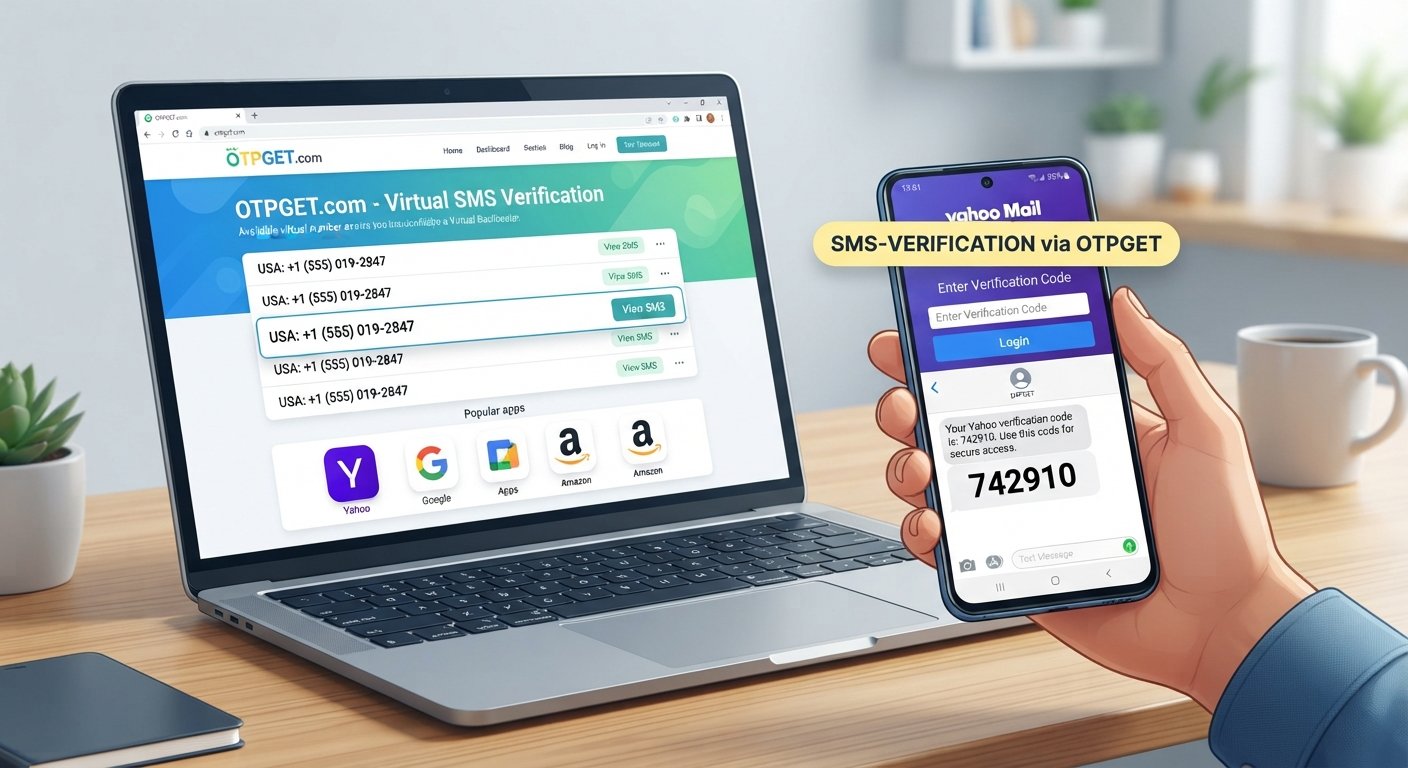
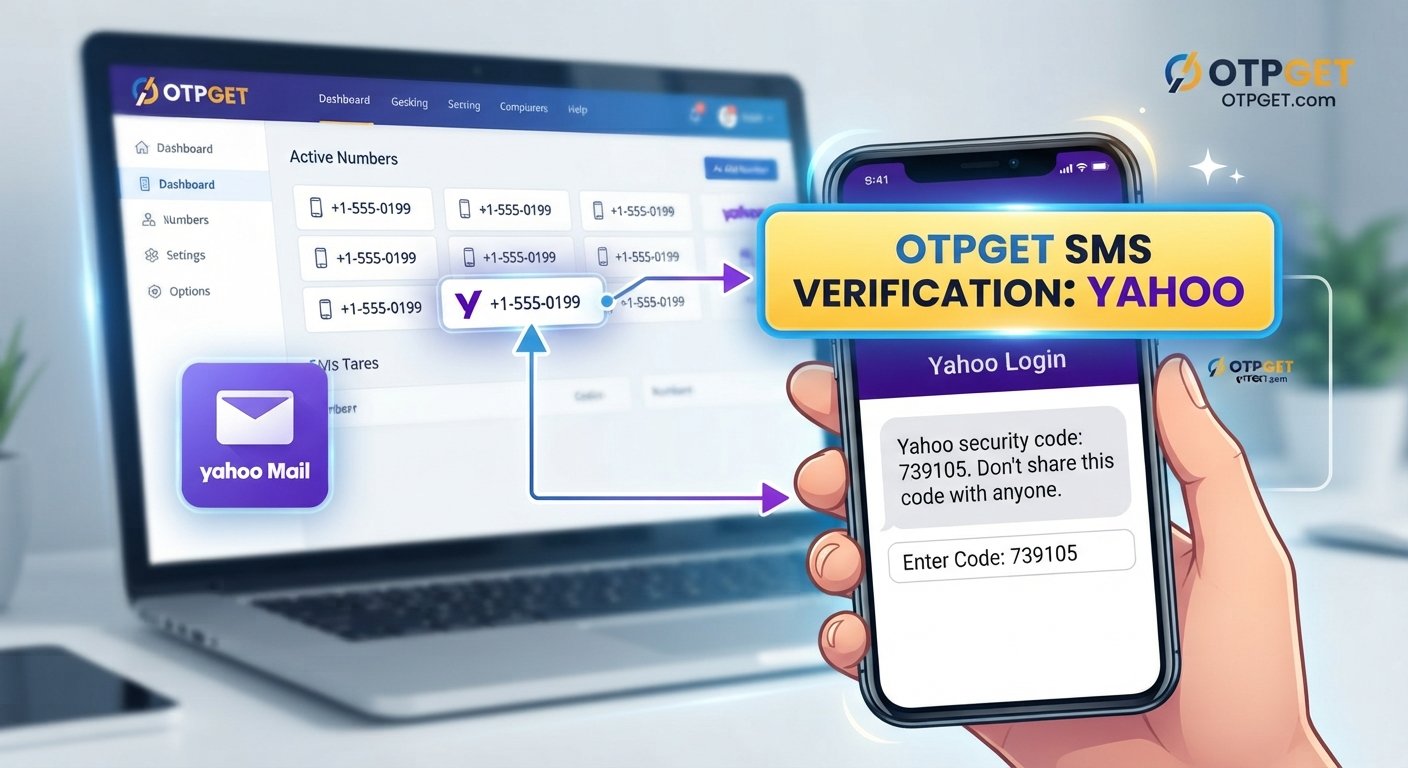
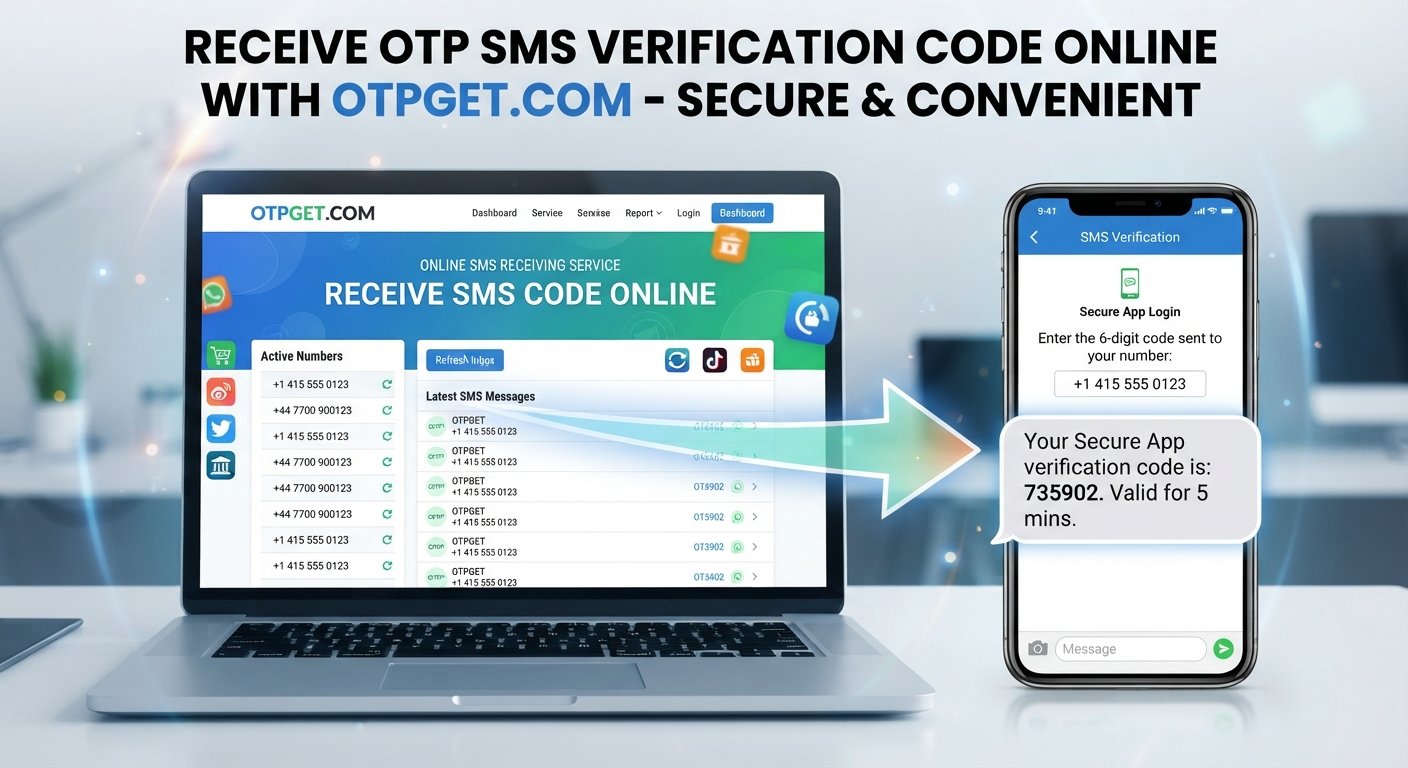
An online SMS receiving service gives you access to a virtual number and an online inbox where incoming verification messages can be viewed. Instead of relying entirely on your personal phone, you can use an appropriate online number for legitimate verification needs.
OTPGET provides a convenient way to approach this process. Rather than making SMS verification unnecessarily complicated, it gives users a straightforward path for accessing verification messages online when the relevant service permits virtual or temporary numbers.
What Is an OTP Number?
OTP stands for One-Time Password. It is a temporary authentication code used to confirm that a person can access a particular phone number or verification channel.
For example, when a website asks you to enter a phone number, it may send an SMS containing a short code. You then enter that code into the website or application to complete the verification process.
An OTP is generally:
- Sent through SMS or another authentication channel
- Intended for a single verification event
- Time-sensitive
- Used to confirm control of a phone number or verification channel
- Separate from your permanent account password
SMS-based authentication is common because it provides a relatively simple way for services to add another verification step.
The challenge is that not everyone wants to use a personal number for every verification request. That is where an online OTP number or virtual phone number for SMS can be useful.
How to Receive an SMS Code Online
The basic process for receiving an SMS verification code online is straightforward.
- Choose an online SMS receiving service.
Select a service that provides an appropriate SMS-enabled number for your intended, legitimate use. - Select an available number when applicable.
Depending on the service, you may be able to choose from available virtual or temporary numbers. - Enter the number on the supported website or application.
Use the online number where the service explicitly permits it for phone verification. - Request the verification code.
The website or application sends an SMS containing the OTP. - Wait for the verification message.
Delivery time can vary depending on the sending platform and the receiving service. - Open the online SMS inbox.
If the message is successfully delivered, the verification code should appear through the service's available interface. - Enter the OTP where required.
Copy the code into the verification field to complete the process.
This is the general workflow behind receiving an SMS code online. The exact experience can vary, and some platforms may not accept virtual or temporary numbers.
Why Use an Online Number for OTP Verification?
There are several legitimate reasons someone may prefer an online number instead of a personal phone number.
Keep Personal and Testing Activities Separate
Developers and QA teams may need phone numbers while testing applications, websites, registration flows, or SMS functionality. Using a separate number can help keep testing activity away from personal communications.
Reduce Unnecessary Exposure of a Personal Number
Some users prefer not to provide their everyday phone number for every temporary verification requirement. An online number can provide another option when the receiving platform allows it.
Handle Temporary Verification Needs
Not every verification requirement is connected to a long-term account. For appropriate temporary use cases, an online SMS number may be more convenient than using a personal line.
Simplify Development and QA Work
When an application sends verification SMS messages during development or testing, having access to an online SMS inbox can make it easier to inspect incoming messages and confirm that the verification workflow behaves as expected.
The important point is to use online numbers responsibly. They should not be used to deceive services, bypass security controls, or violate a platform's terms.
OTPGET – A Simple Way to Receive SMS Codes Online
OTPGET is designed around a straightforward need: accessing SMS verification messages through an online workflow rather than depending exclusively on a personal phone number.
For users searching for a practical OTP receiving service, the appeal is simplicity. Instead of treating online SMS verification as a complicated technical process, OTPGET can provide a convenient way to work with verification messages when the intended service accepts the selected number.
The potential benefits include:
- Convenient online access: View relevant SMS messages through an online service rather than relying solely on your personal device.
- Simpler verification workflow: The process can be easier to manage when you only need to receive a verification message.
- Greater separation: Keep temporary or testing-related verification activity separate from personal communications.
- Practical for legitimate testing: Developers, testers, and businesses may find online numbers useful for appropriate QA and verification scenarios.
- Reduced reliance on a personal number: Where supported, an online number provides another option for receiving an SMS code.
OTPGET should be viewed as a practical tool rather than a universal solution. Acceptance depends on the website or application sending the verification SMS, as different platforms have different policies and requirements.
How to Use OTPGET to Receive an OTP
If you need to receive an OTP online for a permitted verification purpose, the process can be approached in a few simple steps.
- Visit OTPGET.
- Choose an appropriate available number or service.
- Copy the provided phone number.
- Enter the number on the website or application where SMS verification is allowed.
- Request the OTP or verification SMS.
- Check the OTPGET SMS inbox or available interface for the incoming message.
- Copy the verification code.
- Enter the code into the relevant verification field.
If a message does not arrive, avoid repeatedly requesting codes without understanding the platform's limits. Delivery can depend on the originating service, number availability, network conditions, and whether that platform accepts the selected type of number.
Benefits of Using OTPGET for Online SMS Verification
The main advantage of using an online SMS receiving service is convenience. You can access a verification message without automatically placing every temporary verification requirement on your personal phone.
OTPGET can be particularly useful when you need a simple workflow for receiving SMS codes online.
Convenient Access
An online SMS inbox can make it easier to check verification messages from a web-based environment.
Better Separation
Using a separate number for appropriate testing or temporary verification tasks can help distinguish those activities from personal calls and messages.
Useful for Testing
Developers and QA professionals often need to test registration, login, phone verification, and SMS-based workflows. An online number can be useful in those scenarios when the platform and testing environment permit it.
Less Friction
For a legitimate verification task, having an available online number can reduce the need to use your personal number repeatedly.
Straightforward Workflow
The basic process is easy to understand: select a number, submit it where permitted, wait for the SMS, read the code, and complete verification.
Online OTP Number vs. Personal Phone Number
Both options have legitimate uses. The right choice depends on what you are trying to accomplish.
| Feature | Personal Number | Online/Virtual Number |
|---|---|---|
| Privacy | Connected to your everyday communications | Can provide separation from personal communications |
| Convenience | Always available on your own device | Accessible through the relevant online service |
| Temporary use | Better suited to long-term personal use | May be useful for appropriate temporary needs |
| SMS access | Received directly on your phone | Received through an online SMS interface |
| Testing | May mix testing with personal activity | Can help separate testing activity |
| Long-term account recovery | Generally more suitable | Depends on continued availability and service policies |
An online number is not automatically better than a personal number. For important accounts that require long-term recovery access, users should carefully consider whether a temporary or virtual number is appropriate.
What to Look for in an SMS Verification Service
Choosing an OTP receiving service is about more than simply finding a phone number. Consider the overall experience and whether the service fits your intended use.
Look for:
- Ease of use: The process should be understandable without unnecessary complexity.
- Number availability: You need a number suitable for the verification task.
- SMS delivery: Incoming messages should be accessible through the service's available interface.
- Privacy considerations: Understand how the service handles numbers and incoming messages.
- Legitimate use cases: Make sure your intended activity is permitted.
- Clear policies: Transparent service rules help you understand appropriate usage.
- Platform compatibility: Not every website or application accepts every type of virtual number.
- Practical accessibility: An uncomplicated SMS inbox can make the verification process easier.
OTPGET is worth considering when convenience and online access are important parts of your verification workflow. As with any SMS verification service, actual acceptance depends on the platform sending the message.
Common Uses for Receiving SMS Codes Online
Receiving text messages online can be useful in several legitimate scenarios.
Software and QA Testing
Development teams can use online numbers when testing account registration, phone verification, SMS delivery, and authentication workflows.
App Development
An application that sends verification messages needs to be tested under realistic conditions. A separate SMS-enabled number can help developers evaluate the user journey.
Website Testing
Website owners may need to test registration or account verification flows without repeatedly using personal phone numbers.
Temporary Verification
For permitted temporary tasks, an online phone number can provide a convenient alternative to a personal number.
Separating Business and Personal Activity
Some workflows benefit from keeping business-related verification messages separate from personal communications.
The key is to use these services for legitimate purposes and respect the policies of the platform being verified.
Is It Safe to Receive OTP Codes Online?
Online SMS verification can be useful, but users should understand what they are doing before submitting a number.
First, choose a service you are comfortable using and understand how its SMS inbox works. Avoid entering sensitive personal information unnecessarily.
More importantly, never share an OTP with an unknown person. A verification code is intended for a specific authentication process. If someone asks you to forward a code to them, treat that as a warning sign.
For important accounts, think carefully before using a temporary number. If you later need the same number for account recovery, losing access to it could create problems.
You should also follow the terms and verification policies of the website or application you are using. An online number should be a convenience for legitimate verification, not a way to bypass security measures.
Frequently Asked Questions
What is an OTP number?
An OTP number generally refers to a phone number used to receive a one-time password or verification SMS. The OTP itself is the temporary code delivered through that number.
Can I receive an SMS verification code online?
Yes, an online SMS receiving service can provide access to incoming verification messages when the relevant website or application accepts the number being used.
How does an online OTP number work?
A virtual or online number receives an SMS from the verification service. The incoming message can then be viewed through the service's available online SMS interface.
Can I use OTPGET to receive SMS verification codes?
OTPGET is intended to provide a convenient way to receive SMS codes online for legitimate verification needs. Whether a particular verification platform accepts the number depends on that platform's policies and requirements.
Why would someone use a virtual number for OTP verification?
Common reasons include privacy preferences, separating personal communications from testing activity, software QA, application development, and temporary verification needs.
Are online SMS numbers suitable for every service?
No. Some platforms may restrict or reject virtual, temporary, or certain types of phone numbers. Always check the requirements of the service you are using.
What should I consider when choosing an OTP receiving service?
Consider ease of use, number availability, SMS delivery, privacy practices, supported use cases, platform compatibility, reliability, and clear service policies.
Final Thoughts
Receiving an SMS verification code should not have to be unnecessarily complicated. For legitimate situations where using a personal phone number is inconvenient, an online OTP number can provide a practical alternative.
The key is choosing an approach that fits your needs while respecting the verification requirements and policies of the service involved. Online numbers can be particularly useful for software testing, QA, temporary verification, and keeping certain activities separate from personal communications.
OTPGET offers a straightforward option for users who want to receive SMS codes online through a convenient workflow. If you have a legitimate verification need and the relevant platform permits the use of an online number, explore OTPGET to see whether it fits your requirements.