Busuu Login Without Phone Number: Easy OTP Verification Guide
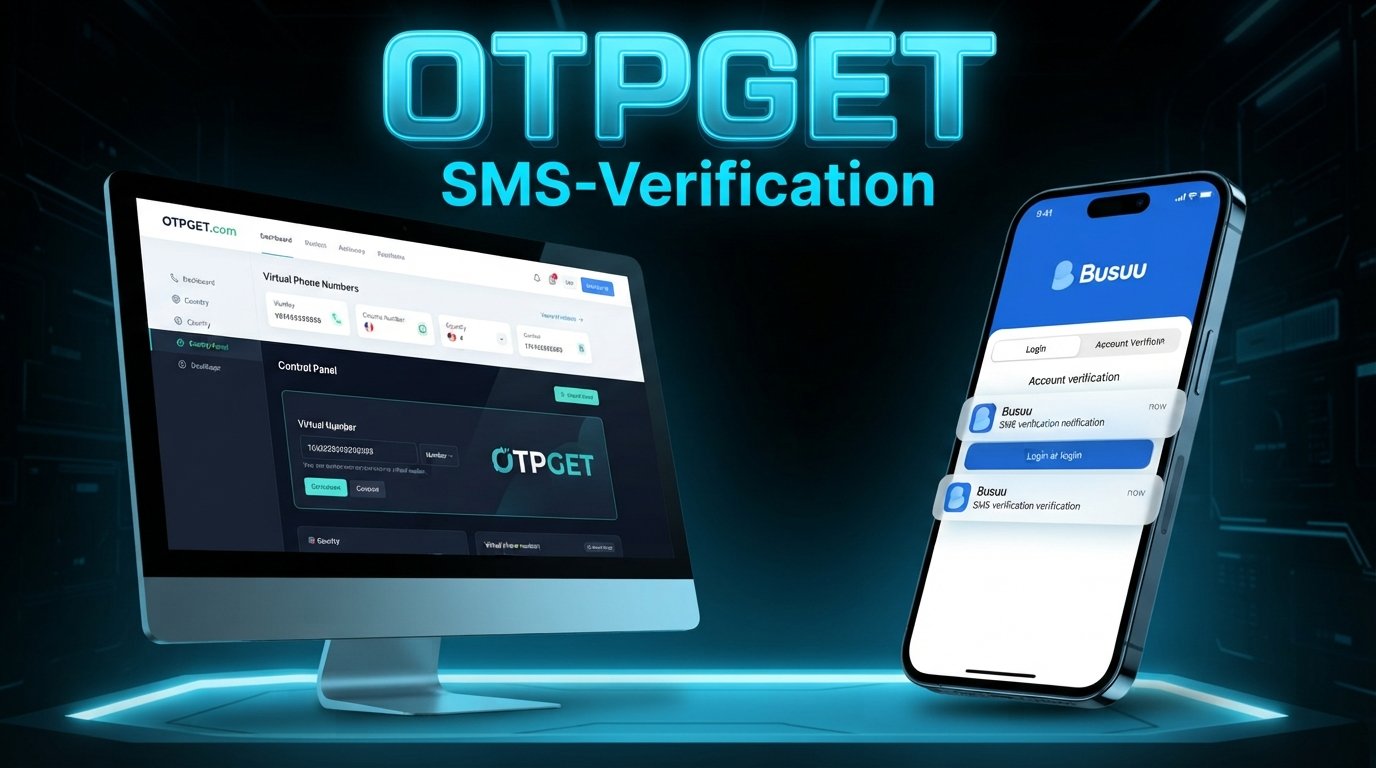
How to Get Busuu Login Without Phone Number
Trying to access your Busuu account but would rather not use your personal phone number? You may be looking for busuu login without phone number because you want to keep your personal contact details separate, don't currently have access to your usual phone, or need a number capable of receiving a verification code.
The first thing to understand is that logging in and verifying a phone number are not necessarily the same process. Busuu's published login guidance lists several account-access methods, including email and password, phone number and password, Google, Facebook, and Apple ID.
If Busuu presents a phone-based verification step for your particular account or access flow, a third-party OTP receiving service such as OTPGET may be an option to explore where that type of number is accepted. OTPGET describes its service as providing virtual numbers intended for SMS OTP verification.
The important point is that a third-party number does not bypass Busuu's security. It simply provides another number for a supported phone-based verification workflow.
Can You Log In to Busuu Without a Phone Number?
In many situations, a phone number may not be necessary for a basic Busuu account login.
Busuu's official support documentation says users can log in with the credentials used when they registered. It lists email/password, phone number/password, Google, Facebook, and Apple ID among the available login options.
That means the answer depends on why you're being asked for a phone number.
There is a difference between:
- Logging in: entering credentials or using a supported social sign-in method.
- Account verification: confirming information associated with an account.
- Phone verification: proving access to a particular phone number.
- OTP verification: entering a temporary code sent to that number.
If you already have an email-based Busuu account and know the associated password, you may be able to use that login method instead of a phone number. If you've forgotten the password, Busuu's support instructions say you can request a password reset using the email address associated with the account.
If a phone-based verification step is specifically presented, however, the situation is different. That's where an OTP receiving service may become relevant.
Why Users Look for Busuu Login Without Phone Number
There are several ordinary reasons someone may prefer not to use their personal number.
For example, you might:
- Prefer to keep your personal number private.
- Be temporarily unable to access your usual phone.
- Want to separate personal communications from online accounts.
- Need a number specifically for an SMS verification workflow.
- Be using a device that does not have your regular SIM available.
- Want to avoid adding your personal number when it is not necessary for ordinary account access.
None of these situations means that a user should attempt to defeat authentication. If Busuu requests verification, the appropriate approach is to complete the verification through a number and method that the service accepts.
For users who need a separate number for a compatible verification process, OTPGET provides virtual numbers designed for receiving SMS verification codes.
What Is OTP Verification?
An OTP, or one-time password, is a temporary verification code used to confirm access to an authentication method such as a phone number.
SMS-based OTP verification normally works like this:
- You enter an eligible phone number.
- The website or app sends an SMS containing a verification code.
- You receive the message.
- You enter the code into the verification field.
- The platform checks the code.
- If the code is valid and the number is accepted, the verification step can be completed.
A temporary phone number for OTP works on the same basic principle. Instead of receiving the SMS on your personal handset, the verification message is delivered to a service that provides access to the selected number.
[Learn more about OTP verification]
This is different from a password. A password is generally intended for repeated account access, while an OTP is associated with a particular verification event and normally has limited validity.
How OTPGET Can Help
OTPGET is a third-party service offering virtual phone numbers for SMS OTP verification. Its website describes numbers across multiple countries and a service-selection process for obtaining numbers intended for supported verification workflows.
It is important to distinguish OTPGET from Busuu. OTPGET is not presented here as a Busuu-owned, partnered, endorsed, or officially supported service. Whether a number obtained through OTPGET works with a particular website depends on that website's verification system and policies.
When a compatible phone-based verification workflow is involved, the general process can look like this:
- Visit OTPGET.
- Select an available number and relevant service, where supported.
- Enter the provided number into the applicable phone-number field.
- Request the verification code through the normal Busuu or platform verification screen.
- Check OTPGET for an incoming SMS if the selected number supports that service.
- Enter the received verification code into the verification field.
- Continue only if the platform accepts the number and code.
OTPGET's documentation also describes obtaining a number and checking its activation status for an incoming SMS.
[Explore OTPGET]
Step-by-Step: Using OTPGET for a Phone-Based Verification
If Busuu or another legitimate service specifically asks you for phone-based verification, use the following approach.
1. Check the available Busuu login methods first
Before obtaining a separate number, check whether you can simply use your existing email/password or another supported login method. Busuu lists several login options, so phone verification should not automatically be assumed to be necessary for every login.
2. Check OTPGET availability
If a phone number is genuinely required, visit OTPGET and look for an available number and supported service. Availability can vary.
3. Enter the number carefully
If the verification workflow permits the selected number, enter it exactly as provided, including the appropriate country code when required.
4. Request the OTP
Submit the verification request through the normal verification screen. Don't repeatedly request codes if the first message takes a little time to arrive.
5. Check for the incoming SMS
Return to OTPGET and check whether the verification message has arrived. OTPGET's documentation describes an activation-status process for checking received SMS messages.
6. Enter the verification code
Enter the legitimate code into the verification field. Don't share that code with anyone else.
7. Continue the normal account-access process
If the number is accepted and the OTP is valid, proceed with the platform's ordinary verification process. If the number is rejected, don't attempt to circumvent the restriction; use another supported login or recovery method instead.
Benefits of Using OTPGET
For users who genuinely need a separate number for an appropriate SMS verification workflow, an OTP receiving service can provide some practical conveniences.
Reduced personal-number exposure: You may not need to provide your everyday personal number when a separate eligible number is appropriate.
Convenient OTP access: A virtual-number service can centralize the process of receiving an SMS verification code.
Useful for temporary needs: A temporary number can make sense when you need phone verification for a limited-purpose workflow rather than ongoing personal communications.
Flexible availability: OTPGET advertises virtual numbers across multiple countries and different service options, although availability and acceptance can vary.
However, these benefits should not be confused with a guarantee that a particular platform will accept every available number.
Things to Know Before Using an OTP Service
There are several limitations worth understanding before choosing an online OTP service.
- Temporary or virtual numbers may be rejected. Websites can apply their own rules to the types of numbers they accept.
- Availability varies. A suitable number may not always be available for a particular country or service.
- SMS delivery isn't entirely under your control. Delivery can depend on the verification platform, carrier, and number.
- Temporary numbers aren't necessarily suitable for recovery. If an account needs a long-term recovery number, relying on a temporary number can create problems later.
- Follow platform rules. Use any third-party number only where it is compatible with the service's rules.
- Protect OTPs. A verification code is sensitive authentication information. Never give it to strangers.
- Use only legitimate access methods. Don't use an OTP service to access someone else's account or defeat authentication controls.
OTPGET's own terms state that users are responsible for how they use its services and prohibit illegal, fraudulent, abusive, or harmful uses.
[How online SMS verification works]
Busuu Login Without Phone Number: Common Problems
OTP Not Arriving
An SMS may be delayed or may not be delivered at all. Check that the number was entered correctly and that the selected number supports the relevant service. Avoid repeatedly requesting new codes because this can complicate the verification process.
Number Not Accepted
A platform may reject a virtual, temporary, or otherwise unsupported number. This doesn't necessarily mean that your Busuu account is inaccessible. Check whether another official login method is available.
Verification Code Expired
OTP codes are generally intended for a limited verification window. If a code expires, request a new one through the normal process rather than repeatedly submitting an old code.
Too Many Verification Attempts
Repeated verification requests can sometimes result in temporary restrictions. If this happens, follow the instructions shown by the platform and allow the verification process to reset rather than attempting to work around it.
Busuu Login Still Does Not Work
OTP verification and account login are separate issues. If you've forgotten your password, Busuu provides a password-reset process using the email address associated with your account.
For account-access problems that cannot be resolved through the normal process, Busuu says users can contact its Customer Satisfaction team or use its contact options.
OTPGET vs. Using Your Personal Phone Number
The two approaches serve different purposes, so the right option depends on your situation.
| Factor | Personal Number | OTPGET |
|---|---|---|
| Personal number exposure | Uses your everyday number | Can provide a separate virtual number |
| Convenience | Simple when your phone is available | Useful when a suitable number is available |
| OTP access | SMS arrives on your phone | Supported SMS can appear through the OTP service |
| Long-term account recovery | Generally more suitable when the number remains yours | Temporary numbers may be unsuitable for long-term recovery |
| Compatibility | Usually depends on the platform's normal requirements | Depends on whether the platform accepts the available number |
This isn't a comparison of which method is universally preferable. A personal number may be the more appropriate choice for long-term account recovery, while a separate number can be useful for a limited verification workflow when permitted.
Is OTPGET Suitable for Busuu Verification?
It may be suitable for a Busuu verification workflow if the relevant system accepts the available number and SMS delivery is supported.
That's the key qualification.
OTPGET can provide numbers intended for SMS OTP verification, but it cannot control how an independent website or app evaluates those numbers. OTPGET itself notes that failures can result from platform restrictions and other factors outside its control.
So, rather than treating an OTP service as a guaranteed way to obtain busuu login without phone number, think of it as a possible third-party option when you specifically need a phone-based verification number.
Tips for a Smooth Busuu Login
A few simple practices can prevent unnecessary login problems:
- Use the correct Busuu login credentials.
- Check which login method you originally used.
- Try the official email/password option when available.
- Verify the phone number carefully before requesting an OTP.
- Request a verification code only when necessary.
- Enter the code before it expires.
- Avoid making repeated verification attempts.
- Keep account-recovery information secure.
- Never share verification codes with another person.
- Use Busuu's official recovery and support channels when normal login options don't work.
Busuu's support documentation specifically recommends using the account's associated email address for password recovery when a password has been forgotten.
Frequently Asked Questions
1. Can I log in to Busuu without a phone number?
Possibly. Busuu's published login options include email/password, Google, Facebook, Apple ID, and phone/password. The appropriate option depends on how your account was created and what access flow you're using.
2. Does Busuu require phone verification for every account?
You should not assume that it does. Busuu's published login information lists multiple ways to access an account, and phone number is only one of the listed methods.
3. What is a Busuu verification code?
If Busuu presents an OTP or verification-code step, the code is a temporary credential used to complete that particular verification process. The exact verification flow can depend on what Busuu requests.
4. Can OTPGET receive an OTP for Busuu?
OTPGET provides virtual numbers intended for SMS OTP verification, but whether a specific Busuu verification request can be completed depends on number availability, SMS delivery, and Busuu's acceptance of that number.
5. Why is my Busuu OTP not arriving?
Possible causes include an incorrectly entered number, unavailable number, SMS delivery delays, or restrictions on the number type. Check the details and follow the platform's normal troubleshooting instructions.
6. Can I use a temporary number for verification?
A temporary number may work for some verification systems, but acceptance isn't universal. If a platform rejects temporary or virtual numbers, use another supported access or recovery method.
7. Is an OTP receiving service safe to use?
It depends on the provider, the service's practices, and how you use it. Don't share sensitive codes, and review the provider's terms and privacy information before using a service.
8. What should I do if Busuu rejects the number?
Don't try to bypass the restriction. Check whether another official Busuu login method is available. If you can't access the account, Busuu provides support and account-recovery options.
Final Thoughts
Finding a busuu login without phone number option doesn't necessarily require bypassing account security. Start by checking Busuu's supported login methods and determining whether a phone number is actually required for your particular access flow.
If a phone-based OTP step is required and you prefer not to use your personal number, OTPGET can be an option to explore for a compatible verification workflow. It provides virtual numbers designed to receive SMS verification codes, but acceptance ultimately depends on the platform requesting the verification.
The safest approach is straightforward: use an official Busuu login or recovery method whenever it meets your needs, and use a third-party OTP receiving service only when its use is compatible with the relevant platform's rules.
If you need a separate number for a supported OTP verification workflow, OTPGET is worth exploring as one possible option.
Source note: Busuu's login and recovery details above are based on its official support documentation, while OTPGET-specific capabilities are based on OTPGET's published service and documentation pages. Because platform verification flows can change, readers should check the applicable official support information before proceeding.


